


12 Free Watercolor Photoshop Brushes
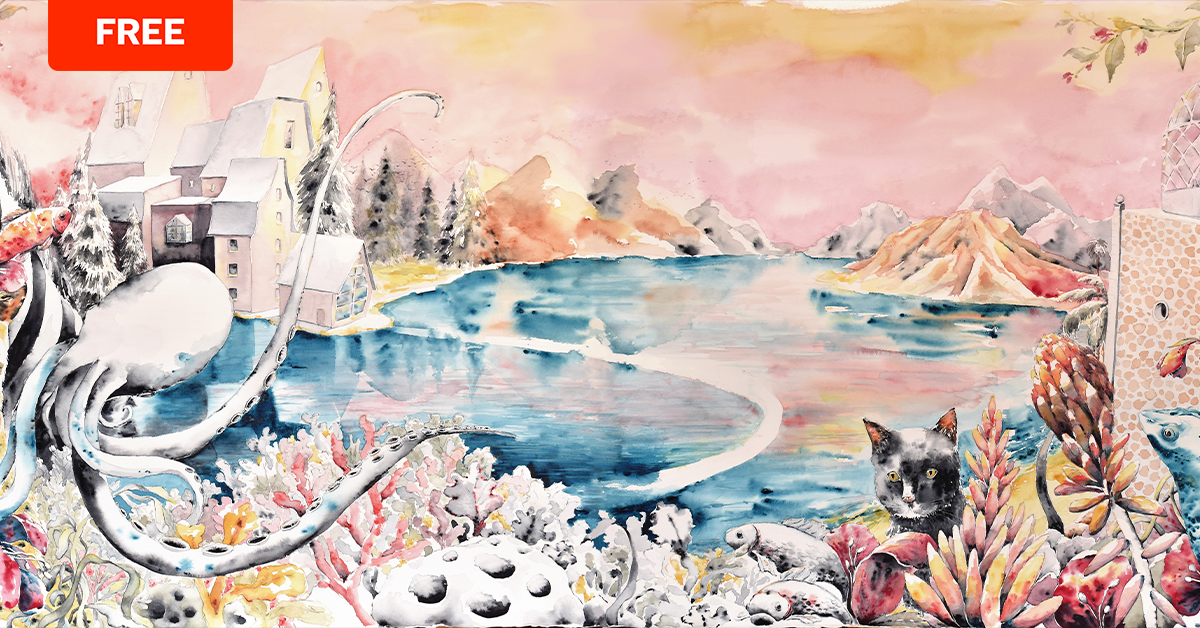
Explore watercolor and illustration techniques in the popular imaging software using these free downloadable brushes
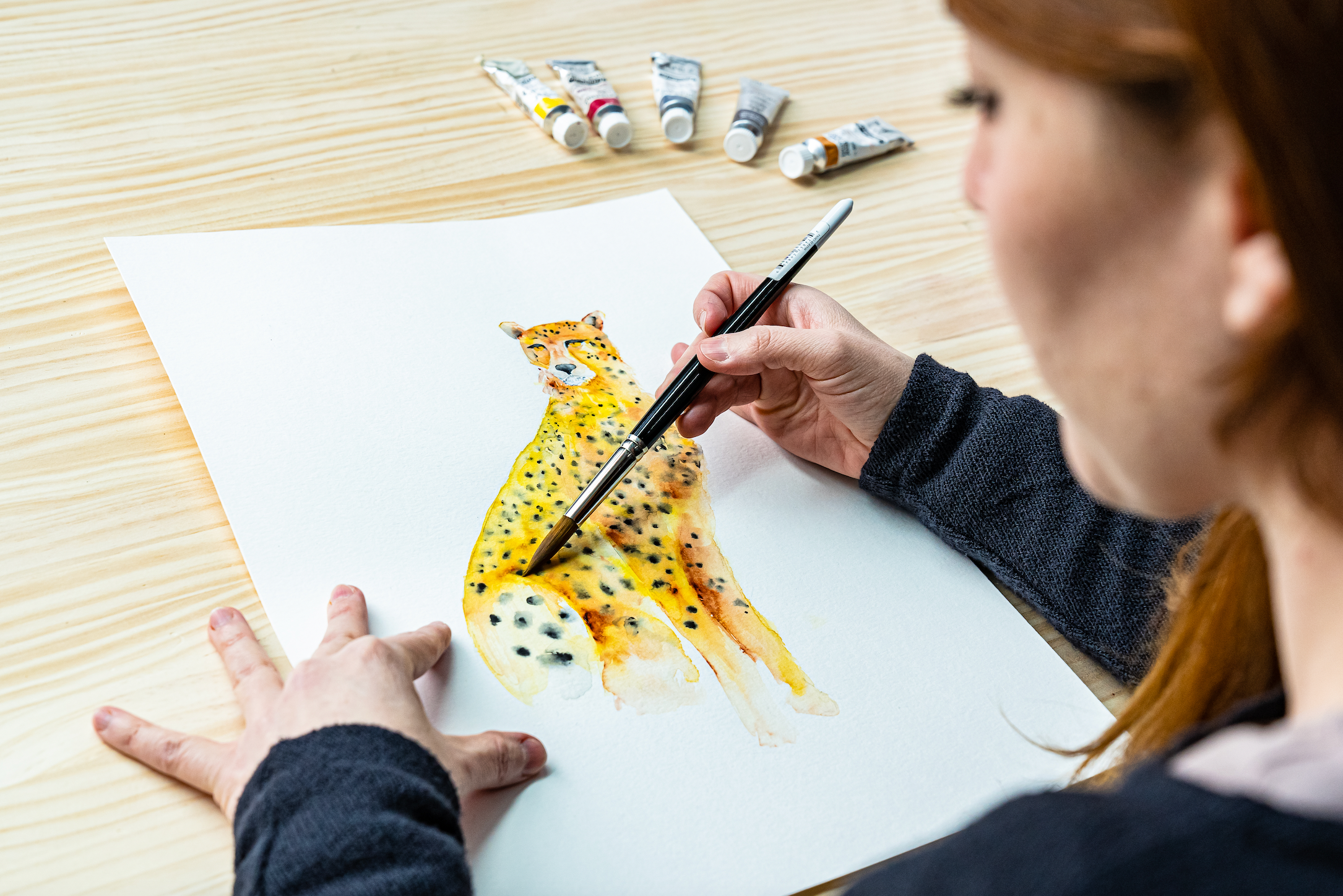
When we think of watercolor, we tend to imagine an artist using paintbrushes. However, there is no limit to creativity, and nowadays, it is more and more common to combine traditional with digital techniques. The magic of watercolor traditionally happens through playing with water, pigment, and transparency. You can also master volume, light, and color through digital programs such as Photoshop.
Illustrator and print designer Camino López (@caminolopez) admits that watercolor is a discipline that does not allow for mistakes. You need to be very skillful, and although this is a challenge she likes to take on, she works digitally, as this will enable her to achieve impressive results.

Camino studied architecture, but, deep down, she knew that she wanted to dedicate herself to artistic drawing. While completing a master’s in textile design, she found her calling in illustration. After developing a set of printed textiles, her work started to get noticed, and she created her brand: Mi Clo.
She fell in love with watercolors when she had begun to question whether to continue her career in fashion. She needed to decide, and the answer came when people started asking her to teach them to paint in watercolor. She took this request seriously and started to dedicate herself to this technique. This is why, although she also creates work digitally, she has never abandoned the essence of this discipline.
The power of Photoshop
Anyone unfamiliar with the world of photography or design tends to think that Photoshop is only used for retouching images of celebrities to make them look perfect. In reality, the program is used to create artistic photo montages, create illustrations, special effects for movies, fashion design, animation, and even medicine and forensic investigation.
Camino López is one of the artists who has jumped into the digital world and discovered the infinite possibilities offered by Photoshop.

Photoshop for desktop or iPad?
If you want to explore the techniques used by Camino, you will have to choose between these two options of software. According to visual artist Carles Marsal (@carlesmarsal), if you compare the two, you’ll find that the desktop version allows for a level of complexity that the iPad is presently unable to deliver. In any case, the expert adds that “as things are going, I would not be surprised to see highly complex work developed directly on an iPad, with identical versions of Photoshop."
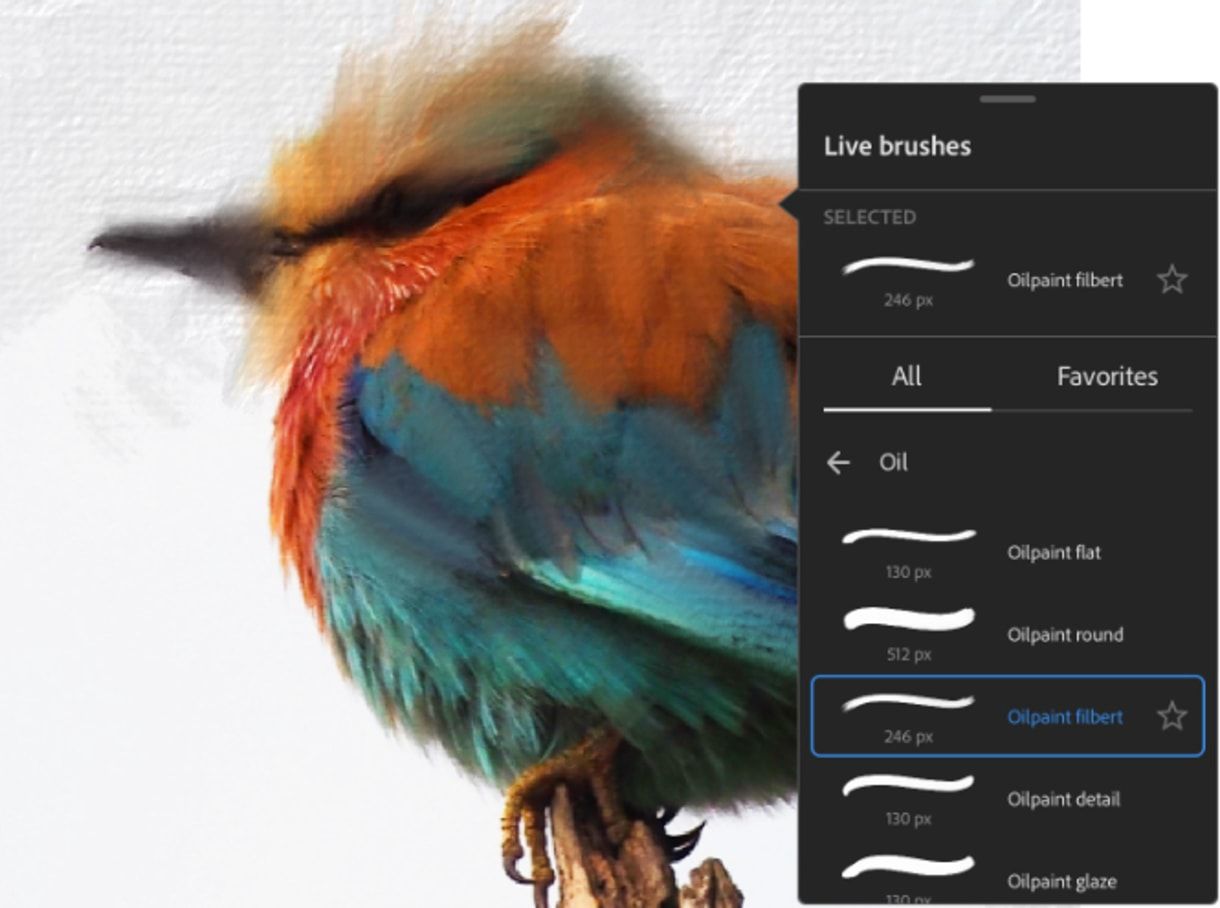
While we wait for this to happen, Carles recommends developing large-scale or complex projects in the desktop version and reserving the other version for simple photomontage or illustration jobs. "A desktop will always have more power, more capacity, and versatility. On the other hand, the iPad is convenient and allows you to work anywhere, but you cannot expect too much. Knowing what the job at hand requires is key to deciding which option to use,“ he advises.
Photoshop shortcuts for illustrators
Keyboard shortcuts are an essential tool to improve workflow in Adobe Photoshop. You can accelerate all processes, especially those you repeat more frequently. British illustrator Gemma Gould (@gemmagould), who teaches the course Introduction to Photoshop for Illustrators, has been using the program for over ten years.
She helps you learn the shortcuts you need to know if you want to start using the most powerful design software in the industry.

Creative watercolor in Photoshop
Ricard López (@Ricardilus), teacher of Illustration Techniques with Digital Watercolor, shows you how he creates his own brushes using ink stains, demonstrating the infinite possibilities of watercolor. You can do this in less than four minutes.

Download 12 watercolor brushes for Photoshop
The download includes a total of 12 brushes that you can install in your software to use for your digital post-production. Have a go at using them and see their different finishes and effects.
Don’t forget you’ll need to scan your drawings first to digitize them and elaborate them in Photoshop. Then, build up the composition and add the final details. The program helps you verify what works and what doesn’t in a picture, both in color and composition.

How to install the watercolor brushes in Photoshop
This is a straightforward process, even if You have not done this before. Simply follow these steps:
1. Select Brush from the Tools menu in Photoshop
2. Right-click anywhere on the document.
3. Click on the wheel symbol.
4. Select Import brushes.
5. Find and select the folder where you have saved your downloaded brushes.
6. They will automatically load in Photoshop.
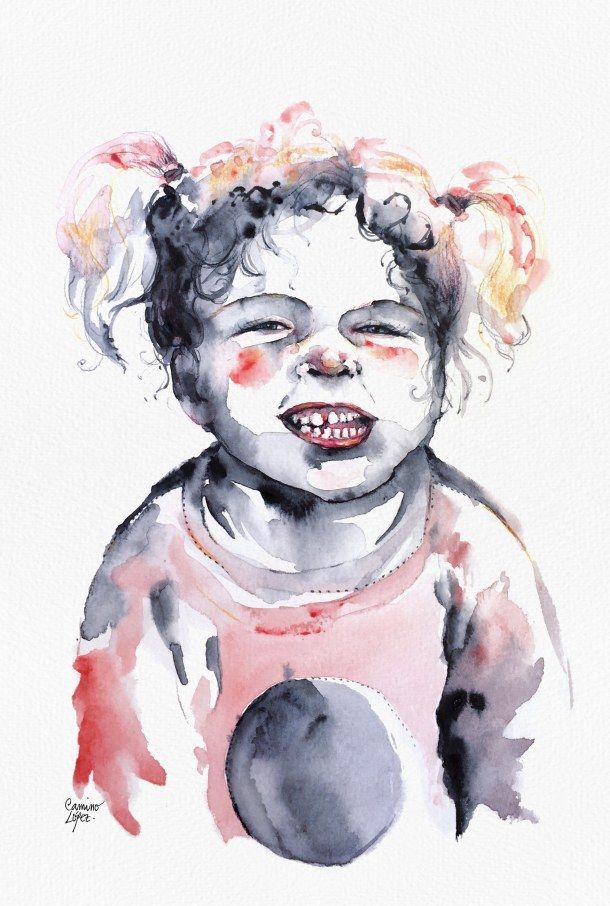
To download this file, please click on the box below. You’ll find a .zip file in your Downloads folder. Then you must use free software like winzip to open the file and find the 12 brushes on your drive, in .abr format.
Join for Free and download
U4-ADJ-02-Pinceles-Camino-López.abr
If you want to learn more, sign up to Camino López’s course Mixed Illustration Techniques: Combine Watercolor and Photoshop, in which you will learn to draw elements in watercolor and incorporate them into a scene digitally.
You may also like:
- 5 Female Watercolor Artists Who Will Inspire Your Next Creation
- Free Domestika E-book: Watercolor for Beginners
- Basic Materials for Coloring Photos with Watercolors


1 comment
What kind of commercial permissions do the brushes have?