Pictogram Design for Brands
A course by Wayfinding ConsultoresInformation Designer
A course by Wayfinding Consultores, Information Designer
- 5.0100% positive reviews(62)
- 1,325 students
- 20 lessons (3h 28m)
- 19 additional resources (10 files)
- Online and at your own pace
- Available on the app
- Audio: Spanish
- Spanish · English · Portuguese · German · French · Italian · Polish · Dutch · Turkish · Romanian · Indonesian
Level:
Beginner- Unlimited access forever

Learn how to design custom pictograms for unique signage systems
Designing pictograms for signage is essential so that spaces aren’t just functional, but capable of generating meaningful brand experiences. Learn to communicate without words in a world full of information and content by seeing how to design precisely with Pamela Sthandier, information designer at Wayfinding Consultores.
In this course, learn how to build a family of personalized pictograms with Adobe Illustrator, establishing a dialogue that represents the spirit of a brand and uses design to establish a clear and consistent meaning.
What will you learn in this online course?
20 lessons & 29 downloads
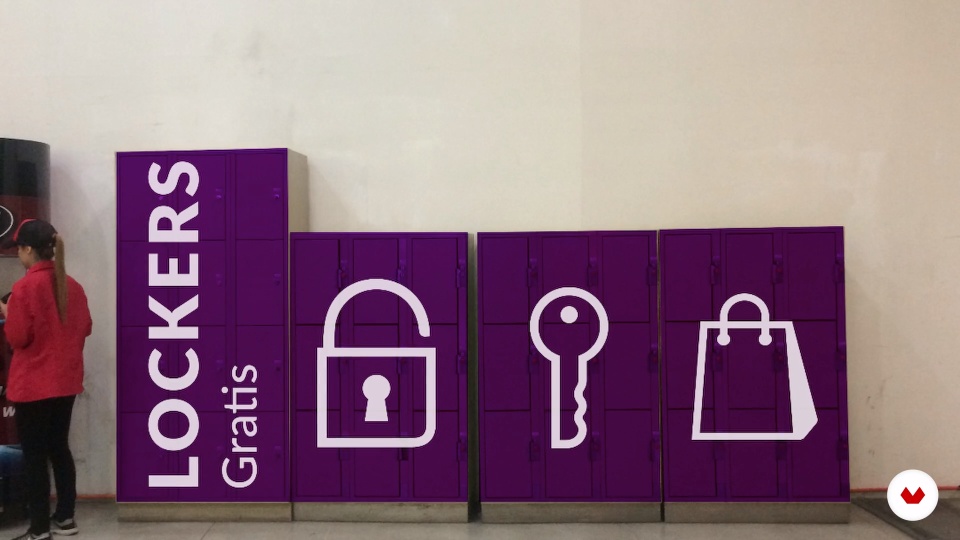
What Will We Do in the Course?
2 minutes, 7 seconds
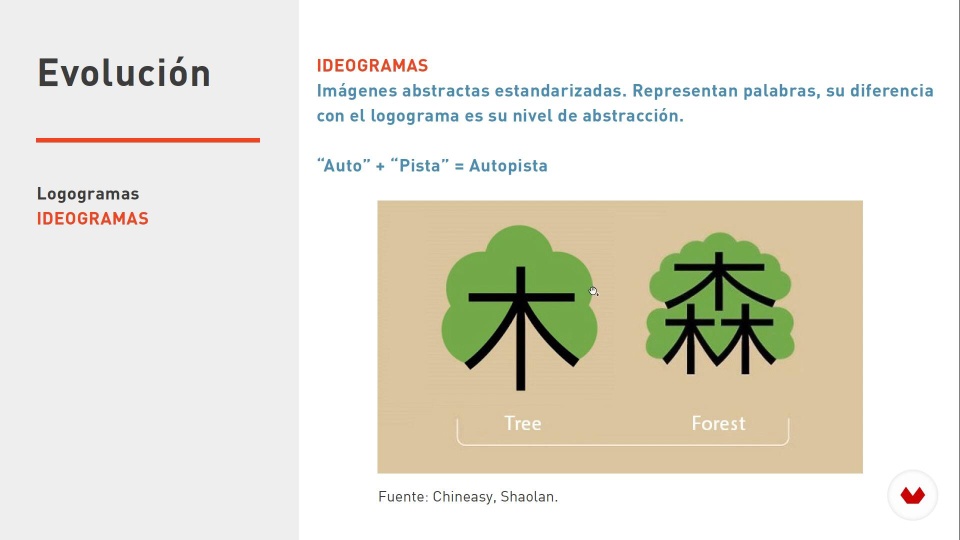
History of Pictograms
12 minutes, 34 seconds
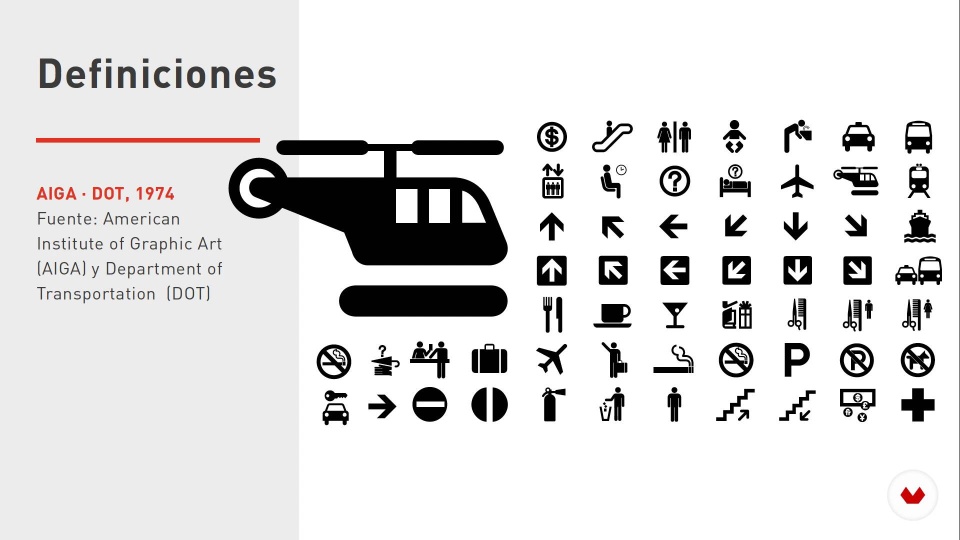
Difference Between Icon, Symbol and Pictogram
11 minutes, 2 seconds
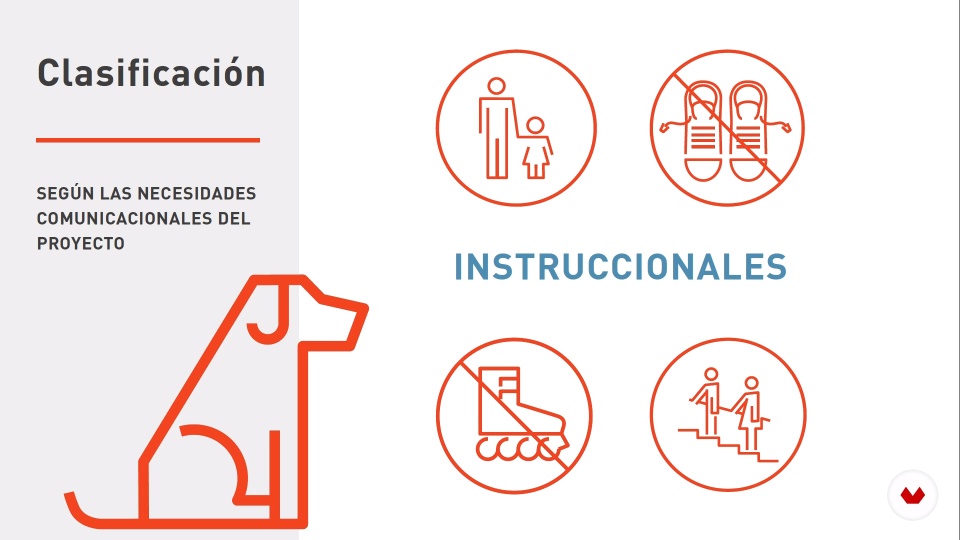
Categorization of Pictograms
10 minutes, 27 seconds
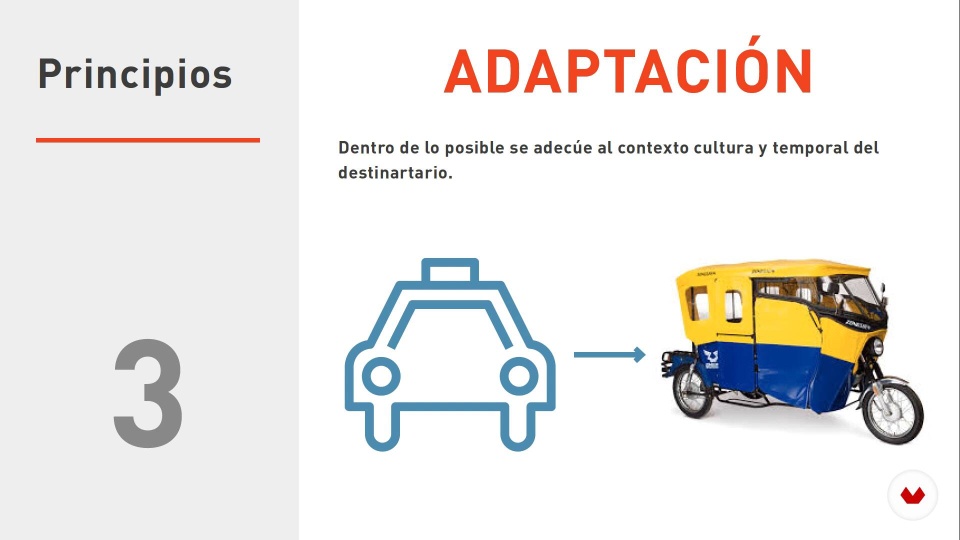
Basic Principles in Developing a Family of Pictograms
8 minutes, 2 seconds

Defining the Structure, the Client and the Space
6 minutes, 23 seconds
What's included in this course?
Meet Pamela and learn about her career and role at Wayfinding Consultores. She tells you about her main inspiration and goes through the final project that will be taught in this course: creating a family of pictograms for a client.
Discover the evolution and characteristics of pictograms, seeing how they are grouped and what elements should be taken into account when designing a family. Understand the concept of simplicity in design.
Start conceptualizing ideas by preparing key questions and scenarios for your client, defining each pictogram and where it will be placed. This is used to create a mood board of references.
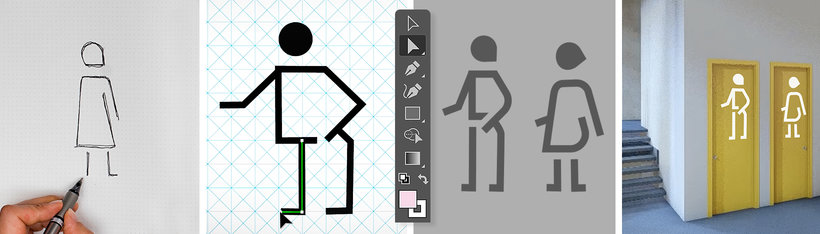
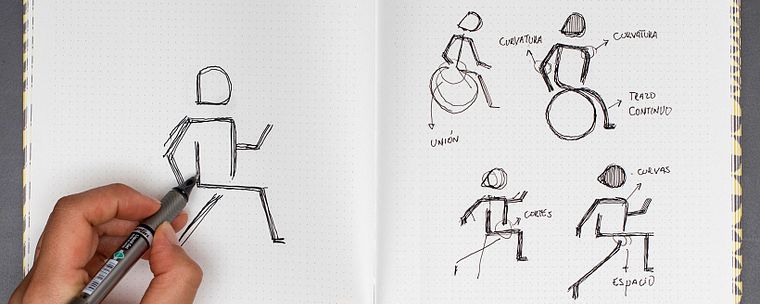
Learn to develop a pictogram: from a first paper sketch to a digital finish in Illustrator. See what things should be taken into account when designing a family and how to adapt it to the physical space.
Consider the complexity of the project and how different elements coexist with a typeface. Your goal is to develop a family with personality, one that’s linked to both the brand and the physical space.
Pamela explains how to apply your final touches and the tricks you need to know before making your project a reality. She analyzes potential application problems and shows you the materials and colors needed to present a powerful project full of character.
Recommended software & tools for this course
What is this course's project?
Design a complete pictogram system. In this course, the example used is a highway concession company in Santiago de Chile.
Who is this online course for?
For anyone in the graphic world, including designers, advertisers, and those starting a small business, who needs to develop marketing strategies.
Requirements and materials
To take this course, you will need the desire to learn, curiosity, and some basic notions of a digital design program like Adobe Illustrator or similar.
Regarding materials, you’ll need some simple tools like paper and pencils, as well as a computer with the design software of your choice.
Reviews
- 1 month ago
Muy útil si no sabes mucho de esta especialidad
- 7 months ago
No es un curso pratico es solo teorico no esta mal la teoria y la explicacion pero no te ensena a usar las herramientas de ilustracion debes tener conocimiento del programa
- 8 months ago
Estoy por iniciar un negocio de señaletica y publicidad, no sabia nada y este curso me ayudo mucho
- nua86PLUS9 months ago
Good course, well structured. Professional approach. Very good for beginners
- 9 months ago
La informacion es clara, se ve que es una experta y profesional ademas de buena maestra.

In 2017, the consultancy won the Chile Design, Clap and IGDEA award, in the category of Information Systems design for the development of a signaling system at Parque Arauco Kennedy. In 2019, they won again with a system project for the Megacentro Enea Distribution Center.
Content
- U1
Introduction
- About Us
- Influences
- What Will We Do in the Course?
- U2
The Value of a Synthetic Message
- History of Pictograms
- Difference Between Icon, Symbol and Pictogram
- Categorization of Pictograms
- Basic Principles in Developing a Family of Pictograms
- U3
Define My Space, Characterize My Client
- Defining the Structure, the Client and the Space
- Conceptualization Process of a Family of Pictograms
- Content Planning
- Finding References and Developing a Mood Board
- U4
Hands on Pictogram
- First Sketches
- Vectoring and Using the Grid 1
- Vectoring and Using the Grid 2
- Optical Adjustments
- Development of Variants and Styles According to Our Objective
- U5
Final Touches
- Hierarchy and Application Exercises
- Use and Application of Color
- Use of Materials and Their Applications
- Development Evaluation
- FP
Final project
- Pictogram Design for Brands
What to expect from a Domestika course
Learn at your own pace
Enjoy learning from home without a set schedule and with an easy-to-follow method. You set your own pace.
Learn from the best professionals
Learn valuable methods and techniques explained by top experts in the creative sector.
Meet expert teachers
Each expert teaches what they do best, with clear guidelines, true passion, and professional insight in every lesson.
Certificates
PLUSIf you're a Plus member, get a custom certificate signed by your teacher for every course. Share it on your portfolio, social media, or wherever you like.
Get front-row seats
Videos of the highest quality, so you don't miss a single detail. With unlimited access, you can watch them as many times as you need to perfect your technique.
Share knowledge and ideas
Ask questions, request feedback, or offer solutions. Share your learning experience with other students in the community who are as passionate about creativity as you are.
Connect with a global creative community
The community is home to millions of people from around the world who are curious and passionate about exploring and expressing their creativity.
Watch professionally produced courses
Domestika curates its teacher roster and produces every course in-house to ensure a high-quality online learning experience.
FAQs
Wayfinding is the practice of helping people navigate and find their way through architectural spaces using signage systems that combine graphics, maps, and pictograms to enhance user experience in places like hospitals, museums, offices, and shopping centers.
This course is designed for people with intermediate knowledge in graphic design, architecture, or related fields who want to deepen their skills in developing signage systems and pictograms for physical spaces.
You’ll learn how to analyze, conceptualize, design, and evaluate signage systems; create cohesive pictogram families; apply vectorization and color techniques; and tailor graphic solutions to various contexts and user needs.
You’ll need basic skills in Illustrator or other vector design software, access to a computer, and materials for manual sketching like paper and pencil. It’s also recommended to have access to mood board platforms and visual reference resources.
Functionality is evaluated by observing user behavior, conducting flow studies, graphic simulations, and print tests to identify areas for improvement in navigation, readability, and system adaptability.
Yes, the course covers everything from manual sketching and conceptualizing pictograms to digitizing them in Illustrator, including color adjustments, vectorization, and testing integration in architectural renders.
A pictogram visually represents a specific object or action; an icon is a simplified representation; and a symbol carries cultural or conventional meaning, not always visually literal. The course teaches how to differentiate and use them correctly.
