Subtitling Videos for Social Media
A course by Guillermo Parra LópezAudiovisual Translator and Subtitler
A course by Guillermo Parra López, Audiovisual Translator and Subtitler
- 5.0100% positive reviews(8)
- 739 students
- 15 lessons (3h 5m)
- 16 additional resources (6 files)
- Online and at your own pace
- Available on the app
- Audio: Spanish, English
- Spanish · English · Portuguese · German · French · Italian · Polish · Dutch · Turkish · Romanian · Indonesian
Level:
Beginner- Unlimited access forever

Maximize your social media reach with this course on video subtitling. Make your content accessible in any language while staying true to your style.
Dive into the world of video subtitling for social media with guidance from Guillermo Parra López, a renowned audiovisual translator and subtitler.
You will learn how to create subtitles that not only make your content accessible but also increase user retention and engagement.
Discover essential techniques and the most effective processes to subtitle your videos, adapting them to various platforms like Instagram, TikTok, and YouTube.
You will learn to make your subtitles not only technically accurate but also visually appealing, seamlessly integrating them with the style and aesthetics of your videos.
What will you learn in this online course?
15 lessons & 22 downloads
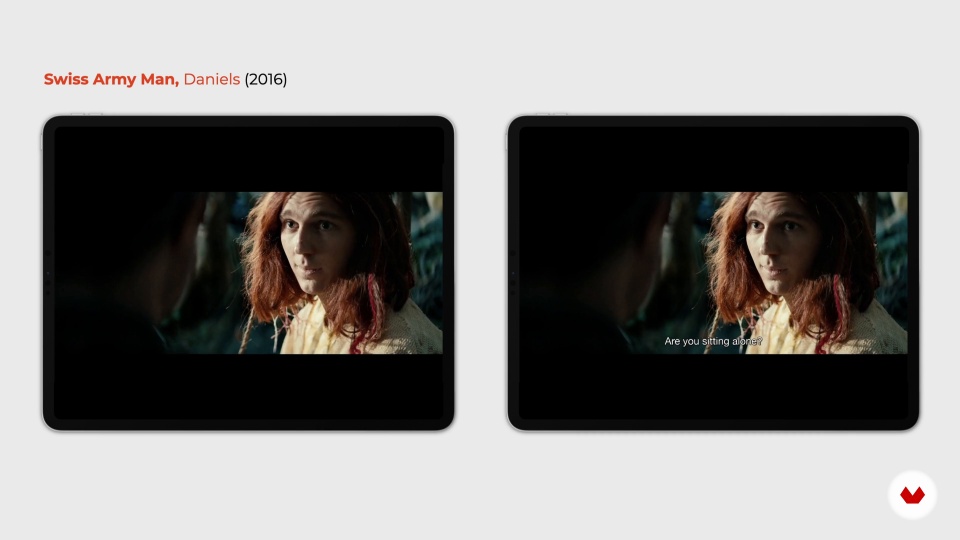
Principles of subtitling
18 minutes, 47 seconds
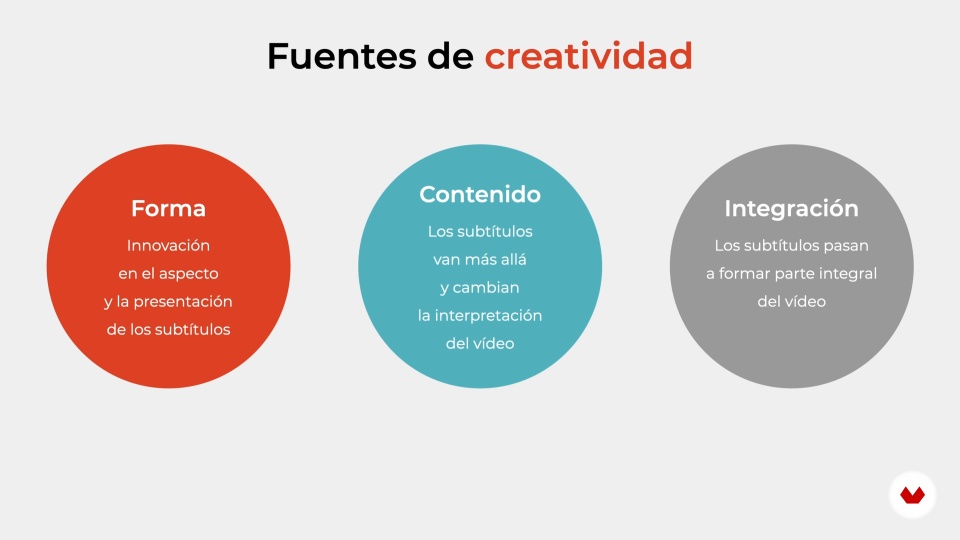
Conventional subtitling vs. creative subtitling
18 minutes, 10 seconds
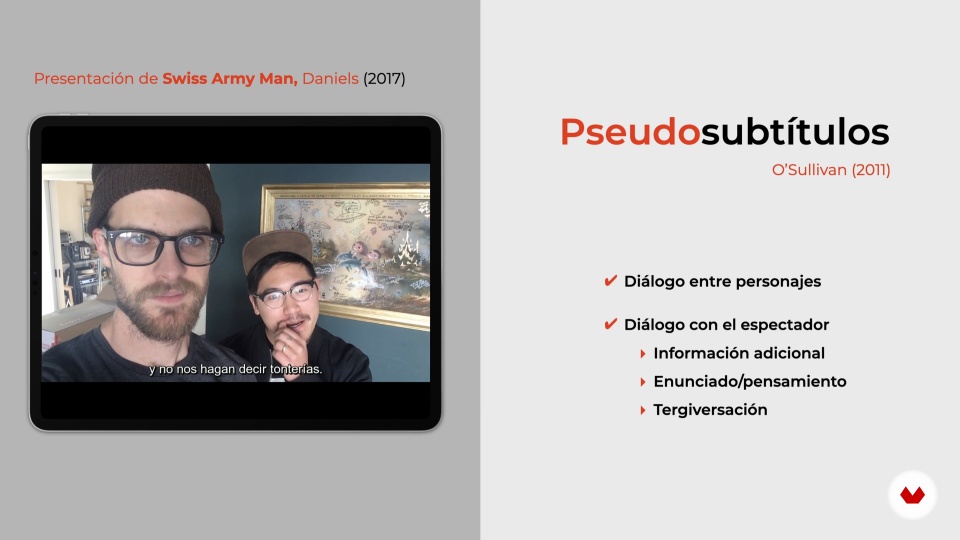
Play with subtitles
13 minutes, 55 seconds
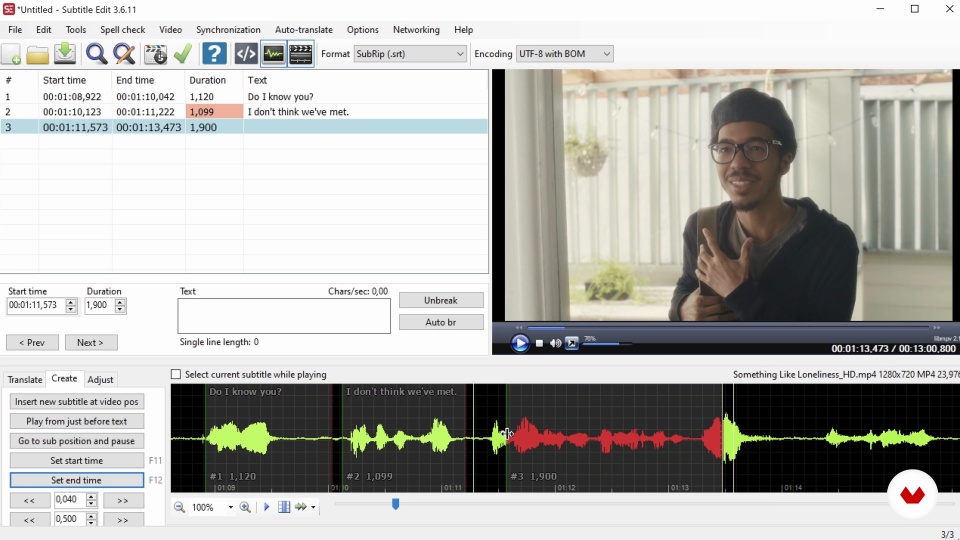
Subtitle from scratch with Subtitle Edit
11 minutes, 58 seconds
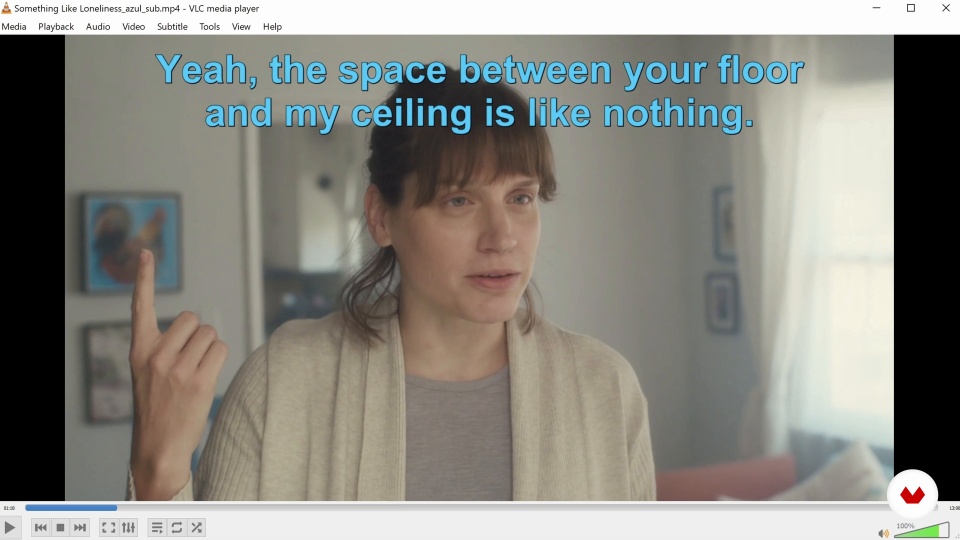
Embed and upload subtitles
15 minutes, 40 seconds
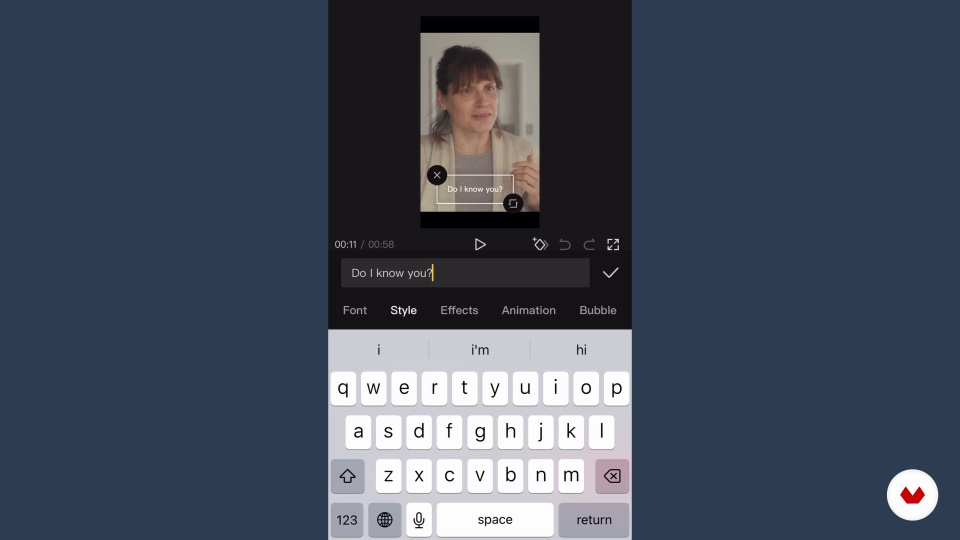
Create subtitles with CapCut from your mobile
13 minutes, 45 seconds
What's included in this course?
To start, you'll dive into the world of subtitling, learning about its impact on audiovisual content and how it can transform the viewer's experience. You'll understand the importance of creating subtitles that are not only accurate but also visually appealing and consistent with the aesthetics of your videos.
Next, you'll explore various software and platforms, evaluating their advantages and how they can be tailored to your specific needs. Guillermo will guide you through creative techniques and solutions to common subtitling challenges, such as synchronizing with dialogue and adapting subtitles for multiple languages.
Finally, you'll delve into optimizing your subtitles for different social media platforms, ensuring that your message reaches your target audience as effectively as possible.
What is this course's project?
The final project involves creating subtitles for multiple versions of a single video, tailored for different social media platforms.
You'll use Subtitle Edit to generate the subtitles and learn how to export these subtitled videos for Instagram, TikTok, and YouTube Shorts, ensuring they look professional and effective.
Who is this online course for?
Aimed at content creators, community managers, filmmakers, and anyone interested in enhancing the accessibility and impact of their videos on social media.
It's perfect for those looking to add a professional touch to their productions and connect with a broader audience.
Requirements and materials
You'll need access to a computer where you can install Subtitle Edit, Handbrake, and CapCut. Having your own videos to practice creating and editing subtitles will also be helpful. Make sure you have a quiet, well-lit space to work comfortably.
Reviews
- 1 year ago
¡Excelente!
- 1 year ago
Es un curso muy completo, y las explicaciones del profe Guillermo son clarísimas y precisas. Se advierte el alto nivel de profesionalismo en la prolijidad del contenido, en la edición de los videos y en la selección del material de referencia. ¡Excelente y más que recomendado! 10/10.
- angelesbaronePLUS2 years ago
es un conocimiento que queria agregar hace tiempo. Muy buen curso, bien explicado.
- 2 years ago
Muy bueno.
- 2 years ago
Bueno !

His career is distinguished by his work on a wide range of projects, including films, TV series, and documentaries for streaming platforms like Netflix and Amazon Prime, as well as for film festivals.
In addition to his professional work, Guillermo is a university lecturer, teaching translation and subtitling at Pompeu Fabra University. His dedication to teaching and innovative approach to subtitling have earned him multiple ATRAE awards and the Prize for Teaching Excellence.
Content
- U1
Introduction
- Presentation
- Influences
- U2
The world of subtitling
- Why subtitle your videos?
- Principles of subtitling
- Advanced fundamentals
- Conventional subtitling vs. creative subtitling
- Play with subtitles
- Selectable Subtitles vs. embedded subtitles
- U3
Conventional subtitling
- Subtitle from scratch with Subtitle Edit
- Subtitle from a draft
- Advanced Subtitle Edit Features
- Embed and upload subtitles
- U4
Creative subtitling
- Create subtitles with CapCut from your mobile
- Work with CapCut from your computer
- Export and upload the subtitled video
- FP
Final project
- Subtitling Videos for Social Media
What to expect from a Domestika course
Learn at your own pace
Enjoy learning from home without a set schedule and with an easy-to-follow method. You set your own pace.
Learn from the best professionals
Learn valuable methods and techniques explained by top experts in the creative sector.
Meet expert teachers
Each expert teaches what they do best, with clear guidelines, true passion, and professional insight in every lesson.
Certificates
PLUSIf you're a Plus member, get a custom certificate signed by your teacher for every course. Share it on your portfolio, social media, or wherever you like.
Get front-row seats
Videos of the highest quality, so you don't miss a single detail. With unlimited access, you can watch them as many times as you need to perfect your technique.
Share knowledge and ideas
Ask questions, request feedback, or offer solutions. Share your learning experience with other students in the community who are as passionate about creativity as you are.
Connect with a global creative community
The community is home to millions of people from around the world who are curious and passionate about exploring and expressing their creativity.
Watch professionally produced courses
Domestika curates its teacher roster and produces every course in-house to ensure a high-quality online learning experience.
FAQs
You’ll learn how to create and display professional subtitles for film, festivals, and digital media, master audiovisual translation techniques, and edit creative, perfectly synced subtitles using specialized software.
Yes, the course is designed for students with basic prior knowledge in translation or audiovisual fields who want to deepen their skills in professional subtitling and advanced techniques.
It’s not required, but having basic knowledge of translation and audiovisual comprehension is recommended to get the most out of the course.
You’ll work with Subtitle Edit, CapCut, and other digital tools to create, sync, and customize subtitles across various formats and platforms.
The course teaches you how to segment, condense, and sync subtitles, adjust timing and reading speed, and apply best practices to produce smooth, professional subtitles.
Yes, you’ll learn to create creative subtitles, modify fonts, colors, positioning, and animated effects to fit specific artistic or communication goals.
Yes, you’ll analyze real cases of live subtitle projection at festivals and film archives, and practice manual syncing techniques.