Isometric Animation with Illustrator and After Effects
Course final project
A course by Ana Pérez López , Illustrator and Animation Director


About the final project for: Isometric Animation with Illustrator and After Effects
Isometric Animation with Illustrator and After Effects
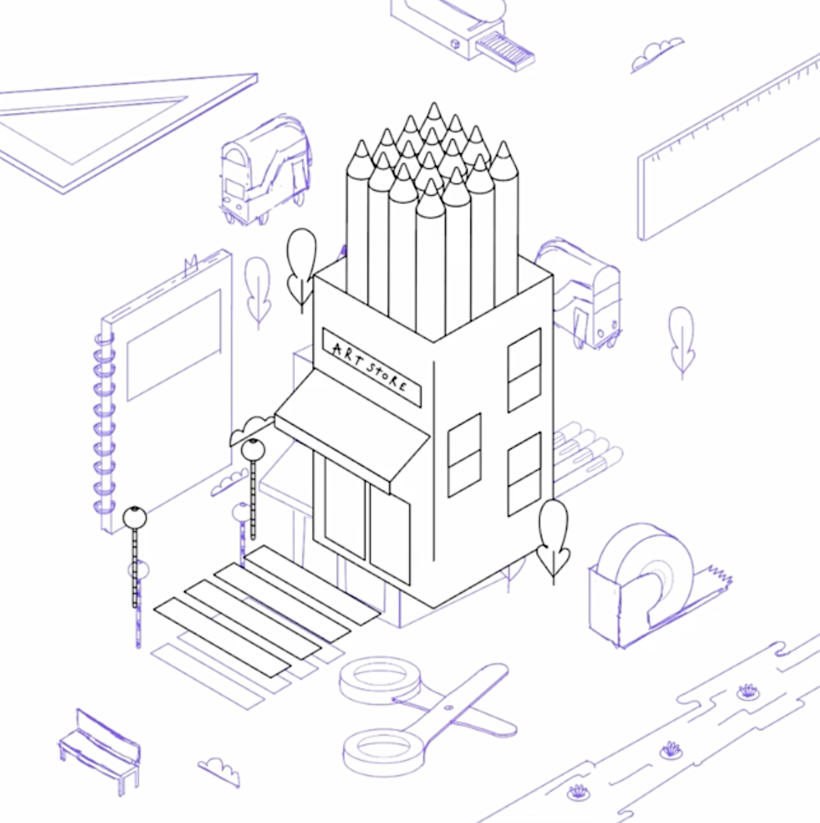
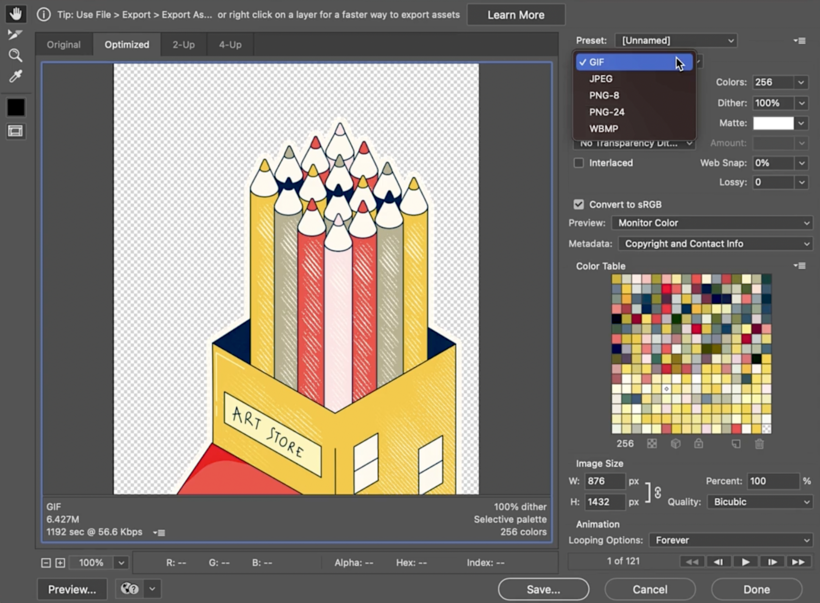
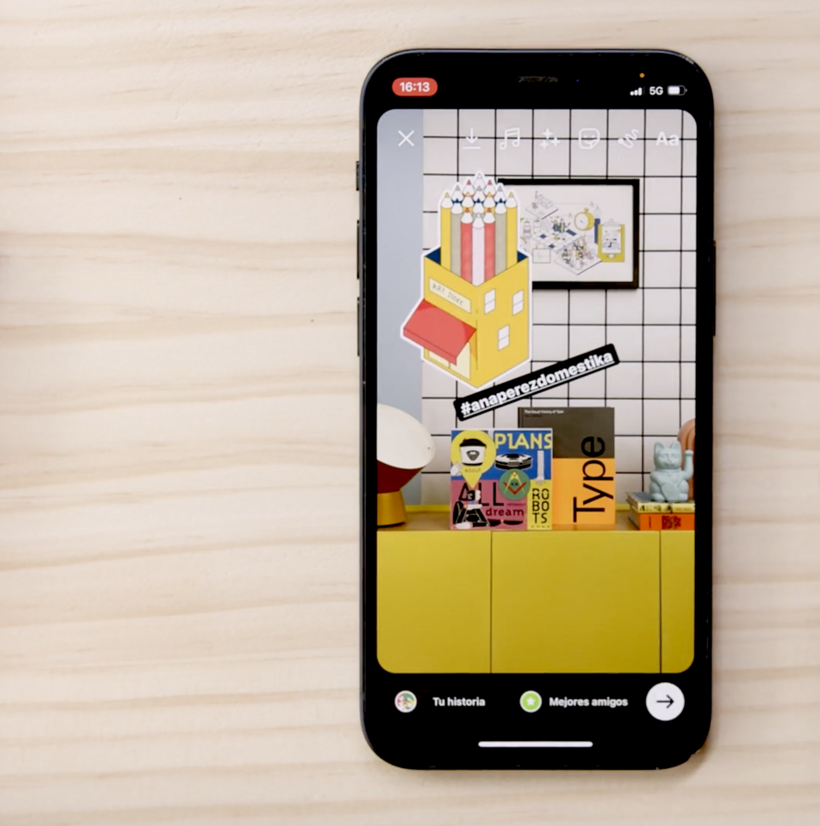
“Congratulations! You have reached the end of this Domestika course. Thank you for taking part and I hope you feel ready to make your own isometric animations! Before saying goodbye, let's review the necessary steps to complete your project: Choosing the Objects and Buildings to Draw Make sure to go out into the wild and experience your neighborhood and the store you’ll pick. Make some mood boards, keeping your personal perception of the world in mind. Then, make a sketch as rough as you need it. It’s for you and your imagination. Don’t be precious!



Partial transcription of the video
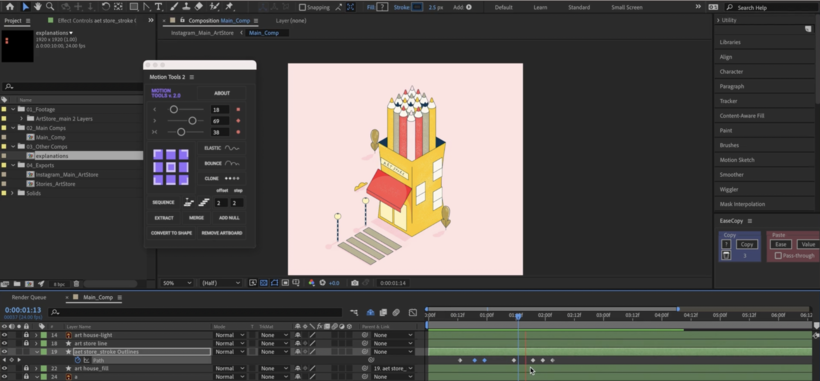
“ Final Project Well done for finishing this Domestika course. I hope you had fun and that you've learned all the steps to use isometric projection as an element of design and to bring it to life with animation. Before leaving, I'll recap all the steps that we've done to create an animated illustration that honours your neighbourhood and the business of your choice. First of all, I've introduced you to the isometric technique and I've shown you different creative uses that you can make your own. We've made a sketch in Photoshop using our isometric grid as a guide and we've been cleaning it ...”
This transcript is automatically generated, so it may contain mistakes.
Course summary for: Isometric Animation with Illustrator and After Effects
-
Category
3D & Animation, Illustration -
Software
Adobe After Effects, Adobe Illustrator, Adobe Photoshop -
Areas
2D Animation, Animation, Digital Illustration, Vector Illustration

Ana Pérez López
A course by Ana Pérez López
Madrid native Ana Pérez López is a digital illustrator and animator based in London. As a restless spirit, she’s changed career paths and countries multiple times, but has always been driven by storytelling. She started as a journalist in Chile and went on to study animation in California before landing in the UK. Her illustration style is characterized by expressive color palettes, playful shapes, and a creative use of perspective that adds a touch of surrealism to her art.
Since switching from written to visual narratives, Ana has worked with clients like Culture Trip, Spotify, Vimeo, Samsung, UN Women, The New York Times, Harvard Business Review, and The Economist. Her films have been featured at festivals such as SXSW and have earned her several awards, including a Young Guns in 2020 and an Emmy for her collaboration on an animated short for CNN.
- 100% positive reviews (38)
- 2,162 students
- 31 lessons (7h 22m)
- 19 additional resources (8 files)
- Online and at your own pace
- Available on the app
- Audio: English
- Spanish · English · Portuguese · German · French · Italian · Polish · Dutch · Turkish · Romanian · Indonesian
- Level: Beginner
- Unlimited access forever
Recommended software & tools for this course
 Adobe After Effects
 Adobe Illustrator
 Adobe Photoshop
Category
Areas

