Powerful Logo Design: Enhance Your Workflow on Illustrator
Course final project
A course by Friendhood Studio , Brand and Design Studio





About the final project for: Powerful Logo Design: Enhance Your Workflow on Illustrator
Powerful Logo Design: Enhance Your Workflow on Illustrator
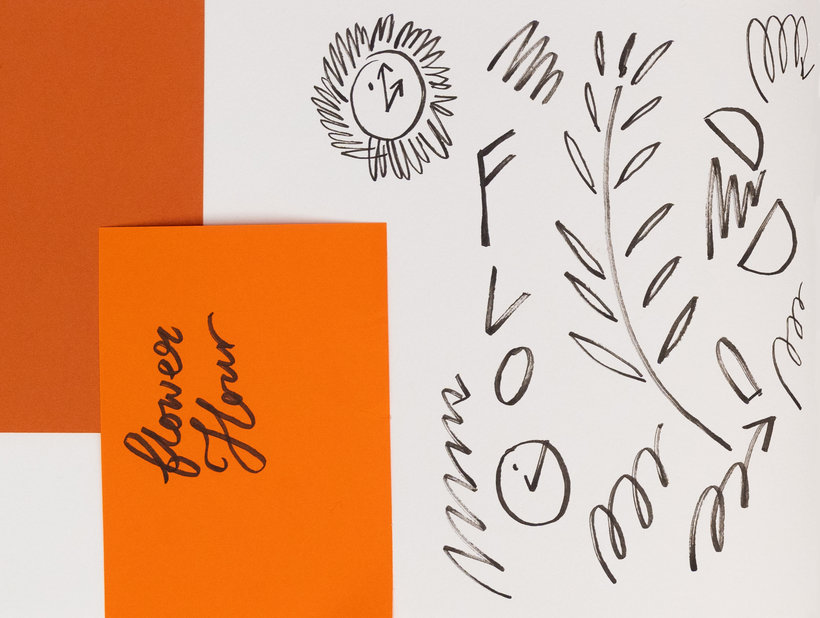
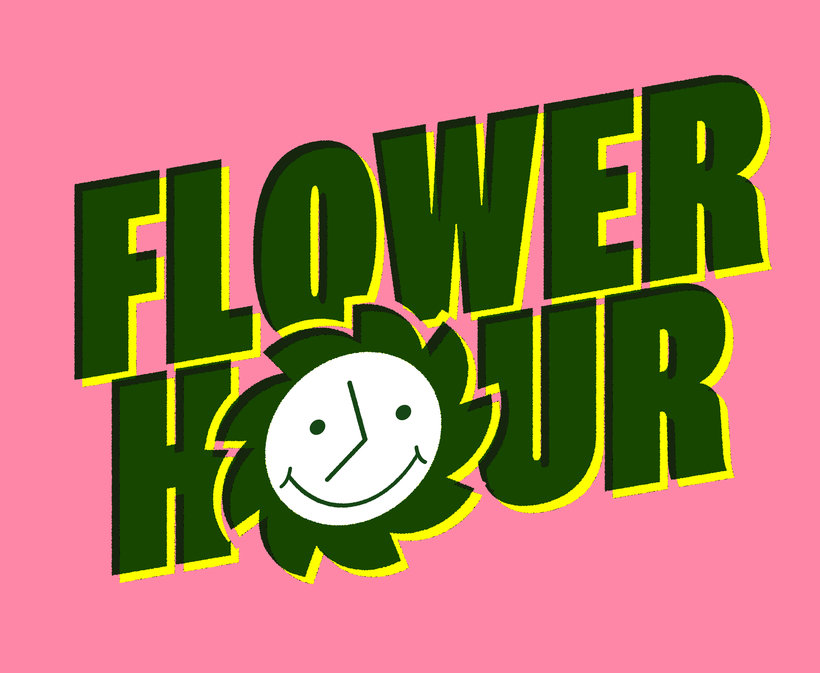
“Well done on reaching the end of the course! We’re thrilled that you decided to take our course and take this logo journey with us. It is now time to start working on your final project. This could mean finishing the logo you started while completing the exercises or you could start a brand new project! You're welcome to recreate the logo ideas we provided during the course to help sharpen your skills. However, the main thing we want you to do is to create your own logo, either for your own brand or for someone else's. Take the time to gather inspiration and make a unique project of your own. Being creative is all about playing and experimenting. Make sure to keep track of your progress with different pictures of each step. It'd be great if you could also explain the choices you've made along the way and tell us if you have any doubts. This will help us understand your creative process and guide you better if you need advice. Here are the main steps you need to follow to complete your project: Create a strong foundation through discovering your purpose and researching the look and feel that will bring that to life. Develop your skills and knowledge in Illustrator through the exercises and your own practise. Use sketching as a quick way to get ideas, then sort through those that feel like they most resonate with what you’re trying to say.
Partial transcription of the video
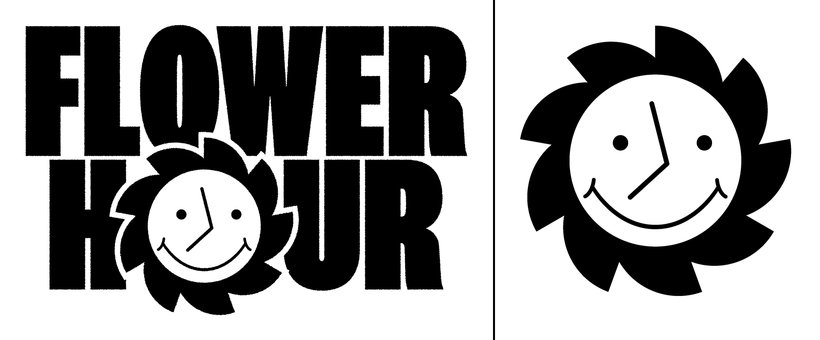
“Final Project Now we're going to go with some final points and give you some final tips to complete your project. We think that the two important parts of a great logo are a really good concept that resonates with the client and what they're about. Then, the technical skills to bring that to life. If you can play and dive into both of these, you have the best chance of creating something really good. Something that we think is really important about this course and also when creating logos, is to remember that it's just one part of a modern branding system. We've shown you how that works, b...”
This transcript is automatically generated, so it may contain mistakes.
Course summary for: Powerful Logo Design: Enhance Your Workflow on Illustrator
-
Category
Design -
Software
Adobe Illustrator -
Areas
Branding & Identity, Design, Digital Design, Graphic Design, Logo Design, Vector Illustration

Friendhood Studio
A course by Friendhood Studio
Isabella Bunnell is an award-winning illustrator and visual designer from Scotland. Alex Reece is a designer and art director with over a decade of professional experience. Together, they founded Friendhood Studio in Glasgow. Their focus is on defining a brand’s purpose to better connect with its audience.
Friendhood Studio has been featured in Graphik, Creative Review, It's Nice That, Osso Magazine, Mag Culture, The Skinny, The Guardian Culture Guide, and Central Station. Their client list includes Penguin Random House India, Hush Womenswear, Anatomy Brands, among others.
- 100% positive reviews (33)
- 1,239 students
- 15 lessons (1h 54m)
- 21 additional resources (8 files)
- Online and at your own pace
- Available on the app
- Audio: English
- Spanish · English · Portuguese · German · French · Italian · Polish · Dutch · Turkish · Romanian · Indonesian
- Level: Beginner
- Unlimited access forever
Recommended software & tools for this course
 Adobe Illustrator
Category
Areas

