Introduction to Voxel Art for Character Design
A course by Zach SoaresVoxel Artist and Animator
A course by Zach Soares, Voxel Artist and Animator

Think outside the box and bring your characters to life with Qubicle, Maya or Blender, and Unity
Step into the Voxel art universe, to create your own fantasy character made entirely of 3D cubes with Zach Soares, a self-taught Voxel artist with almost a decade of experience in the field. Start from the very basics and work your way up to creating a full Voxel render from scratch.
Learn how to model, rig, and animate your character, going through scale and color technique, learning Zach’s blocking and animating methodology, and push yourself into a new creative challenge made entirely of 3D blocks.
What will you learn in this online course?
24 lessons & 24 downloads
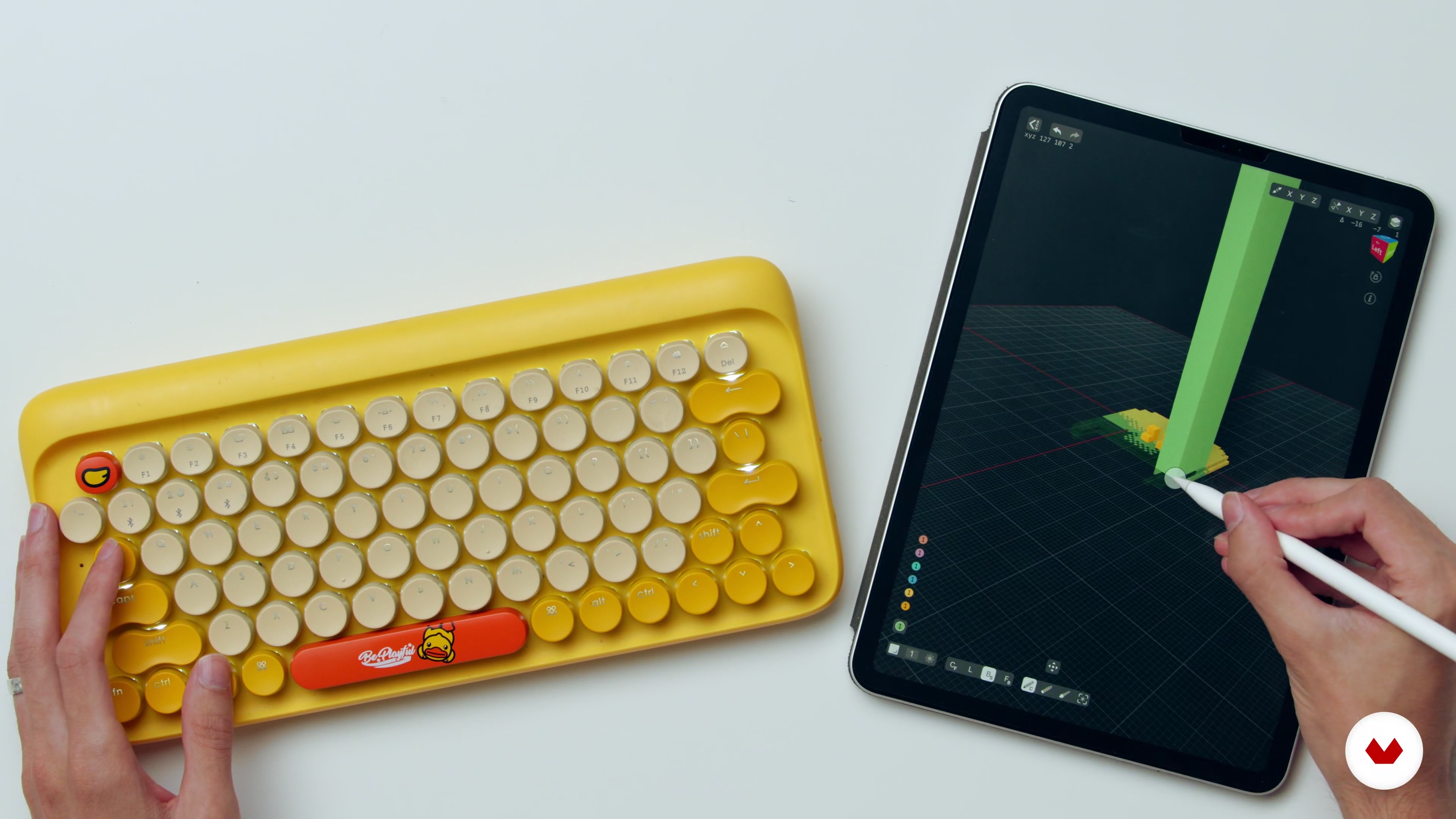
What We Will Do in the Course?
3 minutes, 24 seconds
How to Start: Thinking of Ideas
5 minutes, 21 seconds
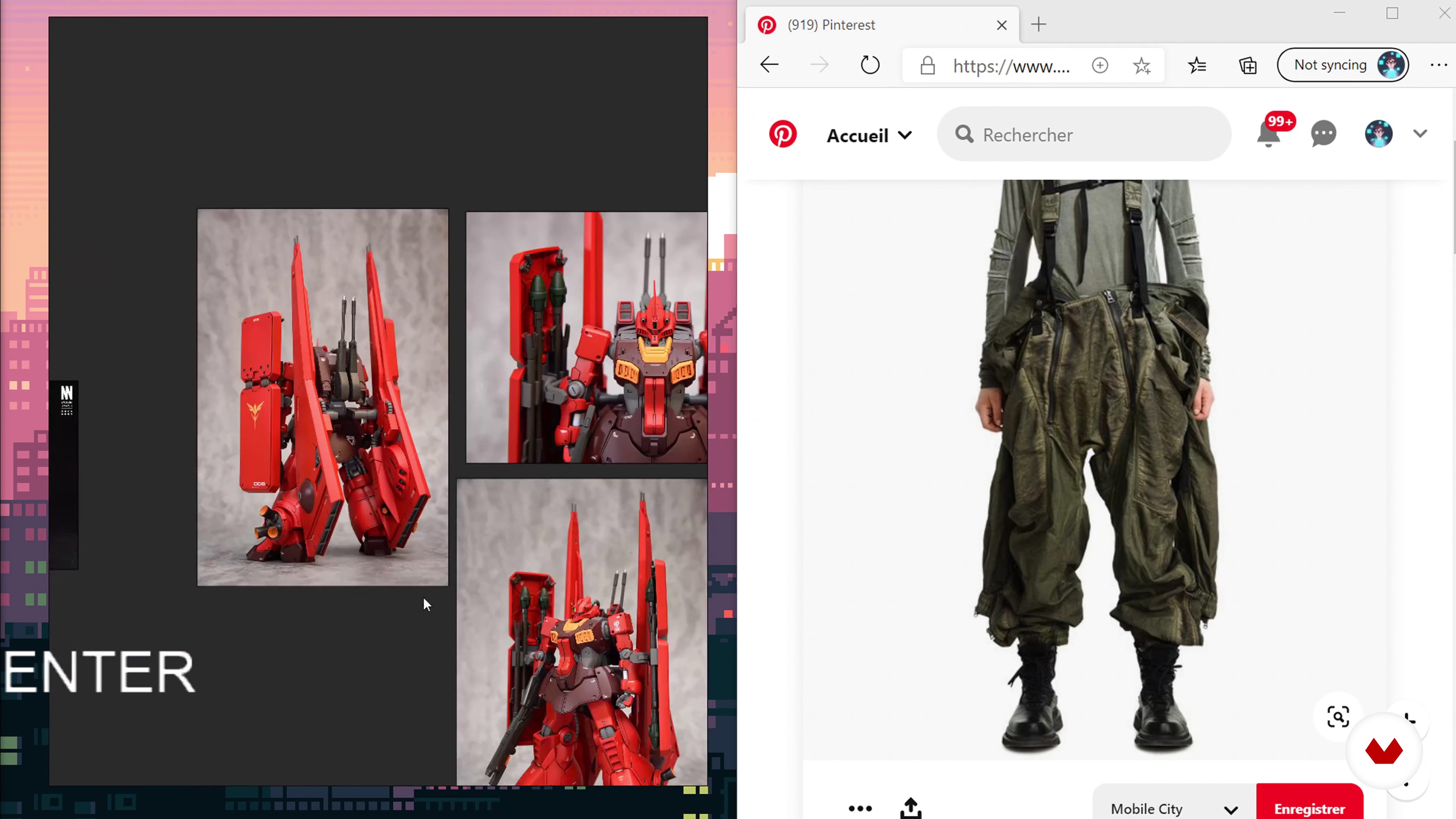
Searching for Reference & Organizing Them
8 minutes, 53 seconds
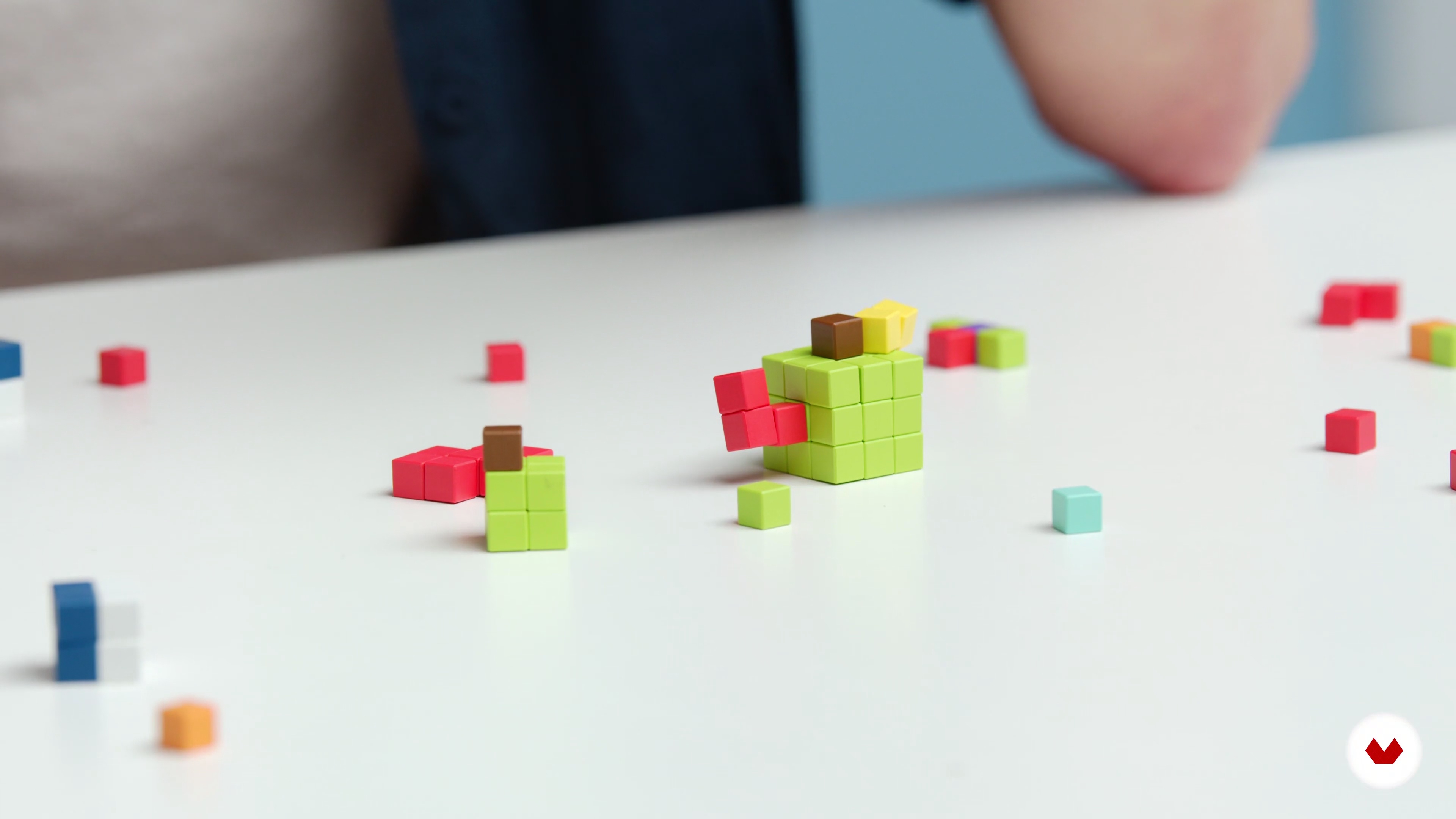
Figuring Out Scale
5 minutes, 21 seconds
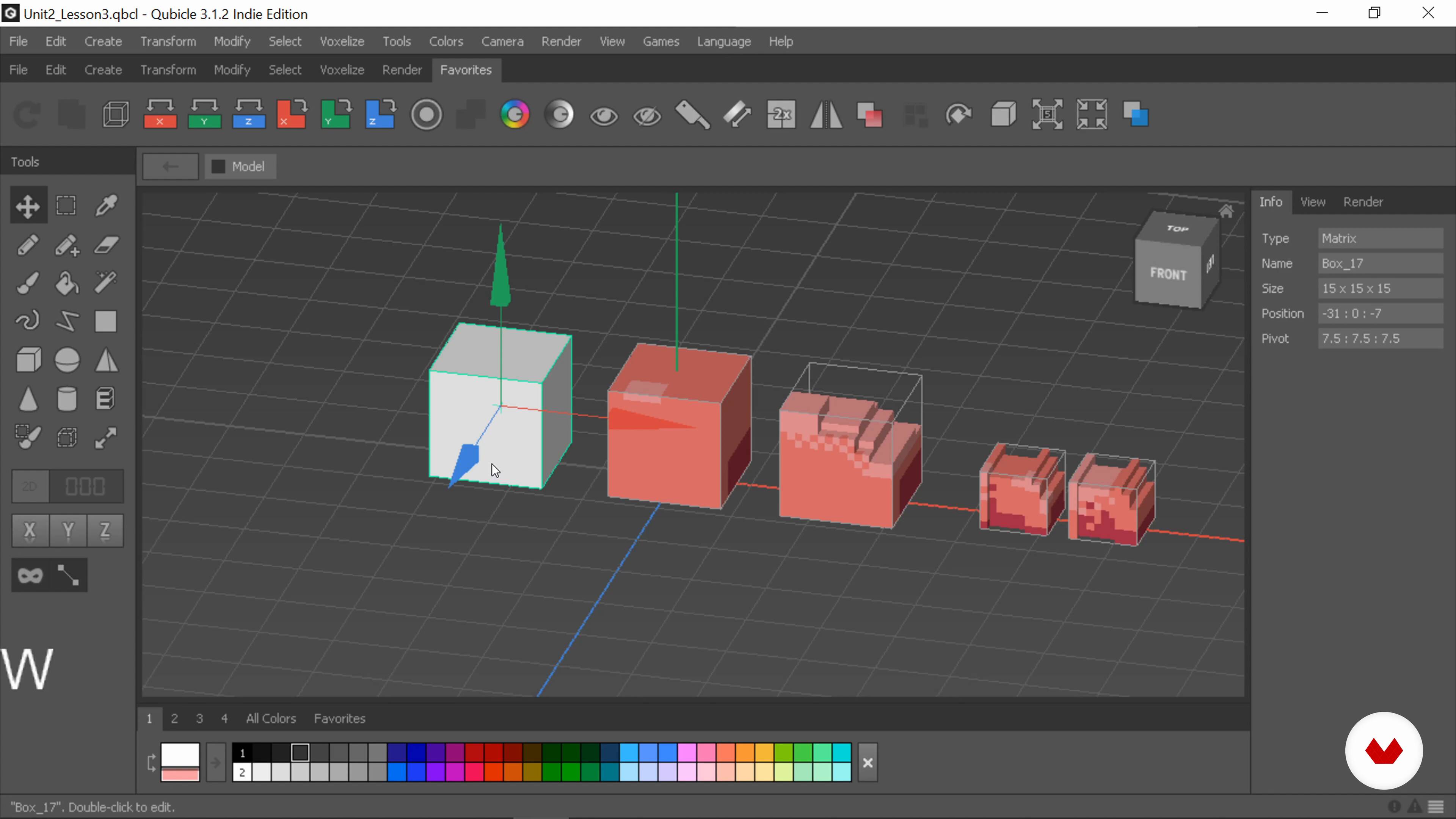
Figuring Out Color
14 minutes, 5 seconds
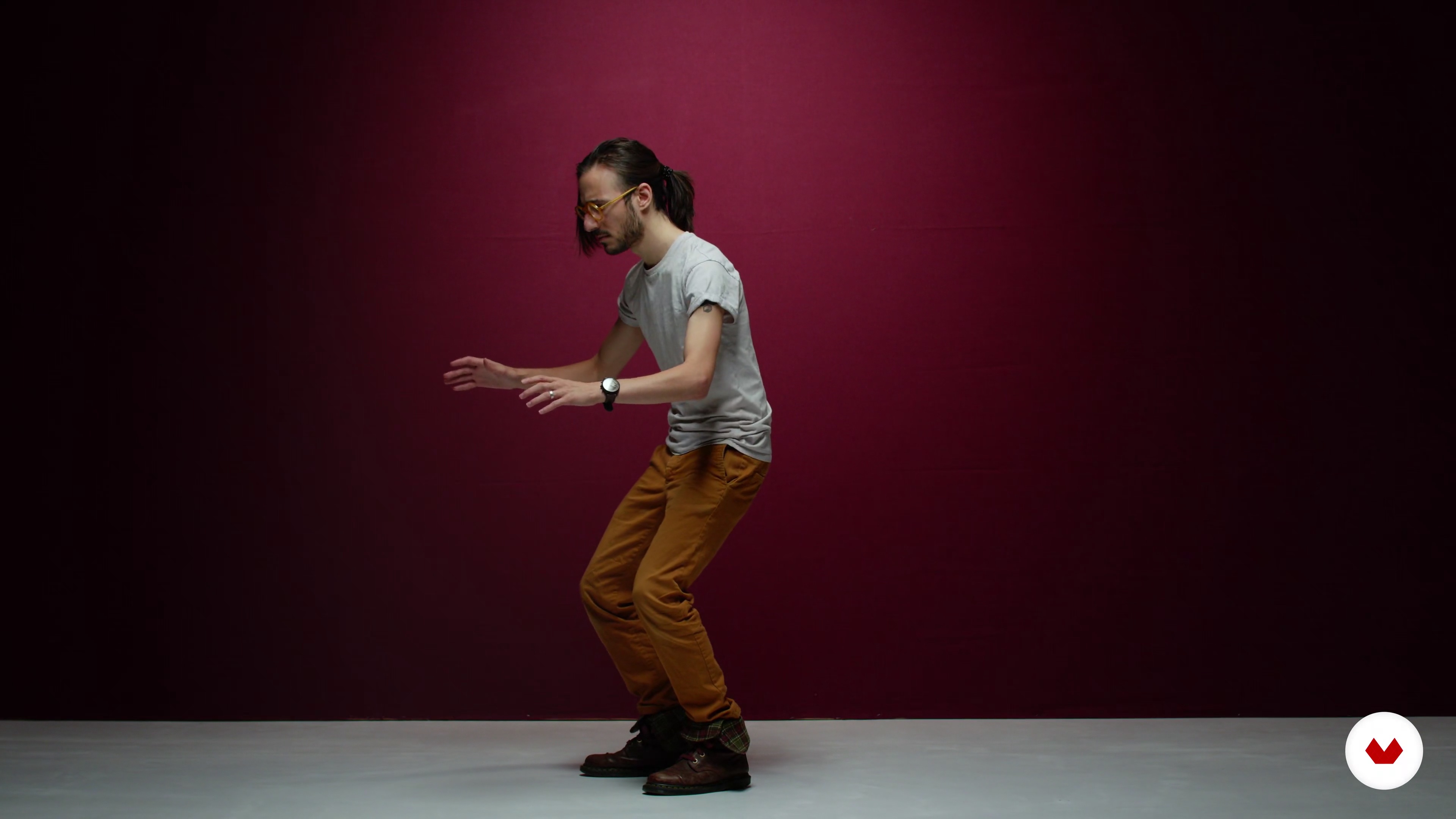
Building Animation References
8 minutes, 12 seconds
What's included in this course?
Start the course by getting to know Zach, his experience with Voxel art and game development, as well as his main sources of inspiration.
Get a quick run-through of what to expect in the course, and see Zach’s method for collecting references to speed up your production, starting with the general concept you want to create.
Understand how to determine the scale of your character, and where to stage the focus. Use your references to pick your colors, finding the right balance between color, textures, and lighting.
Next, have some fun creating animation references using your phone. Press record and enact the movements you want to give to your character. Get started on modeling your character on Qubicle, block and position your scene, and do the same for your character with Zach guiding you through each step as you go.
Work on the pre-rigging phase in Maya, seeing what to look out for when moving your model from Qubicle to Maya and how best to test your model before and during the rigging process. Next, discover Zach’s step by step Voxel rigging methodology, learning the best way to organize your project as you go.
Work on the most exciting part of the process: animating your character. Use Maya or Blender, learning tricks and shortcuts to work more efficiently. Add an extra layer of animation through frame animation using a 3D stop motion process.
Finally, work on setting up your scene and lighting it on Unity with Cinemachine, and capture it with OBS to share your Voxel character with your social media network.
Recommended software & tools for this course
What is this course's project?
Create a Voxel art character and their surroundings using 3D blocks. Zach creates a female character in a mechanical context which you can do along with him.
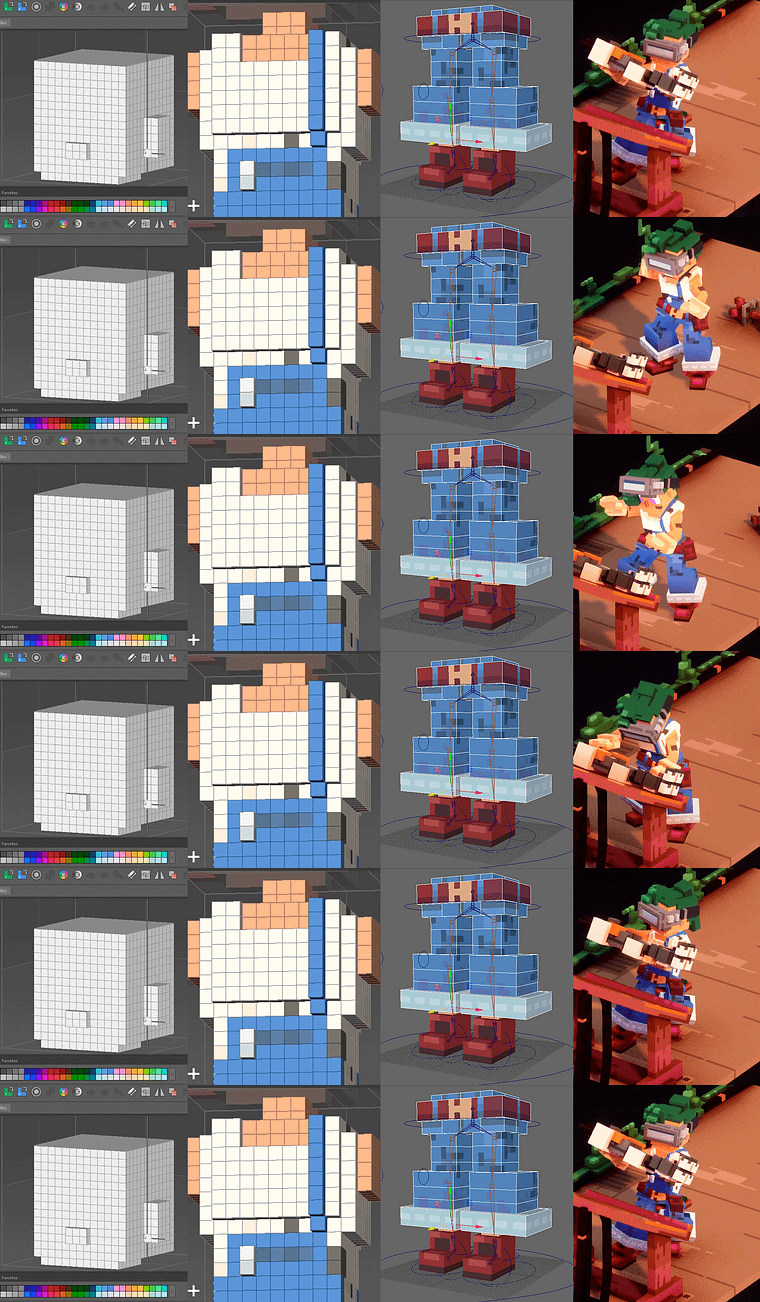
Projects by course students


Who is this online course for?
This course is for anyone who wants to learn about Voxel art, beginners included, who want to push themselves to new creative challenges.
Requirements and materials
Knowledge of how to use Qubicle, Maya, and Unity will be useful. However, each software will be explained throughout the course.
You will need a computer, the Qubicle software, as well as other software you want to use to model and animate your character, such as Maya and Unity.
Reviews
- 6 months ago
De verdade um dos piores cursos que ja comprei na Domestika. Ruim d+
- 1 year ago
Me encantó este curso, super recomendado.
- 1 year ago
Me encanta , me parece muy completo (pasa desde inspiraciones para sacar ideas para tus proyectos , modelado , animación, etc ) 100% recomendado
- 2 years ago
A pesar de que el curso tiene la iniciación de principiantes, yo como principiante que nunca había estado en el mundo del voxel pixel , siento que el profesor va demasiado rápido en las lecciones no entiendo como es que modela demasiado rápido y me cuesta seguir el curso, en mi opinión la verdad no me gusto el curso tendré que buscar en YouTube tutoriales más básicos y tal vez después regrese aquí.
- 2 years ago
A pesar de que el curso tiene la iniciación de principiantes, yo como principiante que nunca había estado en el mundo del voxel pixel , siento que el profesor va demasiado rápido en las lecciones no entiendo como es que modela demasiado rápido y me cuesta seguir el curso, en mi opinión la verdad no me gusto el curso tendré que buscar en youtube tutoriales más básicos y tal vez después regrese aquí.

His stylized and clean Voxel art has led him to work with many small-scale projects for indie developers, as well as for larger projects with clients like Hipster Whale. Zach works on freelance projects and is the creative director of his own studio Bunnyhug, currently creating their own game that is soon to be launched.
Content
- U1
Introduction
- About Me
- Influences
- What We Will Do in the Course?
- U2
Resources to Save Your Day
- How to Start: Thinking of Ideas
- Searching for Reference & Organizing Them
- Figuring Out Scale
- Figuring Out Color
- Building Animation References
- U3
Producing Your Voxel Art
- Blocking Out Your Scene 1
- Blocking Out Your Scene 2
- Blocking Out Your Scene 3
- Pre-Rigging/Character Testing 1
- Pre-Rigging/Character Testing 2
- Pre-Rigging/Character Testing 3
- Character Rigging 1
- Character Rigging 2
- Character Rigging 3
- Animating in Maya (Transferable Skills to Blender)
- Frame Based Animation Setup 1
- Frame Based Animation Setup 2
- U4
Putting Your Art Out to the World
- Setting up Your Scene and Lighting in Unity
- Finalizing Your Scene 1
- Finalizing Your Scene 2
- Capturing and Rendering Your Animation/Project
- FP
Final project
- Introduction to Voxel Art for Character Design
What to expect from a Domestika course
Learn at your own pace
Enjoy learning from home without a set schedule and with an easy-to-follow method. You set your own pace.
Learn from the best professionals
Learn valuable methods and techniques explained by top experts in the creative sector.
Meet expert teachers
Each expert teaches what they do best, with clear guidelines, true passion, and professional insight in every lesson.
Certificates
PLUSIf you're a Plus member, get a custom certificate signed by your teacher for every course. Share it on your portfolio, social media, or wherever you like.
Get front-row seats
Videos of the highest quality, so you don't miss a single detail. With unlimited access, you can watch them as many times as you need to perfect your technique.
Share knowledge and ideas
Ask questions, request feedback, or offer solutions. Share your learning experience with other students in the community who are as passionate about creativity as you are.
Connect with a global creative community
The community is home to millions of people from around the world who are curious and passionate about exploring and expressing their creativity.
Watch professionally produced courses
Domestika curates its teacher roster and produces every course in-house to ensure a high-quality online learning experience.
FAQs
This course is designed for intermediate artists with some experience in digital art, voxel art, or animation. Beginners may find the pace challenging, but motivated learners can still benefit from the structured lessons and reference materials provided.
You’ll need access to voxel modeling software (like MagicaVoxel or Foxworks), animation tools (such as Maya or Unity), and basic digital art programs like Procreate or Photoshop. A computer capable of running 3D applications is also recommended.
You’ll learn how to design characters, create voxel models, apply animation principles, work with limited palettes, use references effectively, set up scenes and lighting, and render animated voxel projects for games or digital portfolios.
Yes, the course includes detailed lessons on animating voxel characters in Maya and importing them into Unity, covering everything from rigging and keyframing to controlling animations within game engines.
The course teaches how to analyze and apply Ghibli-inspired color techniques, focusing on soft, harmonious palettes to enhance character design and scene atmosphere in your voxel art and digital illustrations.
Yes, you’ll explore both realistic and abstract character design, including techniques for simplifying complex forms, developing expressive faces, and balancing anatomical proportions within the voxel art style.
The course covers frame-based animation, including animating on twos, creating seamless loops, and using reference footage to capture expressive motion in your voxel or pixel art projects.