

Practical Exercise: Freehand Negative Drawing
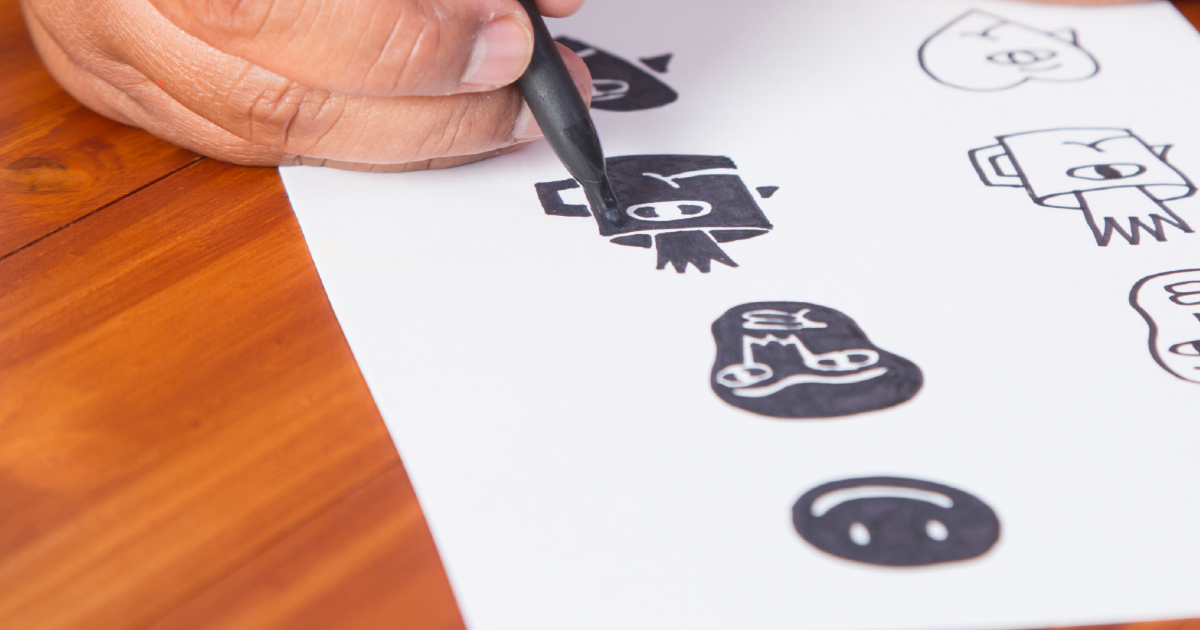
Learn to invert color by hand with this technique from Amadeo Gonzales
Amadeo Gonzales (@amadeog77) is an illustrator, drawer, lecturer, and self-taught musician. He is the creator of Carboncito, a magazine filled with graphic arts and comic strips that, since 2001, has published the work of a wide range of contemporary Latin American artists. Amadeo has also published a variety of fanzines, including Tránsito intestinal, Actitú records, Bandas inexistentes records, Frustrazine and Nervenzusammenbruch.
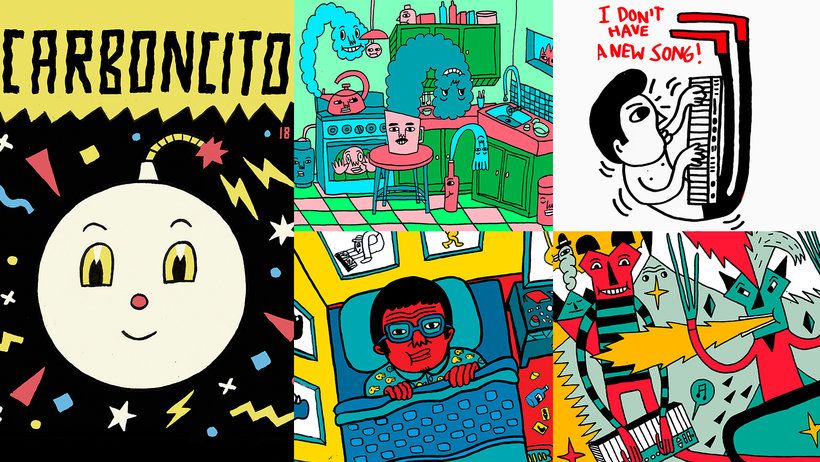
Amadeo specializes in freehand illustration with India ink, watercolors, and acrylics, as well as vector illustration and screen printing. He also uses digital design programs such as Adobe Photoshop or Illustrator to take his drawing to unexpected levels. However, he also believes that you don’t have to depend on software to be great at drawing.
That’s why, today, Amadeo is sharing a practical exercise that will help you to improve your freehand drawing technique.
Position your lines
In Photoshop, the “Invert color” tool detects these variables, so the first thing you need to do is recreate your lines but think about them inversely: instead of filling in the black spaces, turn them into blank spaces, and vice versa. Check out this simple example:


Convert the empty space into areas that are filled in
As you can see, the secret is in converting each line into a blank space and filling in areas that were previously blank with color or black ink. Check out the following example using a more detailed shape:


Separate the zones with blank spaces
When your drawings include elements that join up, they will be joined by blank space in your negative drawing. See this exercise:


Creation of a negative drawing with Indian ink and a brush
Once you have converted your images into negative drawing, you can think of different ways to incorporate them into your projects.
Amadeo recommends practicing with a brush and Indian ink, without tracing or being afraid to make a mistake. These exercises will help you to find your own rhythm, balance, and a visual connection.


If you are interested in improving your freehand illustration technique, sign up to the course, Illustration by Hand Inspired on Digital Techniques. Amadeo Gonzales will show you how to recreate the effect using tools offered up by digital illustration programs such as Adobe Photoshop and Illustrator.
English version by @eloiseedgington.
You may also like:
–Adding Watercolor to Your Sketchbook Drawings
–Creative Tools: The Brush Pen
–José Rosero: The Infinite Possibilities of Illustration


1 comment
Love this!