


@harry_davies
How to Import Fonts to Procreate?

Procreate now allows you to add text to your illustrations, drawings, and designs. Learn how to use your favorite fonts
Procreate has become, without a doubt, the favorite app of illustrators, cartoonists, designers and creatives around the world. The iPad software allows you to use the screen as a notebook and has a number of extremely useful features for digital artists, but until a few months ago you could not do something as simple as adding text to images.
With the arrival of the function to add text comes a big question: how do you add fonts to Procreate? Here, we explain how, step by step.
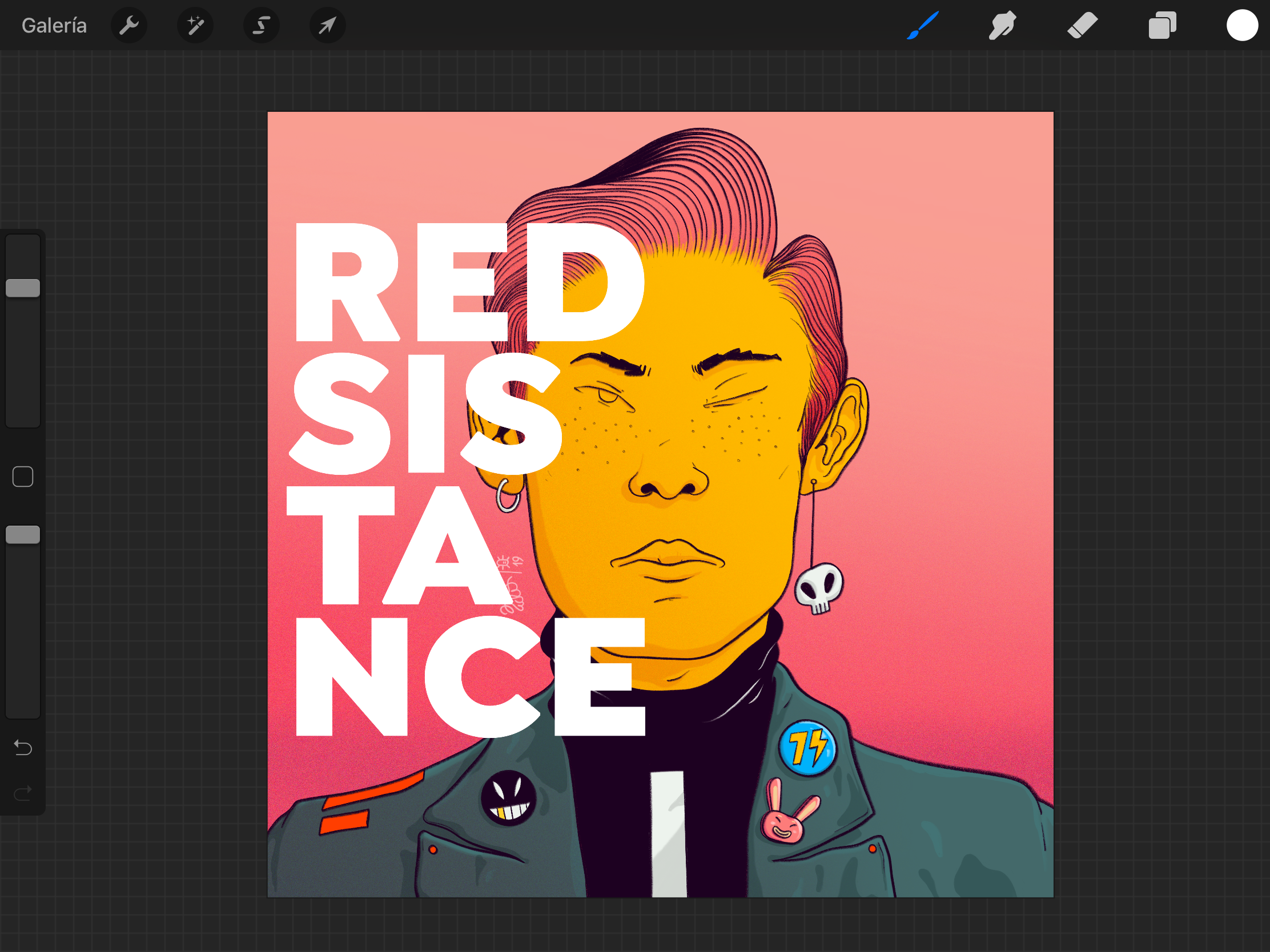
1. Download your fonts
This is the first step to incorporating text into your images in Procreate. Download, purchase, or locate the fonts you want to use and have the files ready to import to your iPad.
2. Import fonts to your iPad
You can import the fonts in a variety of ways:
- Airdrop: if your fonts are on another Airdrop-compatible device, that's one of the easiest ways to share them, since the iPad itself will give you the option to open the file with Procreate.
- Dropbox or Google Drive: You can use the cloud to store your fonts and access them directly from your iPad.

3. Importing fonts into Procreate
Click on the 'Import Source' option within Procreate. Find the fonts you want to import. If they are in the same folder, it will be easier. Select them and you are done.


4. Using fonts in Procreate
Add any text. Below, in the options, you will have all the fonts sorted alphabetically. Procreate accepts TTC, TTFN and OTF files. It is also important to mention that .zip files must be unzipped so that the application can import their content.

You may also like:
- Calligraphy and Lettering for Instagram with Procreate, a course by Nubia Navarro (nubikini)
- Introduction to Lettering with Procreate, a course by Daniel Hosoya
- Digital Design and Illustration of Tattoos with Procreate, a course by Tania Maia


0 commentaire