


LinkedIn Tutorial: How to Reach Out to Decision Makers

Learn how to pitch to business owners and recruiters through LinkedIn using this method, with Marko Pfann
Recruiters and business owners receive hundreds of messages, emails, and CVs from creatives everyday. So how do you stop them in their tracks and get them to take notice of you through LinkedIn?
Business adviser Marko Pfann (@markopfann) knows how competitive the creative industry is. With 20 years experience as an award-winning designer and brand studio owner, he’s had to figure out all sorts of ways to win clients, and he’s won big. So how does he do it?
One great resource at everyone’s fingertips is LinkedIn. In this tutorial, Marko Pfann will show you a simple, step-by-step process that will significantly up your chances of getting that dream job.

How to Reach Out to Decision Makers on LinkedIn
1. Optimize your profile
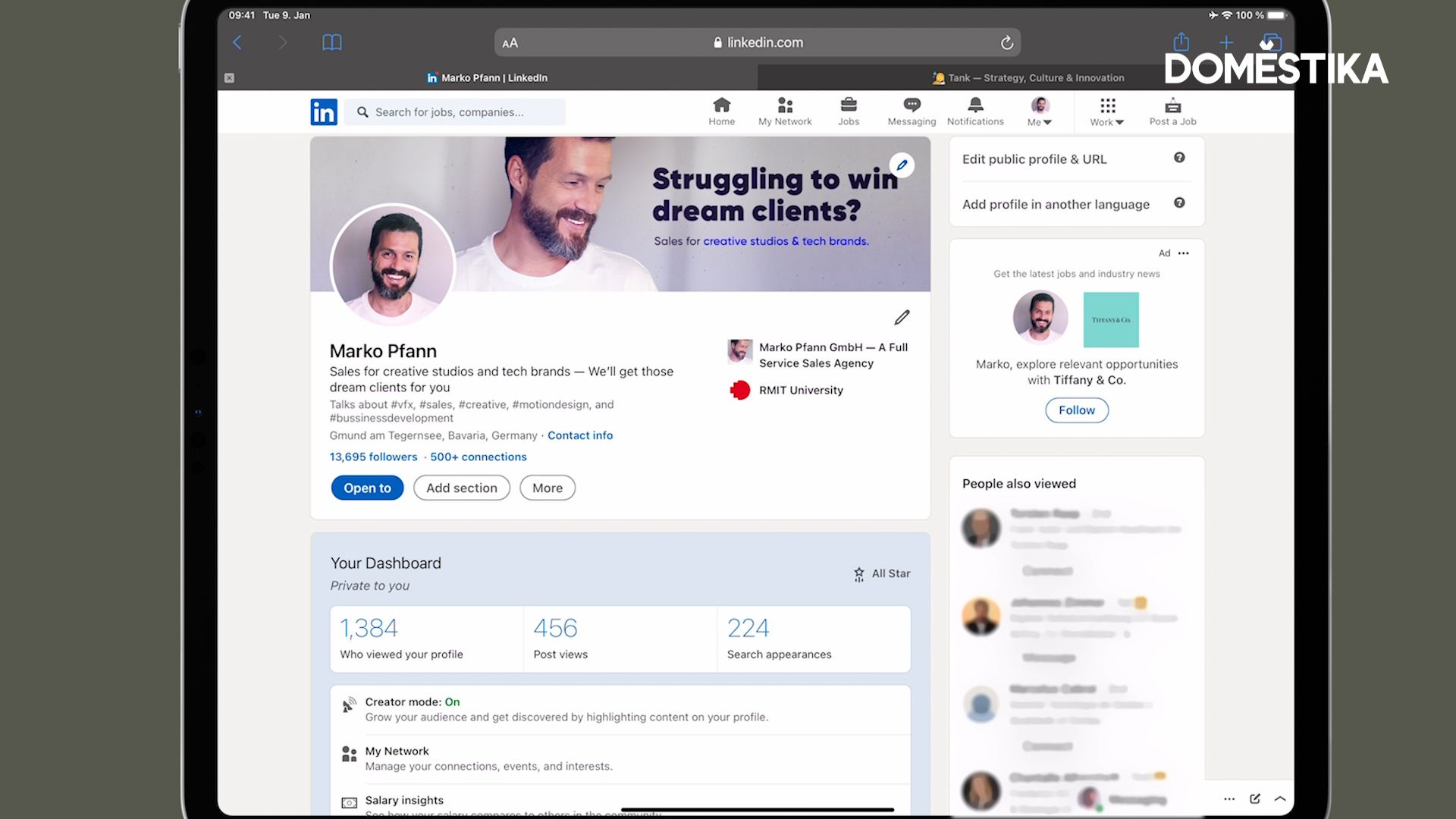
Lay the groundwork by making sure your profile is up to scratch. Use your Headline to outline your purpose and quickly summarize what an employer can expect from working with you. Polish your Experience section - essentially your online CV - and you’re all set to start looking for decision makers.
2. Find decision-makers
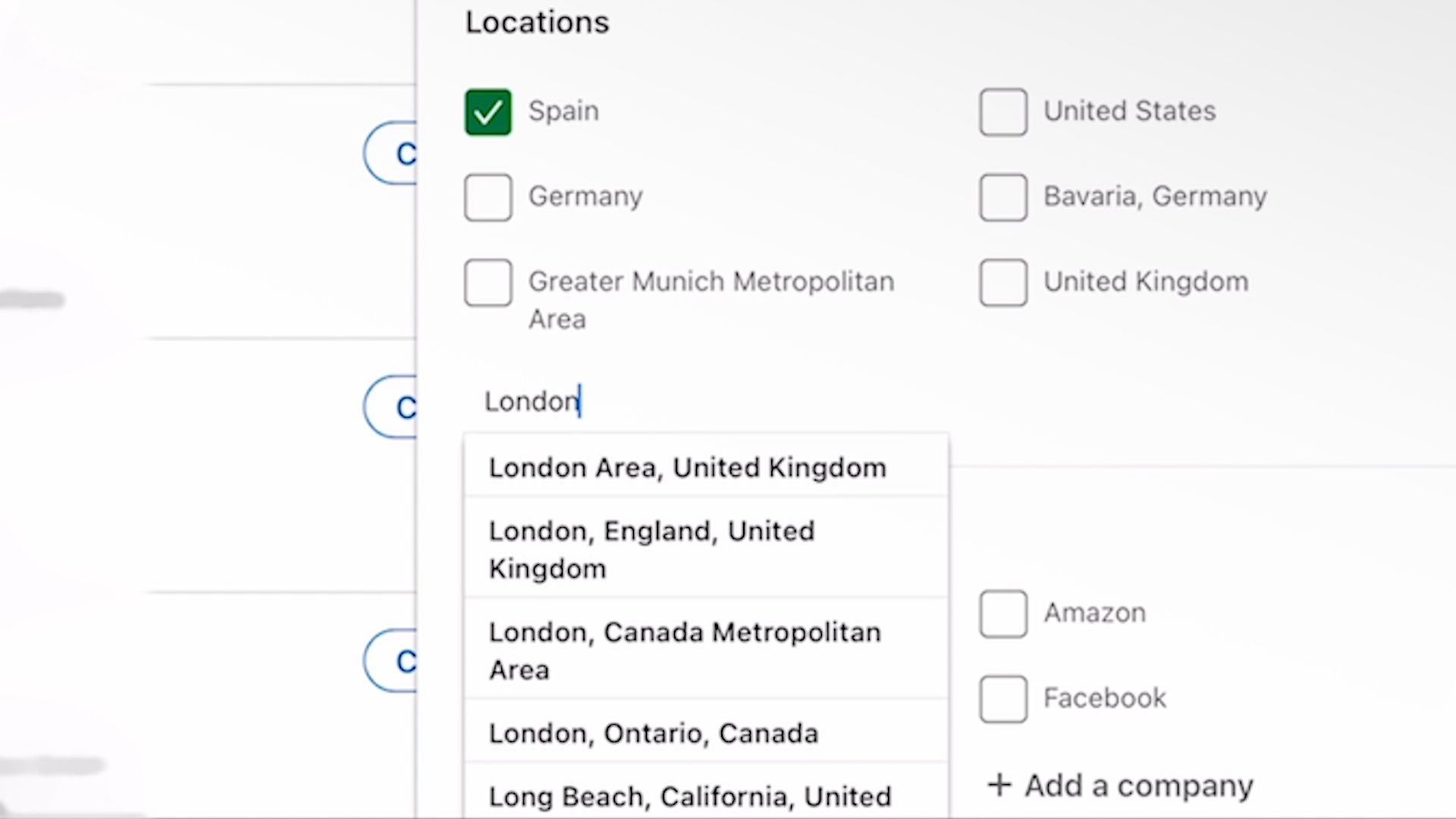
Finding what you want on LinkedIn doesn’t have to be like looking for a needle in a haystack, as long as you filter your results logically. Start by heading to the Search bar and typing in one or two keywords, for example “photography agency” or just “agency”. Go to All Filters and limit your results by location and industry. In the Title bar, type in “founders OR owner”. The “OR” here is a useful LinkedIn function which enables you to search for multiple keywords. Sift through the profiles that appear, and tap “Connect” with those that pique your interest.

3. Talk to decision-makers
Once the decision-maker has accepted your request to connect, you can now send them a message. But before you send a message, find out more about their company by looking at their website and take note of anything that stands out.
4. Ask for permission
Rather than simply telling them who you are, write a message asking the business owner or founder for advice. Finish your message by asking for permission to send them a media file containing your pitch.

5. Send a video pitch
Personalize your video pitch by referencing your LinkedIn conversation at the beginning of the video. Walk them through your pitch in the video, and send them the video link. If they don’t get back to you within 2-3 business days, don’t be afraid to reach out and ask them if they had a chance to watch your video.
Video pitches are a great way to impress a potential client or employer. Marko Pfann teaches you how to create your own video pitch in his course Job Hunting Strategy for Creatives, as well as other great methods for approaching decision-makers and landing your dream job.
You may also like:
- Illustration Tutorial: How to Promote Your Artwork
- Business Tutorial: Tips to Successfully Pitch Your Ideas
- Why Intellectual Property is a Game Changer for Creative Businesses
- Business Strategy for Creatives: How to Sell Your Art Online, a course by Simply, Katy


0 comments