


Photography Tutorial: Lighting with a Beauty Dish
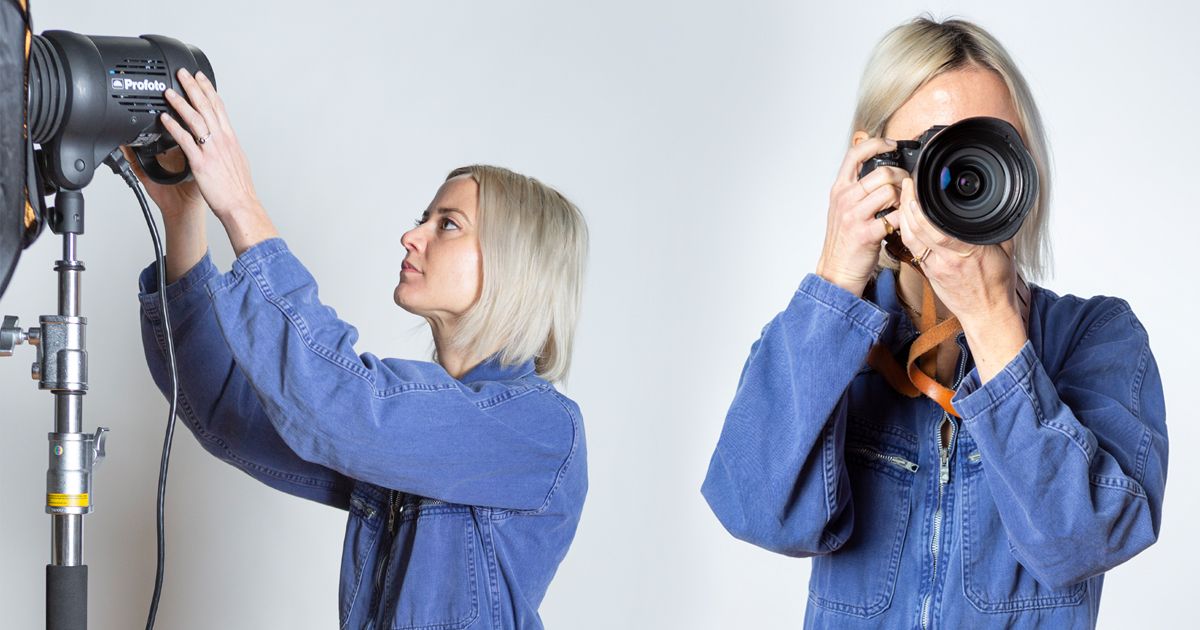
Learn how to light like a professional using a beauty dish, with Julia Robbs
Even if you’re new to photography, you probably know that lighting is fundamental to achieving professional-looking photos. A beauty dish is a useful tool for portrait shots, as it creates a focal point for the light, illuminating the model and creating contrast between light and shadow for flattering results.
Julia Robbs (@juliarobbs) is a fashion and beauty photographer based in NYC. Her love of travel has taken her all over the world, working both in-studio and on location for lifestyle, portraiture, beauty, and fashion photoshoots.
In this tutorial, Julia gives you some simple and easy-to-follow advice to create stunning beauty shots using a beauty dish.

Materials
All you'll need is your camera, laptop, a light with a beauty dish and a diffuser sock, and a model.
4 Tips to Achieve Professional Lighting Using a Beauty Dish
1. Remember the three core foundations: Distance, direction, and shape
Following these three principles is your best starting point before you begin any shoot. Position your light with the beauty dish attached at a distance of around 2.5 to 3 ft away from your model. This will help you achieve the right amount of falloff when you take your photos. Remember, the closer your light is to the model, the less falloff you’ll get.
Make sure the light is also around 2 ft above your model and pointing downwards at a 45 degree angle. The deflector plate in the middle of the beauty dish will prevent the light from creating a hotspot, as the light is deflected and spread outwards.

2. Review your images during the shoot to make adjustments
Check your images on the computer screen regularly to make sure you are happy with the way the light falls on the model’s face and that it highlights the features you want.
3. Soften shadows using a diffuser sock
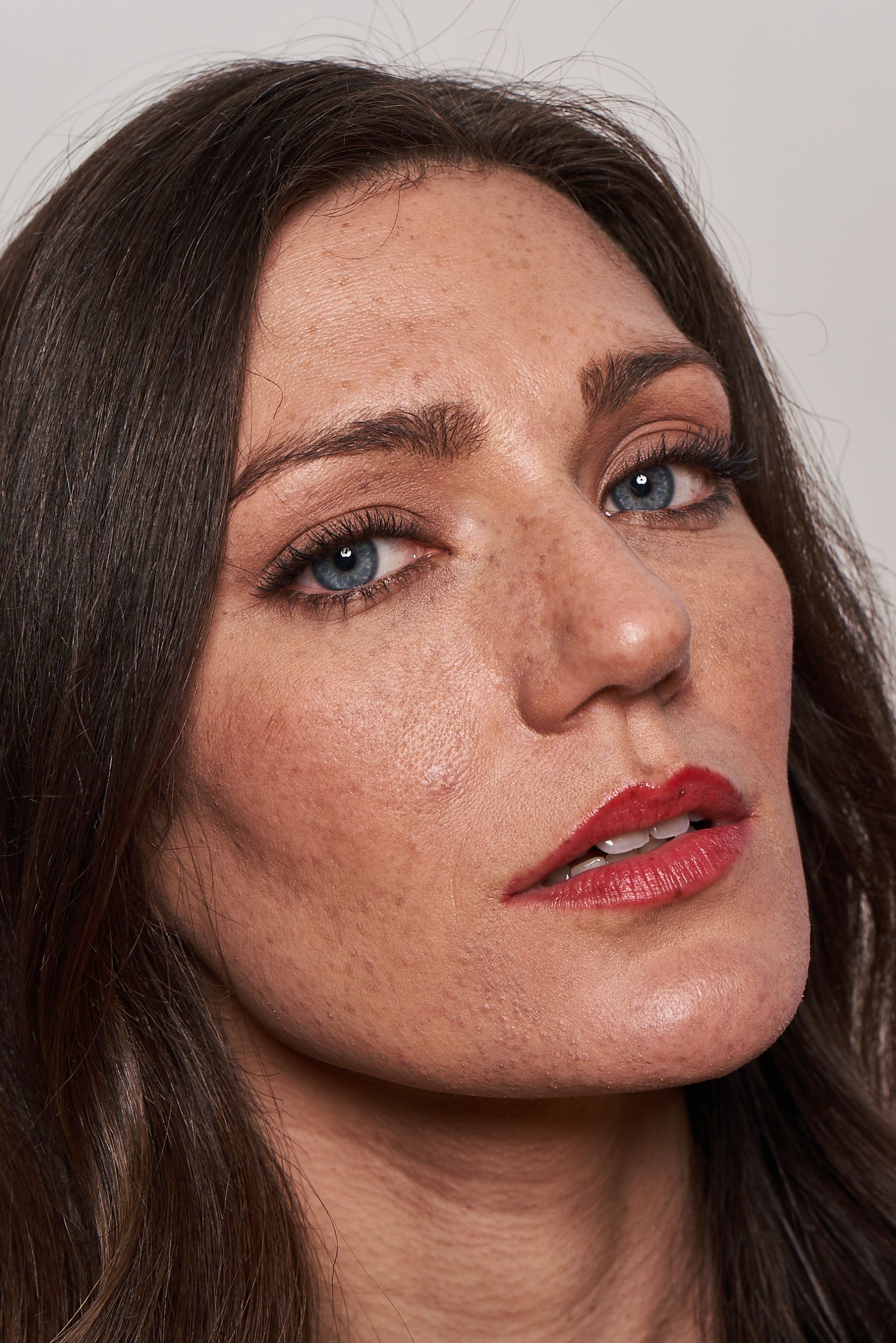
A beauty dish works a bit like a “soft” hard light, so it will create some shadows under more prominent facial features such as the lips, chin, and nose. This is usually flattering, but if you find the contrast too great, you can cover the dish with a diffuser sock to change the shape of the light.
The effect is similar to using a softbox, but with a slightly higher contrast due to the parabolic shape of the dish. The light in your photos will be spread further and add a touch of brightness.

4. Don’t be afraid to take lots of shots
Getting the results you want can mean taking a lot of photos. Having fun trying out different techniques and diffusions is all part of the process to get photos that you really love.
Did you enjoy this tutorial? If you'd like to learn more about creating professional studio lighting setups, check out Julia Robbs’ online course Studio Lighting 101.
You may also like:
- 12 Free Photography Tutorials To Become a PRO
- 5 Interesting Facts You May Not Know About Photography
- Basic Fashion Photography Equipment
- Fashion Photography with Natural Light, a course by Martina Matencio Ruiz Peinado
- Directing People for Portrait Photography, a course by Emilia Brandão


0 comments