


@harry_davies
Adobe Premiere vs. Final Cut: What Makes Better Films?

The best films cut with Premiere Pro and Final Cut Pro
Video editors get asked what software they use all the time. The answer will change according to all sorts of variables, such as personal taste, their experience, and what kind of project they’re working on. The truth is, you’ll probably have to learn how to use whatever program your client wants you to work with.
History: the three big editing programs
Before we look at the films they have cut, let’s have a quick look at the history of modern digital video editing.
For a long time, Avid was considered the only software for a serious professional. Although it came out in 1987, that notion is still held by many older editors and baby boomers making the decisions in traditional TV companies today. It’s not particularly user-friendly, but this reliable and versatile workhorse is still clinging on.
Avid’s dominance was brought to an end with the arrival of two, now probably better known, softwares: Adobe’s Premiere Pro (1991) and Apple’s Final Cut Pro (1999) and, later, the rebooted, Final Cut Pro X (2011)–the abbreviated “Pro” signaling both their informal newness, as well as their high professional standards.
At first, Final Cut was not so great and users weren’t shy about letting the world know. While people can still get snobby about the new kid on the block, Apple took this criticism on board and it has come on leaps and bounds since its launch. As with any Apple product, the user experience is carefully designed, simple, and intuitive. The magnetic timeline and other features exclusive to the software have been spurned and embraced in equal measure.
Premiere Pro, along with the entire Adobe Creative Cloud, has evolved considerably too. It is targeted at more experienced editors and so, where they might lose out in terms of intuitive user experience, the logical layout and clear workflow pathways mean, once you get the hang of it, organizing your projects on the platform makes a whole lot of sense. The ability to hop between Premiere and other programs on the Creative Cloud like Audition and After Effects can also save a lot of time and frustration if those programs appeal to you.
Movies made cut with Final Cut Pro
The Social Network
Editors: Kirk Baxter and Angus Wall
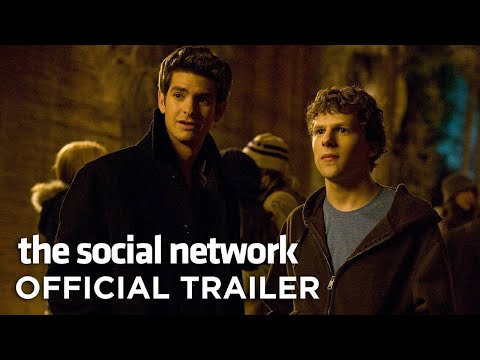
The film that tells the story of the rise of Facebook–starring Jesse Eisenberg, Andrew Garfield and Justin Timberlake–won the Academy Award for Best Editing.
Editors Kirk Baxter and Angus Wall said that using Final Cut Pro to edit the film enabled them to replace the faces of their actors in a number of scenes. This proved useful as two of the characters were supposed to be identical twins, and the actors who played them were not.
The same two editors worked on Final Cut to make two more films–The Girl With The Dragon Tattoo and The Curious Case of Benjamin Button–by the same director, David Fincher, picking up plenty more award nominations in the process.
Focus
Editor: Jan Kovac
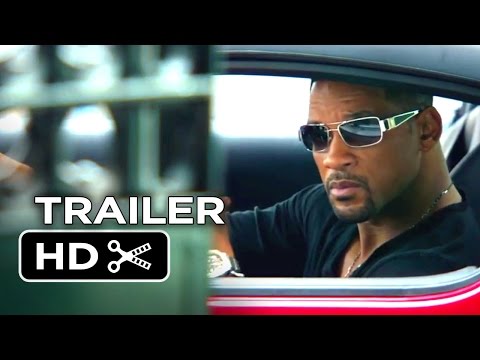
Now, the film isn’t that great. But what Final Cut Pro X did for it is.
Directors John Requa and Glenn Ficarra considered using a number of different softwares and, in the end, chose Final Cut because it allowed them to edit “on the go.” They were able to hop between the edit room and on-location editing on their Macbook Pros.
It had to be robust, reliable, and process 2K Apple ProRes 4444 footage from production through post and many of the films 117 scenes were edited at full resolution on set. This flexibility also meant the team saved time and money (the film came in under budget).
No Country For Old Men
Editors: Ethan and Joel Coen
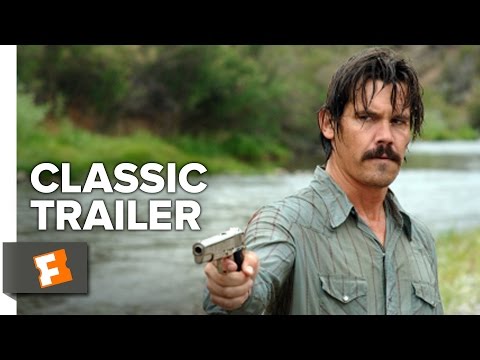
Just because you’re the Coen brothers and you’re making, well, a Coen brothers movie, doesn’t mean you need the most technically complex equipment. In fact, quite the opposite. Joel and Ethan chose the software because of the simplicity and usability it offers.
They were nominated for the Best Editing Oscar under the pseudonyms Roderick Jaynes. This is a perfect example of how Final Cut’s intuitive layout allows directors to hop into the editor’s chair to great effect.
Deadpool
Editor: Julian Clarke

When Deadpool director Tim Miller turned to David Fincher to ask what software they should use for the film, the aforementioned director, surprisingly, recommended Adobe Creative Cloud.
The integration between After Effects and Premiere meant the team could have an “uninterrupted workflow” and the results blew everyone away.
The Jungle Book
VFX Supervisor: Rob Legato

VFX maestro Rob Legato won his third Oscar doing the visual effects for the Jungle Book. Once again, the streamlined and intuitive nature of Premiere Pro meant he could test out his ideas without having to rely on someone else.
“I find that working through the visuals yourself contributes to the creative process,” says Legato. “You discover the pitfalls and opportunities when you’re the one pushing the buttons. If someone says a shot can’t be done, I don’t have to take their word for it. I can show them how I did it, and we can work from there.”
The Florida Project
Assistant Editor: Mike Hugo
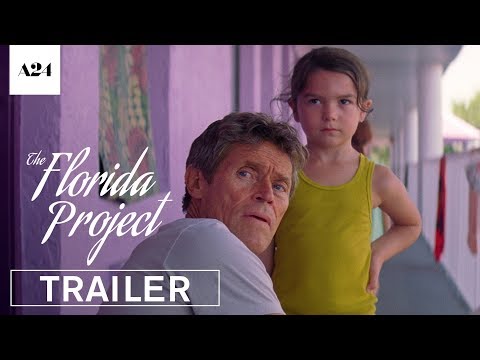
The Florida Project was shot fast. Scenes were improvised and main characters were kids. There was no time for reshoots nor pickups. Premiere was used for special effects.
“Timing was huge on this film,” says Hugo, the film’s assistant editor who worked closer with Sean Baker. When the timing wasn’t perfect in the raw footage, they actually remapped it to make it right.
“We did a lot of work to make it seem like there was no work at all.”
Baker and Hugo worked in their own bedrooms, thousands of miles away from each other, reshaping the film and, just like for the team behind Deadpool, the ability to hop between applications on the Creative Cloud and the usability of the whole system was invaluable.

These films and their successes may not definitively help you decide which program you most want to invest your time and money in, but it can show you what these products can achieve.
Whichever program you choose, you can learn how to get the most out of your software with Domestika on courses such as Professional Audiovisual Editing with Adobe Premiere Pro or the full Introduction to Final Cut Pro five course pack both taught by Giacomo Prestinari.
You may also like:
- Directing Conceptual Audiovisual Pieces, a course by Jiajie Yu Yan
- Video Production and Edition with DSLR Camera and Adobe Premiere, a course by Gonzalo P. Martos,
- Introduction to Avid Media Composer, a course by Raúl Barreras
- Introduction to DaVinci Resolve for Color Correction, a course by Juanmi Cristóbal


0 comments