
Professional Audiovisual Editing with Adobe Premiere Pro
A course by Giacomo PrestinariEditor
A course by Giacomo Prestinari, Editor

Learn to narrate stories with moving images
Giacomo Prestinari's work is all about telling stories. With moving images, he builds an audiovisual narrative thread in which monitoring time and rhythm is essential. He has worked as an advertising editor for brands such as Coca-Cola, Gucci, Volkswagen, Seat, Ikea, and El Corte Inglés.
In this online course, he teaches you the secrets to audiovisual editing and the fundamental questions you should ask yourself when putting together your videos. He explains the different criteria to follow when selecting shots within a scene, how the different types of shots work, and what tone and rhythm best suits your work, depending on its purpose.
What will you learn in this online course?
21 lessons & 8 downloads
The invisible work: the assembly
11 minutes, 29 seconds

The 3 main types of assembly
10 minutes, 23 seconds
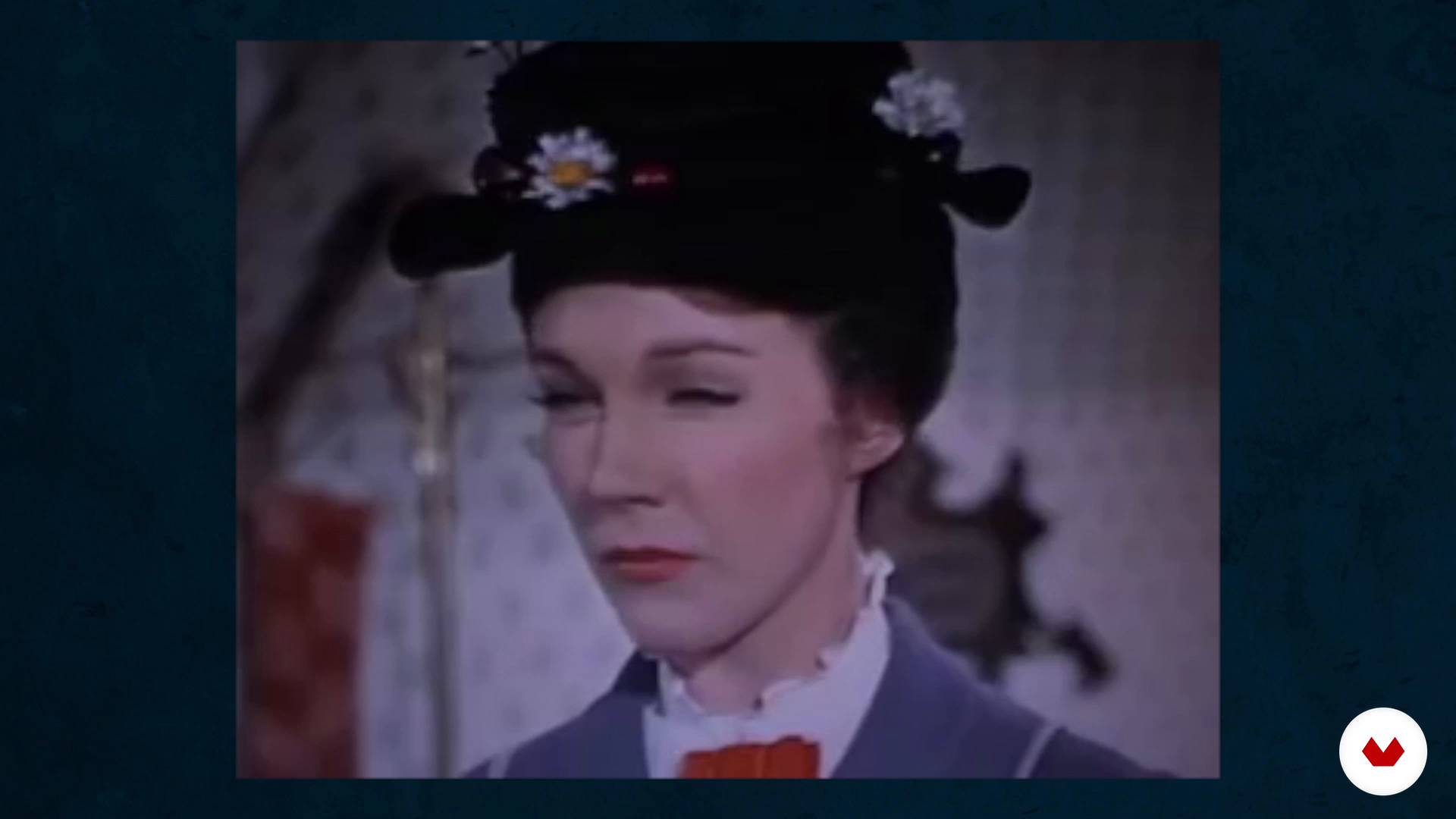
Assembly in the genres
11 minutes, 13 seconds
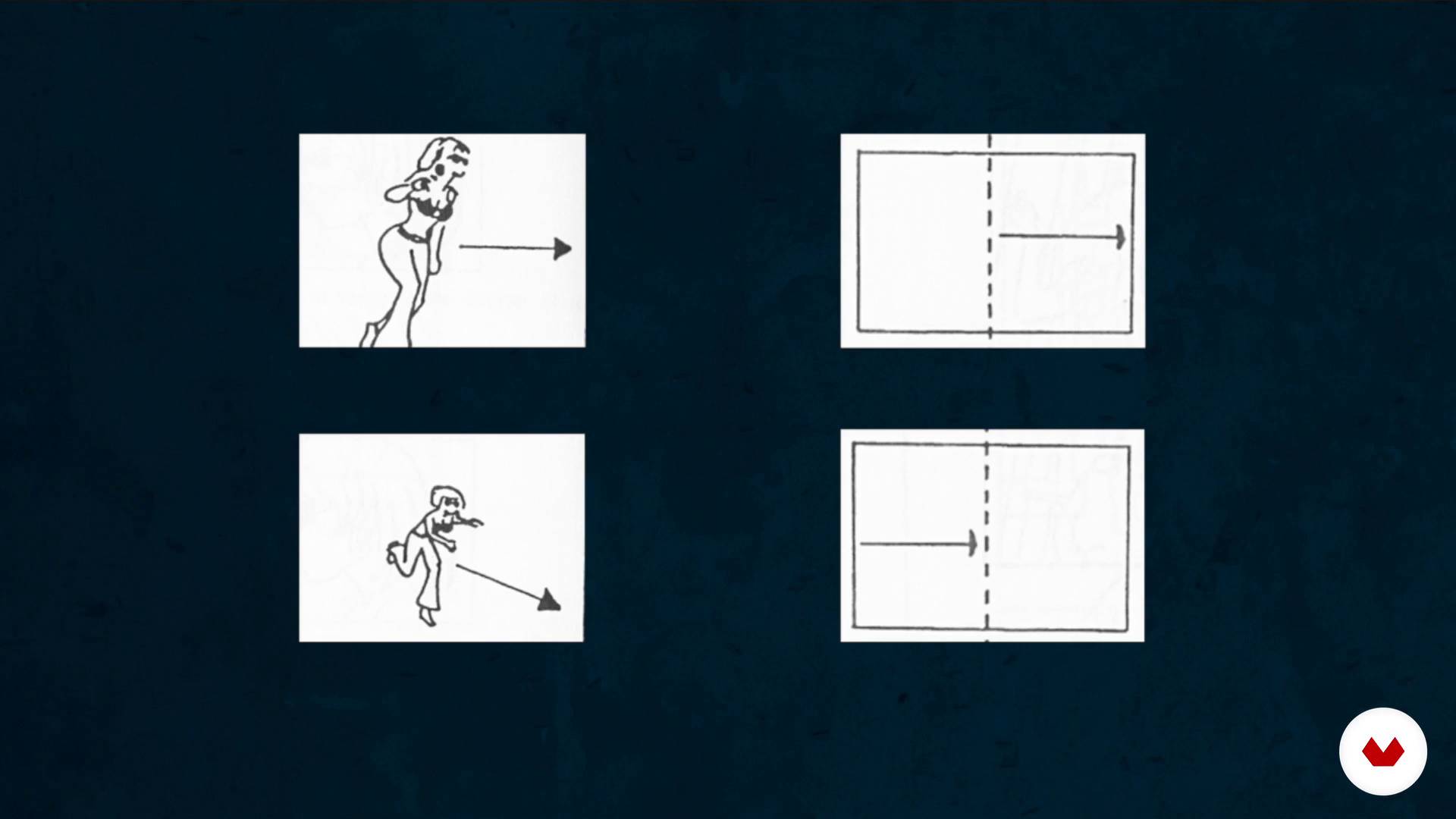
How to break the axis rule
8 minutes, 46 seconds
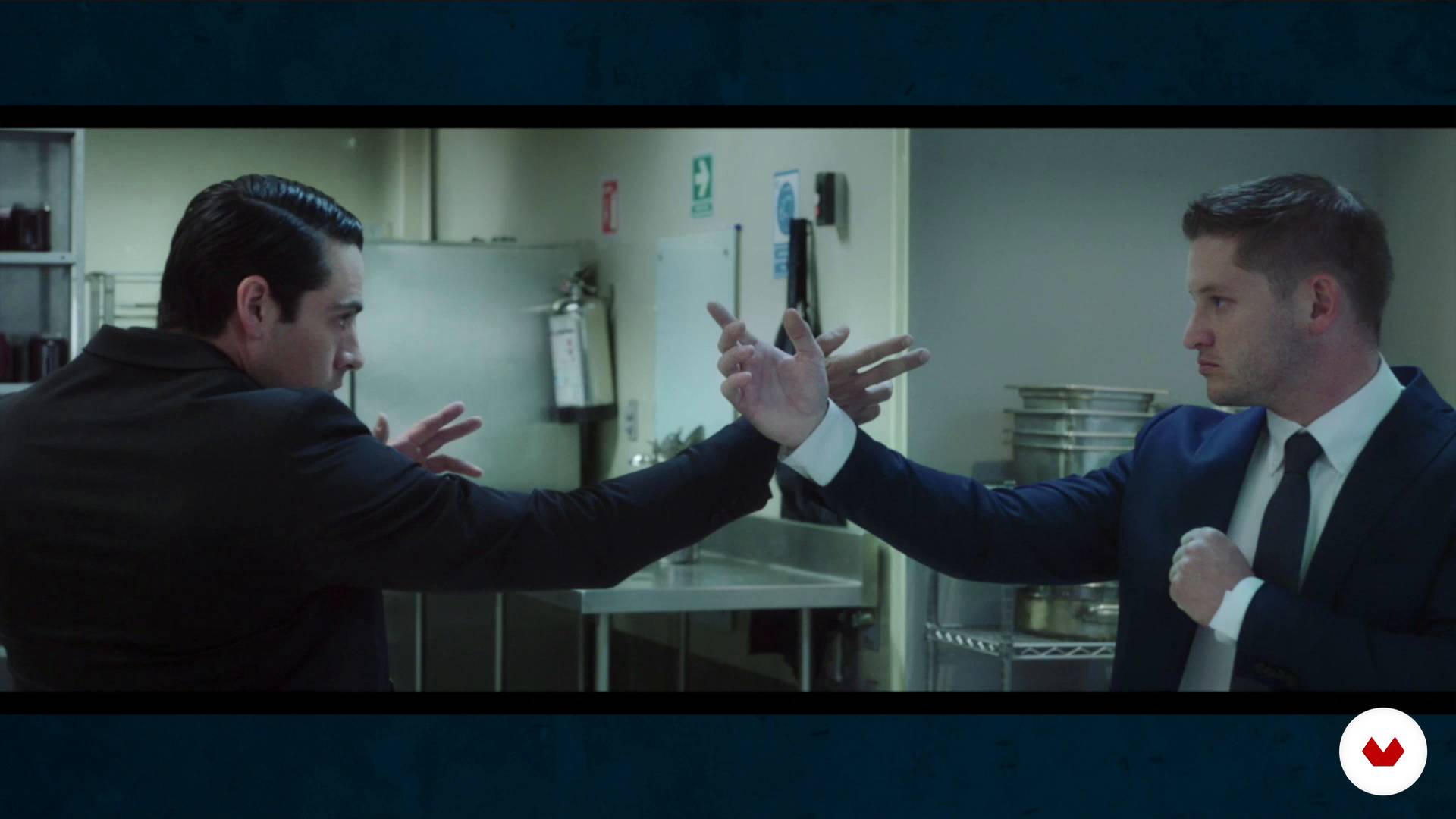
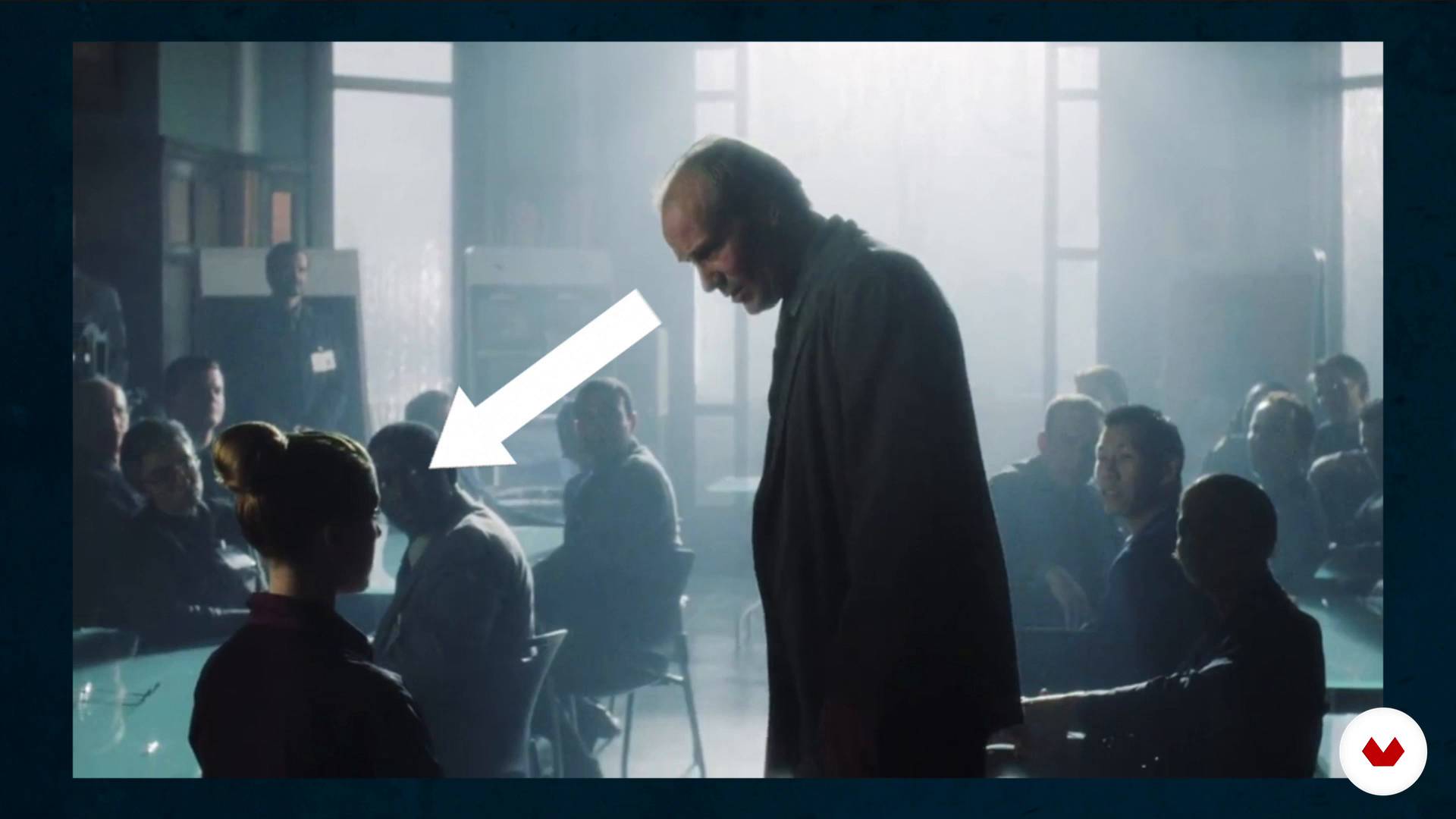
Less is more. We learn to eliminate planes and scenes
12 minutes, 22 seconds
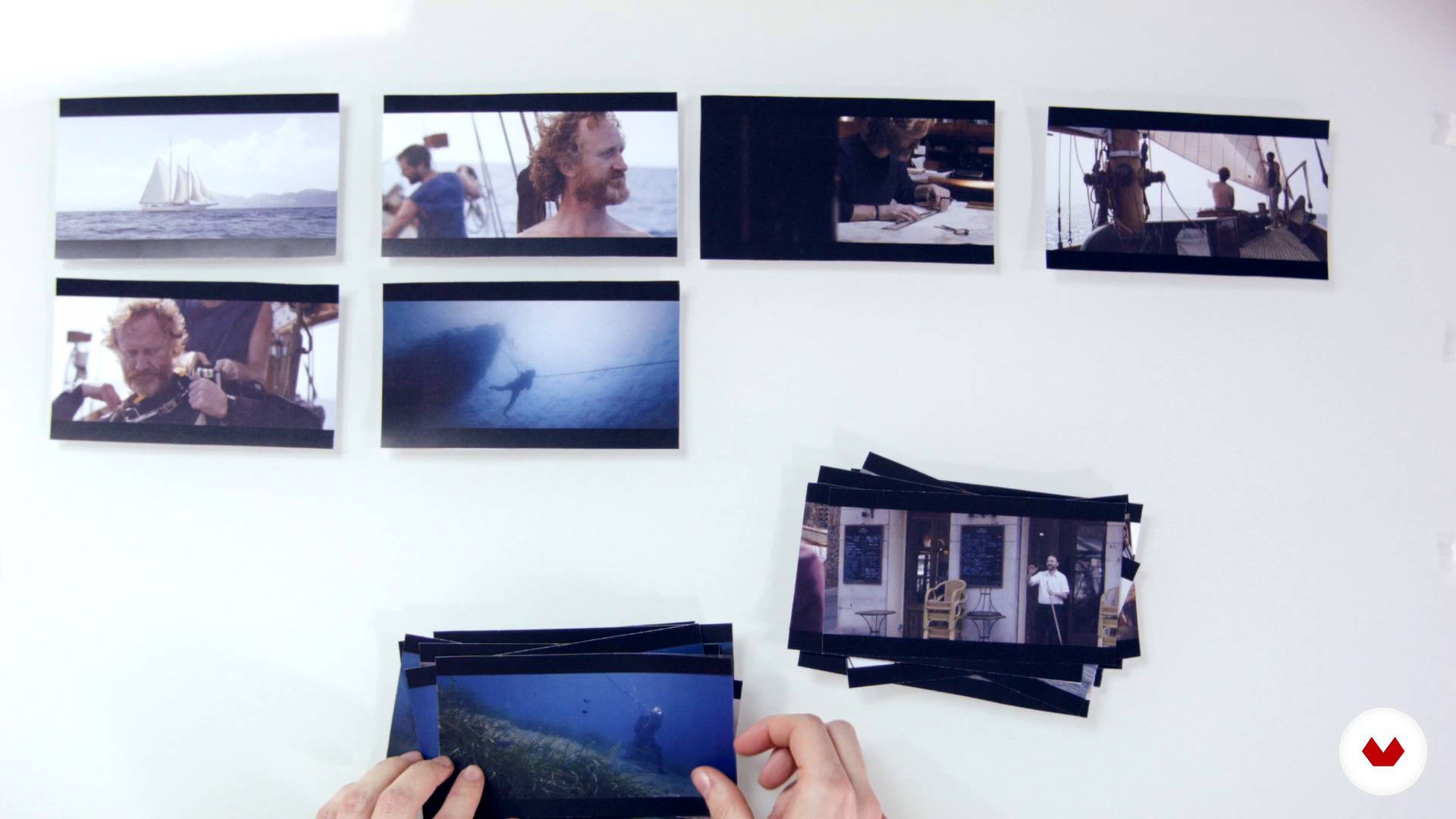
The structure of a story
9 minutes, 59 seconds
What's included in this course?
Start by getting to know what the work of an editor involves. Your teacher believes that it's work that, when done well, is invisible, and this is key to his creative process. Moving on, learn about the three main types of editing.
Experiment with "creative geography" and the Kuleshov Effect, before looking at how editing affects and changes the meaning of films and audiovisual pieces.
Giacomo explains the main editing rules as well as when it's advisable to skip them.
Learn that in audiovisual editing, as in other creative disciplines, the "less is more" maxim also applies. Next, see how the structure of a story is built.
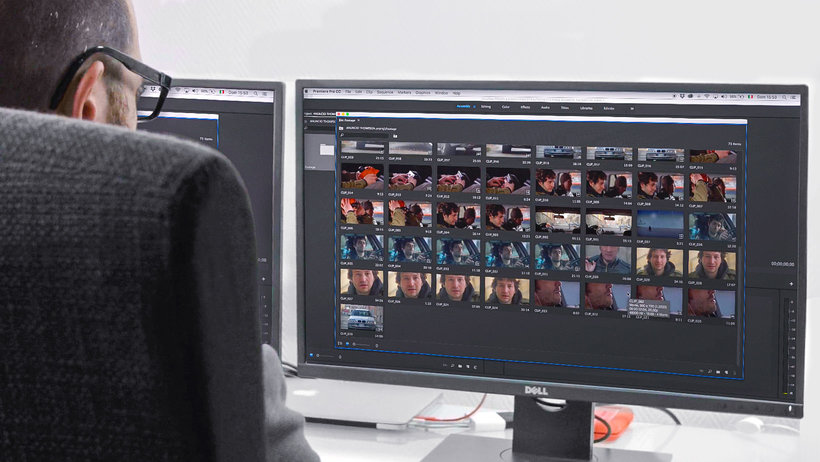
Now get down to work on your own ad with Adobe Premiere Pro, working on the timeline and learning how to create your selection. Your teacher gives you some tips to prepare your workspace and the necessary materials to carry out your audiovisual project.
Search for and select all the necessary resources for your audiovisual piece, then do a first edit and based on that, make all the necessary adjustments to get a flawless end result. Last but not least, learn how to export your video properly.
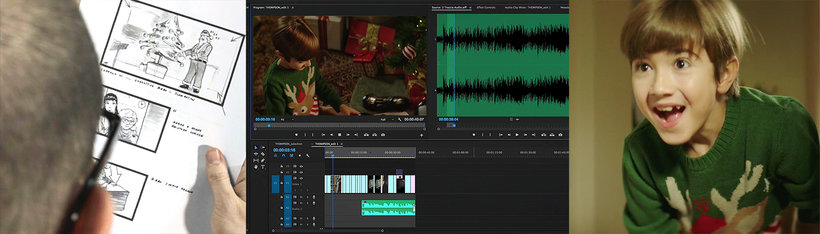
Recommended software & tools for this course
What is this course's project?
Put together a video in Adobe Premiere Pro that tells an amazing story in a short amount of time.
Projects by course students


Who is this online course for?
Directors, film and audiovisual content editors, and anyone related to the world of video who is looking to add more character and personality to their projects through professional audiovisual editing.
Requirements and materials
Knowledge of basic audiovisual principles is recommended: types of shots, camera movements, etc.
As for materials, you need a computer with Adobe Premiere Pro installed, a large screen to view the images, and good-quality speakers or headphones.

Reviews
- juliomilano_2PLUS4 months ago
Muy buen profesor , muy claro a la hora de explicar y muy completo el curso.
- 5 months ago
ExCELENTE CONTENIDO AUDIO VISUAL, ME SORPRENDE LA FACILKIDAD CON LA QUE SE NARRAN NOTAS O INVENTOS NARRATIVOS A PARTIR DE ESCENAS 10 DE 10
- 6 months ago
Explica teoría con ejemplos cinematográficos muy útiles para entender lo que va enseñando.
- 7 months ago
No creí que 4 horas de 1 curso me dejaría tan impactado. Lo recomiendo al 100%
- 9 months ago
Muy bueno y util. Lo recomiendo
He has worked in a range of different languages with hundreds of clients from across the globe, including Coca-Cola, Gucci, El Corte Inglés, Volkswagen, Samsung, Ikea, Toyota, Grundig, Nomad, Cinépolis, Armani, Vodafone, and Skoda, to name just a few. His most noteworthy piece is the 2014 Spanish Christmas Lottery campaign and winner of a Cannes Silver Lion award.
Content
- U1
Introduction
- Presentation
- Looking for inspiration
- U2
What is assembly
- The invisible work: the assembly
- The 3 main types of assembly
- The Kuleshov effect
- Assembly in the genres
- U3
Mounting techniques and tricks
- The types of planes and the axis
- How to break the axis rule
- Less is more. We learn to eliminate planes and scenes
- The structure of a story
- U4
Let's do it! We edit an ad
- The workspace
- Prepare the materials to assemble. The transcodec in DaVinci Resolve
- Creation of the project and organization of the material
- The selection and the timeline 1
- The selection and the timeline 2
- Search resources
- Structure: looking for the tone and rhythm of the movie 1
- Structure: looking for the tone and rhythm of the movie 2
- Changes 1
- Changes 2
- Export
- FP
Final project
- Professional audiovisual assembly with Adobe Premiere Pro
What to expect from a Domestika course
Learn at your own pace
Enjoy learning from home without a set schedule and with an easy-to-follow method. You set your own pace.
Learn from the best professionals
Learn valuable methods and techniques explained by top experts in the creative sector.
Meet expert teachers
Each expert teaches what they do best, with clear guidelines, true passion, and professional insight in every lesson.
Certificates
PLUSIf you're a Plus member, get a custom certificate signed by your teacher for every course. Share it on your portfolio, social media, or wherever you like.
Get front-row seats
Videos of the highest quality, so you don't miss a single detail. With unlimited access, you can watch them as many times as you need to perfect your technique.
Share knowledge and ideas
Ask questions, request feedback, or offer solutions. Share your learning experience with other students in the community who are as passionate about creativity as you are.
Connect with a global creative community
The community is home to millions of people from around the world who are curious and passionate about exploring and expressing their creativity.
Watch professionally produced courses
Domestika curates its teacher roster and produces every course in-house to ensure a high-quality online learning experience.
FAQs
Audiovisual editing involves selecting, organizing, and combining images and sounds to create a clear and engaging story. In advertising, it helps condense stories and emotionally impact viewers in just a few seconds.
No professional experience is required, but basic computer skills and file management knowledge are recommended. The course is intermediate level and ideal for those who have already done simple video editing.
The course focuses on Adobe Premiere Pro but also uses DaVinci Resolve for transcoding and other tools for managing audiovisual and audio files.
You’ll learn to analyze and apply narrative structures, identify main editing types (analytical, parallel, elliptical), and understand how they influence pacing, tension, and clarity in advertising stories.
The course teaches techniques like the 180-degree rule, match cuts, and spatial proportion to maintain visual continuity and avoid confusing the viewer.
The Kuleshov Effect is a technique where placing shots side by side creates new meanings and emotions. You’ll learn to use it to enrich storytelling and convey specific feelings in your videos.
Yes, you’ll do hands-on exercises editing ads, selecting shots, compressing time, and applying advertising editing tricks to craft effective short stories.