


Tips For Transforming Your Illustrations into Pins, by Charlotte
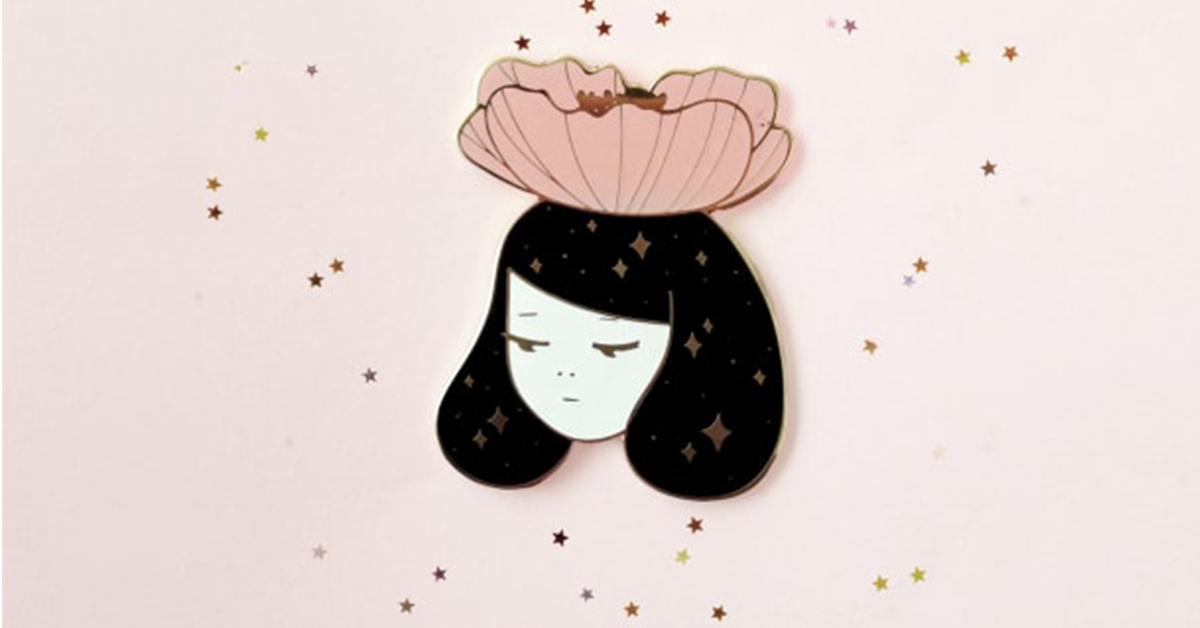
The talented Mexican illustrator shares, step by step, how she transforms her beautiful drawings into pins
Karla Hernández, better known as Charlötte (@charlotte.khm), is a graphic designer and illustrator who has a passion for color, fauna, flora, climate, and all other aspects of nature. Influenced by Asian folklore and the artists Koralie and Conrad Roset, she has found a visual style that draws on figures from nature and women.
Charlötte has focused on bringing together these different areas of interest into her designs, with certain elements becoming key features in her work. She uses a palette of soft and shiny colors, finding inspiration in shapes and details from her day-to-day life.
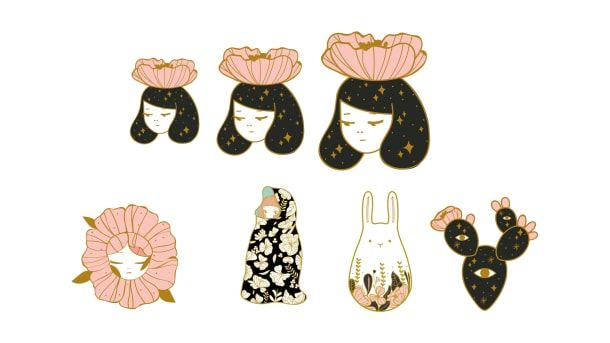
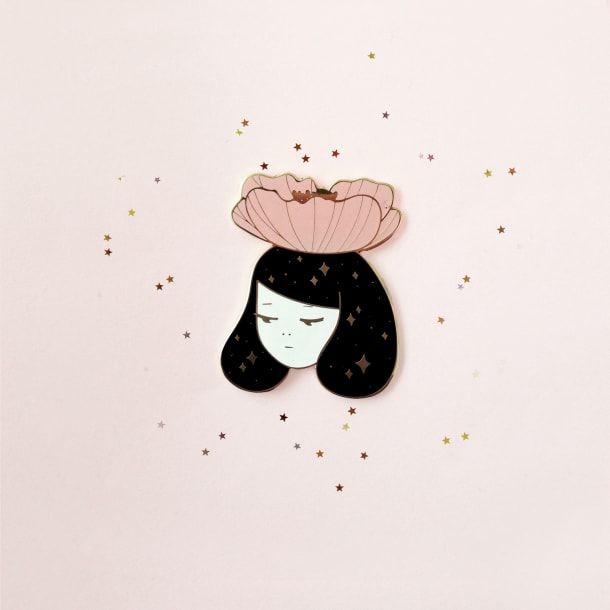
Her pins stand out among her creations. Here Charlötte walks us through her process for transforming her beautiful drawings into pins.
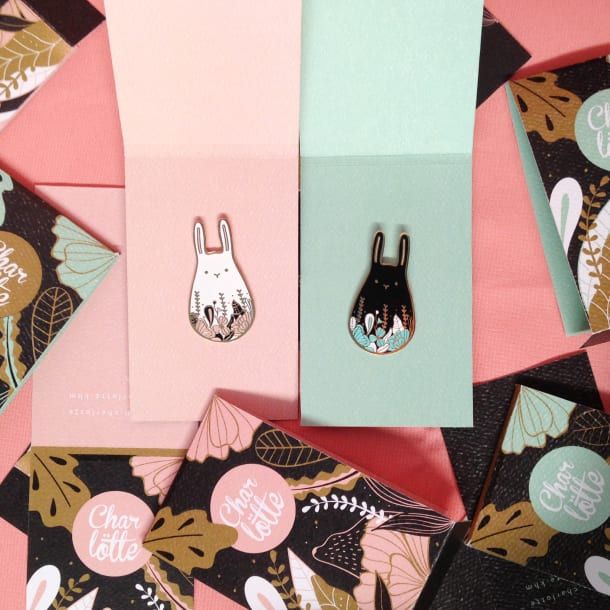
1. Idea and sketches
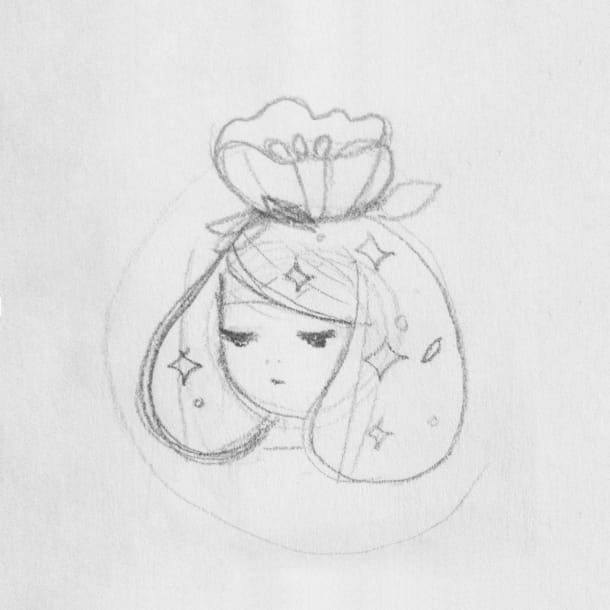
Normally, her pin ideas start out as doodles that later are transformed into simple, quick sketches that she does when she’s bored or in meetings. “This really helps because to develop a pin, the simpler and cleaner the design, the easier it is to replicate”.
2. Vectors
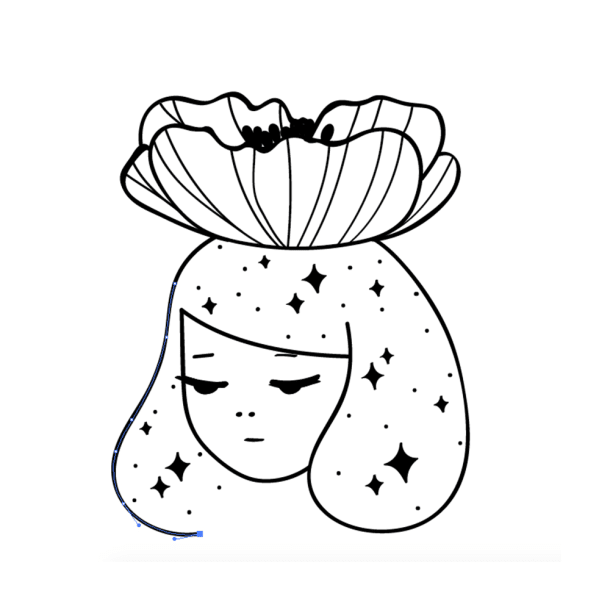
To create a pin, it’s necessary to send the design as a vector drawing and to work in color overlay. This is why the best option is to upload the sketch to Illustrator and trace it.
3. Composition
Having learned from her previous experiences, Charlötte’s approach to composition now centers on four key points:
The outline and which parts will be metal: “I use color to mark the areas that won’t be colored and therefore will show the color of the metal, in this case, gold.”
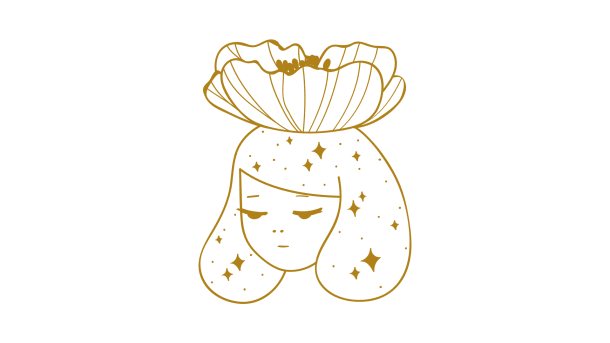
The number of colors you want to use: “Each color is an element to think about in terms of price. It’s important to identify them with Pantone color codes.”

The thickness of the lines and small details: “Given how the color is applied, it’s very important to take into account line thickness and that there is enough space to ensure that the color doesn’t overflow and cover parts of the line or cause it to disappear completely. Everything depends on the size of the pin. The bigger it is, the easier it is to work with aesthetic detail. My designs have a lot of thin lines, so before sending them off, I print several sizes to see how easy they are to see.”
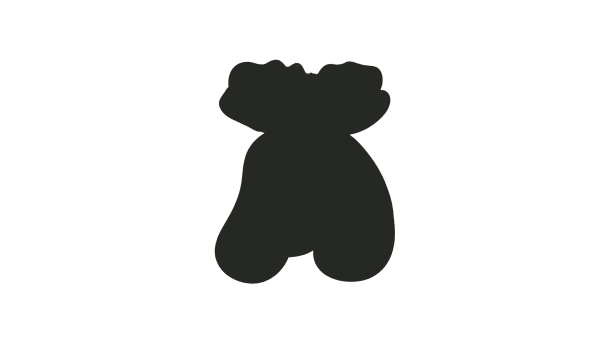
The shape should be easy to cut: “There are shapes that turn out better than others. Areas that are thinner or closed-off are likely to acquire unexpected details that aren’t part of the design. I recommend using big curves that aren’t complicated.”
4. File
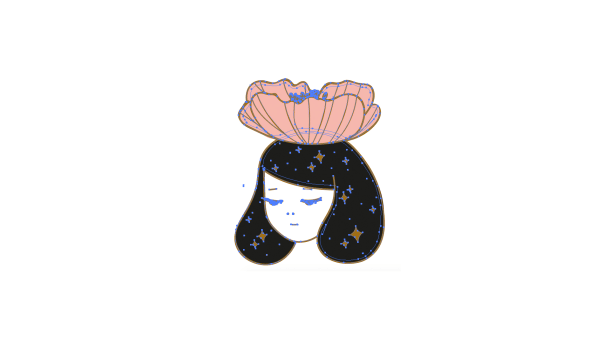
Once the illustration is ready, Charlötte transforms everything into curves and sends the file to the pin manufacturer. In Mexico, Puro Pin is a good option, or for the rest of the world, you can use Made by Cooper.
You may also like:
Vectorial Illustration with Style, a course by Ely Ely Ilustra
Vector Illustration for Amateurs, a course by Aarón Martínez
Digital Illustration with Illustrator and Photoshop, a course by Julián Ardila


0 comments