
Realistic Prop Creation for Video Games
A course by Paula Sánchez-Ferrero Ruiz3D Videogame Artist
A course by Paula Sánchez-Ferrero Ruiz, 3D Videogame Artist

Learn to model and texturize professional-quality 3D assets
The video game industry is constantly trying to outdo itself, requiring those who work in the field to continue learning new techniques and processes. 3D artist and video game prop expert Paula Sánchez-Ferrero is passionate about video games, and she views that requirement not as an obstacle but as a continuous opportunity for growth.
In this online course, she takes you through the step-by-step process of creating a realistic 3D prop model with final-production quality using different modeling and texturing programs. In addition, discover the basics that you can apply to other professional assets and the most common workflows used in the AAA video game industry today.
What will you learn in this online course?
25 lessons & 20 downloads
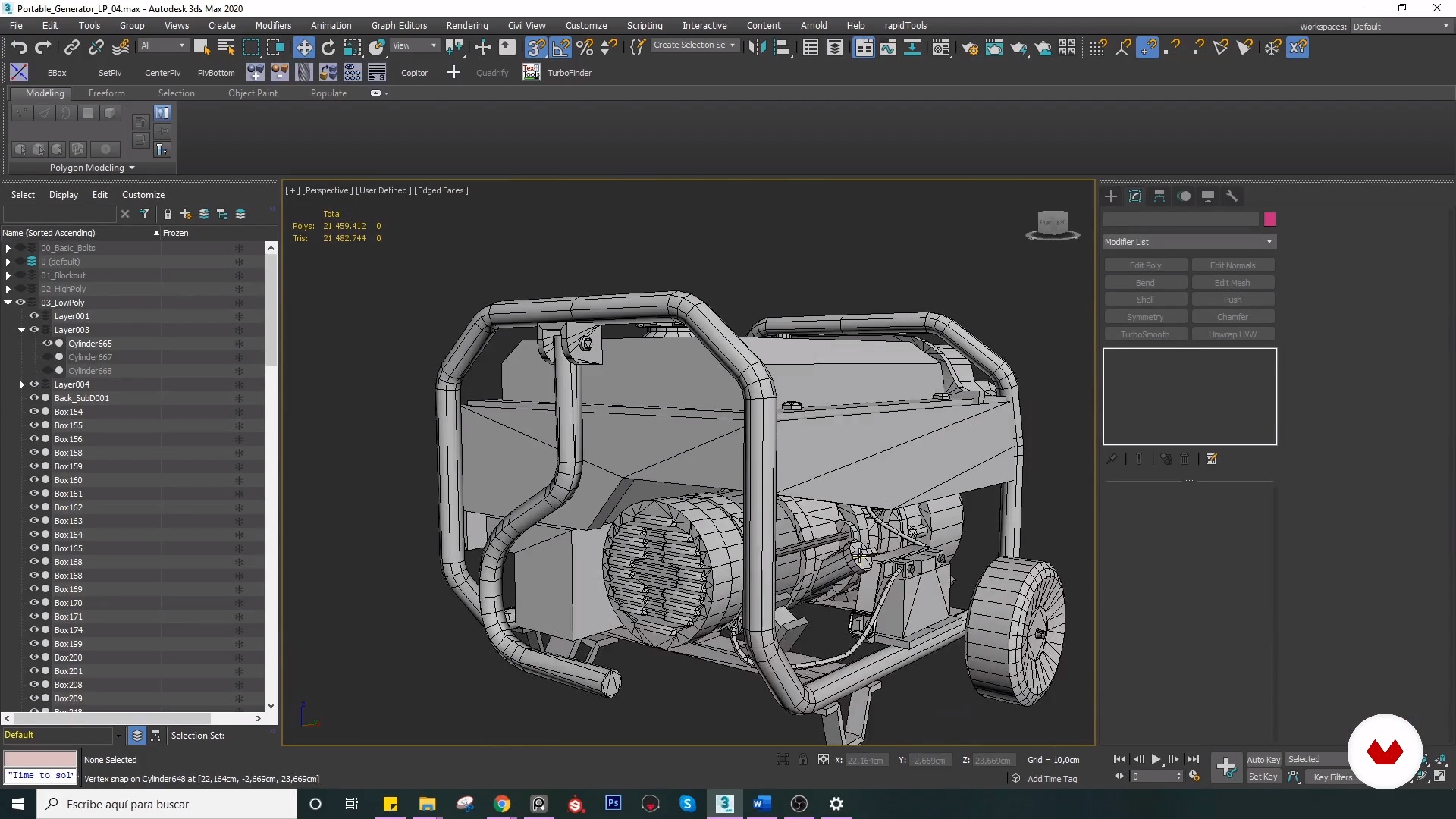
What will we do in the course
48 seconds
Video game pipeline
6 minutes, 1 second
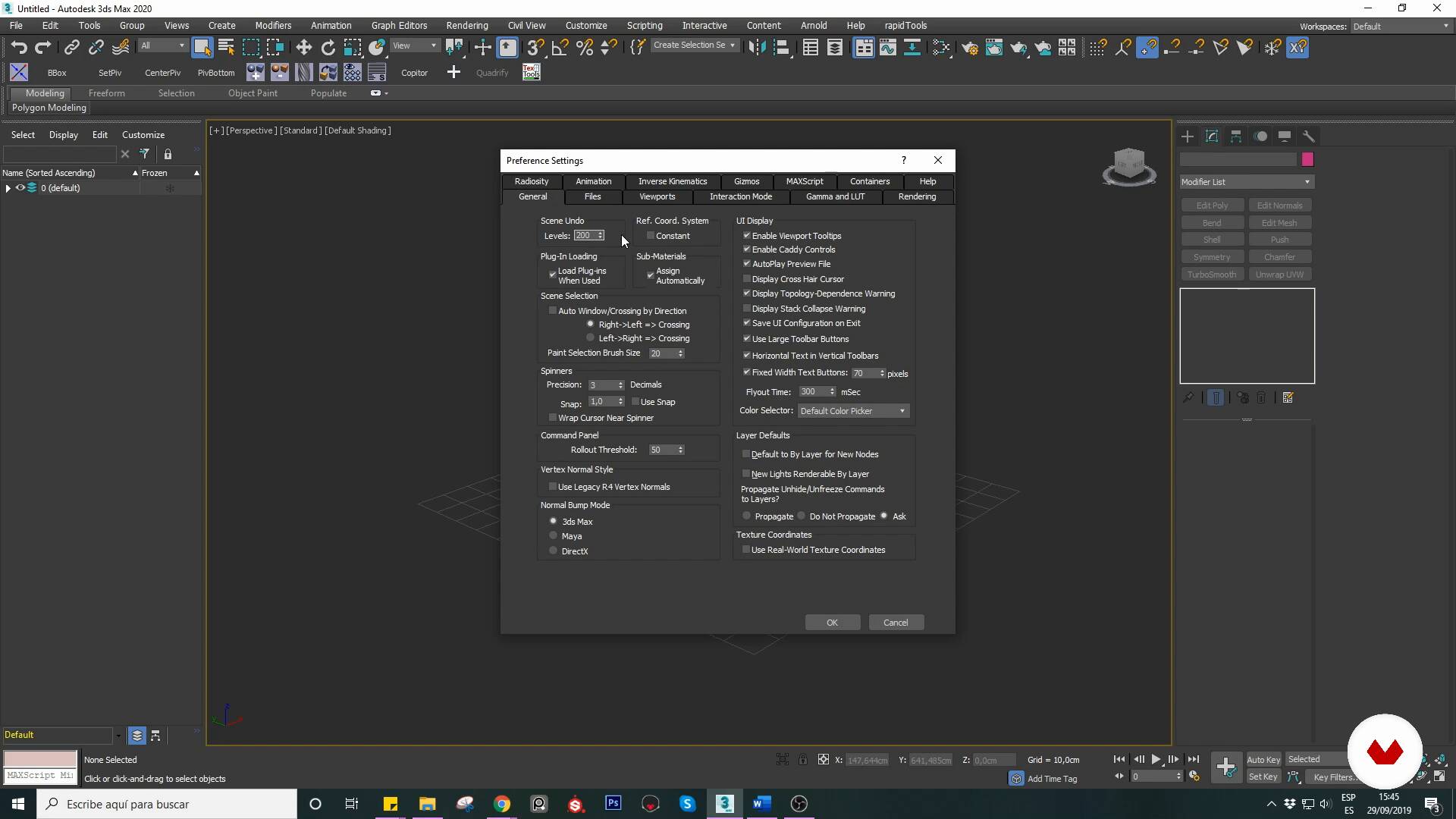
Software configuration
16 minutes, 57 seconds
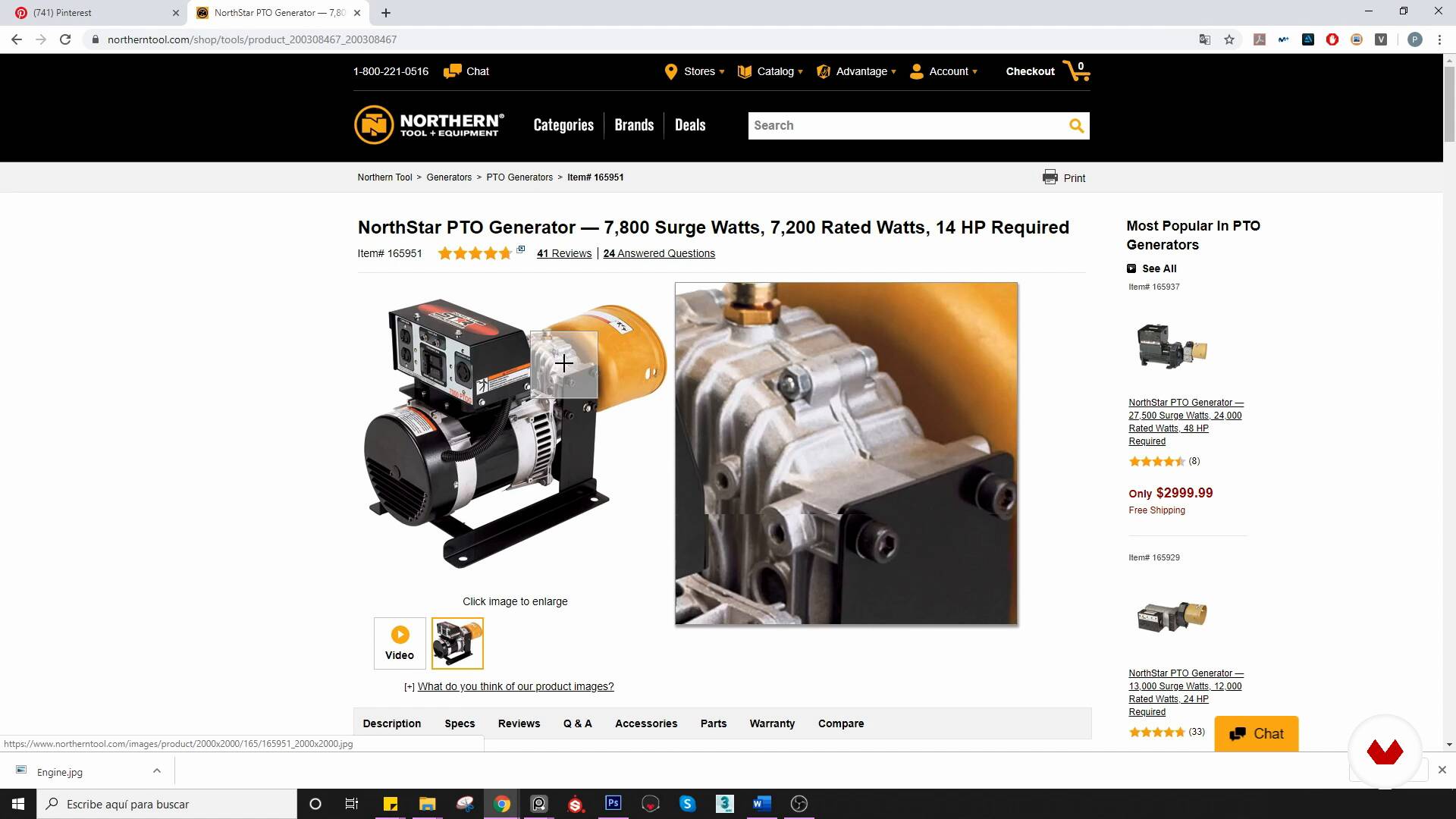
Reference Search
12 minutes, 45 seconds
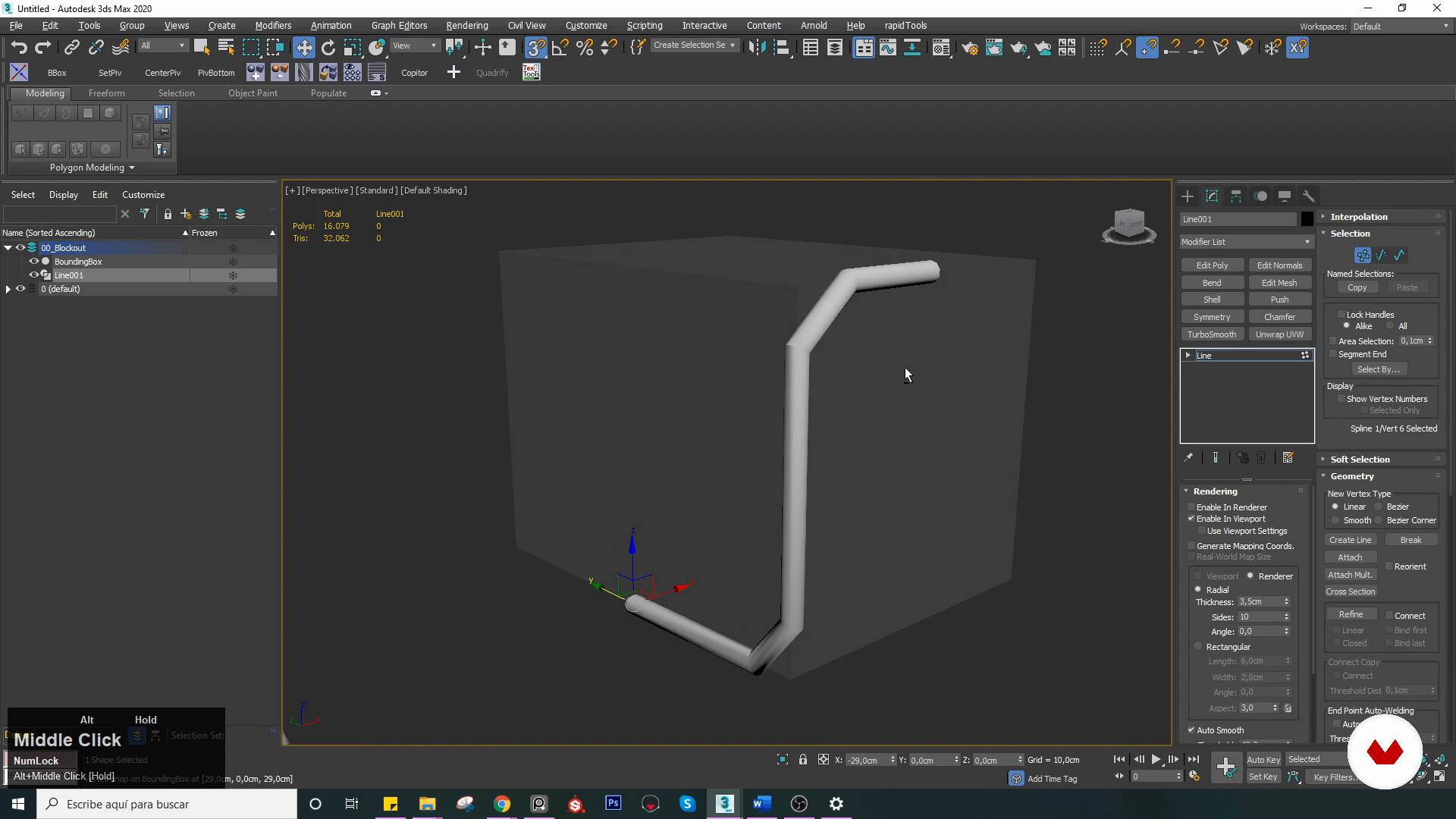
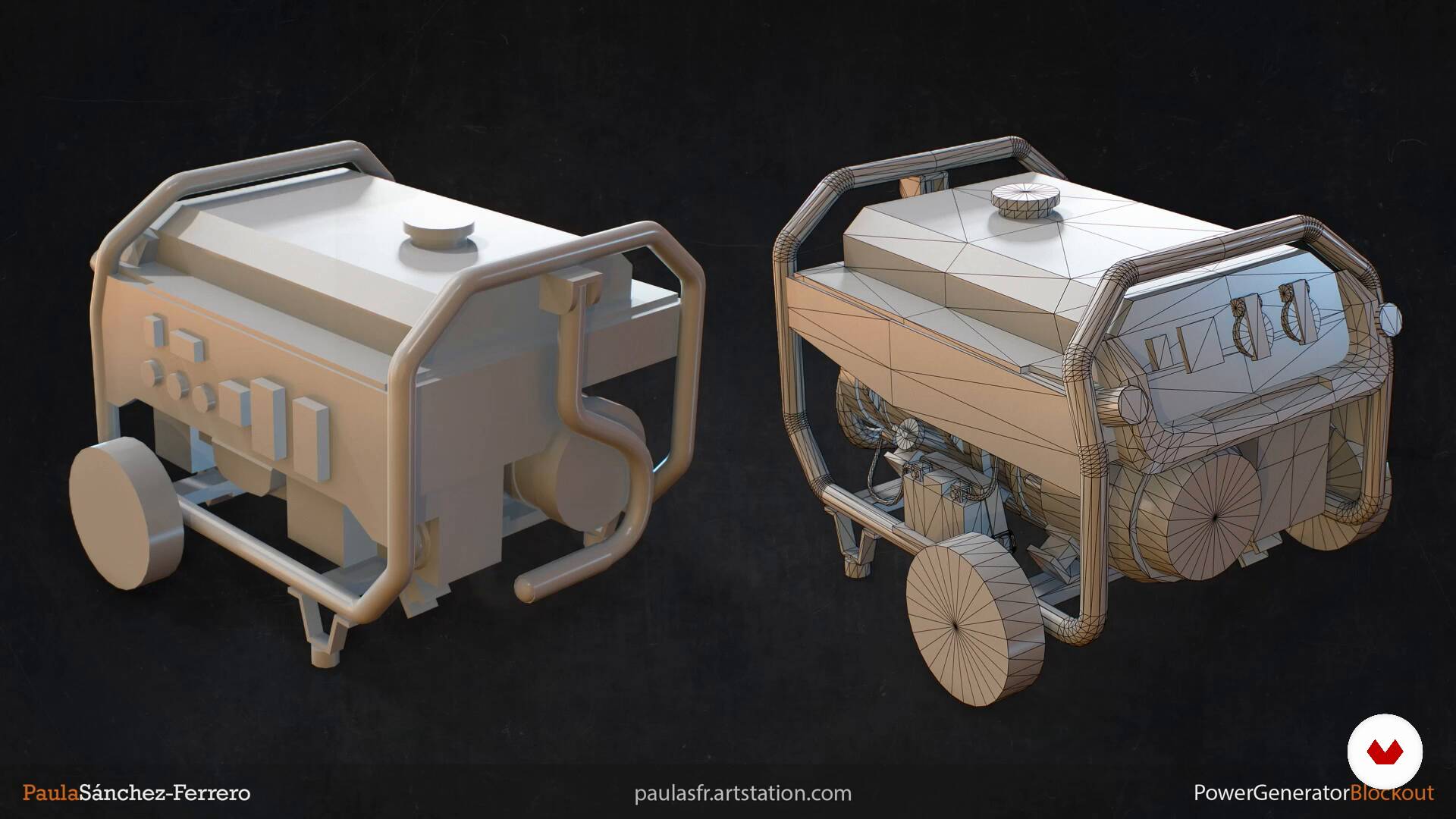
Blockout
19 minutes, 59 seconds
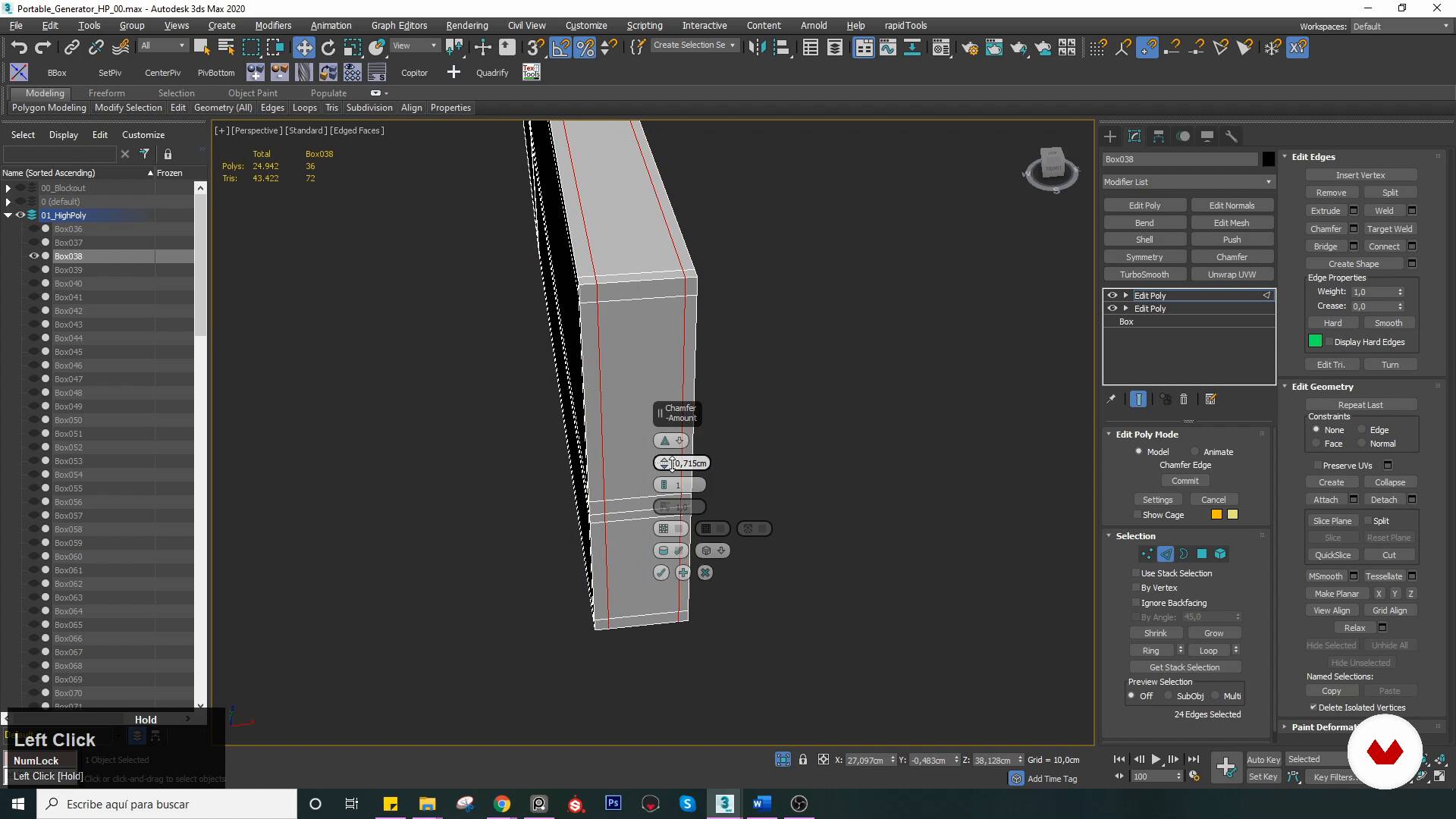
High poly: SubD 1 elements
19 minutes, 33 seconds
What's included in this course?
Start by learning more about Paula, her influences, her beginnings in the video game industry, and her experience as an environment and prop artist and a supervising 3D artist.
Explore the pipeline and phases of asset development for video games before downloading and configuring 3ds Max to help you work more efficiently. Paula then shows you different sites that she uses to find inspiration.
With clear dimensions for your asset and an organized game plan for creation and delivery, explore the techniques for modeling more complex parts and take a closer look at containment or support loops to make sure your high-poly model looks right.
Paula then introduces you to Booleans before guiding you through the basics of ZBrush so you can quickly and realistically combine parts into high-poly models. Analyze the workflow for quickly creating high-poly details via floaters.
Then, create the final meshes, reusing your model as much as possible to ensure that it works. Learn more about smoothing groups and how to apply them as you advance onto UVs and prepare your asset for texturizing. The next step involves creating quality bakes to transfer the detail from high- to low-modeling without errors.
Delve into Substance Painter for texturing, examine the base materials, and learn more about the importance of PBR and the use of masks before finalizing the texture so your asset tells a visual story.
Wrap up the course by illuminating your scene with the Marmoset rendering engine, optimizing your modeling renders so that they look better in your portfolio and on social media. Review final touches like contrast, shadows, background, effects, focus, and overlapping elements.
Recommended software & tools for this course
What is this course's project?
Create a realistic model of a power generator. Adjust its optimization to turn it into a video game-suitable mesh, learning to give your asset realistic textures and a story that transforms a run-of-the-mill object into a prop that's full of life.
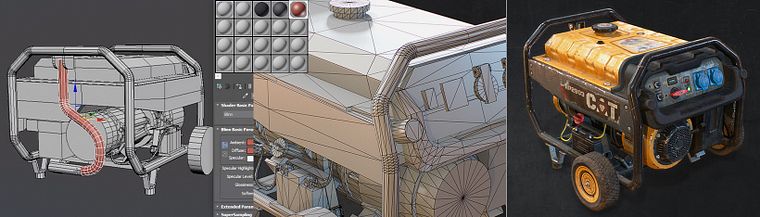
Projects by course students


Who is this online course for?
3D artists, designers, digital artists, students, and professionals interested in learning to create a quality video game prop following real industry workflows.
Requirements and materials
Basic knowledge of 3ds Max, ZBrush, and Substance Painter are recommended, but Paula also guides you through the entire process of creating the proposed model.
In addition, you need a computer with the minimum versions of the following: 3ds Max, ZBrush 2018, Marmoset Toolbag 3, Substance Painter 2018, and Adobe Photoshop.
Reviews
- 1 year ago
Curso bien explicado y claro , creo que ella es muy metódica y ordenada ... quizás no tan básico ya que es un nivel intermedio. Además queda claro el Pipeline en un objeto.
- 1 year ago
Súper conforme, muy bien explicado y de da tips muy precisos que te ayudan un montón! Recomendable 100%
- 1 year ago
muy buen curso muy entendible y 100% recomendado
- 1 year ago
Siento que el curso sería mejor con el paso a paso, pone en camara rapida y personas como yo que estamos intentando aprender del programa se hace un poco dificil hasta incluso bloqueante el aprender, ya que hay cosas que explica para iniciantes, pero otras no, como shortcuts, herramientas, etc. Y no hay forma de aprenderlas a no ser investigues por tu propia cuenta, este curso es mas como se lleva todo el workflow, pero no a como usar el programa.
- 1 year ago
Muy buen curso, se nota que lleva tiempo trabajando en modelado, te enseña metodologías que se aprenden con la experiencia.

She has extensive experience working as an environment and prop artist at elite3d, an outsourcing company for videogames where she also serves as supervising 3D artist. She has also collaborated with international companies on the development of more than nine AAA projects, including some as well-known as Metro Exodus, Call of Duty: WWII, and Overkill's The Walking Dead.
Content
- U1
Introduction
- Presentation
- Influences
- What will we do in the course
- U2
Previous steps and search for inspiration
- Video game pipeline
- Software configuration
- Reference Search
- U3
Hands on the keyboard! Modeling begins
- Blockout
- High poly: SubD 1 elements
- High poly: SubD 2 elements
- High poly: SubD 3 elements
- High poly: Booleans 1
- High poly: Booleans 2
- High poly: Floaters and details
- U4
Creating final meshes
- Low poly 1
- Low poly 2
- UVs and Texel Density
- UVs and Texel Density 2
- Bakes
- U5
Textures and last steps
- Textures: Configuration and basic notions
- Textures: Creation of base materials 1
- Textures: Creation of base materials 2
- Textures: Giving the history asset
- Before importing into the game engine
- U6
Renders and presentation
- Final renderings
- Presentation of our asset
- FP
Final project
- Creation of realistic props for video games
What to expect from a Domestika course
Learn at your own pace
Enjoy learning from home without a set schedule and with an easy-to-follow method. You set your own pace.
Learn from the best professionals
Learn valuable methods and techniques explained by top experts in the creative sector.
Meet expert teachers
Each expert teaches what they do best, with clear guidelines, true passion, and professional insight in every lesson.
Certificates
PLUSIf you're a Plus member, get a custom certificate signed by your teacher for every course. Share it on your portfolio, social media, or wherever you like.
Get front-row seats
Videos of the highest quality, so you don't miss a single detail. With unlimited access, you can watch them as many times as you need to perfect your technique.
Share knowledge and ideas
Ask questions, request feedback, or offer solutions. Share your learning experience with other students in the community who are as passionate about creativity as you are.
Connect with a global creative community
The community is home to millions of people from around the world who are curious and passionate about exploring and expressing their creativity.
Watch professionally produced courses
Domestika curates its teacher roster and produces every course in-house to ensure a high-quality online learning experience.
FAQs
You’ll learn how to create realistic assets following a professional pipeline—from blockout and high/low poly modeling to advanced texturing, detail baking, game engine integration, and final touch-ups in Photoshop.
The course is intermediate level. It’s recommended to have basic 3D modeling knowledge and be familiar with software like 3ds Max, Maya, or ZBrush.
You’ll need 3ds Max (or similar), ZBrush, Maya (optional for UVs), Marmoset Toolbag, Substance Painter, and Photoshop. Having the latest versions of these programs is recommended.
Blockout defines the scale, proportions, and basic structure of the asset. It’s essential for planning the model, saving time, and ensuring the prop fits well within the game environment.
You’ll learn advanced PBR techniques, material creation, using wear and microdetail generators, plus texture optimization for games in Substance Painter.
Yes, the course covers modeling and texturing of both organic and inorganic props, demonstrating techniques and workflows for each.
You’ll see the full process of exporting, setting up, and optimizing props for game engines, ensuring compatibility, collision, and visual quality.