Creation of 3D Scenes from Scratch in Maya
A course by Albert Valls Punsich3D Artist
A course by Albert Valls Punsich, 3D Artist

Work on a scene's set dressing starting from the idea, to the blocking and composition, up to the final render
Composition, color, and lighting are the keys to bringing a 3D stage to life. Through the set dressing, you can not only decorate and set a realistic environment but also provide information to the story you want to tell. Albert Valls is a 3D artist who specializes in modeling and scene creation, and his projects are defined by his passion for the small details. In this course, he teaches you how to create your own scene.
With his experience working in Framestore for high-level productions such as Avengers: Infinity War, Thor: Ragnarok, and Fantastic Beasts: The Crimes of Grindelwald, in this course he teaches you all the necessary steps to create a scene from scratch in Autodesk Maya.
Start with the idea, blocking and composing, until the final render. You will see the techniques and tools that will help you turn your imagination into reality while discovering the methodology used by professional studios.
What will you learn in this online course?
38 lessons & 28 downloads
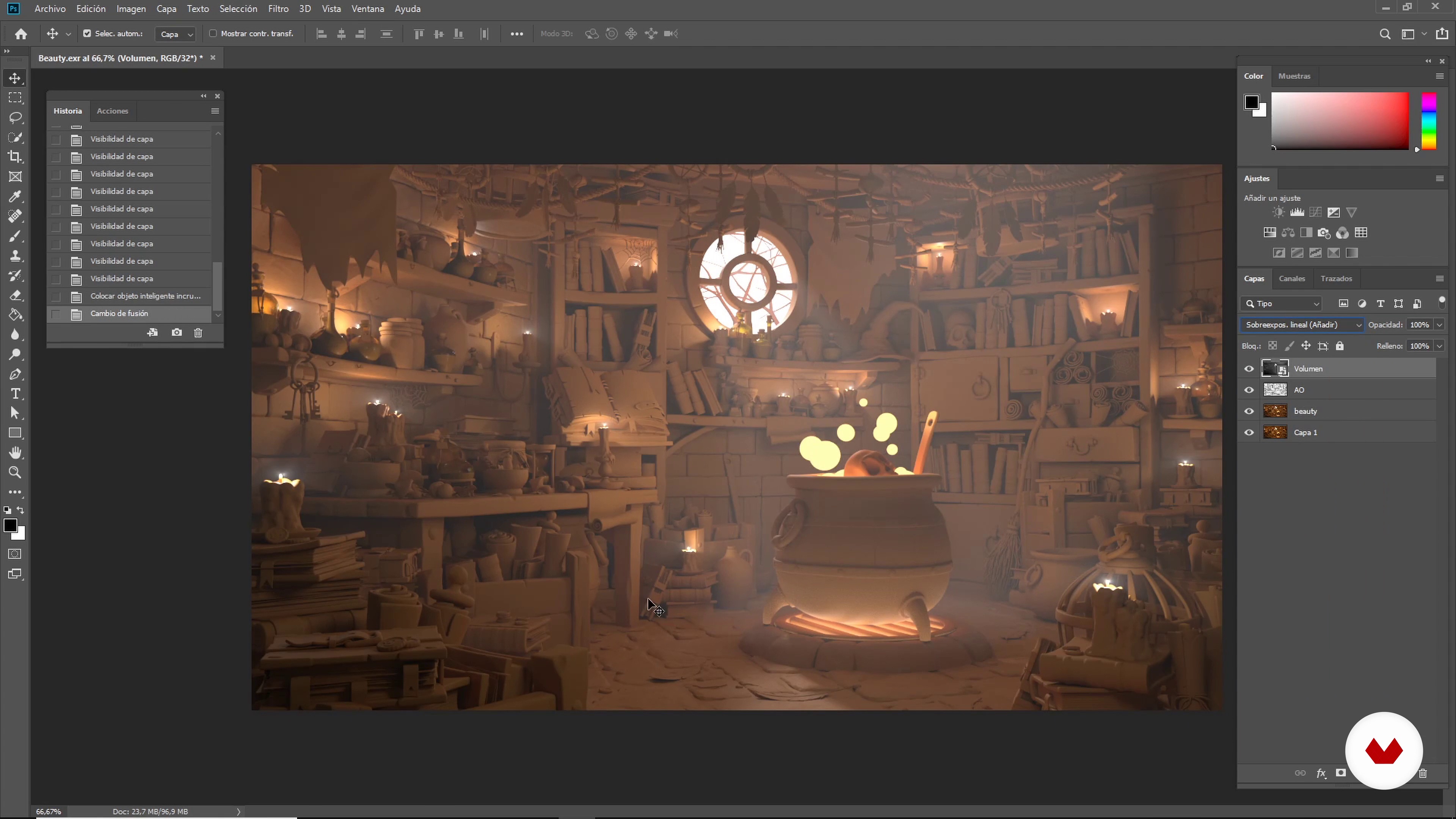
What will we do in the course?
3 minutes, 21 seconds
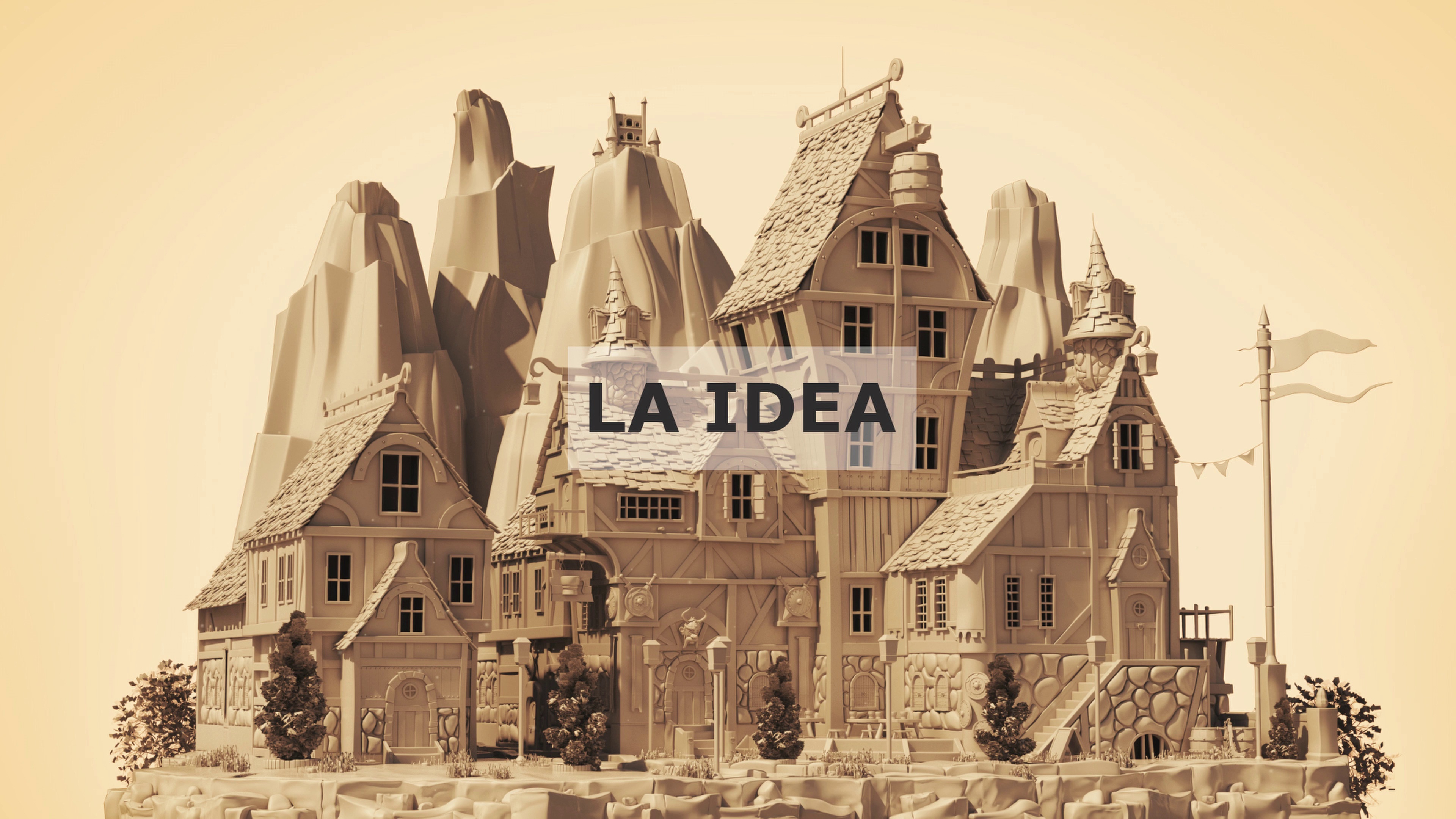
The idea
6 minutes, 25 seconds
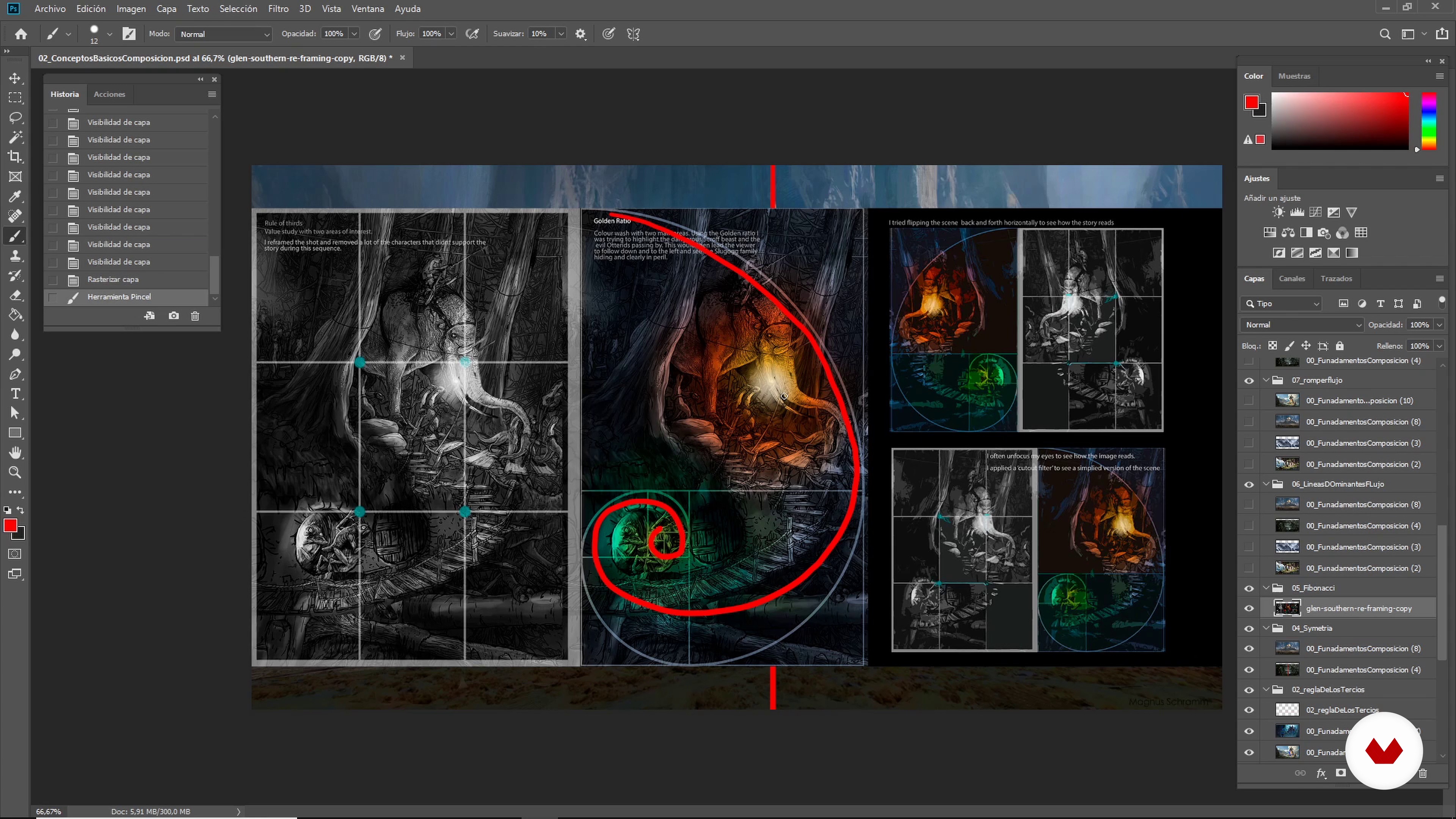
Basic composition concepts
21 minutes, 35 seconds
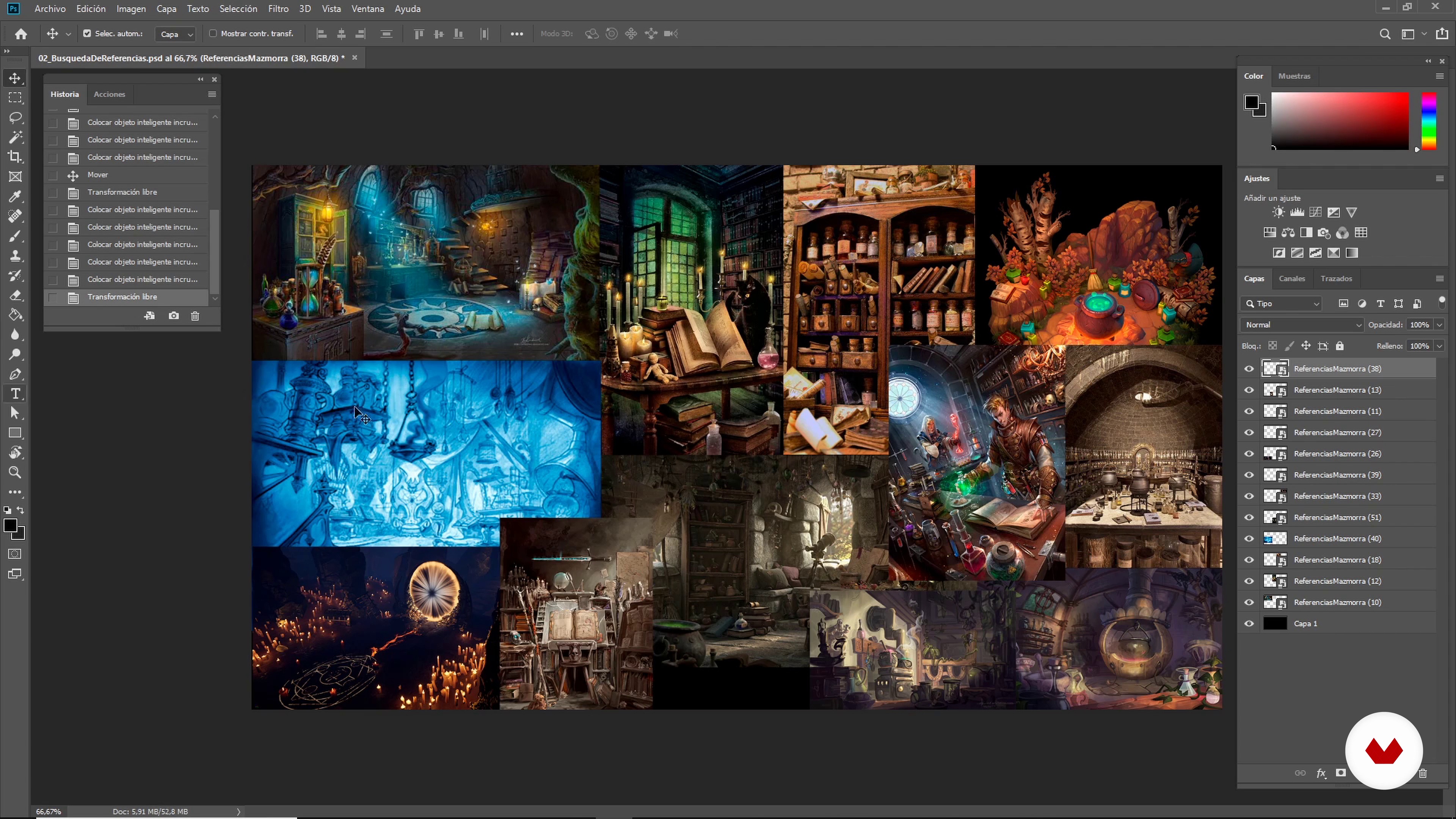
Collection of references
14 minutes, 36 seconds
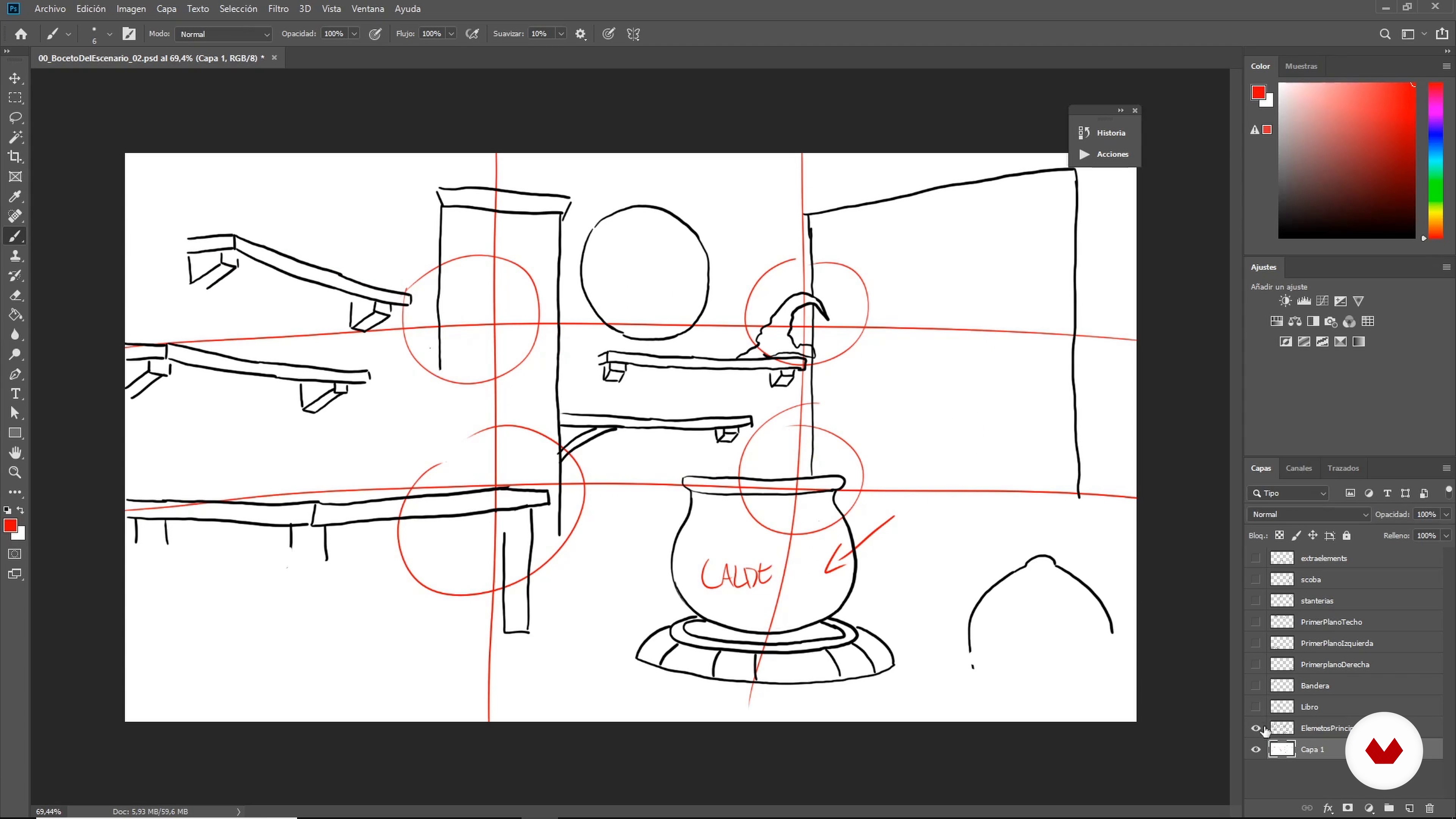
Scenario sketch I
19 minutes, 12 seconds
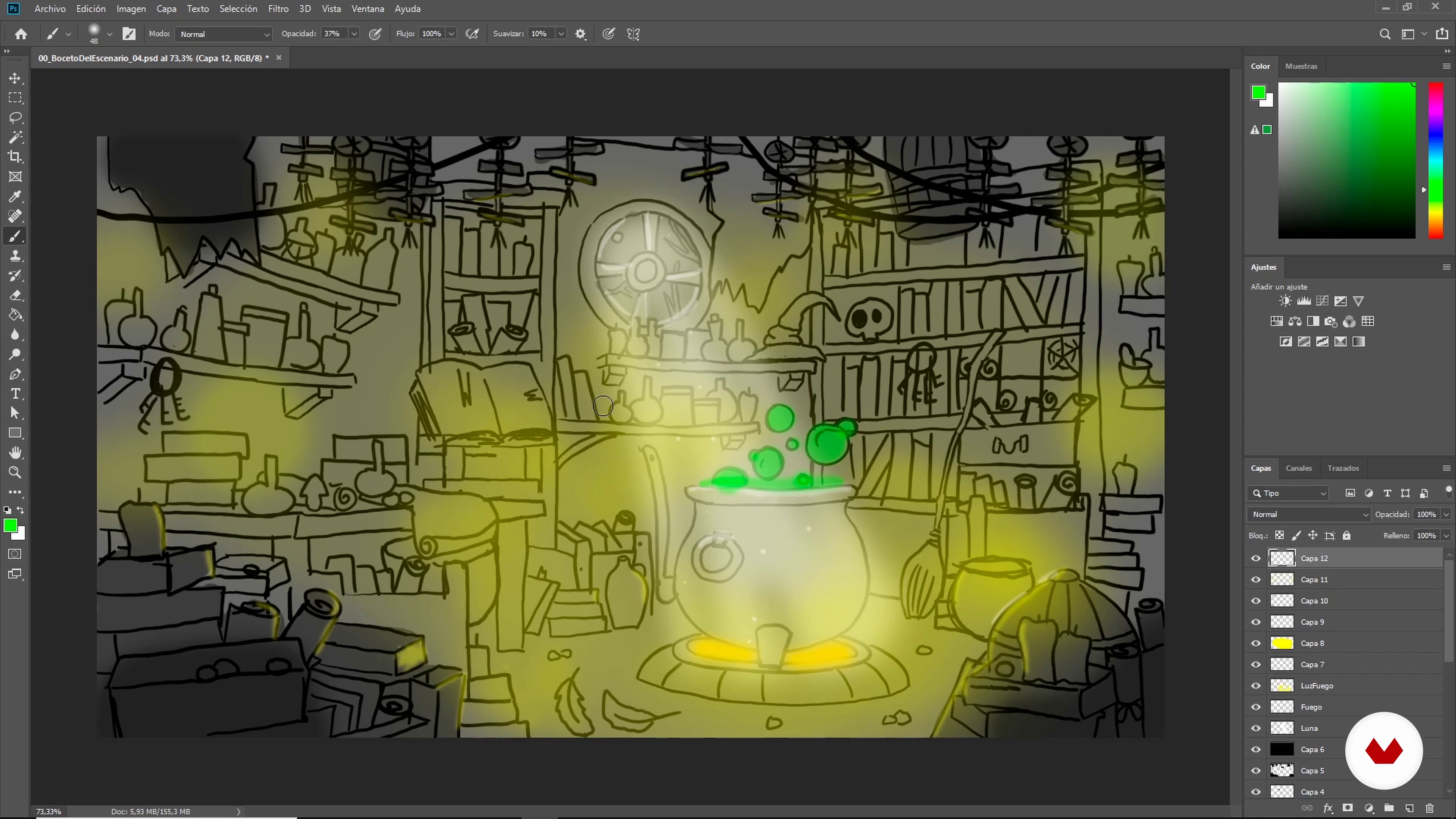
Scenario sketch II
15 minutes, 54 seconds
What's included in this course?
Start the course by meeting Albert, who tells you a little bit about him, about his professional career as a 3D artist, and the different reasons why he has been successful in his career. He also shows you artistic references and his main audiovisual influences.
Albert talks to you about the most important thing before creating a scene: the idea. Learn about different sources of references and how to plan the project. See the basic concepts of composition and make the first sketch of your scene, which is fundamental before starting.
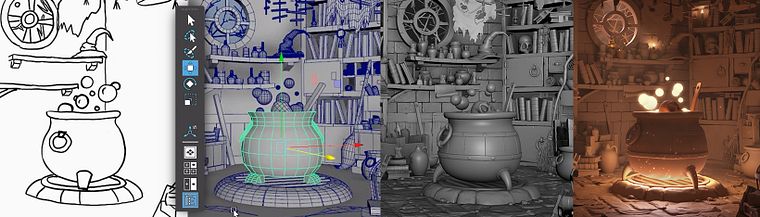
Let's get to work! Using essential tools, block out or model in low poly to visualize and modify your scenario, adjusting the scale, volumes, and proportions.
Then, build the assets of the environment. See what the set dressing technique is and the importance of choosing the right style, level of detail, and creation of libraries to optimize your modeling work. Also, see how to reuse already modeled objects to create new ones and prepare all the assets for production.
Continue to build your scenario. Use the previously created set dressing library and learn how to interpret blocking like a professional. Add props to the scene and visualize your character to achieve a perfect dressing before the files are ready for textures.
Finally, complete your scene with the rendering, apply some basic lighting and rendering concepts with your own style and then, with Adobe Photoshop, finish your stage and leave it ready to publish in your portfolio.
Recommended software & tools for this course
What is this course's project?
Make a 3D scene applying the teacher's working methodology. Albert will make one set in a dungeon, but you can choose what your scene is about.
Projects by course students


Who is this online course for?
3D enthusiasts with experience in modeling who want to go beyond the creation of assets and learn how to completely manage 3D scenes.
Requirements and materials
You will need knowledge of 3D modeling—ideally in Maya, but you can use other 3D software if you prefer—and you should be familiar with a drawing or illustration program.
Regarding materials, you will need a computer with Autodesk Maya (Albert will work with version 2019, but you can work with another version or software), Adobe Photoshop, or another program where you can draw digitally.
Reviews
- 7 months ago
Excellente
- rokuhann6PLUS8 months ago
...........
- 11 months ago
Entretenido y util
- 1 year ago
Professo incrivel, mas estou com problema para baixar o certificado!
- 1 year ago
Thank you, Great course!

Specializing in modeling and scenario creation for VFX, animation, and television, he has worked both nationally and internationally for several studios. Among which stands out his work in Framestore for big productions such as Avengers: Infinity War, Thor: Ragnarok, and Fantastic Beasts: The Crimes of Grindelwald.
Content
- U1
Introduction
- Presentation
- Influences
- What will we do in the course?
- U2
Fundamentals
- The idea
- Basic composition concepts
- Collection of references
- Scenario sketch I
- Scenario sketch II
- U3
Creation of blocking
- Essential basics of blocking
- Structure and hero props I
- Structure and hero props II
- Add items I
- Add items II
- Depth and extra elements 1
- Depth and extra elements II
- Vertex color
- Ready for production
- U4
Set dressing I: creation of assets
- What is Set Dressing for a 3D Scene?
- Level of detail
- Style
- Reuse items
- Nomenclature and publication
- Nomenclature and publication 2
- Preparing the library for production
- U5
Set dressing II: stage construction
- Assemble the structure and add hero props I
- Assemble the structure and add hero props II
- Creation and organization of new assets I
- Creation and organization of new assets II
- Scene Element Creation I
- Scene II Creation
- Final details
- Extra elements I
- Extra elements II
- U6
Render for the portfolio
- Lighting I
- Lighting II
- Look dev I
- Look dev II
- Final score
- FP
Final project
- x Scenario modeling
What to expect from a Domestika course
Learn at your own pace
Enjoy learning from home without a set schedule and with an easy-to-follow method. You set your own pace.
Learn from the best professionals
Learn valuable methods and techniques explained by top experts in the creative sector.
Meet expert teachers
Each expert teaches what they do best, with clear guidelines, true passion, and professional insight in every lesson.
Certificates
PLUSIf you're a Plus member, get a custom certificate signed by your teacher for every course. Share it on your portfolio, social media, or wherever you like.
Get front-row seats
Videos of the highest quality, so you don't miss a single detail. With unlimited access, you can watch them as many times as you need to perfect your technique.
Share knowledge and ideas
Ask questions, request feedback, or offer solutions. Share your learning experience with other students in the community who are as passionate about creativity as you are.
Connect with a global creative community
The community is home to millions of people from around the world who are curious and passionate about exploring and expressing their creativity.
Watch professionally produced courses
Domestika curates its teacher roster and produces every course in-house to ensure a high-quality online learning experience.
FAQs
You’ll learn to design, model, and compose 3D scenes from blocking to set dressing, applying composition, lighting, visual references, and professional worldbuilding techniques for animation, VFX, and personal projects.
This course is aimed at those with some prior 3D art or modeling experience, making it ideal for intermediate learners. You don’t need to be an expert, but basic familiarity with software like Maya is recommended.
You’ll need a computer with 3D modeling software like Maya and Photoshop for references. Basic skills in these programs and internet access for visual resources are recommended.
You’ll learn composition rules like the rule of thirds, leading lines, symmetry, visual rhythm, shape use, depth of field, contrast, and color to strengthen the visual storytelling in your scenes.
Yes, the course covers worldbuilding: defining ethnic groups, political systems, magic, flora, fauna, timelines, and designing coherent, narrative-rich fantasy environments.
Yes, you’ll learn how to sort and organize reference images, structure folders, rename files, and manage assets and set dressing libraries for an efficient 3D workflow.
Yes, the course teaches artistic lighting techniques, ambient occlusion, efficient rendering, and camera adjustments to maximize the visual impact of your scenes in Maya.