


Master Procreate Dreams: Animate Like a Pro with Perform Mode and Warp Tools
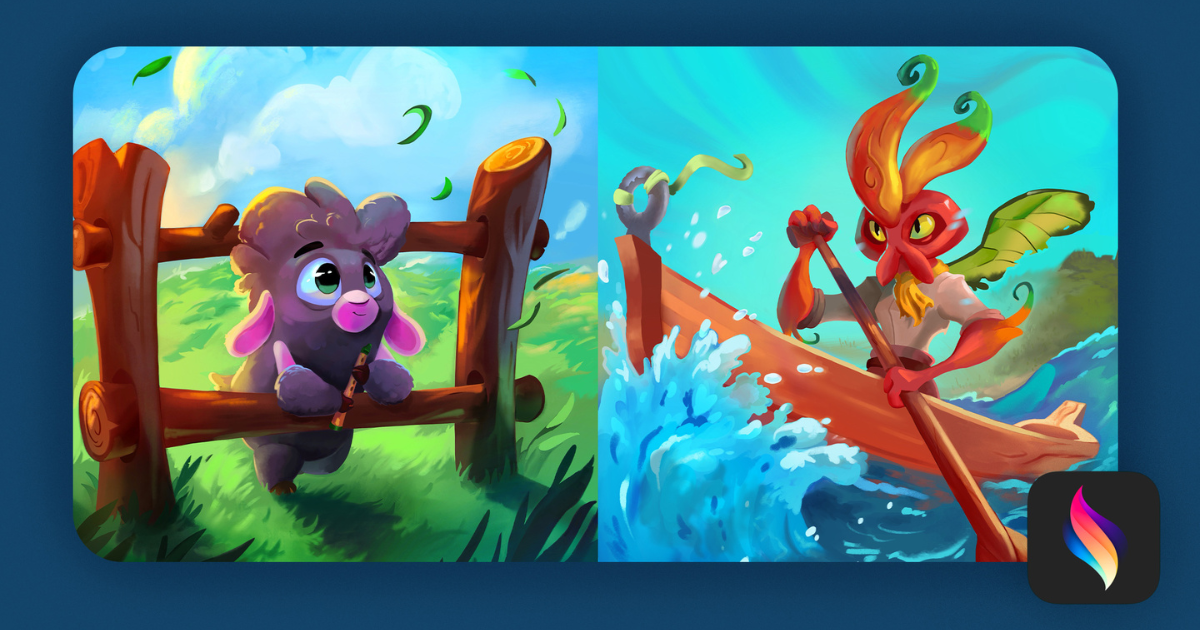
Discover powerful animation features in Procreate Dreams and learn how to create dynamic motion with simple gestures
If you’re diving into the world of digital animation, Procreate Dreams is the game-changing tool you need to explore. In this tutorial, animation expert Brooks Egleston breaks down one of the most exciting Procreate Dreams features: Perform Mode and the Warp Tool, two intuitive ways to bring your illustrations to life with motion.

When you tap the circle icon in the toolbar, you enter Perform Mode, turning your tablet into a live animation space. The red indicator shows it’s ready—but nothing happens until your fingers touch the screen. Once you move your artwork, Procreate Dreams records real-time motion as keyframes, letting you animate naturally and spontaneously.
But that’s just the beginning.
Brooks also demonstrates the Warp Tool, where you can manipulate specific quadrants of your layer to add squash, stretch, or distortion effects. By grabbing corners or dragging zones of your illustration, you gain control over expressive character animation or fluid motion effects—all without leaving the app.
Whether you're creating short animated loops or full sequences, mastering gesture-based animation, keyframe creation, and layer distortion with these tools will help you unlock the full potential of Procreate Dreams.
Ready to level up? Learn the complete basics and advanced workflows in Brookes Egleston’s full Domestika course on Procreate Dreams.


0 comments