


Canva 2025: The Creative Revolution with AI

Discover Canva 2025 innovations: Visual Suite 2.0, AI-powered tools, and features that transform productivity and visual design.
Canva 2025: The Creative Revolution with AI
In April 2025, Canva launched its most ambitious update to date: Visual Suite 2.0. This new version consolidates the platform as a comprehensive solution for creatives, marketing teams, and professionals looking to optimize their workflows. Artificial intelligence takes center stage, integrating features such as image editing, writing, and data analysis.
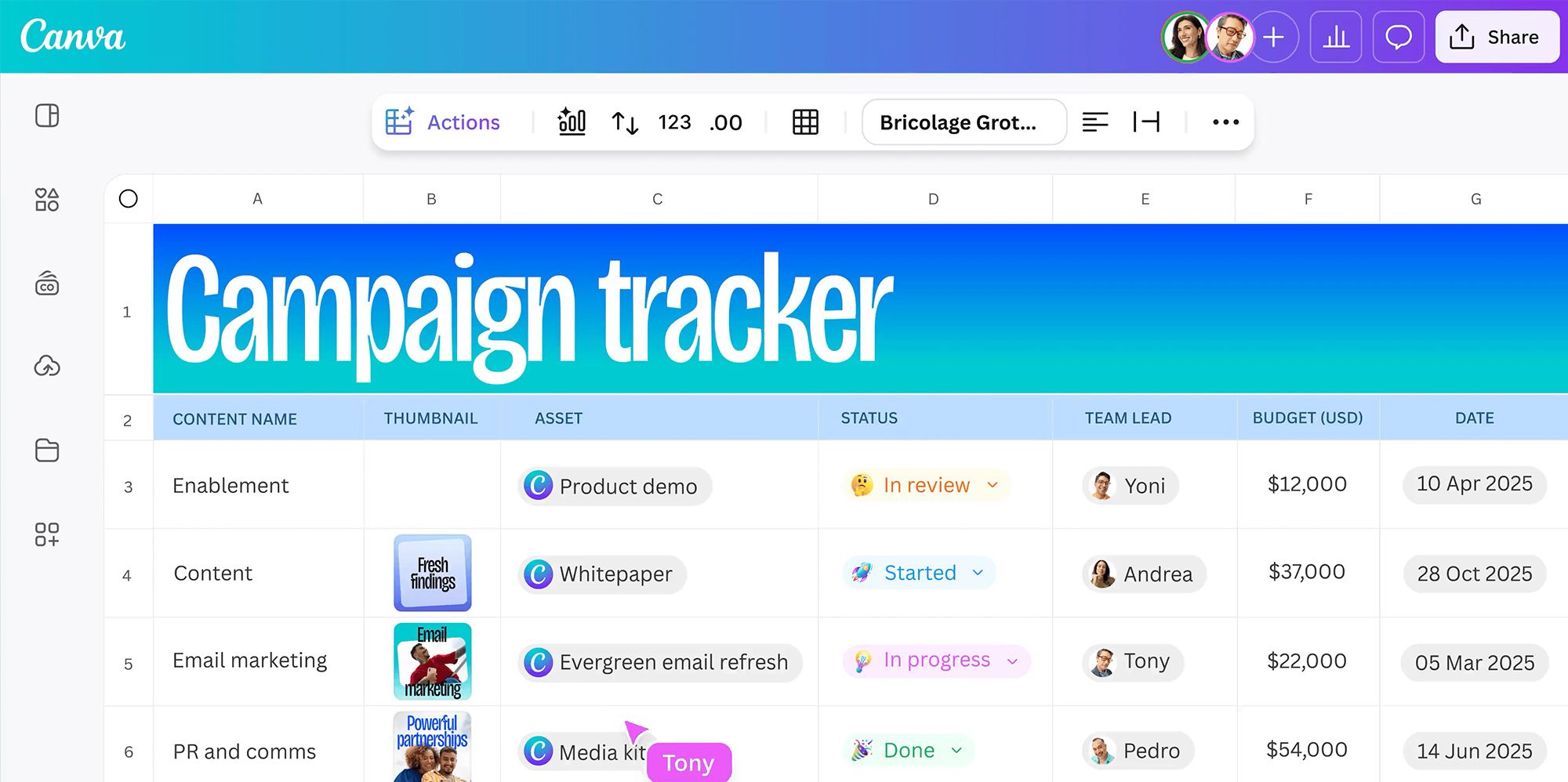
All-in-one Visual Suite
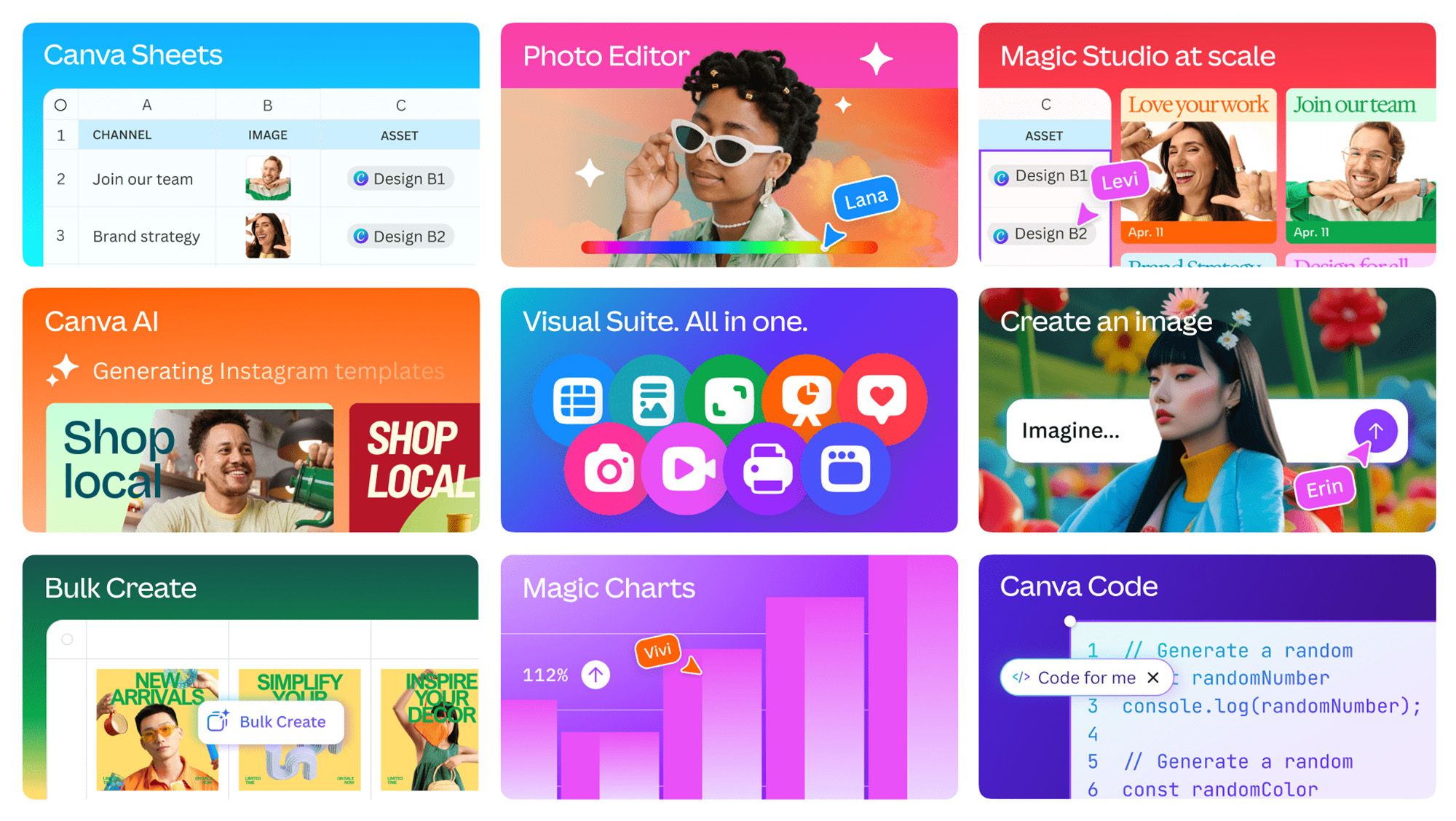
The new suite combines documents, presentations, videos, spreadsheets, and websites into a single collaborative platform. This allows you to plan, design, and execute projects without leaving the Canva environment. It also offers a more fluid experience for distributed teams.
Canva Sheets: Data Visualization with AI
Canva Sheets is a spreadsheet tool that combines visual design with data analysis. Features like Magic Write and Magic Insights allow you to generate beautiful reports and automatic summaries from complex information, ideal for presentations or creative proposals.
Canva Code: accessible design and development
One of the big surprises of this update is Canva Code, which allows anyone to create apps or widgets without any programming knowledge. Using natural instructions, users can automate processes, generate interactive pages, or customize tools within the platform.

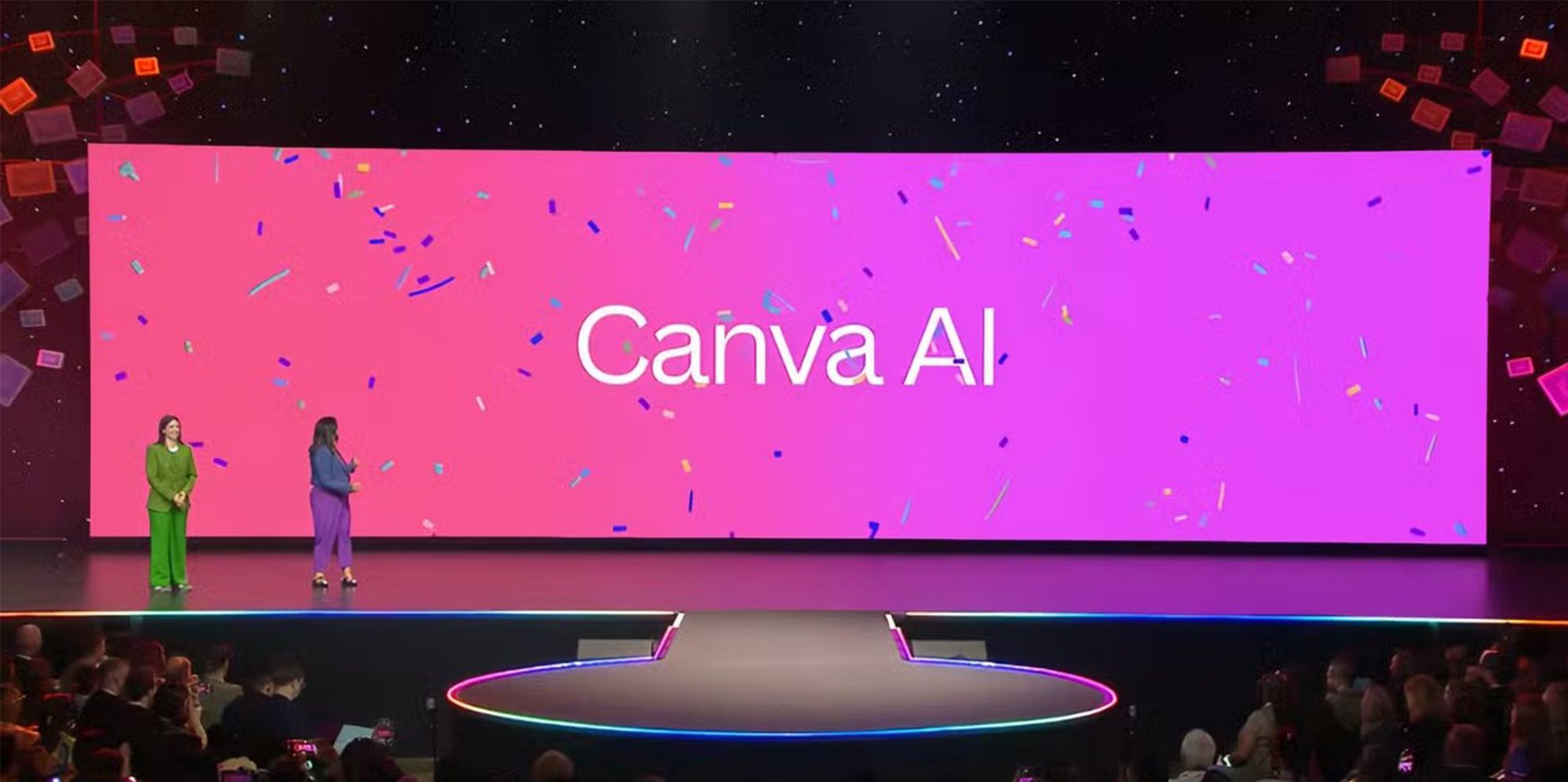
Canva AI: real-time creative assistance
Canva's new assistant works as a creative copilot. It integrates writing, image generation, automatic layout, and code writing functions. The editor becomes a more agile space, where ideas flow directly from text to design.
Discover our graphic design courses on Domestika and learn how to make the most of Canva 2025's features for your personal or professional projects.


0 comments