


4 Free Tutorials for Using and Creating Digital Brushes
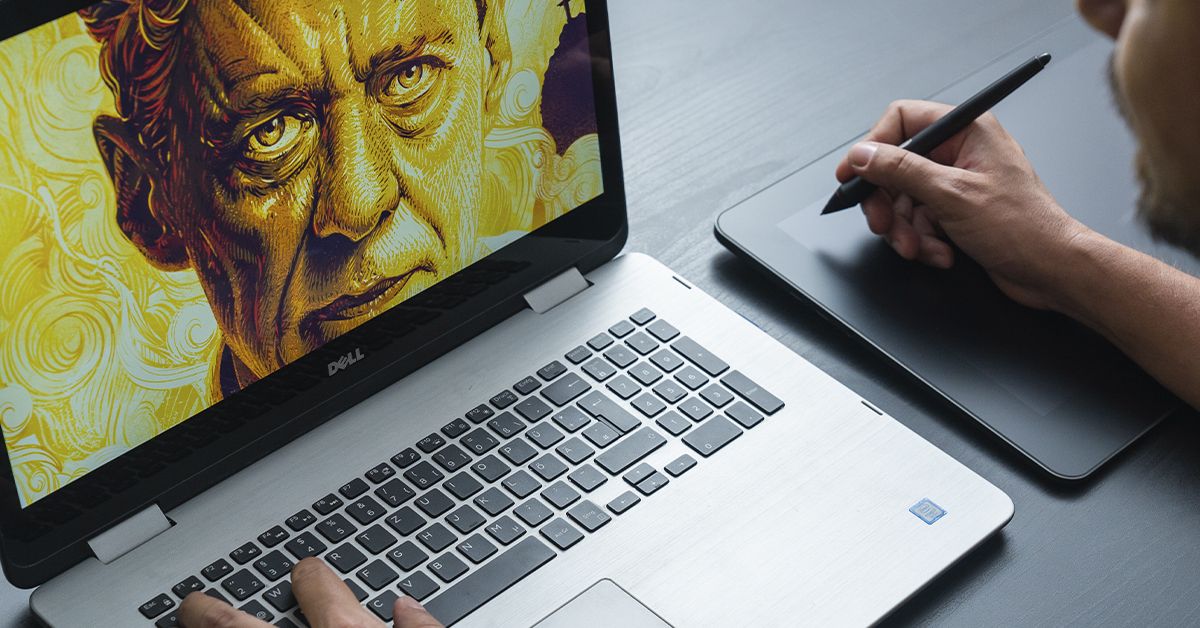
Discover how to make and master digital illustration brushes in Photoshop, Procreate, and Illustrator
Adding realism and depth to images can be a real challenge for digital illustrators. The combination of color, light, and textures is what brings digital art to life. Photoshop, Procreate, and Illustrator provide us with great tools to recreate what we imagine.
Digital illustration and image editing software are kitted out with valuable resources for all stages of the creative process: from developing a concept to treating the color and giving it the perfect finish, to sharing the final project on social media. Digital brushes are one of those resources.
What are digital brushes for?
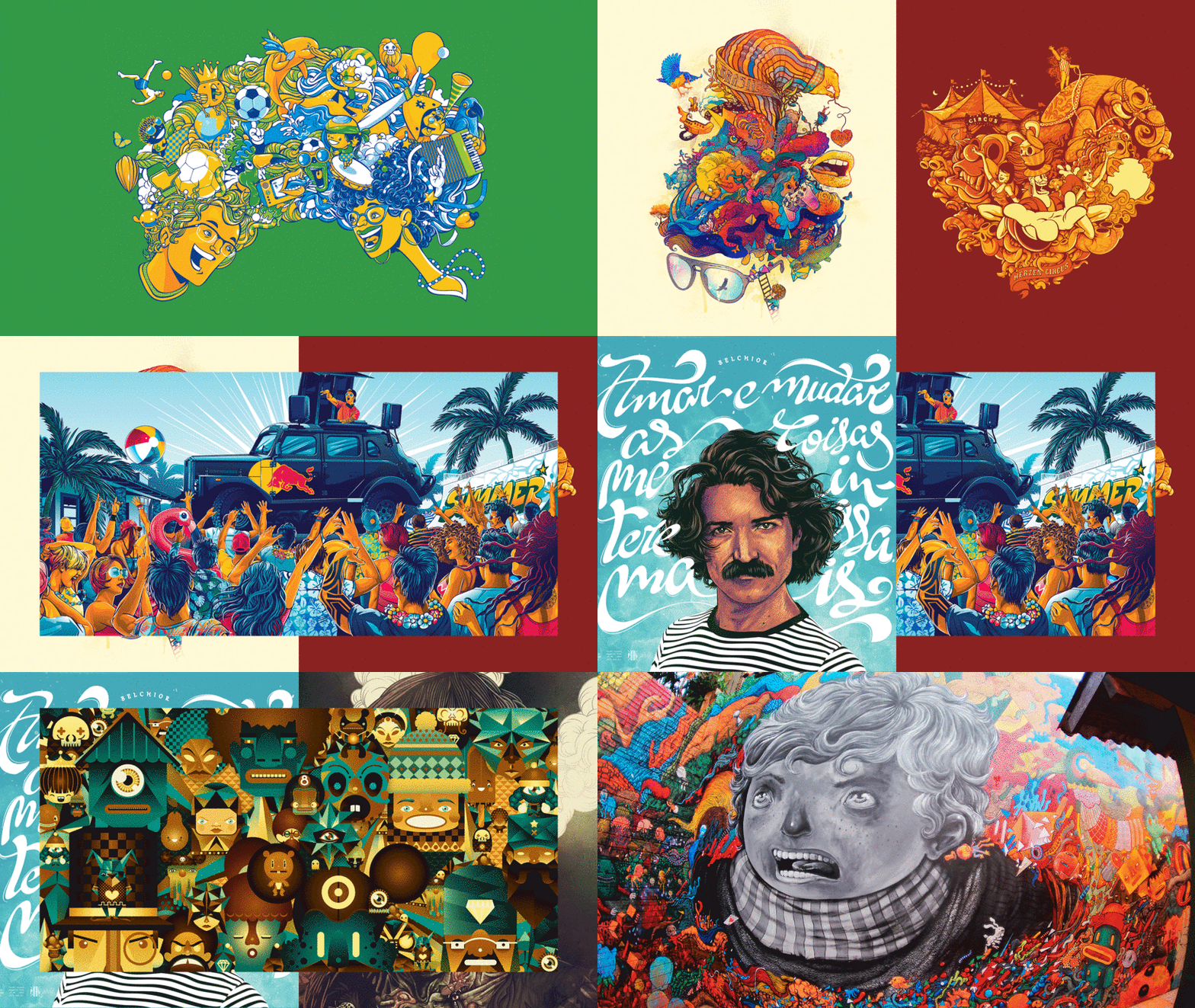
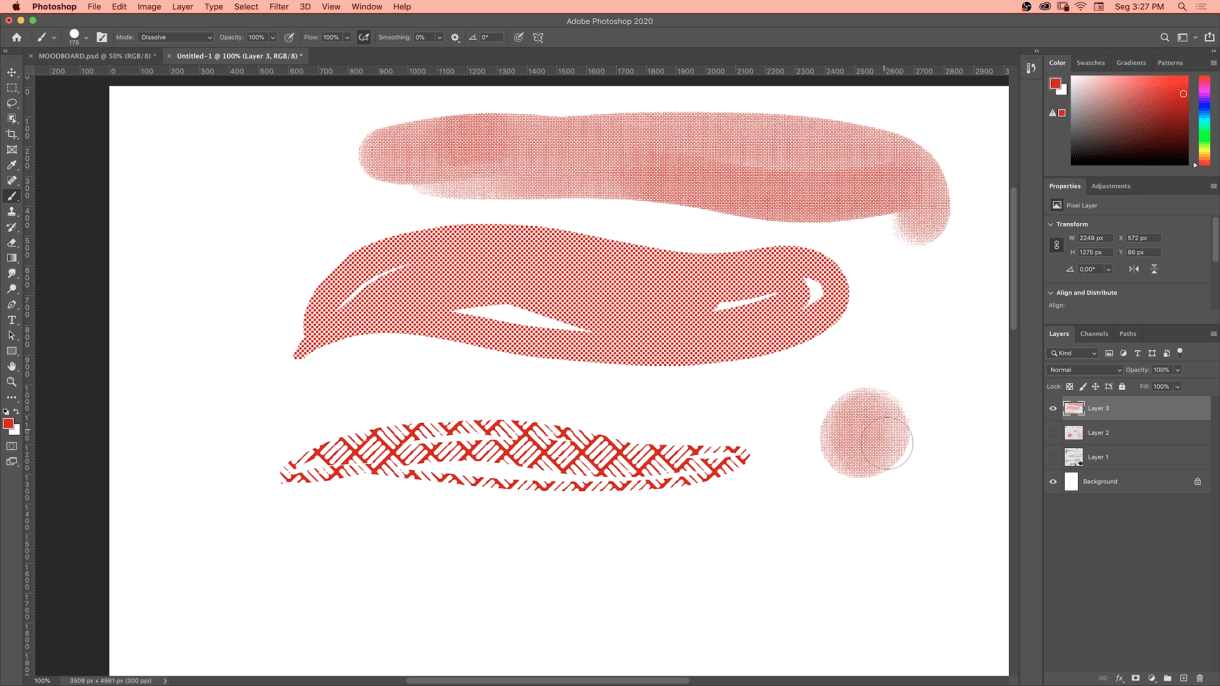
Digital image editing programs designed for illustrators attempt to imitate physical media using various brushes and paint effects. Many include brushes digitally designed to mimic traditional oils, acrylics, pastels, charcoal, ballpoint pen, and even airbrushing.
These brushes help us personalize our work by allowing human touches, such as varied pressure on the digital tablet to create different effects. Generally, the higher the pressure, the more intense the fill and brush effect will be.
Additionally, in most digital painting programs, users can create their own brushes with various textures and shapes. This functionality bridges the gap between traditional and digital painting and gives our artworks a signature, a personality of their own.
The importance of digital tools
Today, digital illustration is part of the mainstream. Thanks to tools like digital brushes, painting has its own digital genre, and most imaging professionals incorporate these tools into their creative processes. However, not long ago, it was something that few artists used in their work.
So, how did artists start using computers to design and illustrate?
It wasn't only artists who first started exploring these tools—engineers and scientists were among those to experiment in the early days, too. One of them was Michael Noll, who, in 1962, used computers to create images through mathematical patterns and algorithms. Early digital artists used algorithms to generate seemingly random and abstract images.
In the early 1980s, digital illustration gained new momentum as a creative tool, following the rise of Adobe—a major developer of digital design and image manipulation software. That same decade saw the creation of Corel Draw and Paint, programs that popularized digital illustration through personal computers.
Another significant milestone for digital illustration was the launch of the Macintosh, which allowed designers to start using tools now utilized daily worldwide: Illustrator and Photoshop. Since then, digital illustration has become a key part of contemporary aesthetics and a practical, universal work method.
You can check out examples of the history of digital illustration and details of its development here.

Free tutorials for creating brushes in Photoshop, Procreate, and Illustrator
These tips from the following illustrators will show you the importance of mastering brushes in Photoshop, Procreate, and Illustrator and the possibilities they offer.
Watch the videos below or click on the red titles for more information.
Photoshop Tutorial: 6 Great Brushes for Digital Painting
Adobe Photoshop allows artists, creatives, and designers of all skill levels to make their visions of characters, settings, and objects a reality. Add customized brushes to the mix, and you've got infinite ways to add a unique touch to your creations.
Character designer Joel Santana (@officialartofsantana) knows this well and shares a selection of his favorite brushes for everything from sketching and shading to applying color in this tutorial.
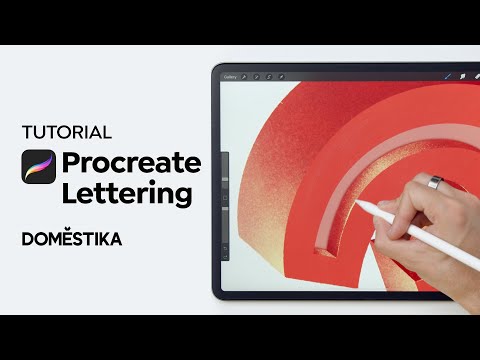
Procreate Tutorial: How to Create Lettering Textures and Brushes
Procreate is such an excellent tool for digital lettering artists, offering a range of brushes with different textures. If you want to create something a little different and uniquely yours, you can make your own Procreate brushes from scratch.
Jimbo Bernaus (@jimbobernaus) is a graphic designer and lettering artist whose clients include BMW and Carlsberg. Working from his studio in Croatia, Jimbo often incorporates his bold and lively lettering into colorful illustrations. Join him in this step-by-step tutorial as he shows you how to create your own texture brushes in Procreate using just a photo.
Photoshop Tutorial: Digital Brushes for Flat Illustration
Looking to imitate traditional techniques and textures in Photoshop? Certain brushes enable you to do this by customizing strokes and styles. The late illustrator and designer Willian Santiago (@williansantiagodg) simulated more traditional mediums like chalk, watercolors, pencil, and more using digital brushes.
In this tutorial, he shares different options and tips for applying the brushes and maximizing the possibilities of the software.

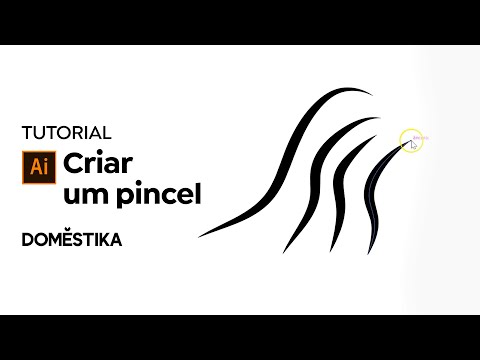
Illustrator Tutorial: How to Create a Brush for Vector Portraits
A great set of brushes is invaluable to illustrators working with Adobe Illustrator. Each brush has its own characteristics—that range from thickness, rounded or tapered line, a uniform or a textured effect, and other styles that affect the final result of the drawing.
In this tutorial, illustrator, art director, and graphic designer Rogério Puhl (@rogeriopuhl) walks you through the process of creating and customizing your own brush set in an easy and intuitive way.
Digital illustration is in a process of constant evolution that goes hand in hand with the development of technology. For most artists, this means being aware of the aesthetic and technical trends and challenges that arise on the daily. Stay up-to-date on new resources, styles, and tools with Domestika's digital illustration courses.
English version by@acesarato.
You may also like:
- 9 Free Procreate Tutorials to Quickly Improve Your Skills
- 7 Online Courses for Learning How to Illustrate in Photoshop
- 10 Free Online Digital Illustration Classes for Beginners
- Custom Letter Design with Procreate, a course by Jimbo Bernaus
- Portrait Illustration Techniques with Illustrator and Photoshop, a course by Rogério Puhl


1 yorum