Portrait Illustration Techniques with Illustrator and Photoshop
A course by Rogério PuhlIllustrator, art director and graphic designer
A course by Rogério Puhl, Illustrator, art director and graphic designer

Explore the possibilities of starting from a photo to create illustrated portraits that are full of personality
Graphic designer and art director Rogério Puhl knows how to combine shape and style techniques in his compositions with great expertise. After collaborating with brands such as MTV, McDonald's, and Red Bull, he shows you how to create a digital illustration with an impactful layout and your own signature style.
In this course, learn how to illustrate a portrait in Adobe Illustrator, exploring the most diverse possibilities offered by the software to create a composition full of personality. Rogério shows you all the steps, starting from concept creation to color treatment in Photoshop and the best way to showcase your work on social media.
What will you learn in this online course?
21 lessons & 24 downloads
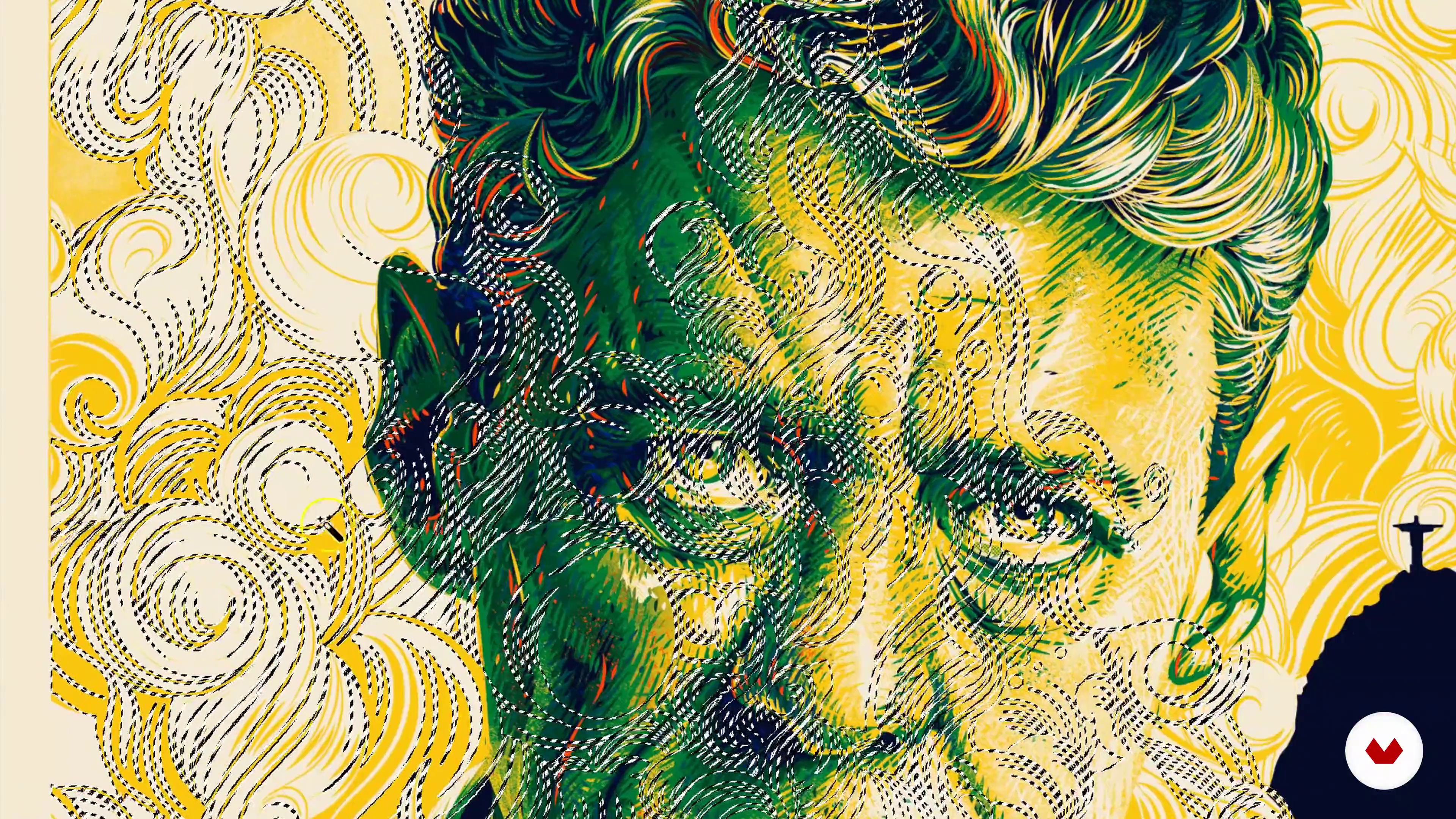
What will we do in the course?
3 minutes, 47 seconds
Reference search 1
19 minutes, 27 seconds
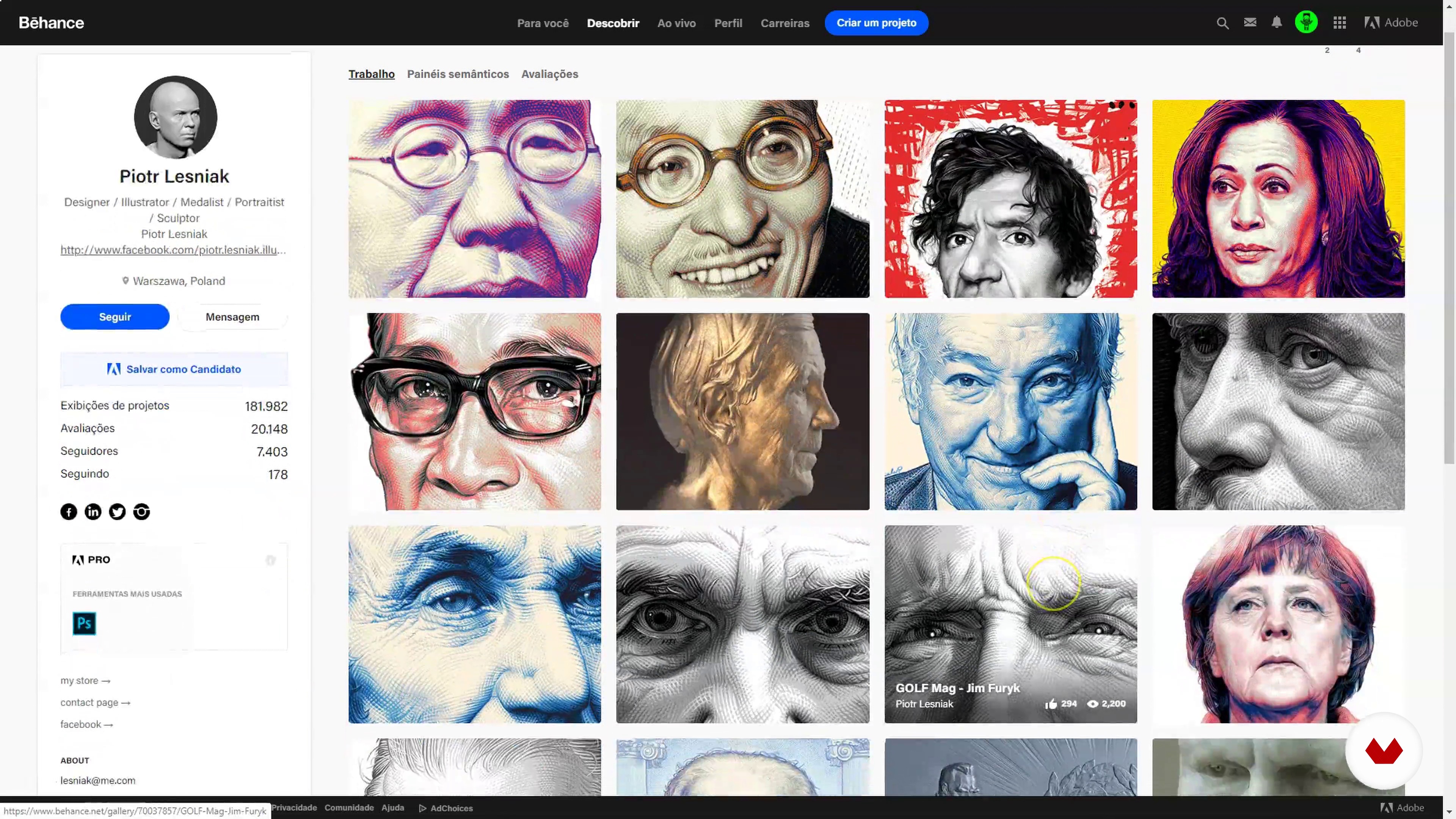
Reference search 2
10 minutes, 24 seconds
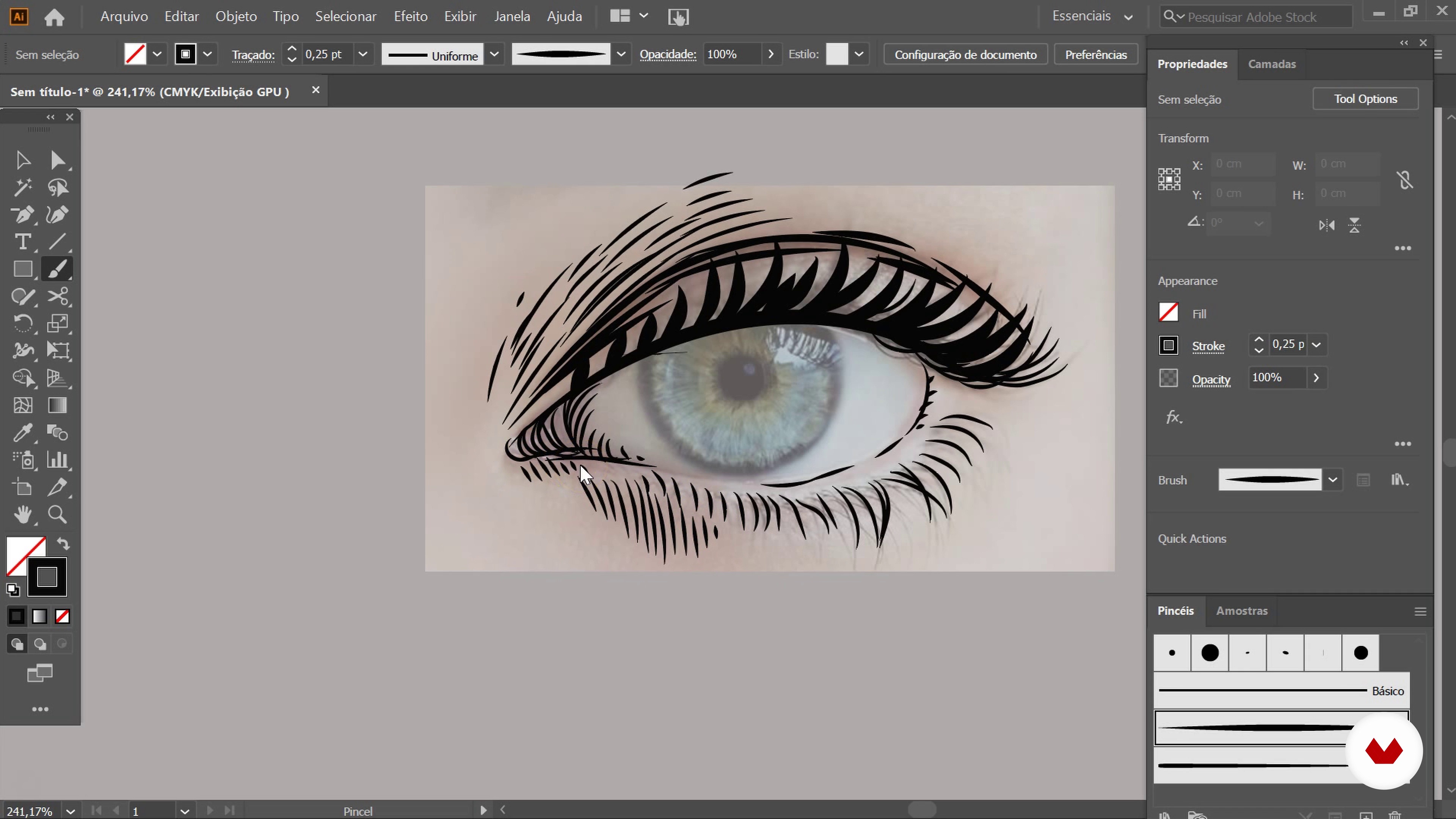
Setting up the keyboard and creating brushes
18 minutes, 2 seconds
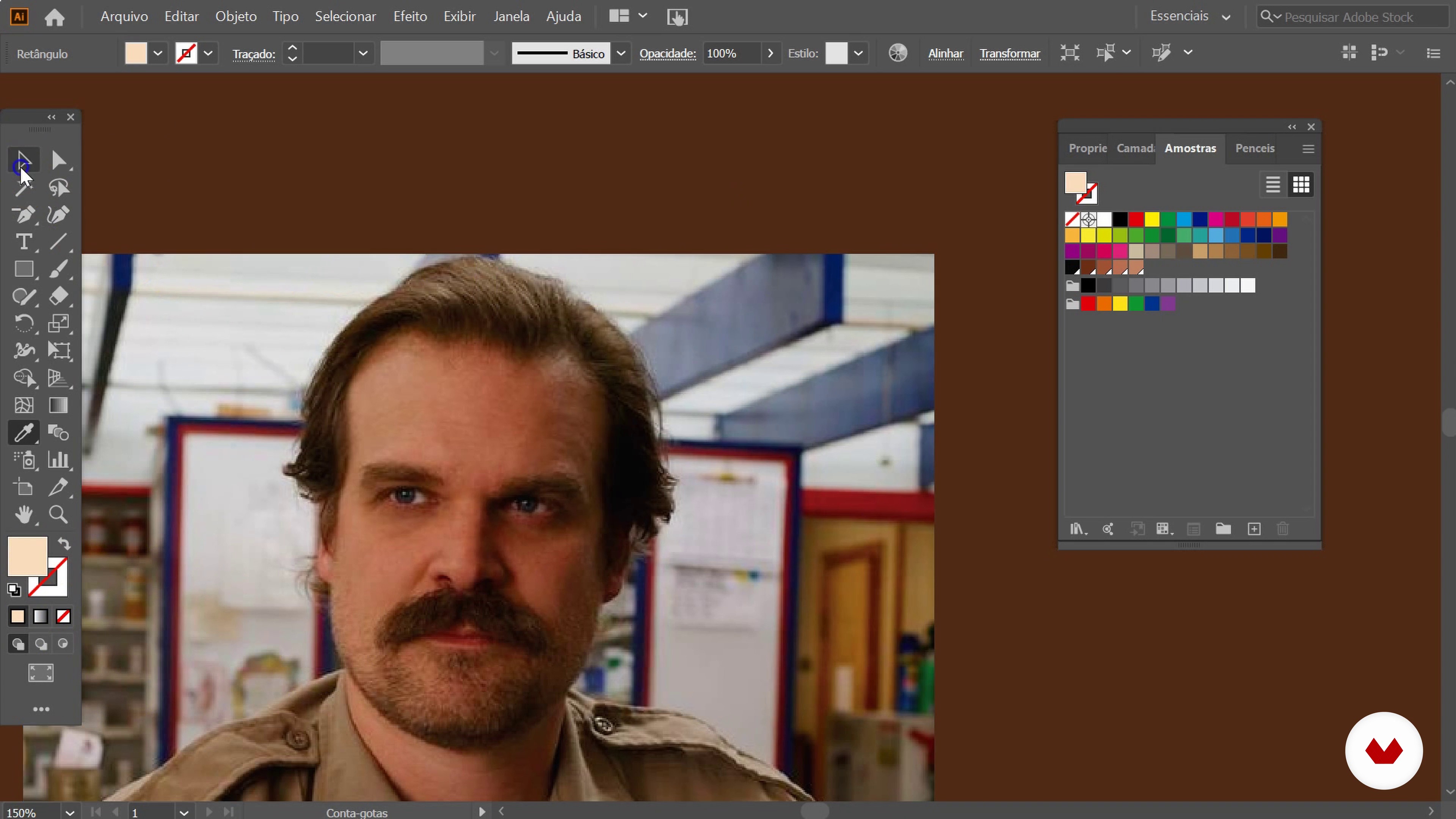
Lights and shadows: tone on tone 1
19 minutes, 57 seconds
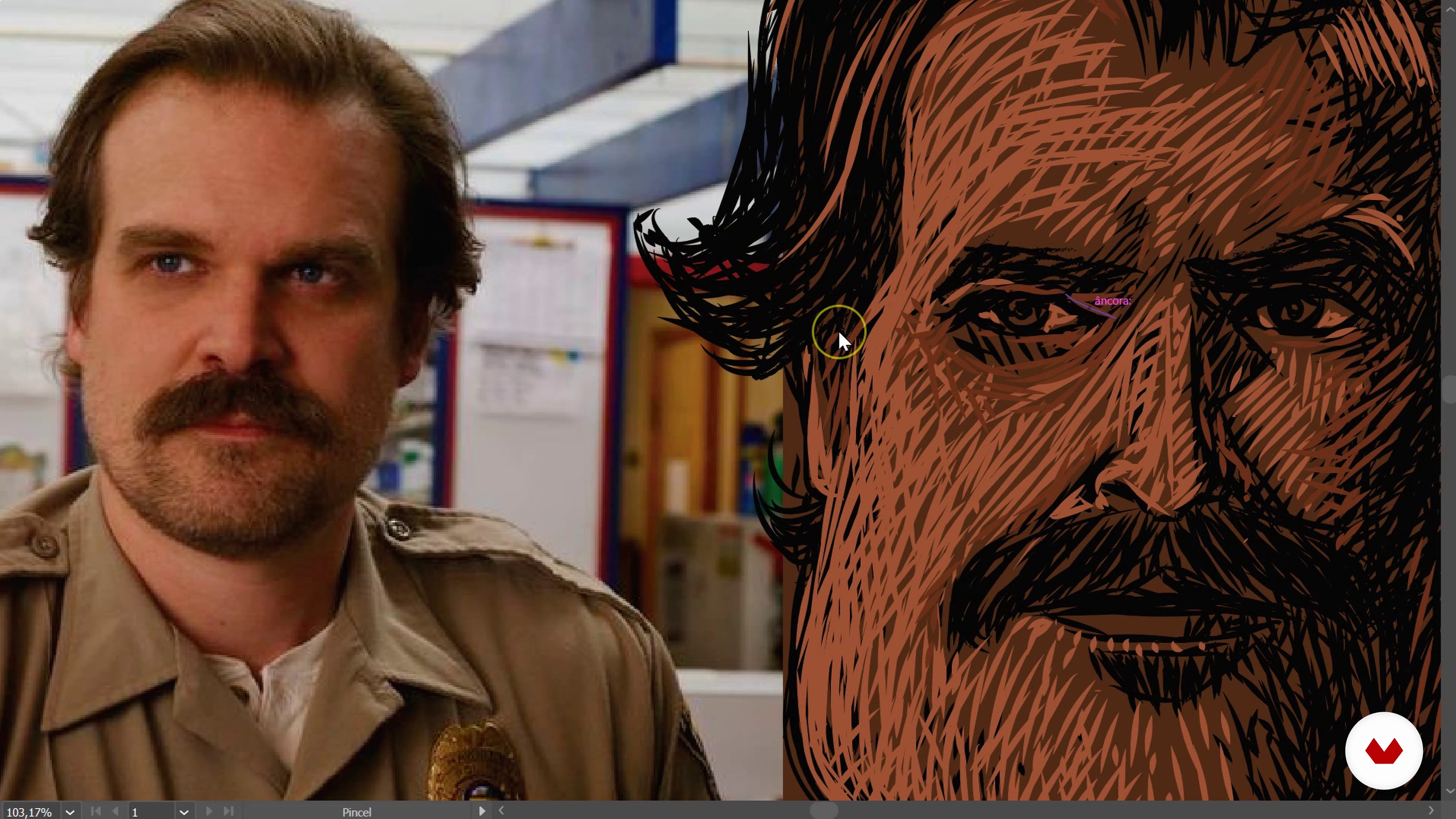
Lights and shadows: tone on tone 2
19 minutes, 52 seconds
What's included in this course?
Start the course by getting to know Rogério Puhl, both his personal and professional career as an illustrator, art director, and graphic designer, as well as the main influences that impacted his creative career.
In the first unit, see the importance of reference photographs for your portrait and how to search them on the main platforms. Learn how to set up Illustrator and create your own brushes in the software.
Then, do a practical exercise to understand how the brushes you created work, apply light and shadow techniques on a picture with a pop culture look and feel.
Based on the photo chosen in the previous unit, learn how to create your character with vectors, applying light and shadow over the image to give volume to your illustration. Rogério also teaches you how to create hatchings and how to work with color to give personality and life to your project.
Next, it's time to export your Illustrator file to Photoshop! Work on light, shadows, and line details to correct imperfections and get an even more impactful result.
See how to separate all colors into layers, how to texture the image, enrich the hatches, and give extra volume and contrast to your illustration.
Finally, reap the rewards of your work by publishing it on social media. Rogério teaches you how to publish your final project in the appropriate formats for Facebook and Instagram.
Recommended software & tools for this course
What is this course's project?
Create an illustrated portrait using a photograph of your choice, using Adobe Illustrator and Photoshop.
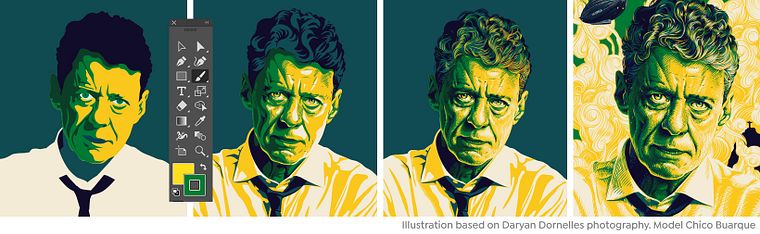
Projects by course students


Who is this online course for?
This course is for anyone interested in digital illustration, as well as for professional illustrators, art directors, and designers.
Requirements and materials
You will need basic Adobe Illustrator and Photoshop skills.
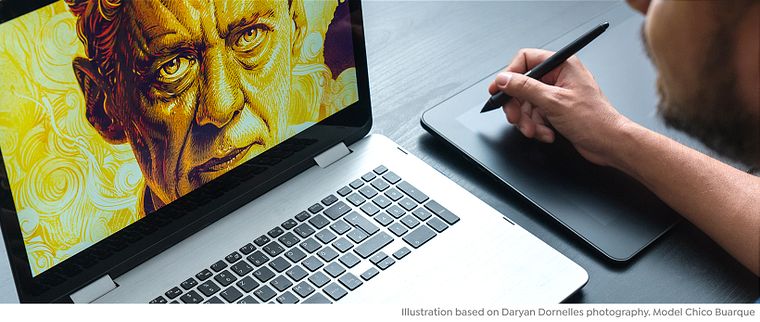
As for materials, you will need a computer with these software installed and a graphics tablet.
Reviews
- 10 months ago
Me ha gustado mucho, el tener diálogos en español me ha encantado, ¡gracias por doblarlo al español! Exelente.
- 1 year ago
Este curso lo recomiendo totalmente, siento que cualqueira puede tomar este curso y hacer un trabajo excelente sin una previa base en la ilustracion digital, se siente tan organico como enseña el profesor y te da todas las herramientas posibles para que tu proyecto sea uno excelente, recomiendo este curso al 100%
- 1 year ago
This course is amazing, it will add organic feel to your vector artwork. However, for non-portuguese speaking, the english audio is done with AI. It's like listening to bumblebee from the Transformer Movie when he lost his voice and he tried to use words from different radio programs.
- atum_sPLUS2 years ago
This course definitely takes my digital technique to a next level.
- 2 years ago
This course was very interesting and well-taught. I got a lot out of it.

He has painted murals around the globe and he currently lives in Turin, Italy. With his PUHL studio, he uses digital illustration to work ideas of common sense in his images and transforms them in the most unusual way possible to give narrative to his drawings. He has worked with renowned national and international advertising agencies, such as Africa, MTV, McDonalds, Red Bull, AlmapBBDO, DM9DDB, JWT, Cubo.cc, Africa, NBS, Ogilvy, WMcCann, Age Isobar, Leo Burnett, LiveAD, lew'lara \ TBWA, FutureBrand, Young & Rubicam, among others.
Content
- U1
Introduction
- Presentation: Hello!
- Influences
- What will we do in the course?
- U2
Basic knowledge and preparation
- Reference search 1
- Reference search 2
- Setting up the keyboard and creating brushes
- Lights and shadows: tone on tone 1
- Lights and shadows: tone on tone 2
- Lights and shadows: tone on tone 3
- Lights and shadows: tone on tone 4
- U3
The beginning of everything
- Vectorization: portrait base
- Vectorization: volumes, lights and shadows 1
- Vectorization: volumes, lights and shadows 2
- Vectorization: hatching and color passing 1
- Vectorization: hatches and color pass 2
- Vectorization: details that make the difference 1
- Vectorization: details that make the difference 2
- U4
Fun time
- Exporting to Photoshop
- Show time
- Color treatment
- Harvesting the fruits
- FP
Final project
- Portrait Illustration Techniques with Illustrator and Photoshop
What to expect from a Domestika course
Learn at your own pace
Enjoy learning from home without a set schedule and with an easy-to-follow method. You set your own pace.
Learn from the best professionals
Learn valuable methods and techniques explained by top experts in the creative sector.
Meet expert teachers
Each expert teaches what they do best, with clear guidelines, true passion, and professional insight in every lesson.
Certificates
PLUSIf you're a Plus member, get a custom certificate signed by your teacher for every course. Share it on your portfolio, social media, or wherever you like.
Get front-row seats
Videos of the highest quality, so you don't miss a single detail. With unlimited access, you can watch them as many times as you need to perfect your technique.
Share knowledge and ideas
Ask questions, request feedback, or offer solutions. Share your learning experience with other students in the community who are as passionate about creativity as you are.
Connect with a global creative community
The community is home to millions of people from around the world who are curious and passionate about exploring and expressing their creativity.
Watch professionally produced courses
Domestika curates its teacher roster and produces every course in-house to ensure a high-quality online learning experience.
FAQs
This is an intermediate-level course, recommended for those with basic drawing and computer skills, plus some familiarity with software like Illustrator and Photoshop.
You’ll need a computer with Adobe Illustrator and Photoshop installed, plus internet access to watch lessons and research visual references.
You’ll learn to create digital illustrations, vector portraits, apply lighting and shading, texture your work, master layers, create and customize brushes, organize references, and prepare an online portfolio.
The course includes hands-on exercises in drawing, vectorizing, portrait creation, and applying digital techniques, helping you develop your own style and a personal portfolio.
Yes, the course guides you step-by-step in building digital portraits using vector techniques, lighting and shading, texturing, and layer management in both programs.
You’ll learn how to build a portfolio on platforms like Behance, get tips for promoting your work on social media, and advice on entering contests and collaborative projects.
Yes, the course offers techniques and tips for illustration in t-shirt design, murals, and urban art, including preparing files for printing and publishing.