


Design Better Websites Using These Wireframes

A good wireframe is the first step to a successful website and these are the different types
Wireframes are schematic drawings of a web page that help us plan the distribution of content or communicate to a client how the users will interact with their page.
Javier Usobiaga (@htmlboy) is the founder of Swwweet, a web design studio in Barcelona that has worked with numerous companies and institutions. Over the years, Javier has created countless wireframes for his own projects, and he classifies them according to their design and function:
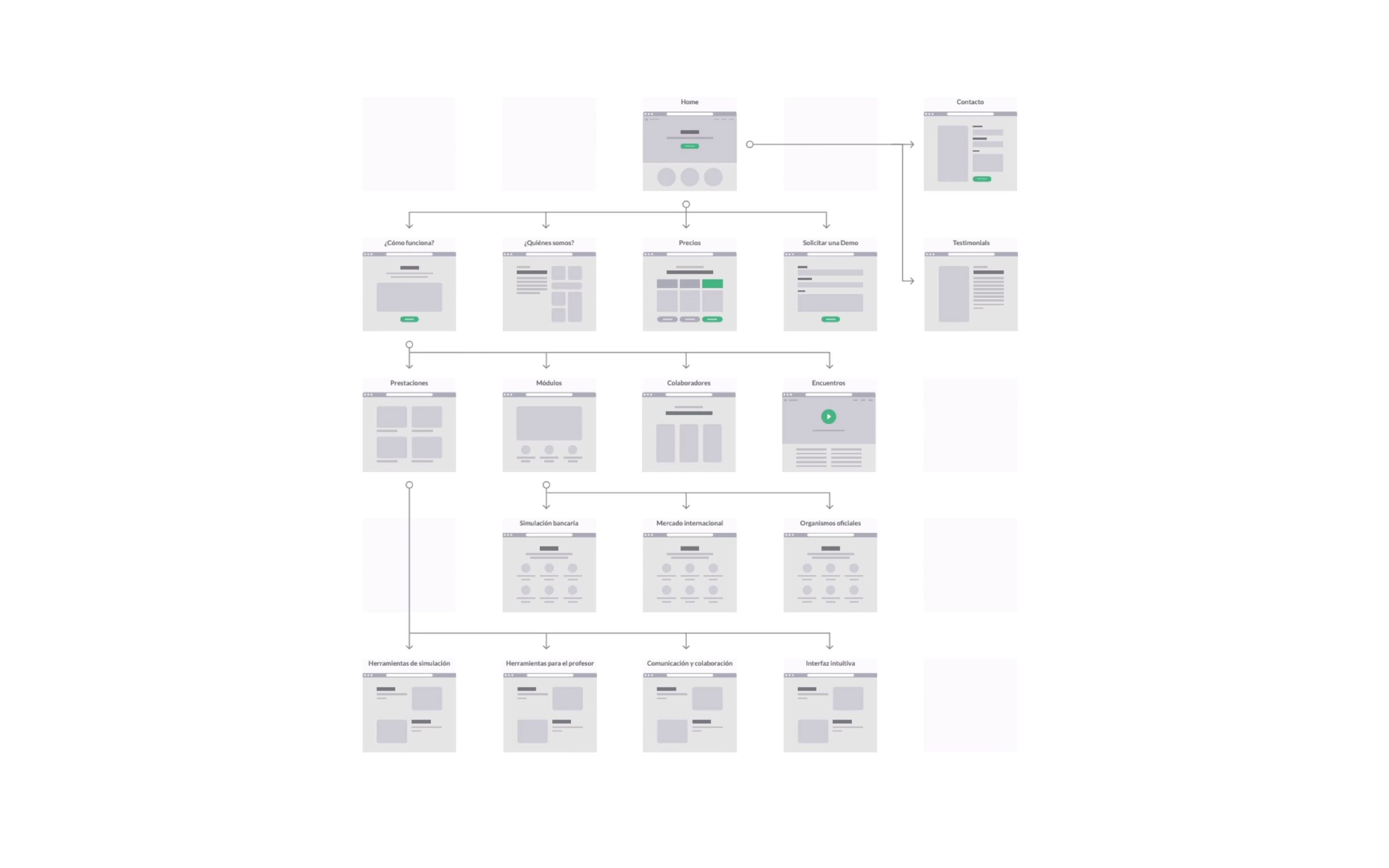
Bird's-eye view
This is a global view of the website's navigation tree. It explains how users would move through the different pages and approximate the UX elements they'll encounter.
Page Detail
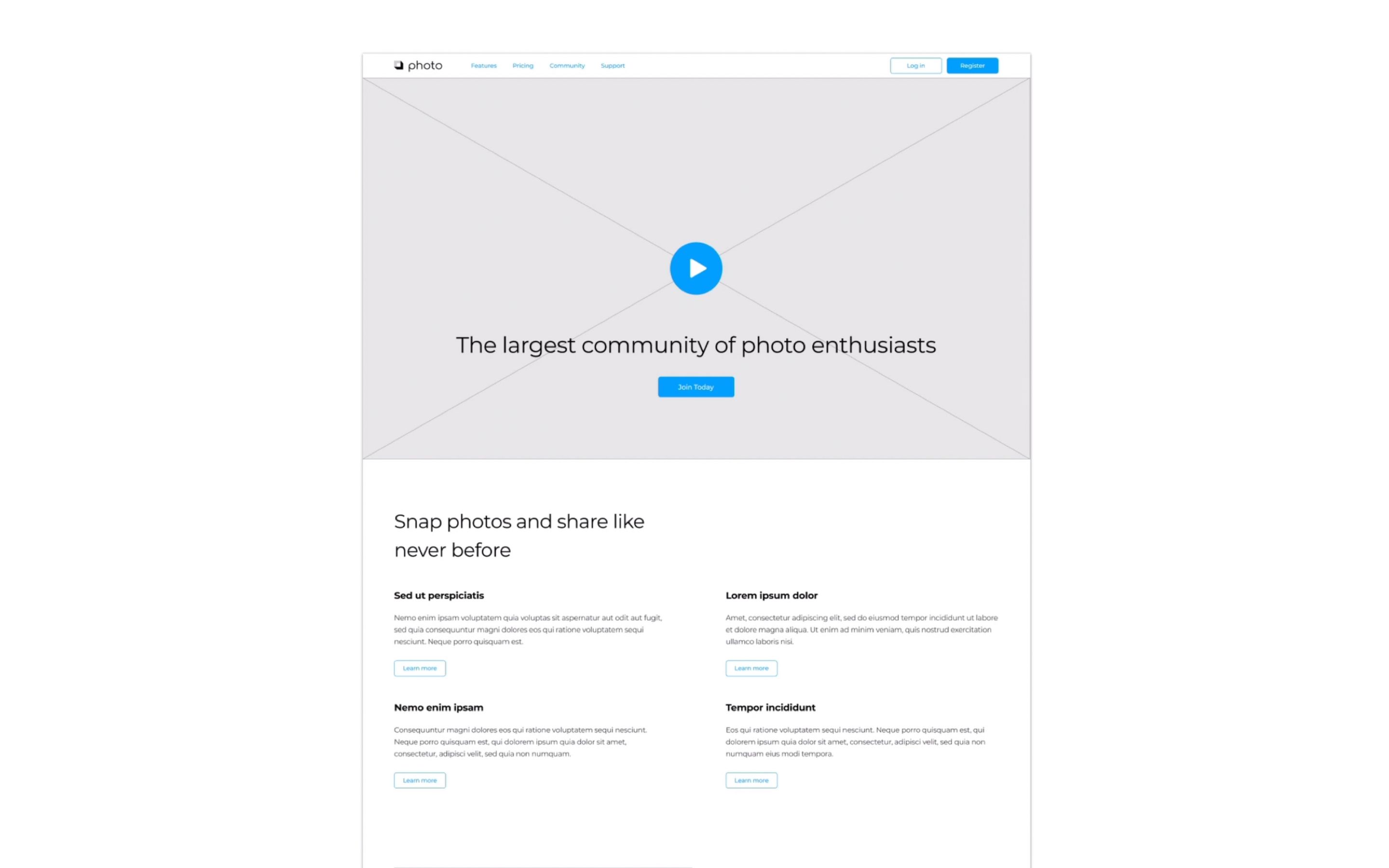
A detailed view of a single page that shows the different elements that the final version will feature and how they are distributed.
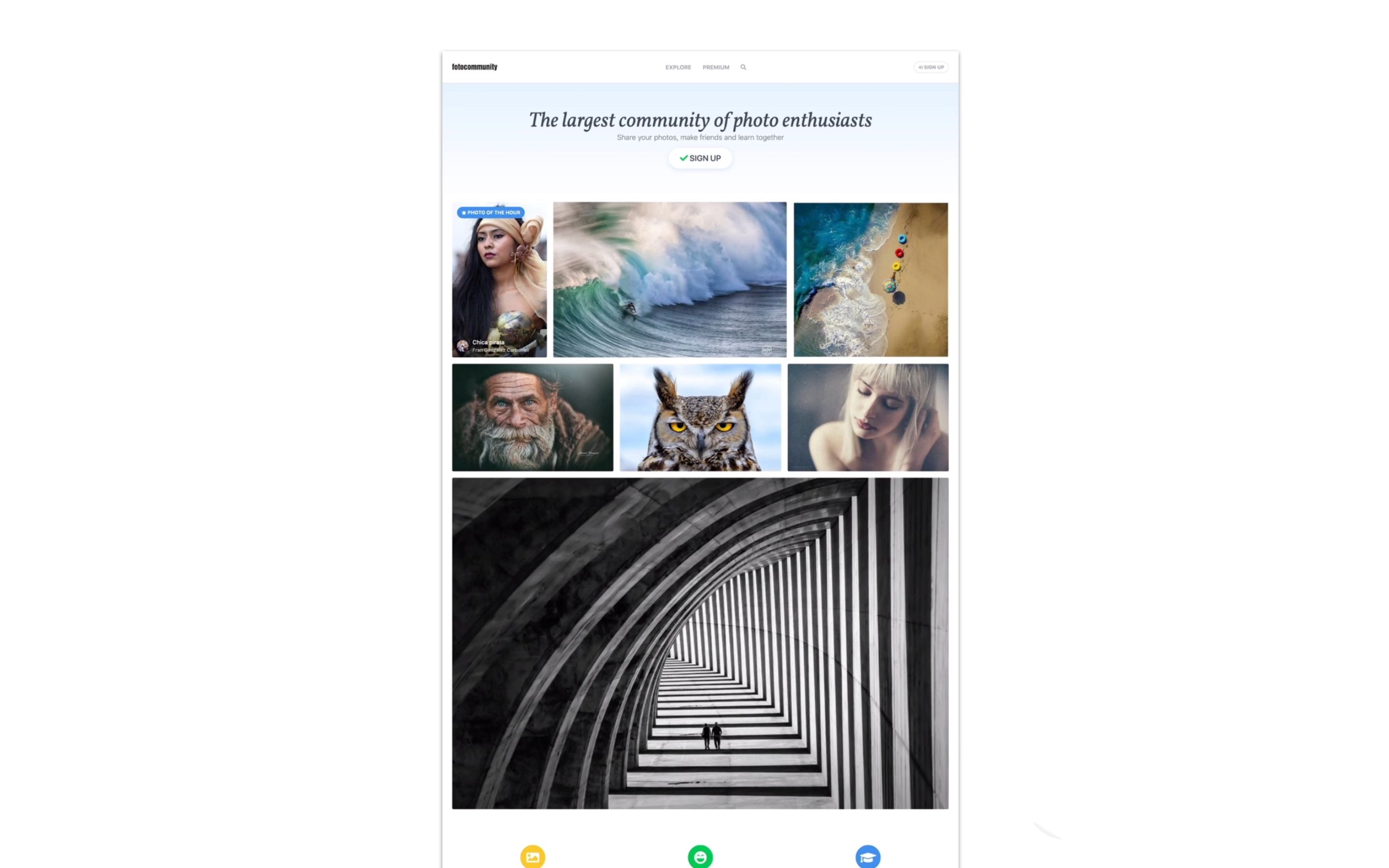
Mockup
This is a more visual design and will look very similar to the final website.
Interactive prototype
This is a functional version of the web, although lacking some of the more complex elements the final site will have. It can be coded using HTML or just by adding interaction effects in the software used to create the wireframes.
This wireframe is the one that will allow us to better convey how a web page should behave when it reaches production.

What tools can you use to create a wireframe?
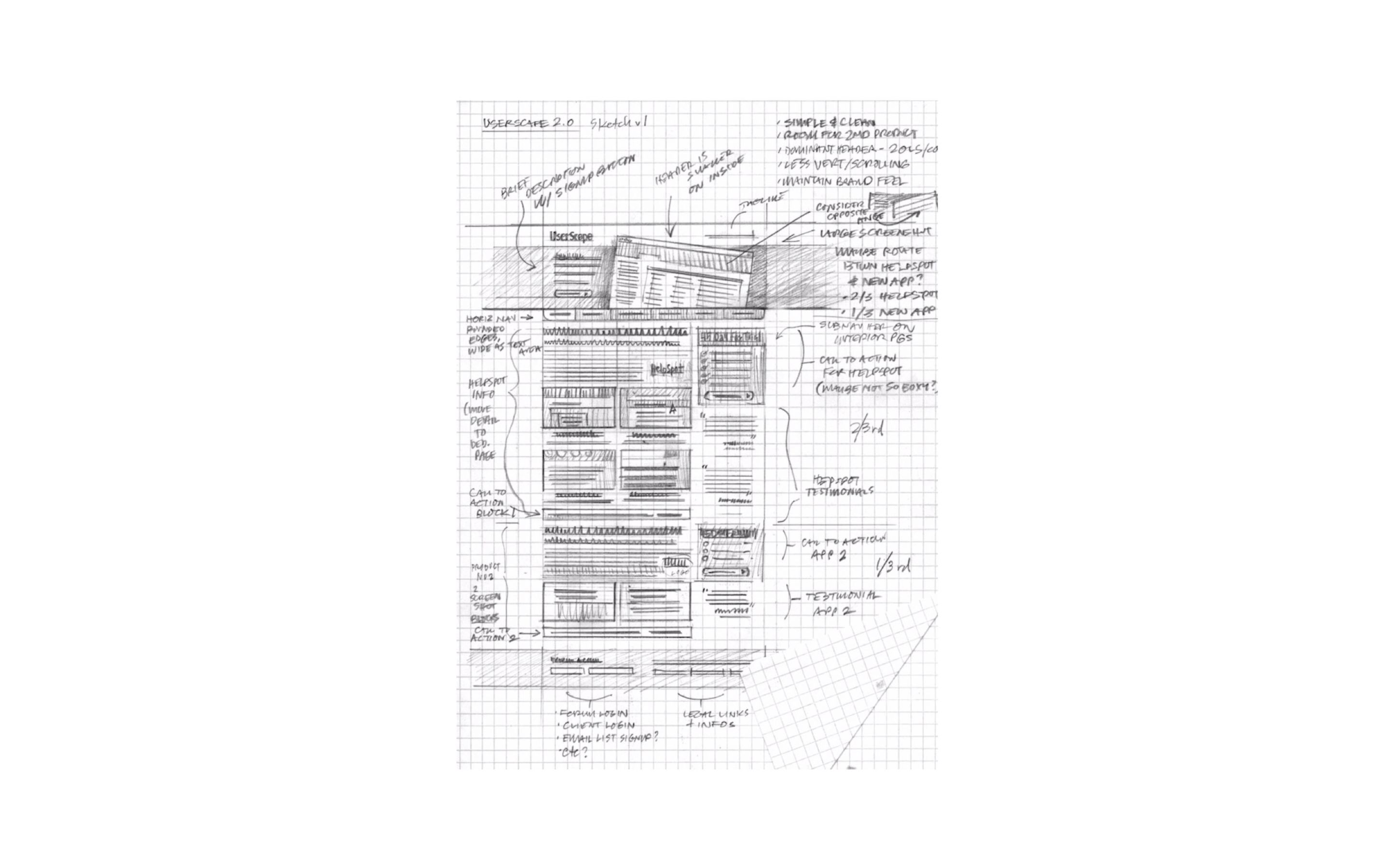
1. Paper and pencil: An excellent way to play with different ideas during the design process's first steps.
2. Powerpoint or Keynote: Although they are intended for business presentations, they offer some functional design elements and can be an excellent first step for a prototype. You can also buy or download kits with icons and other graphic elements to help you use these apps for wireframe design.
3. Figma or Sketch: These are much more complete design tools with specific functions tailored to the web design process.
Pick the one you'll feel more comfortable with. The important thing here is to focus on communicating what the page should do.
Finally, it is essential to bear in mind that, these days, websites are displayed on all kinds of devices. Keep this in mind during the design process and account for how the web will look on a mobile or a tablet screen.
If you are interested in designing your own websites, Javier Usobiaga's Domestika course, Design, Development, and Launch of a Website, will teach you everything you need to know about planning and building a web page.
You may also like:
- 5 Free Lessons to Learn UX Design for Beginners
- 3 Websites Every Squarespace Designer Should Know About
- What Most Websites Have In Common


0 comentarios