Development of a 2D shoot 'em up video game in Unity
A course by Hernán EspinosaVideogame developer
A course by Hernán Espinosa, Videogame developer

Learn how to create a shooting video game using the leading platform
Over forty years have passed since Space Invaders invaded our lives with its revolutionary and addictive style of play, which gave way to the creation of a new game category: shoot 'em ups, known for having a protagonist who shoots at big hordes of enemies while seeking refuge.
Hernán Espinosa specializes in this type of game, and in this course, he will teach you how to create one using Unity, the most complete and flexible development platform in the market.
If you’ve never used Unity before, we recommend that before you take this course, you take a look at Introduction to Unity for 2D Video Games, in which you will learn how to use the software from scratch.
What will you learn in this online course?
41 lessons & 30 downloads
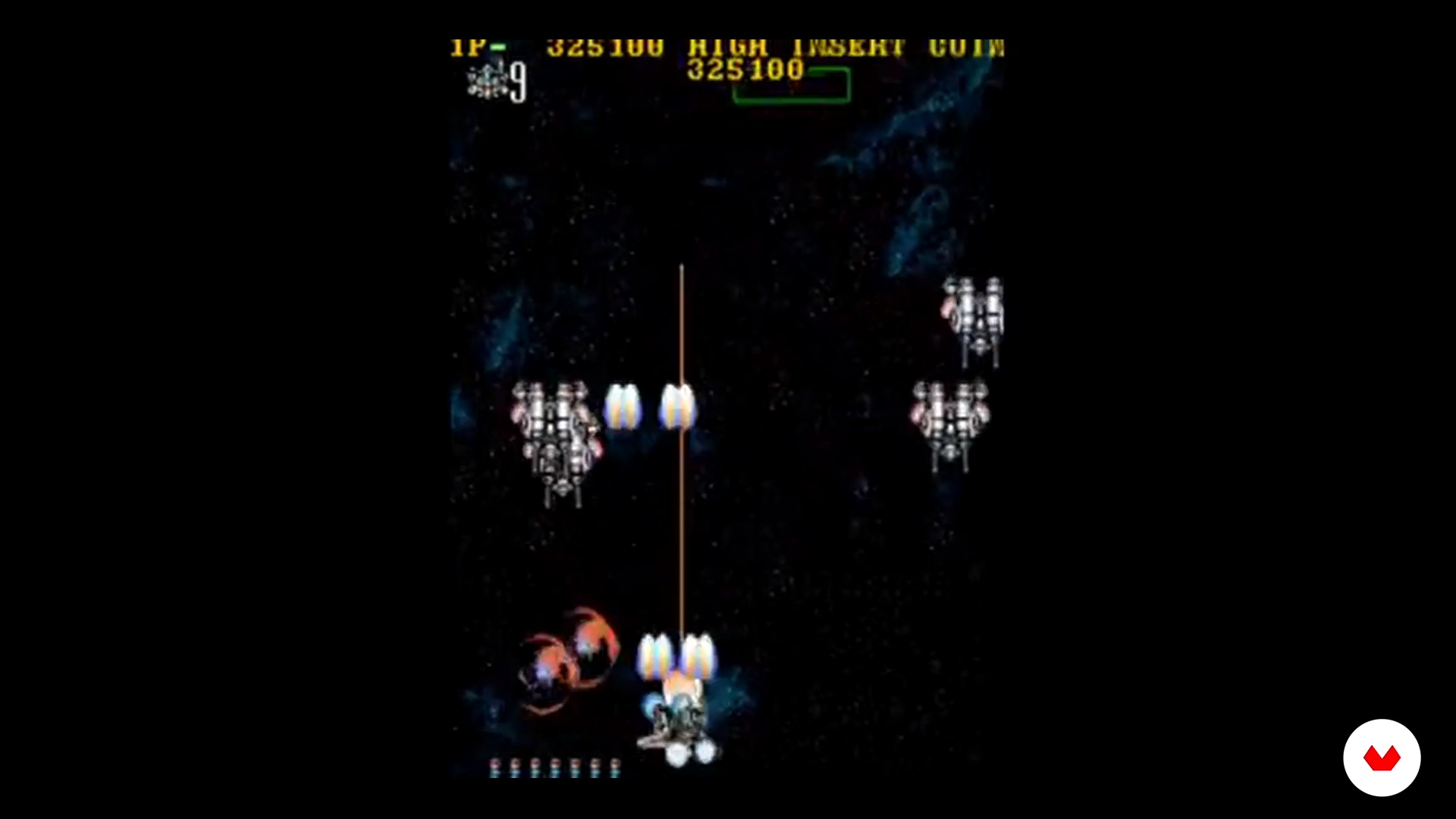
What will we do in this course
2 minutes, 14 seconds
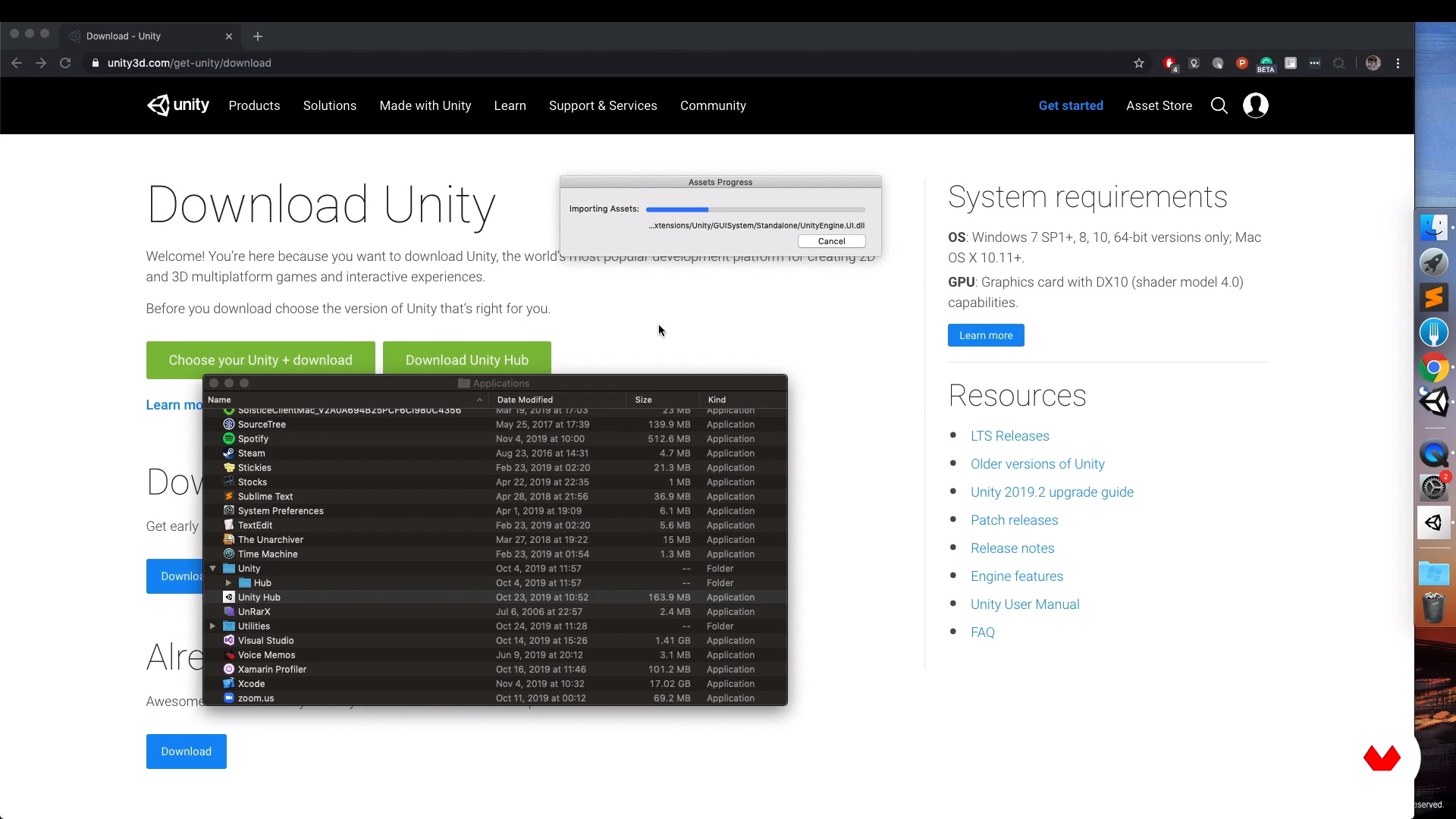
Initial project considerations
12 minutes, 54 seconds
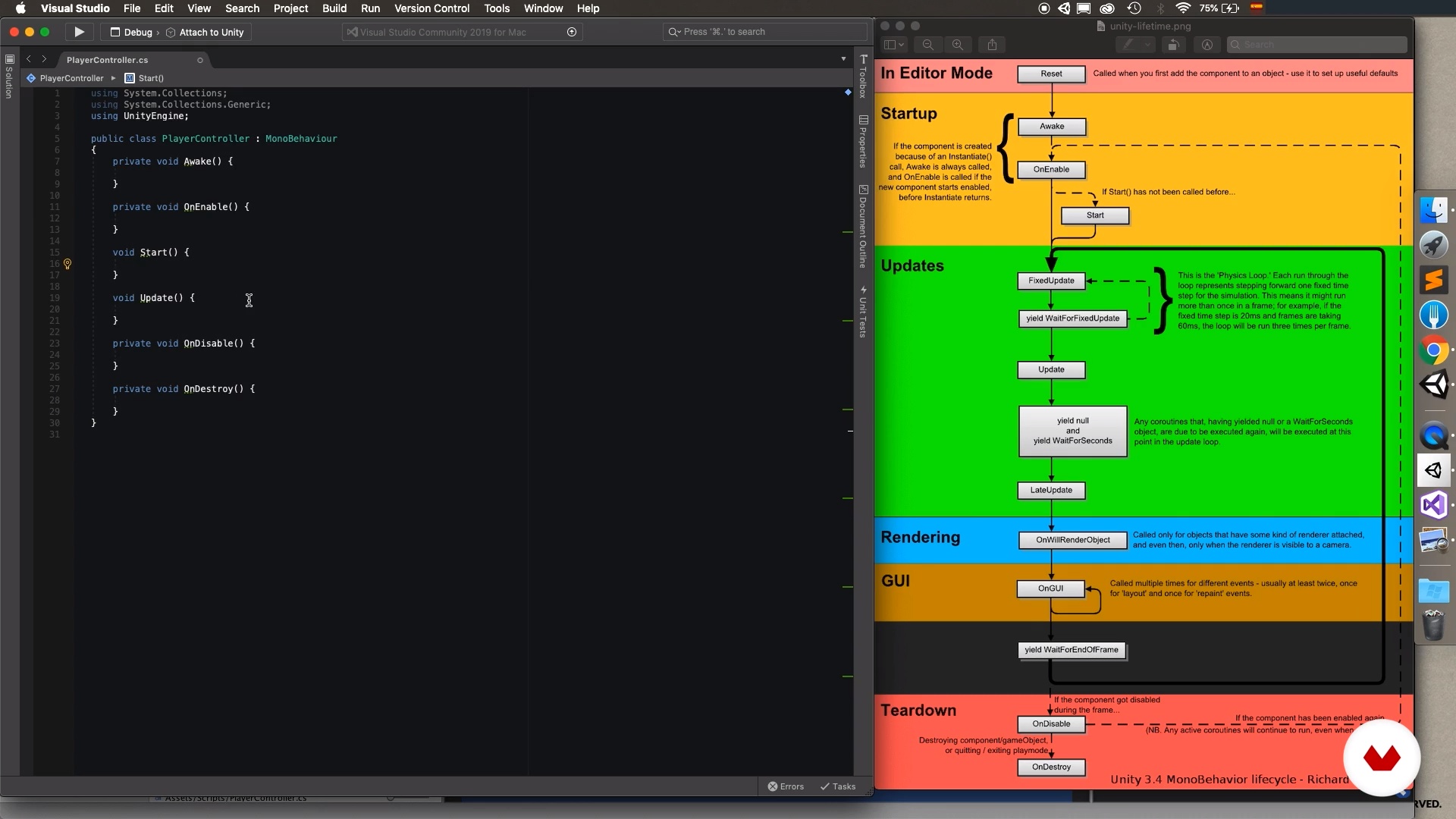
Game Scene Architecture
10 minutes, 54 seconds
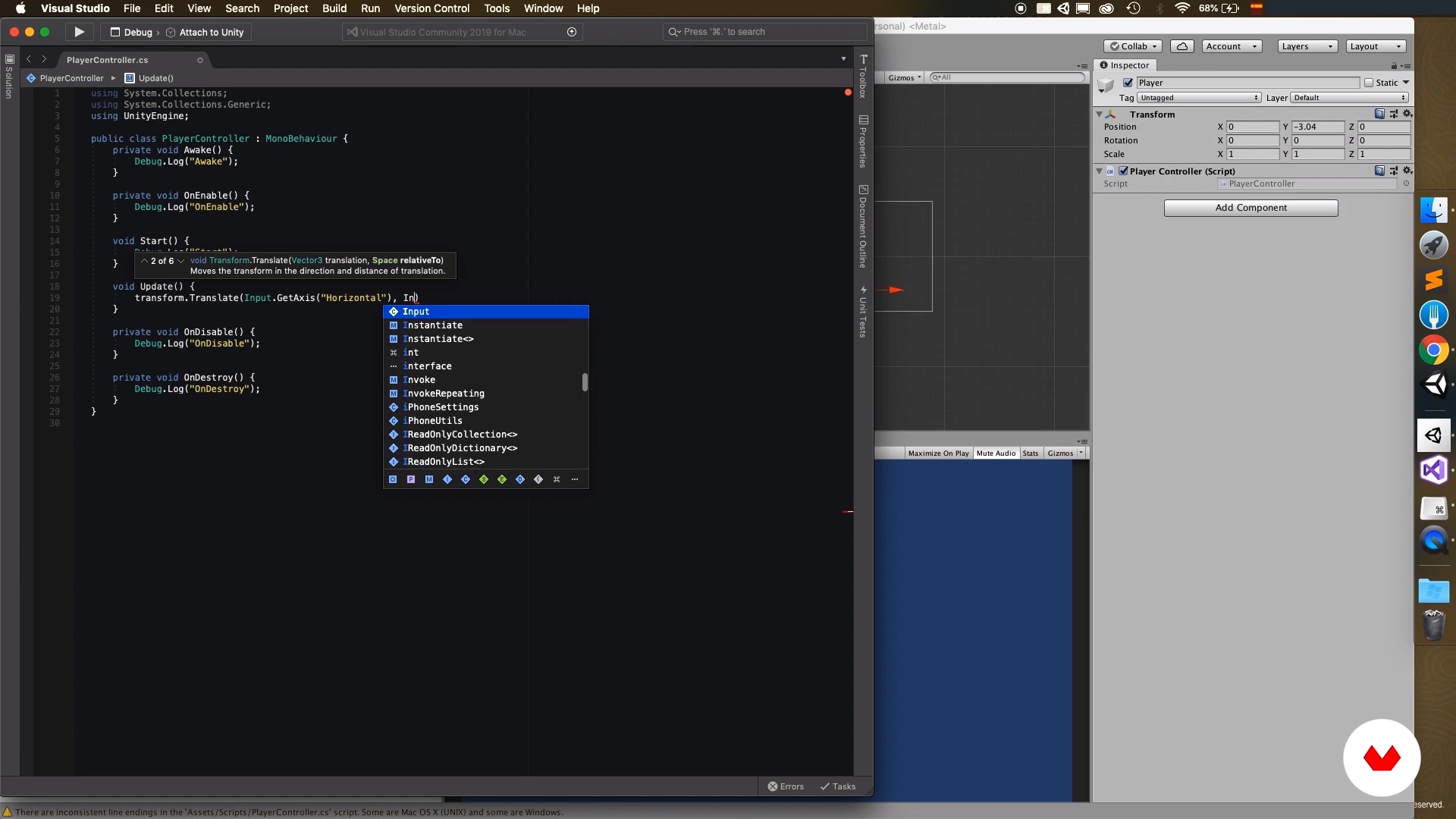
Programming our first components
17 minutes, 50 seconds
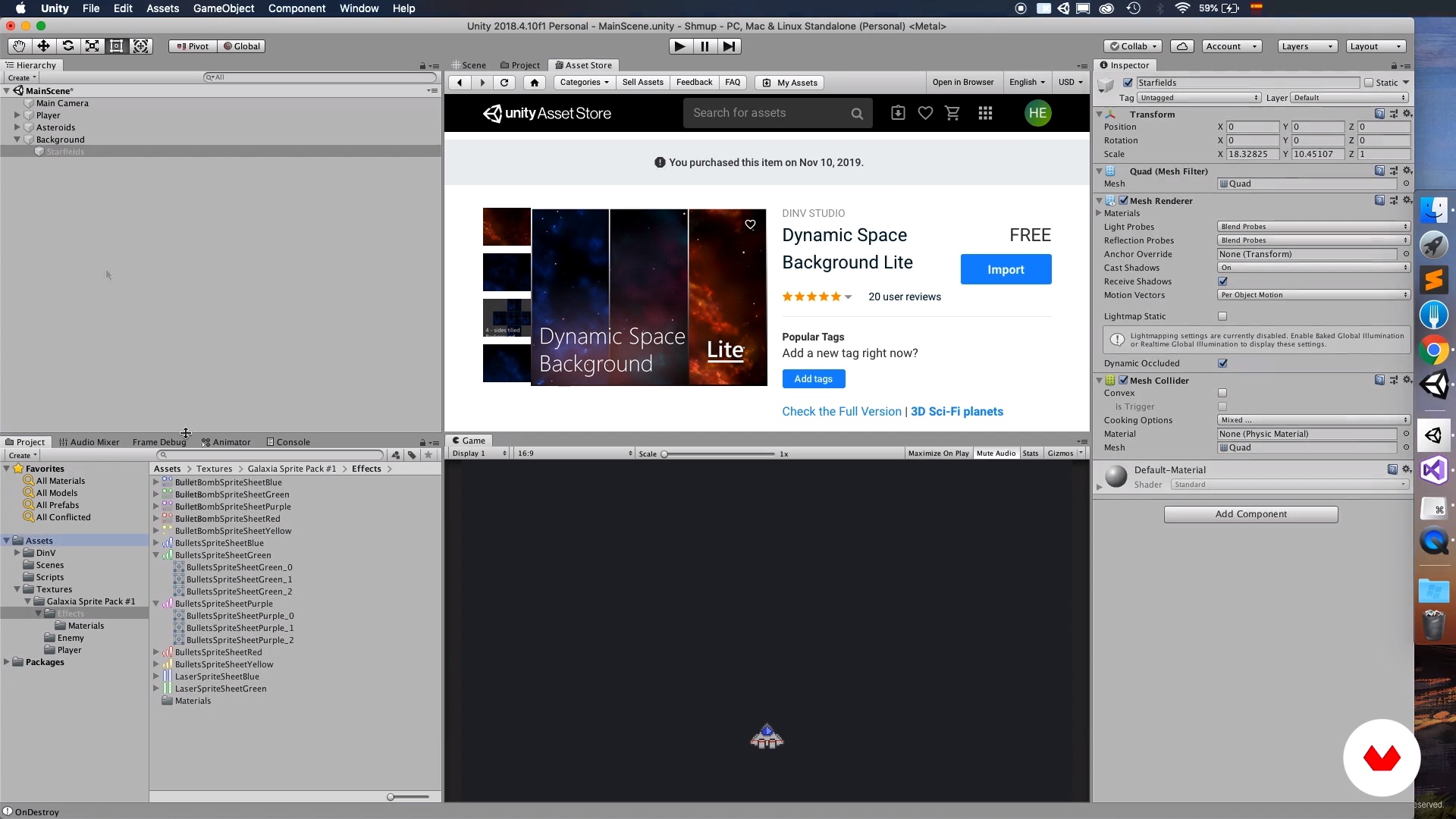
Bringing the stage to life
12 minutes, 15 seconds
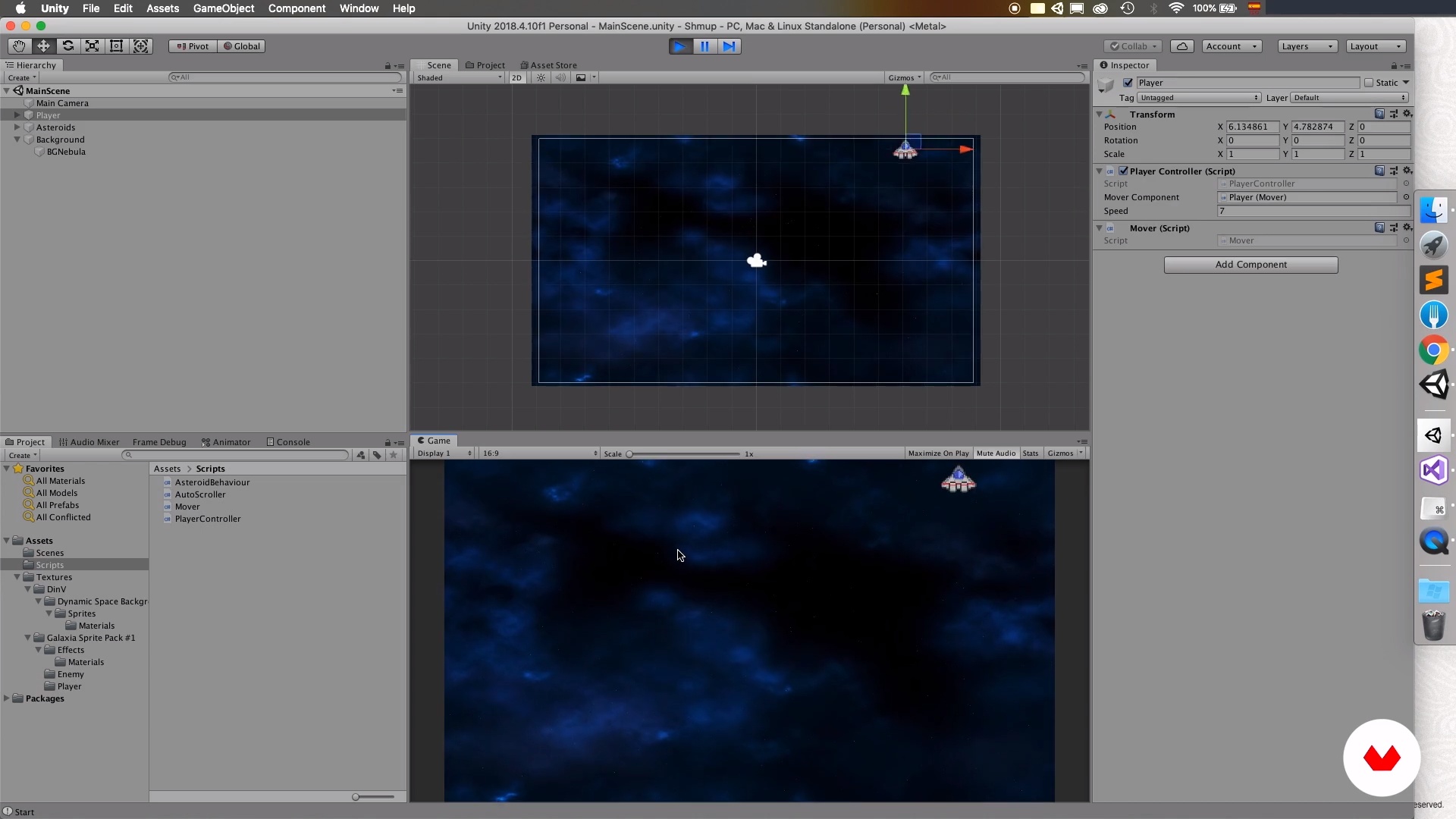
Game Scene Limits 1
10 minutes, 39 seconds
What's included in this course?
You'll start the course by getting to know Hernán, some of his works and, mainly, the work of artists who have inspired and influenced him, which have been key in his professional career as a videogame developer. He will also tell you what the project you'll be doing in this course will be about.
In the second unit, you'll learn to prepare the project with the essentials to start breathing life into the game. You'll define the initial architecture and customize the game, and you'll learn to use techniques to bring the stage to life and control the player’s movement.
You'll see the importance of the game input so that the player has the best possible experience. You'll have fun with the stage, and there will be destruction!
Then, you'll learn how to instantiate, or create, shooters. You'll understand the scripts that will give the initial bases to the input system. Hernán will teach you the importance of game physics, why use them, and how to take advantage of them. You'll see how to detect the collision between one object and another, which will give you the basis to work on the destruction within the game.
In the next unit, you'll learn to generate enemies dynamically within a level, configuring their difficulty and intelligence through scriptable objects. You'll realize how you can totally change the experience with just a few small changes in each definition of an enemy.
You'll learn to make one of the keys to the success of every video game, one of the elements that Hernán considers most important in a shoot 'em up: the final boss! In addition, he will teach you how to design and build a game orchestrator, which will allow you to keep track of everything that happens within your game.
Finally, you'll learn how to define a metagame, which supports the main gameplay by creating objectives for the player, to encourage him to play in the best possible way. You'll also know how to deploy your game on a platform, so that your friends, colleagues, grandparents, or anyone in the world can play it.
Recommended software & tools for this course
What is this course's project?
You'll develop a 2D shoot 'em up video game, like those from the old times, in which you'll give life to your ship, enemies, and bosses.
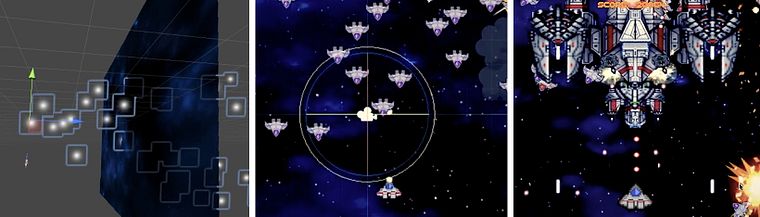
Projects by course students


Who is this online course for?
Anyone with previous knowledge using development platforms who wants to start creating video games, but doesn’t know where to start. With this course you'll start shaping your ideas, dividing them into small components that will come to life and that, together, will achieve a synergy that has no limits other than those of your imagination.
Requirements and materials
You’ll need basic Unity skills, as well as basic programming knowledge.
You'll need to have a computer with macOS 10.12 or higher or with Windows 7 SP1 or higher.

Reviews
- 2 years ago
Muy bueno el curso!!!
- 2 years ago
Excelente curso muy buena explicación de los temas, se comprende bien el paso a paso de cada avance. totalmente recomendado.
- 2 years ago
Está claro que el profesor tiene un gran conocimiento sobre Unity y C#. El problema es que no explica bien y el audio es muy bajo, por lo que cuesta entenderle muchas veces y mantener un seguimiento del curso.
- 2 years ago
Me gusta el contenido del curso, porque es justo el tipo de juego que pienso desarrollar, pero sería útil para una mejor experiencia del comprador que en algún apartado se muestre de que año es el curso.
- 3 years ago
recomendable al 100% para los que quieran crear su videojuego

In the world of video games, Hernán found the meeting point of all his passions: cinema, illustration, animation and music. Its main focus is to design, develop, iterate and optimize software solutions that satisfy the user.
Content
- U1
Introduction
- Presentation
- Influences
- What will we do in this course
- U2
Project Preparation
- Initial project considerations
- Game Scene Architecture
- Programming our first components
- Bringing the stage to life
- Game Scene Limits 1
- Game scene boundaries 2
- U3
Who controls the input, controls the world
- Creating the firing system
- Bringing input architecture to life 1
- Bringing the input architecture to life 2
- Physics2D is your friend
- Destroy!
- U4
Enemies, how not to love them?
- Generating enemies dynamically 1
- Generating enemies dynamically 2
- Configuring enemies 1
- Configuring enemies 2
- Evolving the enemy generator 1
- Evolving the enemy generator 2
- Evolving the enemy generator 3
- U5
Orchestrator's symphony
- Programming the "game orchestrator"
- Evolving the "game orchestrator" 1
- Evolving the “game orchestrator” 2
- U6
The Boss!
- We create a Boss! 1
- We create a Boss! 2
- We create a Boss! 3
- We create a Boss! 4
- We create a Boss! 5
- We create a Boss! 6
- We create a Boss! 7
- U7
Metagame, UI and publication
- Collectible objects such as power-ups 1
- Collectible objects such as power-ups 2
- Collectible items such as power-ups 3
- Collectible items such as power-ups 4
- Collectible items such as power-ups 5
- Collectible items such as power-ups 6
- Linking information to the user interface 1
- Linking information to the user interface 2
- Generate a "build"
- Publishing the game
- FP
Final project
- Development of video games shoot 'em up 2D with Unity
What to expect from a Domestika course
Learn at your own pace
Enjoy learning from home without a set schedule and with an easy-to-follow method. You set your own pace.
Learn from the best professionals
Learn valuable methods and techniques explained by top experts in the creative sector.
Meet expert teachers
Each expert teaches what they do best, with clear guidelines, true passion, and professional insight in every lesson.
Certificates
PLUSIf you're a Plus member, get a custom certificate signed by your teacher for every course. Share it on your portfolio, social media, or wherever you like.
Get front-row seats
Videos of the highest quality, so you don't miss a single detail. With unlimited access, you can watch them as many times as you need to perfect your technique.
Share knowledge and ideas
Ask questions, request feedback, or offer solutions. Share your learning experience with other students in the community who are as passionate about creativity as you are.
Connect with a global creative community
The community is home to millions of people from around the world who are curious and passionate about exploring and expressing their creativity.
Watch professionally produced courses
Domestika curates its teacher roster and produces every course in-house to ensure a high-quality online learning experience.
FAQs
You’ll learn how to create and set up 2D projects in Unity, import and organize assets, program character movement, apply visual effects like particles and parallax, manage shooting mechanics, and build modular systems for enemies and bosses.
Yes, this course is designed for people with basic Unity or programming knowledge who want to deepen their skills in 2D development techniques and advanced project organization.
You need to have Unity installed, basic prior programming knowledge (preferably in C#), and a PC or Mac capable of running Unity smoothly.
You’ll learn how to import assets from the Asset Store and external files, organize them into folders, configure serialization, and maintain a clear structure to streamline development and teamwork.
Yes, it includes scripting to control character movement using keyboard input, managing consistent speed with DeltaTime, and setting screen movement limits.
Yes, the course teaches how to create, configure, and reuse prefabs to organize visuals, projectiles, enemies, and effects across different scenes.
Yes, you’ll learn to animate backgrounds using Offset and Wrap Mode, and implement parallax effects to add depth and dynamism to your scenes.