Title Sequence Animation in After Effects
Course final project
A course by Paul McDonnell , Title Sequence Designer


About the final project for: Title Sequence Animation in After Effects
Title Sequence Animation in After Effects
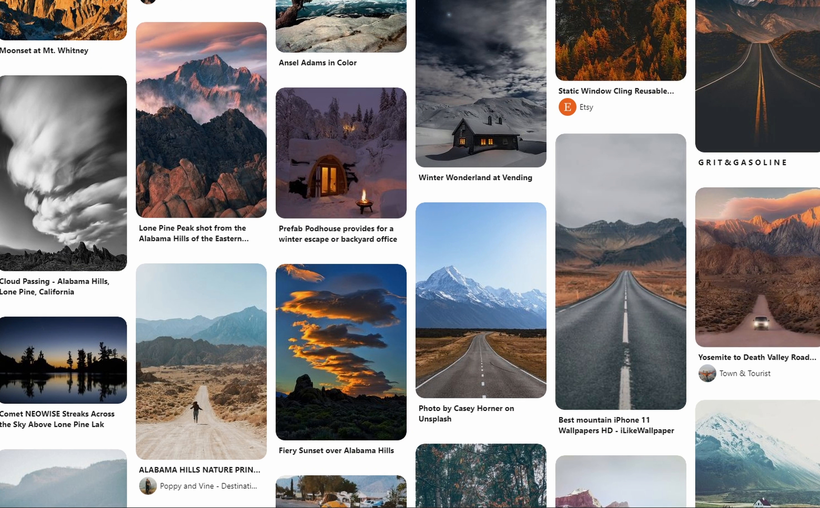
“Congratulations! You have reached the end of this Domestika course. Thank you for taking part and I hope you enjoyed it. It's now time to work on your project. This could mean finishing the title sequence you started by completing the course tasks or making a brand new project! Either way, I strongly suggest you take the time to gather inspiration and make a unique project of your own. Make sure to keep track of your progress with different pictures of each step. It'd be great if you could also explain the choices you've made along the way and tell us if you have any doubts. This will help me understand your creative process and guide you better if you need advice. Here are the main steps to follow: Create a mood board Build a mood board to consolidate some key and inspirational imagery for your project. For this course, I used Pinterest, but feel free to use another tool you feel comfortable with.

Partial transcription of the video
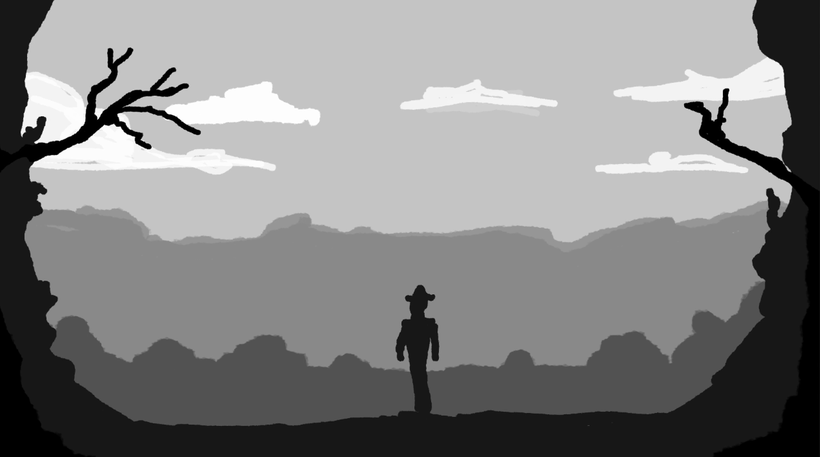
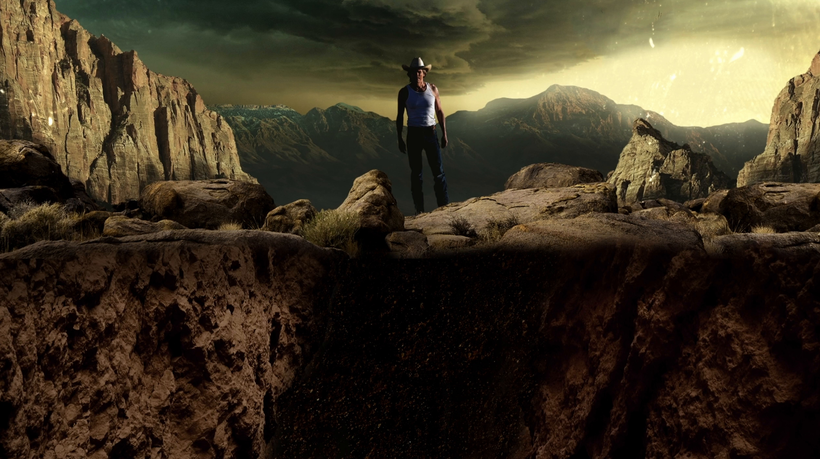
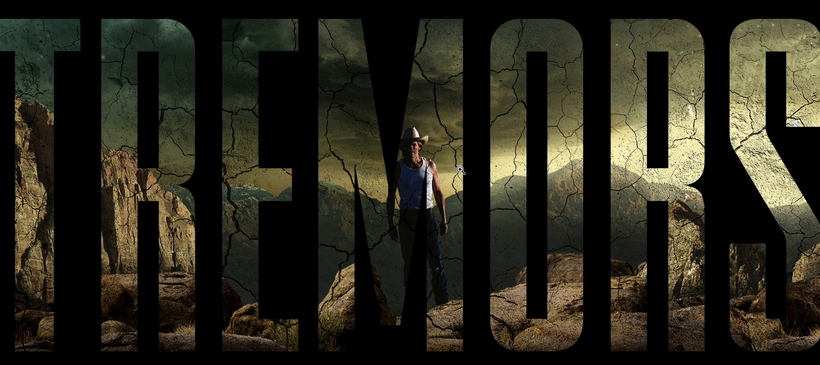
“Thank you so much for joining me on this journey of creating an impactful title sequence for a TV show or movie. I hope you've enjoyed the process and learned a lot. First, we took a look at creating a mood board in Pinterest. From there, we ended up sketching out our initial scenes roughly. We took those images into Photoshop and began working on our layouts and compositions. Once we were happy with those, we brought those into After Effects and began converting those files into 2.5D images. From there, we took a look at different scores that we could use to edit to. We then began the proc...”
This transcript is automatically generated, so it may contain mistakes.
Course summary for: Title Sequence Animation in After Effects
-
Category
3D & Animation -
Areas
Animation

Paul McDonnell
A course by Paul McDonnell
Paul is a title sequence designer, working out of HUGE Designs in London. He was born in Guildford, England in 1979 and grew up in Western New York. Paul has been working in the title industry for over a decade, and has created the opening titles for shows including The Walking Dead, Chucky, The Serpent, Around the World in 80 Days, Das Boot and The Son.
He’s been nominated for BAFTAs multiple times, and won a Primetime Emmy for his work on the show Da Vinci’s Demons. He’s also a three-time recepient of the SXSW Excellence in Title Design for his work in The Shannara Chronicles, Into the Badlands, and Any Human Heart.
- 99% positive reviews (116)
- 5,318 students
- 18 lessons (3h 23m)
- 13 additional resources (3 files)
- Online and at your own pace
- Available on the app
- Audio: English, Spanish (Latam), French, Italian, Portuguese, Turkish
- Spanish · English · Portuguese · German · French · Italian · Polish · Dutch · Turkish · Romanian · Indonesian
- Level: Beginner
- Unlimited access forever
Category
Areas

