Data Visualization: Design Infographics in Illustrator
Course final project
A course by Marco Giannini, Data journalist and Information Designer



About the final project for: Data Visualization: Design Infographics in Illustrator
Data Visualization: Design Infographics in Illustrator
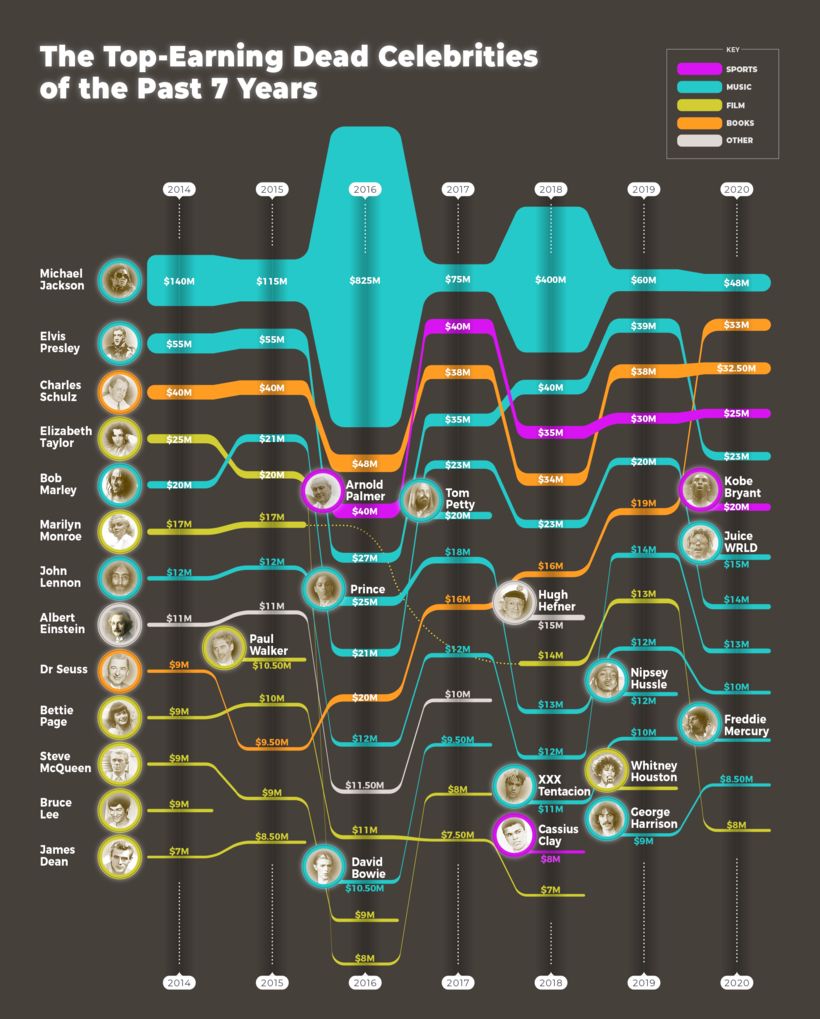
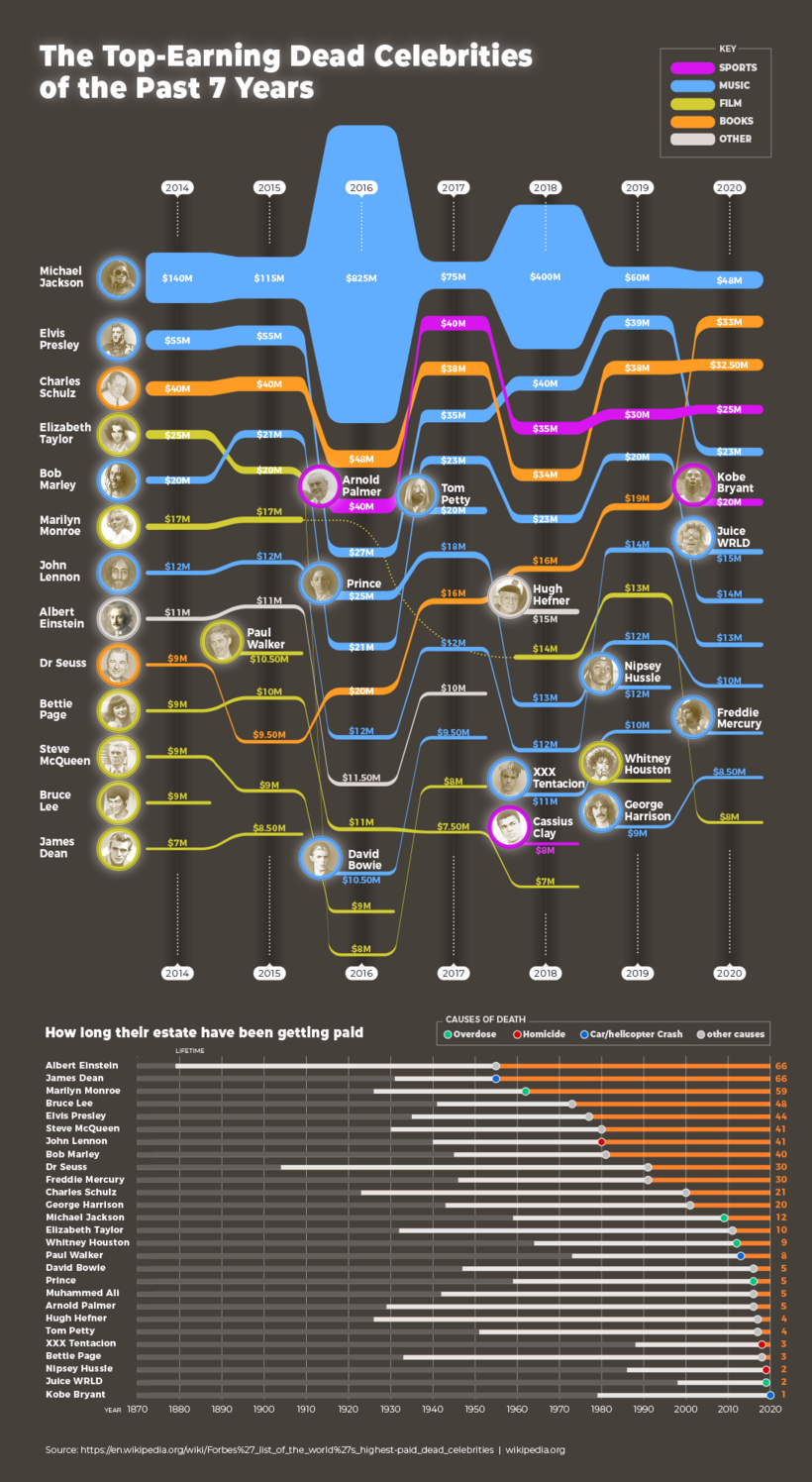
“We have come to the end of this course. Thank you for joining me! I had a lot of fun designing and writing it, and I hope a little of this joy has been reflected through the various lessons. I also hope you have enjoyed yourself and learned some new skills to incorporate into your work. It is now time to work on your project. This could mean finishing the infographic you started while completing the exercises or you could start a brand new project! Either way, I strongly suggest you take the time to gather inspiration and make a unique project of your own. Make sure to keep track of your progress with different pictures of each step. It'd be great if you could also explain the choices you've made along the way and tell me if you have any doubts. This will help me understand your creative process and guide you better if you need advice. Here are the main steps you need to follow to complete your project: The Data I have given you a few datasets that you can use to develop your projects. It is important that you choose one subject carefully, according to your interests. Of course, you can create your own dataset. Analyze the data collected and see how you can organize it and group different elements together. Maybe you can even start visualizing how these different elements might look on your graph. The Sketch Sketch out an initial design and see how you can arrange all the quantitative information on the graphic. The Design Move on to Illustrator and start designing the layout of your graph. You'll have to import the main data and shape it accordingly to the visualization you've chosen. Once you have a clean design, you can start fine-tuning the whole and maybe even add extra details. For instance, you can add a second chart with the information that didn't make it on the main chart.
Partial transcription of the video
“Hi. And congrats for making it all the way to the end of the course. I hope that all the information I share with you has been useful. Information design is very effective in communicating in a compelling way As I said before, Infographics are a clever combination of visuals and words. And they can be very helpful for journalists, but also for marketing. So in this course, I want to tell you the most valuable insights I gained over the years as a data journalist and a graphic designer. gather the most reliable data you can find, process it. and create and invent infographics. In my case, I ...”
This transcript is automatically generated, so it may contain mistakes.
Course summary for: Data Visualization: Design Infographics in Illustrator
-
Category
Design -
Software
Adobe Illustrator, Adobe Photoshop -
Areas
Infographics, Information Design

Marco Giannini
A course by Marco Giannini
Marco Giannini has worked as a data journalist and information designer for over 20 years. In the early part of his career, he worked in the infographic sector of the largest Italian newspaper, La Repubblica working as a designer, despite not studying design. He later taught himself programming and studied code as the data visualization sector progressed. Marco is passionate about discovering ways to connect data with images to make understandable and dynamic designs.
Since he started in his field, Marco has experimented with many types of information visualizations across various projects; from newspapers and magazines, to websites and apps. In 2018 he founded his own agency and creative studio, Dataspoiler, and has since worked with international organizations, communication agencies, publishing groups, and exhibitions. His clients include the IUCN, MSF (Doctors Without Borders), WWF, Aurum Press, and Bracco.
- 99% positive reviews (91)
- 6,599 students
- 20 lessons (3h 11m)
- 27 additional resources (12 files)
- Online and at your own pace
- Available on the app
- Audio: English, Spanish (Latam), French, Italian, Portuguese, Turkish
- English · Spanish · Portuguese · German · French · Italian · Polish · Dutch · Turkish
- Level: Beginner
- Unlimited access forever
Recommended software & tools for this course
 Adobe Illustrator
 Adobe Photoshop
Category
Areas

