Lettering with Procreate: Master the App
Course final project
A course by Ana Moreno , Designer and Lettering Artist


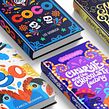
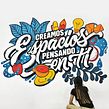

About the final project for: Lettering with Procreate: Master the App
Lettering with Procreate: Master the App

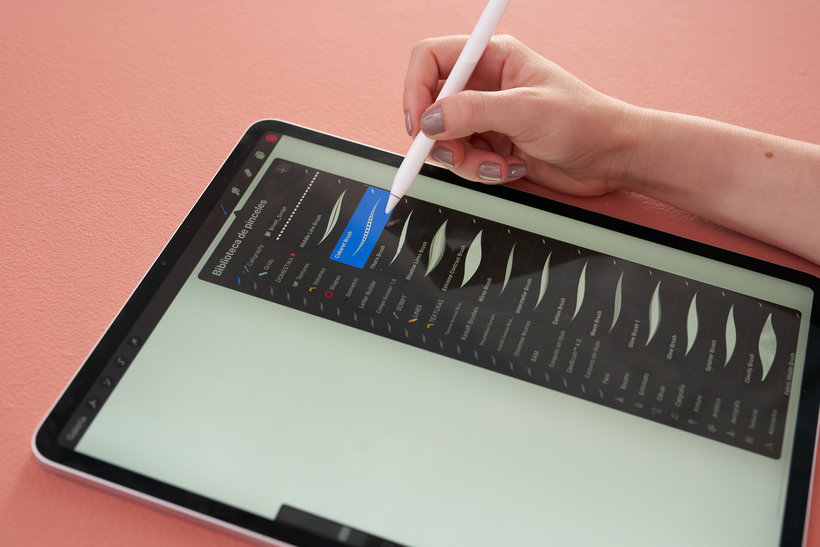
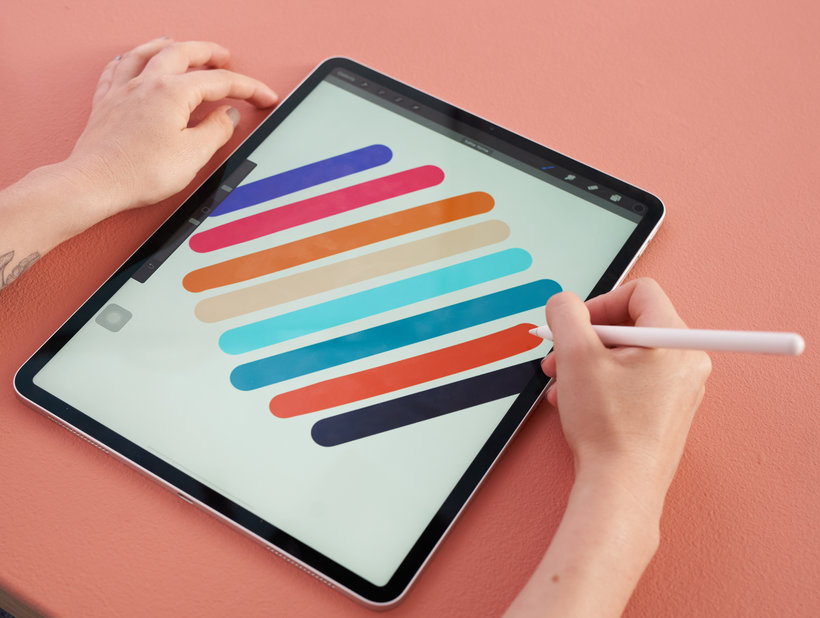
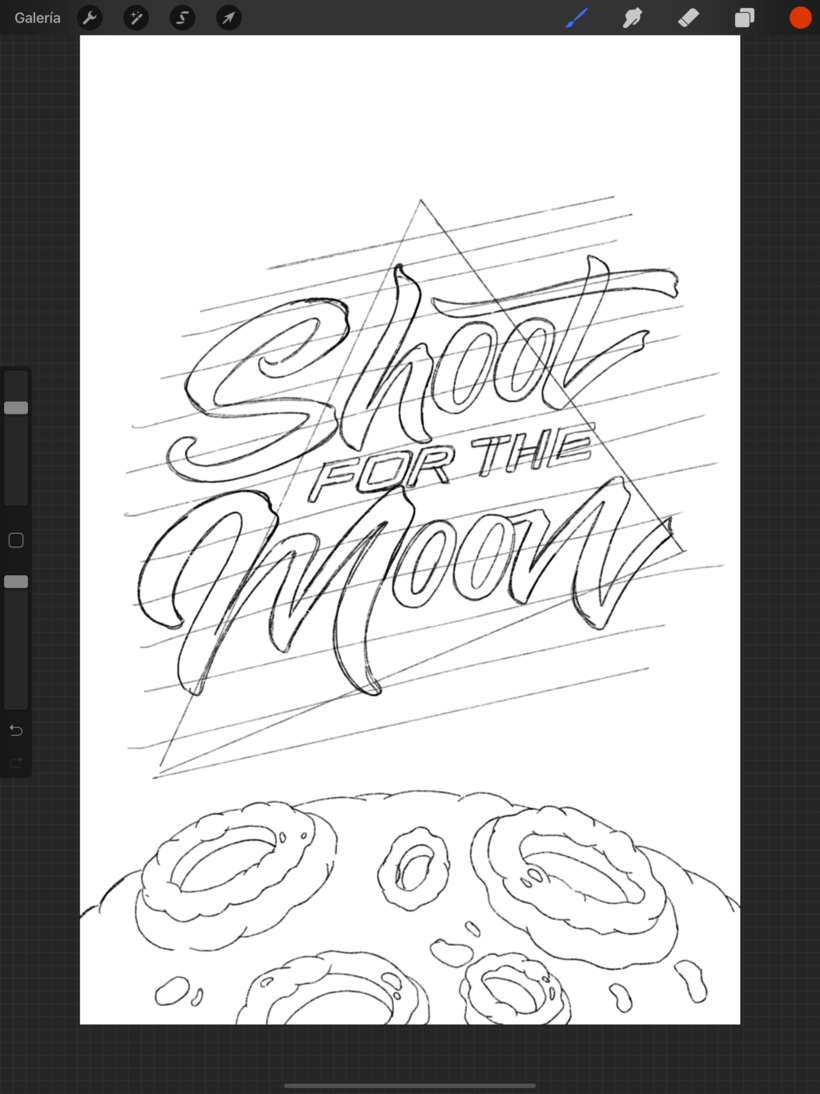
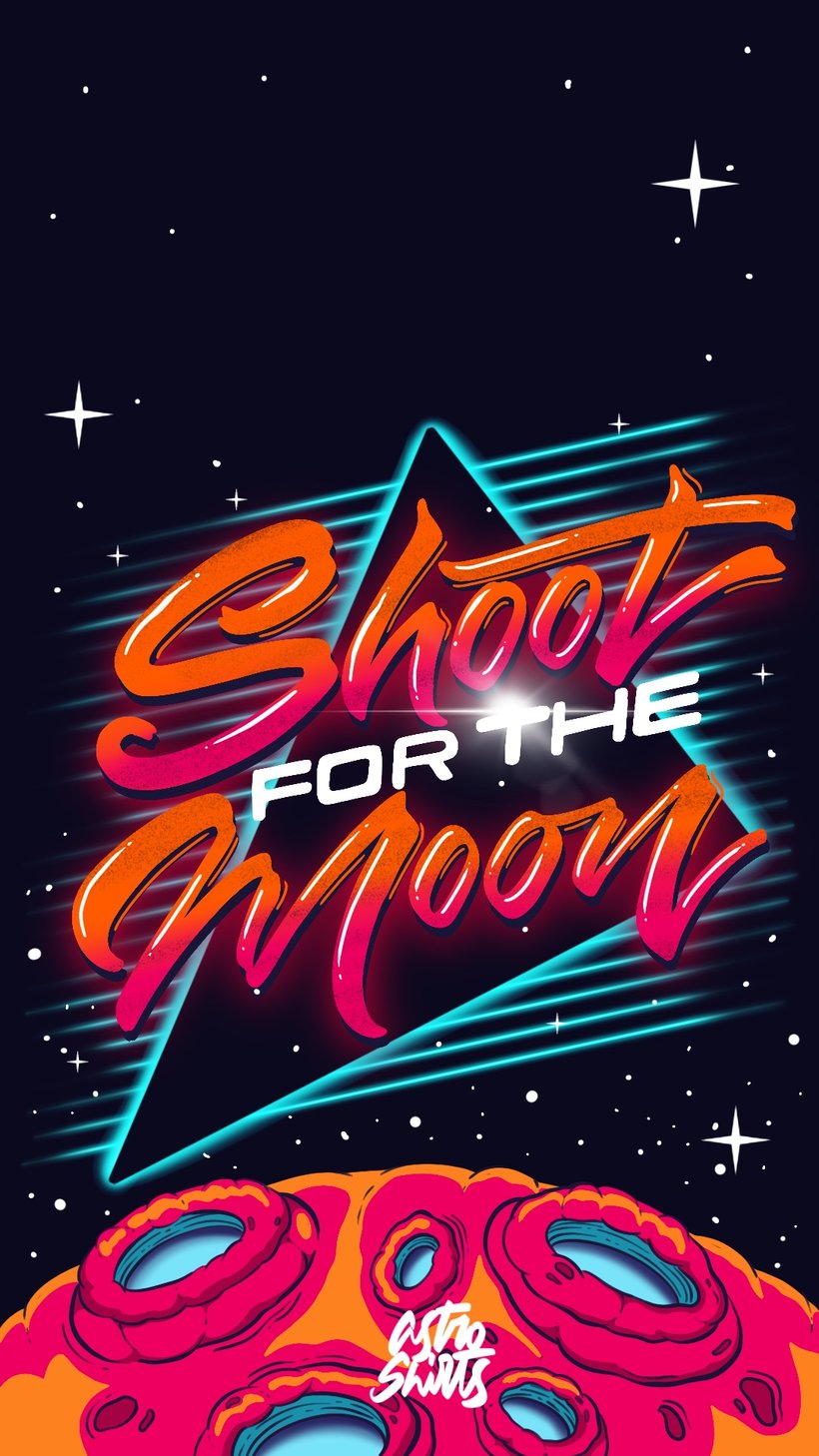
“We finish our adventure, but that does not mean that the fun is also over. Now, I want you to get down to work with your final project with a subject that you are passionate about, or something that you know that can help you build loyalty in your community or even offer these pieces to a client! The topic can be any, you just have to think about all the details with which you will complete your brief so that it is much easier to design it. I'll give you some ideas here: it can be an ice cream shop with a very childish mood, a very feminine and beachy clothing brand, a skateboard brand with an adventurous or rocker vibe, in short, you can use any theme that comes to mind, the important thing is that the emotion to create awakens in you. Before starting, I recommend that you explore every corner of Procreate, there are many things that you can discover that can help you for your projects, do not forget to be very organized with your project, I promise you that this will make your work much more agile. Now yes, I show you an example of how I would like to see your final project: Brief and mood board Start by creating your brief, moodboard, and selecting your supporting elements, having a north is the best advice I can give you so that your creativity flows.
Partial transcription of the video
“Final project We have reached the end of the course. I hope you enjoyed it and that you have learned a lot. Before saying goodbye, I want you to consider the steps we went through in the course for you to prepare your final project. Take a look at Procreate, a bit of its interface and properties. Manage layers within the file and all the effects and adjustments that Procreate gives us. Create your own brushes for your final piece. Define the project brief and then build the mood board. Create the color palette to make way for the first sketches and compositions. Add color, texture, shadows ...”
This transcript is automatically generated, so it may contain mistakes.
Course summary for: Lettering with Procreate: Master the App
-
Category
Calligraphy & Typography -
Software
Procreate -
Areas
3D Lettering, Calligraphy, Digital Lettering, Lettering

Ana Moreno
A course by Ana Moreno
Ana Moreno, better known on social media as @lettering.iam, is a trained industrial designer who found her true passion in graphic design and her favorite form of expression in lettering. Her work can be found in a variety of contexts including murals, packaging, brand activations, and music videos.
Her letters have also been featured in publications like Black Mamba Magazine in El Salvador and the Ibero-American Illustration Index and have led to collaborate with clients such as Calzatodo, Delirio, Pandora, and Universal Music for Jessie J. Despite her flourishing career, what she finds most fulfilling are her personal projects, which she sees as a challenge to herself and her imagination and shares with more than 13K followers on Instagram.
- 100% positive reviews (113)
- 3,854 students
- 21 lessons (4h 20m)
- 25 additional resources (12 files)
- Online and at your own pace
- Available on the app
- Audio: Spanish, English, French, Indonesian, Italian, Portuguese, Romanian, Turkish
- Spanish · English · Portuguese · German · French · Italian · Polish · Dutch · Turkish · Romanian · Indonesian
- Level: Beginner
- Unlimited access forever
Recommended software & tools for this course
 Procreate
Category
Areas