Lettering with Procreate: Master the App
A course by Ana MorenoDesigner and Lettering Artist
A course by Ana Moreno, Designer and Lettering Artist

Discover all the tools that Procreate offers to create professional and strong lettering pieces
Procreate gives you the power to create professional art as quickly and naturally as if you were drawing on paper by allowing you to design digital letters with the stroke of your pen. That's why it's the number one app for Ana Moreno, designer and lettering artist who has worked with brands like Delirio, Pandora, and Universal Music for Jessie J.
In this course, learn how to create calligraphy and lettering pieces from start to finish using Procreate. Discover how to use the tools and features of this app to design letters with full-bodied personality and get the most out of your iPad.
What will you learn in this online course?
21 lessons & 25 downloads
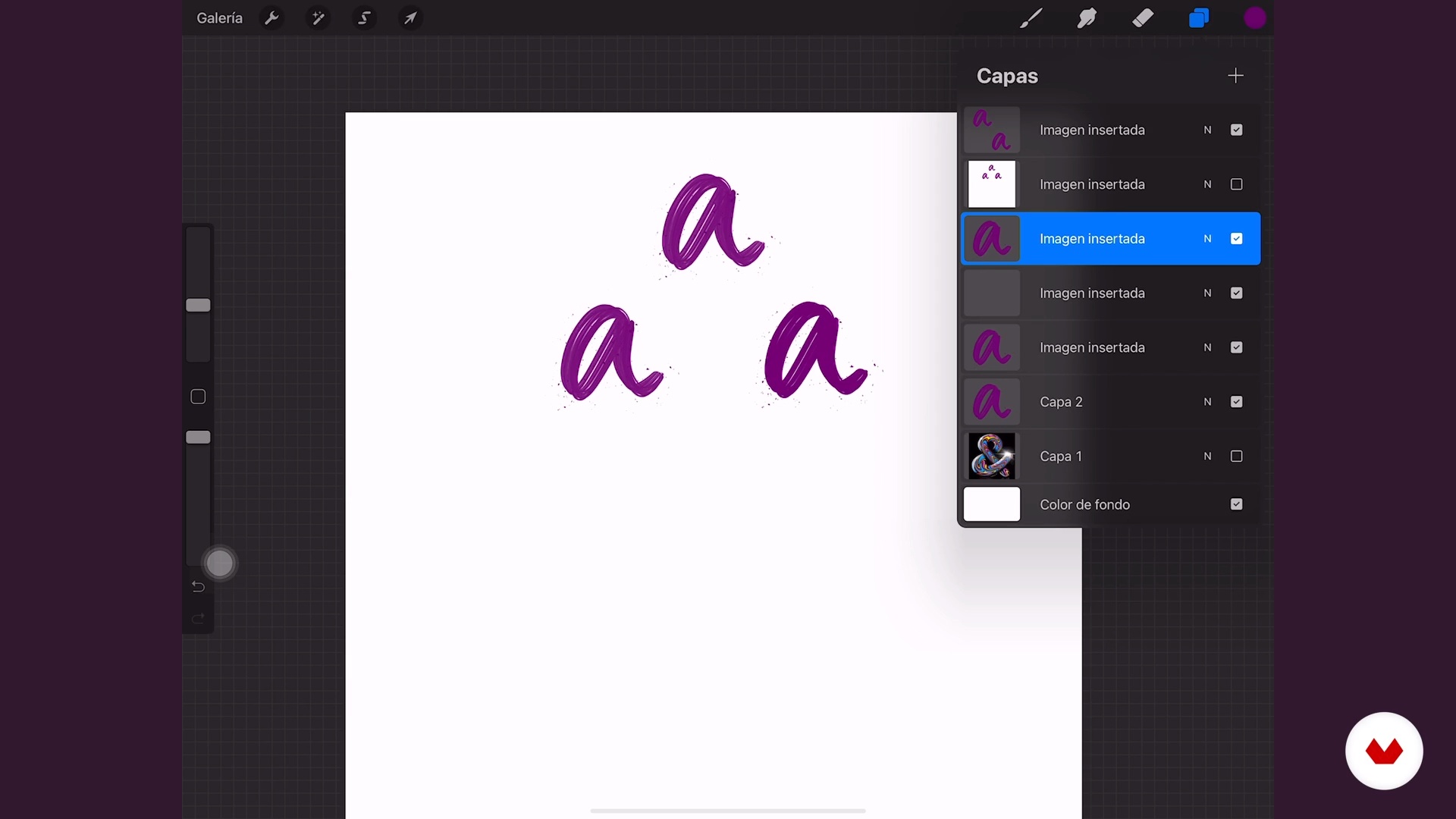
Understanding Procreate
9 minutes, 39 seconds
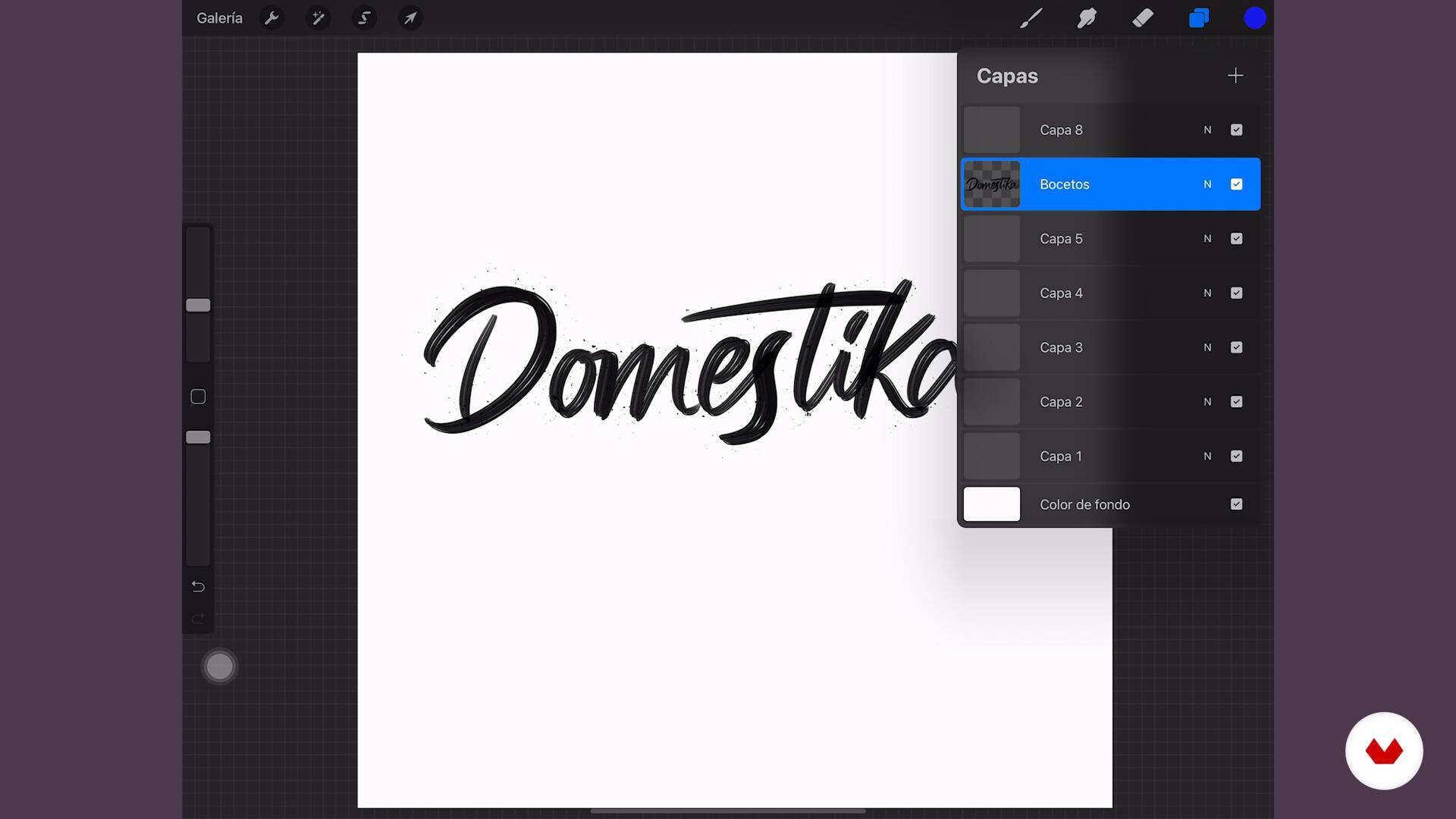
Fail-proof layers
6 minutes, 52 seconds
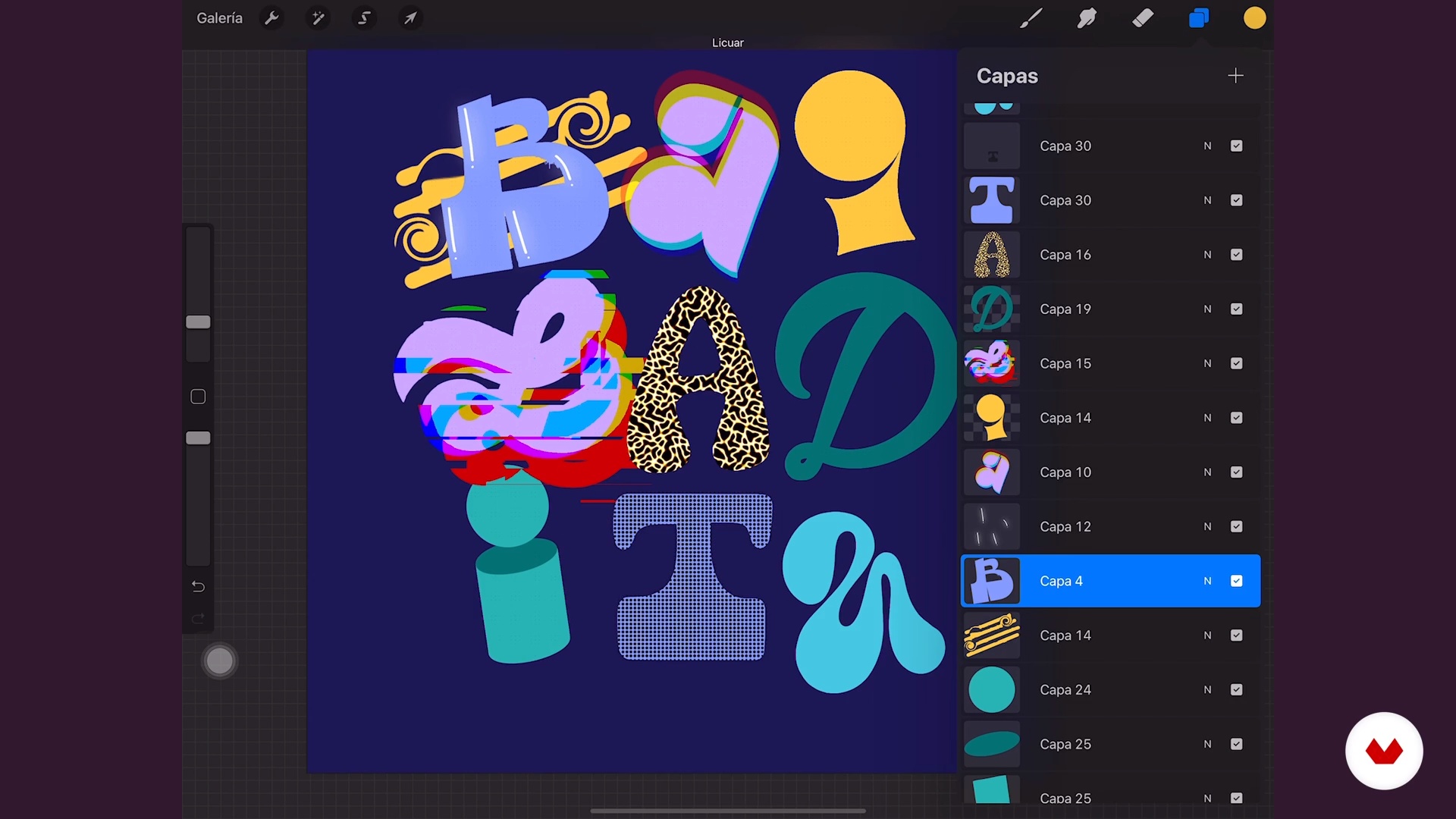
Layer Effects
12 minutes, 41 seconds
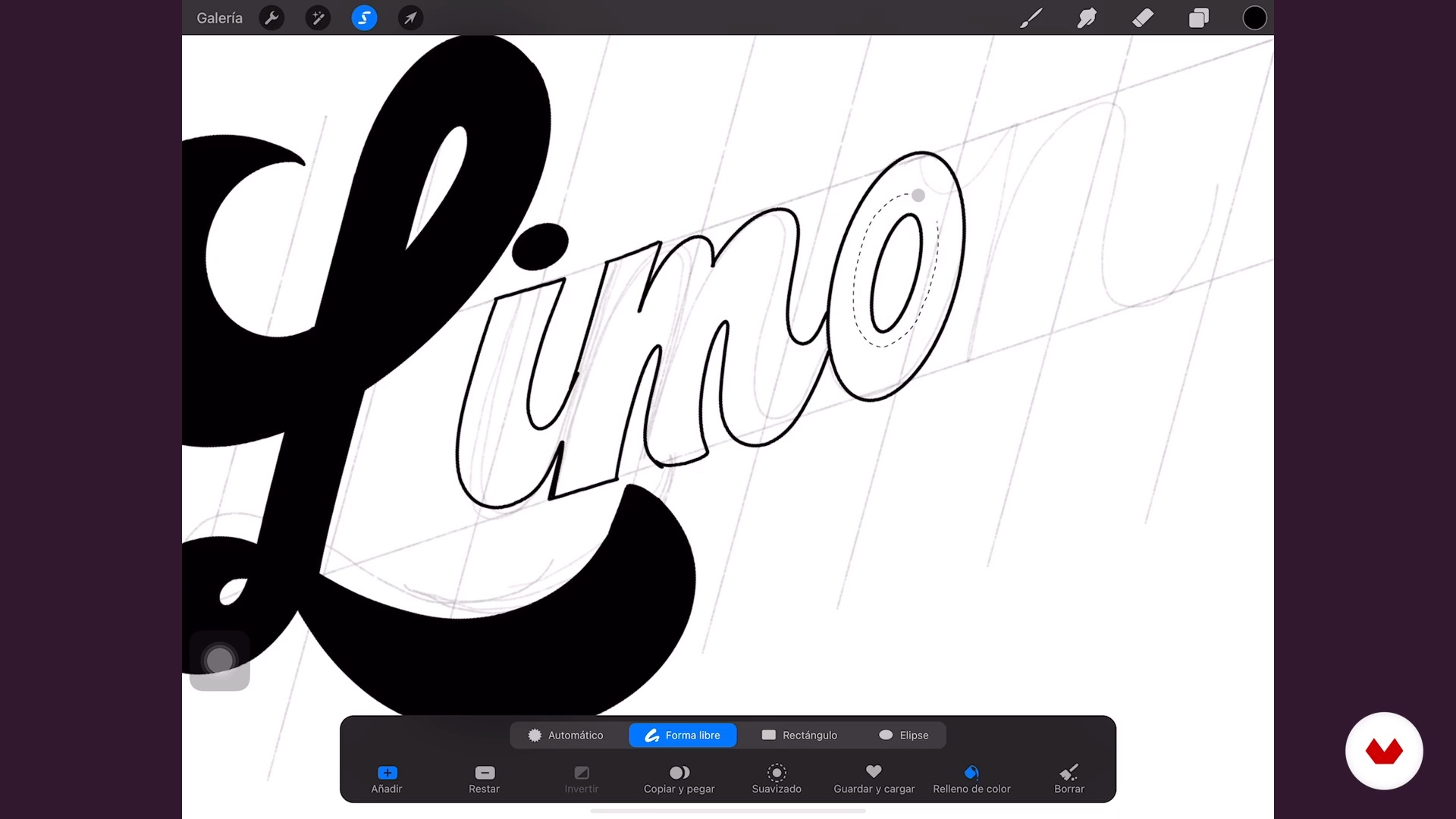
Other settings
19 minutes, 2 seconds
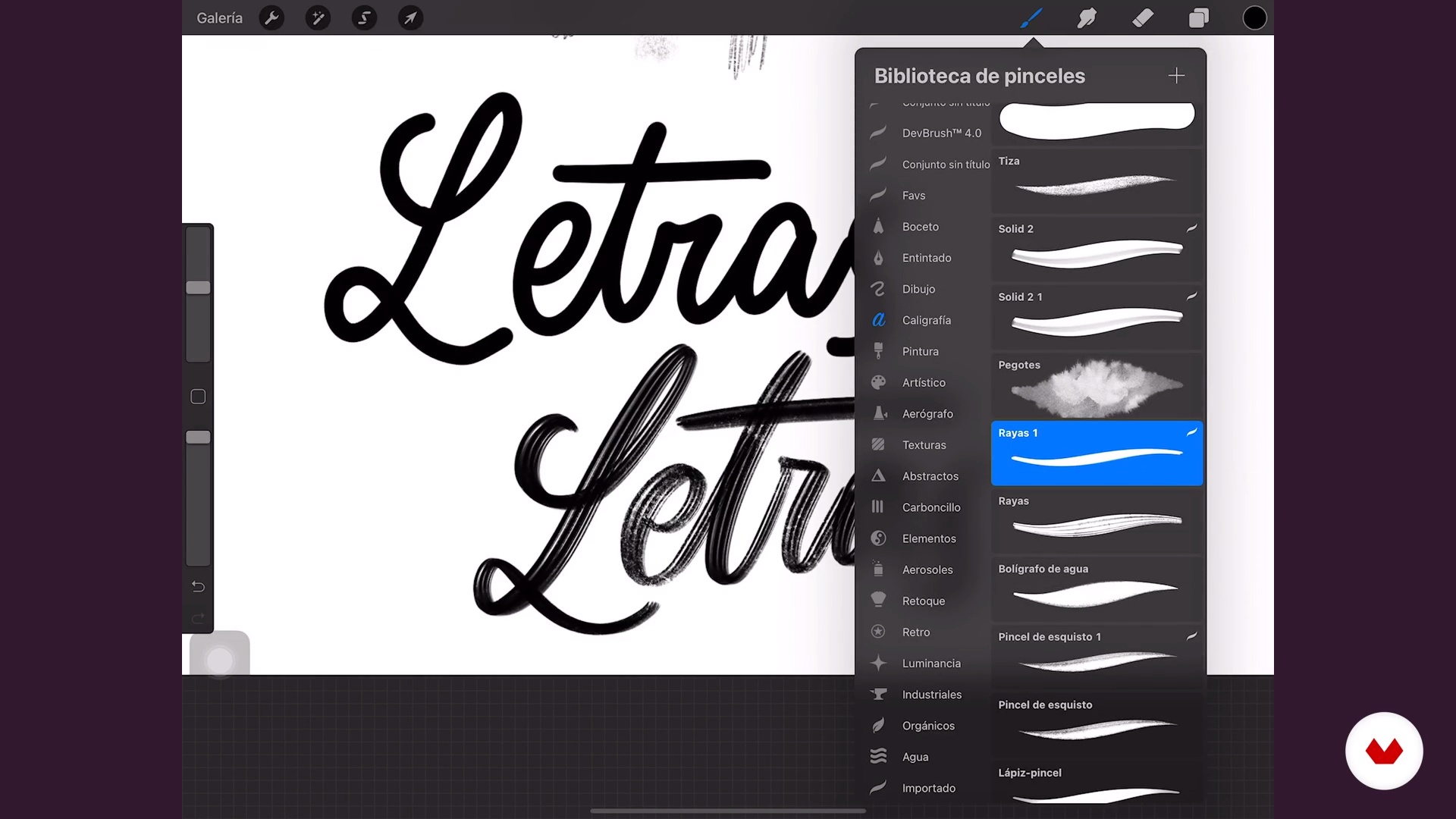
Brushes
16 minutes, 2 seconds
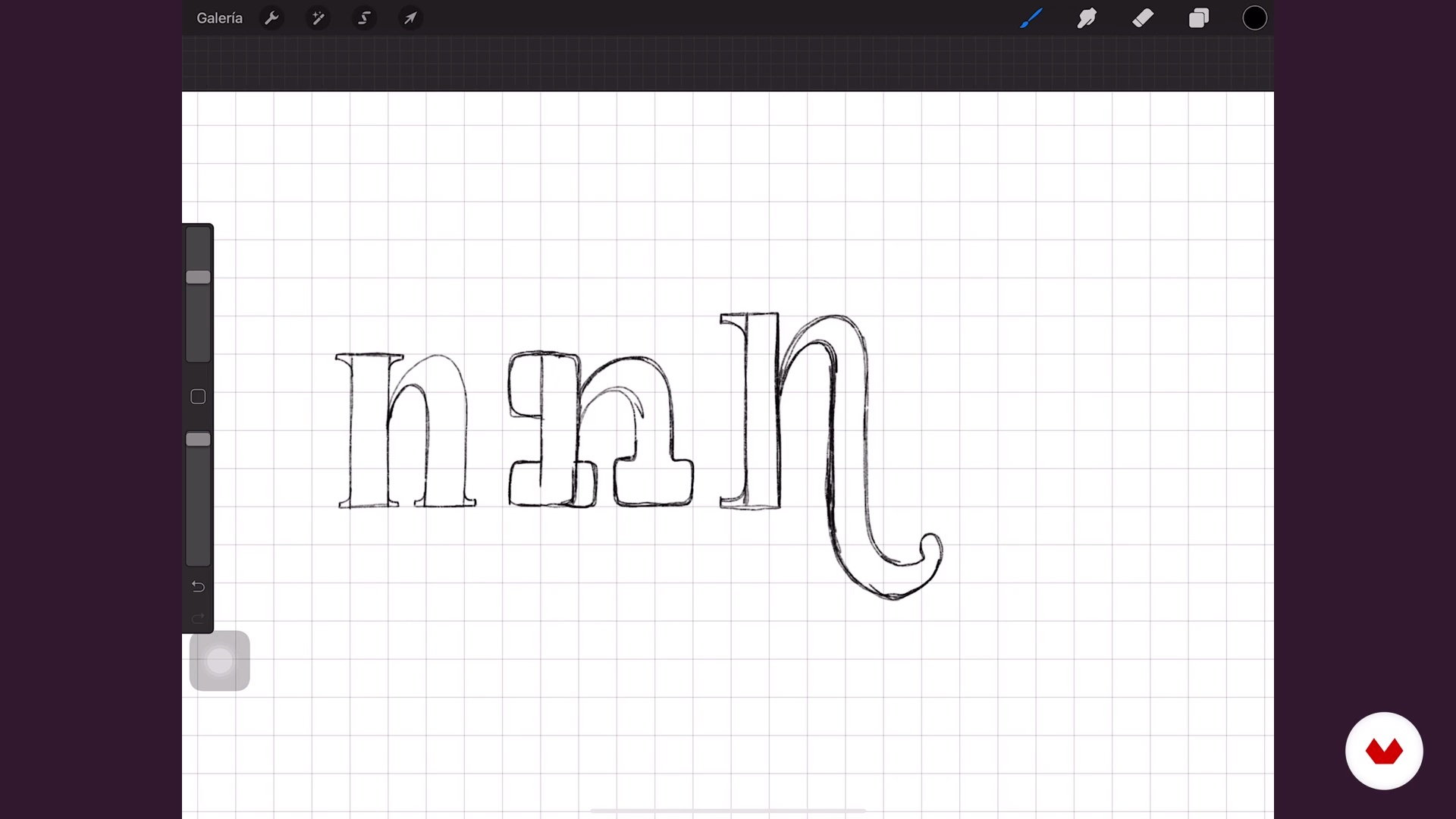
Most used fonts
10 minutes, 26 seconds
What's included in this course?
Begin the course with an introduction from your teacher, Ana Moreno. She tells you about how she stumbled into the world of letters, how she became a freelance designer, and the people that have inspired her throughout her journey.
Dive straight into the basics of Procreate and explore the interface and its main features. See the tools Ana uses most often while designing and configure some shortcuts to optimize your workflow Then, learn how to organize and work with layers efficiently and utilize the program's tools to make adjustments and apply a variety of effects.
Create some calligraphy brushes and test them out by drawing different types of letters like script, serif, and sans serif. Build on what you've learned and see how to add volume to your letters using the perspective and isometric drawing guides from Procreate.
Next, Ana walks you through her creative approach to a lettering project from scratch. Write a mock brief to give your project direction, compile ideas into a mood board, and create a color palette. Design your own stamp brush to give your piece a signature style and start working on your first sketches.
Once you have the definitive designs, let your imagination run wild and enhance your compositions by adding colors, textures, light, and shadows following Ana's advice. To finish up the course, learn how to export your pieces to share on social media and discover a simple technique to make your work easily accessible for your Instagram followers.
Recommended software & tools for this course
What is this course's project?
Design a set of three wallpapers for a smartphone using lettering as the main technique.
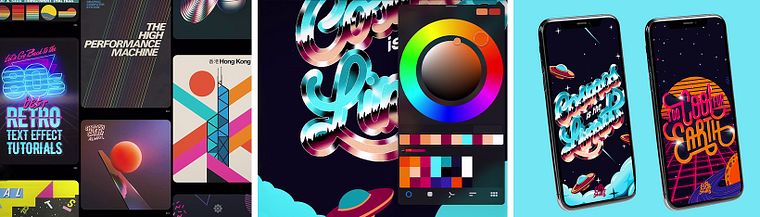
Projects by course students


Who is this online course for?
Graphic designers and anyone interested in learning how to use the tools in Procreate to their full potential to make digital lettering designs.
Requirements and materials
Basic knowledge of calligraphy, lettering, and illustration is needed to take this course.
The only materials you need are an Apple Pencil and a compatible iPad.
Reviews
- 2 months ago
Bueno
- 2 months ago
Dieser Lettering-Kurs hat meine Erwartungen übertroffen und bietet die perfekte Balance zwischen Theorie und kreativer Praxis. Dank der verständlichen Erklärungen habe ich super schnell Fortschritte gemacht und wunderschöne eigene Schriftzüge gestaltet.
- nicod9912PLUS6 months ago
Me encanto aprendi mucho
- 6 months ago
Excelente curso, excelente instructor. ¡Lo recomiendo!
- 10 months ago
Excelente

Her letters have also been featured in publications like Black Mamba Magazine in El Salvador and the Ibero-American Illustration Index and have led to collaborate with clients such as Calzatodo, Delirio, Pandora, and Universal Music for Jessie J. Despite her flourishing career, what she finds most fulfilling are her personal projects, which she sees as a challenge to herself and her imagination and shares with more than 13K followers on Instagram.
Content
- U1
An adventure of letters
- Meet your adventure partner
- Influences
- U2
The magic of Procreate tools
- Understanding Procreate
- Fail-proof layers
- Layer Effects
- Other settings
- U3
Welcome to the world of letters
- Brushes
- Most used fonts
- Volume
- U4
Understanding the order and starting to create
- Brief and Mood board
- Support elements
- Create your color palette
- Create your pattern brush
- Sketches and composition 1
- Sketches and composition 2
- U5
The epitome of adventure
- Adding color to our piece 1
- Adding color to our piece 2
- Adding color to our piece 3
- Lights, shadows and textures 1
- Lights, shadows and textures 2
- Exporting our parts
- FP
Final project
- Lettering with Procreate: Master the App
What to expect from a Domestika course
Learn at your own pace
Enjoy learning from home without a set schedule and with an easy-to-follow method. You set your own pace.
Learn from the best professionals
Learn valuable methods and techniques explained by top experts in the creative sector.
Meet expert teachers
Each expert teaches what they do best, with clear guidelines, true passion, and professional insight in every lesson.
Certificates
PLUSIf you're a Plus member, get a custom certificate signed by your teacher for every course. Share it on your portfolio, social media, or wherever you like.
Get front-row seats
Videos of the highest quality, so you don't miss a single detail. With unlimited access, you can watch them as many times as you need to perfect your technique.
Share knowledge and ideas
Ask questions, request feedback, or offer solutions. Share your learning experience with other students in the community who are as passionate about creativity as you are.
Connect with a global creative community
The community is home to millions of people from around the world who are curious and passionate about exploring and expressing their creativity.
Watch professionally produced courses
Domestika curates its teacher roster and produces every course in-house to ensure a high-quality online learning experience.
FAQs
You’ll learn digital lettering techniques, composition, illustration integration, layer management, brushes and effects in Procreate, plus strategies for building a portfolio and showcasing your work on social media.
Yes, this course is designed for people with basic illustration or design knowledge who want to deepen their skills in digital lettering and advanced Procreate use.
It’s recommended to have basic digital illustration skills and some familiarity with Procreate to get the most out of the course content.
You’ll need a compatible iPad, Apple Pencil, and the Procreate app installed. Internet access is recommended to download templates and additional resources.
Yes, you’ll learn how to build a creative portfolio showcasing your digital lettering projects, ready to share with potential clients or on social media.
Yes, you’ll get access to free templates and downloadable resources that make practicing and creating your lettering projects easier.
You’ll learn visual presentation strategies, file optimization tips, and advice for posting your work on social media to grab clients’ attention.