Rigging: Body Articulation of a 3D Character
A course by Pablo Emmanuel De LeoCGI Character TD
A course by Pablo Emmanuel De Leo, CGI Character TD

Learn to bring your characters to life with Maya
In this course you will learn to give life to your characters through body rigging. Pablo Emmanuel de Leo, 3D professional with more than a decade of experience in the world of animation behind his back, will teach you how to generate a humanoid skeleton from scratch and place it in a geometry.
Taking advantage of the techniques used in the film and videogame industry, you will learn to complement rigging with basic programming concepts and generate realistic poses for your character.
What will you learn in this online course?
44 lessons & 22 downloads
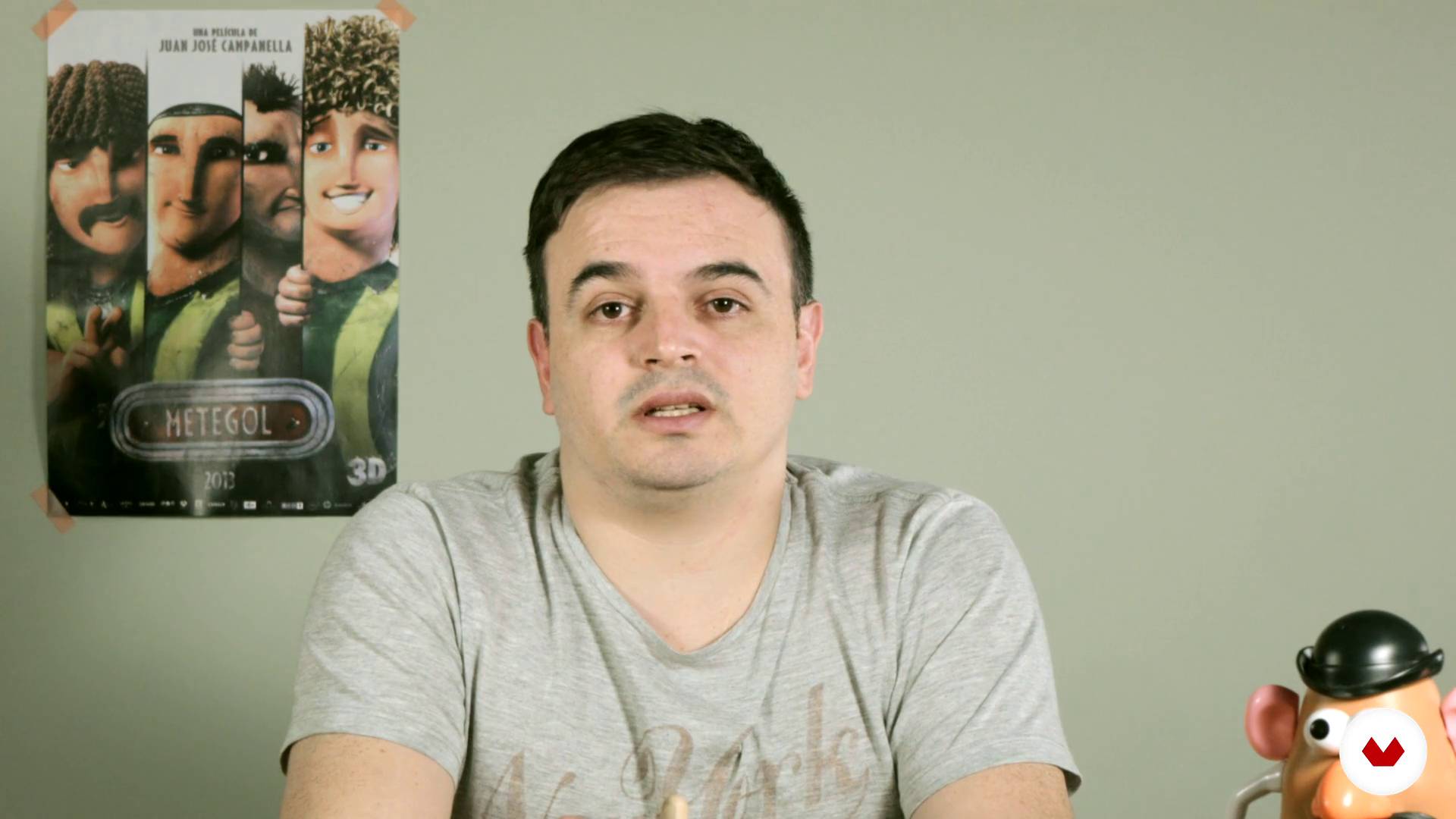
Starting
1 minute, 30 seconds
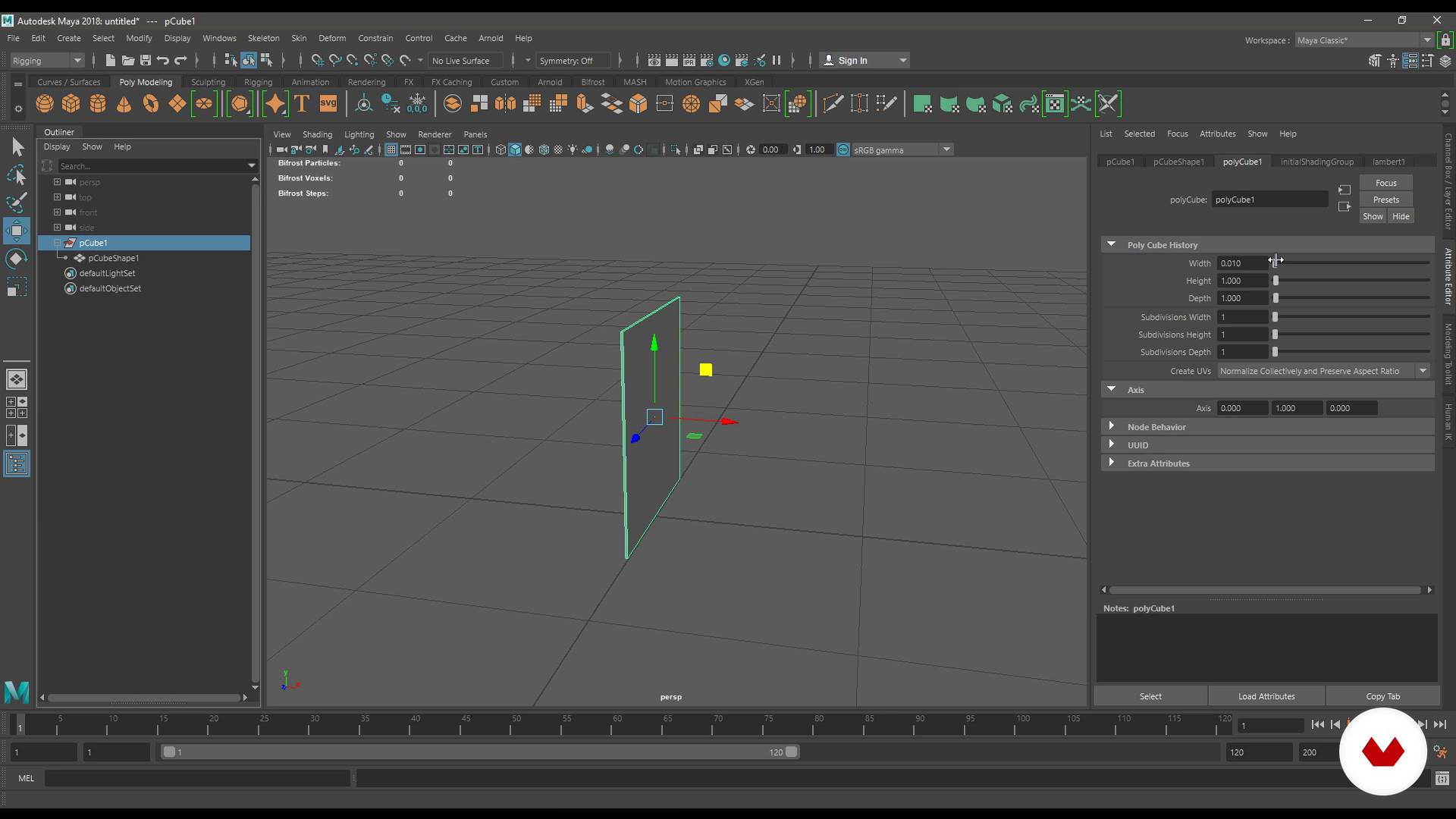
Environment and foundations of Maya (Part 1)
15 minutes, 21 seconds
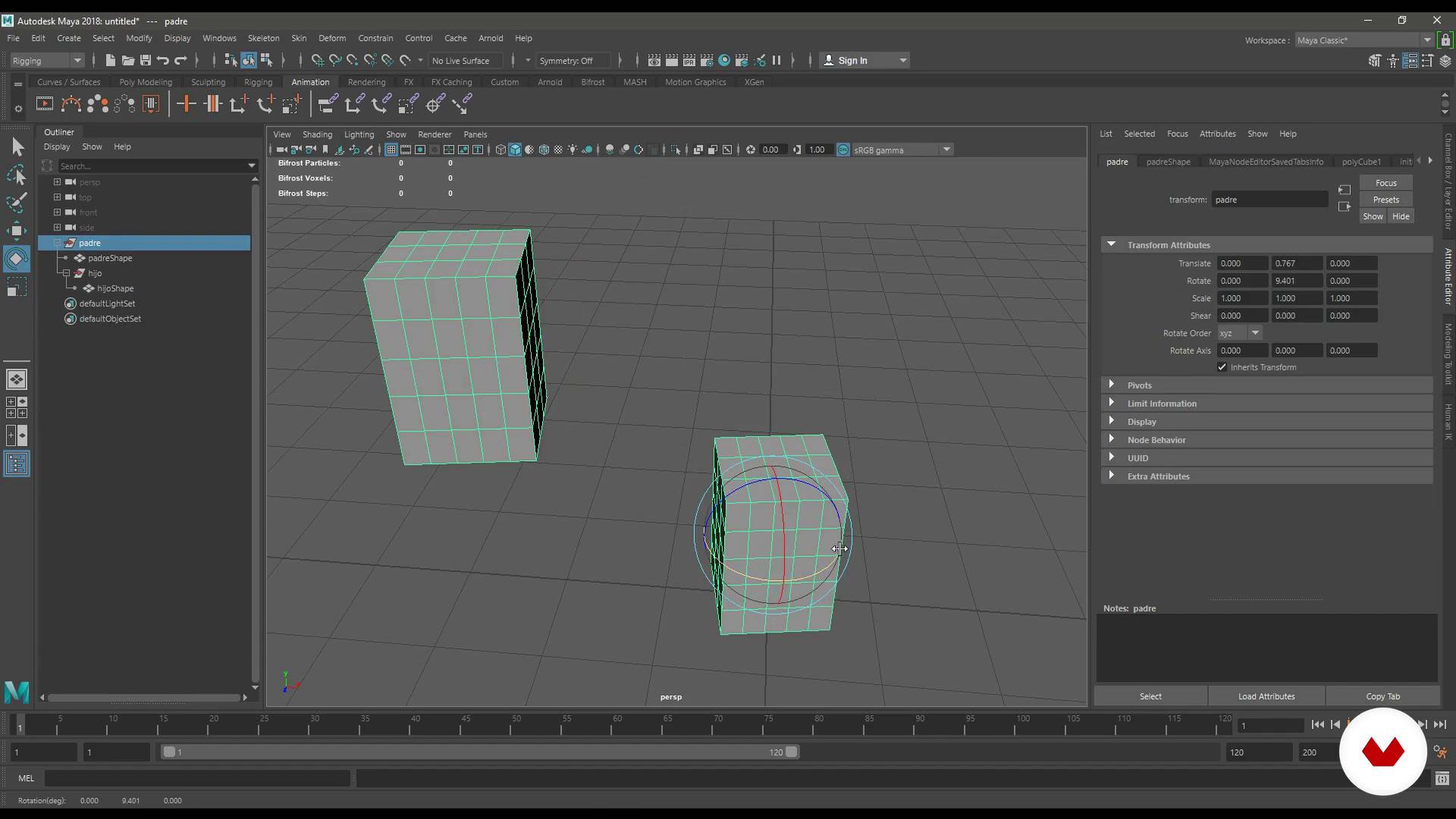
Environment and foundations of Maya (Part 2)
17 minutes, 50 seconds
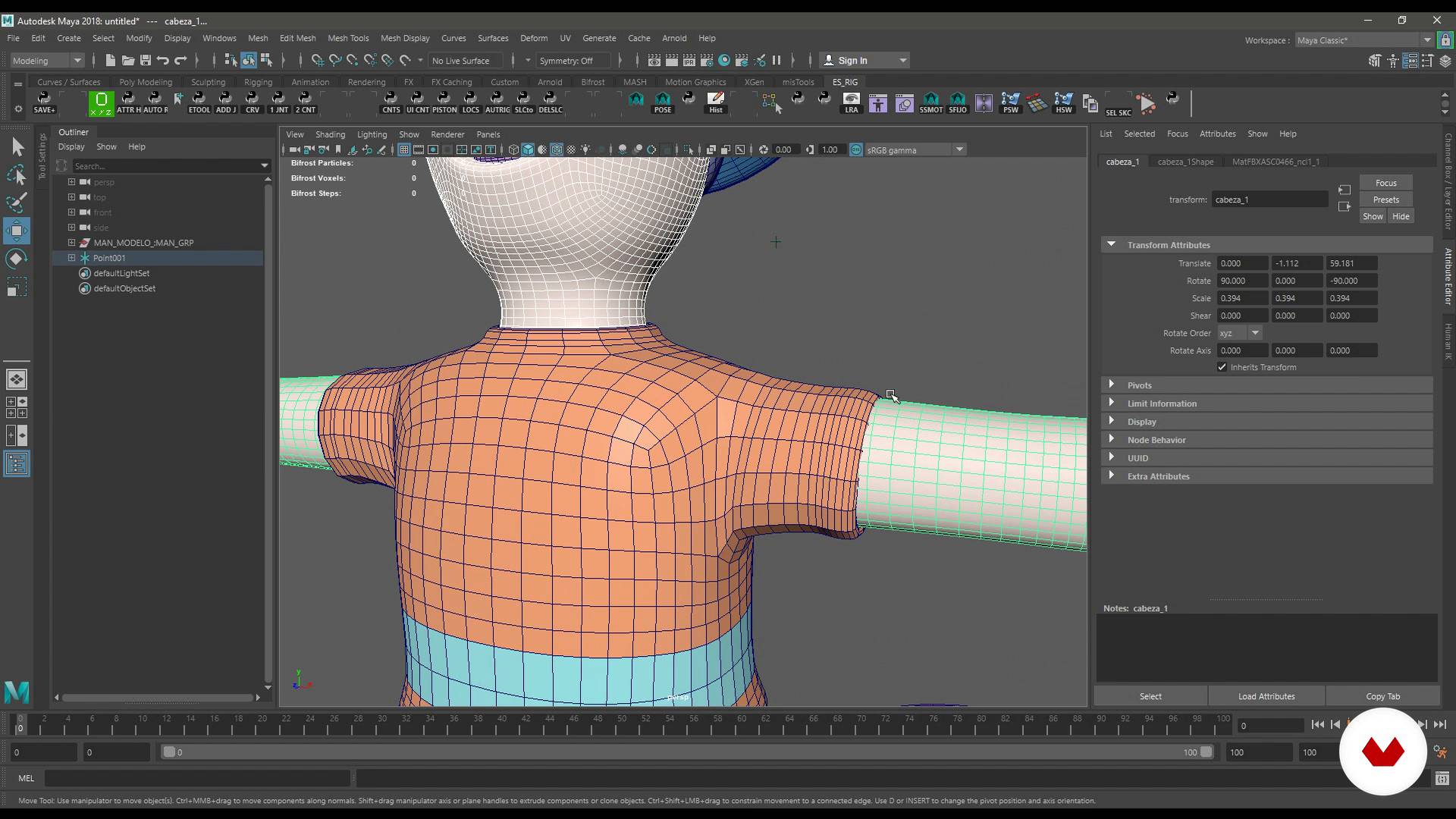
Topology for rigging
14 minutes, 0 seconds
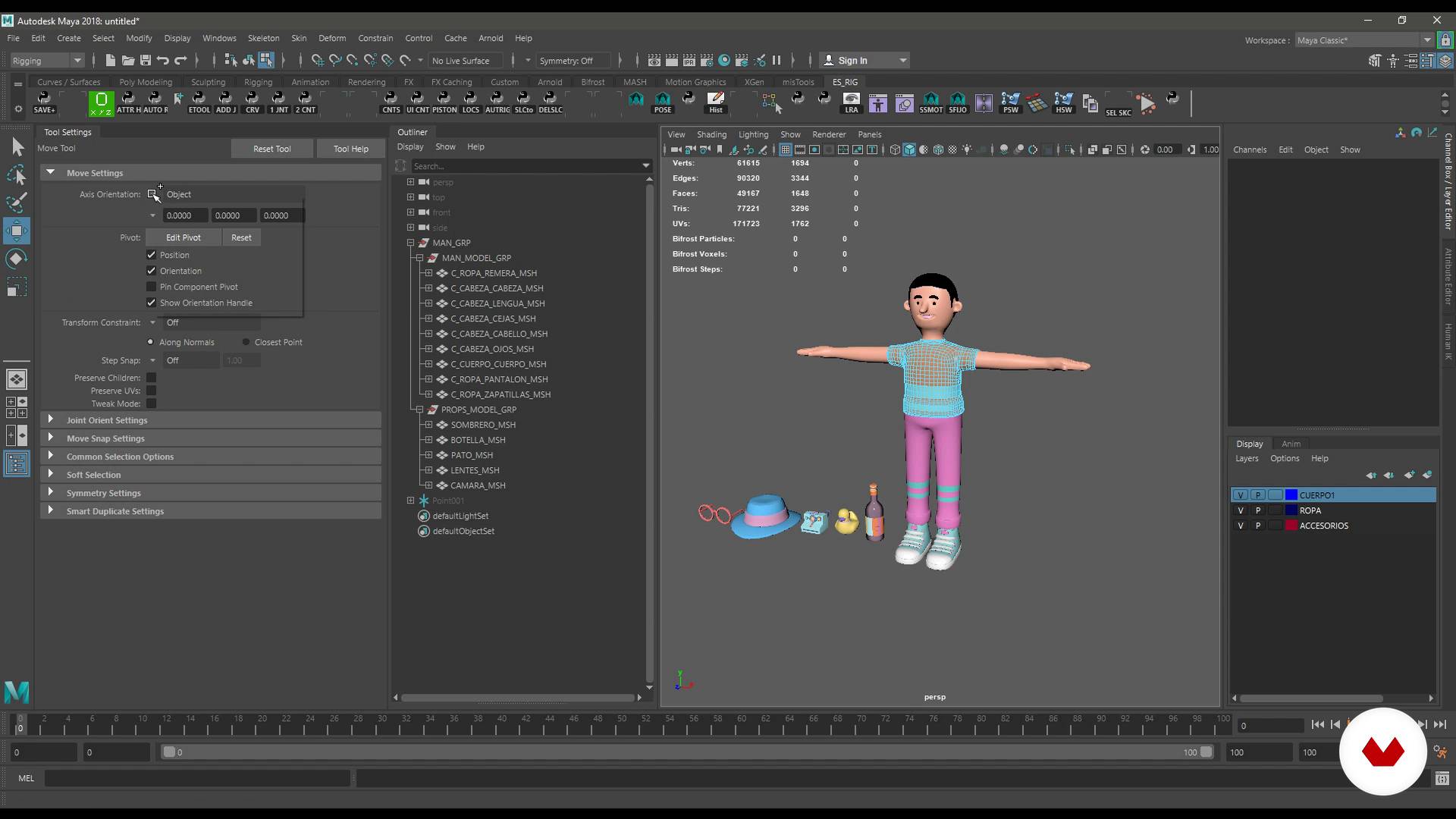
Topology for rigging (Part 2)
17 minutes, 3 seconds
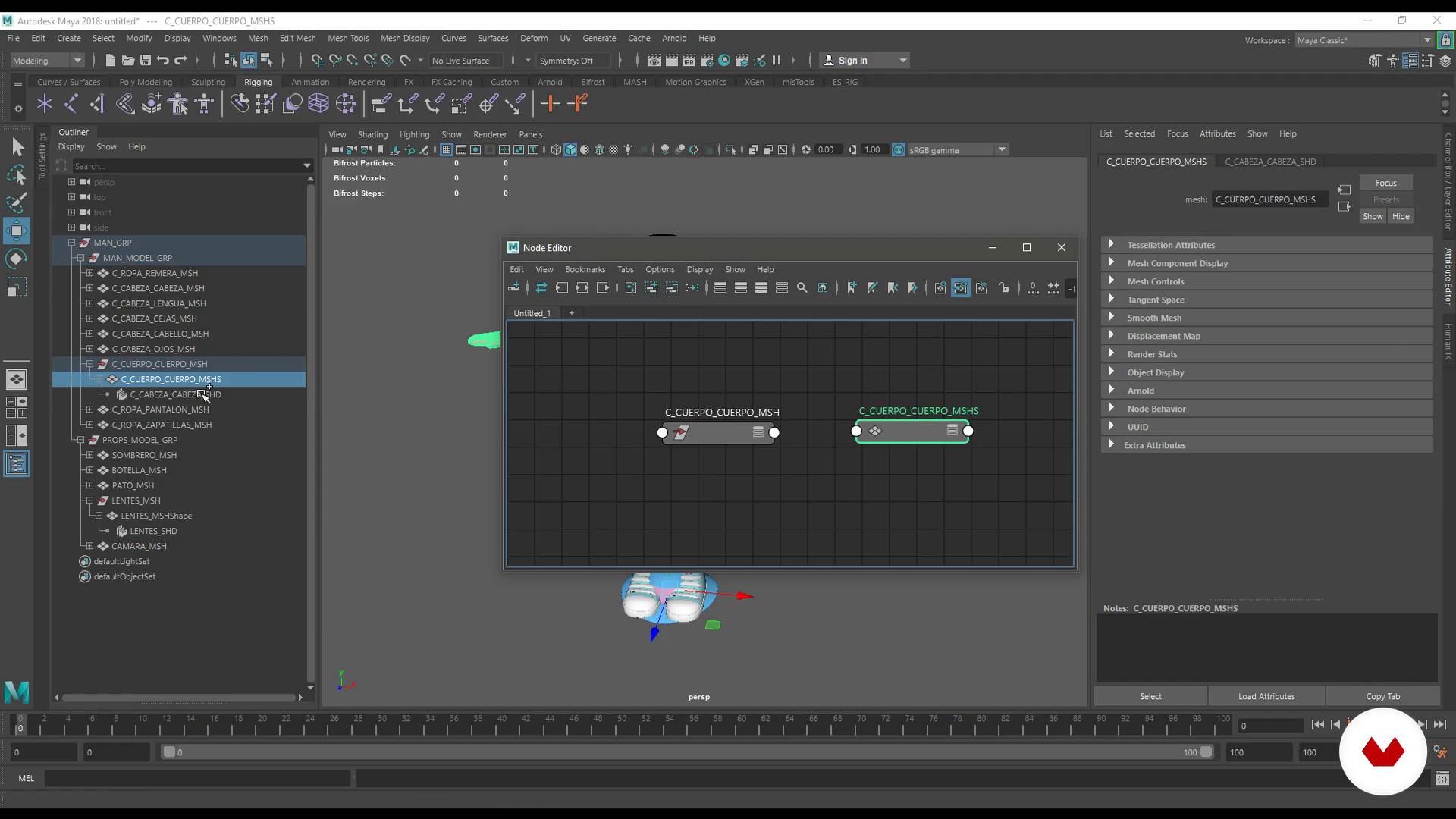
Order and nomenclature
7 minutes, 20 seconds
What's included in this course?
You will begin knowing the surroundings of Maya and discover the tools that Pablo Emmanuel de Leo uses to work. In addition, it will teach you how to structure and name the files to work in an orderly and effective way in the world of animation.
Once you are familiar with the work environment, you will learn how to perform the optimal topology for rigging and work with the references.
You will learn how to use the IK and FK systems, the Quick Rig and the HumaniK. You will create a rig of eyes, hands and accessories, as well as a facial rig with Blendshapes.
Pablo will teach you, too, to use the Skin and Pose Deform, to make a Proxy Rig and give a few small brushstrokes of programming with Python.
To finish, you will make five different poses of your characters and you will do the render to present your work.
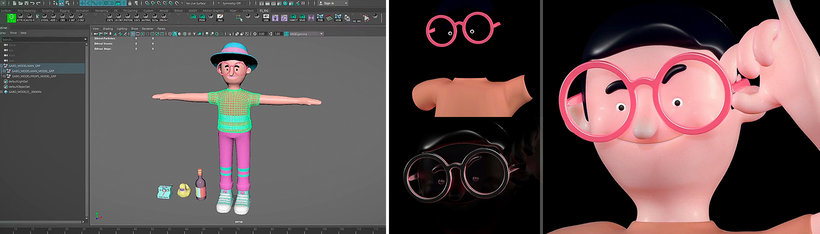
Recommended software & tools for this course
What is this course's project?
From a 3D model, you will develop a humanoid skeleton, rigge and start programming. In addition, you will make several poses to animate your character and make him look more alive than ever.
Projects by course students


Who is this online course for?
This course is aimed at designers, illustrators, animators, riggers, architects and anyone interested in the world of animated characters.
Requirements and materials
You must have a basic knowledge of the 3D environment and a curiosity to understand how things work.
With respect to the materials, you will need a computer with the Maya program. If you do not have it installed, do not worry, Pablo will help you get it.
Reviews
- 2 years ago
Buen curso en general, muy util todos los trucos que enseña.
- 2 years ago
exelente!
- 3 years ago
Con este curso comprendi los fundamentales del rigging. Estoy contento porque me abre un mundo de posibilidades.
- 4 years ago
Ainda Estou começando, mas parece ser bom.
- 4 years ago
Un curso muy completo, recomendado para aventurar en el rigging

He was supervisor, Rigger and Pipeline TD in several videogames and movies like Metegol , The machine that makes stars and Tales from the jungle among many others.
He has also worked in advertising. He made animations, modeling, programming, vfx, simulation and render for brands such as Microsoft, Bayer and Fox. In addition, he is a programmer in python and other programming languages.
He currently directs Cof Cof, his own studio.
Content
- U1
Introduction
- Presentation
- Influences
- Starting
- U2
Interface and organization
- Environment and foundations of Maya (Part 1)
- Environment and foundations of Maya (Part 2)
- Topology for rigging
- Topology for rigging (Part 2)
- Order and nomenclature
- References
- IK, FK and their differences (Part 1)
- IK, FK and their differences (Part 2)
- IK, FK and their differences (Part 3)
- IK, FK and their differences (Part 4)
- U3
Rig with HumanIK
- Quick rig
- HumanIK (Part 1)
- HumanIK (Part 2)
- U4
Custom rigs
- Rig of hands
- Rig of eyes
- Rig of accessories (Part 1)
- Rig of accessories (Part 2)
- Rig of accessories (Part 3)
- U5
Deformers
- BlendShapes for expressions (Part 1)
- BlendShapes for expressions (Part 2)
- BlendShapes for expressions (Part 3)
- BlendShapes for expressions (Part 4)
- Skinning (Part 1)
- Skinning (Part 2)
- Skinning (Part 3)
- Skinning (Part 4)
- Skinning (Part 5)
- Deformer pose
- U6
Creating a proxy rig
- Proxy rig (Part 1)
- Proxy rig (Part 2)
- Proxy rig (Part 3)
- Proxy rig (Part 4)
- U7
Close the character
- Shell with Python (Part 1)
- Shell with Python (Part 2)
- Shell with Python (Part 3)
- Shell with Python (Part 4)
- Shell with Python (Part 5)
- Closure of the character (Part 1)
- Closure of the character (Part 2)
- Poses and render (Part 1)
- Poses and render (Part 2)
- FP
Final project
- Body Rigging in Maya
What to expect from a Domestika course
Learn at your own pace
Enjoy learning from home without a set schedule and with an easy-to-follow method. You set your own pace.
Learn from the best professionals
Learn valuable methods and techniques explained by top experts in the creative sector.
Meet expert teachers
Each expert teaches what they do best, with clear guidelines, true passion, and professional insight in every lesson.
Certificates
PLUSIf you're a Plus member, get a custom certificate signed by your teacher for every course. Share it on your portfolio, social media, or wherever you like.
Get front-row seats
Videos of the highest quality, so you don't miss a single detail. With unlimited access, you can watch them as many times as you need to perfect your technique.
Share knowledge and ideas
Ask questions, request feedback, or offer solutions. Share your learning experience with other students in the community who are as passionate about creativity as you are.
Connect with a global creative community
The community is home to millions of people from around the world who are curious and passionate about exploring and expressing their creativity.
Watch professionally produced courses
Domestika curates its teacher roster and produces every course in-house to ensure a high-quality online learning experience.
FAQs
You’ll learn how to create, organize, and animate 3D characters, apply rigging techniques, manage scenes in Maya, program for video games and films, and streamline your workflow for professional digital projects.
This is an intermediate-level course. It’s recommended that you have basic knowledge of 3D modeling and Maya to get the most out of the material.
You’ll need Autodesk Maya installed, a computer capable of handling 3D graphics, and an internet connection. Having a graphics tablet and basic Maya skills is also recommended.
Rigging involves building skeletons and controls for 3D models, enabling you to animate characters or objects with realistic, flexible movements for video games, films, and interactive projects.
Yes, the course includes creating tools and scripts to automate tasks and boost productivity in Maya, aimed at animators and technical artists.
You’ll develop skills to animate and rig 3D characters, program interactivity and effects, and manage complex scenes for both game production and digital film.
Yes, you’ll learn to build and switch between IK/FK systems, create BlendShapes for facial expressions, and handle complex control and bone hierarchies for lifelike animations.