


Essential Shortcuts for Mastering Adobe Camera Raw
Speed up your photography workflow with these Adobe Camera Raw shortcuts
Raw photos are non-processed images, files that contain all the information that your camera is capable of capturing. One of the best tools for importing and editing these raw images is Adobe Camera Raw, a native Adobe plug-in for working with Raw files in both Photoshop and Lightroom, and a tool that has become indispensable for professional photographers.
It is advisable to use Camera Raw whenever you are working with these types of files since its purpose is to recover all the information that the camera saved for processing the image. Then, you will be able to use any Photoshop or Lightroom editing tool on it.
To increase your productivity when using the Adobe Camera Raw plug-in, use these basic keyboard shortcuts, and download a PDF file below.

Most common shortcuts:
1. Zoom In: Ctrl + (+) / Cmd + (+)
2. Zoom Out: Ctrl + (-) / Cmd + (-)
3. Zoom to 100%: Ctrl + Alt + 0 / Cmd + Option + 0
4. Zoom to fit: Ctrl + 0 / Cmd + 0
5. Undo: Ctrl + Alt + Z / Cmd + Option + Z
6. Redo: Ctrl + Shift / Cmd + Shift
7. Select all images: Ctrl + A / Cmd + A
8. Select all classified images: Ctrl + Alt + A / Cmd + Alt + A
9. Merge selected images into a panorama: Ctrl + M / Cmd + M
10. Merge images for HDR: Alt + M / Option + M
11. Open image: Ctrl + O / Cmd + O
12. Apply automatic adjustments: Ctrl + U / Cmd + U
13. Apply default settings: Ctrl + R / Cmd + R
Most used tools:
1. White balance: I
2. Zoom: Z
3. Hand: H
4. Trim: C
5. Straighten / Align: A
6. Samples: S
7. Target setting: T
8. Spot / Retouch: B
9. Red-eye: E
10. Gradient tool: G
11. Reverse Gradient: X
12. Ellipse: J
13. Transform: Shift + T
14. Toggle Magnifying Glass Transformation: Shift + L
15. Filter brush: Shift + K
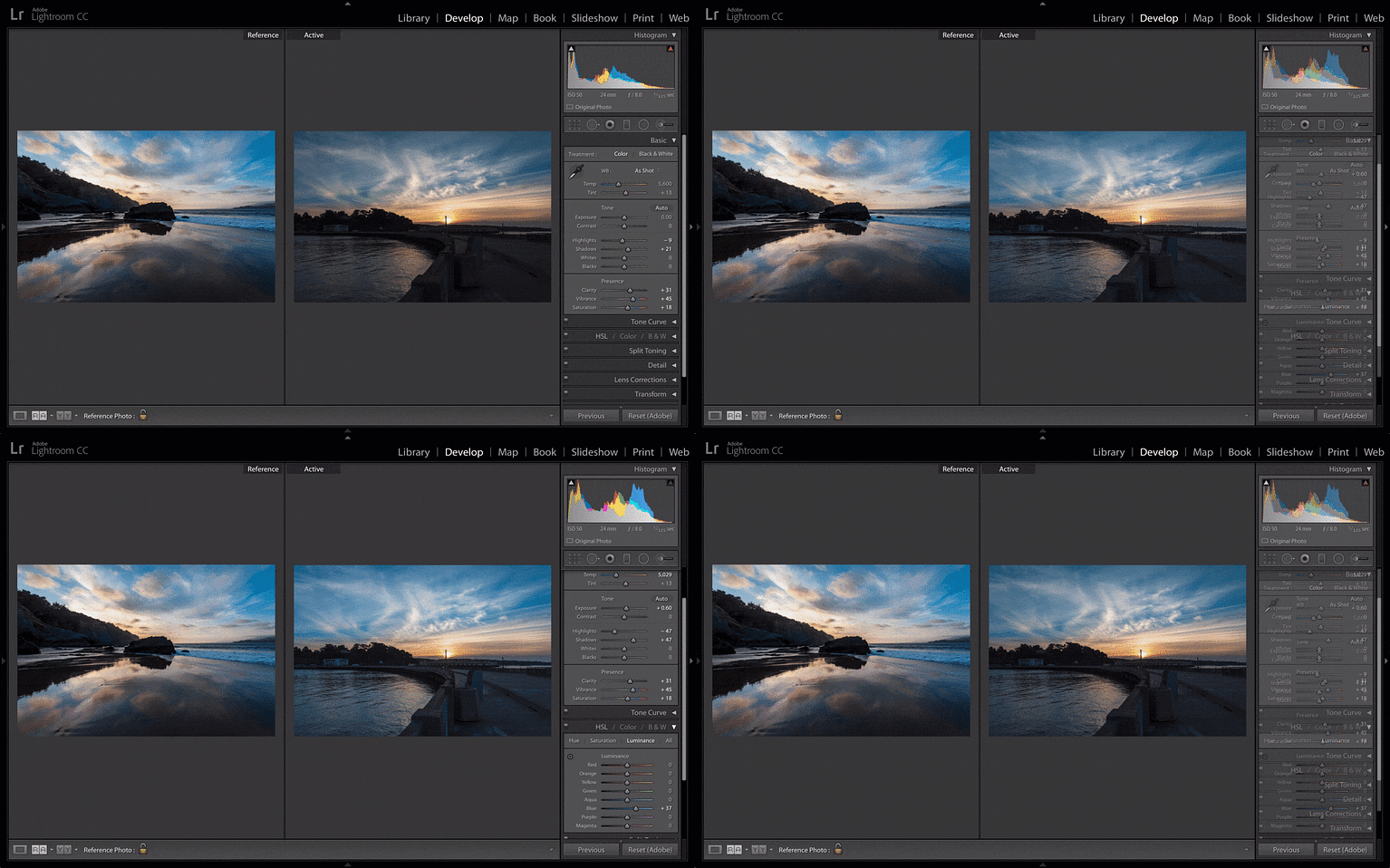
If you are interested in learning more about how to handle Raw files, the Introduction to Camera Raw course by photographer Nuria Aguade will teach you how to professionally process RAW files from scratch and all the secrets of this tool that allows you to prepare and enhance your images with an exceptional level of detail.
Download now the Essential Shortcuts for Mastering Adobe Camera Raw:
Join for Free and download
Essential Shortcuts for Mastering Adobe Camera Raw.pdf
You may also like:
- Develop RAW Files With Lightroom, a course by Edu Gómez.
- Introduction to Adobe Photoshop Lightroom, a Domestika Basics course by Juan Achiaga.
- Adobe Photoshop for Photographers, a Domestika Basics course by Oriol Segon.


0 comments