


Everything You Need to Know About Vector File Formats
Learn what a vector file is, discover the most common formats and why it's better to work with these file types
Before we dive into categorizing the different vector file formats and discovering when it is more appropriate to use one over another, let’s clarify what a vector file is and why, on some occasions, it is better to work with these file types.
Vector files are used for example in Vector illustration, that is a type of graph that represents images or shapes through mathematical formulas.
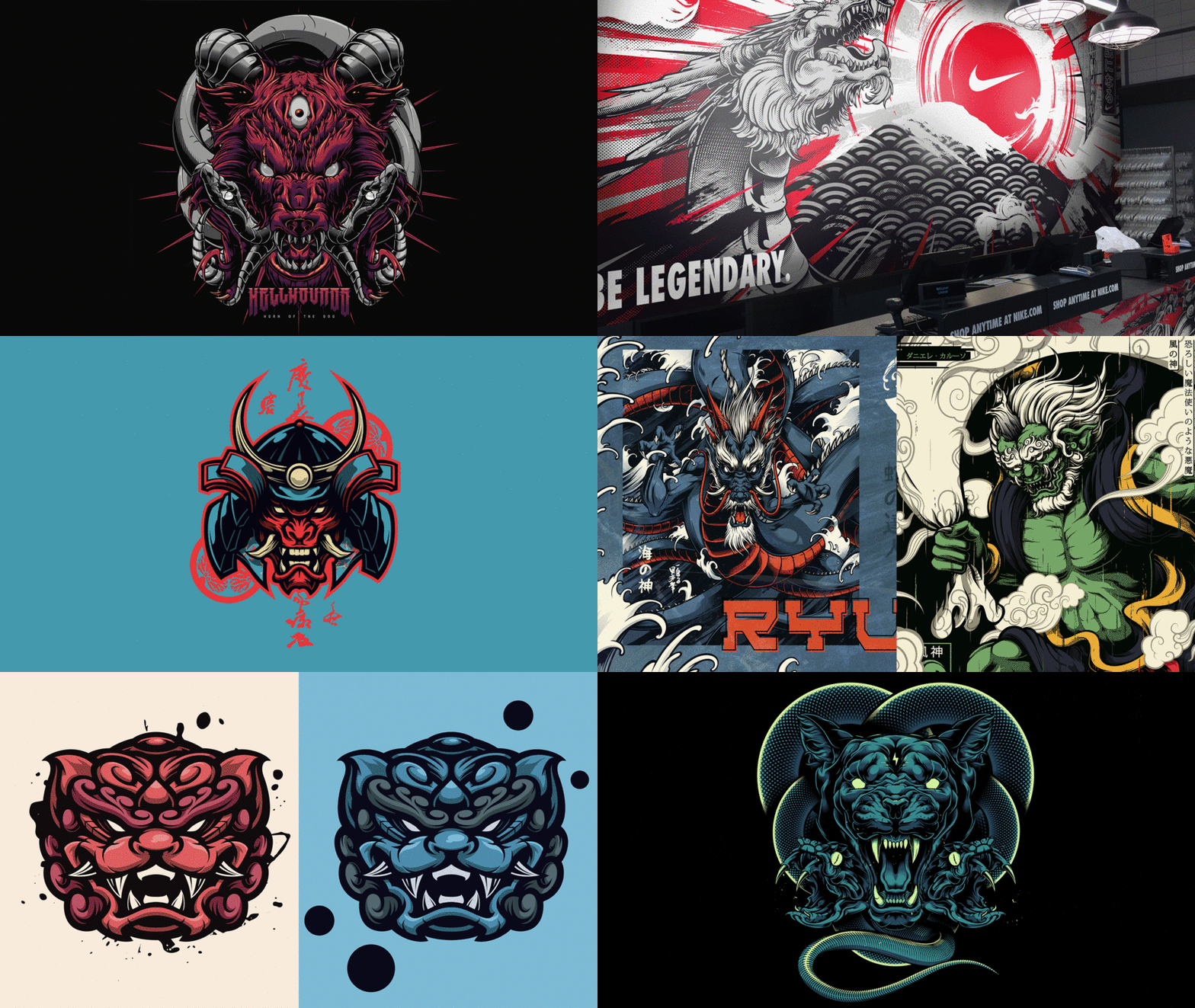
Unlike what happens with illustrations made in bitmaps or from pixels, vectors do not lose sharpness or resolution no matter how much the size varies.
At present, vector illustration is used in creative fields such as web design and this is due to its ability to be resized without losing quality. Graphic designers and digital illustrators are the ones who use it the most.
What is a vector?
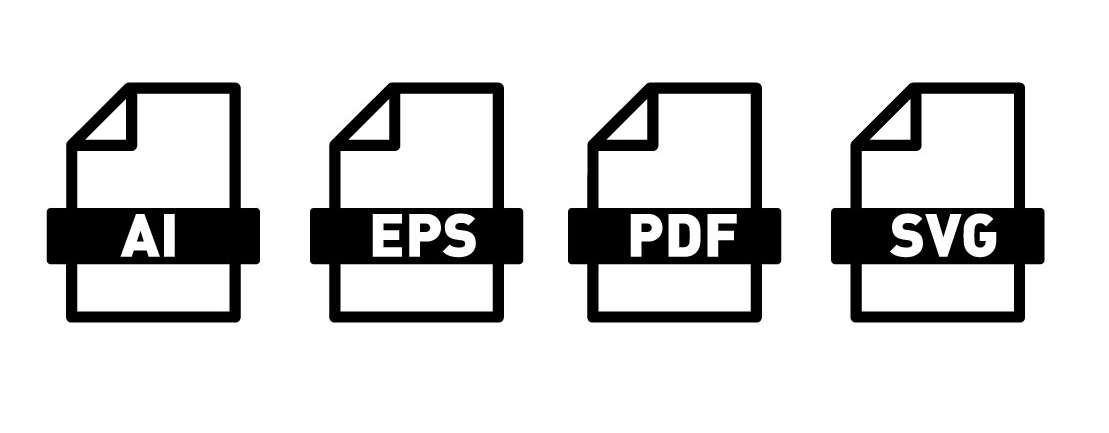
Unlike raster files, which are made up of pixels, vector images are built by mathematical formulas that establish points on a grid. The latter, therefore, can be increased in size without losing quality. Raster images, on the other hand, lose quality as they get bigger.
What are the different vector file formats? And when should we use each one?
Whether you will need to work with vector files or images composed of pixels, will depend on each project. These are the most common vector file formats that you will come across and when to use each one.
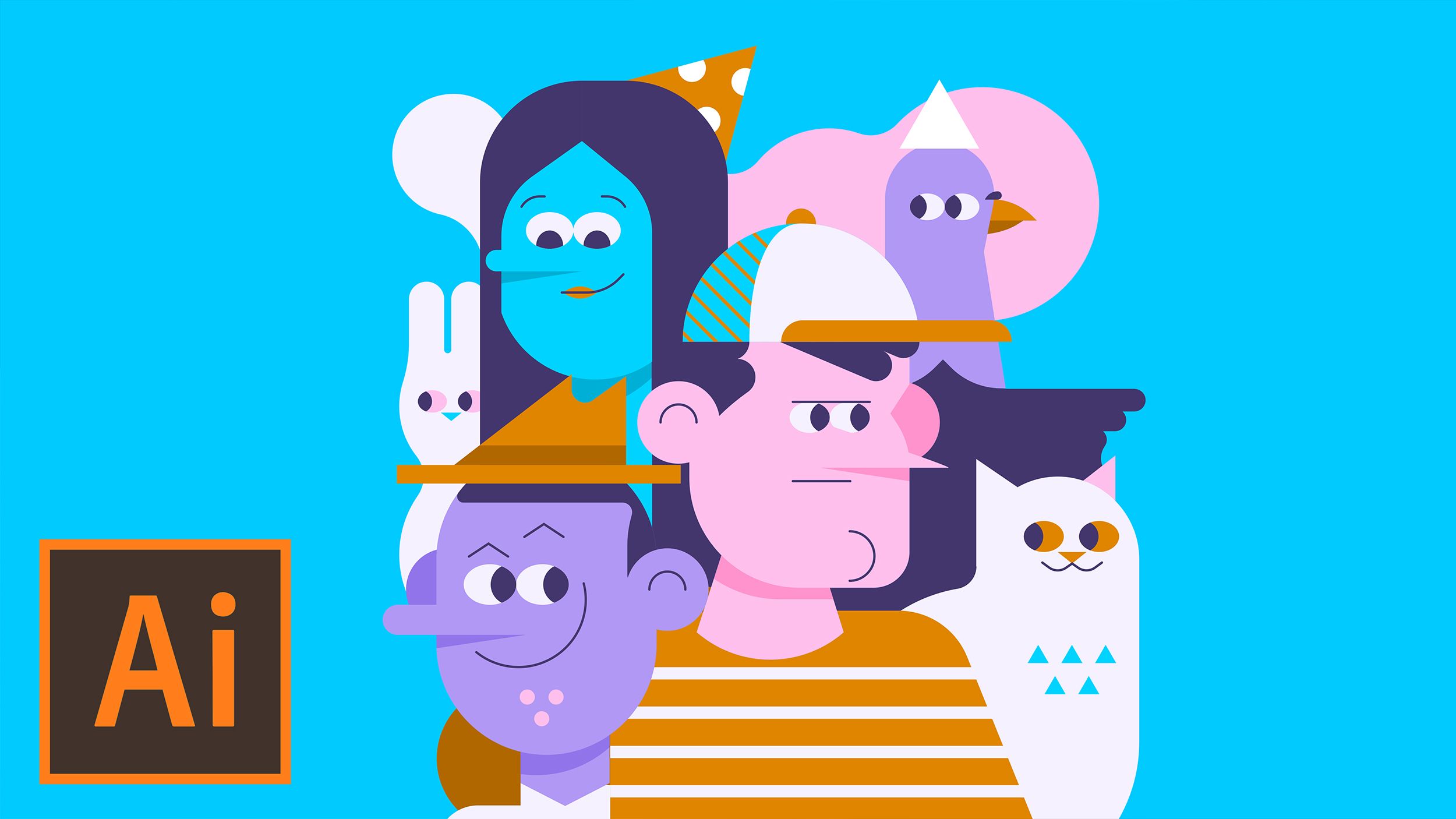
.AI format
This is one of the most popular formats and is the default option for Adobe Illustrator. Apart from being able to scale the images without losing quality, this format also allows you to save any transparent elements in the original design. It is often used to create logotypes, infographics, digital graphics, and designs for printing.
.EPS format
This is an older file format, the initials of which stand for Encapsulated PostScript. One of the biggest advantages of using this vector format is that it is compatible both with newer and older versions of Adobe Illustrator, as well as many other programs that can be used for editing vector graphics. However, one of the downsides is that this format doesn’t support transparency like others. Lots of printers prefer to receive .EPS files because then they can be sure that the file will be compatible with whatever editing software they use.
.PDF format
Although this isn’t the best vector file format, .PDF files can be used for vector graphics. The greatest advantage is that it is a universal format that can be opened with Adobe Illustrator, and as a “read-only” version using free programs or your web browser. Also, it is useful when it comes to sending files to the printer, given that it contains all the necessary design info and you don’t usually have to worry about compatibility being an issue.
.SVG format
This format is based in XML (a markup language used widely across the Internet that's readable by both machines and humans), with its initials standing for Scalable Vector Graphics. Its widespread use in web design is thanks to the fact that it has been optimized as a programming language and can be indexed, scripted, or searched. For this reason, it is usually used for logotypes, buttons, or other web elements.
And what is vector graphic?
Ever wondered why some images pixelate when you zoom? You’re probably looking at a bitmap image. On the other hand, vector graphics stay clear and well-defined even when significantly enlarged.
In this video, Carlos from illustration duo Marmota vs Milky (@marmotavsmilky), shows you the difference between bitmap images and vector graphics.

If you want to learn more about this subject, check the online Domestika courses on Vector Illustration.
You may also like:
– How to Create a Vector Illustration Sketch
– 5 Vector Illustration Online Courses for Beginners
– Design Tutorial: 5 Ways to Be a Better Illustrator


0 comments