


Free download: Prompts to create your isotype with AI in Canva
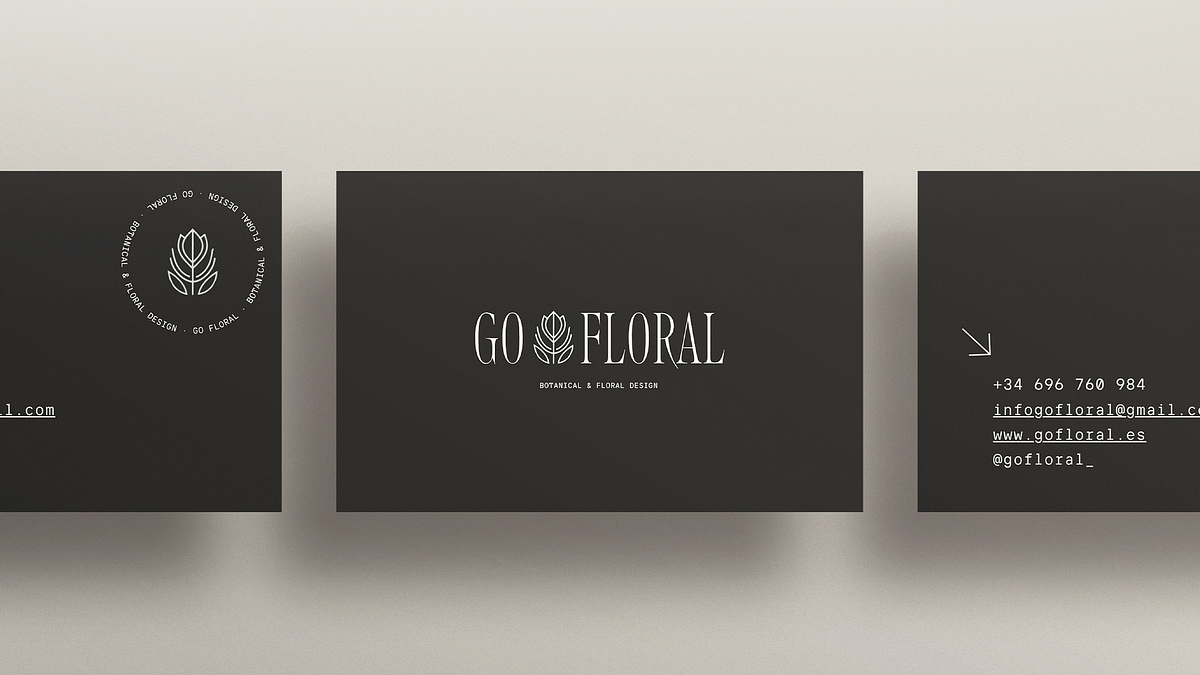
Today, a brand is recognized by its image. The isotype, a key symbol, represents the essence of a project in an immediate, memorable and coherent way
.
Today, a brand is recognized not only by its name, but also by its image.
In this visual universe, the isotype is a key piece: a symbol that represents the essence of a project in an immediate, memorable and coherent way.
Thanks to digital tools, designing an isotype is no longer a process exclusive to design experts. [Artificial intelligence (AI)[/b] and accessible platforms such as Canva allow anyone -whether entrepreneur, creator or student- to develop a solid visual identity with professional results.
In this article we tell you how to do it and share with you a free resource from Domestika: a downloadable guide with ready-to-use prompts, specially designed to generate unique and creative isotypes with AI in Canva.
What is an isotype and why you need it.
Before we get down to business, it's worth clarifying a few concepts.
An isotype is the symbol or icon that represents a brand without the need to be accompanied by text. Unlike the logotype (which is based on typography or the name) and the imagotype (which combines text and image), the isotype is the pure visual form, the iconic trace that allows immediate recognition. Think of Apple's apple, Nike's swoosh or Twitter's bird: all are isotypes that communicate identity without words.
Having a well-designed one not only enhances brand recall, but also reinforces visual consistency across all touch points - from social media to packaging to presentations. A well-constructed isotype conveys values, personality and purpose in a single glance, and with the help of AI, creating one no longer requires hours of sketching.
The role of AI in graphic design today.
Artificial intelligence[/b] is transforming the creative process in every field, and graphic design is no exception.
Today, tools like Canva with integrated AI make it possible to generate visual ideas in an agile and efficient way, especially in the early stages of ideation.
Instead of replacing the designer, AI amplifies his or her creative capacity, offering multiple options that serve as a starting point.
You can explore different styles, palettes or shapes without starting from scratch, speeding up the process and discovering possibilities you might not have imagined. The role of the creator remains essential: curating, tweaking and providing the personal vision that turns an AI-generated idea into a truly original piece. In short, AI does not replace creativity: it empowers it..
What you'll find in this free resource.
Domestika's downloadable resource, entitled "Prompts Guide - Creative Logos", includes a collection of prompts adapted for Canva with AI, designed to help you create isotypes quickly, effectively and professionally.
Inside the PDF you will find:
- Specific prompts to generate minimalist, geometric, natural, futuristic or typographic isotypes.
- Visual examples showing the results you can obtain with each prompt.
- Practical tips to customize your isotypes according to the style and values of your brand.
The goal is that you can create, explore and experiment without complications, transforming abstract ideas into powerful symbols.
Join for Free and download
U3_02_Domestika_Guía de Prompts - Creative logos_English.pdf
How to apply prompts in Canva step by step.
Using prompts in Canva is a simple and very intuitive process:
1. Open Canva and go to the "Magic Text" or Generative AI section.
2. Copy one of the prompts from the PDF and paste it into the text field.
3. Adjust the keywords according to your brand - for example, if your business is in sustainable fashion, add terms such as eco, organic or minimalist.
4. Generate several options and select the ones that best represent you.
5. Refine details, colors and proportions to achieve a balanced composition.
Once you have your isotype, you can integrate it into all your communication materials:
business cards, social networks, presentations or digital products..
Canva makes it easy to adapt to different formats and visual styles, always maintaining the coherence of your brand identity.
From the resource to the complete course.
If you want to go beyond the isotype and develop a complete visual identity, we recommend the course Create your visual identity and corporate materials with Canva and Artificial Intelligence[/url].
In it you will learn how to:
- Define your brand personality through color, typography and visual elements.
- Use AI tools to generate proposals and corporate material.
- Create presentations, templates and professional resources with a strategic approach.
This is the ideal next step to take your brand to the next level, combining human creativity and technology.
Having a solid isotype is essential for any project that seeks to differentiate itself.
Thanks to artificial intelligence and tools like Canva, today it is possible to design powerful and coherent visual symbols without the need for advanced technical knowledge. Domestika's free resource will allow you to experiment, get inspired and start building your visual identity, step by step and with the help of AI. Because design, when combined with technology, becomes an even more powerful tool to express who we are.
Download the guide, try the prompts and discover all that you can create when creativity meets artificial intelligence.


0 comments