


How to Create an Interactive Prototype in Figma: Step-by-Step UI Animation Guide
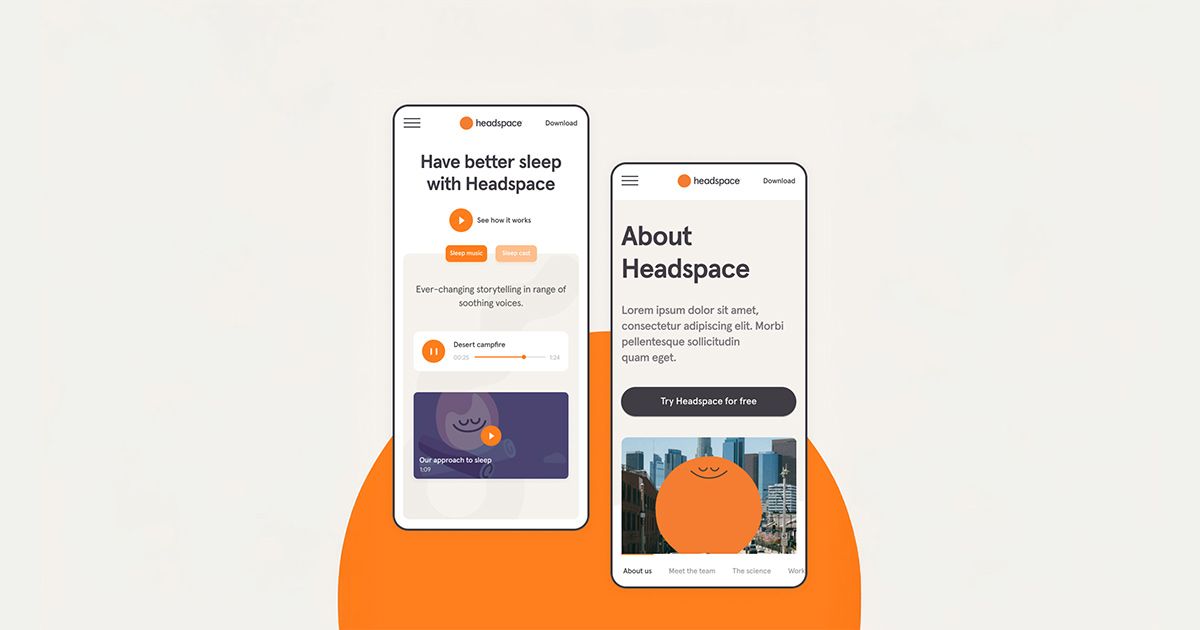
Master Smart Animate, Custom Easing Curves, and Delay Timing to Elevate Your UI Designs
If you're ready to elevate your Figma prototyping skills, this step-by-step tutorial with Daniele Buffa, a seasoned visual and product designer, is your ultimate guide. You'll learn how to create smooth UI animations using components, variants, and smart animation with custom easing curves—all while building a visually stunning splash screen prototype.

In this tutorial, Daniele walks you through the essential techniques to animate splash screens in Figma. She explains how to:
- Create and organize Figma components and variants
Use Smart Animate to transition between UI states smoothly
Apply custom bezier curves (ease-in, ease-out, and ease-in-out)
Set up after-delay triggers to enhance user experience
Animate both image groups and text elements with precision
Use opacity, movement, and scale to bring depth to your designs
Fine-tune timing for cohesive UI transitions
You’ll also learn to use Auto Layout, fix layout behavior by disabling it for animation purposes, and optimize delays to achieve natural movement in your interface.
Pro Tip: Daniele recommends using a consistent timing scheme (like 400ms) for cleaner animation flow across your screens.
Whether you’re an aspiring UI/UX designer or a Figma power user looking to level up your prototyping game, this tutorial will transform how you bring your designs to life.
Ready to learn more?
Enroll in Daniele Buffa’s full course on visually stunning UI design with Figma at Domestika and unlock the power of creative motion in your interfaces.


0 comments