


Procreate Dreams Tutorial: Drawing an Animation Over a Video
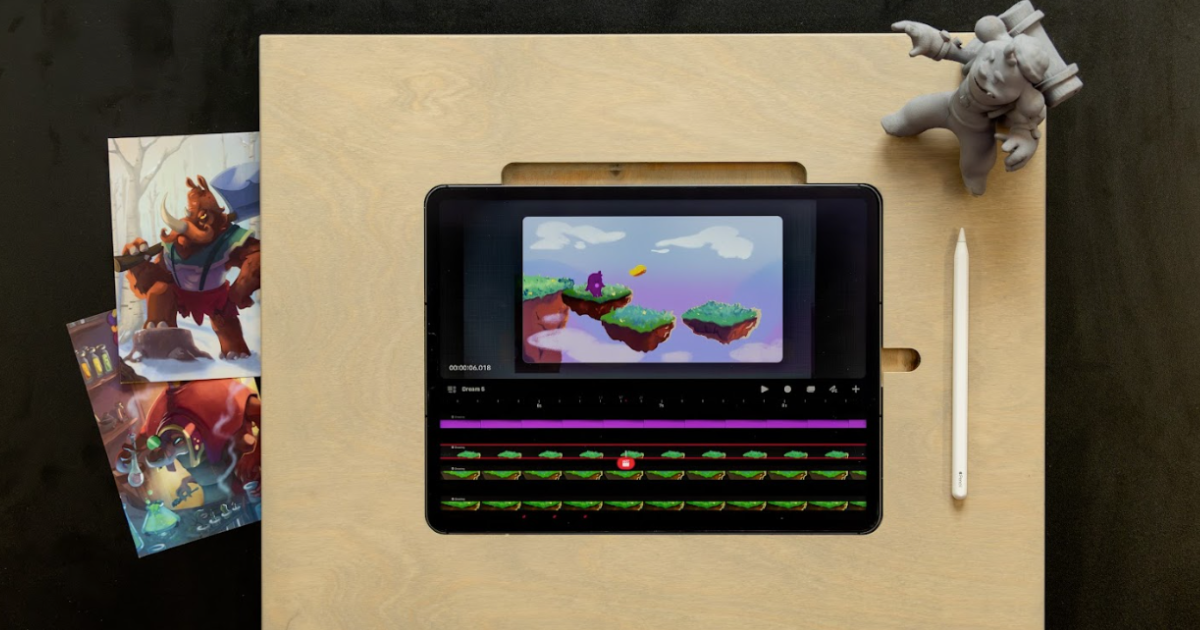
Unlock your creativity by learning how to animate effortlessly with Procreate Dreams and turn your ideas into stunning visuals
Are you ready to dive into the vibrant world of animation? Procreate Dreams is the ultimate tool for both beginners and seasoned creators who want to bring their ideas to life. Brookes Eggleston shows you how simple it is to animate using this powerful software.

Procreate Dreams provides a dynamic and intuitive interface that lets you create high-quality animations. Whether you're working with a blank canvas or incorporating existing media like videos, the platform makes it easy to explore your creativity.
In my Procreate Dreams Basics course, I guide you through the process step by step. From importing video clips to layering animations over existing footage, you’ll learn everything you need to know to create seamless animations.
What Can You Learn?
Importing Media: Learn how to integrate videos directly into your project, transforming them into animation-ready tracks.
Layering Techniques: Discover how to draw and animate on top of existing footage, adding depth and movement to your creations.
Eliminating Screen Shake: Understand how to stabilize your animation for a smooth and professional finish.
4K Format Design: Create animations optimized for high-resolution displays.
Pro Tips for Beginners
- Experiment with different media, including photos and videos, to add versatility to your projects.
Focus on small sections of your animation first to master the basics before tackling larger projects.
Stabilize your footage to reduce distractions caused by camera shake.
Start Animating Today!
Whether you’re looking to create stunning visuals for personal projects or professional content, Procreate Dreams is your go-to tool. Take the first step into the world of animation by joining my Procreate Dreams Basics course on Domestika. Let’s turn your creative dreams into reality!


0 comments