


5 Free Tutorials To Be a Photoshop Expert
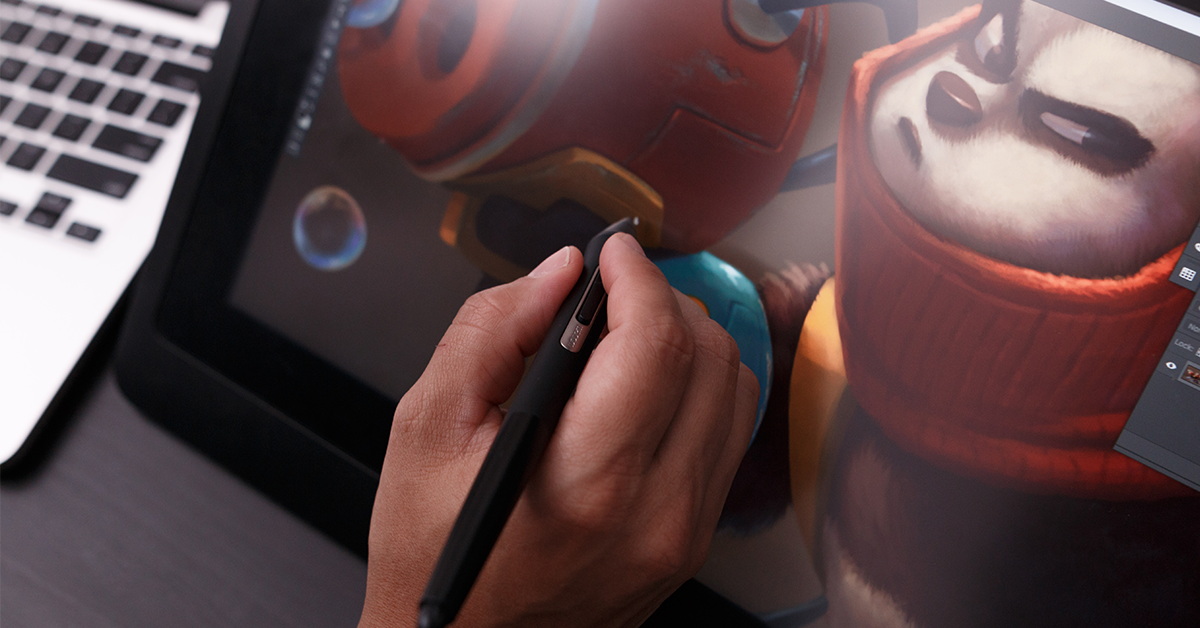
With these 5 tutorials, you will improve the quality of your projects in Adobe Photoshop
Enhance your experience with this image editing software, learning how to make the most of each of its tools and functions. For that, we share five practical tutorials that will help you master Adobe Photoshop much more efficiently and quickly.
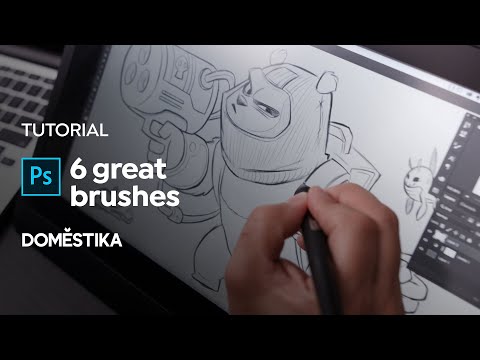
Tutorial: 6 Great Brushes for Digital Painting
Using Adobe Photoshop for digital illustration is one of the most common applications of this software, which allows artists, creatives and designers of all levels to build characters, scenarios and objects out of their imagination. The use of custom brushes can also give extra character to our drawings and illustrations.
In the following video tutorial, character designer Joel Santana (@themaddhattr) shares his favorite Adobe Photoshop brushes for digital painting. Santana uses them for creative tasks ranging from sketching to color application, and they give a good example of the wide variety of textures offered by Photoshop custom brushes. Find out below:
Tutorial: 3 Ways to Save Your Images
Saving an image file in Photoshop may sound simple, but it requires following different steps depending on what you want to do with your image.
In this tutorial, post-production expert and photographer Carol Lopes (@carol_lopes) will teach you three ways to save your images: one so that you can continue to edit later, one so that you can print, and another for sharing on social media.

Tutorial: How to Flatten Your Character
Where do we start coloring our new character, once we’ve decided on how it will look? How do we choose the right color palette to communicate its personality? How can we apply all this to its digital illustration?
Character design specialist Joel Santana (@themaddhattr) shows us how to color our creations with Photoshop, using the flattening technique, in the following video tutorial:

Tutorial: How to Cut out Images so You Can Animate Them
Photoshop–the most popular editing software in the world–is the best tool for cutting out objects or figures from photos. Once the selected part of the photo has been cut out, you can add any background, correct mistakes, or apply it to other images to create a collage.
Joseba Elorza (@MiraRuido) shares a step-by-step guide, which is suitable even for those who are new to Photoshop. Given that the edges of an animated object needn’t be perfect, this is a great exercise for those who haven’t used this technique before and need some practice.

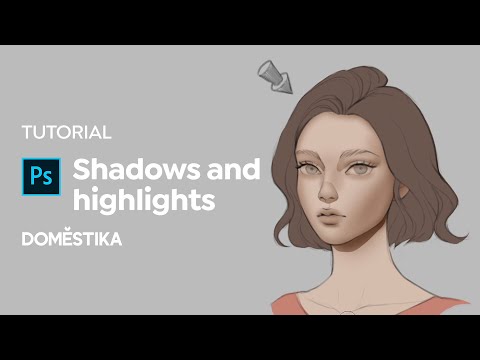
Tutorial: Adding Shadows and Highlights to Your Portrait
Adobe Photoshop is one of the leading softwares for digital illustration and photo manipulation, and knowing how to use it can expand the possibilities that you can explore in your creative work.
In this video Karmen Loh, also known as Bearbrickjia (@bearbrickjia), demonstrates how you can use just a few simple Photoshop tools to create greater depth to your portraits by adding shadows and highlights. Find out more below:


+0 Kommentare