Creative Illustration Techniques in Procreate - Vero Navarro
di Morgan Dugdale @carnivox
- 473
- 6
- 1
Hello Vero!
I just wanted to say thank you so much for being so thorough with your instruction in this course, and for taking the time to explain things so well. I’ve been working with procreate for years now, but I picked up so many new tricks with the program, as well as general art knowledge that I’ve been applying to everything I make! I’ve come back to this course several times to rewatch the videos, and I’m happy to say that I’ve learned quite a bit!
Here are my Big Takeaways from this course:
1. Composition has much more power than I initially realized! For example, I was unaware that certain areas on the canvas create different amounts of tension. For example, In the centre there is the least amount of tension, and as we move subjects away from the centre, more tension is created. Objects at the bottom of a canvas will appear to be grounded, whereas objects near the top will appear weightless. Other things to consider when composing are lines of force (and their control on the viewer’s eye), varying the shapes of all elements, the gaze of characters.
2. Simultaneous colour effect. Actual colour are not the same in most scenarios. Perceived colour varies entirely on the environment that the colour is in, and colours need to be adjusted to achieve the desired effect. This is true for different values, hues, and tones. I was aware of this effect, but it’s never been explained so well to me!
3. Test colour palettes with thumbnails! This is easy to do, and you can use blending modes to quickly whip up alternate colours palettes. This is so useful to see from the start what colours work well together and which don’t!
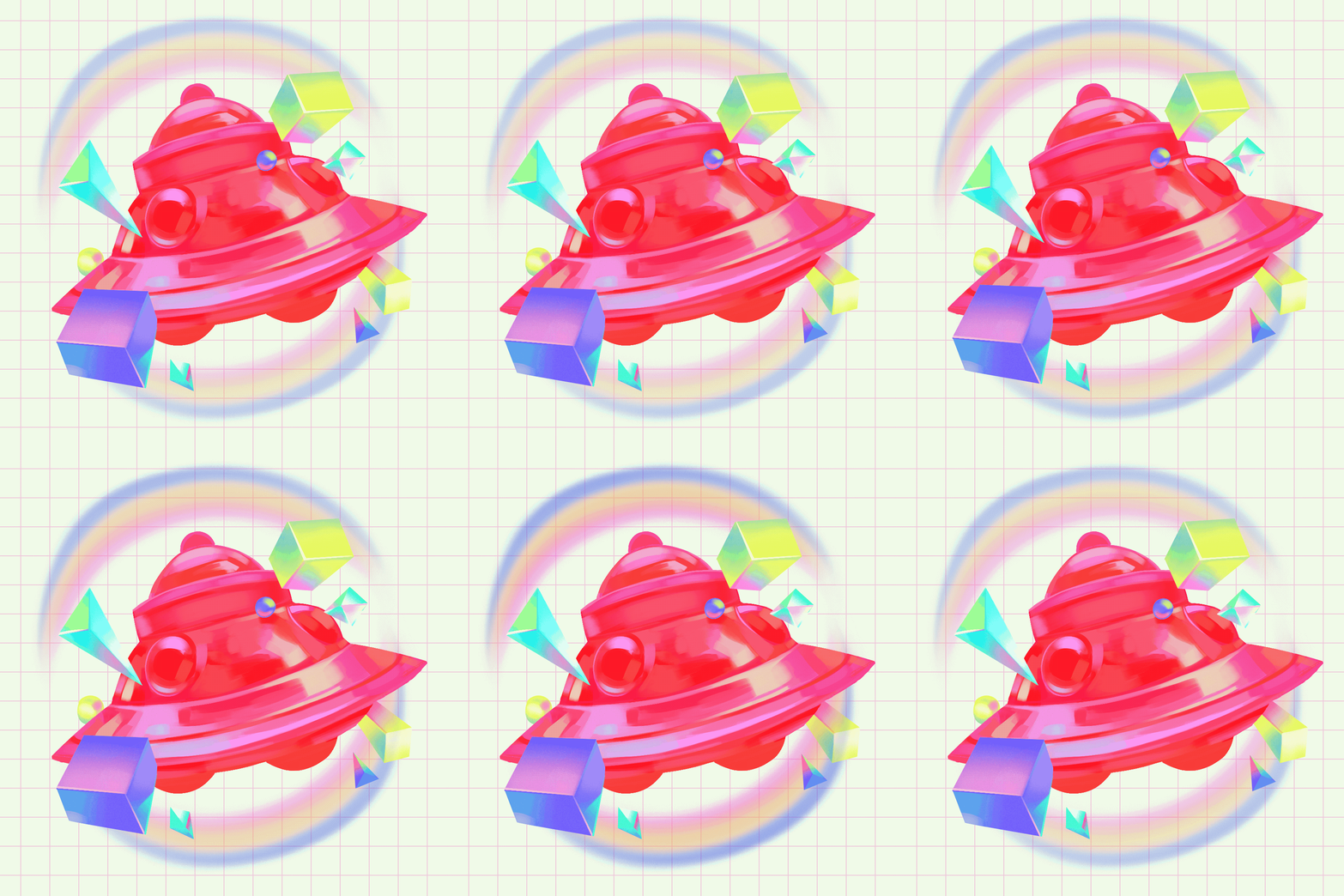
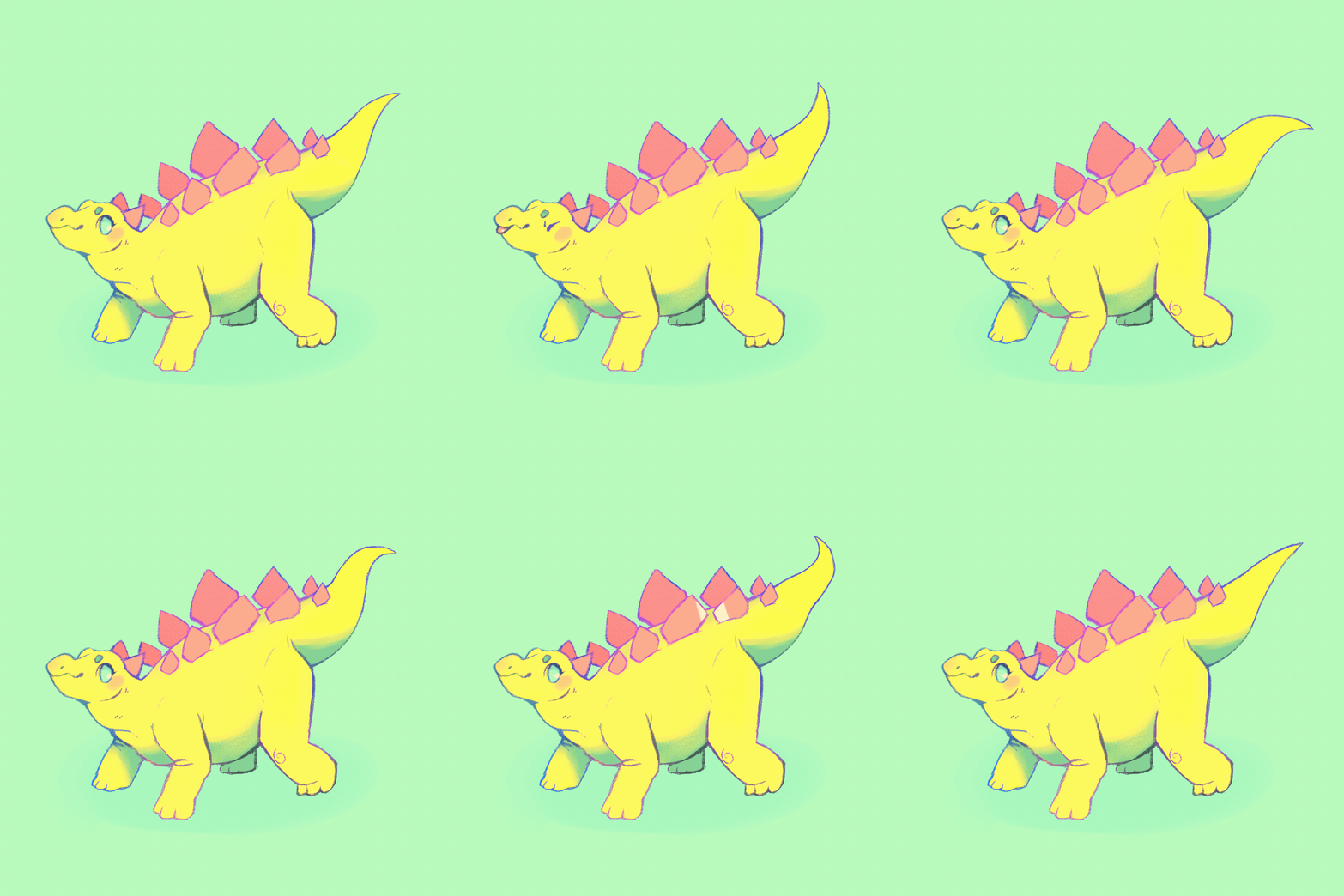
4. USE the procreate animation tool. It’s easy to use and it makes the art experience that much more engaging for the viewer, great for social media.
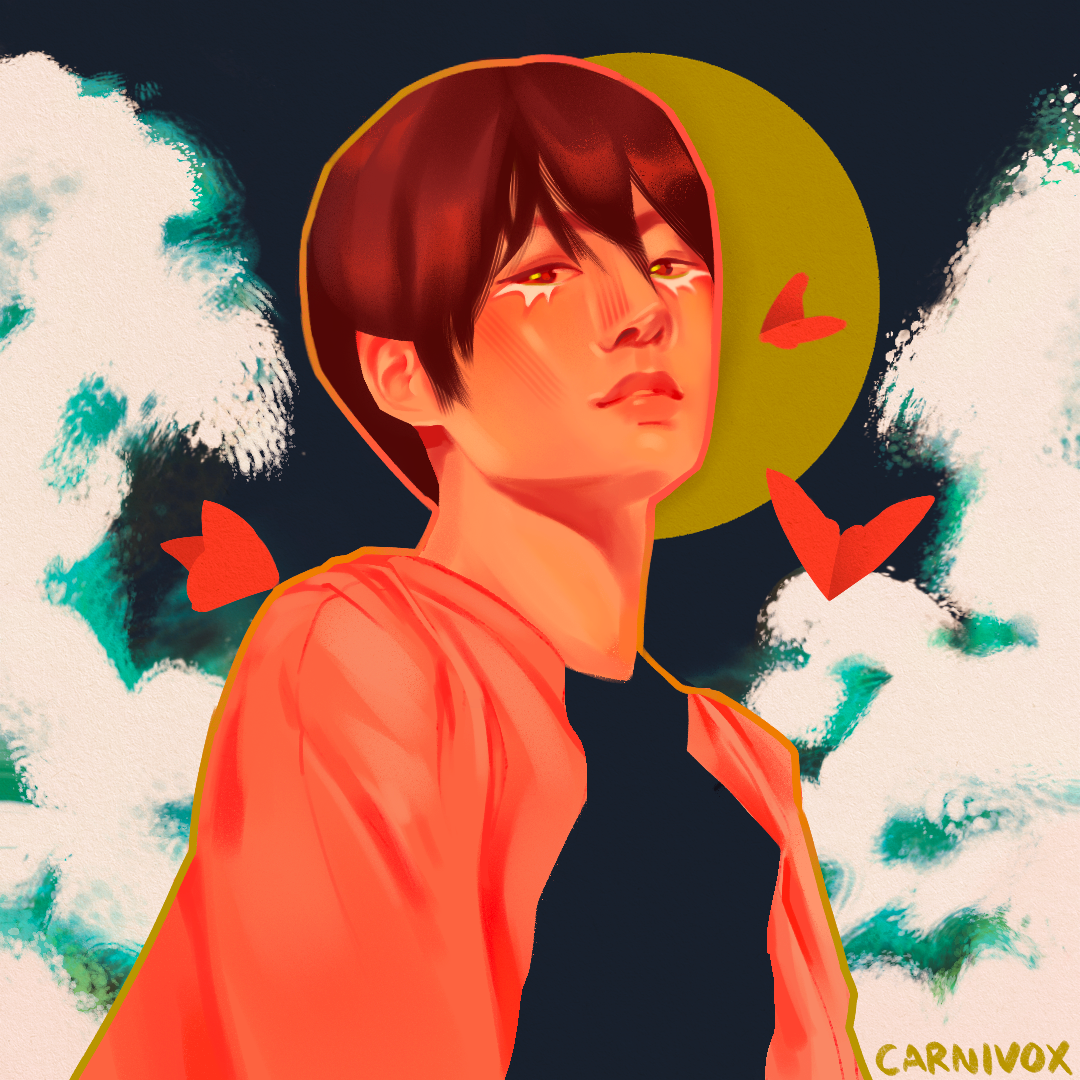
I actually jumped ahead to the animation part months ago and have made several animations now with your instructions! I did not take the time to animate my final project, as I feel I could not render the waves in the background well. But I’m happy with it nonetheless!!
Thank you so much, looking forward to seeing more work from you in the future! https://www.instagram.com/carnivox


1 commento
Hola!
Muchas gracias por hacer el curso. Ha sido un privilegio ver como sacabas tantísimo partido a las herramientas y estabas tan abierto a feedback. Tanto los ejercicios intermedios como el proyecto final te han quedado geniales, y me encanta ver hasta qué punto le has sacado partido a la herramienta de animación. Ese dinosaurio es genial!
Accedi o iscriviti gratuitamente per commentare