


Adobe Illustrator Tutorial: How to Create Simple Shapes
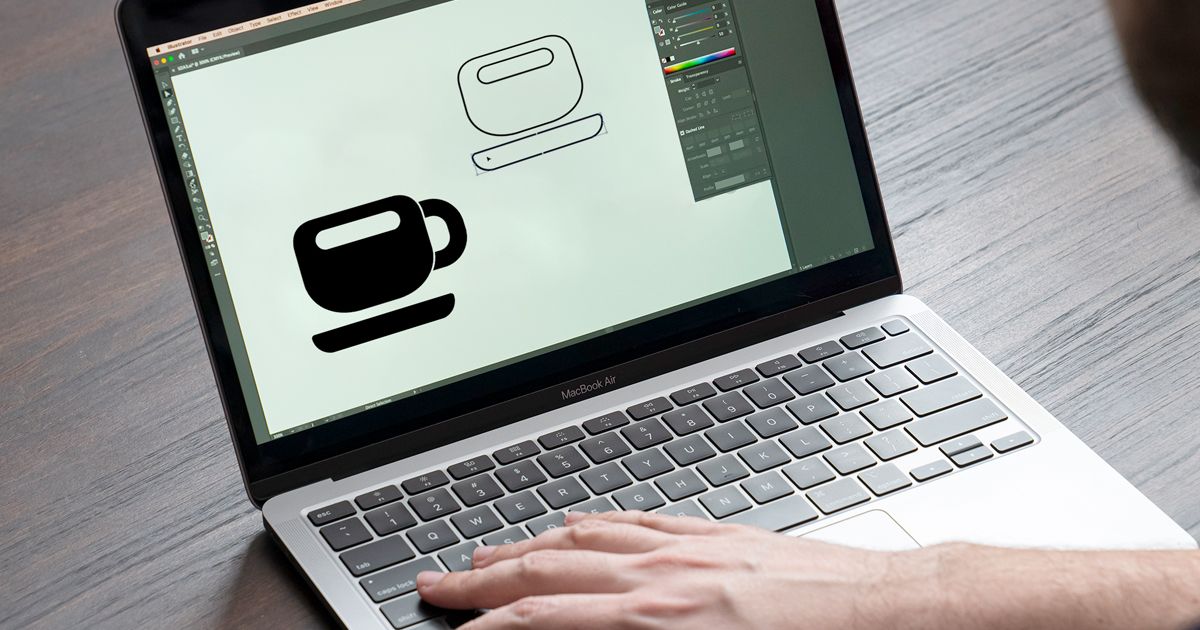
Learn to create simple objects or characters from scratch using this vector illustration package, with Raul Aguiar
Vector illustrations are drawings or images that are based on basic geometric shapes like lines, curves, points and polygons. You can create vector graphics in applications like Adobe Illustrator or Corel Draw. You can scale vector files to any size without affecting their quality, which makes it very useful for designing logos that can be used on numerous formats and surfaces.
Graphic artist Raul Aguiar uses vectors as the basis for illustrations inspired by geek culture. Having graduated in Graphic Design, he is now a freelance illustrator. His clients include Facebook, Nestlé and the Kurzgesagt YouTube channel, in addition to major Brazilian newspapers and magazines like: Fast Company, Uskek & Rica, Galileu, Superinteressante, Exame, Folha de S. Paulo, Você S/A and Carta Capital.
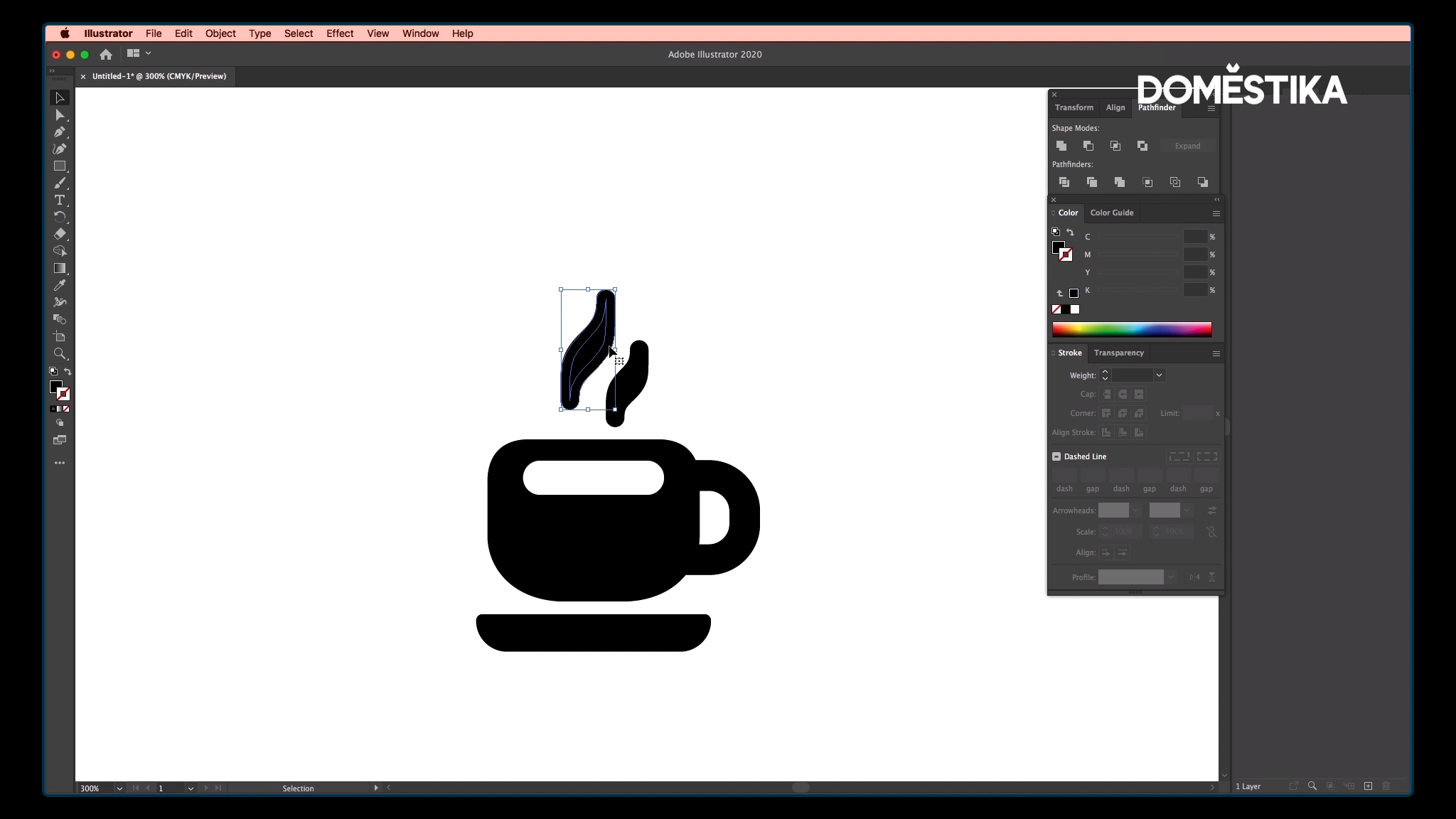
In this tutorial, Raul Aguiar shows you how to illustrate a cup, step-by-step. This teaches you how to create simple shapes using basic tools in Adobe Illustrator. Don’t miss it!

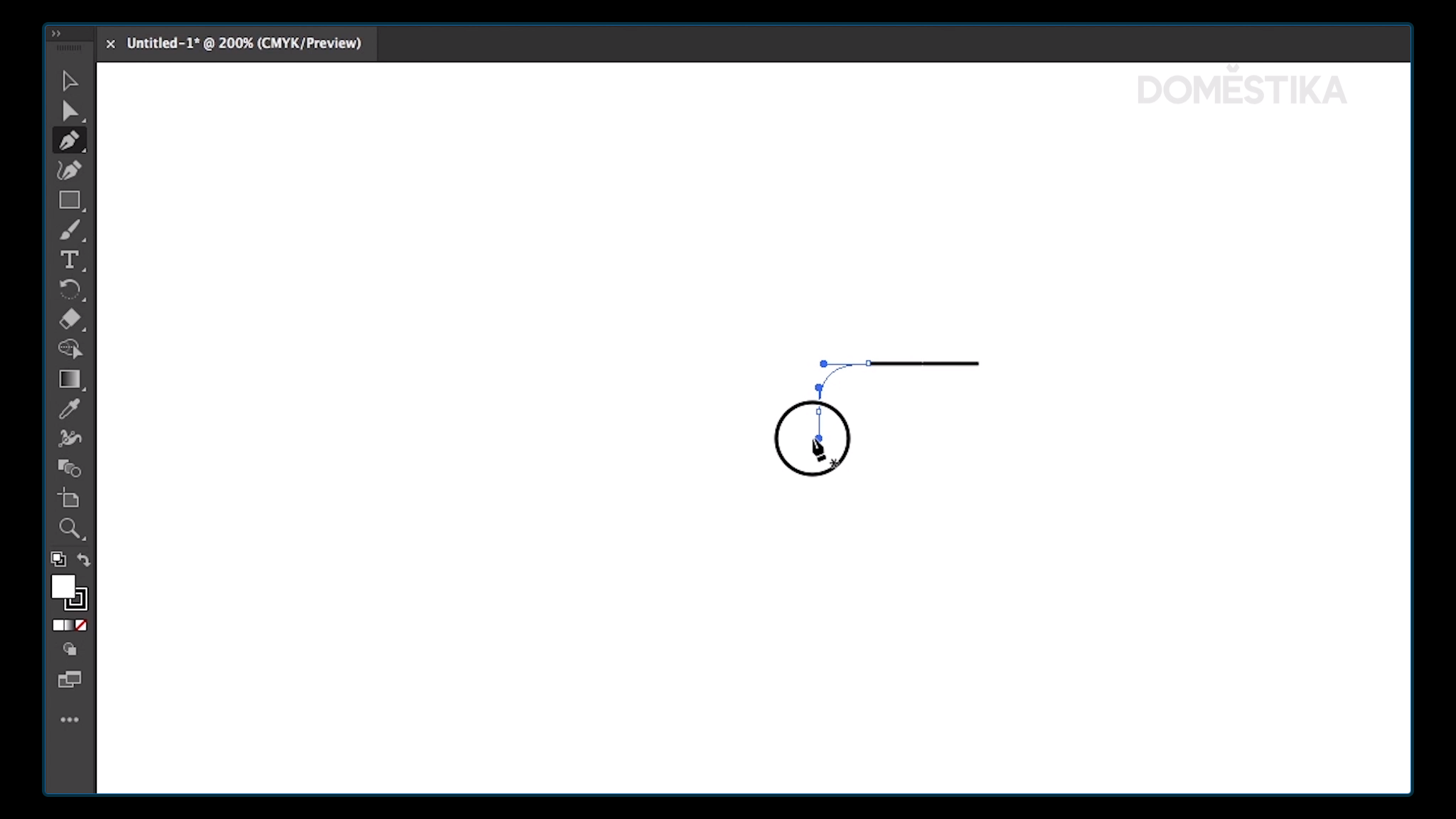
Pen Tool is the first tool you need to use to create the basic outlines of your shape. Press SHIFT to extend the line.
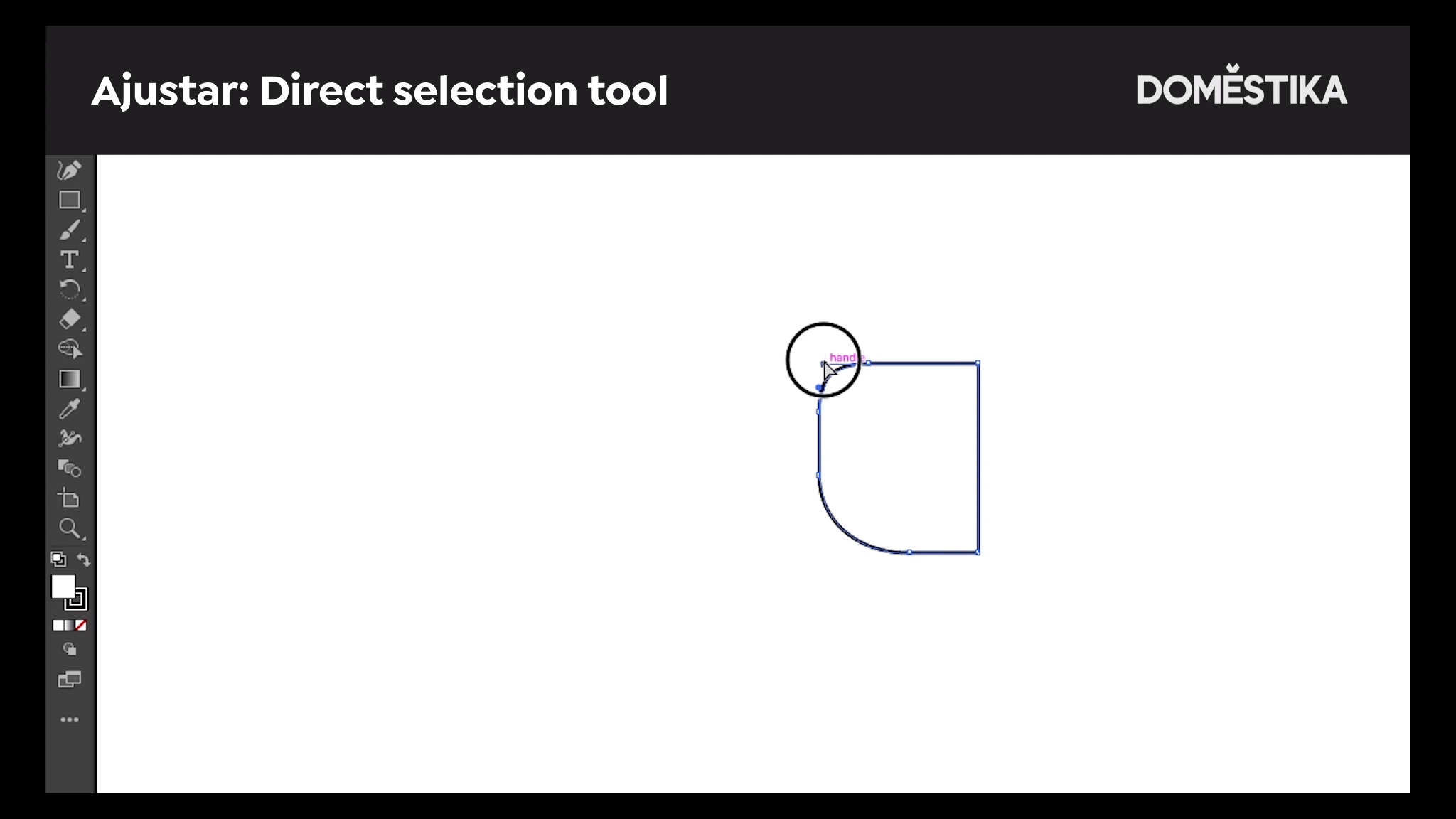
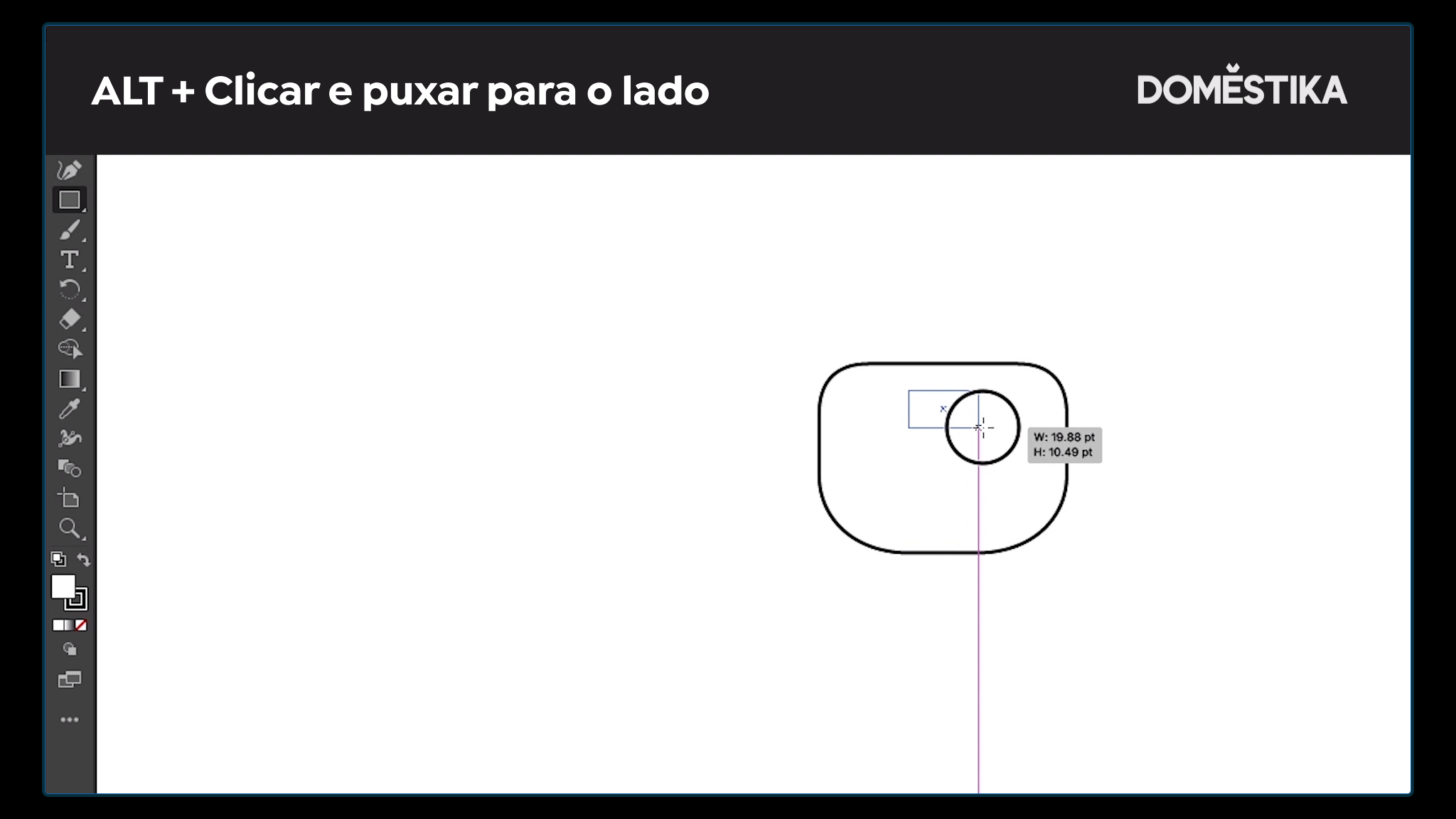
Select Direct Selection Tool to adjust the shape. Now you have selected your tool, use SHIFT + ALT to click and drag the shape to one side.
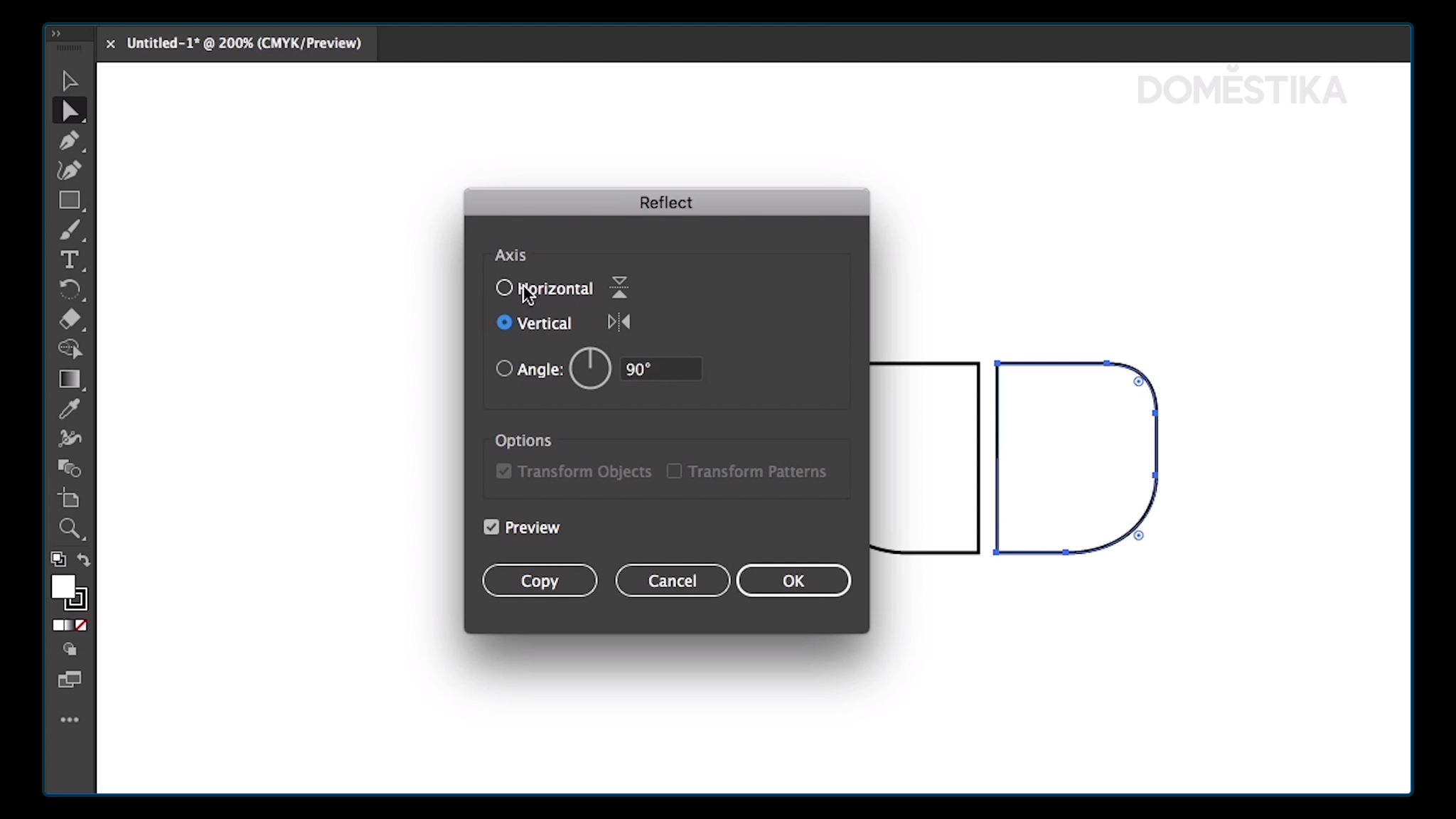
Reflect duplicates the shape you selected.
Select the Rectangle tool to create additional shapes inside your object.
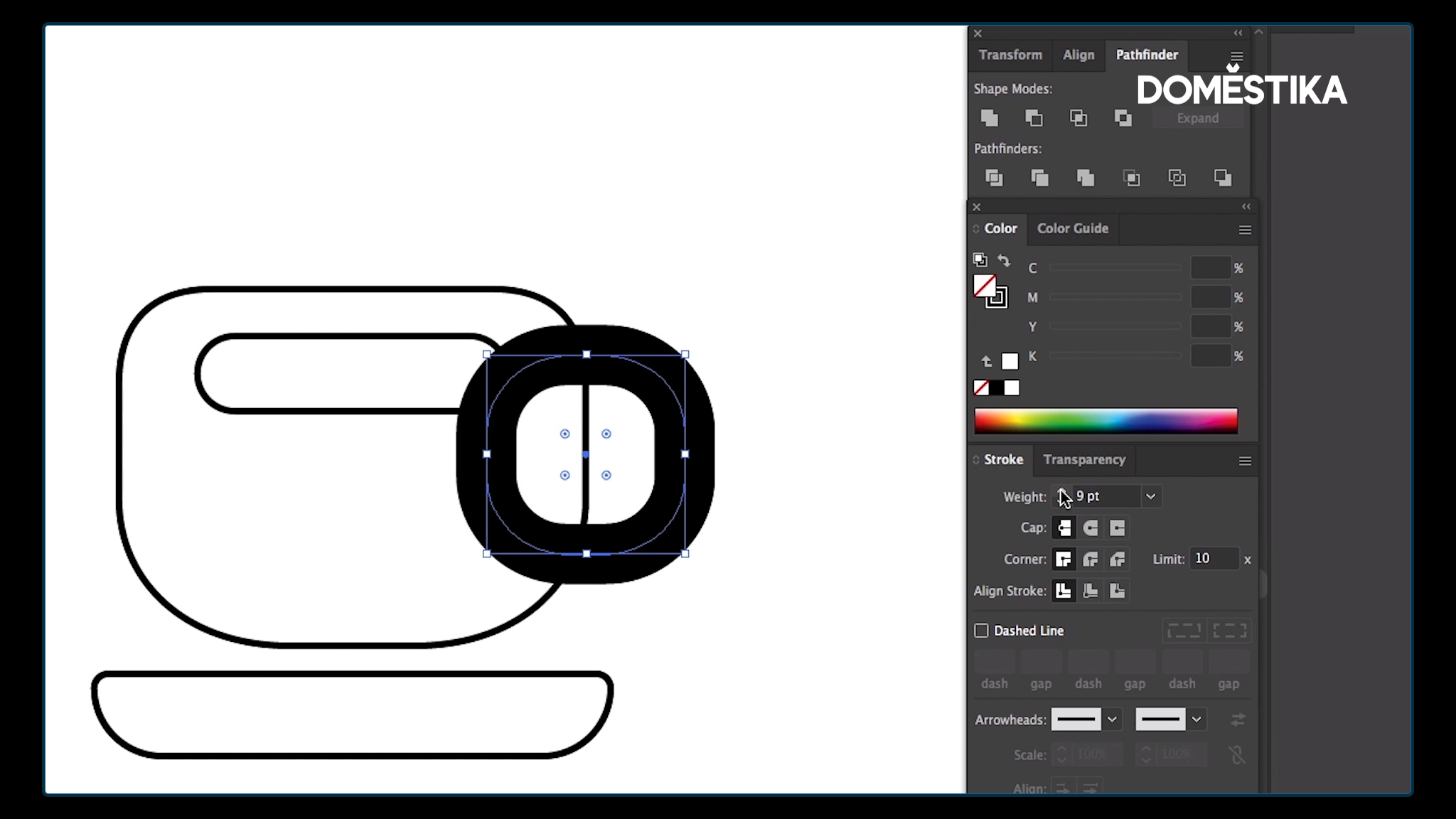
Stroke allows you to evenly thicken and fill in the lines.
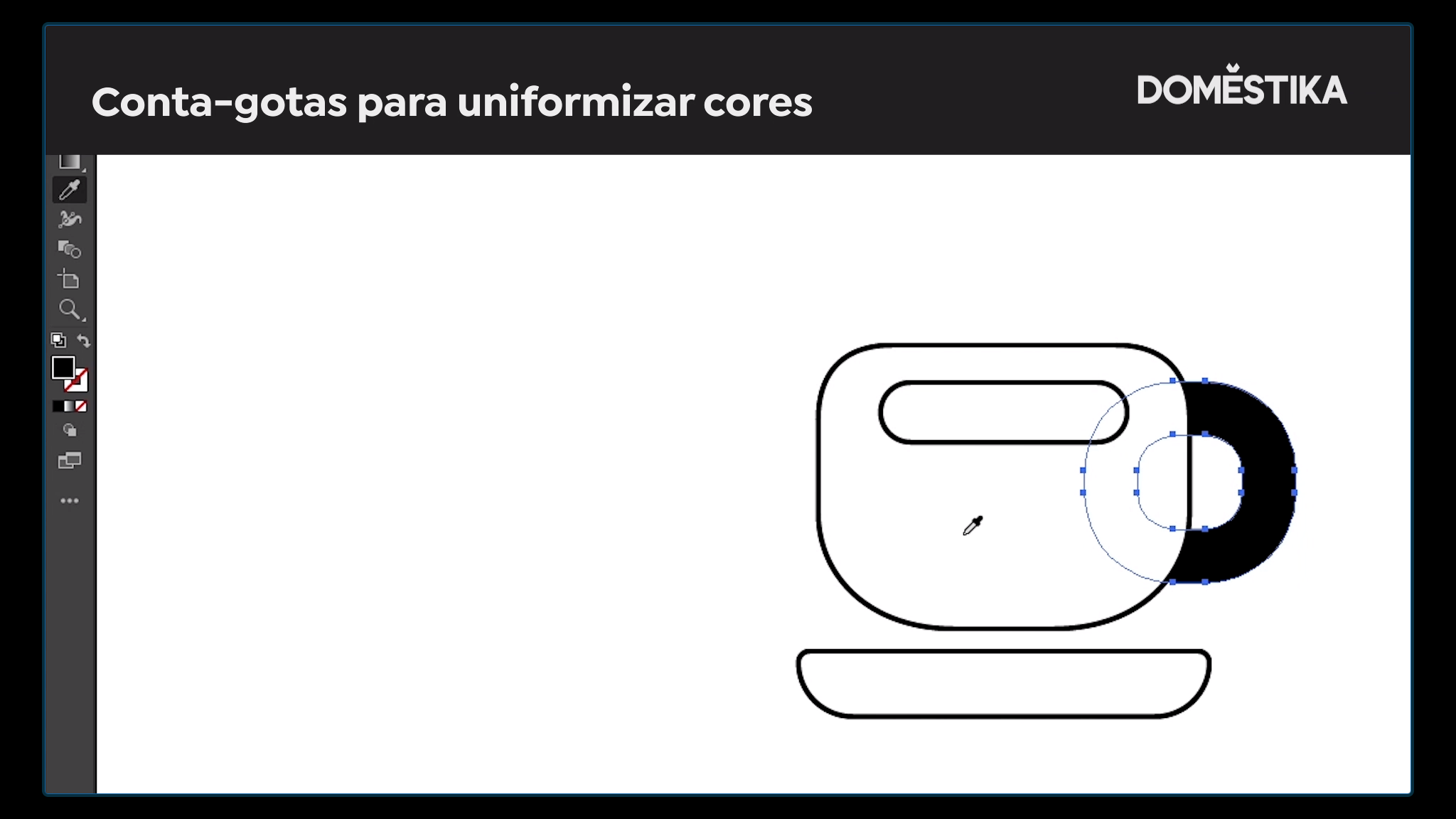
Use Eyedropper to make the illustration look even, in this case with black lines and a white filler.
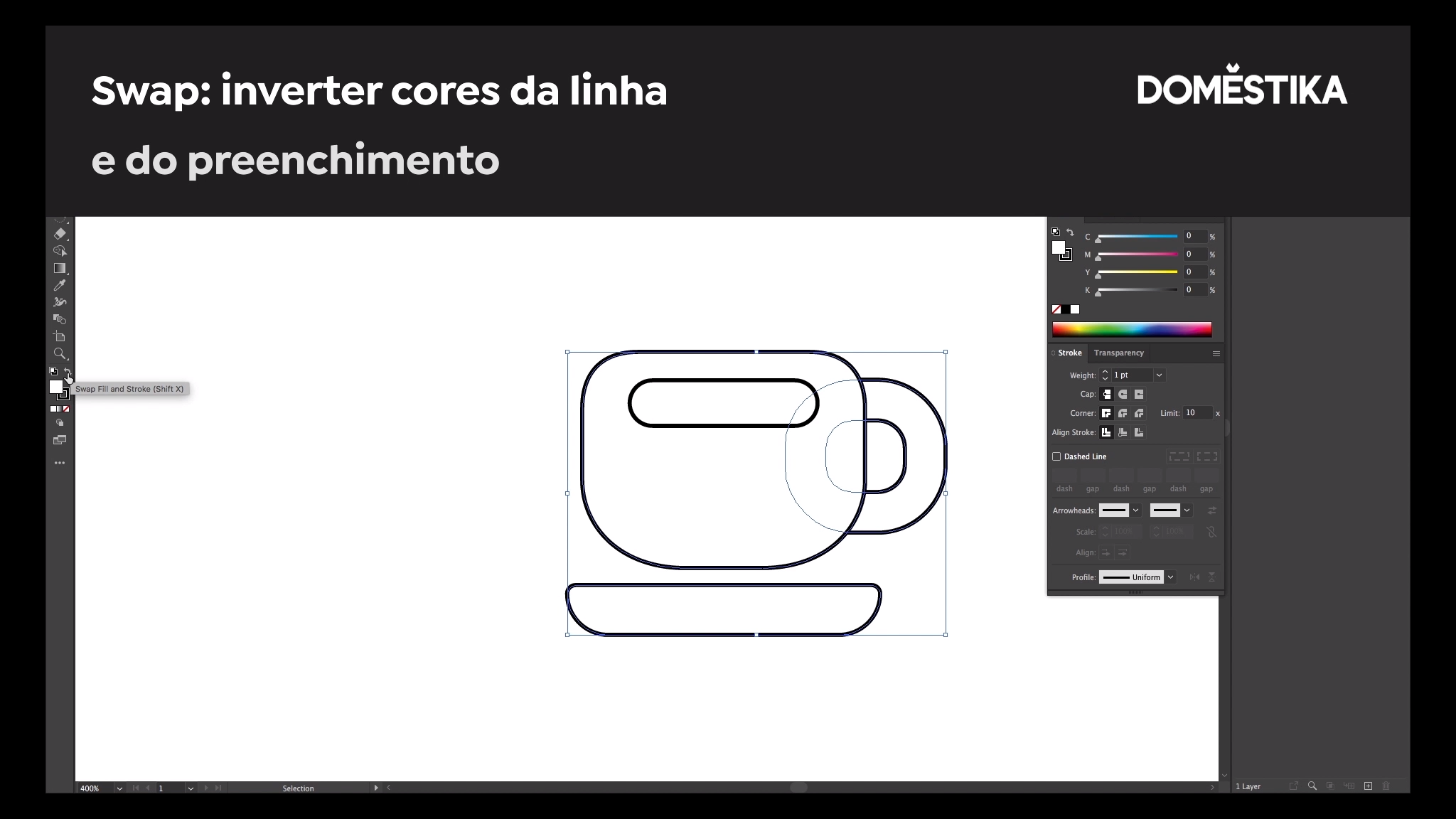
Use Swap to invert the colors.
Pathfinder + Unite: activate these commands to allow Adobe to interpret the whole drawing as a single object.
Love this tutorial? Discover more digital composition and vector illustration techniques in Raul’s online course: Original Vector Illustration with Adobe Illustrator.
English version by @studiogaunt
You may also like:
- Everything You Need to Know About Vector File Formats
- Illustrator Tutorial: 3 Ways to Vectorize an Image
- 5 Vector Illustration Online Courses for Beginners


0 comentarios