Original Vector Illustration with Adobe Illustrator
A course by Raul AguiarIllustrator
A course by Raul Aguiar, Illustrator

Discover digital composition techniques by creating vector illustrations that convey your unique style
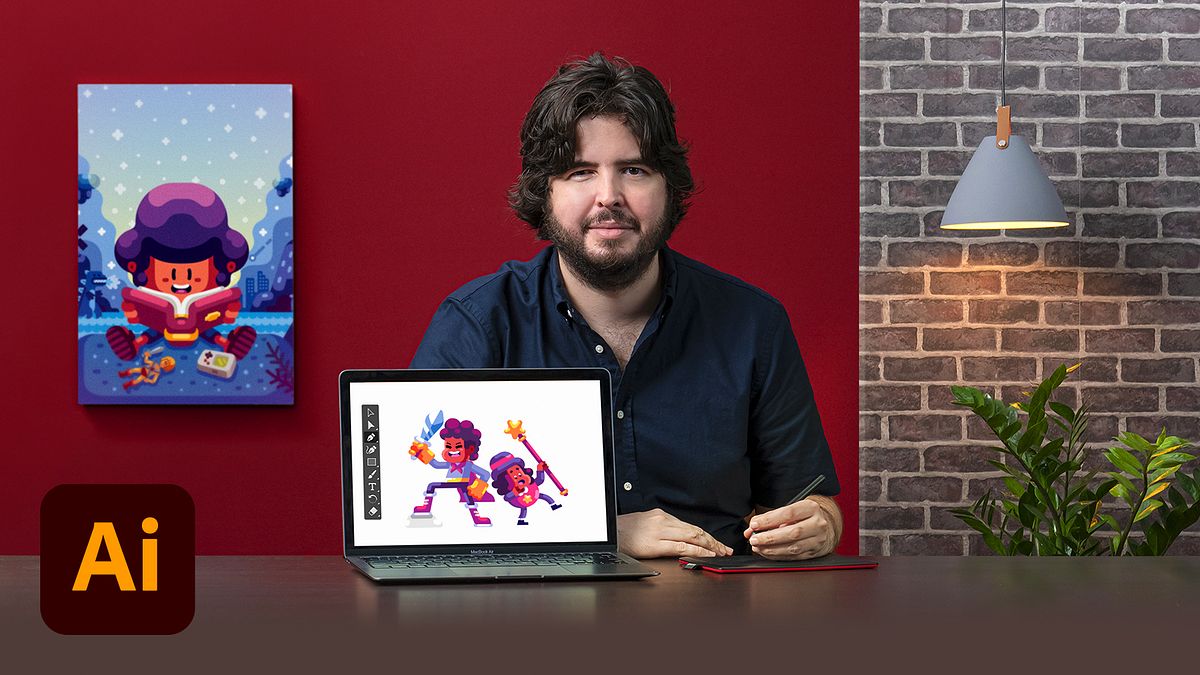
Vector illustration is an exciting adventure that allows you to recover the past with the most up-to-date digital composition tools. By combining digital and freehand drawing techniques, illustrator Raul Aguiar transforms details into stunning images for clients like Facebook, Galileu magazine, Folha do São Paulo newspaper, Fast Company magazine (USA), and Usbek & Rica (France).
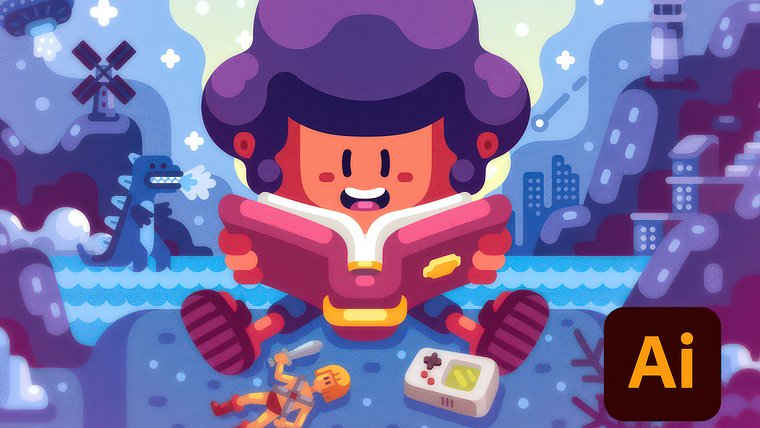
In this course, learn to create a vector illustration from start to finish with Adobe Illustrator. Raul helps you develop your creative style and bring colorful and nostalgic worlds to life.
What will you learn in this online course?
18 lessons & 13 downloads
Basic Tools 1
16 minutes, 37 seconds
Basic Tools 2
7 minutes, 0 seconds

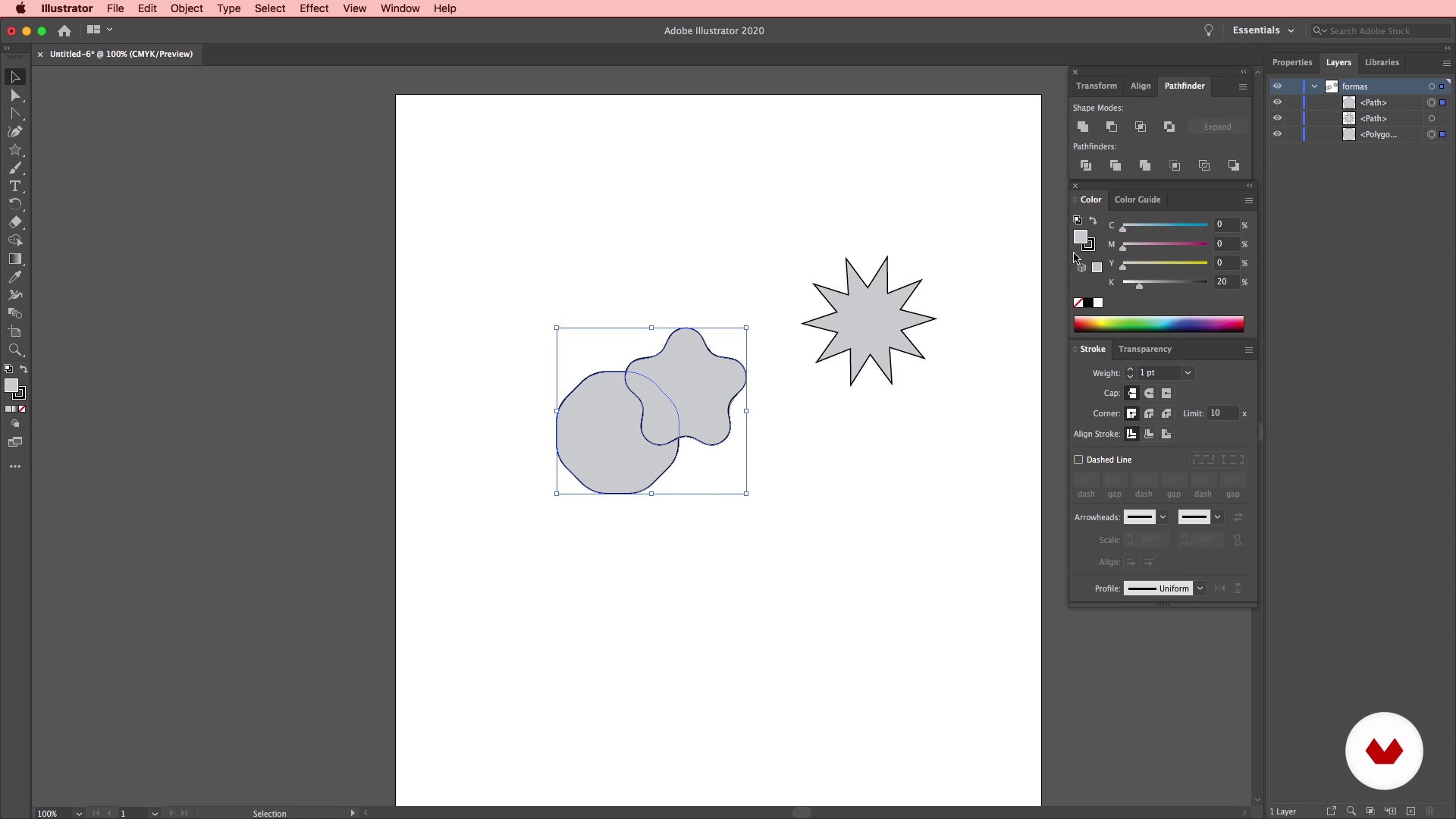
Creating Simple Shapes
16 minutes, 30 seconds
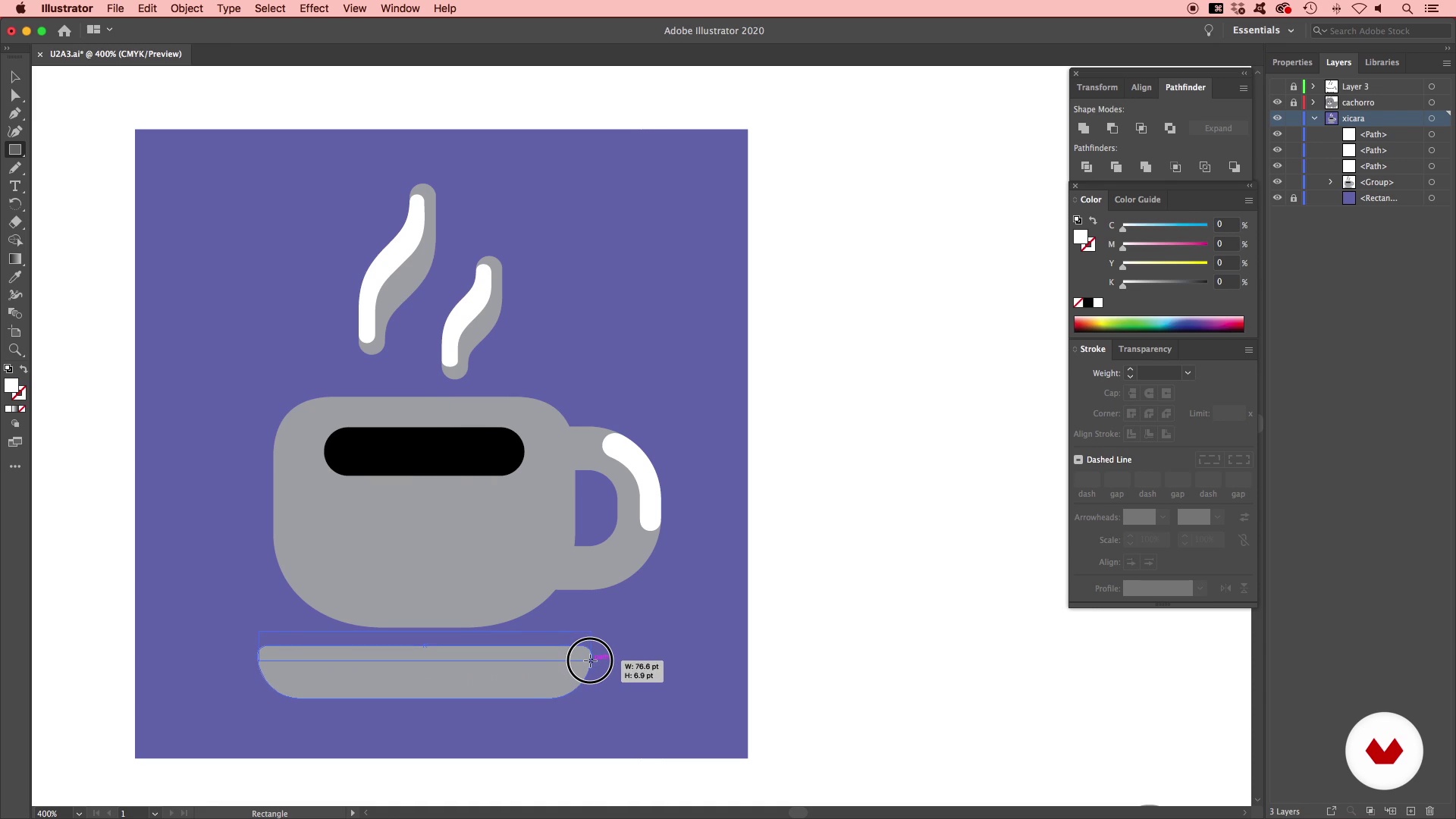
Colors and Gradients 1
14 minutes, 48 seconds
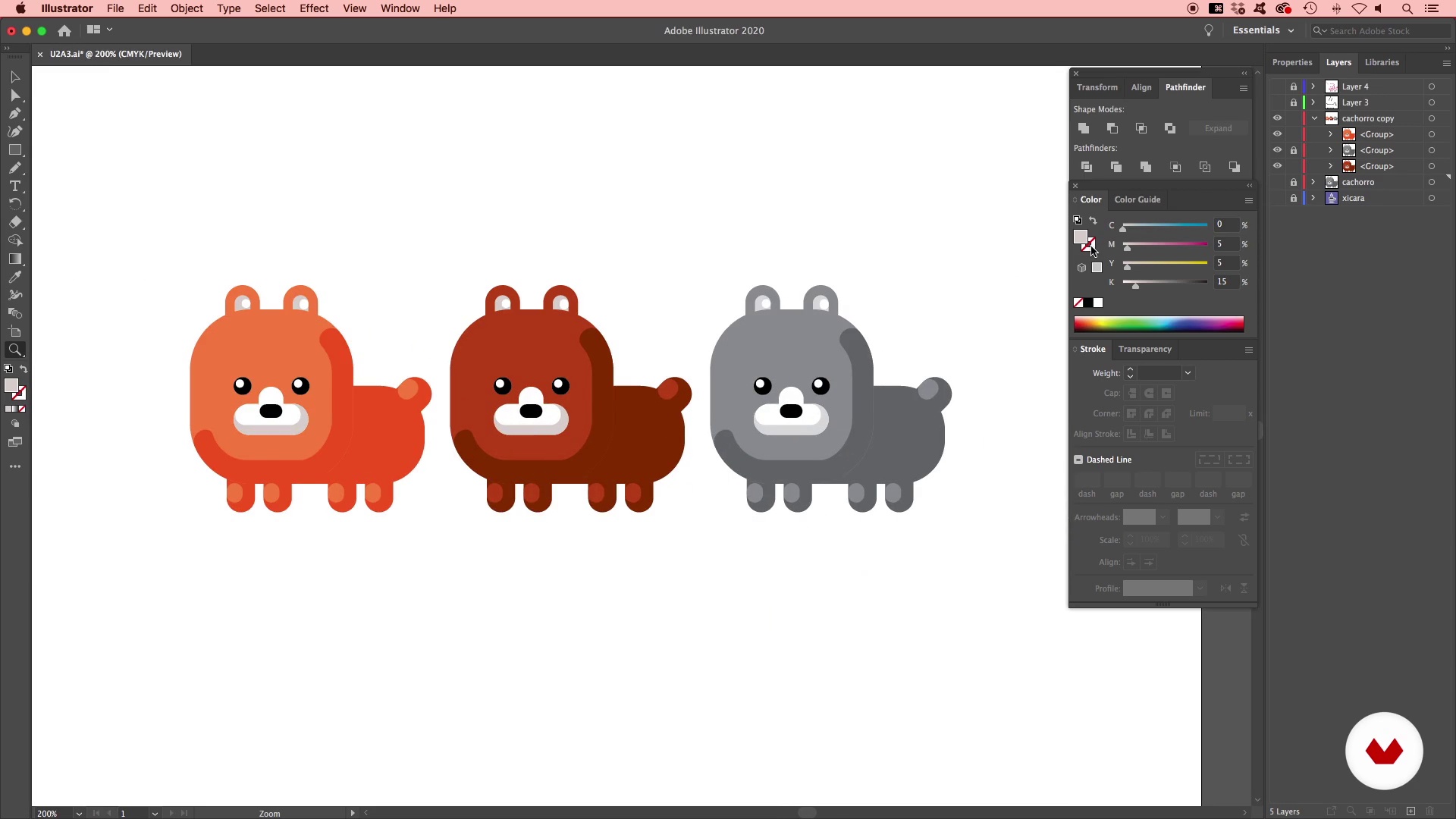
Colors and Gradients 2
12 minutes, 35 seconds
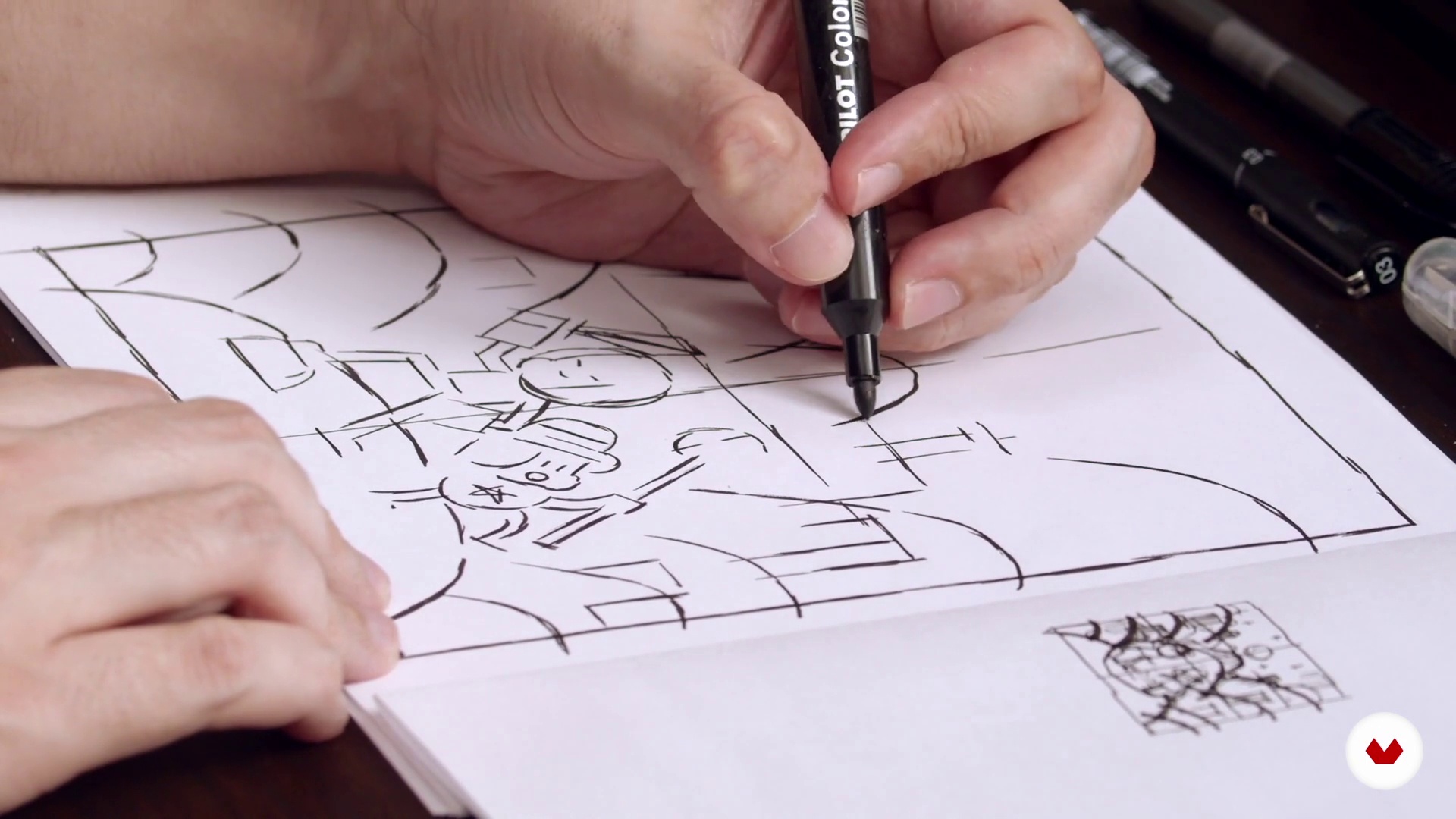
Project Outline
17 minutes, 22 seconds
What's included in this course?
Start this course hearing Raul talk about his professional career and his biggest artistic influences.
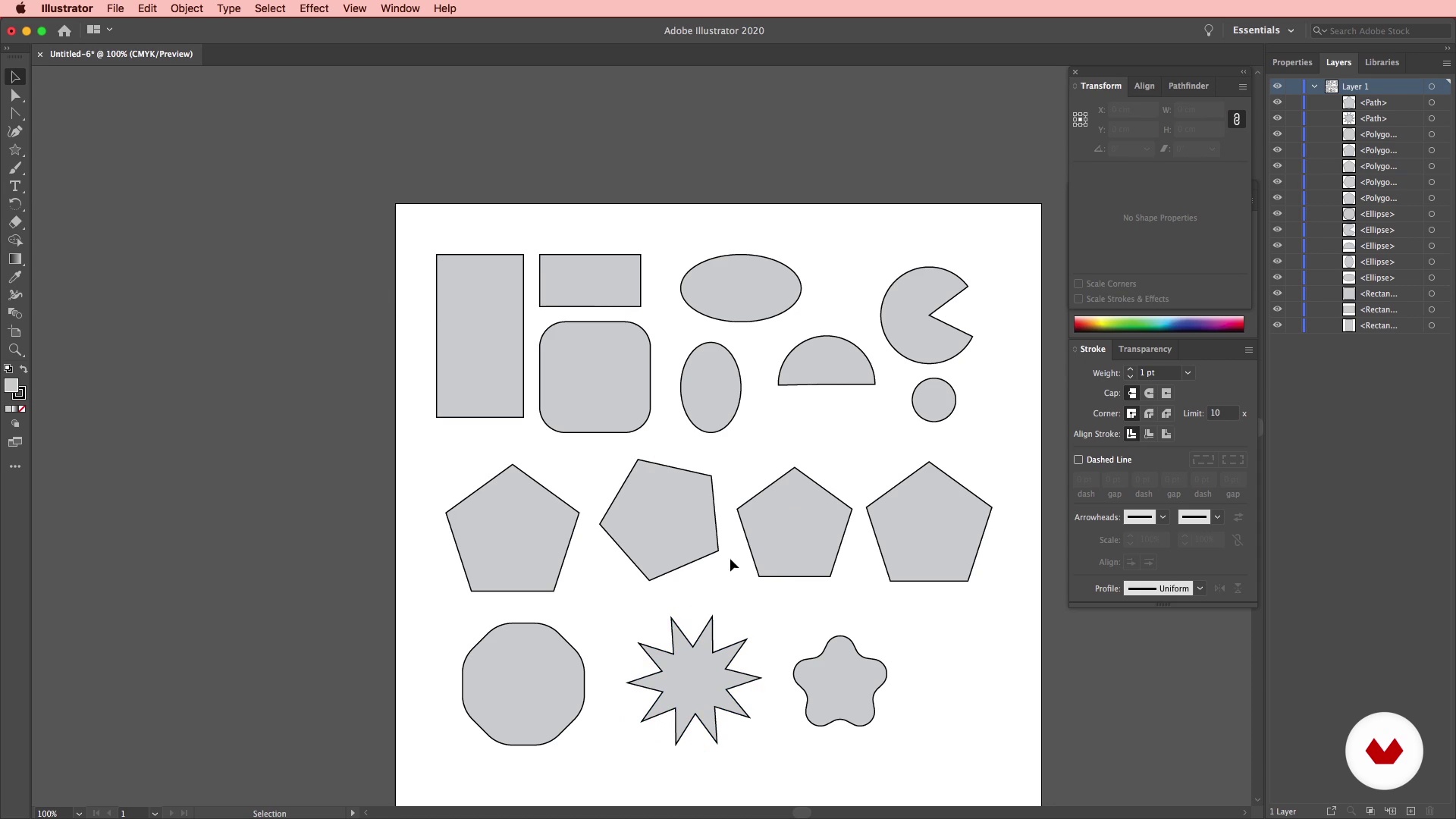
Familiarize yourself with the Adobe Illustrator interface exploring basic functions like the "Pen" and "Anchor Point" tools. Learn to draw silhouettes of both objects and characters with digital tools and see how to apply colors and gradients to your drawings.
Once you've mastered the basics, get ready to start your illustration! Raul walks you through the manual part: drawing freestyle with pen and paper. He teaches you how to turn your sketches into vectors with Illustrator. With the help of your teacher, create vectored objects, characters, and scenes step by step within the program.
Add the finishing touches to your illustration to make sure it's as eye-catching as possible. Raul shows you how to work with grayscale, light, and shade. Achieve a harmonious color palette using CMYK mode and also add volume and perspective to your drawing. Pick up some tips and tricks for sharing your final piece and attracting new clients both on social media and with your portfolio.
Recommended software & tools for this course
What is this course's project?
Create a vector illustration consisting of one or two characters, a setting, and various objects with Adobe Illustrator.
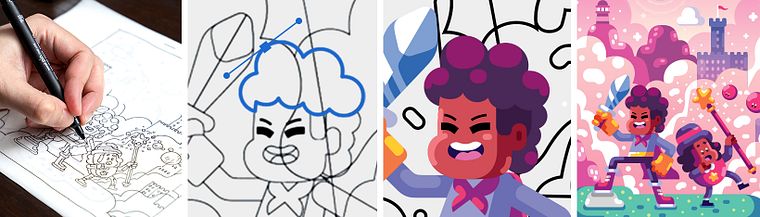
Projects by course students
Who is this online course for?
Professional and amateur illustrators, and anyone interested in creating original vector images.
Requirements and materials
Knowledge of illustration is required for this course.
In terms of materials, you need a pen, a marker, A4 paper, tracing paper, a stapler, a scanner, a smartphone, and a computer with access to Adobe Illustrator CC. A graphics tablet is recommended, although not essential.

Reviews
- 11 months ago
Excellent course. Very well explained and very useful for vector graphics design. Elements like shapes, transform, and colors are very essential for this course. Recommend!
- 1 year ago
Muito bom!
- 2 years ago
Sensacional! Raul é demais!
- 2 years ago
Really happy with the methods I learned from this course
- 2 years ago
very helpful. thank you!

His remarkably playful and nostalgic aesthetic has attracted the attention of both national and international clients like Facebook and WhatsApp; magazines such as Fast Company (USA), Usbek & Rica (France), Superinteressante (Brazil), Exame (Brazil), and Carta Capital (Brazil); and the Folha do São Paulo newspaper.
Content
- U1
Introduction
- Who Am I?
- Influences
- U2
Illustrator 101
- Basic Tools 1
- Basic Tools 2
- Creating Simple Shapes
- Colors and Gradients 1
- Colors and Gradients 2
- U3
Creating a Complex Illustration
- Project Outline
- Creating Objects
- Creating Characters
- Creating Scenario 1
- Creating Scenario 2
- U4
Finishing Touches
- Shades of Gray, Light and Shadow 1
- Shades of Gray, Light and Shadow 2
- Harmonizing Colors and Details 1
- Harmonizing Colors and Details 2
- Creating Volume
- Sharing Your Work
- FP
Final project
- Original Vector Illustration with Adobe Illustrator
What to expect from a Domestika course
Learn at your own pace
Enjoy learning from home without a set schedule and with an easy-to-follow method. You set your own pace.
Learn from the best professionals
Learn valuable methods and techniques explained by top experts in the creative sector.
Meet expert teachers
Each expert teaches what they do best, with clear guidelines, true passion, and professional insight in every lesson.
Certificates
PLUSIf you're a Plus member, get a custom certificate signed by your teacher for every course. Share it on your portfolio, social media, or wherever you like.
Get front-row seats
Videos of the highest quality, so you don't miss a single detail. With unlimited access, you can watch them as many times as you need to perfect your technique.
Share knowledge and ideas
Ask questions, request feedback, or offer solutions. Share your learning experience with other students in the community who are as passionate about creativity as you are.
Connect with a global creative community
The community is home to millions of people from around the world who are curious and passionate about exploring and expressing their creativity.
Watch professionally produced courses
Domestika curates its teacher roster and produces every course in-house to ensure a high-quality online learning experience.
FAQs
This is an intermediate-level course, perfect for those who already have basic illustration or Adobe Illustrator knowledge and want to improve vector techniques and professional composition.
You don’t need to be great at drawing on paper, but basic drawing skills help. The course covers everything from analog sketches to final digital touches in Illustrator.
You’ll learn to use tools like the Pen Tool, Pathfinder, Gradient Tool, Smart Guides, selection, layers, grouping, geometric shapes, and curve adjustments to create complete vector illustrations.
The course teaches how to apply light and shadow in Illustrator using vector tools to add volume, depth, and enhance the 3D feel of your illustrations.
You’ll learn how to scan or photograph your drawings, import them into Illustrator, and vectorize them using tools like the Pen, curve adjustments, and layers to achieve professional results.
Yes, the course covers techniques for drawing characters and creating vector backgrounds, including composition, proportion, gesture, and applying color, light, and shadow.
You’ll need access to Adobe Illustrator and basic knowledge of the software. A compatible computer and a willingness to practice are essential to keep up with the lessons.