


Download free Lettering Brushes
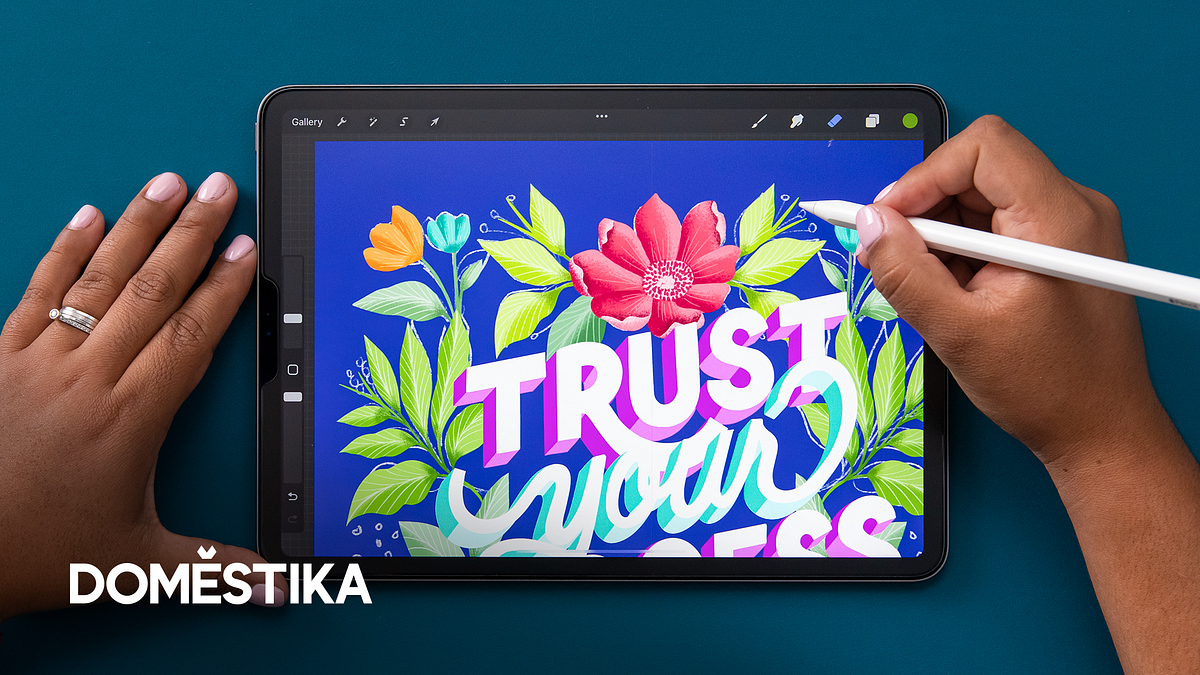
Get these letter-drawing brushes to enhance your artwork. They are compatible with Procreate, Photoshop, and Adobe Illustrator.
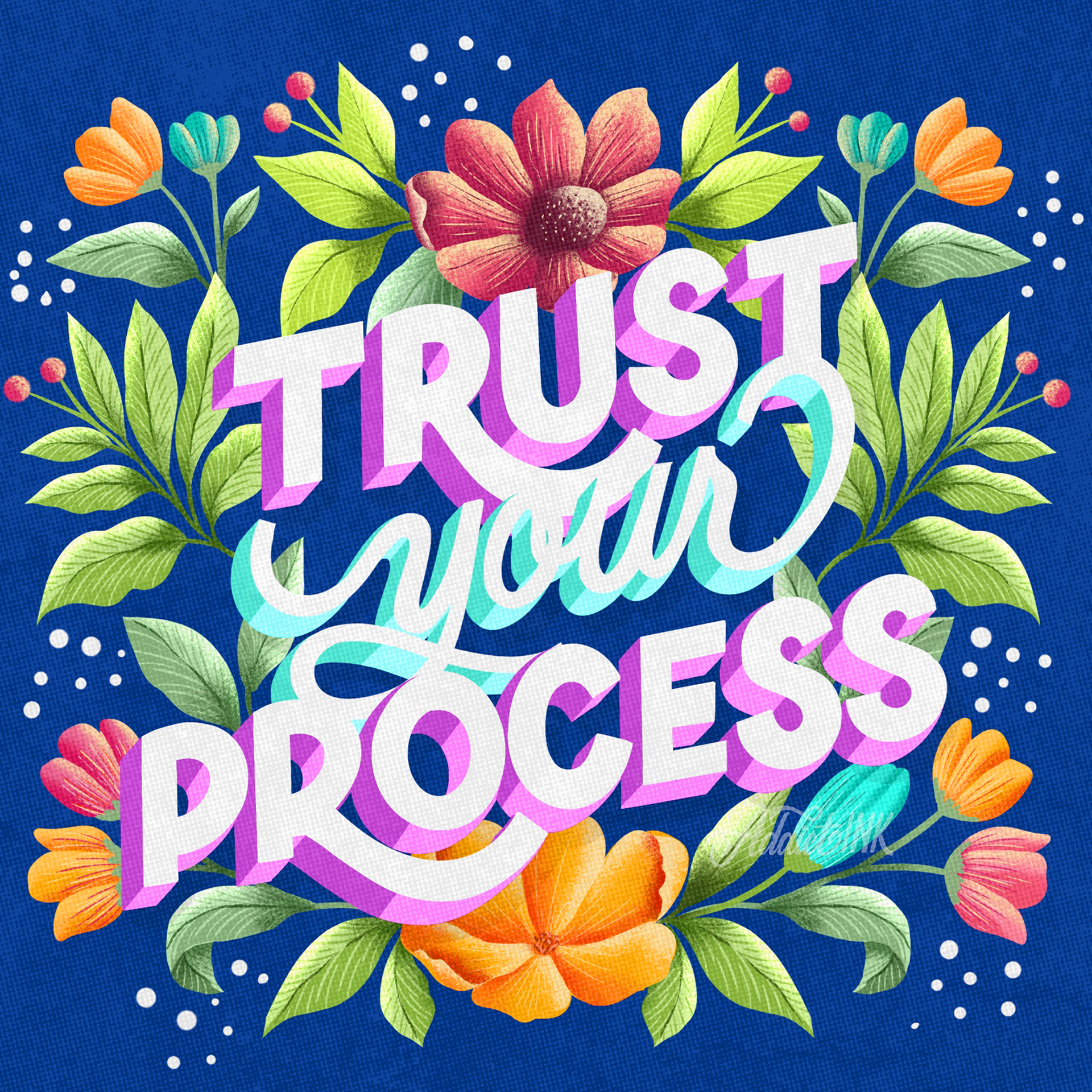
What is Lettering?
When it comes to art and design, lettering is all about creating unique typography styles. These designs are perfect for all sorts of projects, from business letterheads to custom signs and comic book covers. The best part? They're more versatile than your average font.
Lettering is actually an art form where each letter is crafted with care and attention to detail to create a beautiful image. Each letter plays a unique role in the composition; together, they form a phrase or quote that is truly a work of art. So next time you see some fantastic lettering, remember it's more than just words on a page!
Best software for Lettering
If you're looking to explore the world of lettering, there are some great software options out there! Adobe Illustrator, Procreate, and Adobe Photoshop are all popular choices. But there are more!
If you're looking to create logos, illustrations, or typography, Adobe Illustrator is the perfect vector graphics editor. Its impressive array of tools and features makes it the go-to choice for designing lettering.
Font Candy is a mobile app that enables you to design lettering with multiple options. Additionally, you can import images directly from Pixabay.
You can also create high-quality lettering designs with ease using Vectornator, an intuitive vector graphic design software.
Adobe Photoshop is a software for editing and creating images using raster graphics. It offers a wide range of tools and features that are perfect for designing lettering.
But if you're an iPad user looking for an app to create digital illustrations, Procreate is a great option. With Procreate, you can create sketches, paintings, animations, and more using a variety of handmade brushes and innovative artistic tools. The app also has an advanced layer system and a fast graphics engine called Valkyrie. Plus, Procreate is compatible with the Apple Pencil and has many features that make the creative process easier and more enjoyable.
You're in luck! You can snag some awesome lettering brushes for free right here.
Únete Gratis y descarga
Brushes.zip
Some tips to create great Letters
If you want to get different lettering styles, there are actually a bunch of techniques you can try out. Some of these include:
1. Draw your first layer of lettering with your favorite brush.
2. Engage "Animation Assist" and create different frames to animate your lettering.
3. Use guides and grids to draw letters with perspective and isometric effect².
4. Create your own brushes and motifs to give a unique style to your lettering.
5. Add color, textures, shadows, ornaments and effects to enhance your composition.
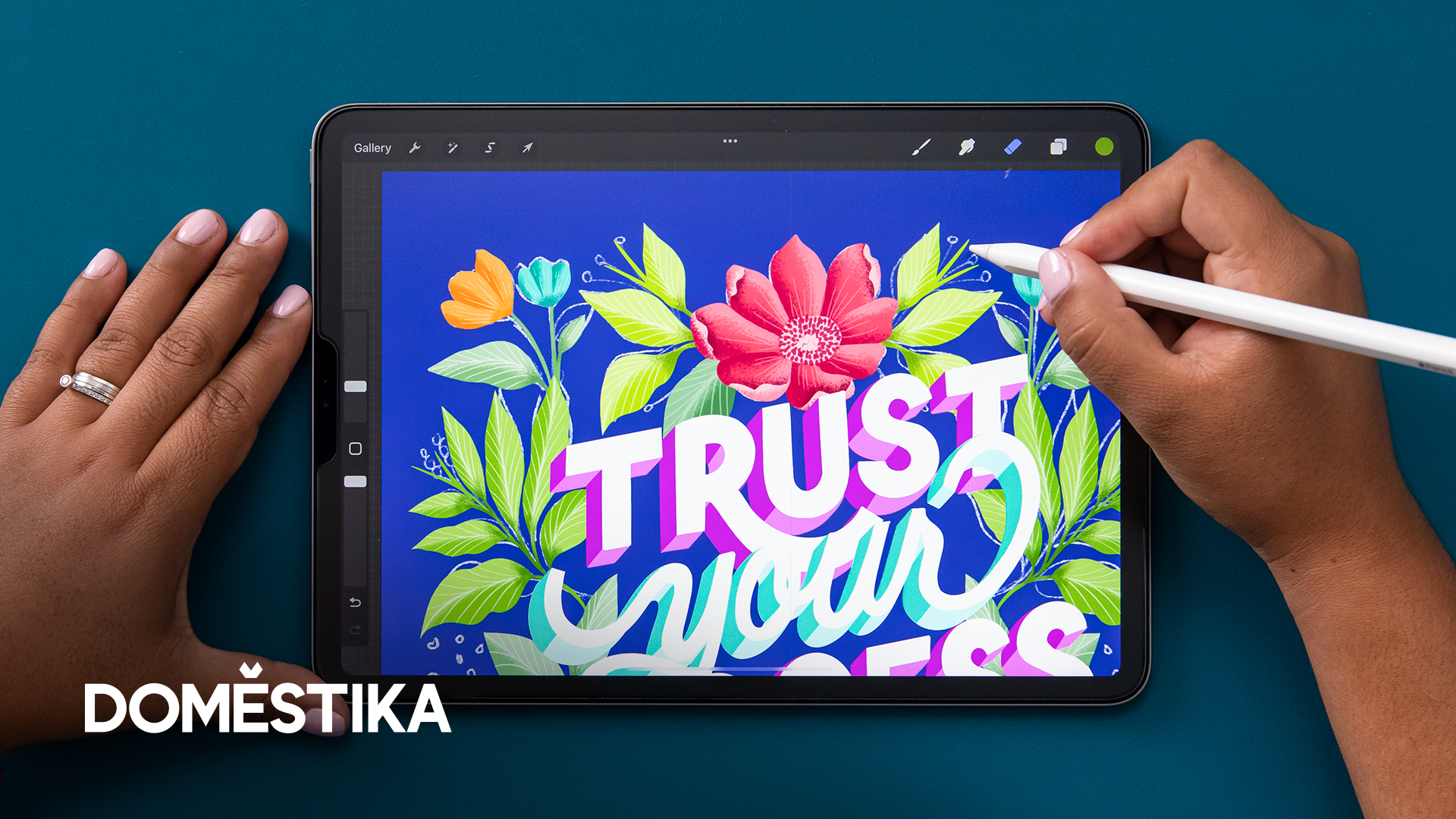
You can also learn more about lettering with Procreate by taking online courses, such as the ones offered by Domestika.
Differences between Procreate, Photoshop, and Adobe Illustrator
If you're into digital art and design, you may have heard about Procreate, Photoshop, and Adobe Illustrator. These three software programs are amazing, but they serve different purposes. If you're specifically interested in lettering, it's good to weigh the advantages and disadvantages of each one before choosing which to use.
Illustrator is a vector-based program ideal for creating logos, icons, and other graphics that need to be resized without losing quality. It uses mathematical equations to create shapes and lines that can be scaled up or down without losing resolution.
If you're looking for a program that is excellent for photo editing and manipulation, Photoshop is a great choice. It operates on a raster-based system and offers many tools and brushes to help you create intricate designs and effects. Additionally, it's an excellent tool for producing digital paintings.
Procreate is a raster-based program designed specifically for digital painting and illustration. It has many brushes and textures that mimic traditional media like oil paint, watercolor, and charcoal. It also has features like time-lapse recording and animation tools.
To sum it up, if you want to tweak photos or produce intricate designs with multiple layers, Photoshop is the tool for you. If you need to craft logos or graphics that can be resized without any loss of quality, Illustrator is your best bet. And if you want to paint with a realistic feel or create illustrations digitally, Procreate is the perfect program.


0 comentarios