Sound Design and Post-Production for Video and Animation
A course by Aimar MoleroSound Designer
A course by Aimar Molero, Sound Designer

Learn to add sound, post-produce, and master with Logic Pro X and other software
In this course by Aimar Molero, expert in sound design, learn how to add sound to a video or animation with Logic Pro X. Many of the solutions that Aimar proposes to the most common problems when adding sound and music to a piece are applicable to other software as well, such as GarageBand and Adobe Premiere.
The objective of the course is to provide all kinds of audiovisual professionals (animators, motion graphers, filmmakers, etc.) with useful resources and help them gain independence from the "sound guy" when working on different projects. The result is more than just correctly synchronizing image and sound—it's also about conveying emotions that round out an image and add realism to what is being represented.
What will you learn in this online course?
27 lessons & 15 downloads
Sound I
21 minutes, 50 seconds
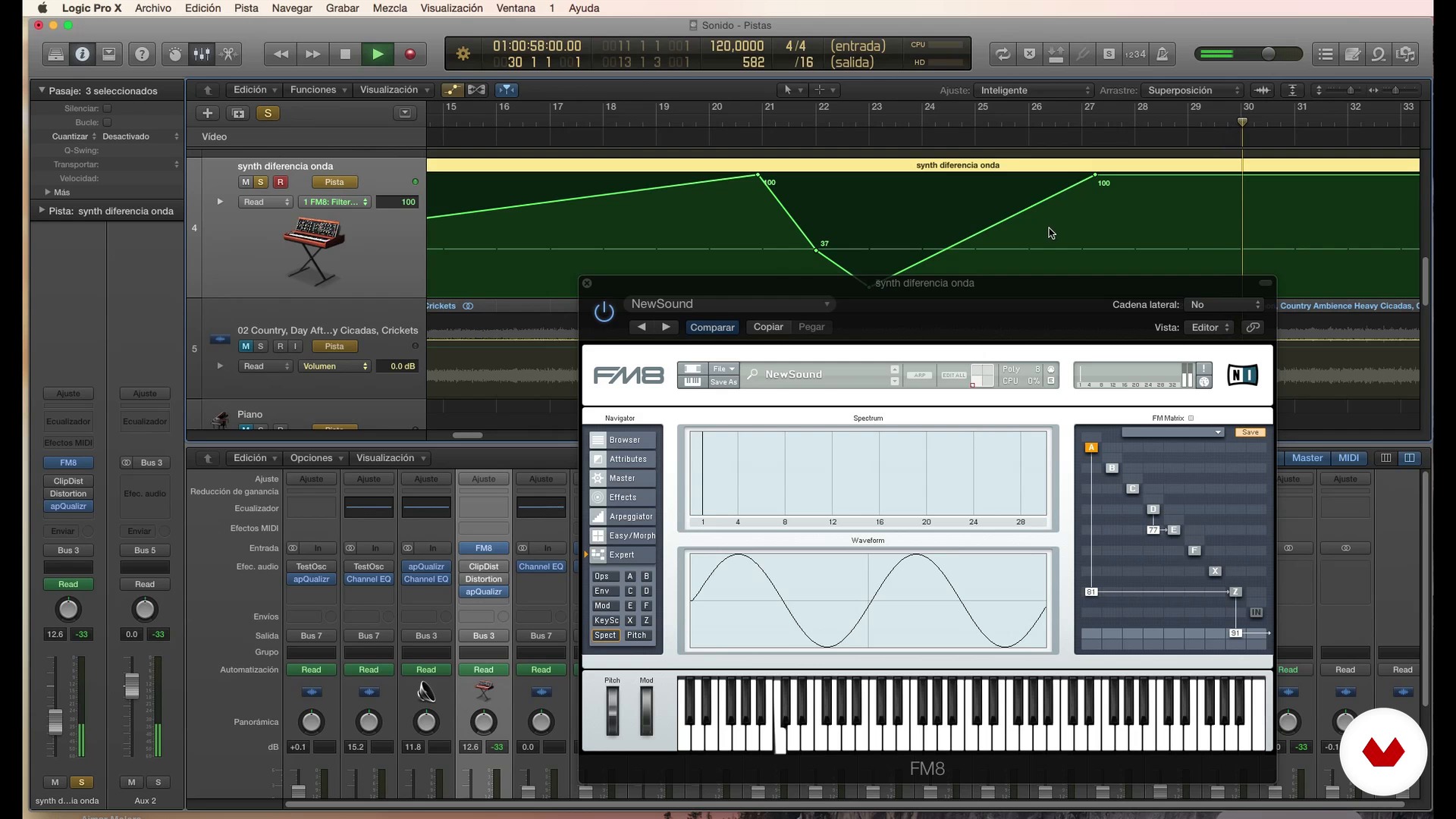
Sound II
16 minutes, 44 seconds
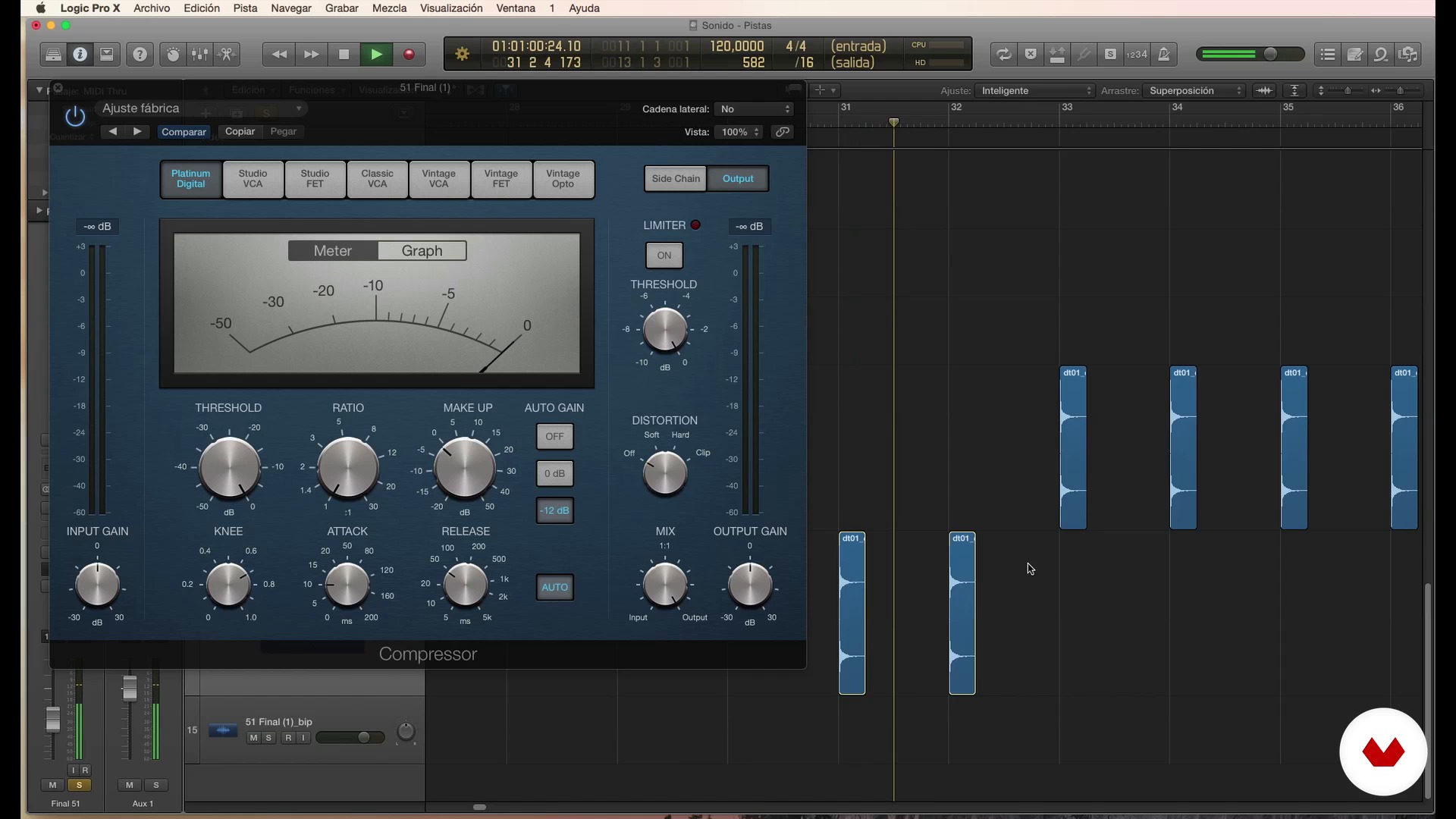
Sound III
13 minutes, 57 seconds
Music I
18 minutes, 58 seconds
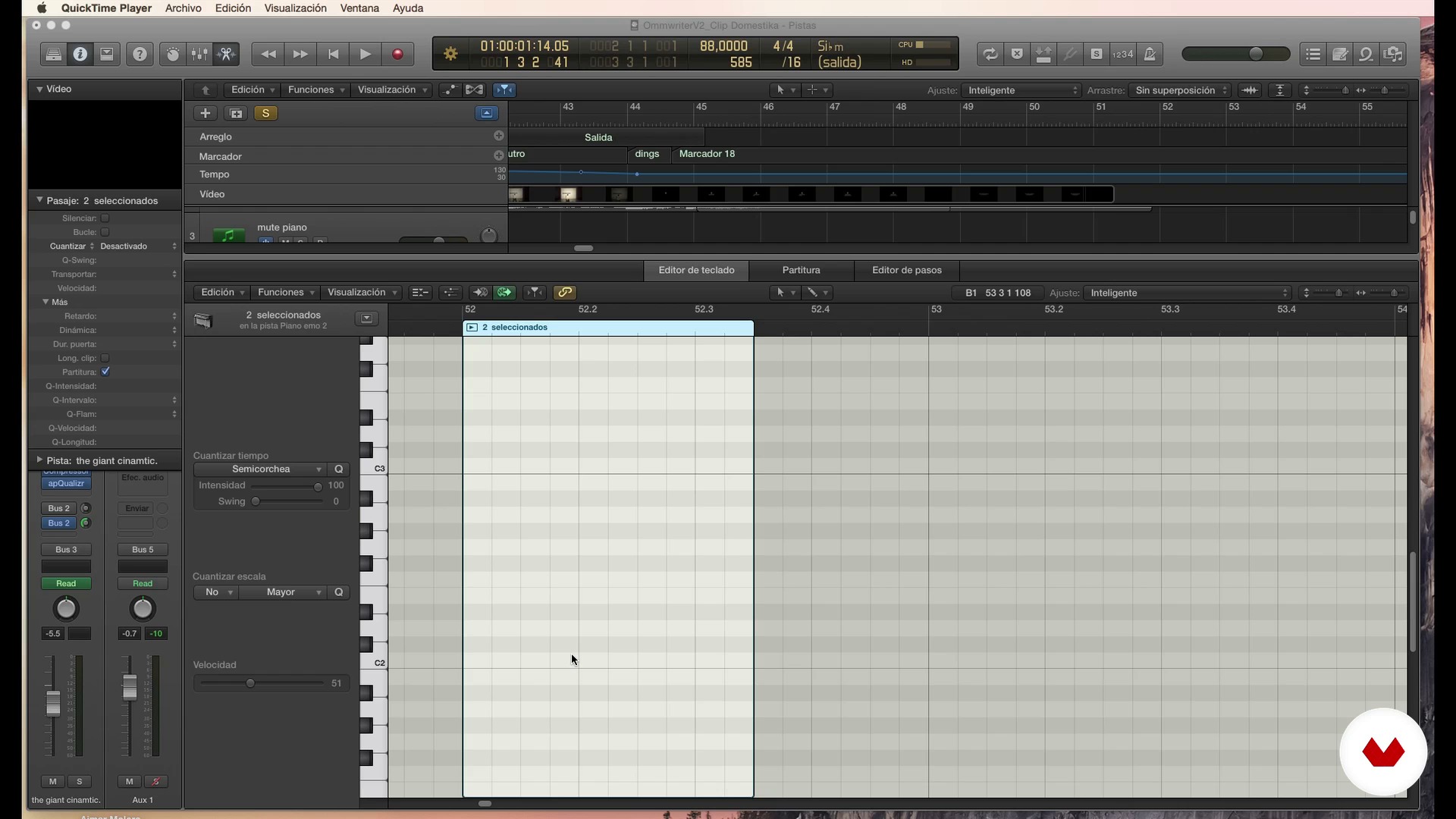
Music II
18 minutes, 31 seconds
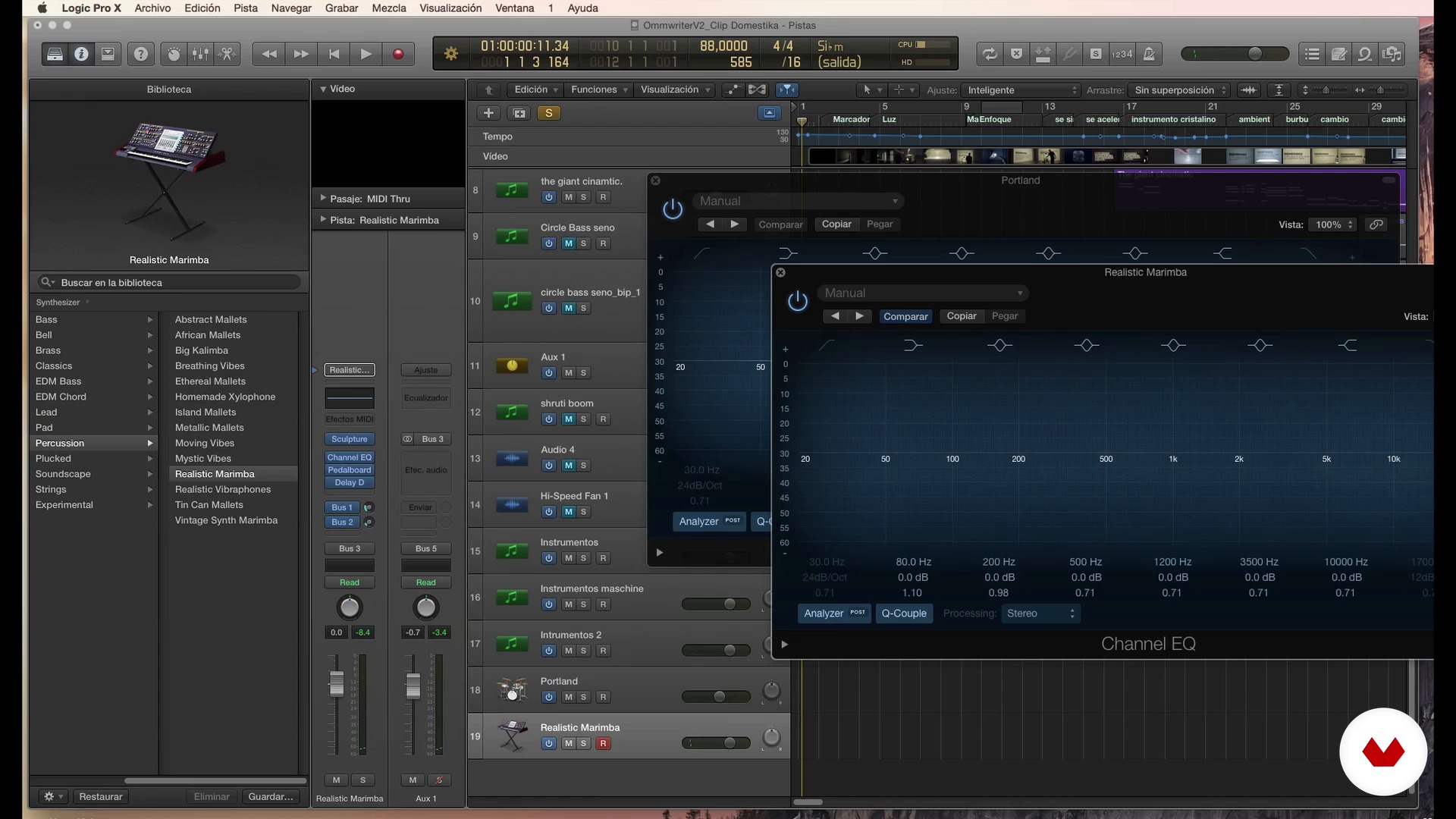
Music III
20 minutes, 23 seconds
What's included in this course?
Start by getting to know Aimar Molero's work and influences. Familiarize yourself with some basic concepts of sound and music and discover his unique view of the union between image and audio.
Then, determine the visual piece for your project. Learn how to acquire the sound clips, clean them up, name them, and organize them. In addition, Aimar Molero teaches you how to address common problems, such as fixing silences and noises, dealing with problems with the stereo channel, and practicing techniques to follow the rhythm correctly or correct dissonant notes.
Finish up by learning how to master and export your piece to achieve a perfect result.
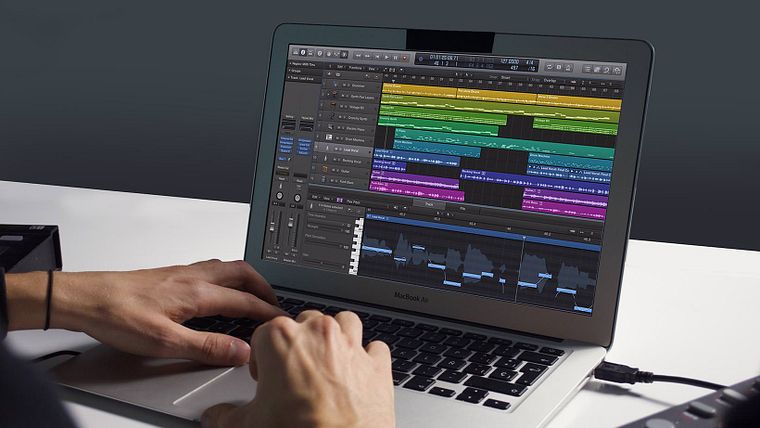
Recommended software & tools for this course
What is this course's project?
The final project is to sound an animation piece that either you or a friend has created, or one of the examples that are provided in the course, using the tools that are explained throughout the lessons.
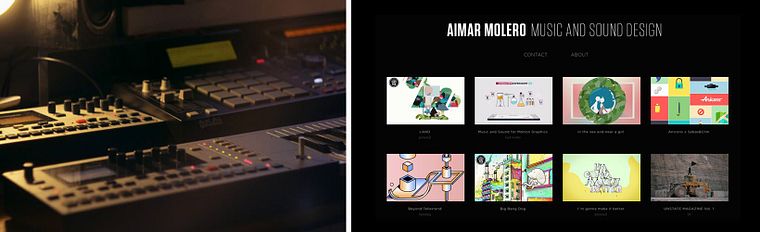
Projects by course students


Who is this online course for?
This course is for any audiovisual or motion-graphics professional who feels somewhat lost when they talk about audio or wants to gain independence in their work. The course is also appropriate for people who want to get started in the world of sound or those who are curious about learning about a different work methodology within sound design.
Requirements and materials
No prior knowledge of sound or Logic Pro X is required. However, experience working with a DAW or digital audio workstation and familiarity with sound and music basics will help you complete the course.
As for the materials, to take this course you need a computer with any program that allows you to work with different tracks, move and edit the audio regions, and add effects.
In addition, speakers other than those on your laptop or a set of headphones are necessary. The project and the lessons are completed in Logic Pro X, but you can use GarageBand (which is very similar to Logic and free) or even a video-editing program such as Adobe Premiere if it meets the requirements listed above. Some additional resources are provided to guide your work on other platforms.
Reviews
- 1 year ago
Excelente curso, aprendí muchas cosas nuevas para mi
- 2 years ago
Con diferencia es el mejor curso al que he entrado, el profesor es todo un personaje y se ve que entiende y le apasiona el tema, que cada vídeo dure de 10 a más de 20 minutos es una pasada, por el precio que tiene me parece la mejor inversión de mi vida, fácilmente el mejor contenido audiovisual en la internet entera para aprender sobre sonido, producción y música
- 2 years ago
Falta preparar mejor el contenido, titubea demasiado y se extiende en las explicaciones de manera innecesaria, lo cual podría arreglarse con postproducción, pero es entendible cuando él mismo dice que el vídeo no es su fuerte. Sin embargo, la calidad del audio también es deficiente: la voz se escucha poco y los efectos/sonidos demasiado. Se valora la eliminación del ruido exterior, la experiencia y el conocimiento que demuestra. Espero poder rescatar algo valioso en el resto del curso.
- lchen136PLUS3 years ago
interesting...
- 3 years ago
Un curso interesante de sonido y postproducción.

He studied sound and harmony for three years and learned to play different instruments, but confesses that he plays none of them well. He also completed four Pro Tools courses, a program with which he has developed a deep love-hate relationship over the last several years. After a while, he cut ties with the program and has since been working with Logic Pro X.
Content
- U1
Introduction
- Presentation
- Influences
- U2
Basic notions
- Sound I
- Sound II
- Sound III
- Music I
- Music II
- Music III
- Union between video and sound I
- Union between video and sound II
- U3
Preproduction: how to get the material with which we will work
- Raise our piece
- How to get your sounds
- Clean, name and organize your sounds I
- Clean, name and organize your sounds II
- U4
Production: 100% common in any software
- Working the sound I
- Working the sound II
- Working the sound III
- Working the sound IV
- Working music I
- Working music II
- U5
Post-production: 90% common in any audio software
- Typical operation of an audio software
- Work more thoroughly the sound I
- Work more thoroughly the sound II
- Work more deeply on music I
- Work more thoroughly music II
- U6
"Masterize" and Export
- Take out the master of your piece I
- Remove the master of your piece II
- FP
Final project
- Sound Design and Postproduction for Video and Animation
What to expect from a Domestika course
Learn at your own pace
Enjoy learning from home without a set schedule and with an easy-to-follow method. You set your own pace.
Learn from the best professionals
Learn valuable methods and techniques explained by top experts in the creative sector.
Meet expert teachers
Each expert teaches what they do best, with clear guidelines, true passion, and professional insight in every lesson.
Certificates
PLUSIf you're a Plus member, get a custom certificate signed by your teacher for every course. Share it on your portfolio, social media, or wherever you like.
Get front-row seats
Videos of the highest quality, so you don't miss a single detail. With unlimited access, you can watch them as many times as you need to perfect your technique.
Share knowledge and ideas
Ask questions, request feedback, or offer solutions. Share your learning experience with other students in the community who are as passionate about creativity as you are.
Connect with a global creative community
The community is home to millions of people from around the world who are curious and passionate about exploring and expressing their creativity.
Watch professionally produced courses
Domestika curates its teacher roster and produces every course in-house to ensure a high-quality online learning experience.
FAQs
You’ll learn how to create, edit, and design music and sound for videos, video games, documentaries, and TV, using techniques in sound design, editing, processing, and audiovisual synchronization.
Yes, the course is designed for students with an intermediate level of experience in music production or audio who want to deepen their knowledge of sound design and its integration in audiovisual media.
It’s recommended to have basic skills in music production software like Logic Pro, Pro Tools, or GarageBand to get the most out of the course, although key functions will be explained during the lessons.
You’ll be able to create and edit original music, design sound effects, clean up recordings, sync audio with video, and organize professional sessions for audiovisual and multimedia projects.
It involves creating and adapting sounds and music that enhance visual effects and 3D animations, achieving a creative and seamless integration between what you see and hear.
You’ll need a computer, headphones or studio monitors, and access to a DAW like Logic Pro, Pro Tools, or GarageBand. Optionally, a microphone and recorder for sound experimentation.
You’ll learn composition techniques, sampling, audio processing, track organization, and syncing sound with images specifically for video games and documentaries.