Designing for Kids: Create Playful Patterns
Course final project
A course by Tati Abaurre , Pattern Designer and Illustrator


About the final project for: Designing for Kids: Create Playful Patterns
Designing for Kids: Create Playful Patterns
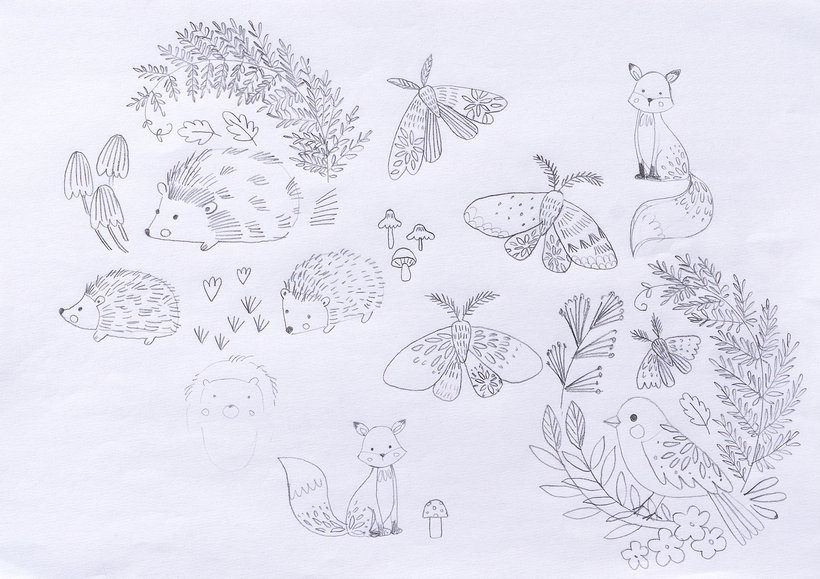
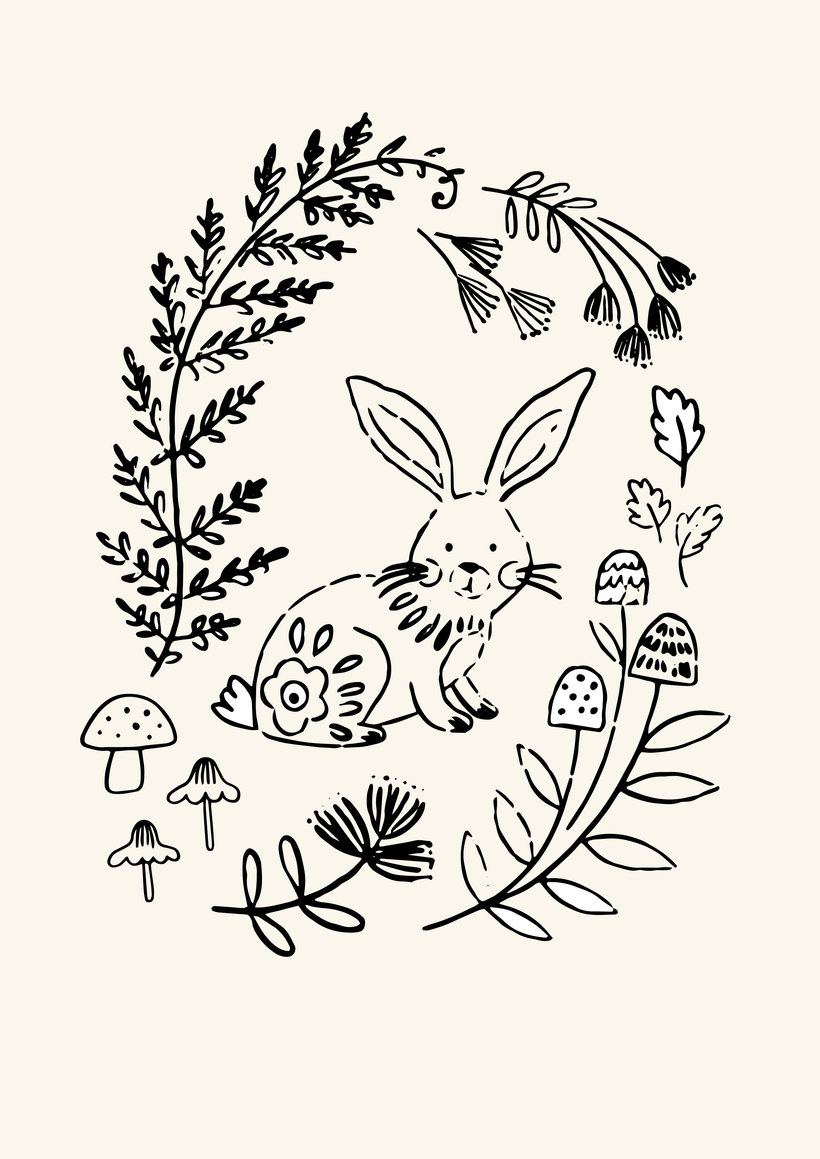
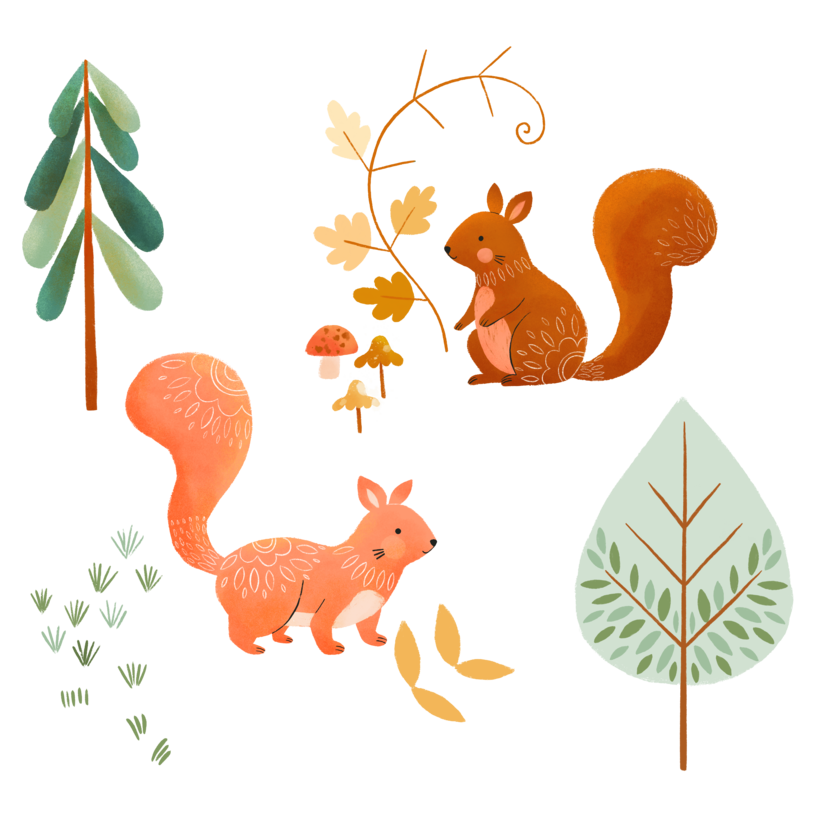
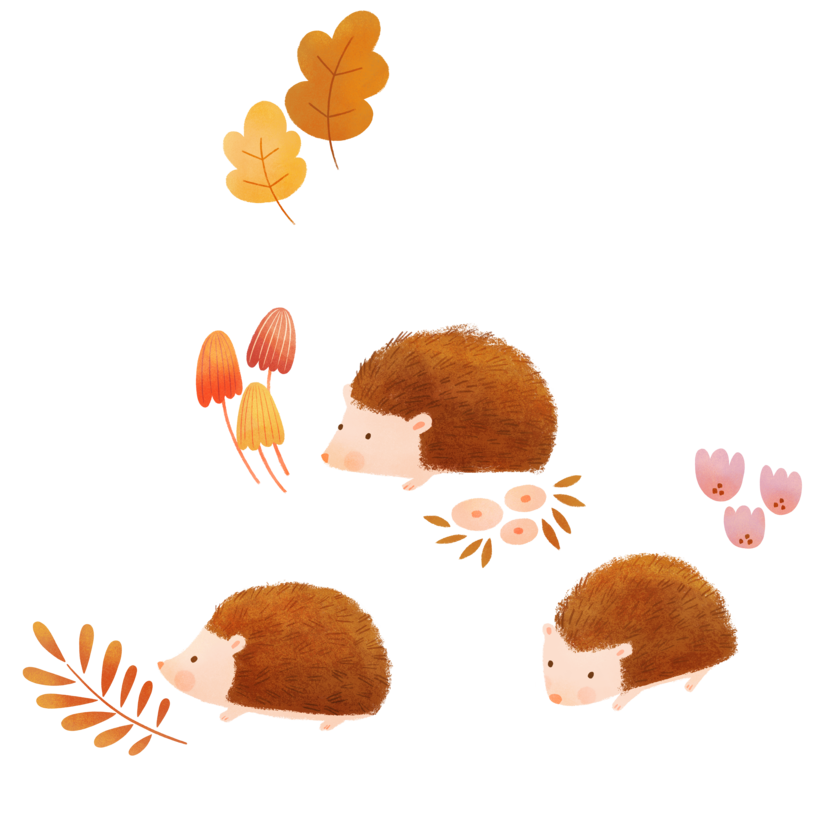
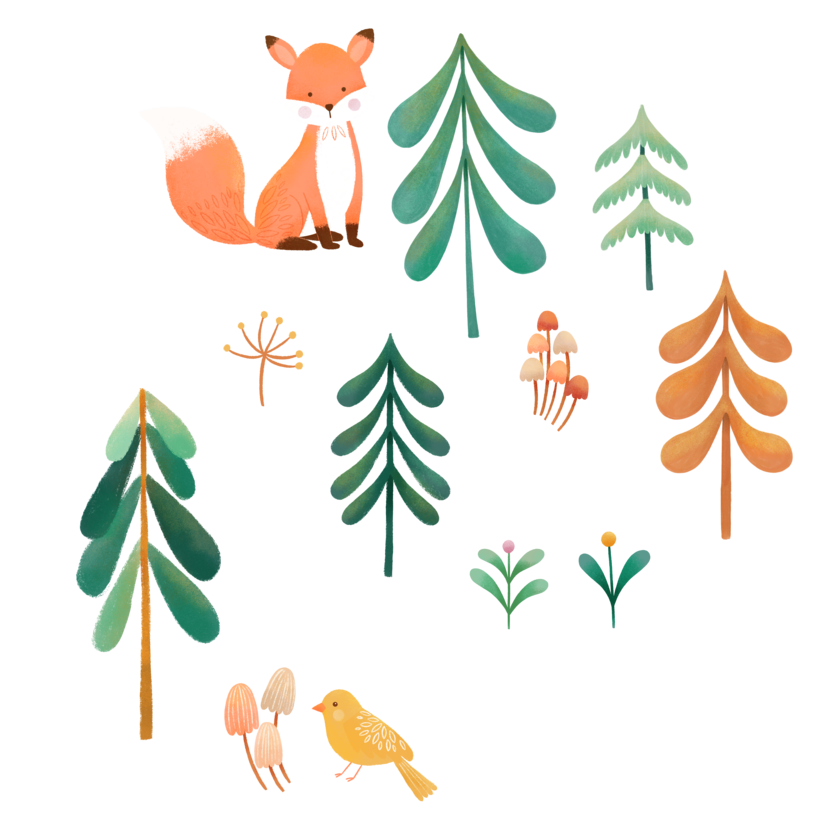
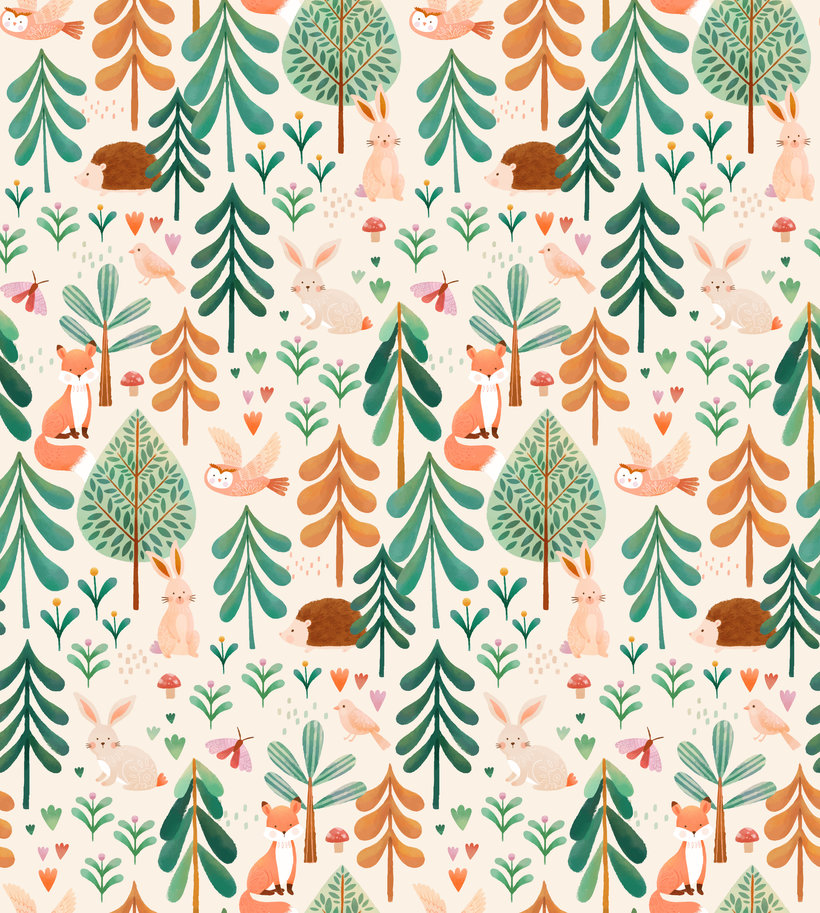
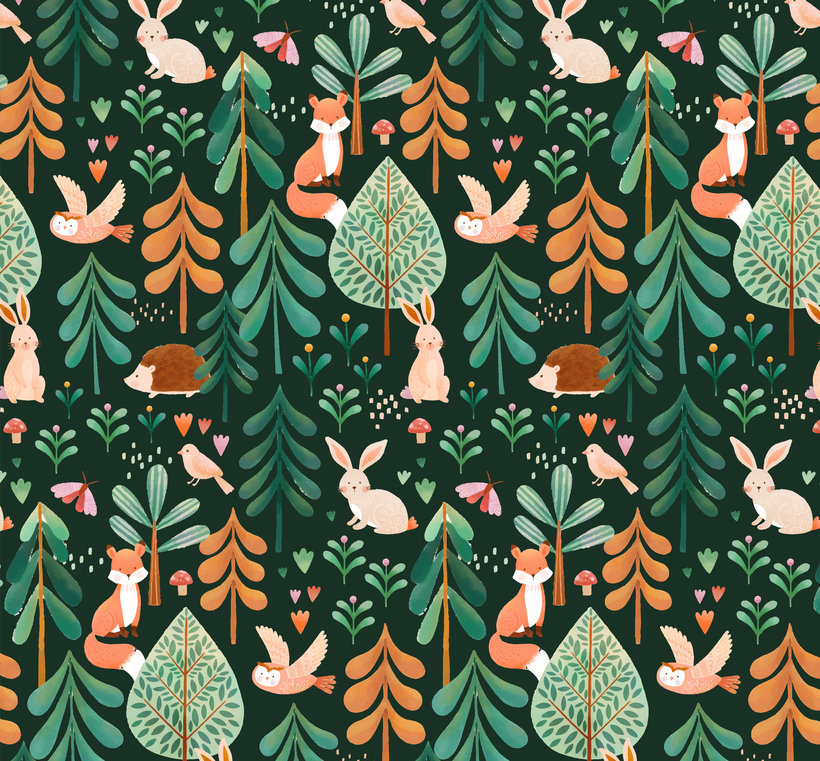
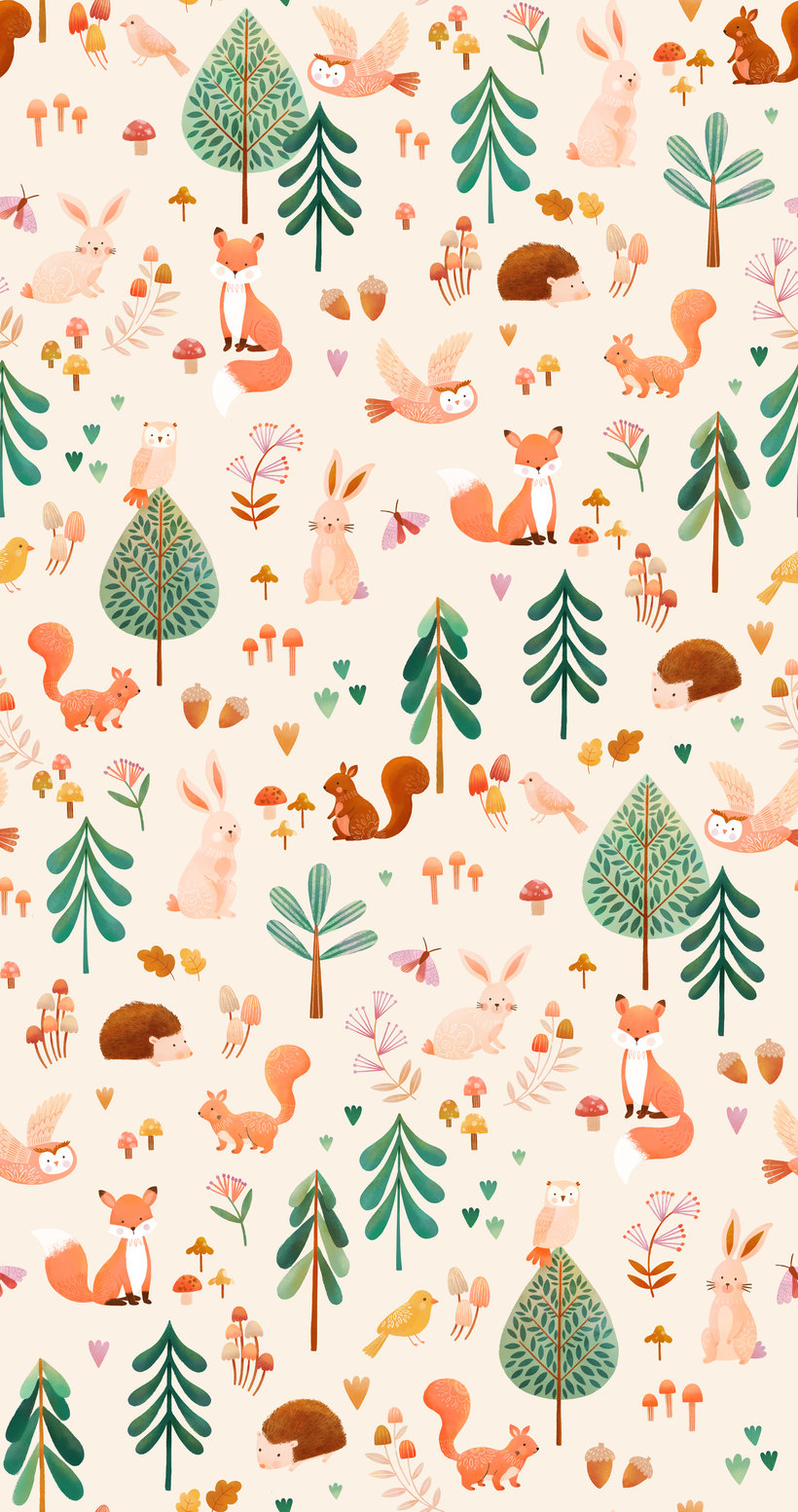
“Thank you so much for taking part in this course and I hope you've enjoyed it. It's now time to work on your project. This could mean finishing the patterns you started by completing the course tasks or making a brand-new project! Either way, I strongly suggest you take the time to gather inspiration and make a unique project of your own. Make sure to keep track of your progress with different pictures of each step. It'd be great if you could also explain the choices you've made along the way and tell us if you have any doubts. This will help me guide you better if you need advice. Here are the main steps to follow: The Concept Choose a theme and color palette for your collection. Inspiration Gather inspiring images related to your theme to create a mood board. Thumbnail Sketches Draw thumbnail sketches for your collection to roughly map out your ideas. The Final Sketch Sketch your elements in a variety of positions, keeping a cohesive style. Refine your sketch in Procreate.
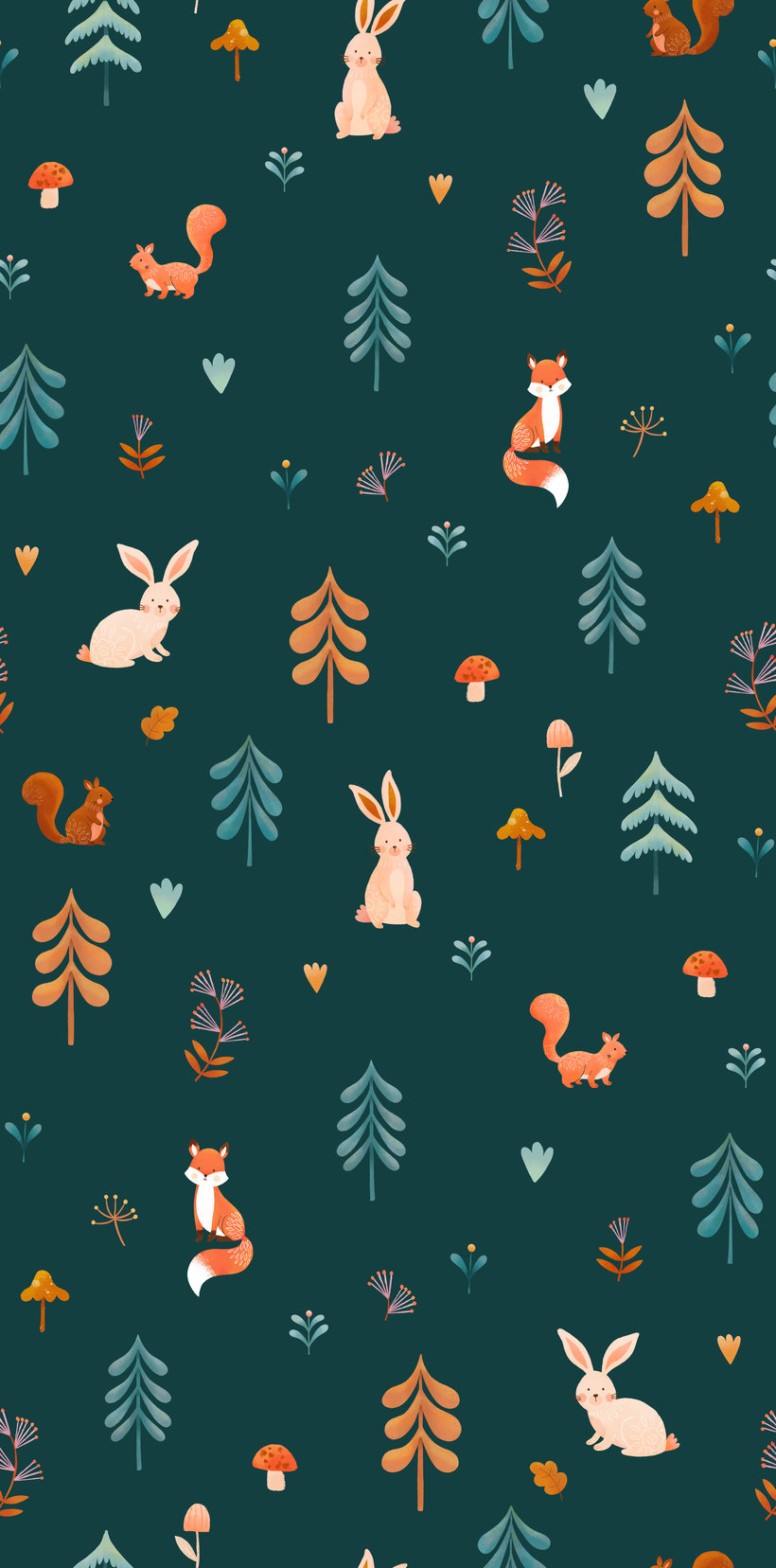
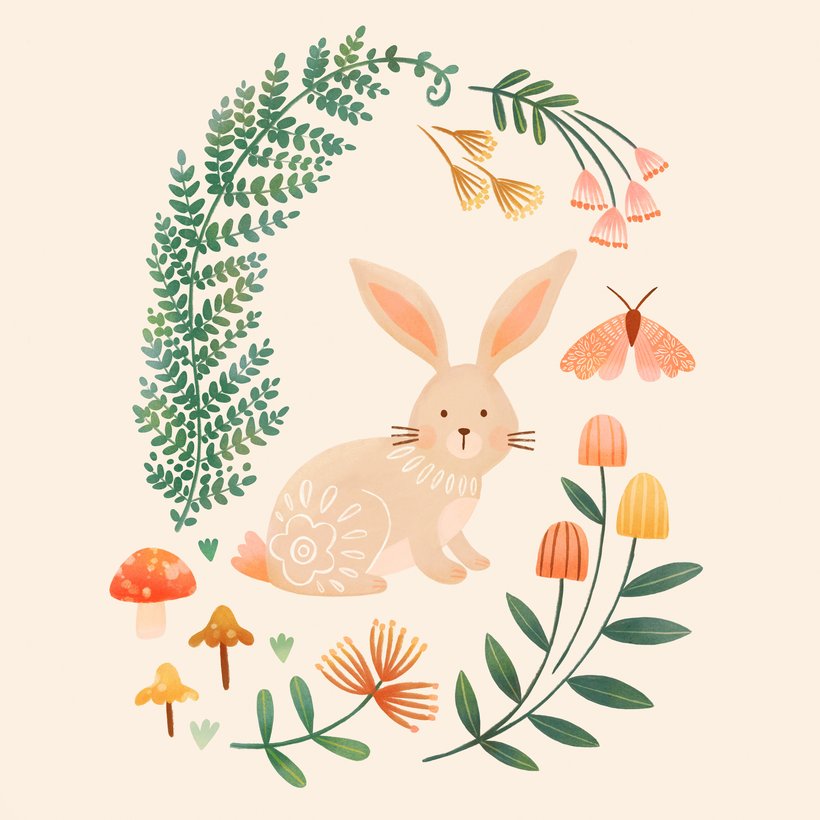
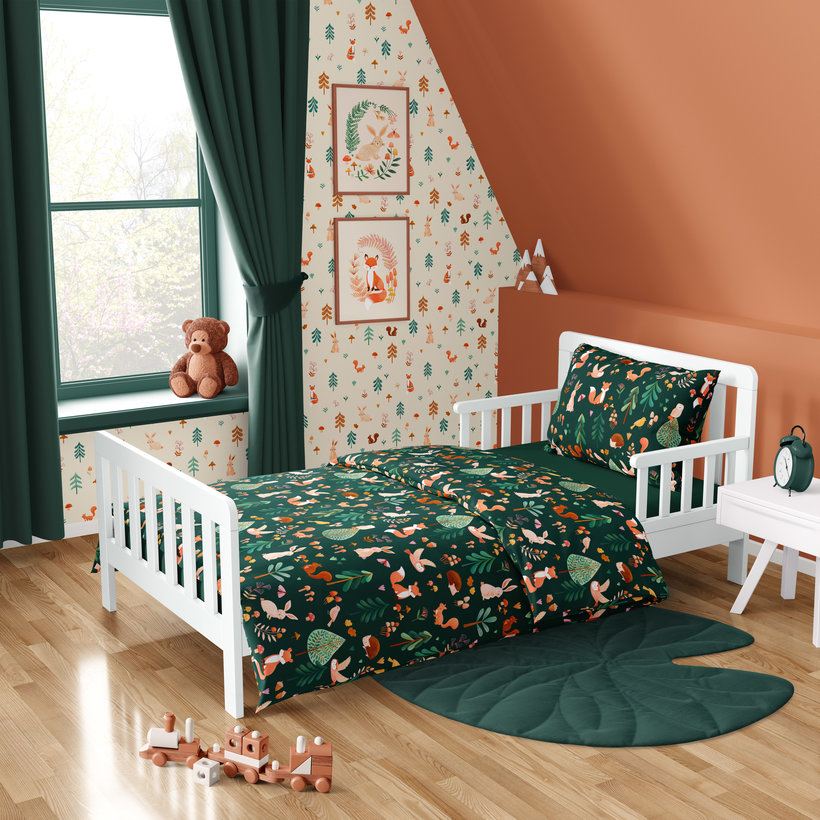
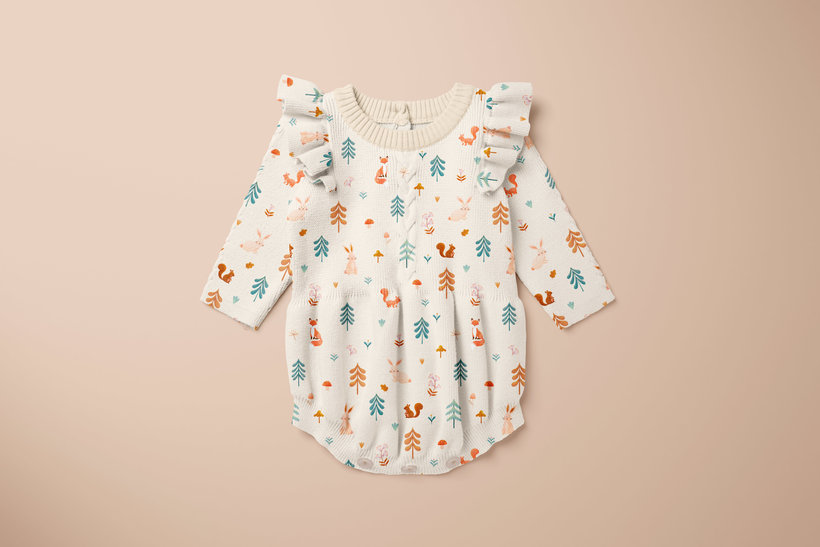
Partial transcription of the video
“Thank you for taking my Domestika course. I hope you found it inspiring and I hope it will help give you the confidence to create your own kids' collections. If this is the first time you're creating a pattern design collection, don't feel intimidated. Just choose a theme you love and follow the steps outlined in each of the lessons. So let's go through the steps for creating our final project. First, we created our mood board using color and trend inspiration and image references we found in our Pinterest and internet research. Then I shared with you some tips on how to modernize your elem...”
This transcript is automatically generated, so it may contain mistakes.
Course summary for: Designing for Kids: Create Playful Patterns
-
Category
Design, Illustration -
Areas
Children's Illustration, Digital Illustration, Pattern Design, Product Design, Traditional illustration

Tati Abaurre
A course by Tati Abaurre
Tati Abaurre is a Brazilian pattern designer and illustrator. She fell in love with art from a young age and experimented with sketching, painting, writing, and beyond before going on to study architecture. In search of something that fulfilled her more creatively, she took a course on children’s book illustration and fell in love with the medium. Soon after, she immersed herself in the world of pattern design and illustration, sharing her creations on Instagram and dedicating herself to creating patterns full-time.
Since then, Tati has brought her designs to life in the form of kids’ decor, rugs, art prints, wallpaper, greeting cards, clothing, and beyond. She has also designed patterns for Disney, Lilipinso, Figo Fabrics, Up with paper, YOYO Books, and Stormy Knight. In 2021, she also started her own brand of stationery, "By Tati Abaurre".
- 99% positive reviews (142)
- 5,422 students
- 21 lessons (4h 29m)
- 20 additional resources (9 files)
- Online and at your own pace
- Available on the app
- Audio: English, Spanish (Latam), French, Indonesian, Italian, Portuguese, Romanian, Turkish
- Spanish · English · Portuguese · German · French · Italian · Polish · Dutch · Turkish · Romanian · Indonesian
- Level: Beginner
- Unlimited access forever
Category
Areas

