Designing for Kids: Create Playful Patterns
A course by Tati AbaurrePattern Designer and Illustrator
A course by Tati Abaurre, Pattern Designer and Illustrator

Learn to create a collection of whimsical pattern designs for children's clothing and decor, from the initial sketch to the final mock-up
“Illustration is my way of sharing my joy with the world. I get inspiration from the beauty of nature, with its blossoming flowers and lively animals.”
Pattern designer and illustrator Tati Abaurre uses that inspiration to create playful and whimsical artwork designed with both children and adults in mind. She runs her own stationery brand and has collaborated with clients including Disney and YOYO Books.
In this online course, Tati teaches you how to create playful pattern designs, perfect for children or for those who are kids at heart. Learn how to develop your own collection of designs and apply them to different mockups with the potential to brighten someone’s day. Explore the colorful world of pattern design and bring your ideas to life.
What will you learn in this online course?
21 lessons & 20 downloads
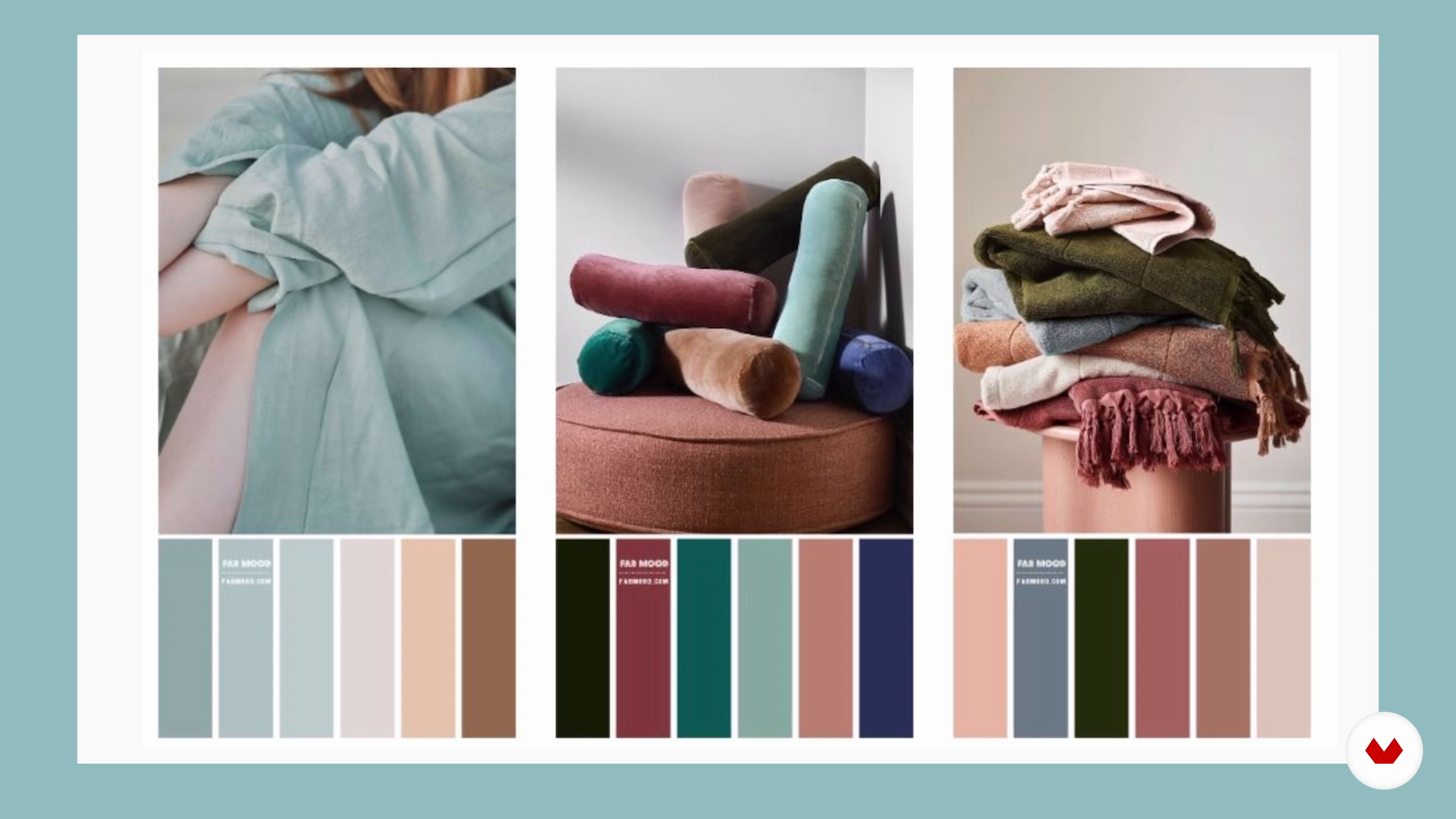
Trends in the Kidswear Market
8 minutes, 46 seconds
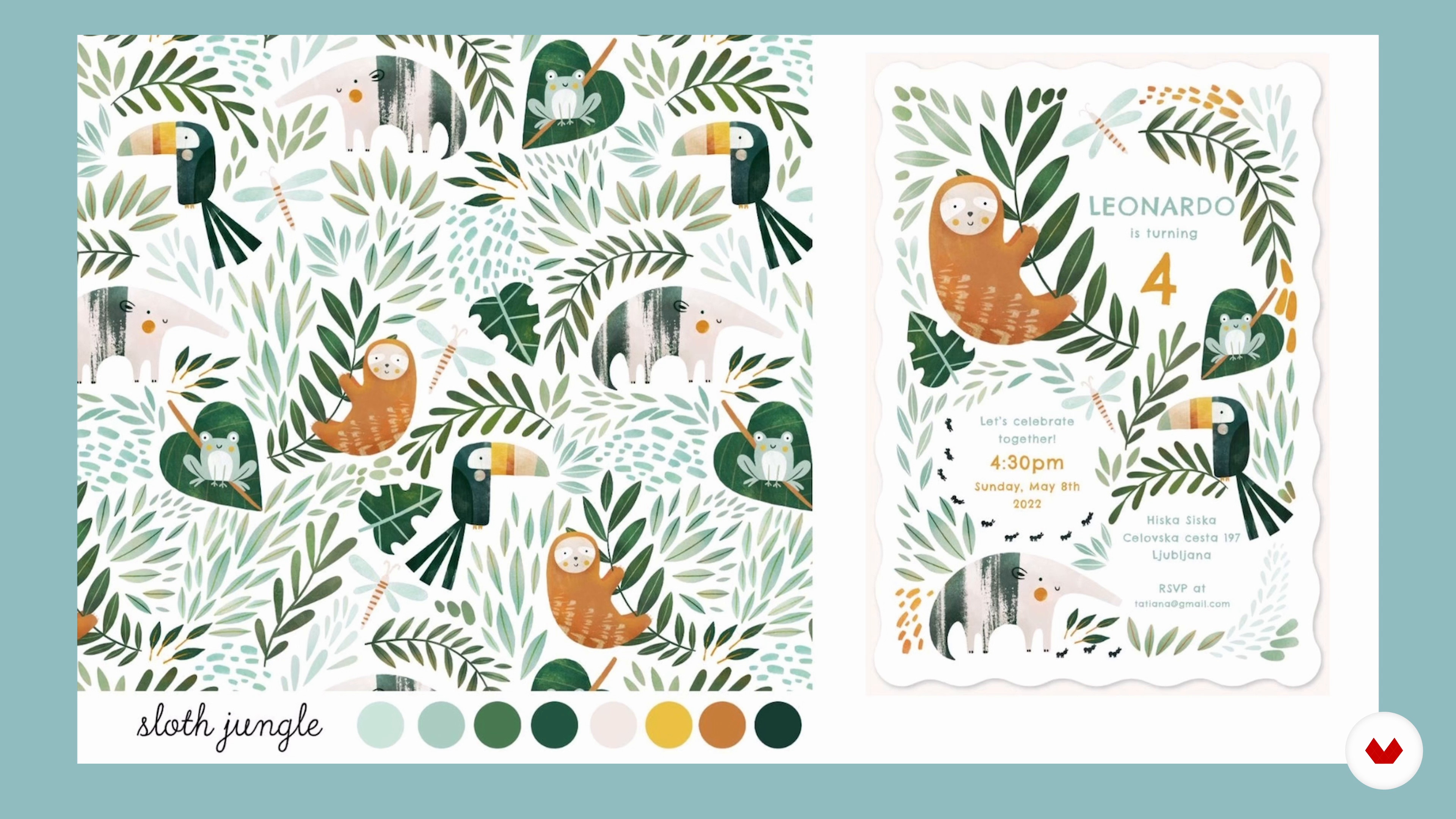
Pattern Design and Collection Basics
9 minutes, 3 seconds
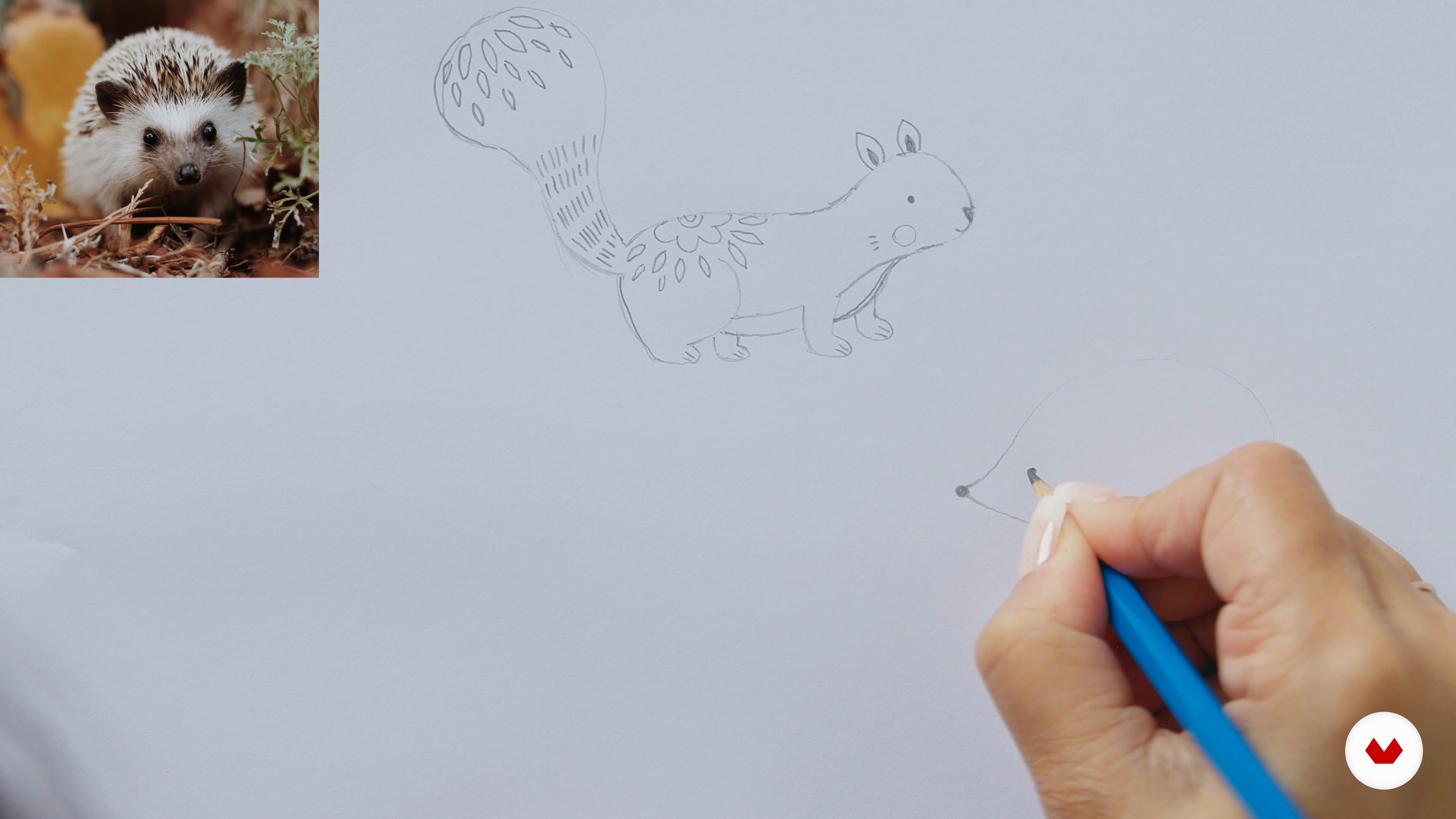
Sketching and Creating Stylized Elements 1
18 minutes, 17 seconds
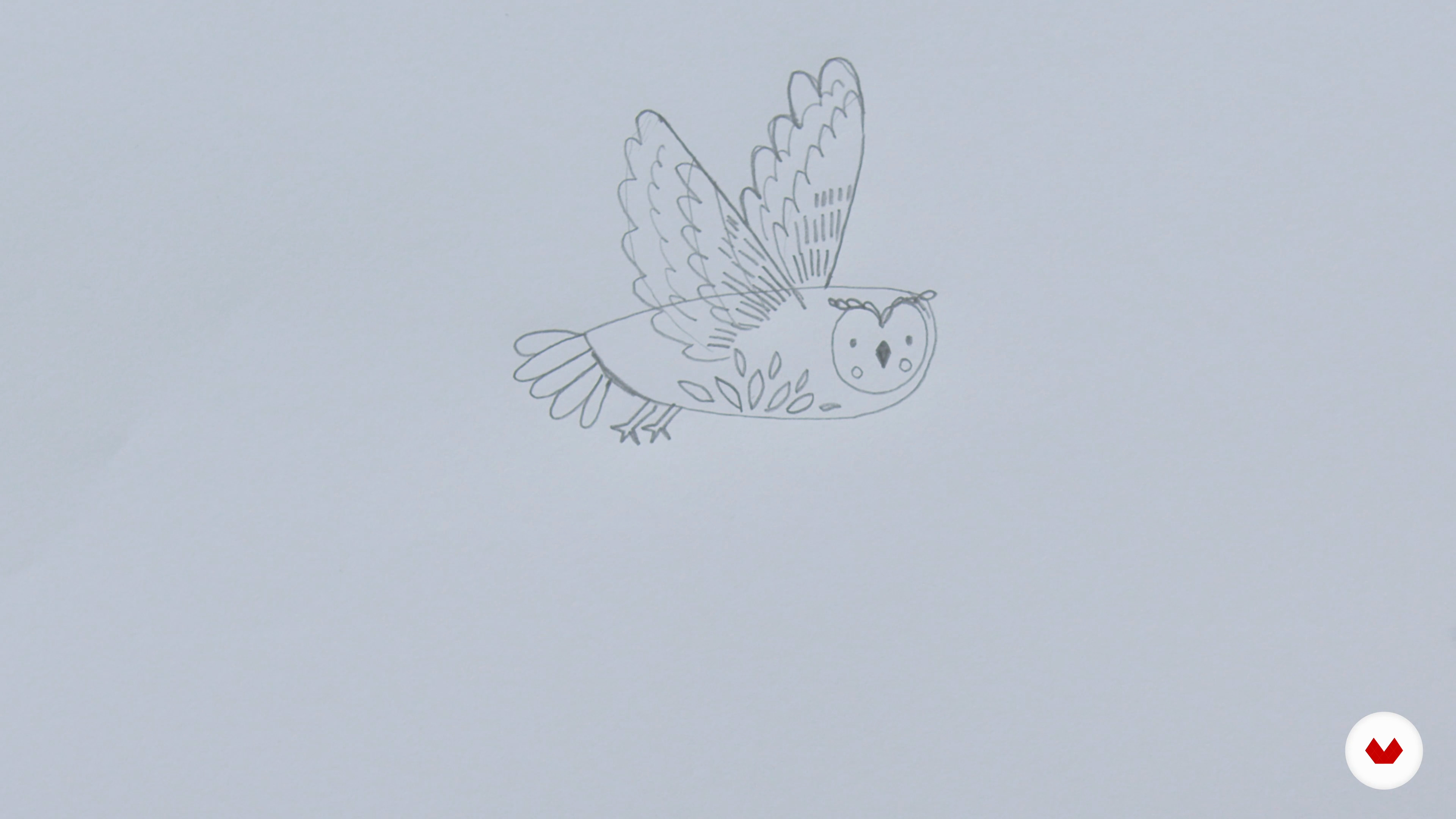
Sketching and Creating Stylized Elements 2
15 minutes, 51 seconds
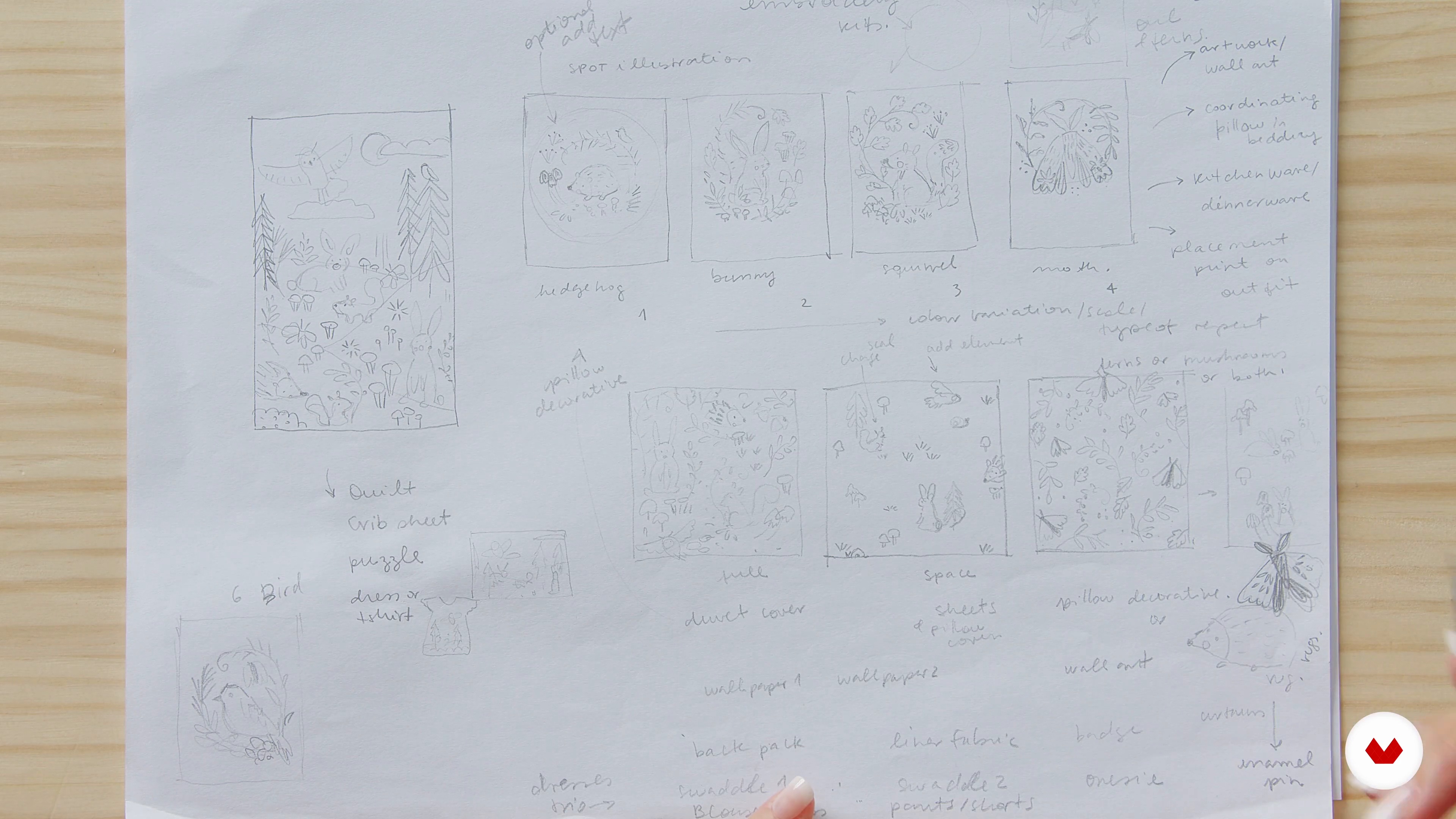
Sketching Ideas for the Collection
15 minutes, 27 seconds
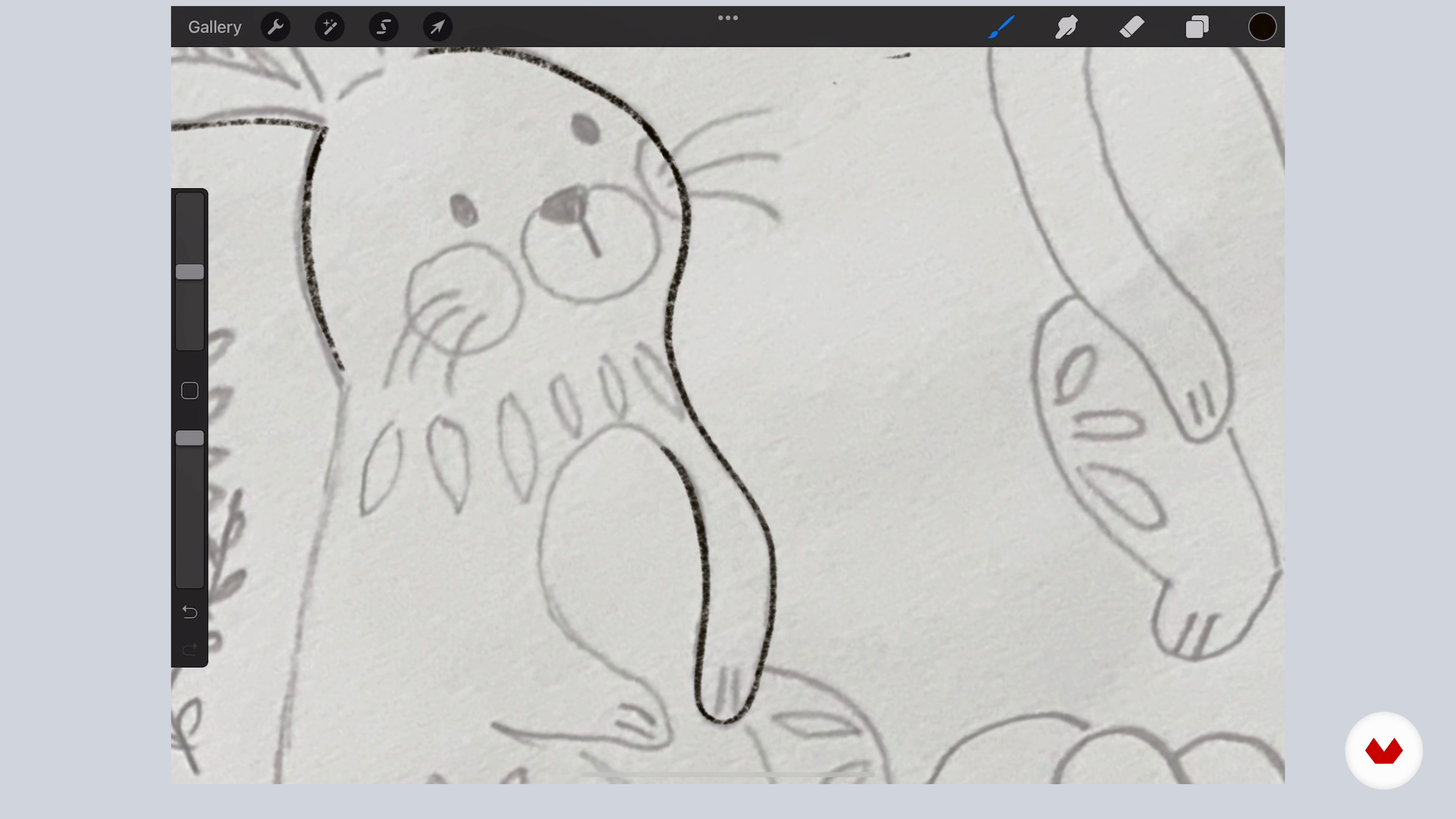
Refining the Sketches and Color Studies 1
17 minutes, 16 seconds
What's included in this course?
Begin the course by getting to know pattern designer and illustrator Tati Abaurre. Hear how she went from studying architecture to collaborating with brands like Disney, along with the influences that inspire her.
Get an overview of trending themes and color palettes for inspiration. Then see how to design a pattern collection, gather references, and sketch on paper or using Procreate.
Tati guides you through refining your sketches before exploring color and applying it to different elements in your work. Next, learn how to make a hero pattern, a coordinate pattern, and a spot illustration in Illustrator before finalizing it in Photoshop.
Time to create some mockups! Discover Tati’s tips for thinking outside the box, so you can apply your artwork to a variety of products. To wrap up the course, she shares her advice for posting your work on social media and promoting your brand to potential clients.
What is this course's project?
Design your own pattern using digital tools and apply it to different mockups, ready to be sent to a potential client or printed.

Projects by course students

Who is this online course for?
This course is for anyone with an interest in pattern design.
Requirements and materials
Basic drawing skills and some experience with Procreate and Photoshop are recommended.
In terms of materials, you will need access to a device with these programs installed.

Reviews
- 29 days ago
I like this course ,it provide a lots of useful information
- 1 month ago
Very nicely explained. Interesting!
- 3 months ago
a lot of new informations for me, especially on how to research a trend
- 5 months ago
Me gusto mucho, muy bien explicado.
- 7 months ago
Me encantó el curso, te guia muy bien desde un principio con varios ejemplos y es muy ameno. Ame el curso.

Since then, Tati has brought her designs to life in the form of kids’ decor, rugs, art prints, wallpaper, greeting cards, clothing, and beyond. She has also designed patterns for Disney, Lilipinso, Figo Fabrics, Up with paper, YOYO Books, and Stormy Knight. In 2021, she also started her own brand of stationery, "By Tati Abaurre".
Content
- U1
Introduction
- About Me
- Influences
- U2
Trends, Patterns, and Collections
- Trends in the Kidswear Market
- Pattern Design and Collection Basics
- Finding Inspiration and Visual References
- Sketching and Creating Stylized Elements 1
- Sketching and Creating Stylized Elements 2
- Sketching Ideas for the Collection
- U3
Designing the Pattern Collection
- Refining the Sketches and Color Studies 1
- Refining the Sketches and Color Studies 2
- Coloring the Elements 1
- Coloring the Elements 2
- Creating the Hero Pattern in Adobe Illustrator 1
- Creating the Hero Pattern in Adobe Illustrator 2
- Creating the Pattern Coordinates 1
- Creating the Pattern Coordinates 2
- Finalizing the Patterns in Photoshop 1
- Finalizing the Patterns in Photoshop 2
- U4
Showcasing and Sharing Your Work
- Mock-ups
- Thinking Outside the Box
- Posting on Social Media
- FP
Final project
- Designing for Kids: Create Playful Patterns
What to expect from a Domestika course
Learn at your own pace
Enjoy learning from home without a set schedule and with an easy-to-follow method. You set your own pace.
Learn from the best professionals
Learn valuable methods and techniques explained by top experts in the creative sector.
Meet expert teachers
Each expert teaches what they do best, with clear guidelines, true passion, and professional insight in every lesson.
Certificates
PLUSIf you're a Plus member, get a custom certificate signed by your teacher for every course. Share it on your portfolio, social media, or wherever you like.
Get front-row seats
Videos of the highest quality, so you don't miss a single detail. With unlimited access, you can watch them as many times as you need to perfect your technique.
Share knowledge and ideas
Ask questions, request feedback, or offer solutions. Share your learning experience with other students in the community who are as passionate about creativity as you are.
Connect with a global creative community
The community is home to millions of people from around the world who are curious and passionate about exploring and expressing their creativity.
Watch professionally produced courses
Domestika curates its teacher roster and produces every course in-house to ensure a high-quality online learning experience.
FAQs
This course is designed for intermediate learners with some experience in illustration or digital design. Basic familiarity with Procreate or Photoshop is recommended for best results.
You’ll need Procreate (iPad), Adobe Illustrator, and Photoshop. Access to a scanner or camera for digitizing hand-drawn sketches is helpful. Traditional drawing tools and a digital stylus are also recommended.
You’ll learn to create cohesive kidswear pattern collections, digitize and stylize motifs, build seamless repeats, use trend research, experiment with color palettes, and prepare professional mockups for print and social media promotion.
The course focuses on designing playful, trend-driven patterns for kidswear, integrating both hand-drawn and digital techniques using Procreate, Illustrator, and Photoshop.
Basic knowledge of Procreate is helpful, but the course covers foundational workflows and techniques for pattern design within the app.
Yes, the course covers creating various seamless pattern repeats, including half drop, tossed, brick, and coordinating patterns for kidswear collections.
The course teaches you how to scan or photograph hand-drawn sketches, import them into Procreate or Photoshop, and refine them for digital pattern workflows.