Advanced Concept Art for Science Fiction Productions
A course by Eduardo PenaArt director and conceptual artist
A course by Eduardo Pena, Art director and conceptual artist

Learn the development process of a visual proposal for film productions
The visual development of all major film production begins with a concept art that defines the production, its characters and other details in a few frames .
In this course you will learn from the hand of Eduardo Peña-conceptual designer highlighted by his work in the Hobbit trilogy and Ready Player One, among many other films-the process of developing a piece of conceptual art in the same way that would be addressed in the art department of a large film production.
What will you learn in this online course?
21 lessons & 12 downloads
The art and the conceptual artist
5 minutes, 16 seconds
Creating the pitch
5 minutes, 41 seconds
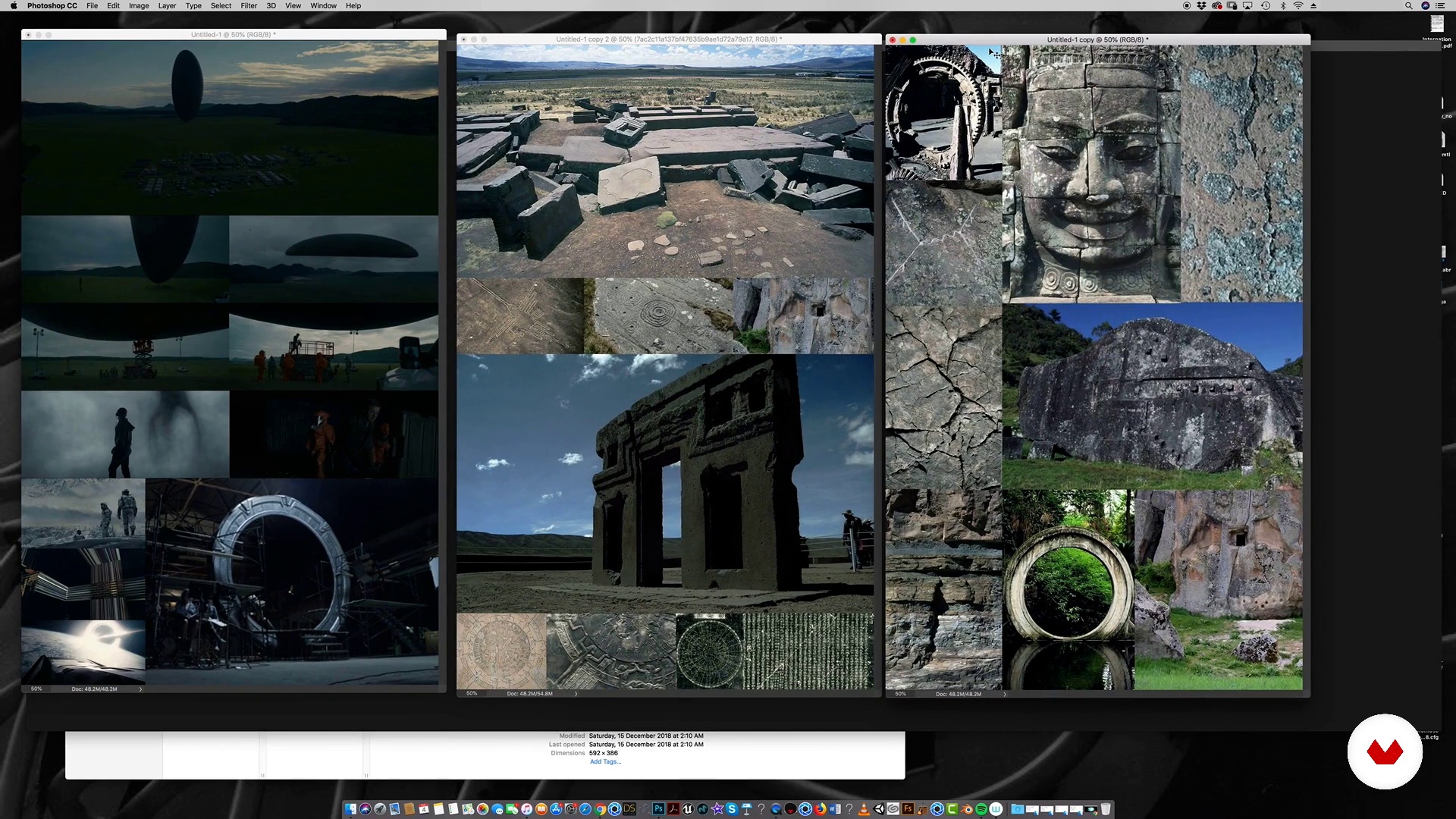
Compilation of references
14 minutes, 17 seconds
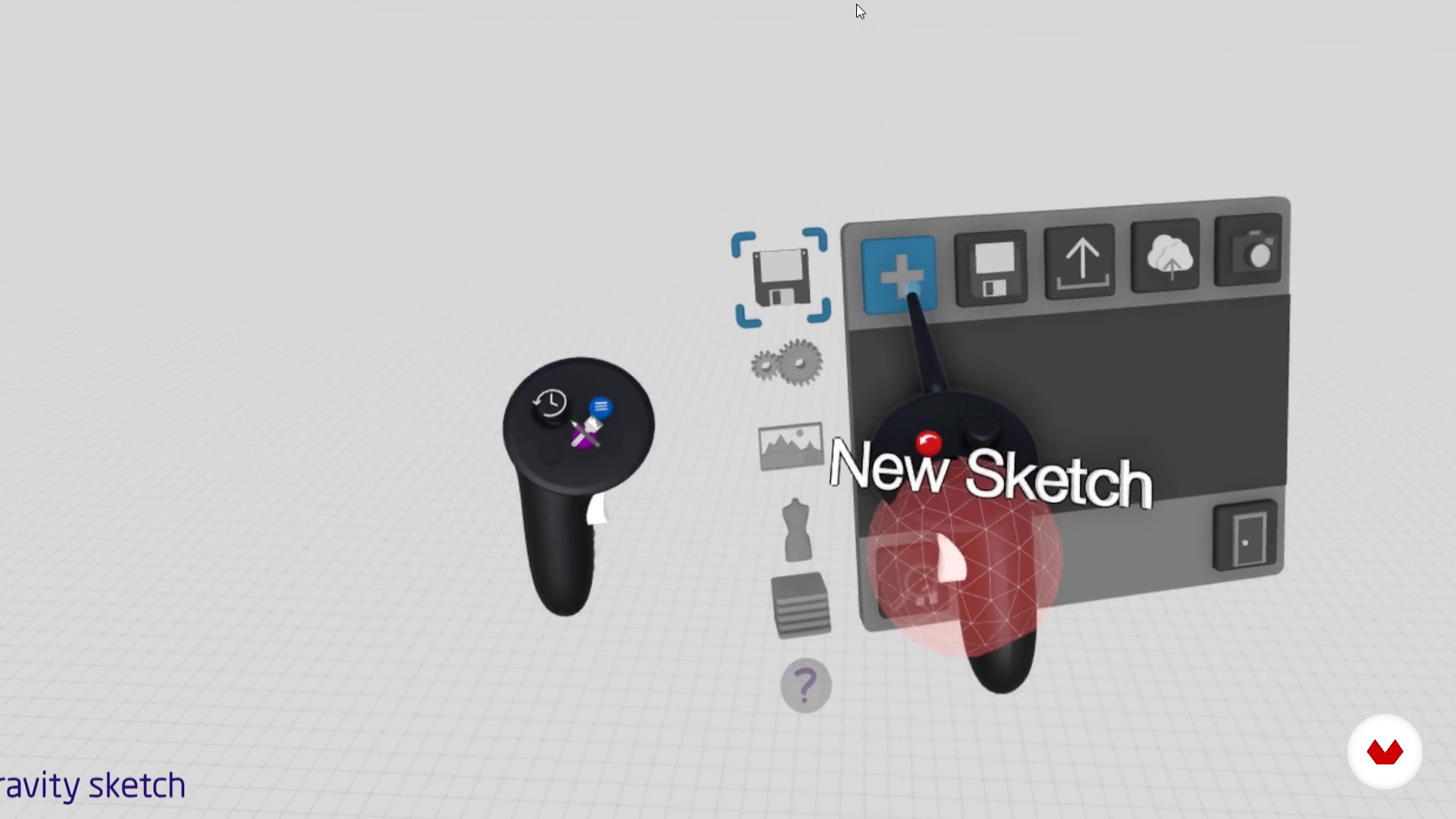
Construction of the idea. Part 1
11 minutes, 36 seconds
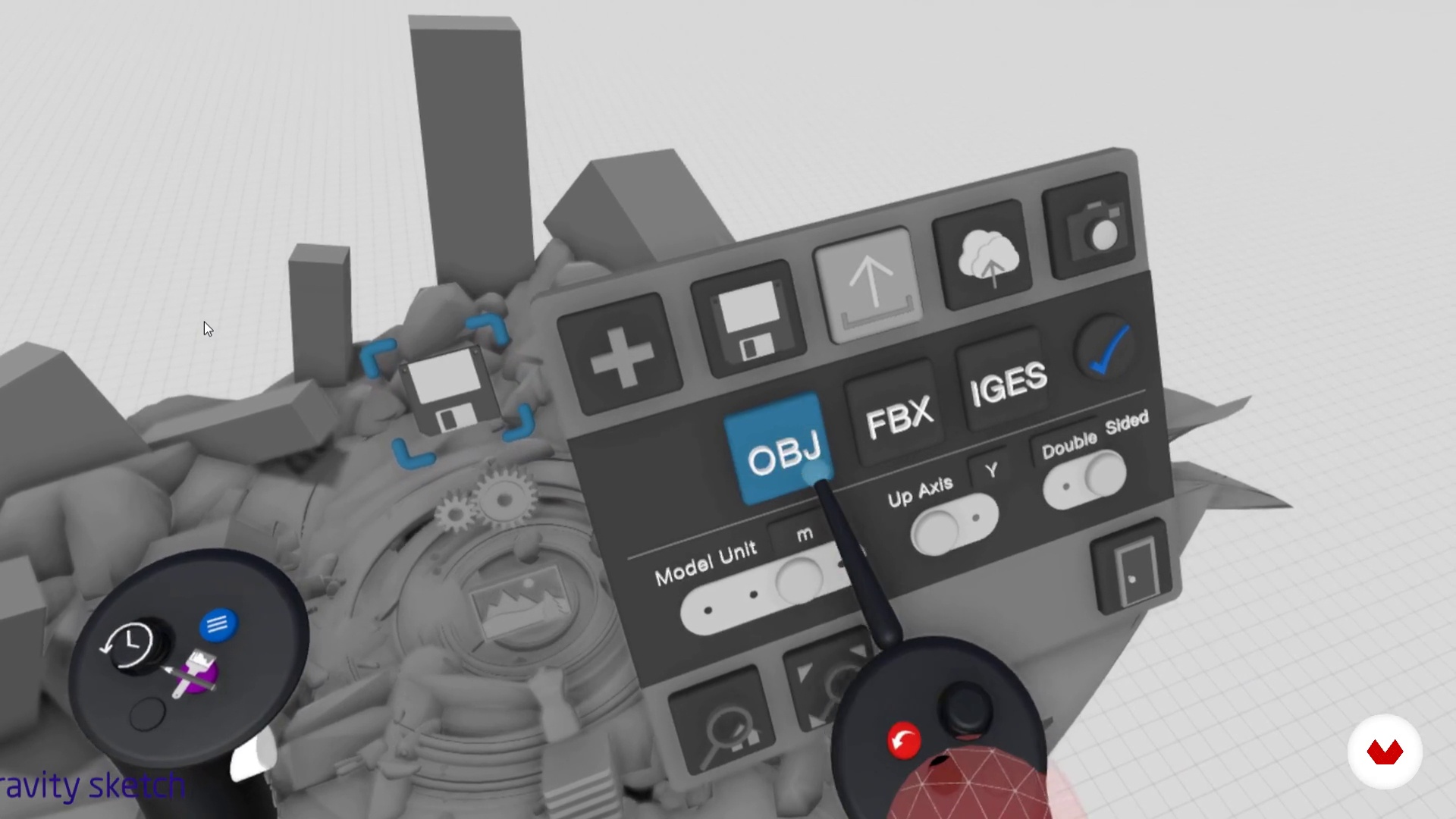
Construction of the idea. Part 2
14 minutes, 26 seconds
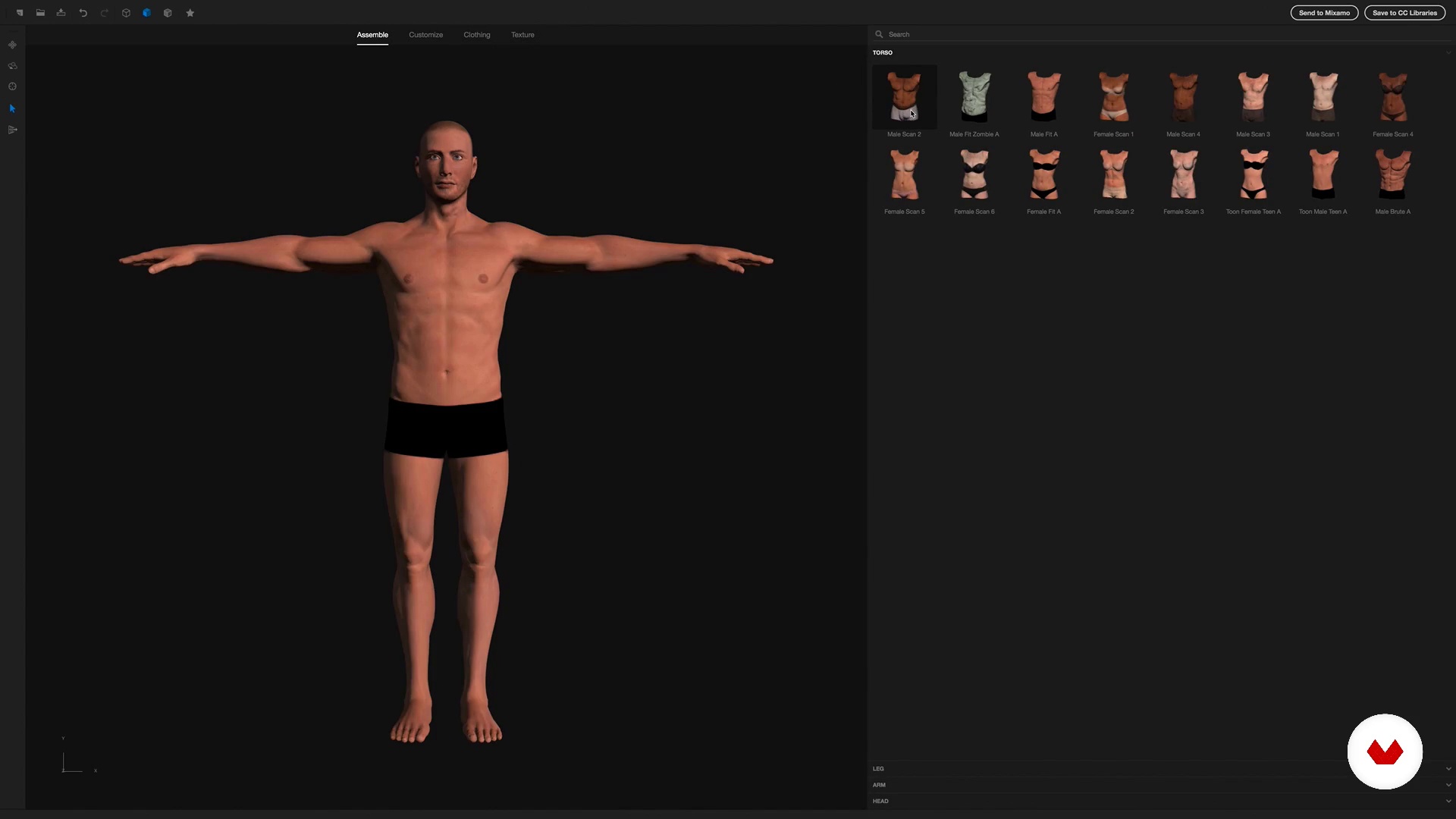
Placeholder (placeholder)
10 minutes, 8 seconds
What's included in this course?
You will meet Eduardo, his formative and professional trajectory, culminating in his current work. In addition, you will know his influences in the world of cinema and comics.
In the pre-production phase of your conceptual piece you will know the work of the conceptual artist and the work prior to the design: pitch creation, compilation of references and construction of the idea.
You will have a brief introduction to the rendering software, Keyshot, to understand the different materials, lighting and camera positions.
You will start sketching the frames that you will choose to tell your story.
Once your images are developed, you will render them and intervene with digital painting, photography and 3D for an optimal result. Finally, you will organize the image package to present your final product to a potential client.
What is this course's project?
You will create between 4 and 5 artistic frames to visually describe a script that you will elaborate previously with Eduardo's guidelines.
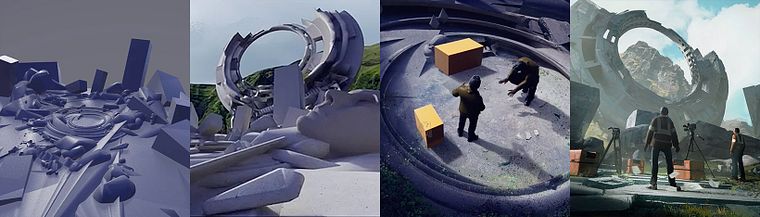
Projects by course students


Who is this online course for?
To designers, illustrators and anyone interested in the concept art for the entertainment industry.
Requirements and materials
You will need notions of design and Adobe Photoshop or other image editing software, as well as knowledge of some 3D and rendering software.
Reviews
- 4 months ago
Excelente curso una forma unica para construir escenarios.
- 1 year ago
muy bueno como introduccion
- 1 year ago
El curso es increíble, te lleva de una manera directa y al grano, y te muchos consejos de como se trabaja en la industria profesional, pero explica muy bien incluso alguien de nivel principiante podría llevar el curso sin problema
- 2 years ago
Tras haber finalizado el proyecto y en consecuencia el curso, puedo decir que es uno de los mejores cursos de concept art que hay en Domestika. ¡Seguiremos mejorando! Gracias :)
- 3 years ago
Enjoyed very much

Colombian by birth, but currently based in Singapore, Eduardo also serves as a teacher and director of the Entertainmen Design program at the One Academy in Malaysia.
Content
- U1
Introduction
- Presentation
- Influences
- U2
The Pitch
- The art and the conceptual artist
- Creating the pitch
- Compilation of references
- Construction of the idea. Part 1
- Construction of the idea. Part 2
- Placeholder (placeholder)
- U3
Production
- To render. Part 1
- To render. Part 2
- Preview
- U4
Production Illustration
- Rendering of the selected images. Part 1
- Rendering of the selected images. Part 2
- Rendering of the selected images. Part 3
- Rendering of the selected images. Part 4
- Rendering of the selected images. Part 5
- Rendering of the selected images. Part 6
- Rendering of the selected images. Part 7
- Rendering of the selected images. Part 8
- Rendering of the selected images. Part 9
- Tips and Conclusions
- FP
Final project
- Advanced concept art for science fiction characters and scenarios
What to expect from a Domestika course
Learn at your own pace
Enjoy learning from home without a set schedule and with an easy-to-follow method. You set your own pace.
Learn from the best professionals
Learn valuable methods and techniques explained by top experts in the creative sector.
Meet expert teachers
Each expert teaches what they do best, with clear guidelines, true passion, and professional insight in every lesson.
Certificates
PLUSIf you're a Plus member, get a custom certificate signed by your teacher for every course. Share it on your portfolio, social media, or wherever you like.
Get front-row seats
Videos of the highest quality, so you don't miss a single detail. With unlimited access, you can watch them as many times as you need to perfect your technique.
Share knowledge and ideas
Ask questions, request feedback, or offer solutions. Share your learning experience with other students in the community who are as passionate about creativity as you are.
Connect with a global creative community
The community is home to millions of people from around the world who are curious and passionate about exploring and expressing their creativity.
Watch professionally produced courses
Domestika curates its teacher roster and produces every course in-house to ensure a high-quality online learning experience.
FAQs
A moodboard is a visual panel that organizes images, color palettes, and references to define the aesthetic direction of a creative project, making it easier to communicate ideas and styles.
No, the course is aimed at people with intermediate skills in design and 3D modeling who want to deepen their knowledge of advanced techniques and multidisciplinary workflows.
You’ll need access to Gravity Sketch, Photoshop, KeyShot, ZBrush, Adobe Fuse, and VR-compatible hardware, plus some prior experience with at least one of these programs.
You’ll learn how to create effective moodboards, model in 3D and VR, integrate historical references, apply realistic materials and textures, set up cameras and lighting, and produce professional renders for complex visual projects.
You’ll learn how to select cinematic references, organize images by category, calibrate colors, and compose moodboards that serve as an aesthetic foundation for science fiction projects.
Techniques taught include double symmetry, sculpting curved surfaces, editing nodes, creating masks in VR, and modeling from basic sketches to detailed characters and environments.
You’ll learn to export and import OBJ models between Gravity Sketch, ZBrush, Photoshop, and KeyShot, making it easy to integrate and manipulate assets in a full digital pipeline.