Risography for Illustrators: From Digital Design to Printed Art
Course final project
A course by Carmen Casado Pallarés , Digital illustration


About the final project for: Risography for Illustrators: From Digital Design to Printed Art
Introduction to risography for illustrators
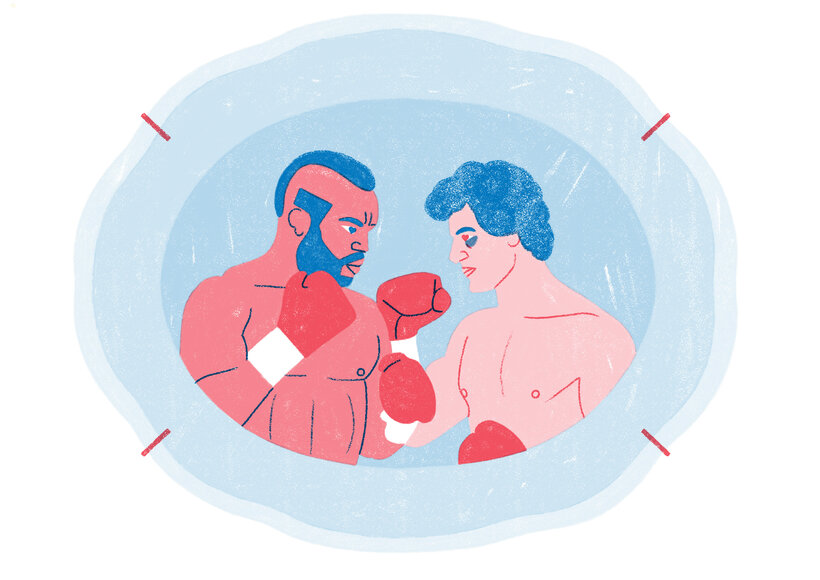
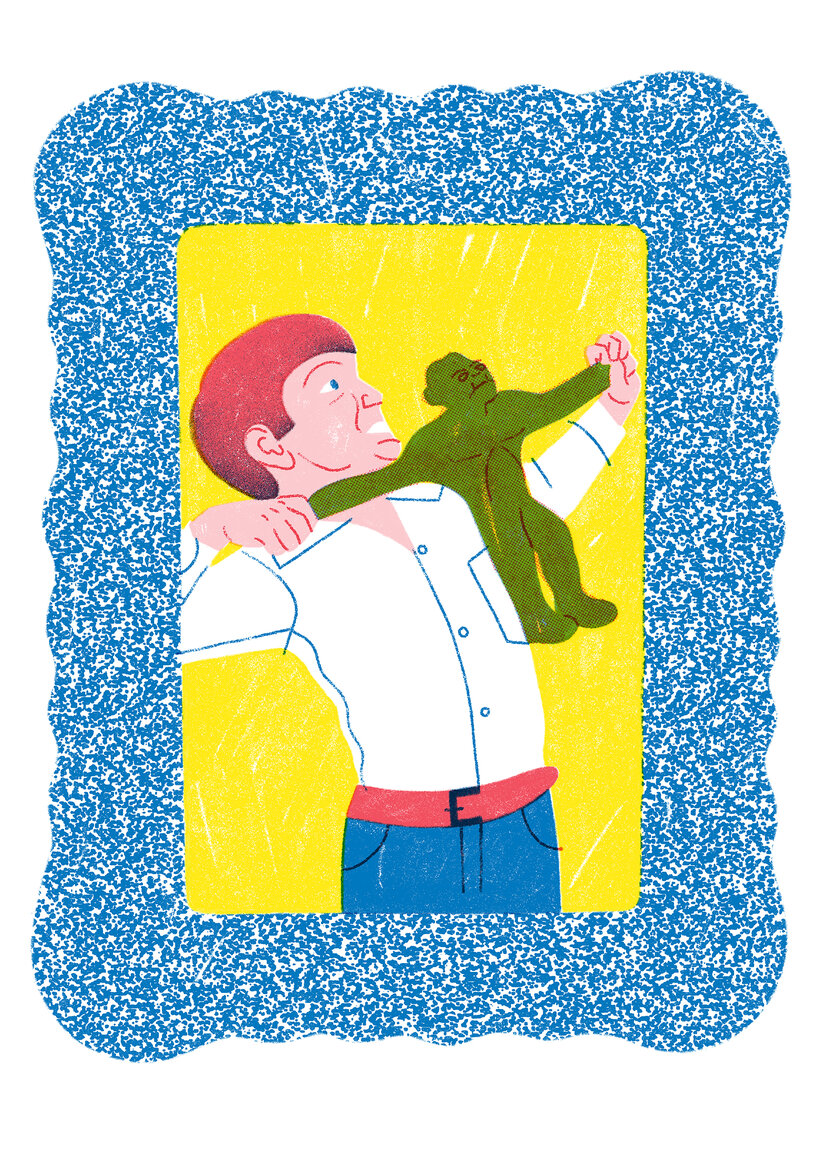
“Thank you for taking this course. I hope I've shared my passion for risographs with you and that you find everything I've learned inspiring and useful. It's time to experiment with your projects and start playing! I share with you an example of how I would like to see your project process: Inspiration Get inspired by something you love. Don't hesitate, find a topic you're passionate about and start researching it by collecting images and information about it. Once you're clear on what you're interested in, draw a line drawing of an A3 character. The sketch Digitize and clean up your sketch in Photoshop. Separate the linework from the background onto a new layer. Use this layer as a guide to select parts of your illustration. Each selection creates a new layer where you can play and color with your brushes and textures. We'll create a new layer for each color. We'll also create a new layer for each opacity.
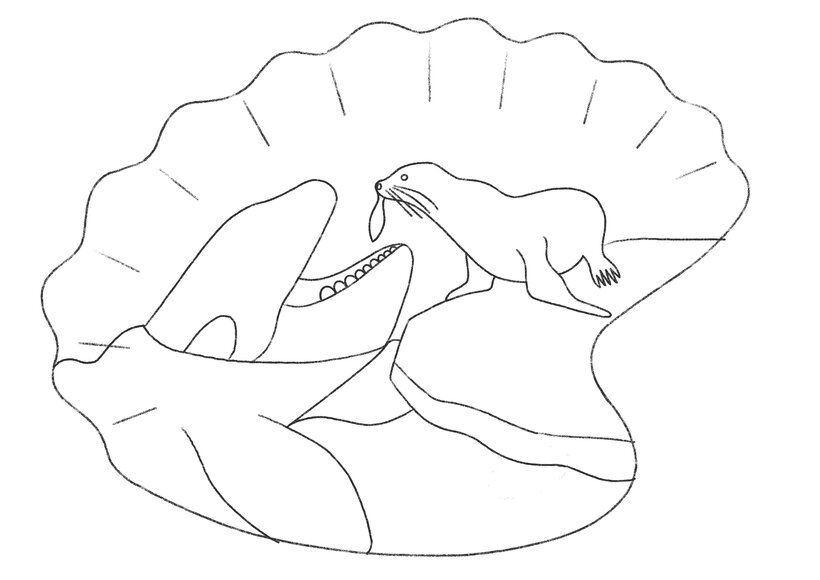
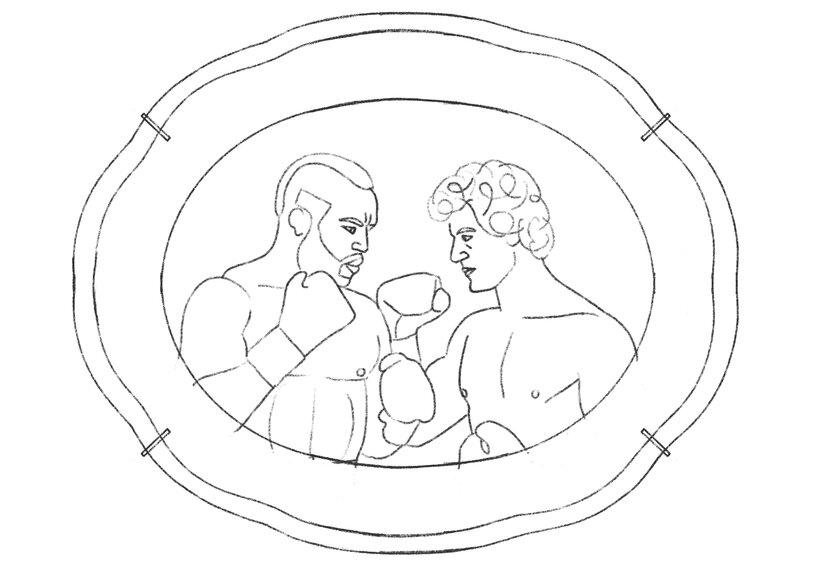
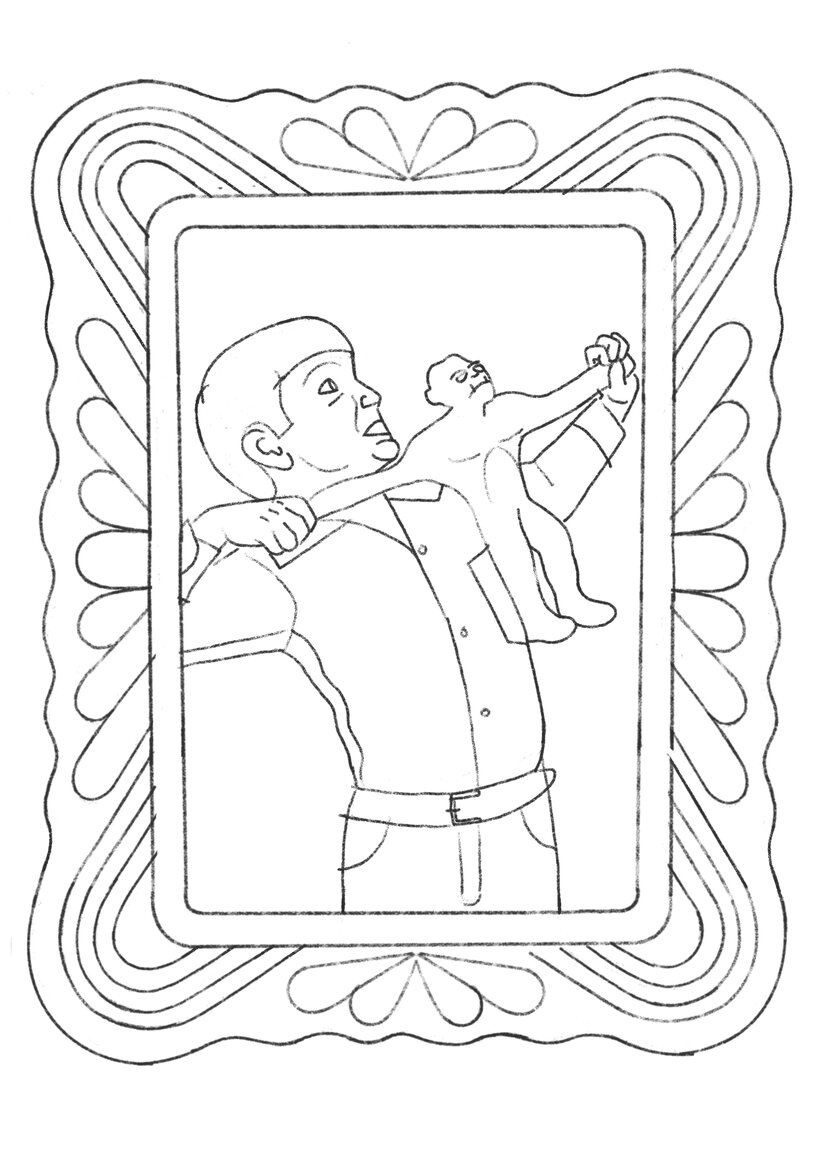
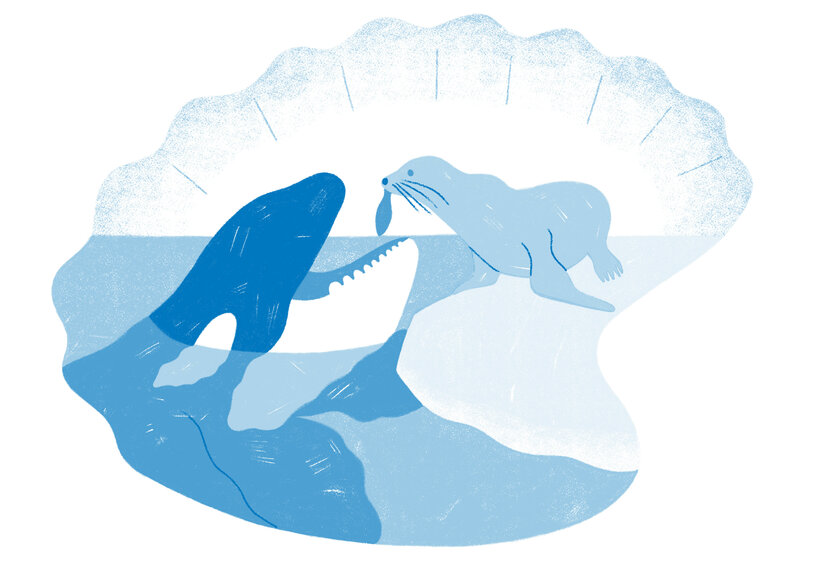
Partial transcription of the video
“Thank you for taking this course. I hope I have conveyed my passion for roseography to you. and that everything learned is useful and inspiring. Experiment now. play with your projects. For that. let's review the steps we've learned. Draw inspiration from your interests. Choose a topic that excites you. then explore images and gather information about it. Once it's clear. draw a line figure of a character in size 3. Digitize and clean your sketch in Photoshop. Separate the line from the background on a new layer. Then. create a new layer for each color and opacity. Once your illustration is...”
This transcript is automatically generated, so it may contain mistakes.
Course summary for: Risography for Illustrators: From Digital Design to Printed Art
-
Category
Craft, Illustration -
Software
Adobe Photoshop, Procreate -
Areas
Digital Drawing, Digital Illustration, Printing

Carmen Casado Pallarés
A course by Carmen Casado Pallarés
Carmen Casado is a freelance illustrator specializing in digital illustration. Based in Madrid, she collaborates with international media, publishers, brands, and organizations such as The New Yorker, The New York Times, El País, Vogue, Forbes, Penguin Random House, Mosquito Books, Samsung, Meta, and the Ministry of Equality, among many others. Her work, recognized for its expressive use of color, textures, and graphic experimentation, encompasses editorial, advertising, and cultural projects. One of her first major challenges was The Honest Art Dictionary, which allowed her to explore the technical limits of print illustration and consolidate her experience in editorial collaboration.
Her approach combines digital with analog processes such as risography, a printing technique that gives her images an aesthetic reminiscent of craftsmanship and the graphics of the 1980s. With a style that emphasizes humor and message, Carmen views illustration as a tool for communication and reflection capable of connecting with diverse audiences.
- 100% positive reviews (2)
- 242 students
- 20 lessons (2h 51m)
- 26 additional resources (10 files)
- Online and at your own pace
- Available on the app
- Audio: Spanish, German, English, French, Indonesian, Italian, Dutch, Polish, Portuguese, Romanian, Turkish
- Spanish · English · Portuguese · German · French · Italian · Polish · Dutch · Turkish · Romanian · Indonesian
- Level: Beginner
- Unlimited access forever
Recommended software & tools for this course
 Adobe Photoshop
 Procreate
Category
Areas

