
Effective Presentation of Creative Proposals
A course by Carlos J RoldánGraphic designer
A course by Carlos J Roldán, Graphic designer

Learn to show the full potential of your ideas to captivate customers with Keynote
A good idea does not sell itself. In a world as competitive and fast as today, it is necessary to know how to communicate and show the potential of the projects to your clients. Carlos J. Roldán - graphic designer - has more than 20 years of experience working for different clients with success, enough time to find the secrets of an effective presentation that captivate clients.
In this course you will learn, based on the experience of Carlos, to present your creative ideas to a client to have maximum effectiveness at the time of approval.
What will you learn in this online course?
17 lessons & 24 downloads
Apple Keynote basics
13 minutes, 44 seconds
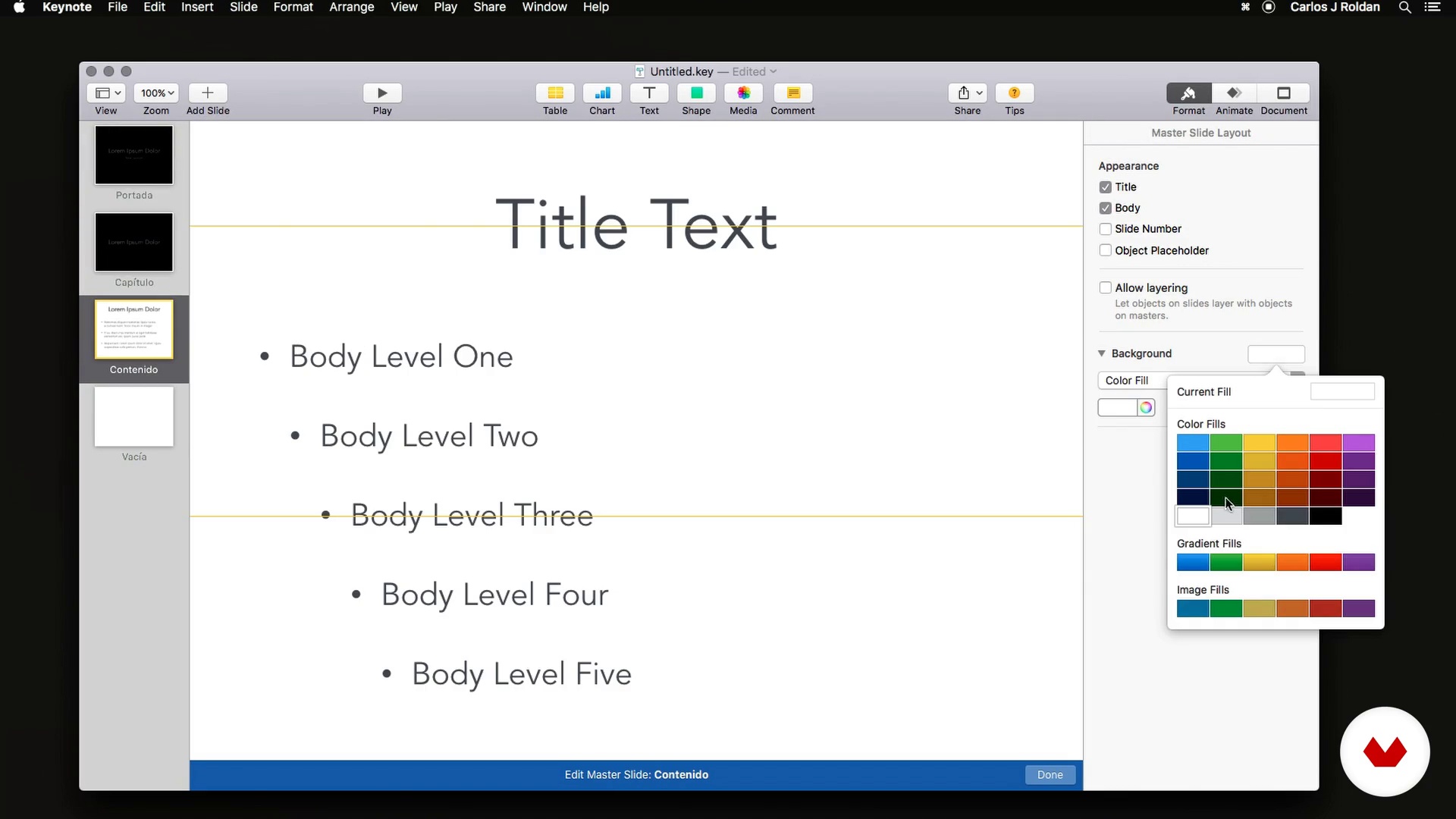
Custom themes in Apple Keynote
5 minutes, 56 seconds
Principles for effective communication
8 minutes, 4 seconds
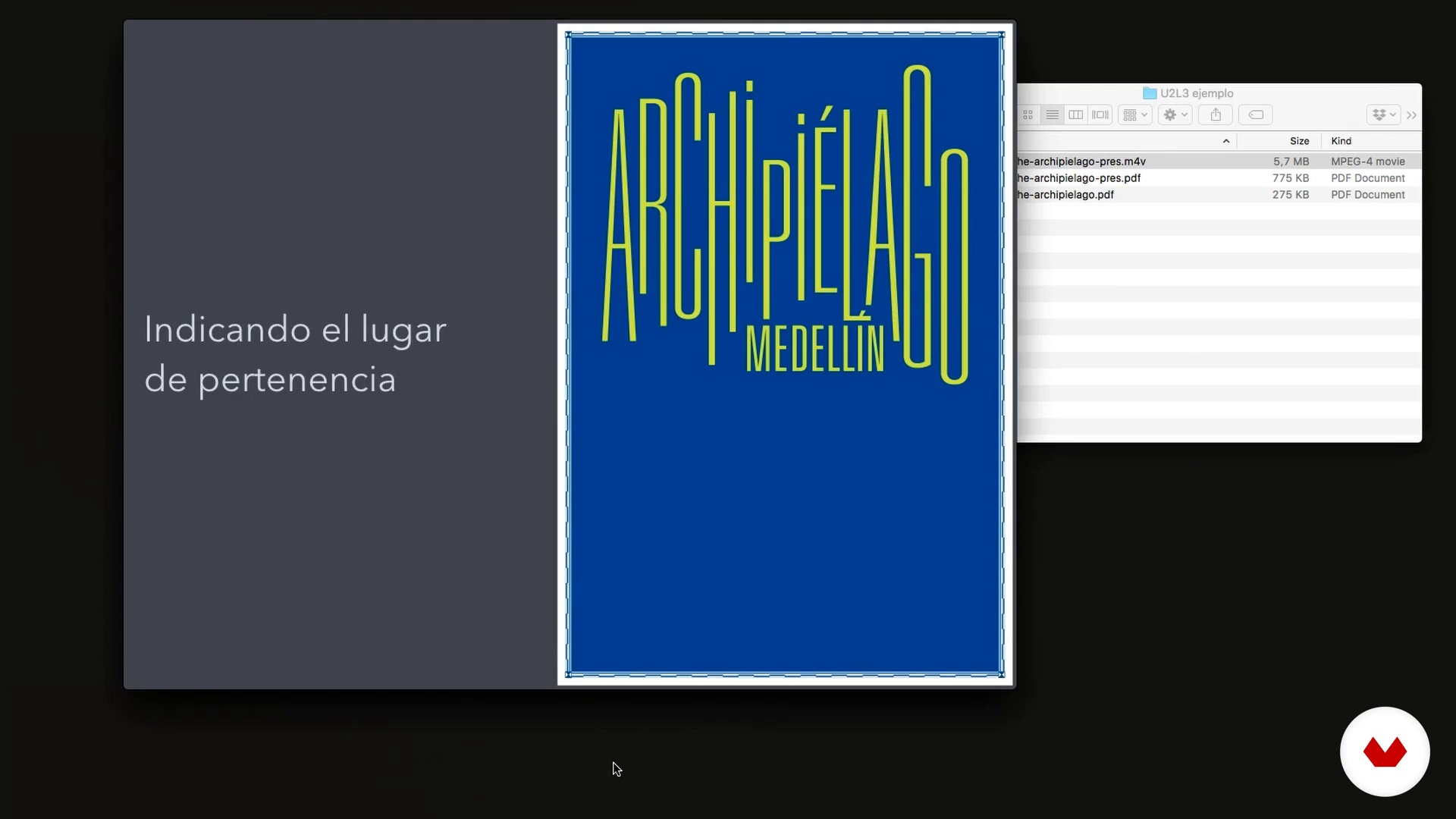
Some types of presentation
8 minutes, 37 seconds
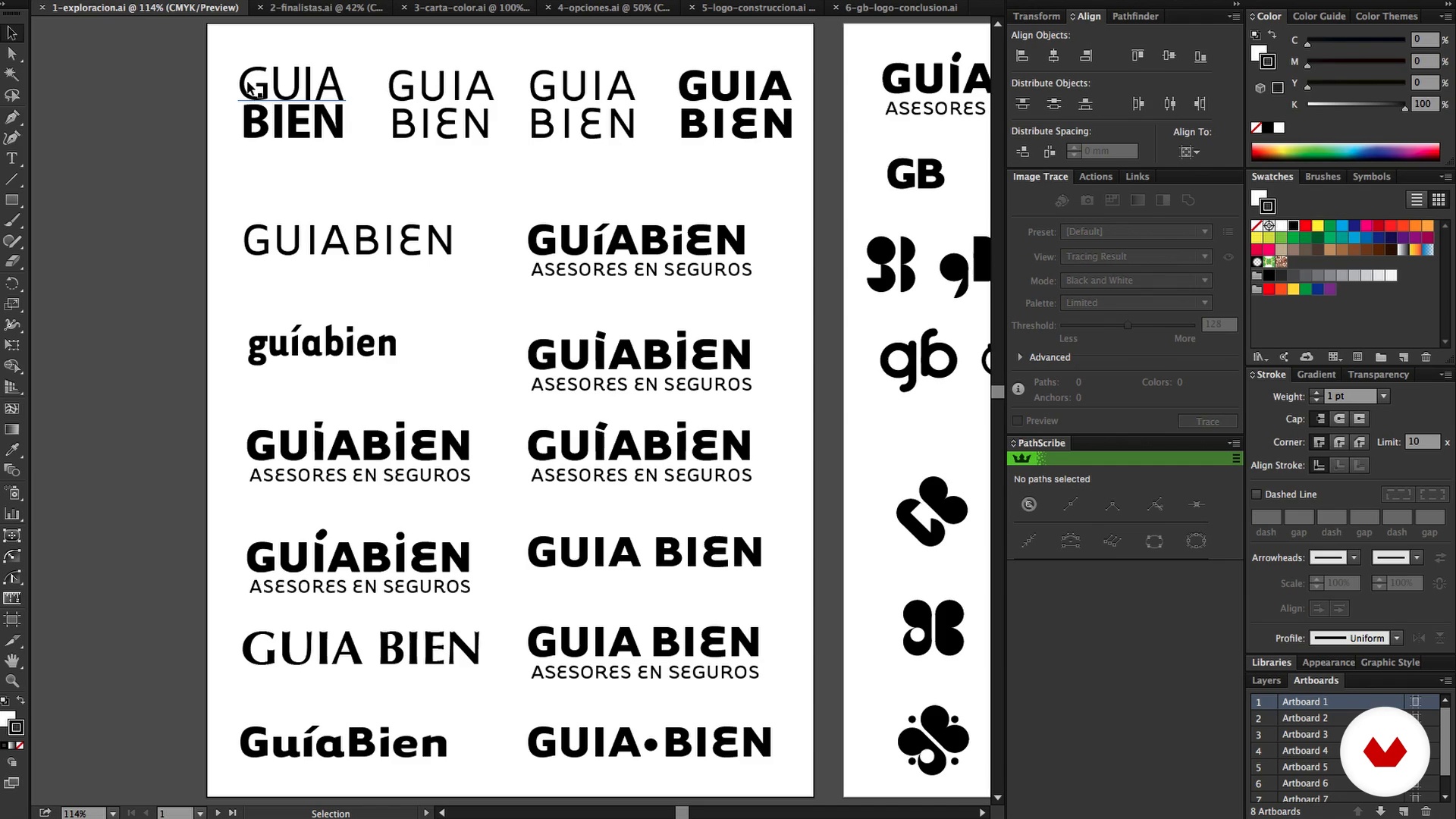
Review the proposal or design solution
5 minutes, 32 seconds
Planning and writing the script
6 minutes, 26 seconds
What's included in this course?
You will meet Carlos J. Roldán, his main influences, his passion for design and why his interest is born to teach effective presentations to clients.
You will start by knowing Keynote, its tools and basic concepts. Later, Carlos will explain the principles to achieve an effective communication when exposing your proposal, considering the basic visual resources and techniques of oral and corporal expression (because everything influences when communicating).
You will choose a personal project to create an effective presentation and you will identify how your proposal solves the client's problem.
Carlos will teach you how to plan your presentation. You will create a simple script where you will reflect the highlights of your project and the most interesting elements that came out of the creation process. With the defined script, you will carry out an inventory of additional resources that must be done to show the full potential of your proposal.
You will start making your presentation step by step. You will learn the concepts of sequence, rhythm and tone, and in addition, you will learn how to use some resources to facilitate an effective communication using text, image and animation
Then, you will take the script to a skeleton divided into sections or chapters, you will create all the additional inputs previously detailed and you will integrate everything in Keynote.
Finally, Carlos will give you some tips to take into account, before, during and after the presentation to your client, for example, the importance of the essay, how to break the ice to generate a good impression, what to deliver at the end technical information that can take you from one or another hurry.
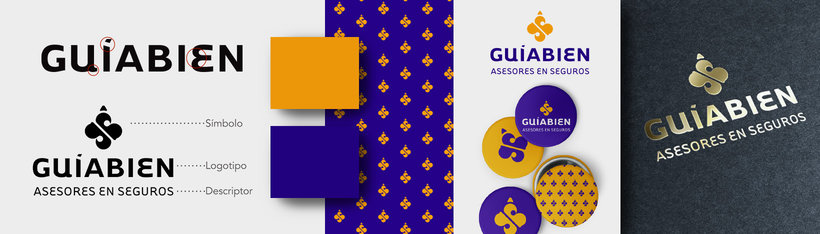
Recommended software & tools for this course
What is this course's project?
You will present a project that you have done previously. The result will be a PDF document and a sequence type animation that shows the main quality of the project.
Who is this online course for?
To creatives, designers and anyone who wants to show their ideas, to refine their communication skills, with or without professional experience, timid and extroverted.
Requirements and materials
To carry out this course it is necessary to have basic writing skills. As for the materials, you will need paper, pencil and an Apple computer with Keynote installed.

Reviews
- 1 year ago
Muito bom
- ssalomao7PLUS2 years ago
Muito bom
- 2 years ago
Buen curso
- 3 years ago
Curso básico de Keynote y poco más
- 3 years ago
Muchos tips interesante y me gusta su forma de explicar.

He works for people and small businesses that allow him a close relationship, motivation that has led him to study and analyze more carefully the presentations and the relationships with his clients.
Content
- U1
Introduction
- Who I am, what I do and why the course
- My Influences, where I drink
- U2
Tools and Basic Concepts
- Apple Keynote basics
- Custom themes in Apple Keynote
- Principles for effective communication
- Some types of presentation
- U3
Before starting
- Review the proposal or design solution
- Planning and writing the script
- Resources: what we have and how we plan the additional material
- U4
Hands-on: doing the presentation
- The skeleton
- Preparation of additional material
- The presentation
- Review, review and review
- The tone
- U5
In front of the client
- Preparation and testing
- Final thoughts and tips for "breaking the ice"
- Bonus animation for social networks
- FP
Final project
- The presentation of your project
What to expect from a Domestika course
Learn at your own pace
Enjoy learning from home without a set schedule and with an easy-to-follow method. You set your own pace.
Learn from the best professionals
Learn valuable methods and techniques explained by top experts in the creative sector.
Meet expert teachers
Each expert teaches what they do best, with clear guidelines, true passion, and professional insight in every lesson.
Certificates
PLUSIf you're a Plus member, get a custom certificate signed by your teacher for every course. Share it on your portfolio, social media, or wherever you like.
Get front-row seats
Videos of the highest quality, so you don't miss a single detail. With unlimited access, you can watch them as many times as you need to perfect your technique.
Share knowledge and ideas
Ask questions, request feedback, or offer solutions. Share your learning experience with other students in the community who are as passionate about creativity as you are.
Connect with a global creative community
The community is home to millions of people from around the world who are curious and passionate about exploring and expressing their creativity.
Watch professionally produced courses
Domestika curates its teacher roster and produces every course in-house to ensure a high-quality online learning experience.
FAQs
You’ll learn how to structure and design effective presentations using Keynote, create custom templates and animations, and tailor visual proposals for clients—strengthening communication and the impact of your design projects.
This course is aimed at people with intermediate graphic design skills who want to enhance their creative project presentations and master Keynote for professional visual proposals.
Basic knowledge of graphic design and Keynote is recommended, but the course provides step-by-step explanations of the main tools and key processes.
You’ll need a Mac with Keynote installed, your own or royalty-free images and graphic files, and internet access to follow along with the course resources and exercises.
The course teaches you how to set up and customize animations, transitions, and visual effects in Keynote to enhance your storytelling and the impact of your creative presentations.
Yes, you’ll learn how to create, save, and edit custom templates and themes that you can reuse and adapt for different projects and clients.
You’ll learn to craft clear scripts, choose the right visual aids, and communicate complex ideas simply and persuasively to clients without technical backgrounds.