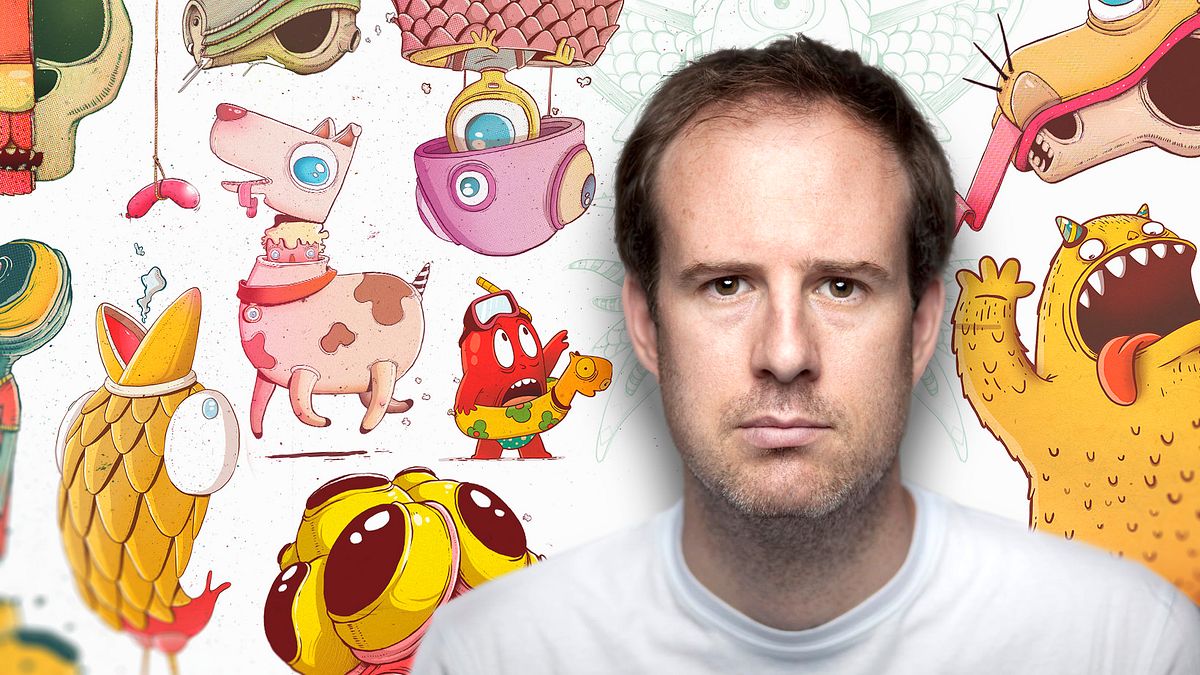

Express Illustration with Illustrator and Photoshop
A course by Óscar LlorénsIllustrator
A course by Óscar Lloréns, Illustrator

Design an advertising illustration in record time
With this course Óscar Lloréns will teach you the work process that you use when you receive an advertising assignment with very tight delivery times. learn to get the most out of Illustrator vectorizing and coloring your sketch and creating light and shadow games before erasing the outlines. You will also master the impressionable tools of Photoshop, like underexposure and overexposure that will allow you to give volume and depth to your illustration, as well as to polish the final image with focus and blur and, to finish, add textures and some noise to achieve the desired style. All these tricks will help you to assume any challenge express professionally.
WHAT IS THE COURSE PROJECT?
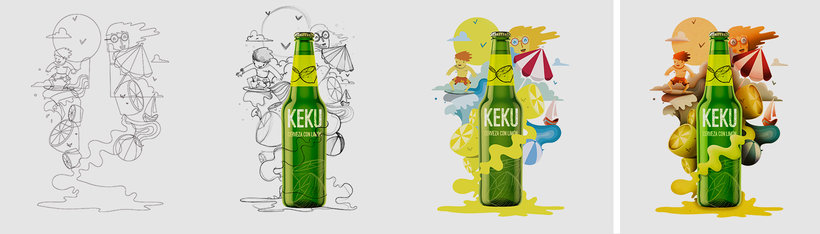
In this course you will create an Illustration for the advertising graphic of a beer brand from the sketch to the final art. Get ready to exploit all your creativity.
What will you learn in this online course?
12 lessons & 5 downloads
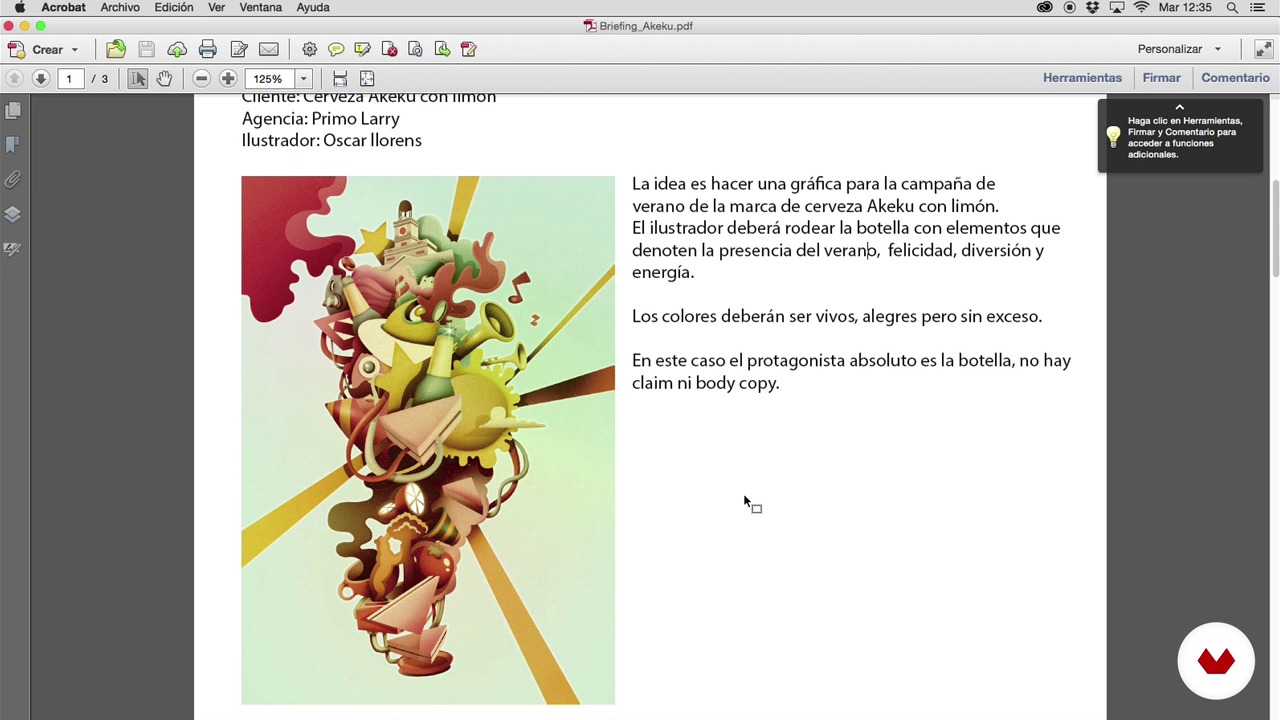
Interpretation of the briefing
2 minutes, 36 seconds
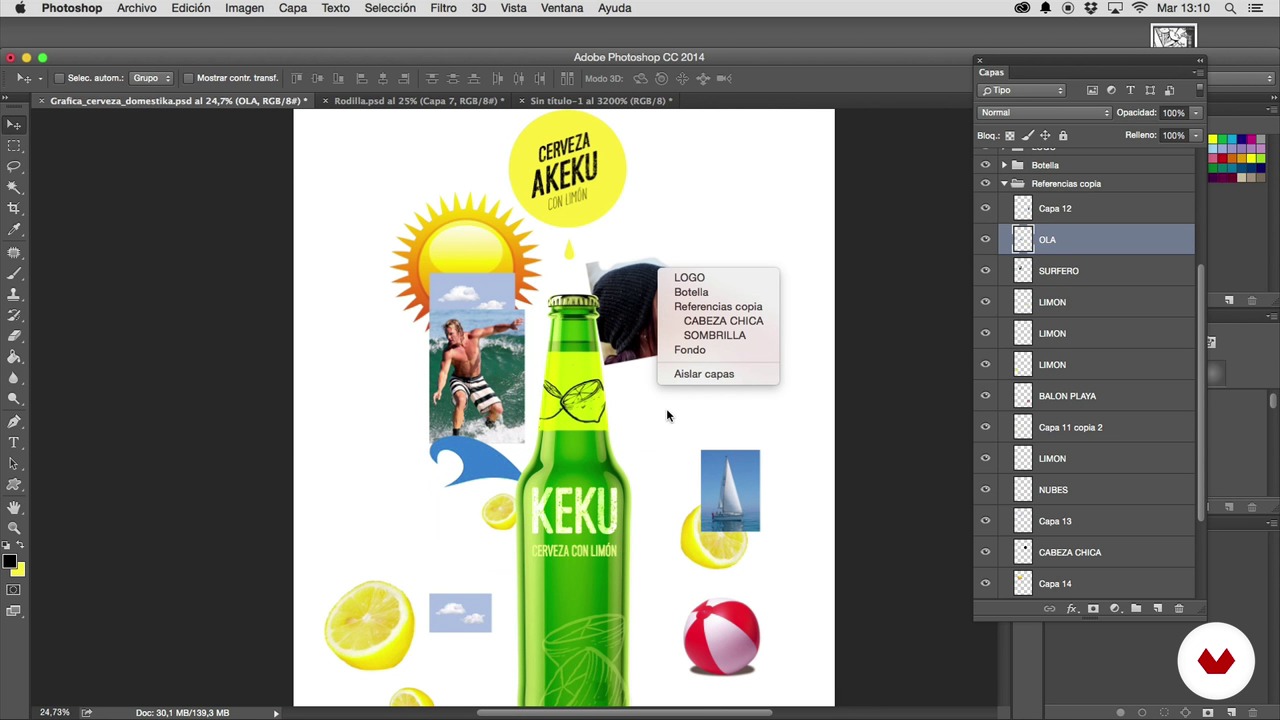
Search for references for the sketch
2 minutes, 10 seconds
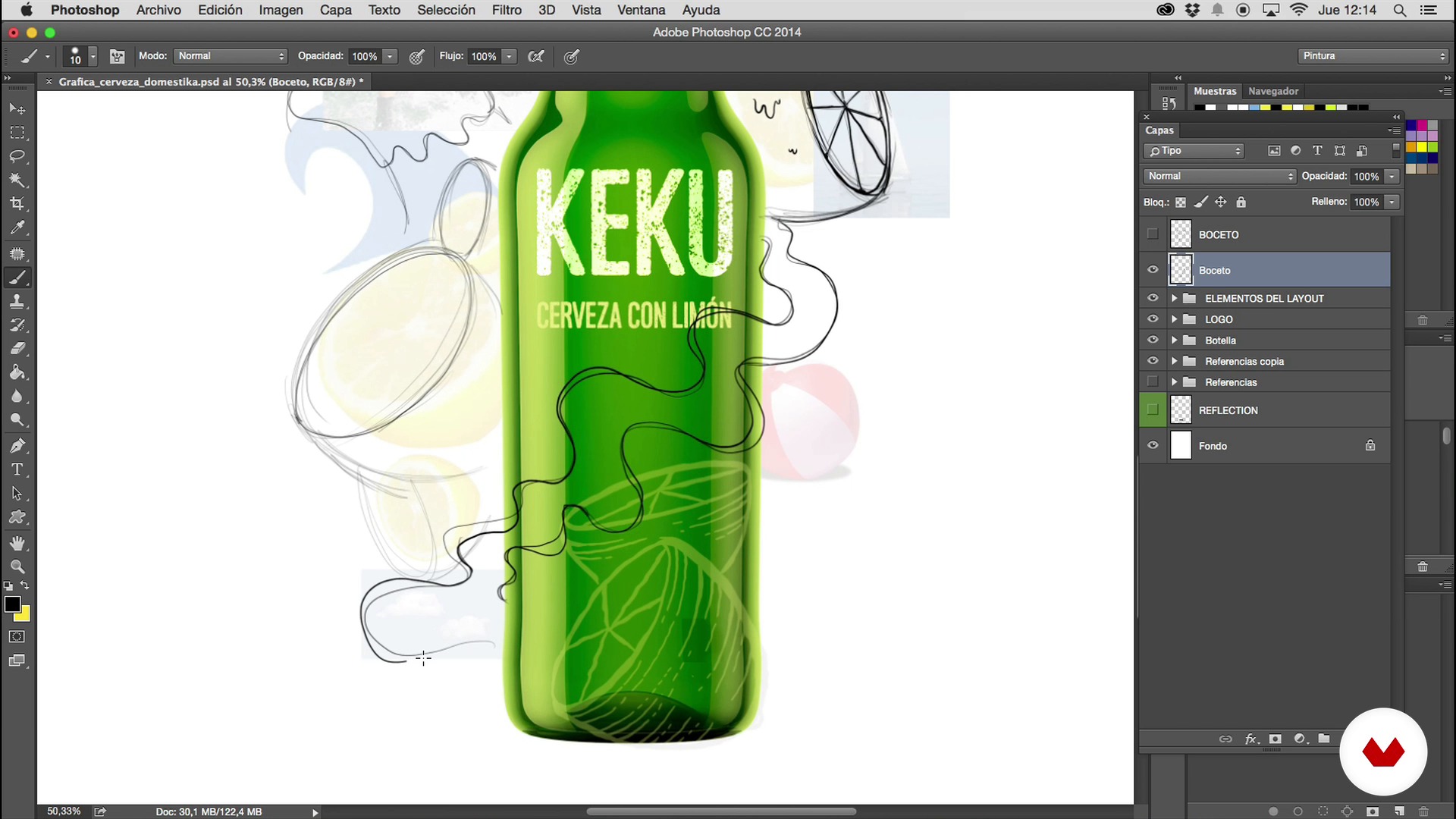
Sketch
13 minutes, 10 seconds
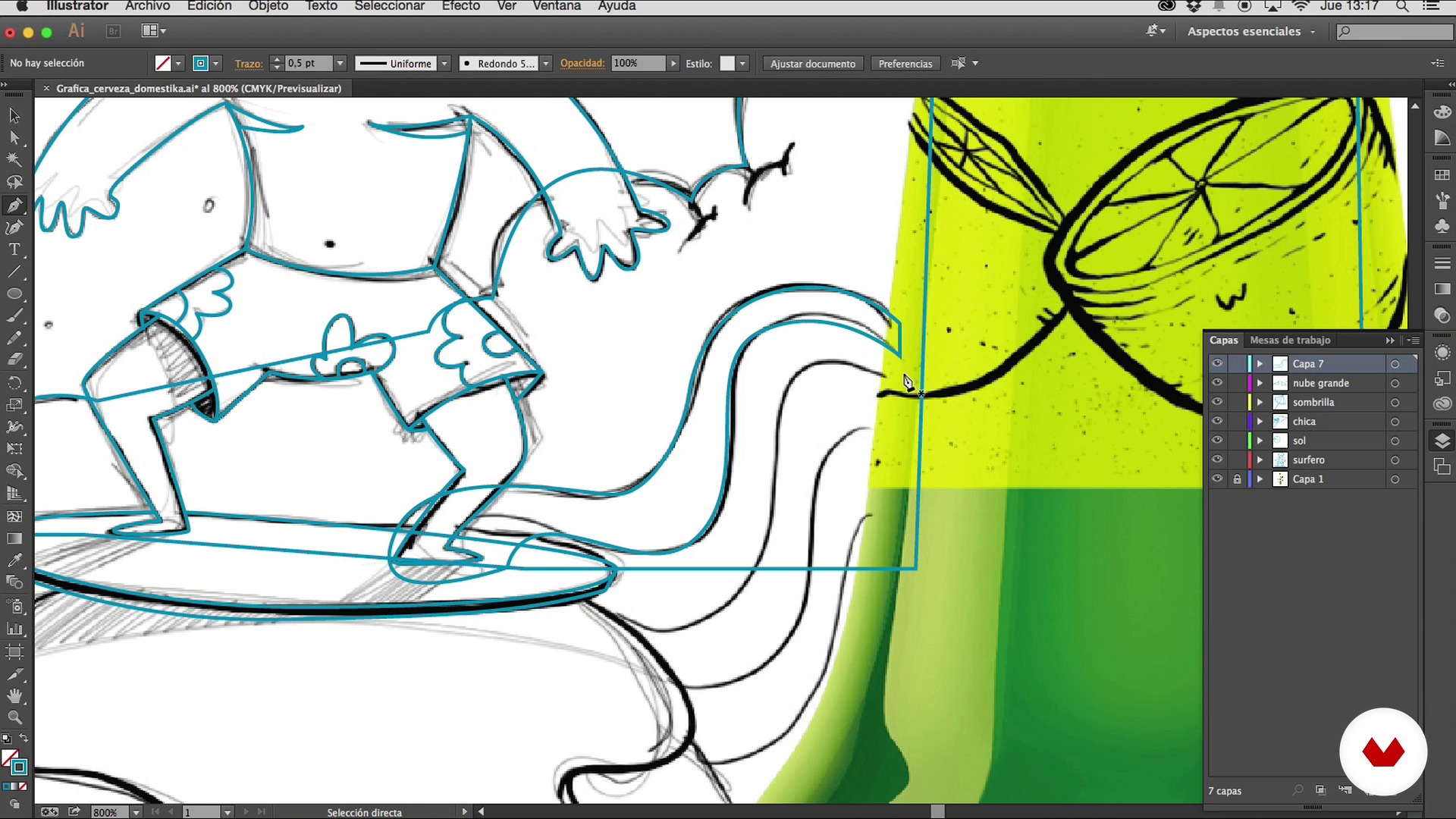
Vectorized
16 minutes, 35 seconds
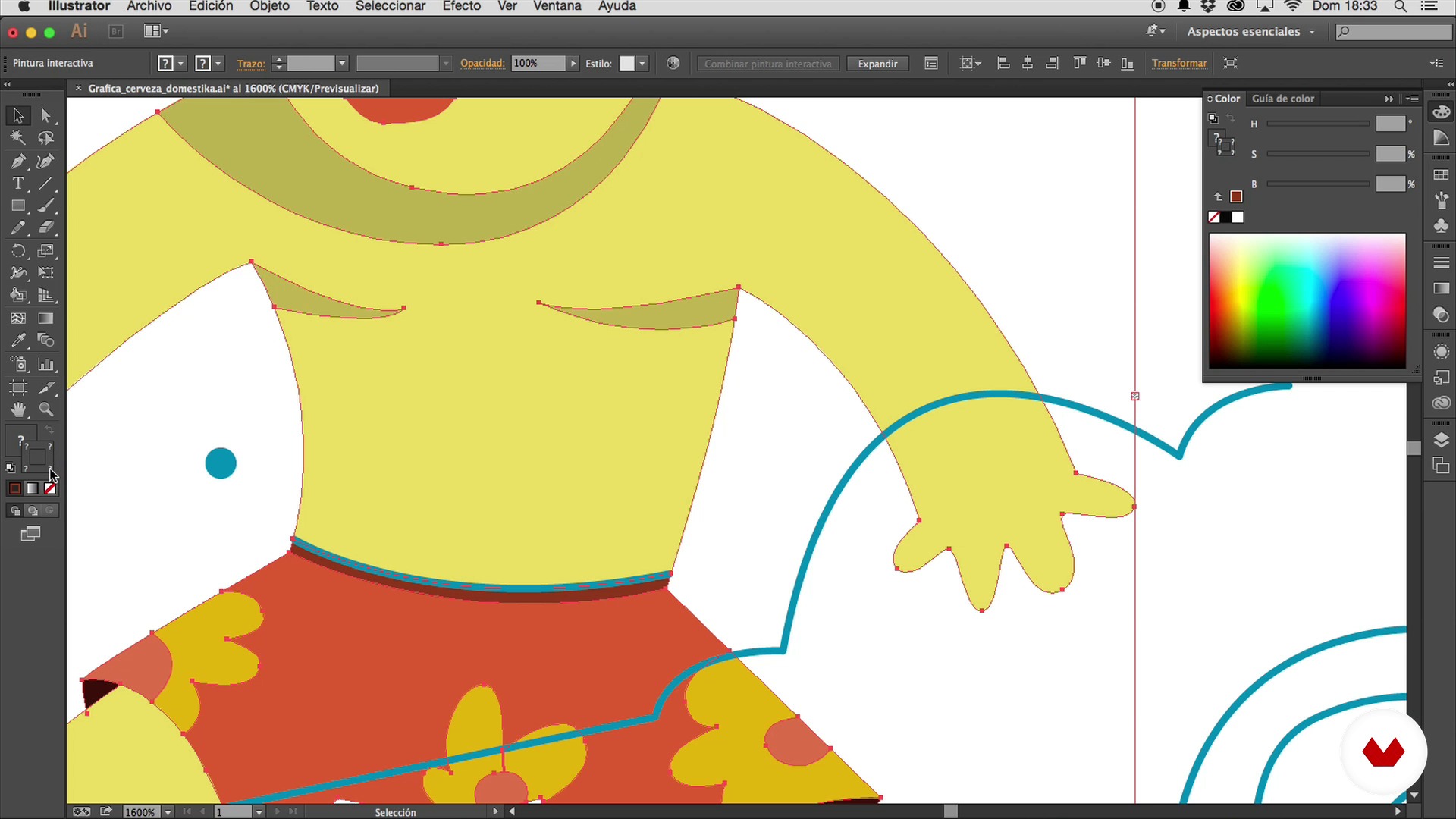
Colored I
10 minutes, 32 seconds
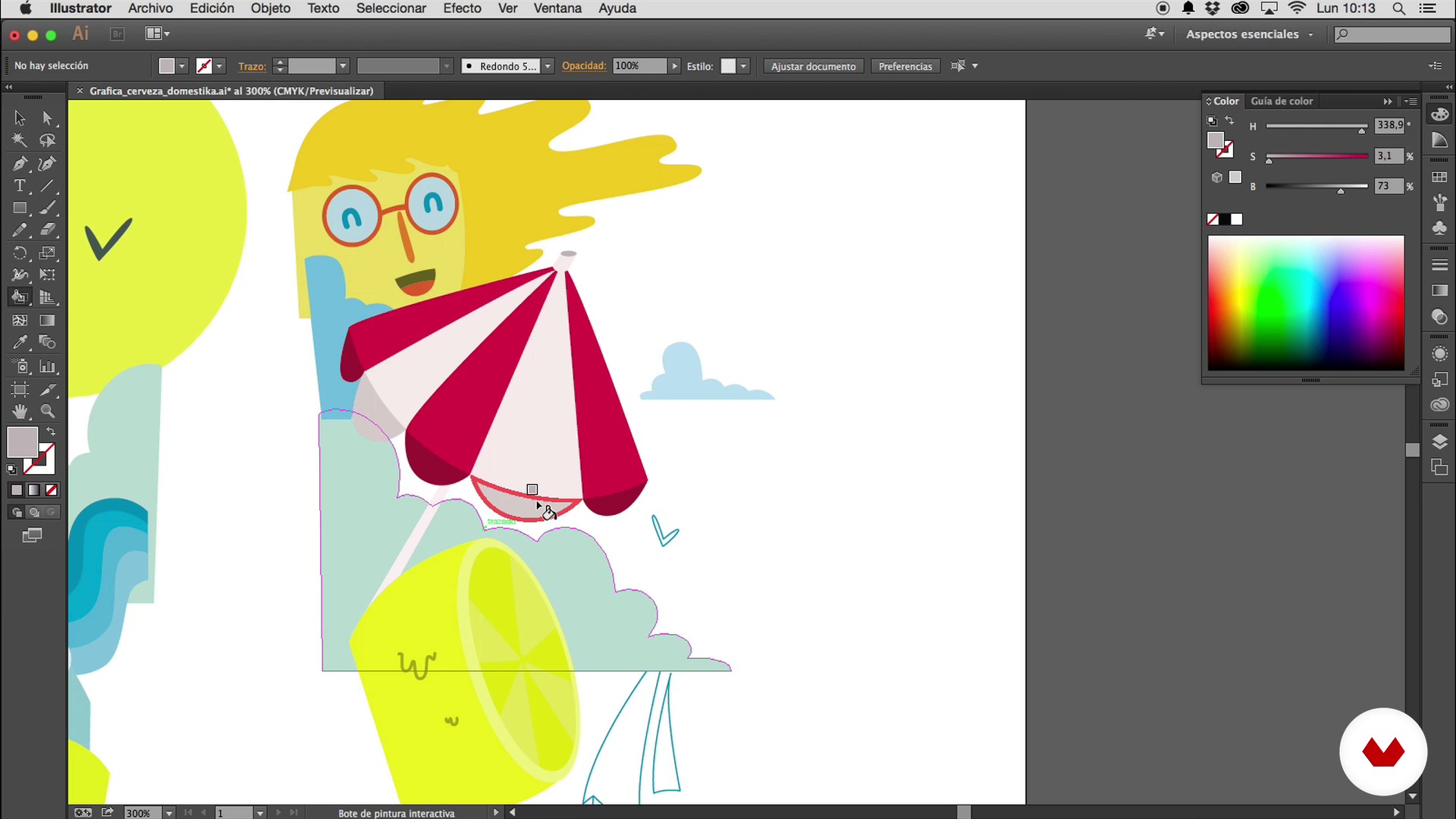
Colored II
12 minutes, 44 seconds
What's included in this course?
With this online express illustration course you will learn more about the work of Óscar Lloréns, an off-road illustrator who has worked for brands such as Coca-Cola, Vodafone, Movistar, Salvador Bachiller or Fiat and the influences that inspire
You will discover how to interpret an agency briefing, how to find good references for your initial sketch and make a composition with them that will serve as a starting point for your illustration.
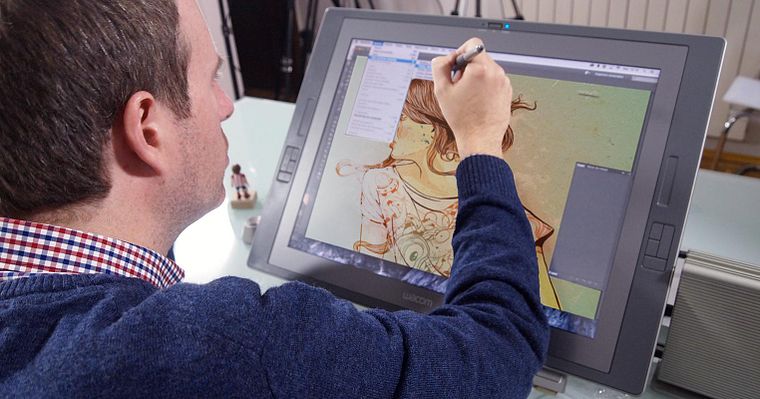
After the previous work, it will be time to get down to work. Óscar will show you the best Illustrator tricks to vectorize the lines of the sketch, choose the range of colors, color the illustration and leave it ready to give the finishing touches in Photoshop.
To finish, you will learn simple techniques to give volume and depth, effects that will add noise to the image and provide texture to the final result, achieving a more realistic appearance.
And voila! In a moment you will have a perfect advertising illustration ready to add to your portfolio.
Recommended software & tools for this course
Who is this online course for?
To illustration students or illustrators who want to work for advertising agencies with dizzying times. Also to those interested in editorial illustration or the design of murals.
Requirements and materials
Basic level of Illustrator and Photoshop plus certain skills for drawing and composition.
Regarding the materials that you will use, you will need pencil, paper and eraser. Also have Adobe Illustrator and Adobe Photoshop installed on your computer. Of course, access to the internet to look for visual references that help us to compose our sketch and finally, if you have a digitizing tablet, better than better, but it is not essential.
Reviews
- 2 months ago
Es un curso muy bien guiado. Lo compré hace años y todavía los consulto cuando me enfrasco en este tipo de trabajos.
- luna14PLUS6 months ago
Muy bien estructurado y explicado.
- suturaworkshopPLUS9 months ago
Teniendo en cuenta que es un curso muy básico, no está mal, pero creo que se ha quedado corto en cuanto a profundidad y es un curso de duración muy corta. Como proyecto ameno y entretenido está bien.
- 1 year ago
muy bueno y facil de hacer.
- 2 years ago
Es un curso muy interesante para adentrarte en este mundillo. Si eres profesional, evidentemente se te va a quedar corto, pero está muy bien.

His illustrations have been the driving force behind major campaigns for big-name brands, including Coca-Cola, Fiat, Red Bull, Vodafone, Movistar, and Cepsa, and have covered the pages of newspapers and magazines such as El País Semanal and Vanity Fair. His crowded illustrations have also been seen by millions of viewers as the backdrop in the confession room on the TV show Gran Hermano.
Content
- U1
Introduction
- Óscar Llorens
- My influences
- U2
Reception of the briefing
- Interpretation of the briefing
- Search for references for the sketch
- Sketch
- U3
I work in Illustrator
- Vectorized
- Colored I
- Colored II
- U4
Retouching in Photoshop
- Volume and depth I
- Volume and depth II
- Blur
- Textured
- FP
Final project
- Express illustration with Illustrator and Photoshop
What to expect from a Domestika course
Learn at your own pace
Enjoy learning from home without a set schedule and with an easy-to-follow method. You set your own pace.
Learn from the best professionals
Learn valuable methods and techniques explained by top experts in the creative sector.
Meet expert teachers
Each expert teaches what they do best, with clear guidelines, true passion, and professional insight in every lesson.
Certificates
PLUSIf you're a Plus member, get a custom certificate signed by your teacher for every course. Share it on your portfolio, social media, or wherever you like.
Get front-row seats
Videos of the highest quality, so you don't miss a single detail. With unlimited access, you can watch them as many times as you need to perfect your technique.
Share knowledge and ideas
Ask questions, request feedback, or offer solutions. Share your learning experience with other students in the community who are as passionate about creativity as you are.
Connect with a global creative community
The community is home to millions of people from around the world who are curious and passionate about exploring and expressing their creativity.
Watch professionally produced courses
Domestika curates its teacher roster and produces every course in-house to ensure a high-quality online learning experience.
FAQs
Advertising illustration is an art form that uses images to convey a brand’s or product’s message in promotional campaigns, grabbing attention and strengthening the campaign’s visual impact.
This course is aimed at people with basic knowledge of Photoshop and Illustrator, so it’s intermediate level. Prior experience with digital illustration tools is recommended.
You’ll need a computer, access to Adobe Illustrator and Photoshop, plus pencil and paper for sketching. A graphics tablet is helpful but not required.
You’ll learn how to create quick advertising illustrations, from the brief and digital sketch to vectorizing, adding color, shadows, textures, and preparing the final professional delivery.
The course teaches you how to digitize and vectorize sketches using the pen, pencil, and layers in Illustrator, as well as refining details and finishing touches in Photoshop.
You’ll learn how to arrange visual elements, highlight the product, balance the composition, and tailor the visual story to the brief and client needs.
The course covers techniques for blending illustration and photography in advertising media using layers, blending modes, and color and texture adjustments.