Creating a Compelling Animated Illustration in Adobe Fresco
A course by Kyle T WebsterInternational award-winning artist
A course by Kyle T Webster, International award-winning artist

Learn how to create eye-catching animated illustrations using a powerful tool like Adobe Fresco. Discover its unique features to bring your artwork to life.
In this online course, immerse yourself in the captivating world of Adobe Fresco with award-winning artist Kyle T. Webster. Kyle, known for his expertise in illustration and animation, will guide you through the process of creating compelling scenes and adding subtle mobile elements to draw your audience into the image.
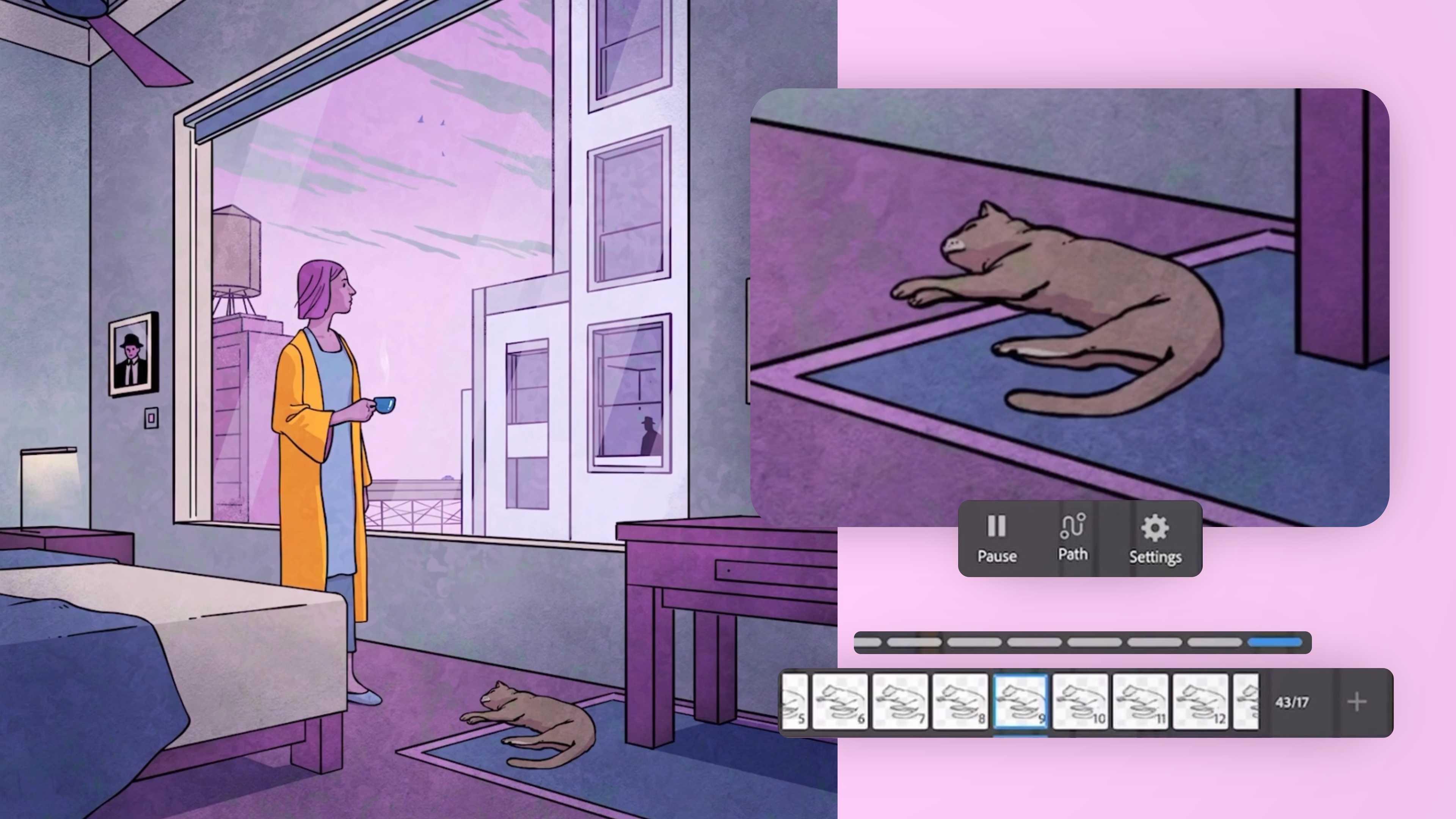
Discover the hidden powers of Adobe Fresco as you explore brushes, layers, movements, perspective, and animation tools. Without the need for traditional frame-by-frame workflows, you'll learn how to animate your artwork using the unique Motion Path animation tools. Kyle will show you how to use these features effectively to enhance your illustrations and bring them to life.
Throughout the course, you'll develop a deep understanding of how to direct the viewer's eye, convey specific feelings and moods, and make thoughtful decisions about what to include and exclude from your art. By the end of the lessons, you'll have the skills to create clear and captivating illustrated stories enhanced by subtle animation.
What will you learn in this online course?
19 lessons & 15 downloads
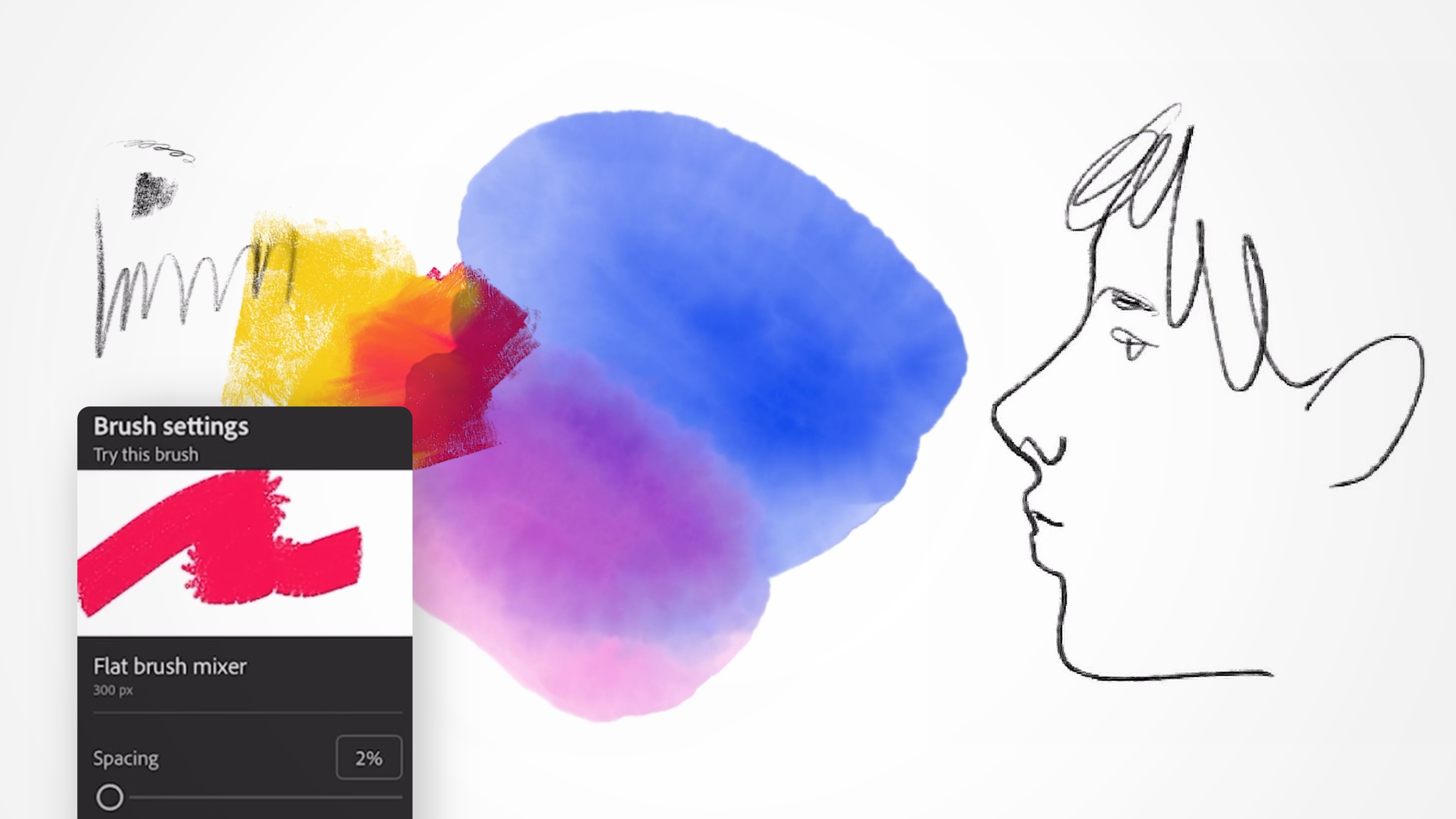
Brushes 1
20 minutes, 27 seconds

Layers, Select, Move, and Transform
20 minutes, 12 seconds
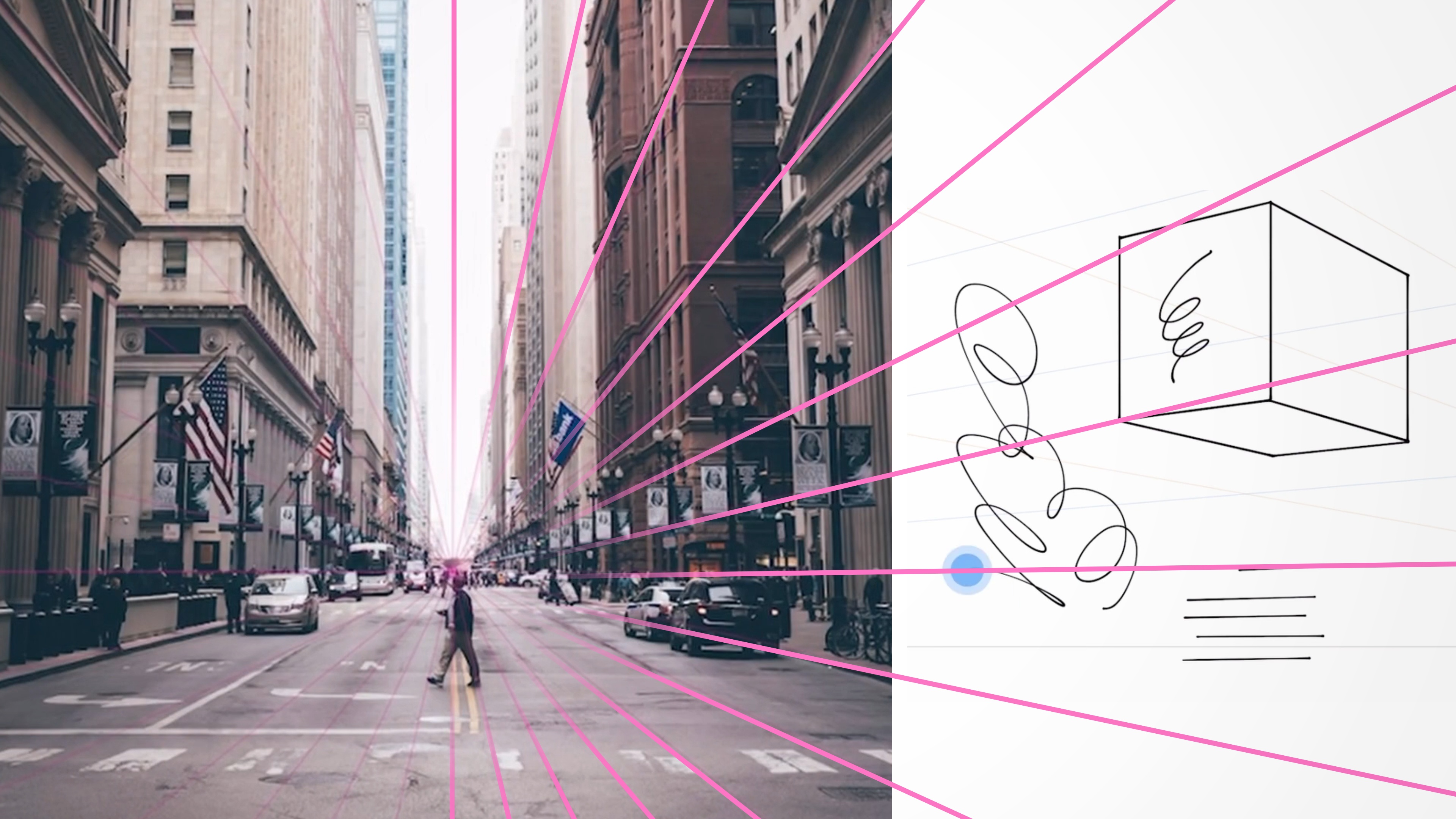
Perspective Tools
11 minutes, 44 seconds
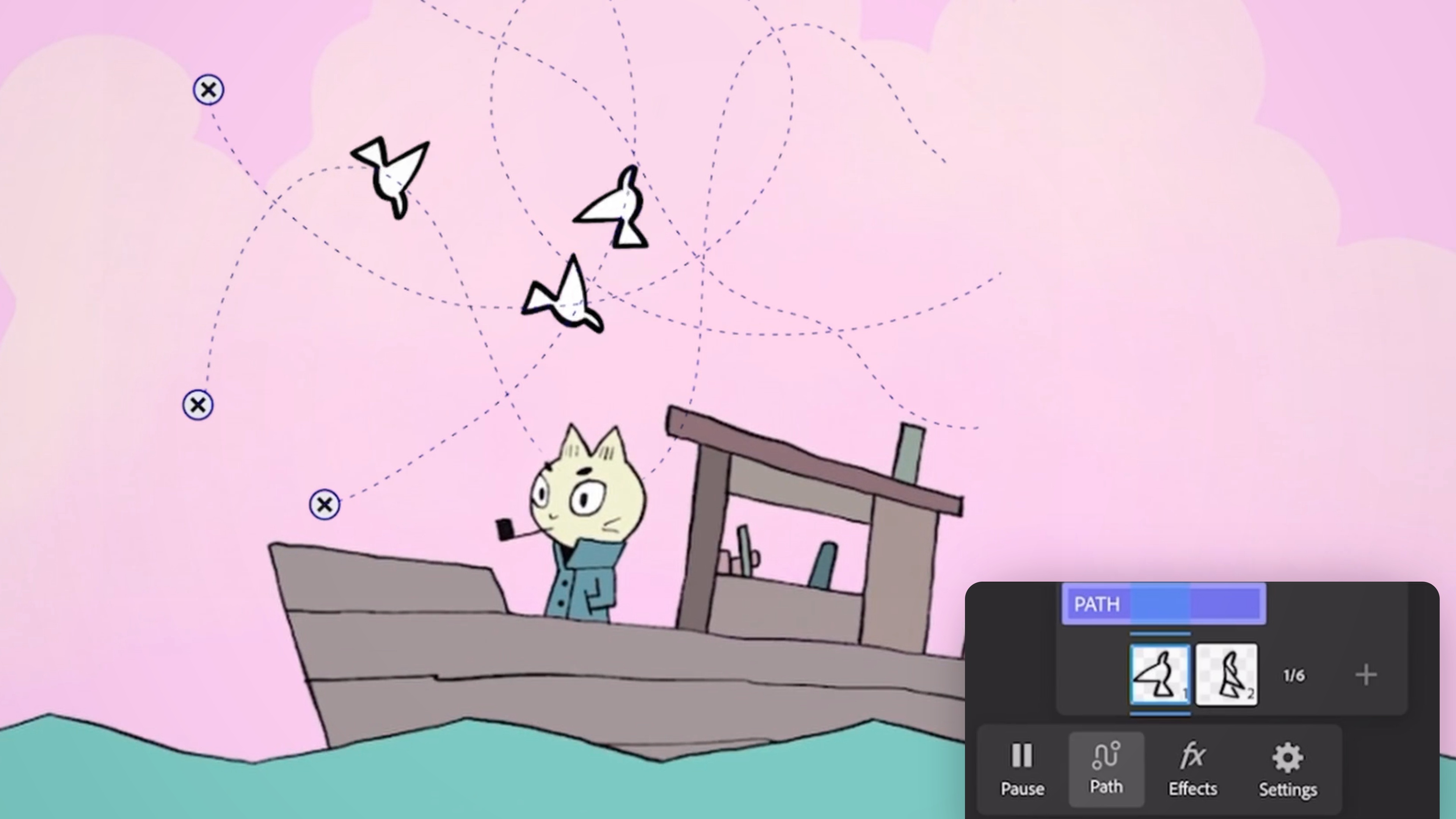
Motion and Animation
16 minutes, 23 seconds
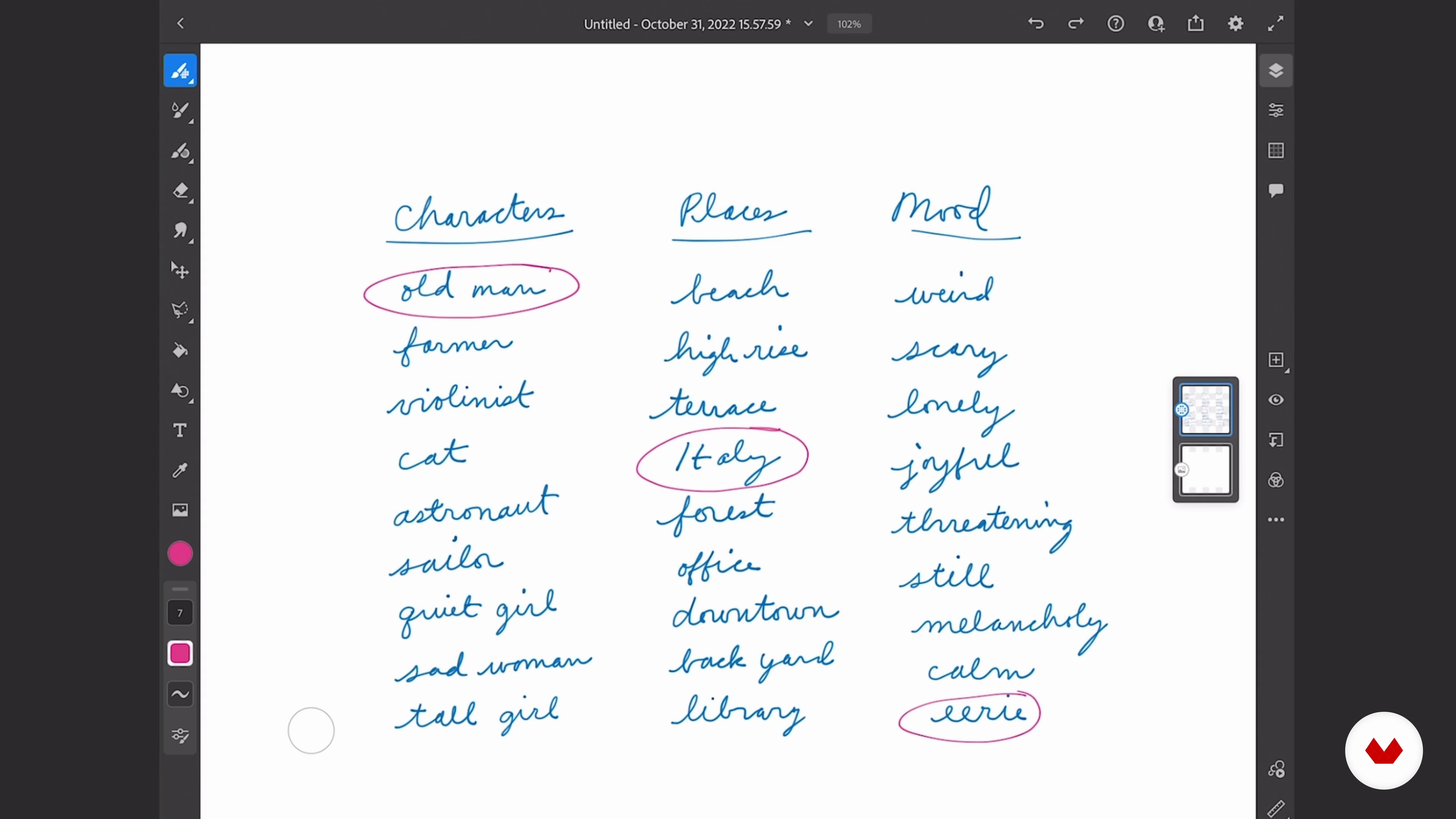
Choosing the Scene
14 minutes, 10 seconds
Exporting the Animated Artwork 2
7 minutes, 1 second
What's included in this course?
To start, you'll delve into the world of Adobe Fresco, exploring brushes, layers, and their movements. Gain a solid foundation in perspective and animation tools, understanding how to leverage these features to add depth and motion to your illustrations. Afterward, you'll choose a scene to illustrate and learn how to generate ideas that support the thumbnail process. With Kyle's guidance, you'll embark on sketching and refining, ensuring your strokes are clean and all elements are in place.
Next, you'll select a color palette that complements your illustration and proceed to create the final artwork. You'll also learn how to apply proper animation techniques to bring your illustration to life, adding subtle yet impactful motion.
Finally, Kyle will teach you how to export your art and effectively share your newfound skills with your contacts and potential clients. Plus, you'll receive valuable tips to keep you on the learning path beyond the course, ensuring continuous growth as an illustrator.
By the end of this course, you'll have the confidence and ability to create illustrations that tell clear and captivating stories, enhanced by the power of Adobe Fresco's animation tools.
Recommended software & tools for this course
What is this course's project?
You'll have the opportunity to create a final illustration that showcases your newfound skills in Adobe Fresco. With Kyle's guidance, you'll select a scene and bring it to life using the techniques learned throughout the course. Your final artwork will be an impressive example of storytelling through illustration, enriched with subtle and captivating animation.

Projects by course students


Who is this online course for?
This course is perfect for anyone with drawing skills who wants to take their illustrations to the next level by adding beautiful, dynamic motion. Whether you're an experienced illustrator looking to explore Adobe Fresco's animation tools or someone with basic drawing skills eager to learn efficient ways to enhance your illustrations, this course is designed to help you expand your creative horizons. Join Kyle T. Webster in this artistic journey and unlock the potential of Adobe Fresco.
Requirements and materials
To make the most of this course, you'll need a drawing tablet, a stylus, and Adobe Fresco installed on your device. With these essential tools, you'll be ready to explore the features and techniques taught by Kyle T. Webster. Get ready to embark on an inspiring journey of creativity and animation with Adobe Fresco.

Reviews
- 3 months ago
Wow! So much great information taught in an engaging way. I learned so much from this class and it has me excited about using Fresco for future projects. Thank you Kyle :)
- 4 months ago
A very complete and detailed course. Kyle is great at sharing his extensive knowledge and makes the course very interesting and gives you that urge to start creating art and have fun while doing it.
- 4 months ago
Se nota que Kyle ama lo que hace , y se reflaja en su manera de explicar , me encanto!
- d_adonisPLUS5 months ago
Great course on how to use the full potential of Adobe Fresco. Kyle Webster is a masterpiece artist and a very thorough teacher.
- 9 months ago
Kyle's course is excellent, as it demonstrates the process step by step.

As an Adobe ambassador, Kyle has collaborated closely with Adobe on various drawing and painting initiatives. He played a pivotal role in the development of Adobe Fresco, designing all the brushes and creating promotional illustrations and animations for the app. Kyle's passion for teaching has led him to share his knowledge and insights through courses and workshops worldwide.
Content
- U1
Introduction
- About Me
- Influences
- U2
Getting to Know Fresco Better
- Brushes 1
- Brushes 2
- Layers, Select, Move, and Transform
- Perspective Tools
- Motion and Animation
- U3
Planning the Animated Scene
- Choosing the Scene
- Thumbnailing in Fresco
- Refining the Chosen Thumbnail, the Final Sketch 1
- Refining the Chosen Thumbnail, the Final Sketch 2
- U4
Creating the Artwork
- Linework and Animated Objects 1
- Linework and Animated Objects 2
- Linework and Animated Objects 3
- Color Themes 1
- Color Themes 2
- Exporting the Animated Artwork 1
- Exporting the Animated Artwork 2
- Sharing and Learning
- FP
Final project
- Introduction to Adobe Fresco for Illustrators
What to expect from a Domestika course
Learn at your own pace
Enjoy learning from home without a set schedule and with an easy-to-follow method. You set your own pace.
Learn from the best professionals
Learn valuable methods and techniques explained by top experts in the creative sector.
Meet expert teachers
Each expert teaches what they do best, with clear guidelines, true passion, and professional insight in every lesson.
Certificates
PLUSIf you're a Plus member, get a custom certificate signed by your teacher for every course. Share it on your portfolio, social media, or wherever you like.
Get front-row seats
Videos of the highest quality, so you don't miss a single detail. With unlimited access, you can watch them as many times as you need to perfect your technique.
Share knowledge and ideas
Ask questions, request feedback, or offer solutions. Share your learning experience with other students in the community who are as passionate about creativity as you are.
Connect with a global creative community
The community is home to millions of people from around the world who are curious and passionate about exploring and expressing their creativity.
Watch professionally produced courses
Domestika curates its teacher roster and produces every course in-house to ensure a high-quality online learning experience.
FAQs
Yes, this course is designed for intermediate artists who want to expand their digital painting, composition, and animation skills using tools like Photoshop and Adobe Fresco.
You will need access to Adobe Photoshop and Adobe Fresco, as the course covers advanced features and workflows specific to these programs.
You’ll learn advanced brush creation, digital painting techniques, figure drawing, perspective, composition, subtle animation, and efficient digital workflows using Photoshop and Fresco.
Some basic familiarity with Photoshop or Fresco is recommended, but the course will guide you through intermediate to advanced techniques.
Yes, you’ll learn how to create, import, and manage custom brushes in both Photoshop and Fresco to emulate traditional art techniques digitally.
Yes, the course covers frame-by-frame animation, motion paths, onion skinning, and exporting animations directly from Adobe Fresco.
You’ll practice thumbnailing, scene selection, and advanced composition techniques including perspective grids and narrative clarity for visual storytelling.