Design of Letters and Alphabets with Digital Techniques
A course by Domingo BetancurGraphic designer
A course by Domingo Betancur, Graphic designer

Explore experimental techniques so that your lettering attracts attention
The design of letters and alphabets allows experimenting with all kinds of techniques and aesthetic resources, exploring the limits of typography and alphabets. Domingo Betancur, graphic designer and co-founder of Veleta Studio Lab, has found in the design of letters the perfect medium to express his tastes and concerns through design, through striking and incredible graphics.
In this course you will learn experimental techniques to design colorful and attractive letters. You will immerse yourself in a process of generating new aesthetics that will allow you to express your style and rediscover letters and typography as you have never done before.
What will you learn in this online course?
17 lessons & 21 downloads
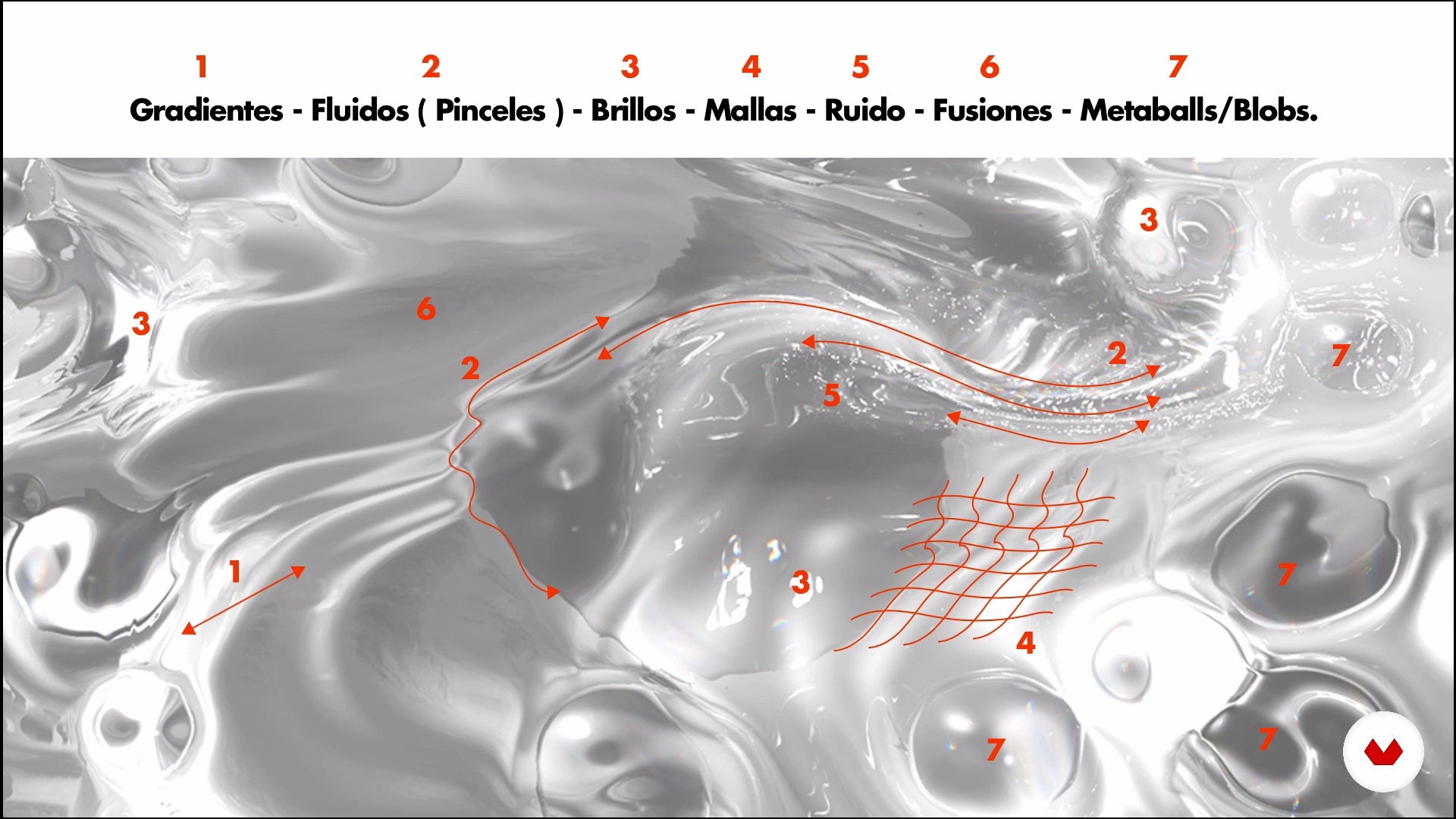
Experimental references
9 minutes, 52 seconds
Prepare your documents
5 minutes, 18 seconds
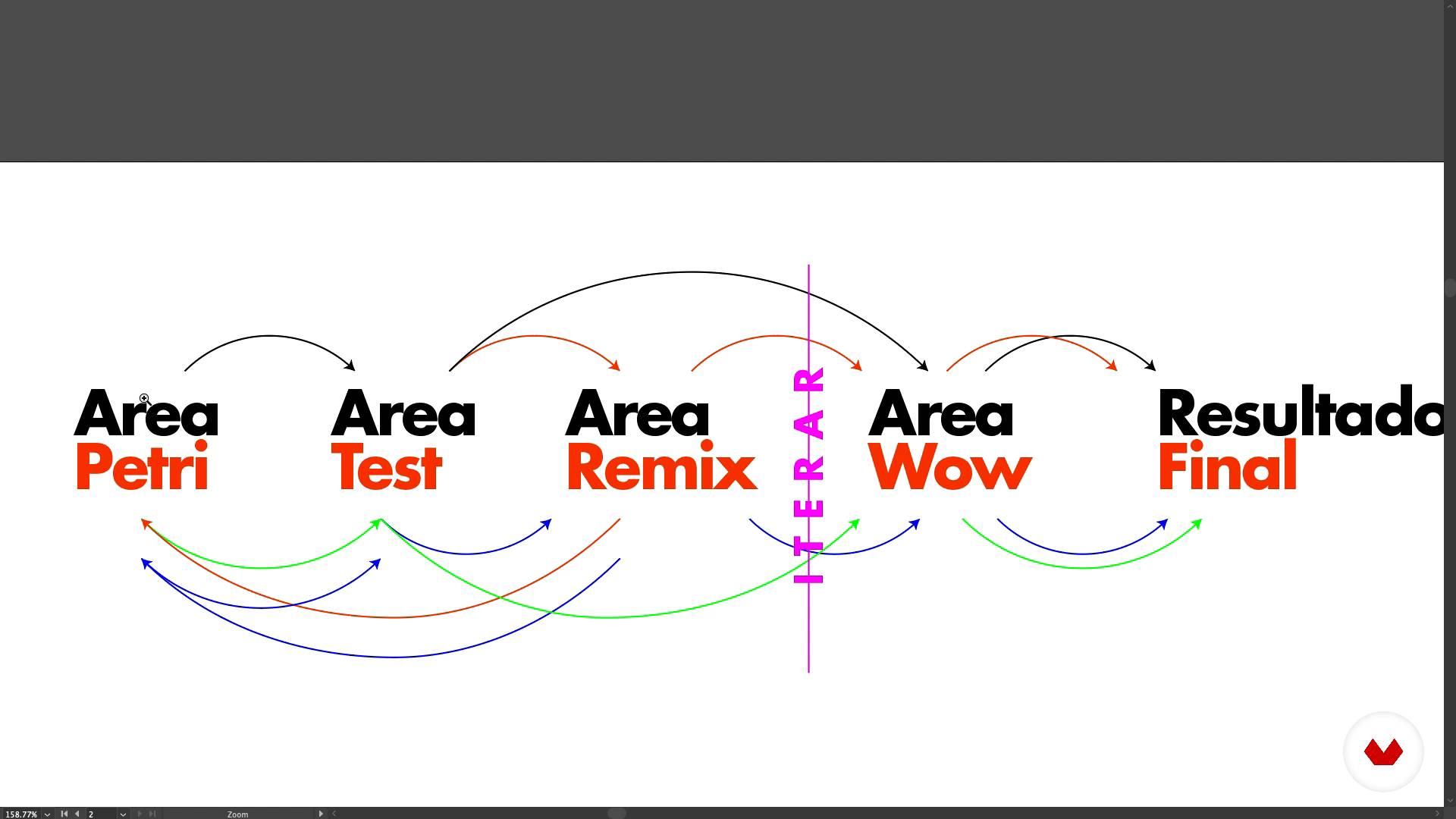
Agile methodologies
6 minutes, 6 seconds
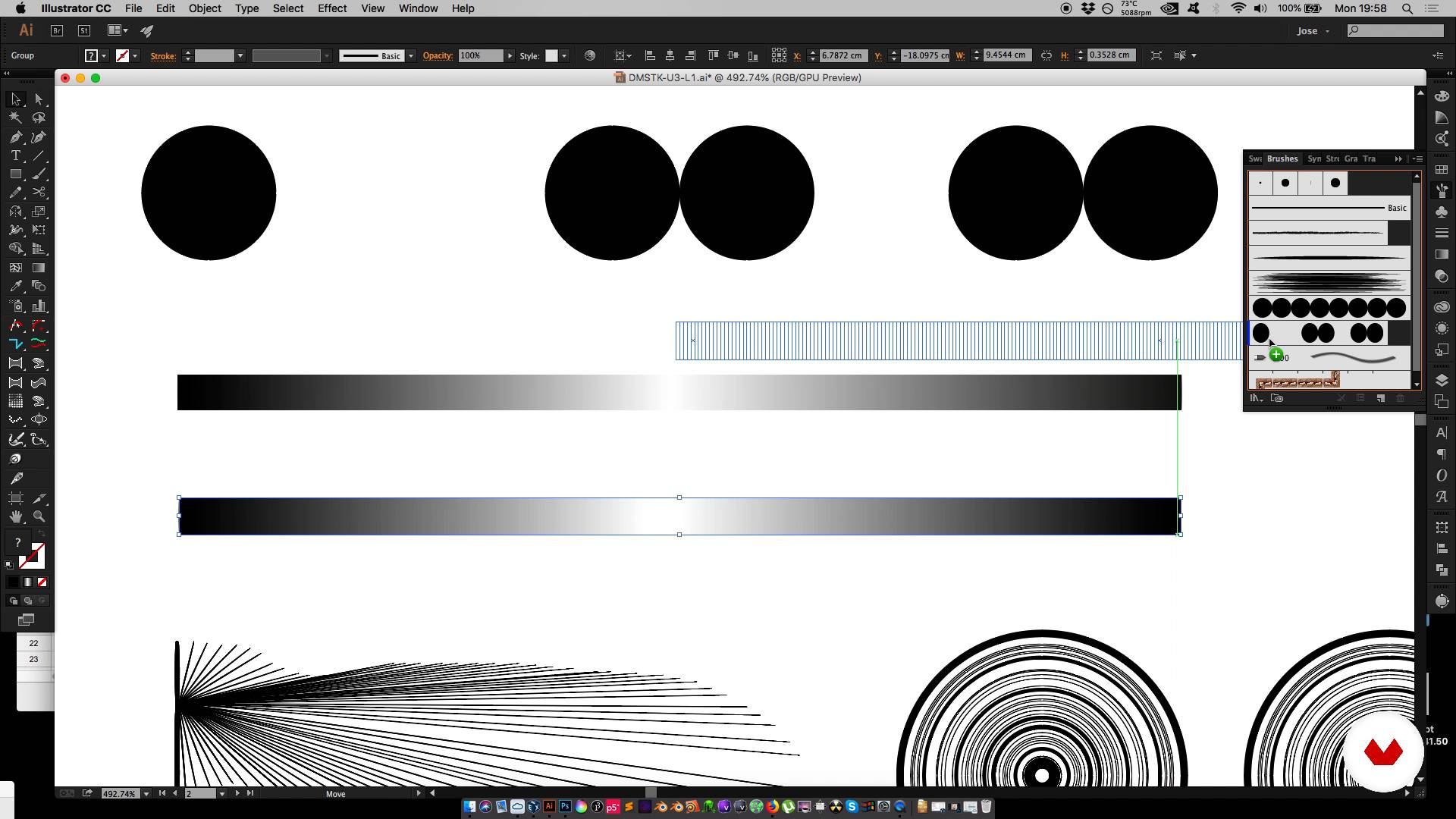
Knowing our tools (Illustrator) Pt. I
15 minutes, 9 seconds

Knowing our tools (Illustrator) Pt. II
8 minutes, 4 seconds
Knowing our tools (Illustrator) Pt. III
10 minutes, 16 seconds
What's included in this course?
You will start knowing the work of Domingo Betancur, who will tell you about his career and his references and influences.
You will discover agile work methodologies to build letters, create your moodboard and start preparing your work document.
You will learn to create basic and complex brushes in Adobe Illustrator that will allow you to experiment with your creations; You will also see how to use mergers to create very striking effects.
In Adobe Photoshop you will create brushes, work with the styles and explore the possibilities of the brush mixer.
To finish you will add special finishes that will finish giving your lyrics the "wow!" and you will finish the composition with ID maps.
Recommended software & tools for this course
What is this course's project?
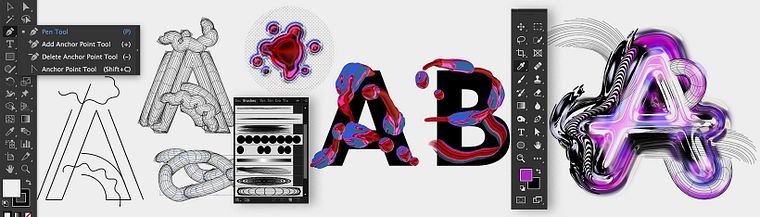
You will create your own experimental alphabet using all the techniques and graphic possibilities that Domingo Betancur will share with you during the course.
Projects by course students


Who is this online course for?
To designers, illustrators, animators, lyricists, typographers and anyone interested in experimenting with visual language and the possibilities of letters.
Requirements and materials
Basic knowledge of Illustrator and Photoshop is necessary.
With respect to the materials you will use a computer with Adobe Illustrator and Photoshop installed.

Reviews
- 1 year ago
Świetny i oryginalny kurs a metodyka nauczania klasa! Polecam i czekam na więcej!
- 2 years ago
Great course!
- 3 years ago
Este es el curso que más he disfutado hacer y de los que he aprendido demasiado, muy recomendado!!!
- 3 years ago
Un curso interesante para ver otras opciones creativas.
- 3 years ago
Amazing work!!!. Good concept Good Idea

He is co-founder of Veleta Studio Lab and creator of the TYPEXP workshops, where experimental techniques in graphic design are taught. His work has been published in multiple platforms, publications and has been a speaker at congresses and design meetings.
Content
- U1
Introduction
- Presentation
- Personal influences
- U2
Good experimental practices
- Experimental references
- Prepare your documents
- Agile methodologies
- U3
To experiment!
- Knowing our tools (Illustrator) Pt. I
- Knowing our tools (Illustrator) Pt. II
- Knowing our tools (Illustrator) Pt. III
- Remix!
- Special finishes
- U4
The "wow!" Factor
- Experimenting with our tools (Photoshop) Pt. I
- Experimenting with our tools (Photoshop) Pt. II
- Experimenting with our tools (Photoshop) Pt. III
- Special finishes
- Remix!
- U5
Preparing our complete alphabet
- ID maps
- Complete composition
- FP
Final project
- Design of letters and alphabets with digital techniques
What to expect from a Domestika course
Learn at your own pace
Enjoy learning from home without a set schedule and with an easy-to-follow method. You set your own pace.
Learn from the best professionals
Learn valuable methods and techniques explained by top experts in the creative sector.
Meet expert teachers
Each expert teaches what they do best, with clear guidelines, true passion, and professional insight in every lesson.
Certificates
PLUSIf you're a Plus member, get a custom certificate signed by your teacher for every course. Share it on your portfolio, social media, or wherever you like.
Get front-row seats
Videos of the highest quality, so you don't miss a single detail. With unlimited access, you can watch them as many times as you need to perfect your technique.
Share knowledge and ideas
Ask questions, request feedback, or offer solutions. Share your learning experience with other students in the community who are as passionate about creativity as you are.
Connect with a global creative community
The community is home to millions of people from around the world who are curious and passionate about exploring and expressing their creativity.
Watch professionally produced courses
Domestika curates its teacher roster and produces every course in-house to ensure a high-quality online learning experience.
FAQs
You’ll learn how to create innovative alphabets and letterforms using graphic experimentation techniques inspired by music, science, and interdisciplinary methods. You’ll use tools like Illustrator and Photoshop to develop original visual concepts with a distinct identity.
This course is designed for people with basic to intermediate graphic design skills who want to explore new experimental techniques and approaches in typography and visual composition.
You’ll need a computer with Illustrator and Photoshop installed, along with basic skills in using these programs. Having sketching materials and a willingness to experiment will also help.
Yes, the course covers modules on creating and customizing brushes, applying experimental textures, and developing advanced visual effects using Illustrator and Photoshop.
You’ll explore how music and science can inspire the creation of unique alphabets and graphic styles by applying scientific methods and musical references to enrich your typographic projects.
Yes, you’ll learn strategies to publish, showcase on platforms like 36 Days of Type, and market your alphabets and typography projects in specialized communities and marketplaces.
You’ll mainly work with Adobe Illustrator and Photoshop, using advanced features like brushes, blends, artboards, and 3D simulation techniques, alongside homemade resources and experimental methods.