Editing and Post-Production for Video
A course by Juanmi CristóbalVideo Editor and Director of Photography
A course by Juanmi Cristóbal, Video Editor and Director of Photography

Learn to translate the stories, emotions, and messages of a song into a video clip with a professional feel
According to the video editor and cinematographer Juanmi Cristóbal, a video clip is one of the audiovisual pieces that allows for the most freedom and creative possibility. In this online course, he teaches you the importance of knowing all the processes that are carried out in the post-production phase to provide rhythm, visual effects, and fluidity to the narrative of the song.
Brands he has worked for:
Throughout the course, discover everything about the world of video clips, the different types, and how to work with each of them. If you want to continue learning with your teacher, you can continue delving into this sector with his courses: Introduction to Adobe Premiere Pro, Introduction to DaVinci Resolve for Color Correction, and Audiovisual Editing and Narrative for Short Films.
What will you learn in this online course?
18 lessons & 17 downloads
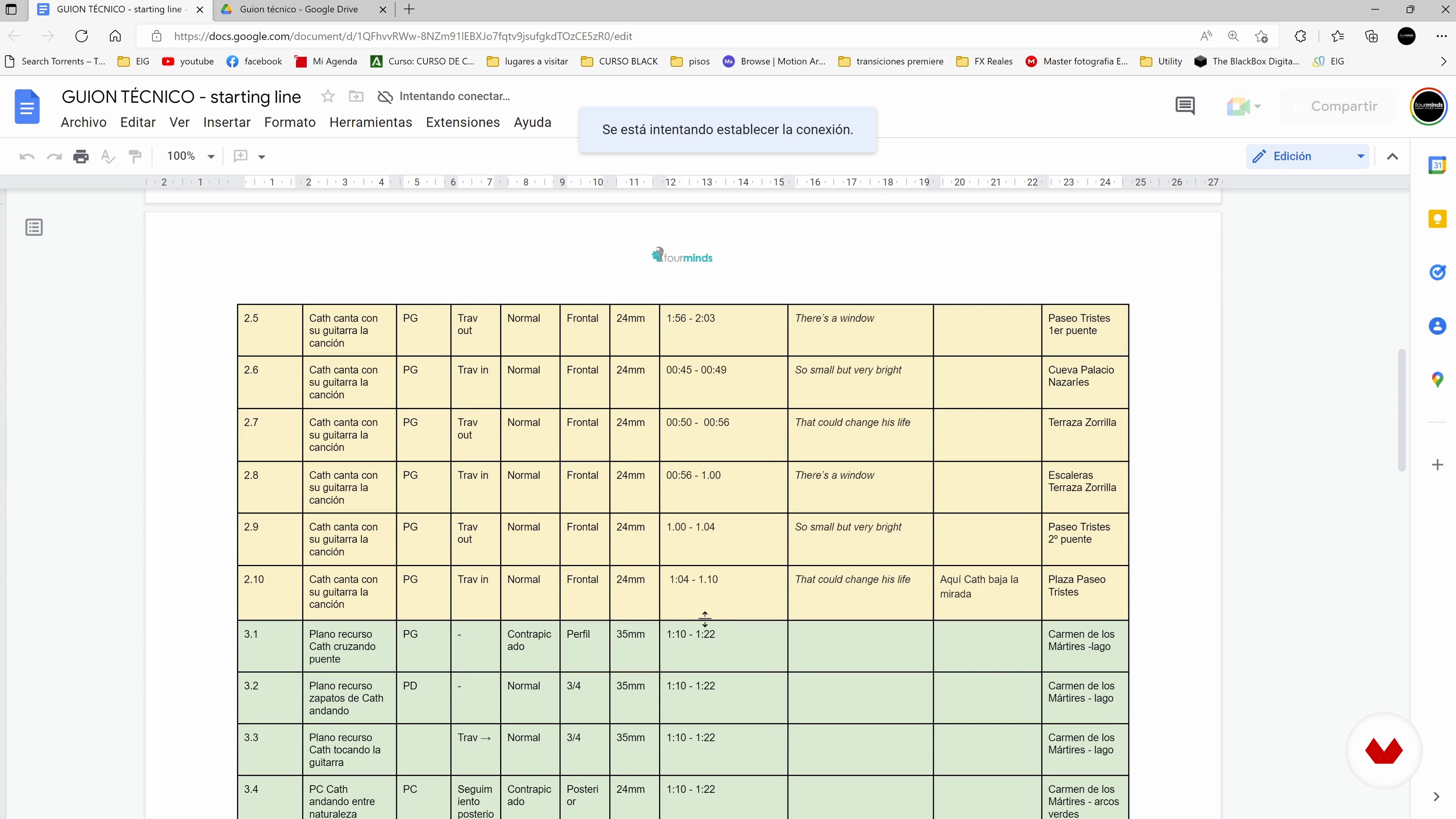
The use of the script
7 minutes, 31 seconds
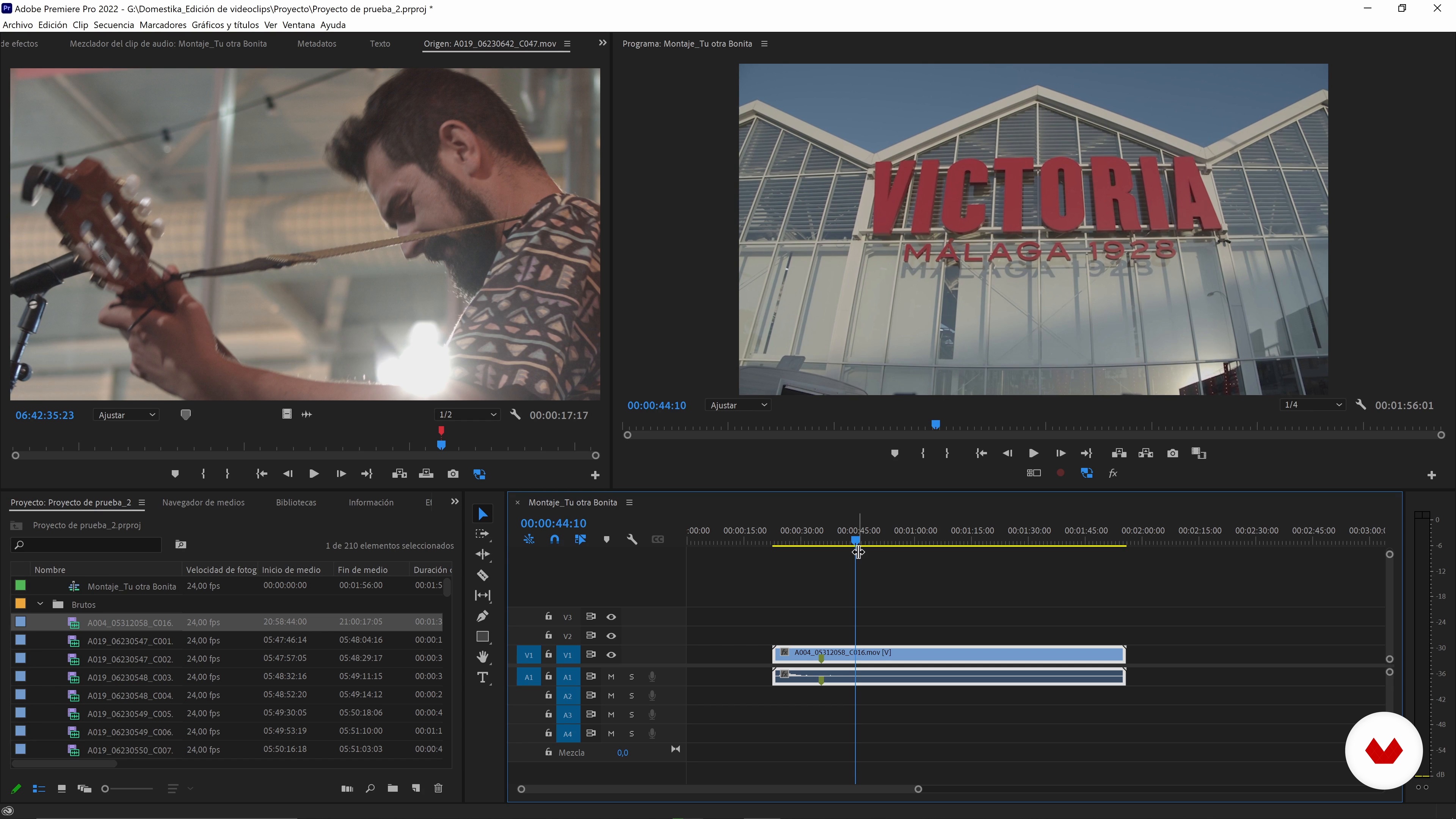
Selection and organization of material
9 minutes, 50 seconds
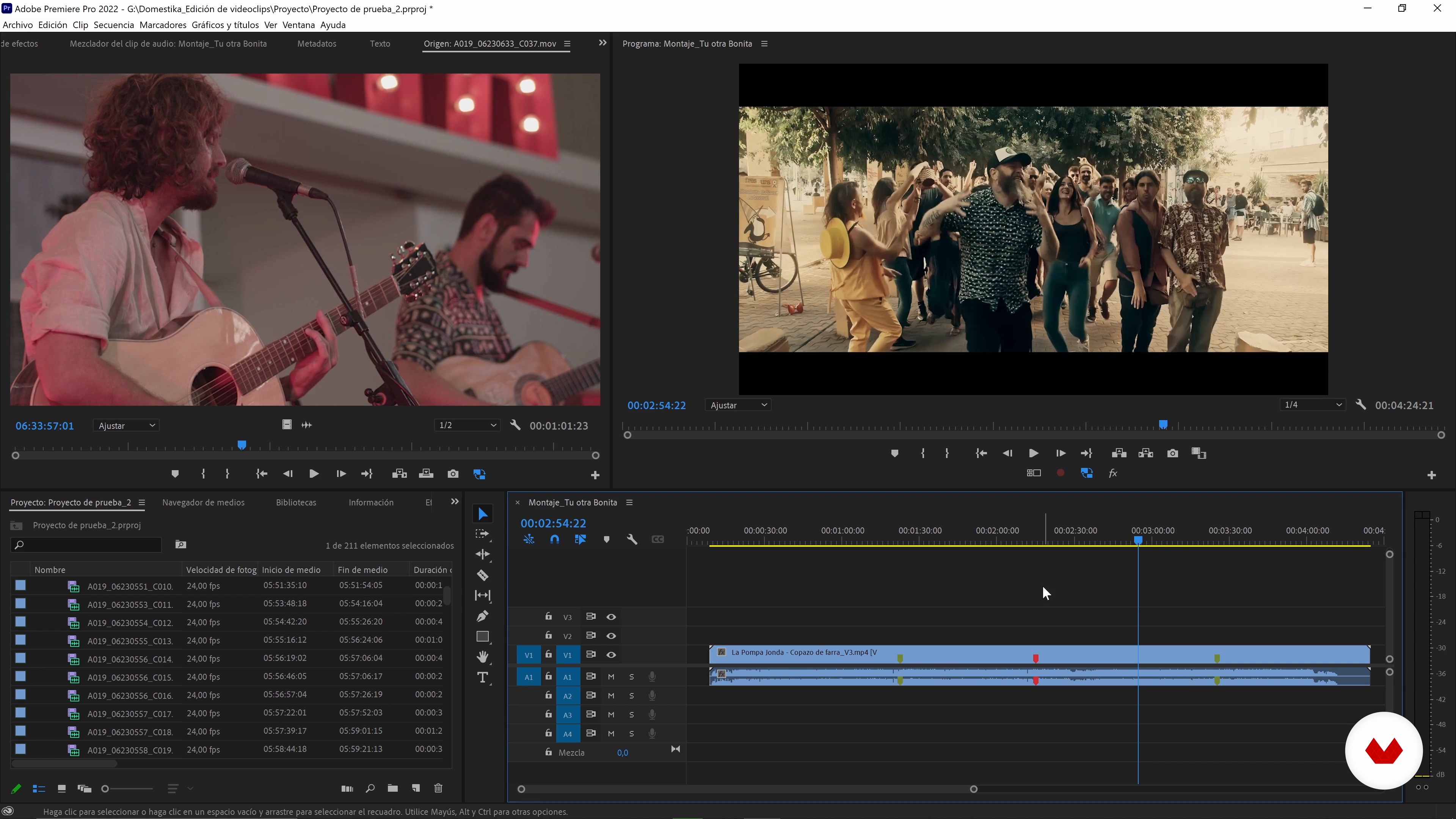
Understanding music: the essence of what you want to tell
7 minutes, 55 seconds
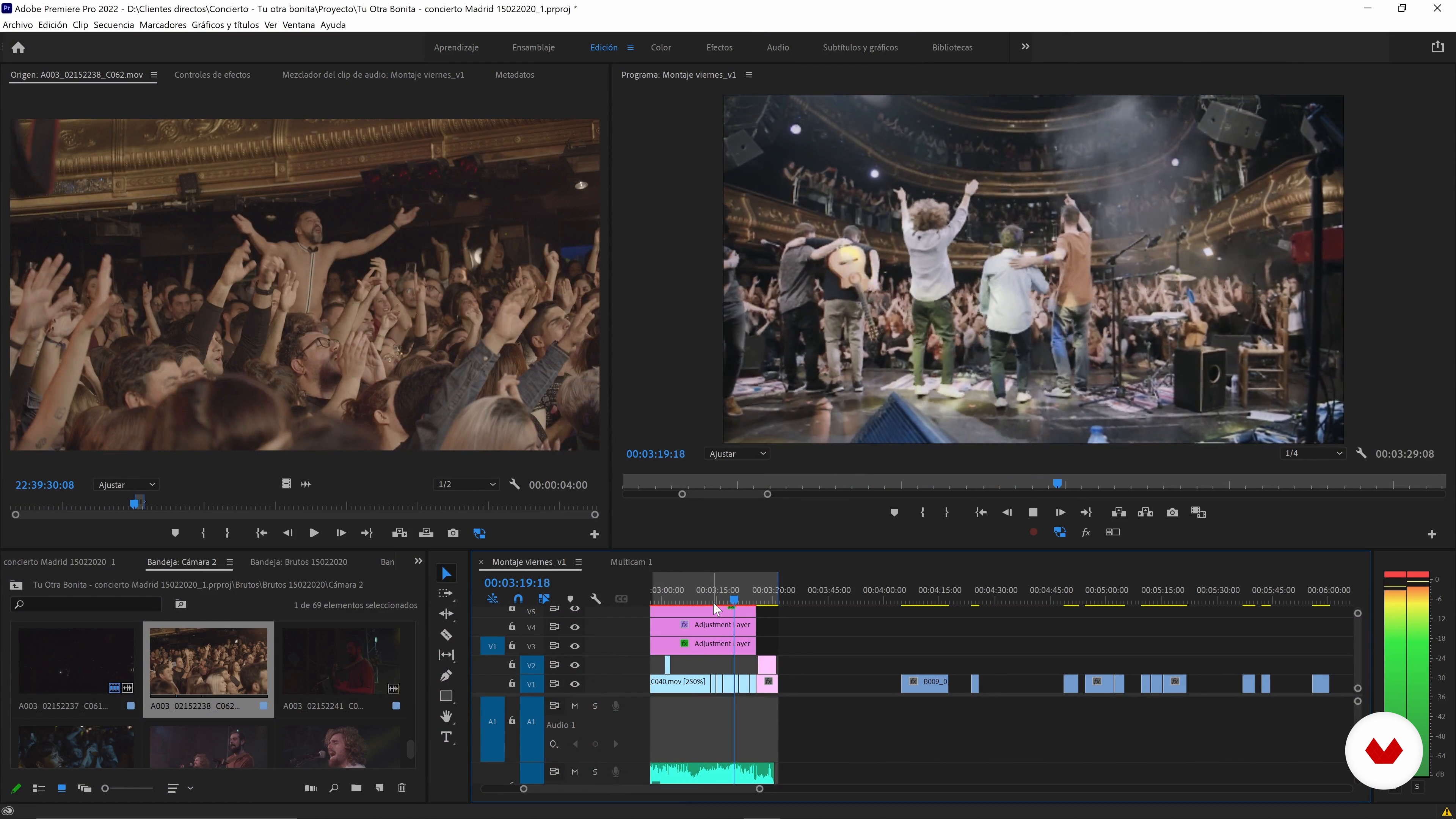
Record a concert
13 minutes, 4 seconds
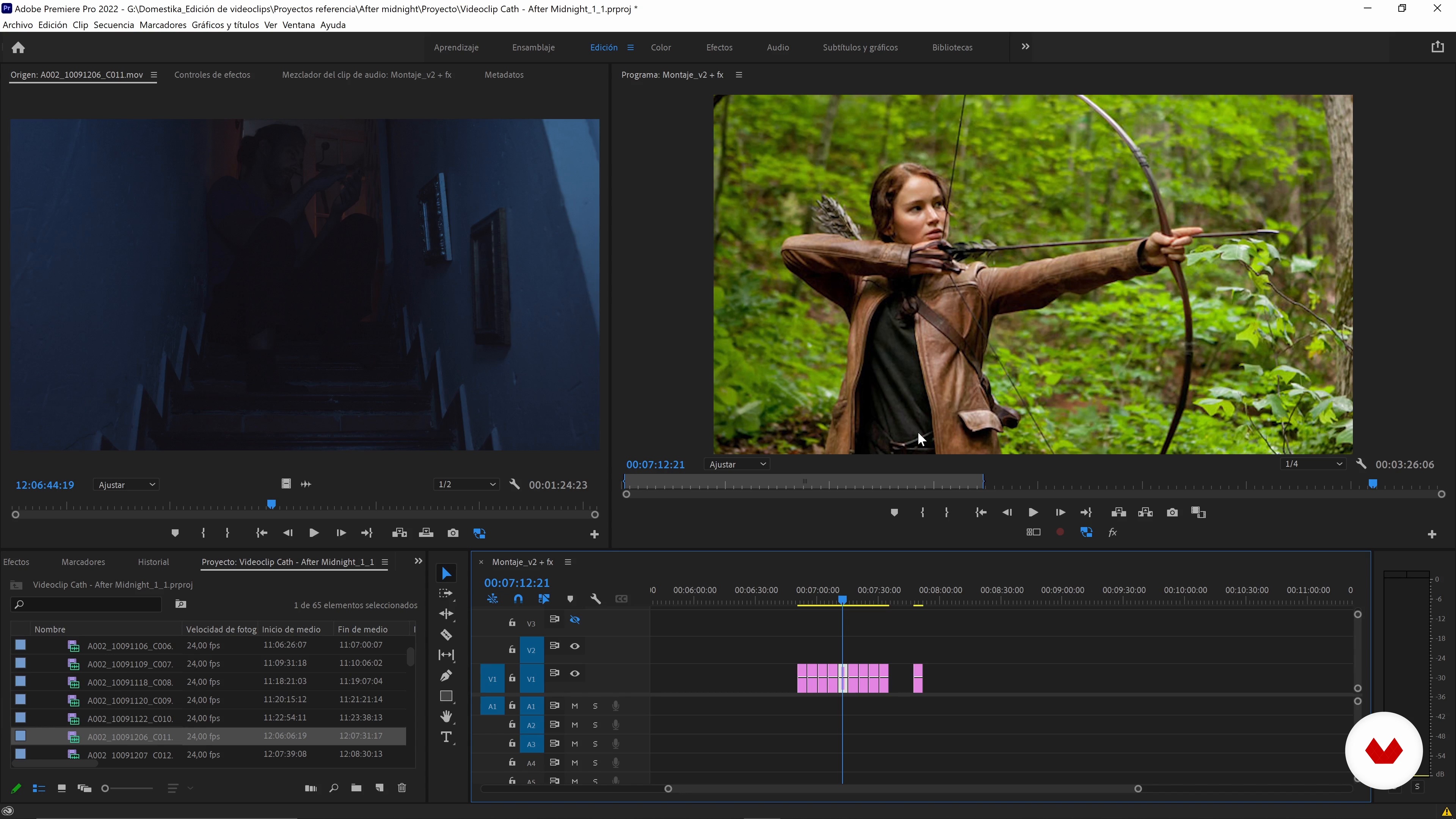
Fiction
18 minutes, 44 seconds
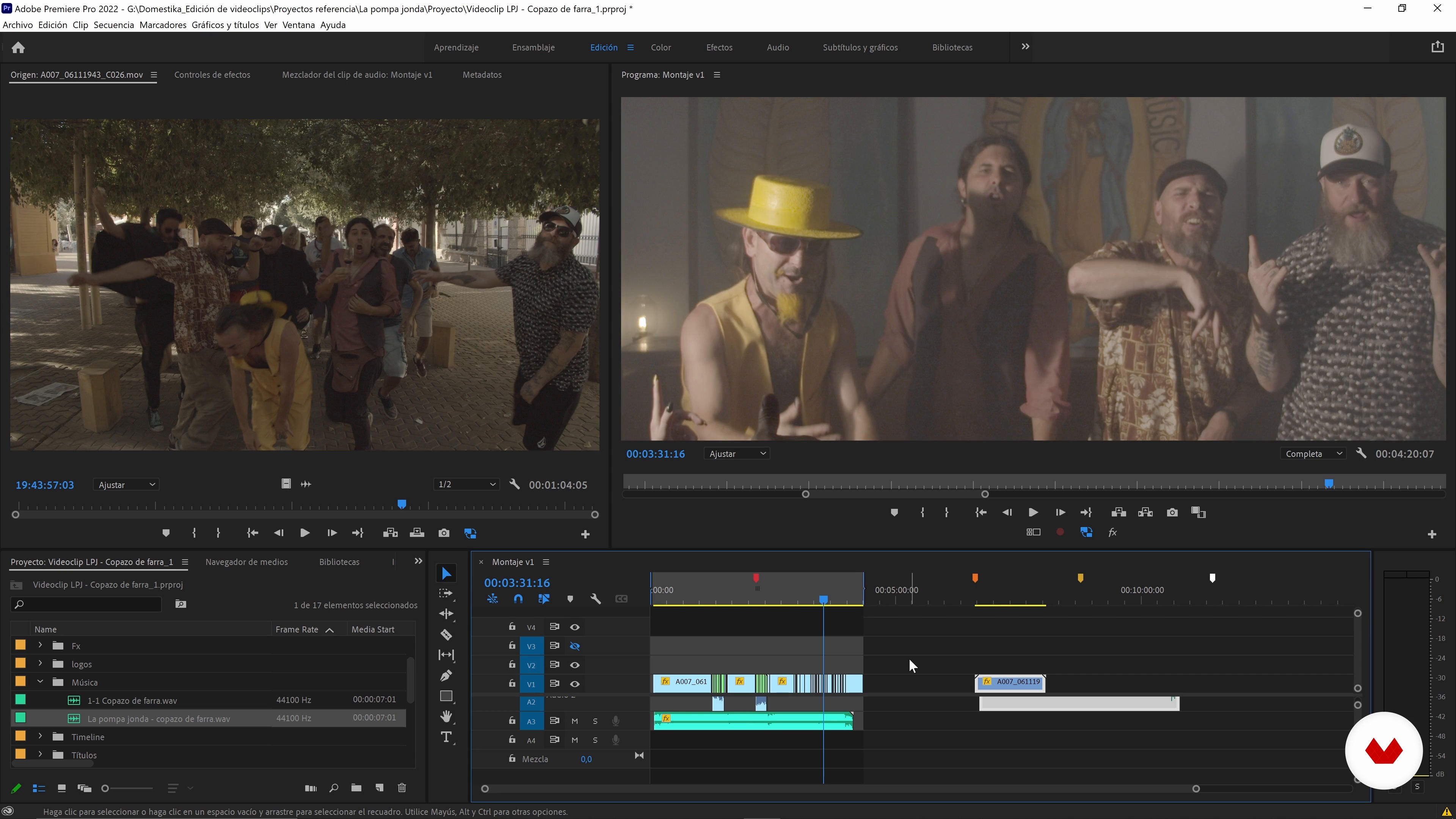
The one-shot style
9 minutes, 46 seconds
What's included in this course?
To begin with, Juanmi Cristóbal tells you about his professional career and the jobs that have enriched him the most on a personal level. He also shares you his influences, from the fields of painting to video games.
Learn how to work with a script and what to do if you don't have one. Next, Juanmi teaches you ways to organize and select the material, as well as to analyze the context and connotations of a song.
Later, discover the different types of video clips and their expressive possibilities. Start by exploring the concert video and the fiction video, which consists of telling a story. Then study the one shoot, widely used in rap and hip-hop, and freestyle, such as video art or video lyrics.
Now delve into the technique, with the creation of sound environments beyond the theme and audio arrangements. Also carry out the color correction with Premiere and DaVinci, and assess the titling options that have the power to transform your piece.
Get ready to do some tests with your contact list to find out what works and what doesn't. To wrap things up, export the final result in different formats, from full quality to the one appropriate for sharing on social networks.
Recommended software & tools for this course
What is this course's project?
Produce a professional video clip, covering all the stages of the post-production phase, from the reception of files to the final export.
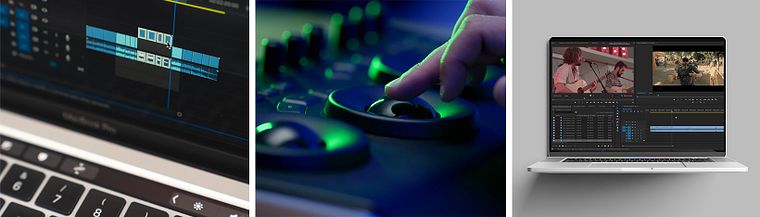
Projects by course students

Who is this online course for?
Anyone wanting to visually translate the stories, emotions, and messages of a song.
Requirements and materials
A working knowledge of Adobe Premiere Pro, DaVinci Resolve, and After Effects is necessary. If you lack experience in these programs, you can learn more with Juanmi Cristóbal in his other Domestika Basics courses.
Reviews
- 4 months ago
Good clear overview on the subject of post production for video.
- juliomilano_2PLUS4 months ago
Muy buen curso
- 4 months ago
sensacional!
- 7 months ago
Vraiment excellent! On voit tout le process avec fluidité, les différents logiciels qui se complètent, des détails essentiels et la manière de les actionner, le tout simplement et avec une efficacité redoutable.
- 7 months ago
excelente me gusto lo recomiendo

In 2016, he joined his partners Javier Barbero and Sergio Llast to create the AV production company Fourminds, which works in both film and advertising and with clients like Samsung, Wacom, Rolling Stone, and Canal Sur.
In addition to teaching at Domestika, he shares his knowledge of technical photography, video editing with Premiere Pro, and DSLR video recording with students at the Escuela Arte Granada.
Content
- U1
Introduction
- About Me
- Influences
- U2
Organization and conceptualization of the material
- The use of the script
- Selection and organization of material
- Understanding music: the essence of what you want to tell
- U3
The types of editing according to the video clip
- Record a concert
- Fiction
- The one-shot style
- The free style
- U4
Post production
- Sound: setting the mood
- The sound: the technical arrangements
- Color Correction - Simple Video Clip
- Color Correction: Complex Video Clip
- Title: fonts and rhythm
- Titling: After Effects as an editor plugin
- U5
Testing and exports
- Basic export for tests and contact list
- Exporting master copies
- Exports for social networks
- FP
Final project
- Editing and Post-Production for Video
What to expect from a Domestika course
Learn at your own pace
Enjoy learning from home without a set schedule and with an easy-to-follow method. You set your own pace.
Learn from the best professionals
Learn valuable methods and techniques explained by top experts in the creative sector.
Meet expert teachers
Each expert teaches what they do best, with clear guidelines, true passion, and professional insight in every lesson.
Certificates
PLUSIf you're a Plus member, get a custom certificate signed by your teacher for every course. Share it on your portfolio, social media, or wherever you like.
Get front-row seats
Videos of the highest quality, so you don't miss a single detail. With unlimited access, you can watch them as many times as you need to perfect your technique.
Share knowledge and ideas
Ask questions, request feedback, or offer solutions. Share your learning experience with other students in the community who are as passionate about creativity as you are.
Connect with a global creative community
The community is home to millions of people from around the world who are curious and passionate about exploring and expressing their creativity.
Watch professionally produced courses
Domestika curates its teacher roster and produces every course in-house to ensure a high-quality online learning experience.
FAQs
You’ll learn how to interpret musical emotions, apply creative editing techniques, use tools like Premiere and After Effects, experiment with visual and sound styles, and export professional music videos tailored for various platforms.
The course is intermediate level. Basic video editing skills and familiarity with programs like Adobe Premiere are recommended.
You’ll need a computer with Adobe Premiere and After Effects installed, some video material to practice with, and basic video editing knowledge.
The course teaches you to analyze music, identify emotions, and translate those nuances into visual and narrative choices during music video editing.
You’ll learn techniques like color grading, kinetic typography, masking, multicam editing, green screen effects, visual storytelling, and syncing audio with video.
Yes, the course includes modules on adapting comic book, classical art, and video game aesthetics to music video editing and montage.
The director sets the vision and plans the shoot; the editor takes the footage and crafts it into a coherent, creative story through editing.