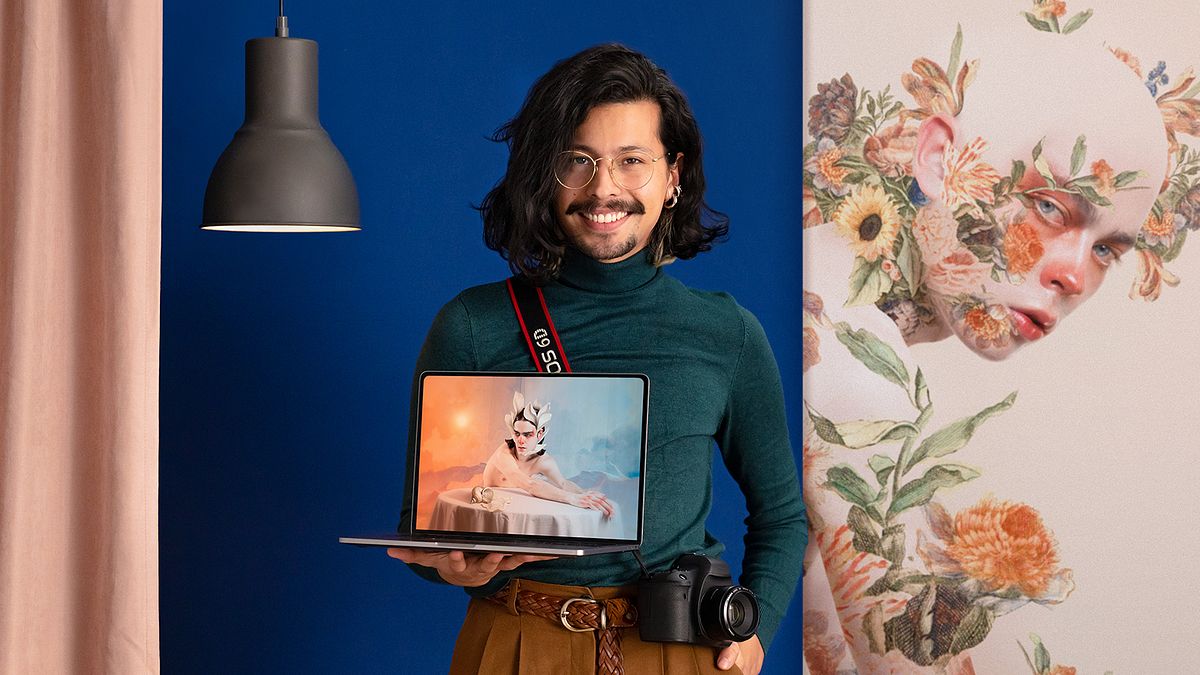
Artistic Portraits: Explore Digital Photo Editing
A course by Andres MartiArtist and Designer
A course by Andres Marti, Artist and Designer

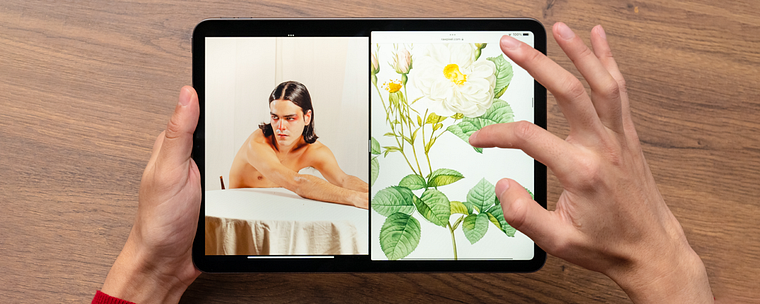
Explore collage and digital techniques to transform your images into one-of-a-kind artistic portraits using Photoshop and Camera Raw
Want to create artistic and original photographic portraits? The key is in the editing and in capturing your vision. In this online course, artist and designer Andrés Marti takes you through his creative process from beginning to end, producing portraits that are full of emotion and a surreal, pictorial aesthetic.
Learn the basics of digital collage and how to apply them to a portrait. See how to edit your photograph by reviewing various techniques and look at how to take your image to an even more artistic dimension.
What will you learn in this online course?
17 lessons & 14 downloads
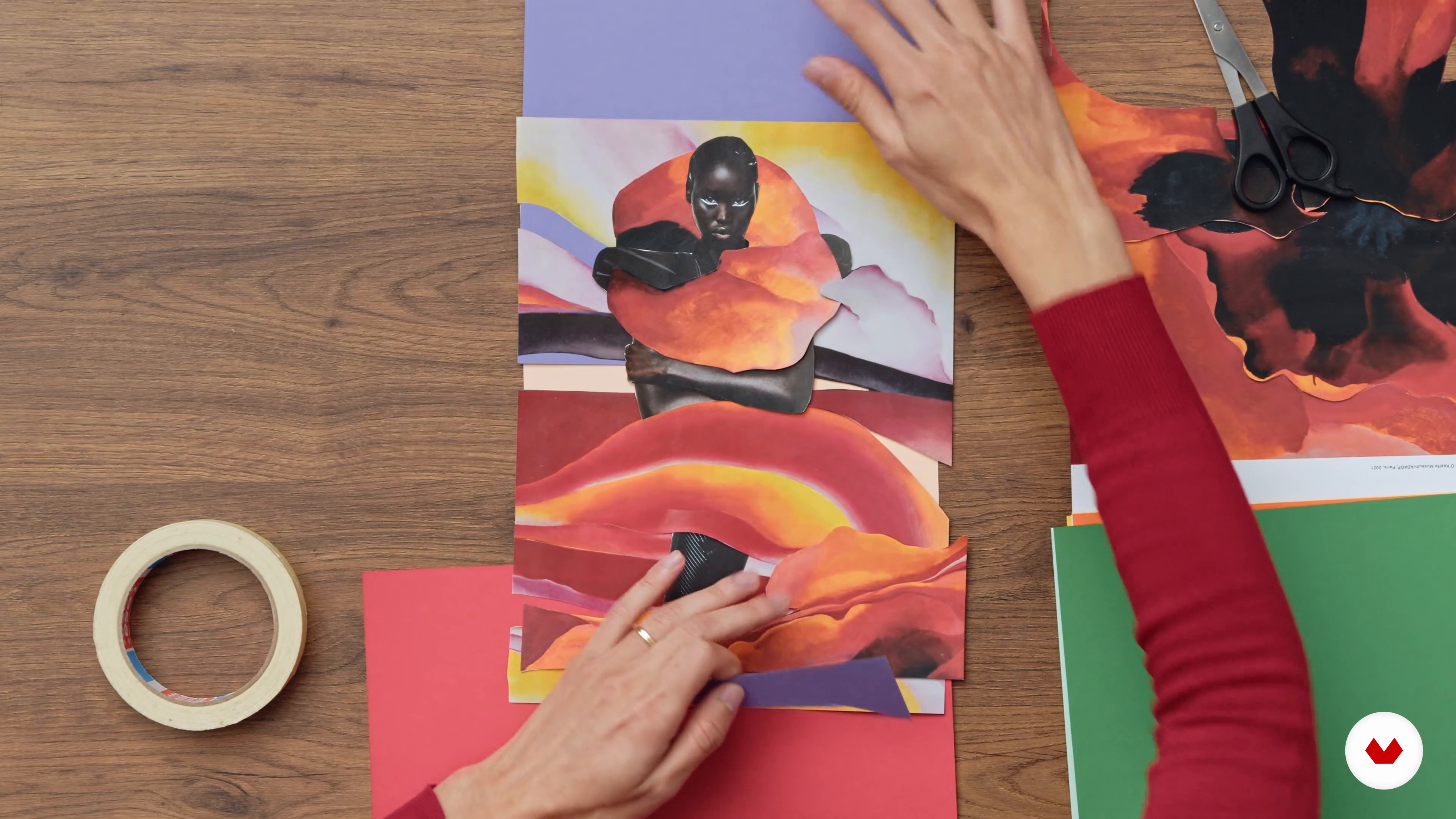
Collage bases
12 minutes, 51 seconds
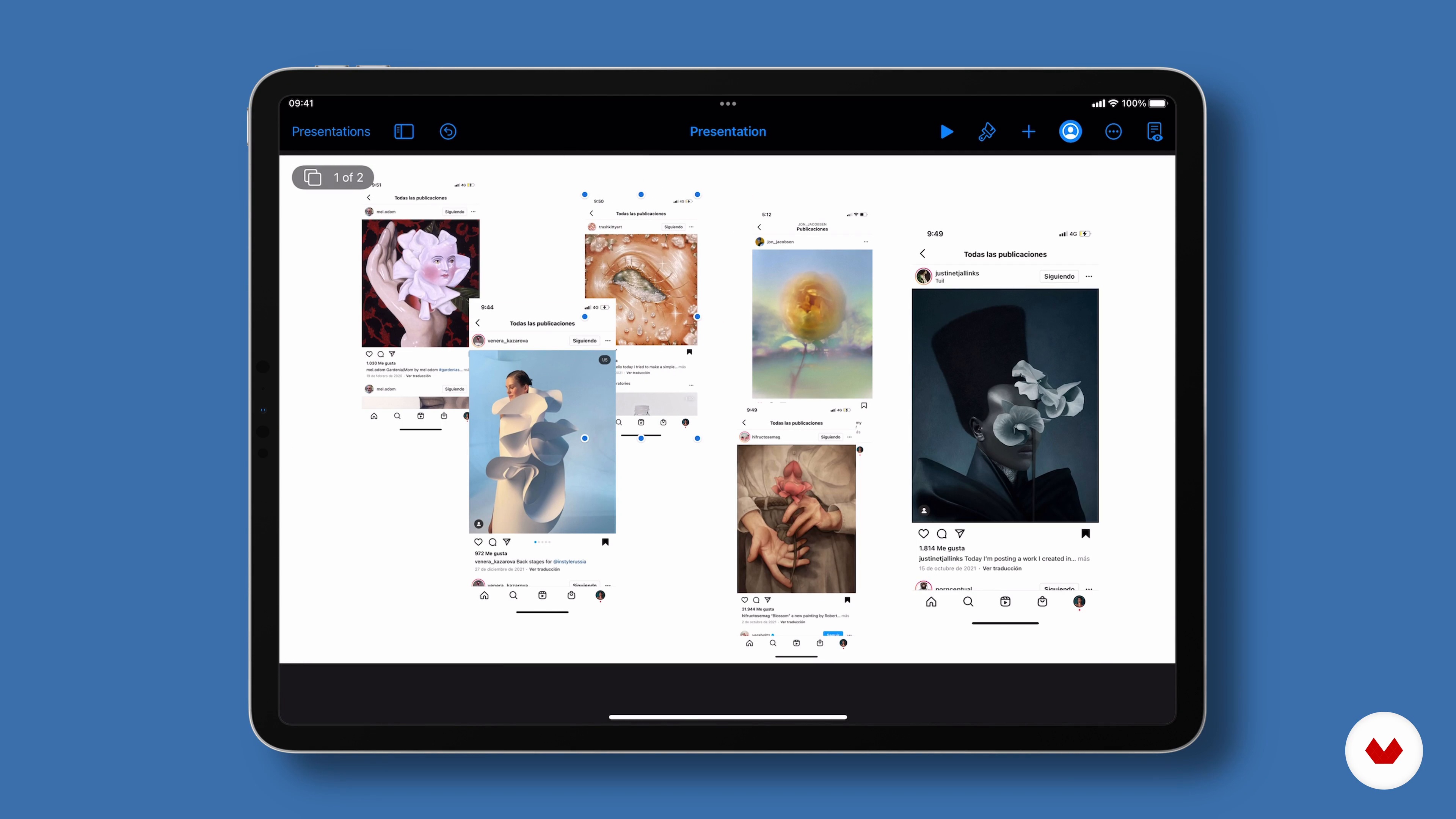
Mood board
9 minutes, 43 seconds
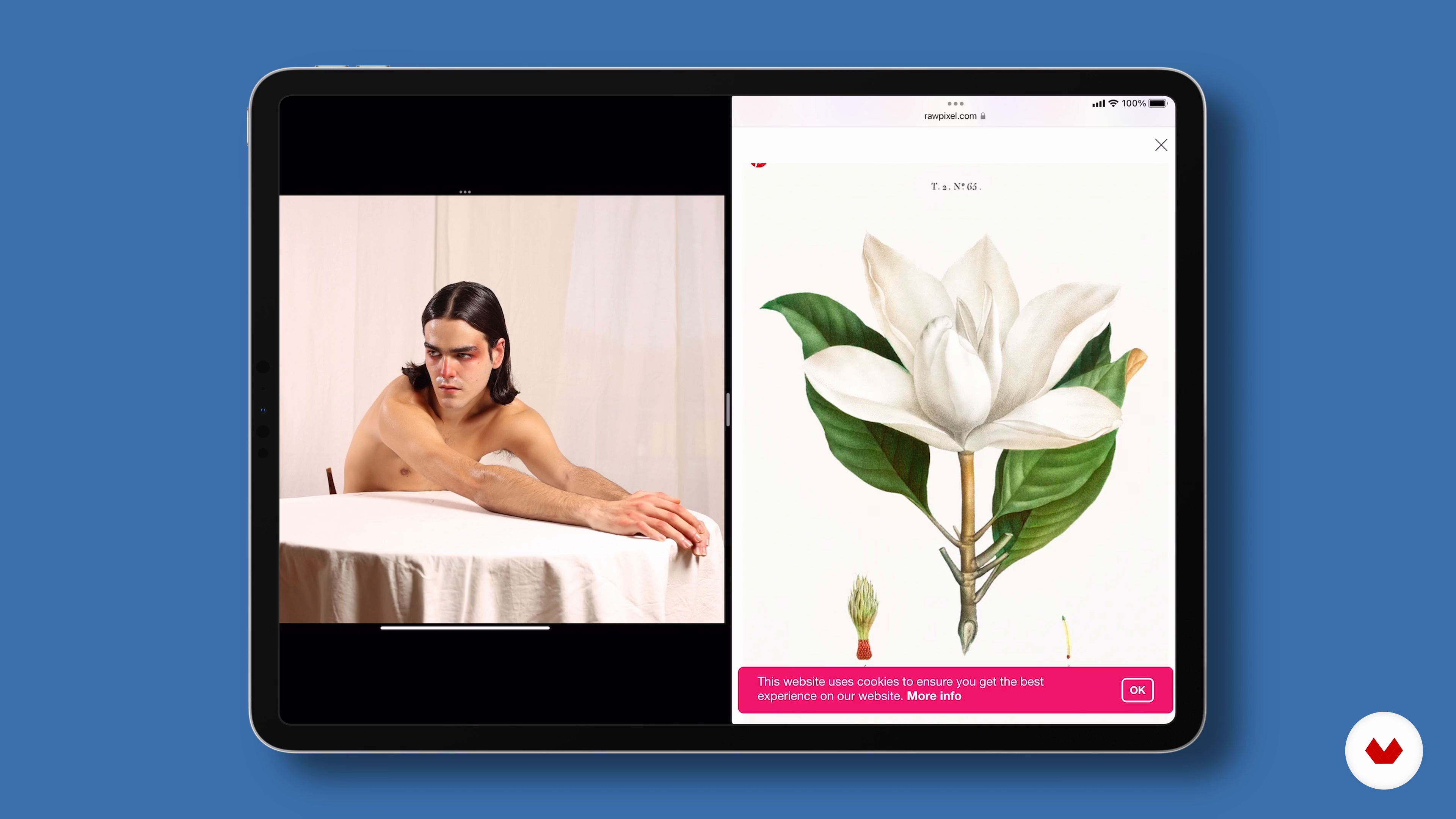
Selection of ingredients: criteria
10 minutes, 39 seconds
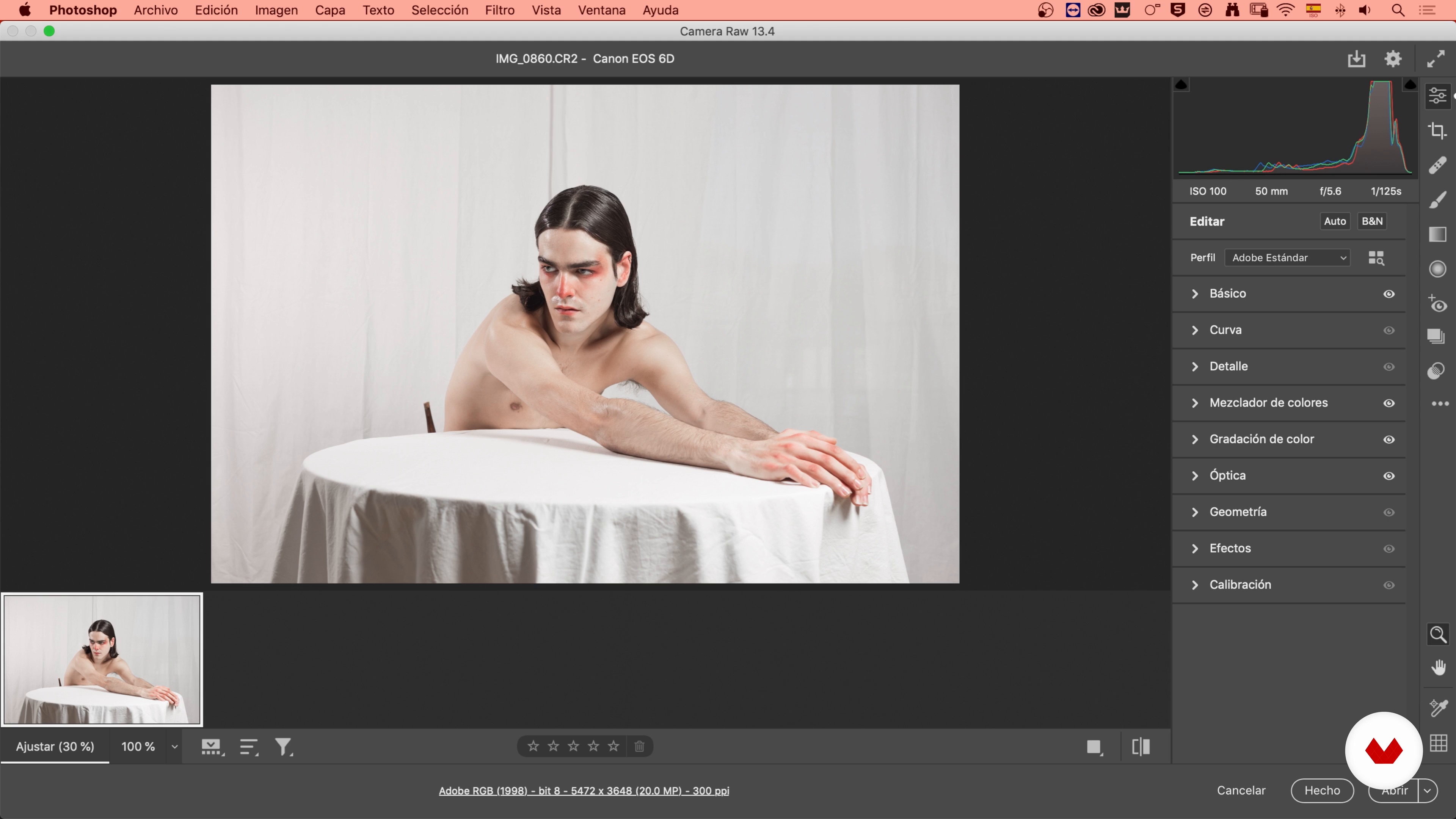
Reveal the image in Camera Raw
4 minutes, 41 seconds
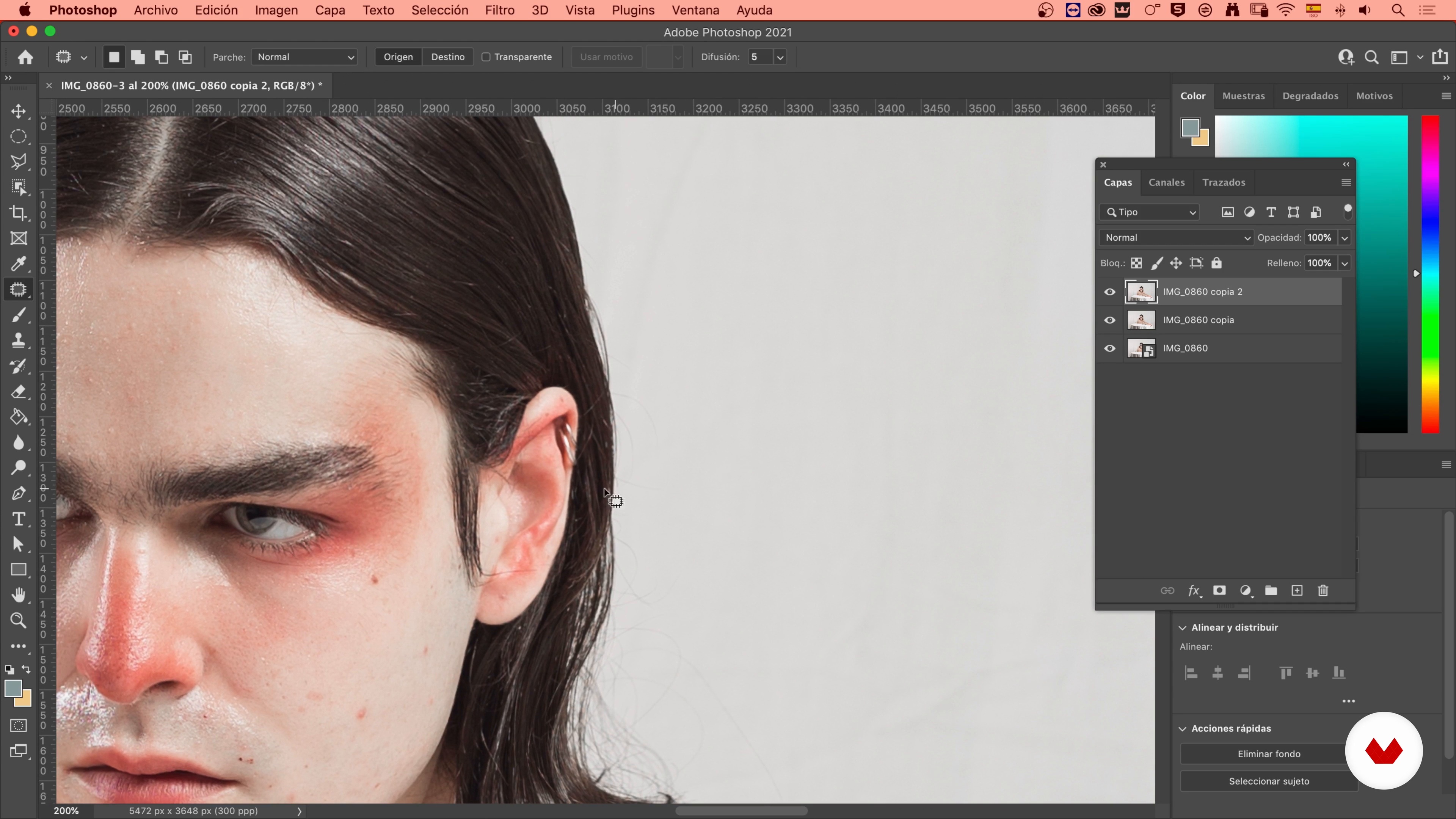
Mannerism in the photo
8 minutes, 16 seconds
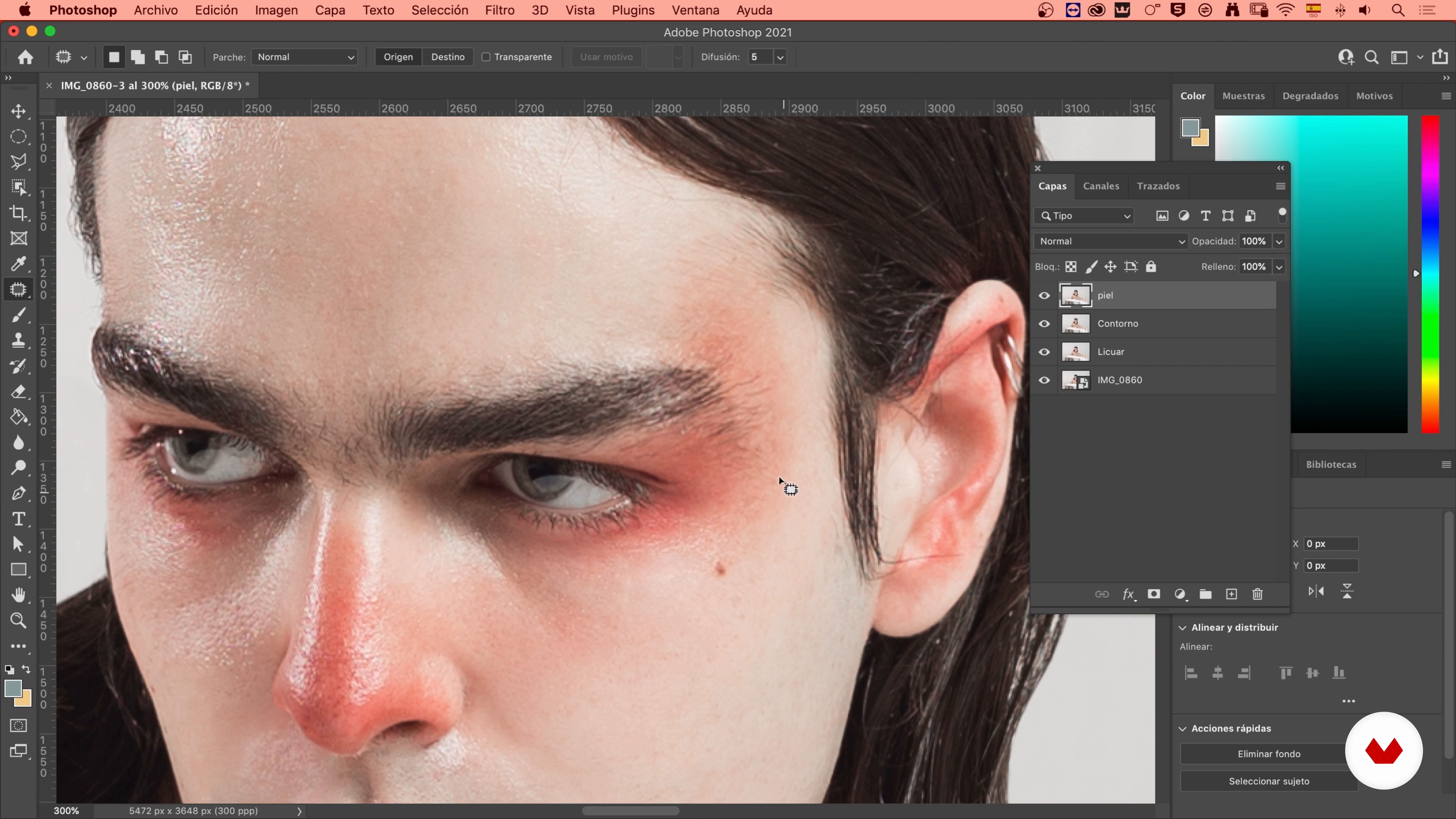
Work the skin and the look 1
14 minutes, 36 seconds
What's included in this course?
Begin the course by meeting your teacher, Andrés Marti, who talks about his background in the creative world and photography, as well as the influences present in his work.
Discover the basics of analog and digital composition and collagel. Then, create a mood board for your project based on your Instagram likes. All this helps you get ideas and choose the different components of your image.
It's time to develop your image in Camera Raw and edit it in Photoshop with the Liquify and Silhouette tools. Next, retouch the skin and the overall look, inspired by hyperrealist painting and illustration.
Learn about the relationship of the shots in your project to be able to make a montage or collage and see how to work with color, light, and shadow to achieve visual harmony. Andrés also teaches you some digital painting techniques.
Work on the final touches and export your image for print or to post online. Finally, you learn the best way to share your artwork on Instagram and other platforms.
What is this course's project?
Create a photographic portrait using digital collage and editing tools to achieve an artistic pictorial finish.
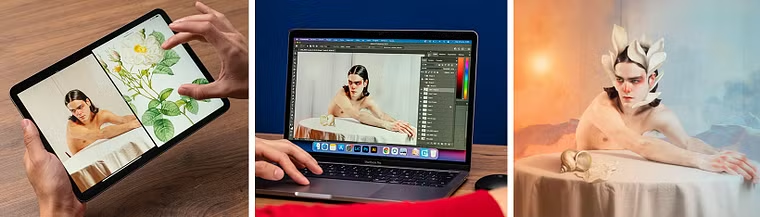
Projects by course students


Who is this online course for?
Photographers, illustrators, graphic designers, and in general, anyone interested in photography as an art form.
Requirements and materials
To take this course you need a basic to intermediate knowledge of both Photoshop and Camera Raw. As for tools, you need:
⦁ A computer ⦁ A graphics tablet ⦁ Adobe Photoshop ⦁ Adobe Camera Raw
Reviews
- 3 months ago
Piękny kurs i prace. Świetny prowadzący!
- 5 months ago
Un curso ameno, entretenido.
- 1 year ago
Love the course!
- 2 years ago
Excelente curso
- 2 years ago
interessante

In his portraits, in which collage features heavily, he mixes makeup with post-production, natural light with artificial, and real elements with digital ones. With his photographic project Otredad, he seeks to find himself by portraying other people in a melancholic and surrealist way.
His work has been exhibited in different spaces and platforms in Bogota, London, Tokyo, and Madrid.
Content
- U1
Introduction
- About Me
- Influences
- U2
Lay the foundations
- Collage bases
- Mood board
- Selection of ingredients: criteria
- U3
Image editing
- Reveal the image in Camera Raw
- Mannerism in the photo
- Work the skin and the look 1
- Work the skin and the look 2
- U4
Photo montage
- Trim and Background 1
- Trim and Background 2
- Cut and play 1
- Trim and play 2
- Paint, color, light and shadow 1
- Paint, color, light and shadow 2
- U5
Last details
- Review, focus and export
- How to share your work
- FP
Final project
- Artistic Portraits: Explore Digital Photo Editing
What to expect from a Domestika course
Learn at your own pace
Enjoy learning from home without a set schedule and with an easy-to-follow method. You set your own pace.
Learn from the best professionals
Learn valuable methods and techniques explained by top experts in the creative sector.
Meet expert teachers
Each expert teaches what they do best, with clear guidelines, true passion, and professional insight in every lesson.
Certificates
PLUSIf you're a Plus member, get a custom certificate signed by your teacher for every course. Share it on your portfolio, social media, or wherever you like.
Get front-row seats
Videos of the highest quality, so you don't miss a single detail. With unlimited access, you can watch them as many times as you need to perfect your technique.
Share knowledge and ideas
Ask questions, request feedback, or offer solutions. Share your learning experience with other students in the community who are as passionate about creativity as you are.
Connect with a global creative community
The community is home to millions of people from around the world who are curious and passionate about exploring and expressing their creativity.
Watch professionally produced courses
Domestika curates its teacher roster and produces every course in-house to ensure a high-quality online learning experience.
FAQs
You’ll learn how to create emotional portraits by combining collage, digital illustration, and photo retouching techniques in Photoshop—from concept all the way to professional export for print or social media.
The course is aimed at people with intermediate skills in photography or digital editing, but beginners with basic experience who want to deepen their collage and retouching skills will also benefit.
You’ll need access to Photoshop, some magazines for analog collage, a camera or smartphone for photography, and an internet connection. A graphics tablet is recommended but not essential.
The course covers everything from building moodboards and selecting inspiration, to analog and digital collage techniques, layer management, skin retouching, shadow integration, and professional image export.
Yes, throughout the course you’ll develop your own artistic portrait using collage, digital retouching, and creative composition techniques, following guided steps.
You’ll learn how to blend visual elements into portraits, manipulate textures, adjust color and lighting, create realistic shadows, and export images ready for print and social media.
Photoshop isn’t taught from the ground up, but the necessary tools and workflows for the project are explained. Basic knowledge of the program is recommended.