Creative Coding 2.0 in JS: Animation, Sound, & Color
Course final project
A course by Bruno Imbrizi , Creative Coder


About the final project for: Creative Coding 2.0 in JS: Animation, Sound, & Color
Creative Coding 2.0 in JS: Animation, Sound, & Color
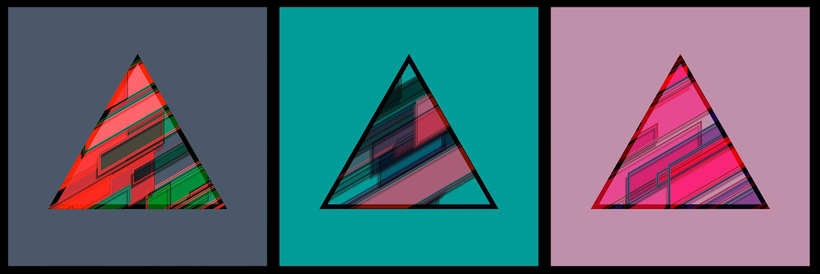
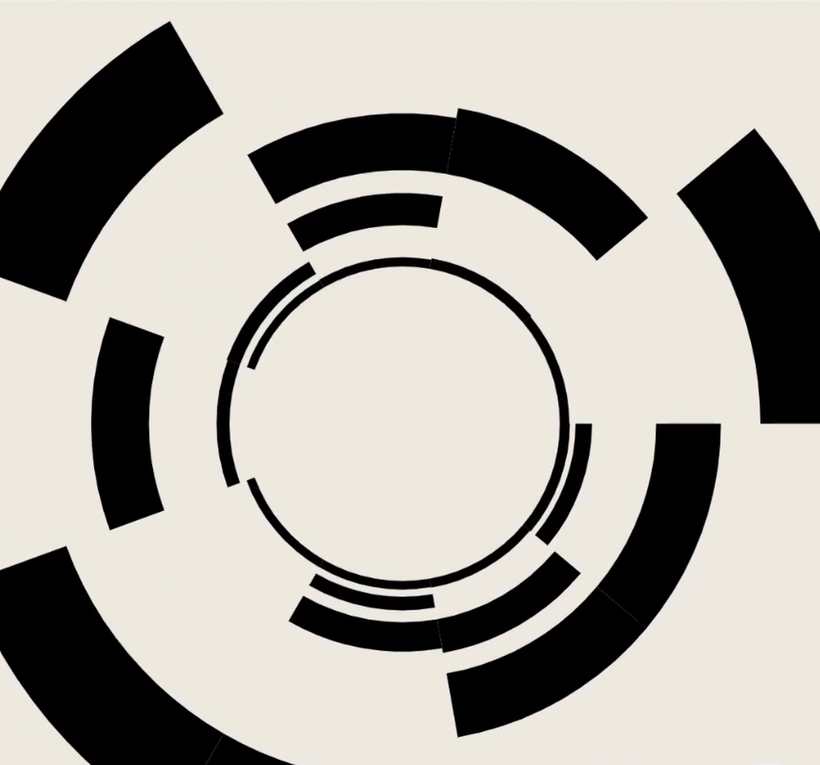
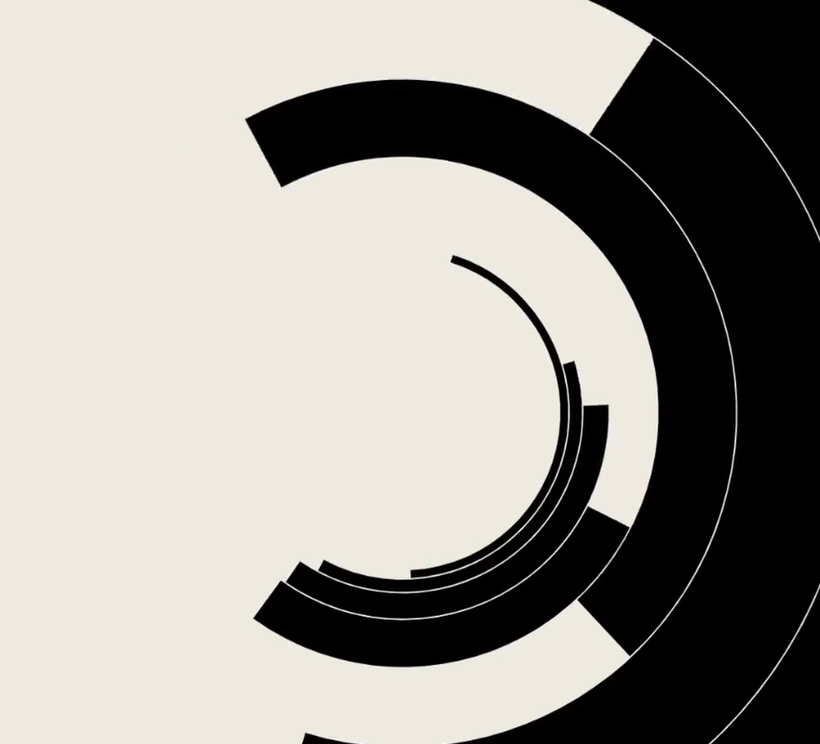
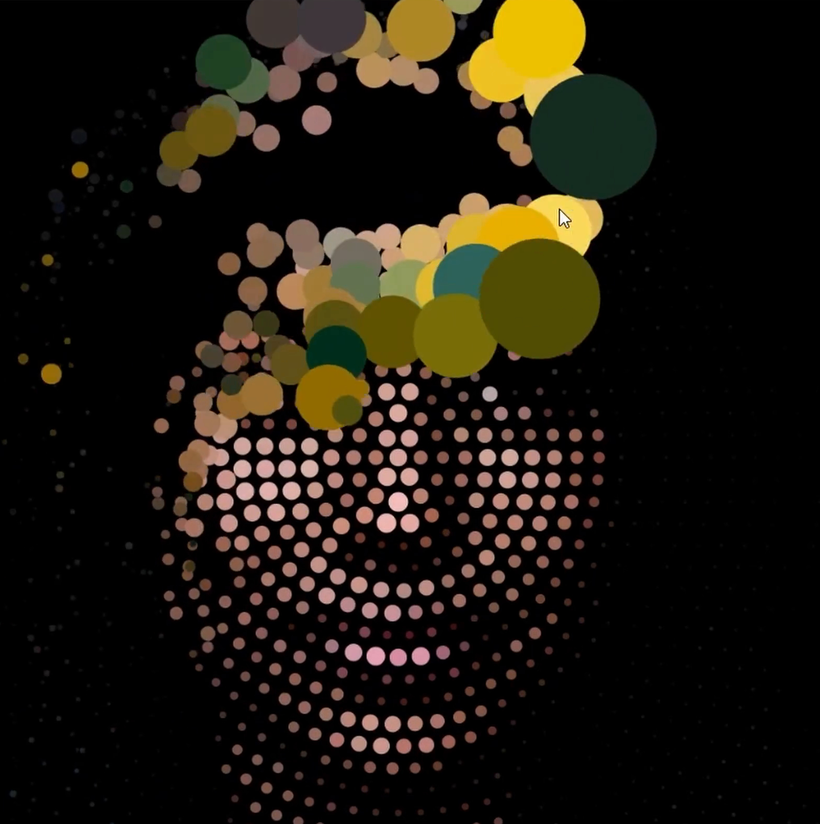
“Congratulations! You have reached the end of this Domestika course. Thank you for taking part and I hope you enjoyed it. We worked on a few compositions together, but the most important part was the techniques you learned. You can now carry those over, re-apply them somewhere else, and create something different! Even though we covered a lot, there is always more to talk about, so I prepared a small list of tips for this last unit. Libraries I used a few of them throughout the course, but there are thousands more out there. Some people like to do everything themselves, but sometimes that's like trying to reinvent the wheel. Whenever you need something specific, I'd recommend browsing NPM first. Someone else might have worked on that problem already! For example, if you need to load data from a CSV file, there are libraries for that. If you need to do operations with vectors, convert between different color spaces, or load font files, there are libraries for that. Building to a Website A sketch can live on its own. You can export your composition and print it or post it somewhere. But if you want to share your sketches online, you can also do that with a "--build" command. It generates static JavaScript and HTML files which can be hosted as regular web pages anywhere. In case you need your sketch to be integrated into an existing website, remember that we're always using the native Canvas API, so you can copy relevant parts of your code into another project and run it without canvas-sketch. p5.js A lot of people get into creative coding with Processing or p5.js, and that makes a lot of sense, they're great tools. I'm used to working with the native API, but if you're already comfortable with p5.js, you can use it alongside canvas-sketch. There is a basic example included in the video above showing you how to do that. Documentation This is an obvious one. Make sure to check the documentation. That's not only for canvas-sketch or Canvas, but for any API you're working with. Someone took the time to organize and document their code so we can take advantage of it. It's there to help us. Next, I'd like to do a recap of what we've seen so far. In this course, I have worked on five small projects. The first one started with a simple rectangle, but in the end, it involved some knowledge about trigonometry, randomness, color palettes, blend modes, and clipping masks.

Partial transcription of the video
“Hello everyone. I hope you enjoyed the journey. We worked on a few compositions together, but the most important part were the techniques we learned. because now you can carry those over. Reapply them somewhere else and create something different. Even though we covered a lot, there's always more to talk about. So I prepared a small list of tips for this final video. libraries. We used a few throughout the course, but there are thousands more out there. Some people like to do everything themselves, but sometimes it's like trying to reinvent the wheel. Whenever you need something specificall...”
This transcript is automatically generated, so it may contain mistakes.
Course summary for: Creative Coding 2.0 in JS: Animation, Sound, & Color
-
Category
3D & Animation, Web & App Design -
Areas
JavaScript, Motion Graphics, Multimedia, Programming

Bruno Imbrizi
A course by Bruno Imbrizi
Bruno Imbrizi is a Brazilian-born creative coder based in London, England. He studied graphic design and began his career putting the skills and knowledge he’d learned into practice. Eventually, he combined his talent for design with another of his passions - coding.
With over 10 years of experience, he’s worked at agencies, design studios, production companies, and well-known brands including Dell, Adidas, and Universal Music. He’s been featured in online publications such as WIRED, and Londonist and won multiple awards including the Adobe Cutting Edge Award and FITC Best Digital Installation.
- 99% positive reviews (184)
- 20,877 students
- 28 lessons (2h 47m)
- 20 downloads
- Online and at your own pace
- Available on the app
- Audio: English, Spanish (Latam), French, Italian, Portuguese, Turkish
- Spanish · English · Portuguese · German · French · Italian · Polish · Dutch · Turkish · Romanian · Indonesian
- Level: Beginner
- Unlimited access forever
Category
Areas