VFX & Finishing for commercial & short form content
A course by Luke BellissimoVisual-effects artist
A course by Luke Bellissimo, Visual-effects artist

Take your VFX skills to the next level by discovering the secrets of post-production, executing visual effects, and rendering.
In this online course, delve into the world of post-production and unleash your creativity in commercial advertising. Luke Bellissimo, a renowned visual effects artist with a wealth of experience in the field, will guide you through the intricacies of the post-production workflow and the main finishing and VFX programs, such as DaVinci and Nuke.
Discover the secrets of creating captivating visual effects and learn the techniques needed to bring your imagination to life. Luke will take you step by step through the process, from organizing folders and importing projects into DaVinci to mastering the art of compositing and rendering in Nuke. With Luke's expert guidance, you'll also explore color grading and learn how to enhance the potential of your images.
This course is a comprehensive exploration of the post-production process, providing you with the skills and knowledge necessary to tackle any assignment with confidence. By the end, you'll be able to create stunning visual effects, clean up footage, and compose captivating short-form videos. Join Luke Bellissimo on this creative journey and unlock your potential in the world of commercial advertising.
What will you learn in this online course?
19 lessons & 21 downloads

What Is an Online VFX Artist?
1 minute, 55 seconds
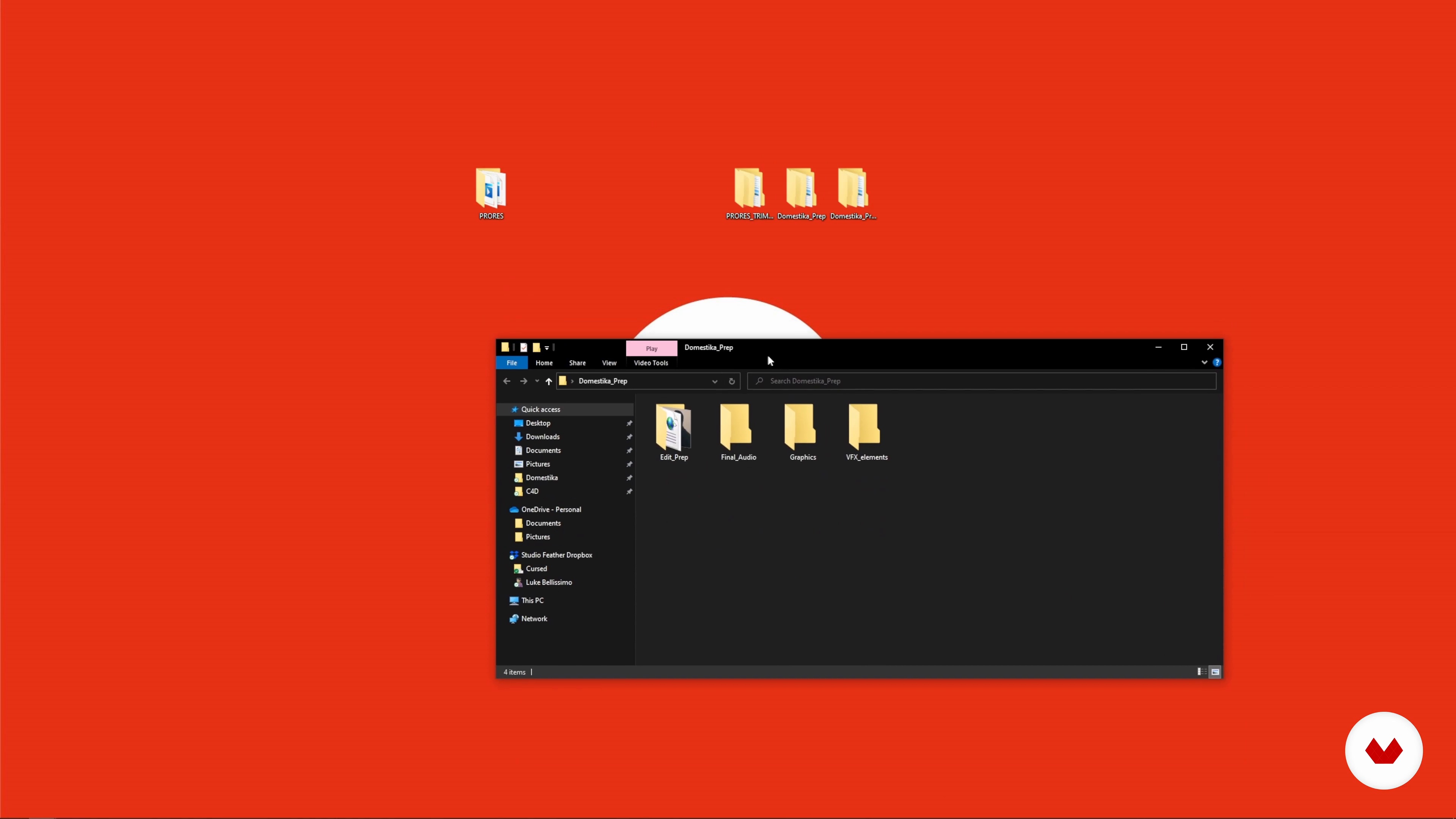
Project Organization in Finder and Explorer
9 minutes, 21 seconds
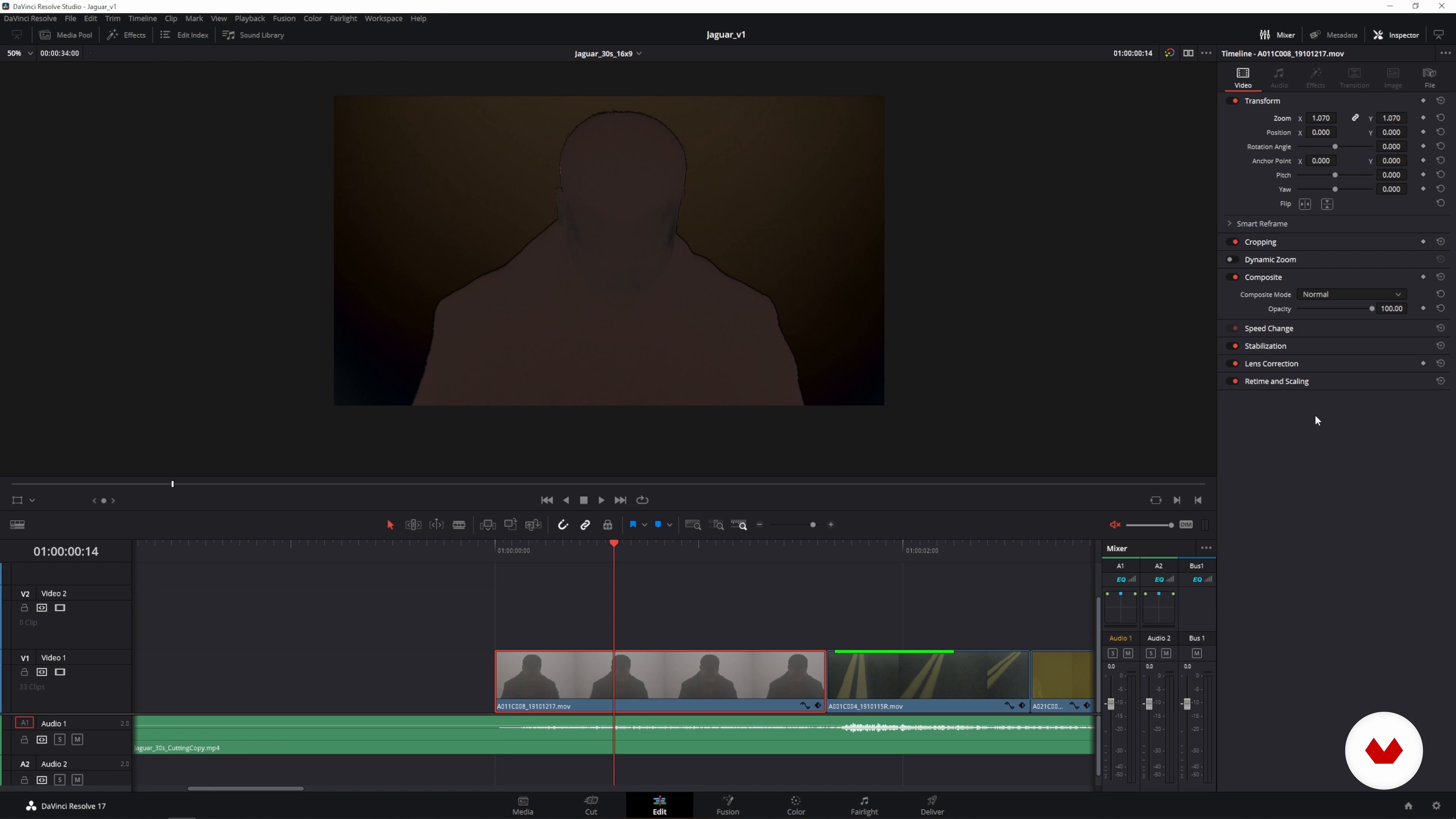
Importing and Conforming Timelines 1
19 minutes, 42 seconds
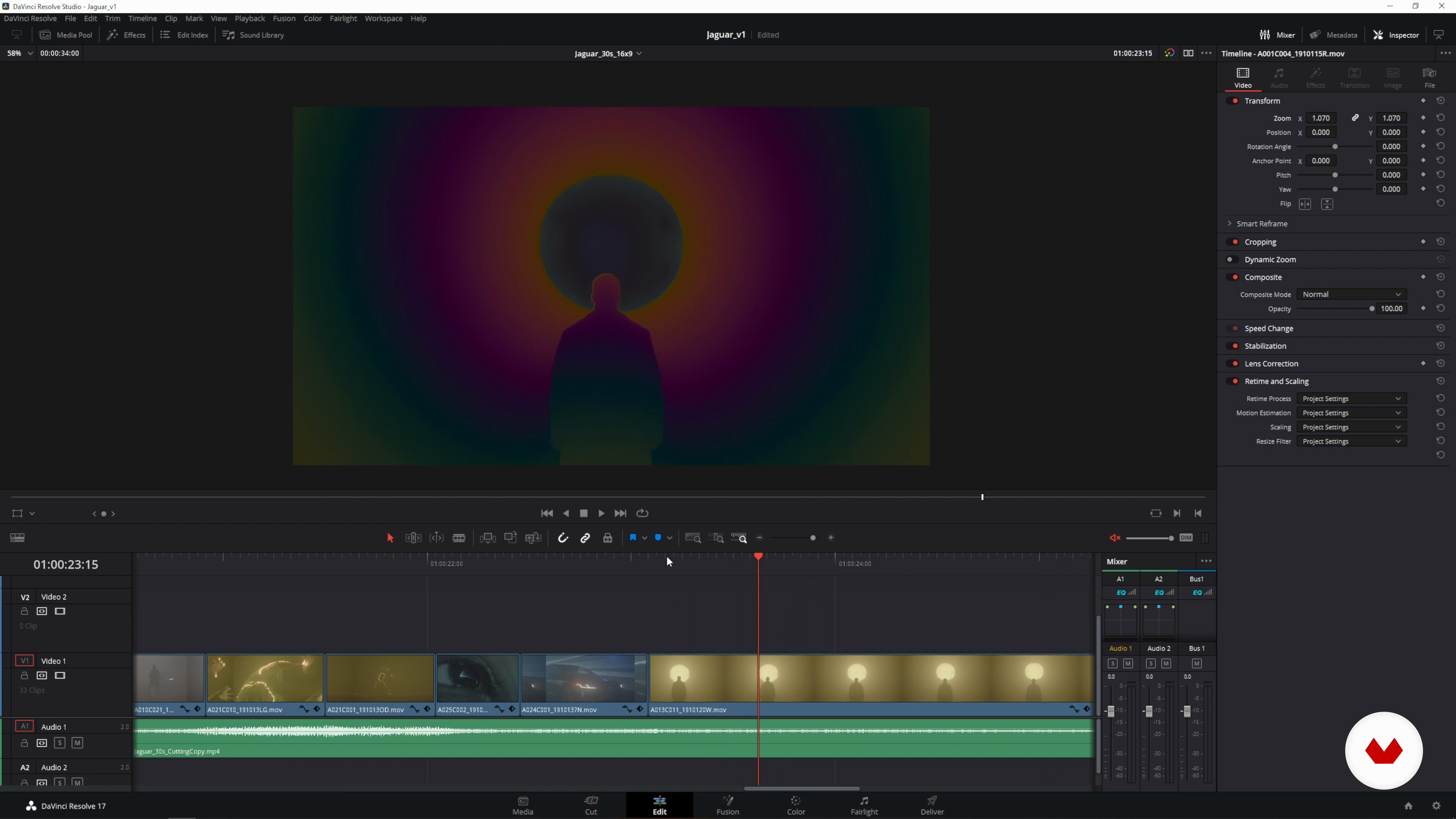
Importing and Conforming Timelines 2
20 minutes, 17 seconds
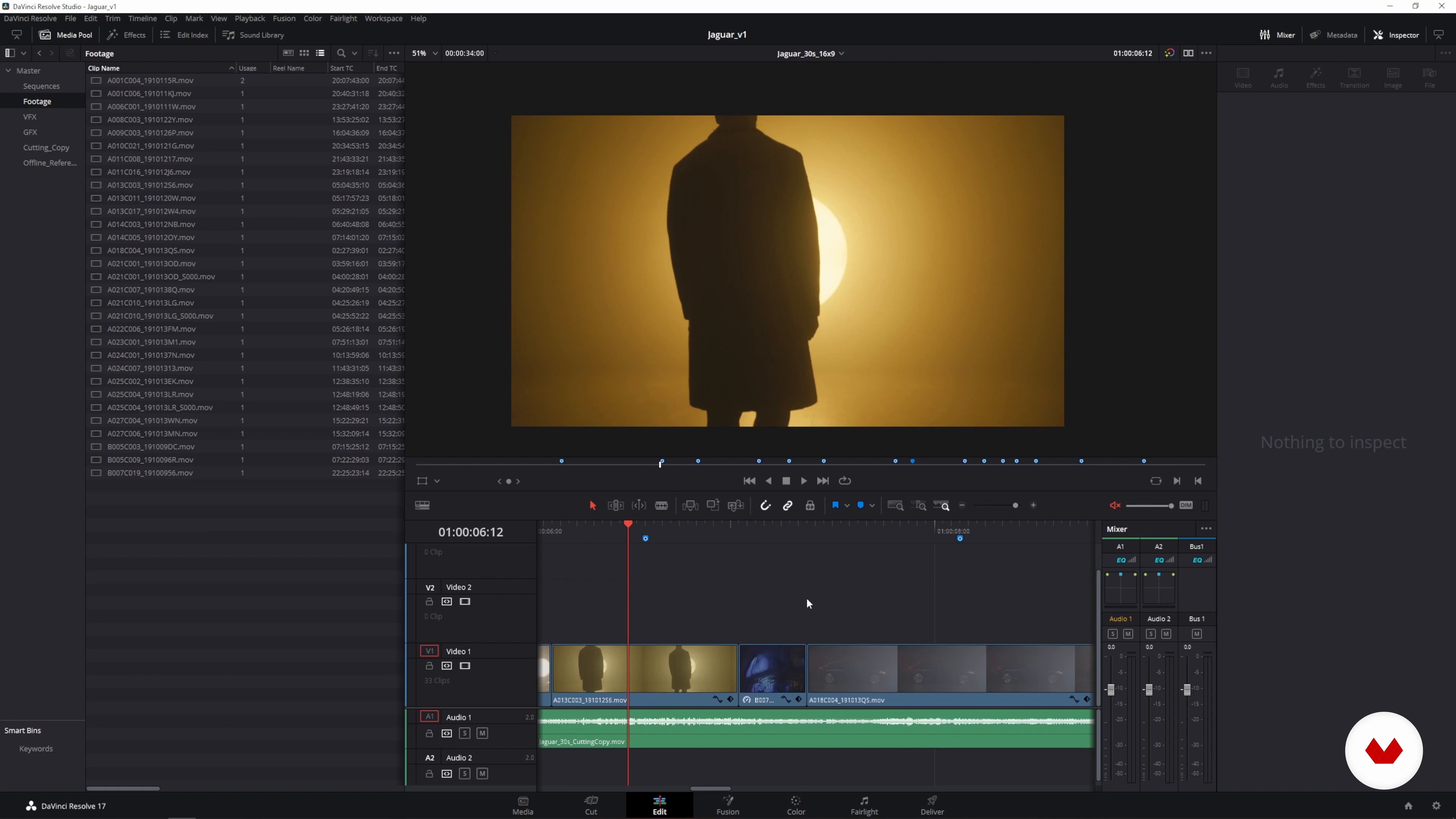
Identifying and Preparing VFX Shots
20 minutes, 40 seconds
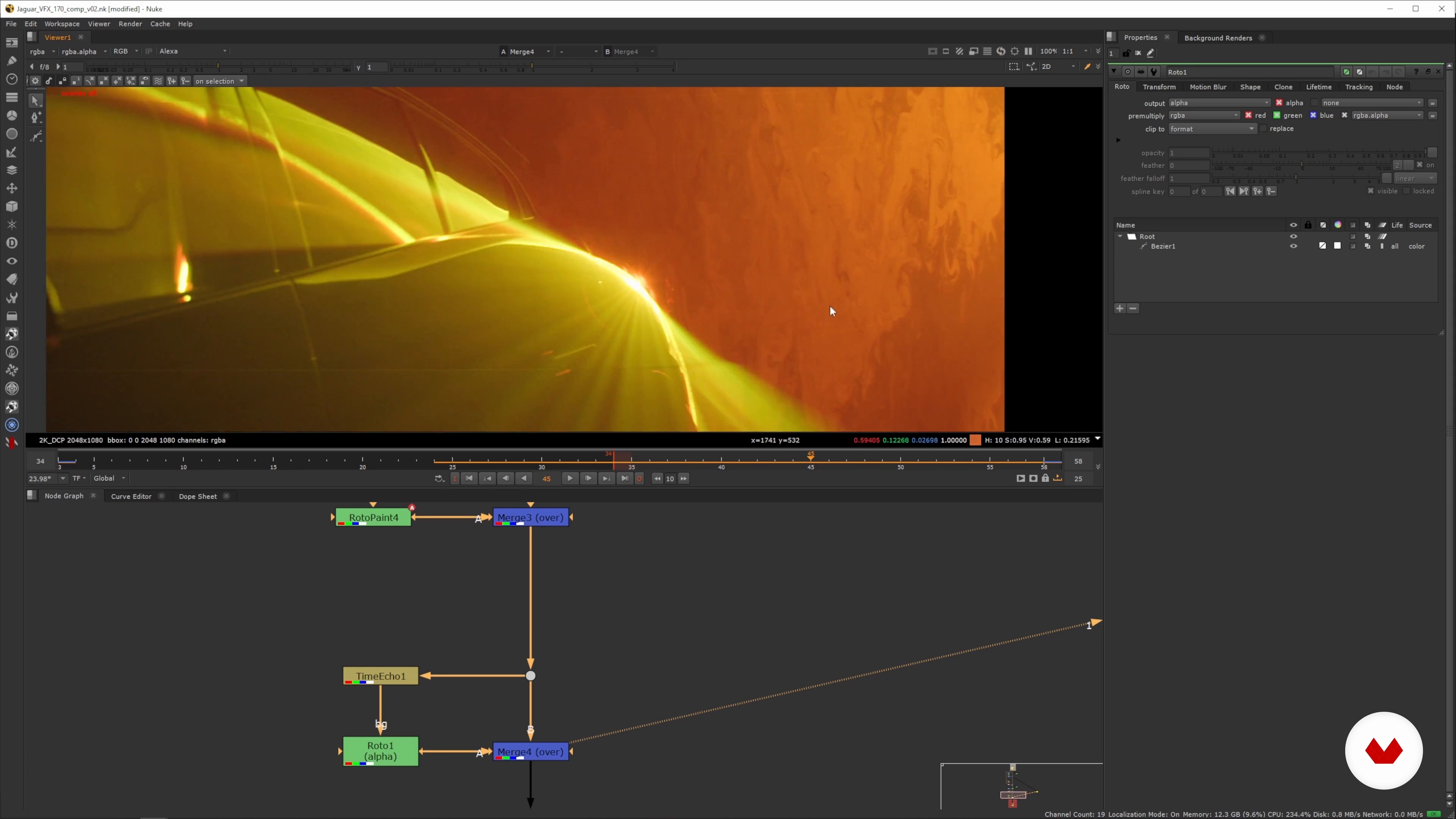
First VFX Clean-up Techniques and Workflow
19 minutes, 55 seconds
What's included in this course?
To start, you'll learn essential organizational techniques, including folder organization and project importing in DaVinci Resolve. Luke will guide you through the process, ensuring a solid foundation for your post-production workflow. Afterward, you'll dive into the world of visual effects using the powerful Nuke software. Luke will teach you essential cleanup and compositing techniques, allowing you to enhance your footage and bring your creative ideas to life.
Next, you'll explore the art of rendering and learn how to output your final shots. Luke will guide you through the process of re-importing your completed shots into DaVinci Resolve and creating different formats for social media and other uses. Additionally, you'll gain valuable insights into graphic placement, text synchronization, and the overall finishing process.
Finally, Luke will share personal recommendations and teach you the fundamentals of color grading. You'll learn how to enhance the visual impact of your images and create a cohesive look for your projects. By the end of this course, you'll possess the skills and confidence to tackle any post-production assignment with flair and creativity.
Recommended software & tools for this course
What is this course's project?
For the course project, you'll have the opportunity to clean up and compose a short-form video using visual effects. Apply the techniques and concepts learned throughout the course to bring your ideas to life. With Luke's guidance, you'll create a visually stunning final piece that showcases your newfound skills in post-production and visual effects.
Who is this online course for?
This course is tailored for students interested in the art of commercial and short-form finishing and visual effects. It is perfect for aspiring visual effects artists, video editors, colorists, and motion designers looking to expand their technical and artistic knowledge in the field of post-production. Whether you're a beginner with basic knowledge or an intermediate level professional seeking to enhance your skills, this course offers valuable insights and practical techniques to help you excel in the world of commercial advertising.
Requirements and materials
To make the most of this course, you'll need basic to intermediate knowledge of DaVinci Resolve and Nuke. Ensure you have access to these software programs to follow along with the lessons. Additionally, having a computer with the necessary hardware capabilities and a creative mindset will greatly enhance your learning experience. Come prepared with your passion for visual effects and a willingness to explore the world of post-production.
Reviews
- 2 months ago
MUY BUENOOO
- 3 months ago
The course is very insightful in VFX finishing/post-production, but you would need prior experience though, else you might feel like you are all over the place.
- 7 months ago
Muy buen curso, 100% recomendado!
- 1 year ago
Clear, structured and good
- 1 year ago
Muy bueno el curso, me gustó. El profesor explica muy bien.

Luke's technical expertise and creative mindset have allowed him to collaborate with numerous renowned brands and artists, including Volkswagen, Pepsi, Nissan, Drake, and Billie Eilish. His work encompasses a blend of aesthetics and practicality, focusing on executing the vision of clients while infusing his own creative flair. Luke's love for imagery and the creative process shines through in his teaching, where he shares his wealth of knowledge and inspires students to unlock their full potential in the world of post-production.
Content
- U1
Introduction
- About Me
- Influences
- What Is an Online VFX Artist?
- U2
Setup and Prep
- Project Organization in Finder and Explorer
- Importing and Conforming Timelines 1
- Importing and Conforming Timelines 2
- Identifying and Preparing VFX Shots
- U3
Applying VFX
- First VFX Clean-up Techniques and Workflow
- Second VFX Clean-up Techniques and Workflow
- First VFX Compositing Techniques 1
- First VFX Compositing Techniques 2
- Second VFX Compositing Techniques 1
- Second VFX Compositing Techniques 2
- VFX Rendering
- U4
The Last Steps
- Placing Renders
- Adapting the Timelines for Social Media
- The Final Export
- U5
Finishing Up and Bonus Tips
- Basics of Color Grading
- Personal Recommendations for People Looking To Get Into Post-production and VFX
- FP
Final project
- VFX composition
What to expect from a Domestika course
Learn at your own pace
Enjoy learning from home without a set schedule and with an easy-to-follow method. You set your own pace.
Learn from the best professionals
Learn valuable methods and techniques explained by top experts in the creative sector.
Meet expert teachers
Each expert teaches what they do best, with clear guidelines, true passion, and professional insight in every lesson.
Certificates
PLUSIf you're a Plus member, get a custom certificate signed by your teacher for every course. Share it on your portfolio, social media, or wherever you like.
Get front-row seats
Videos of the highest quality, so you don't miss a single detail. With unlimited access, you can watch them as many times as you need to perfect your technique.
Share knowledge and ideas
Ask questions, request feedback, or offer solutions. Share your learning experience with other students in the community who are as passionate about creativity as you are.
Connect with a global creative community
The community is home to millions of people from around the world who are curious and passionate about exploring and expressing their creativity.
Watch professionally produced courses
Domestika curates its teacher roster and produces every course in-house to ensure a high-quality online learning experience.
FAQs
Yes, this course is designed for intermediate learners with some experience in video editing or visual arts, aiming to advance their skills in VFX, compositing, and post-production workflows.
You’ll need access to DaVinci Resolve, Nuke, and basic video editing software. Familiarity with Mac or Windows file management and exposure to Adobe Creative Cloud is recommended for project organization tasks.
You’ll learn VFX compositing, color grading, advanced image manipulation, CGI workflow, organizing project assets, and creating narrative-driven visuals for advertising, music videos, and short-form content.
Yes, the course includes lessons on color theory, color grading techniques, and applying LUTs to achieve professional, display-ready visuals for different types of projects.
Yes, you’ll gain hands-on experience in object removal using roto paint, clone tools, and frame-by-frame paintout techniques within Nuke and DaVinci Resolve.
The course explains folder management, organizing assets in Finder or Explorer, project folder setup for VFX, and best practices for file structure, ProRes sorting, and media management.
Basic familiarity with video editing software is helpful, but the course introduces key features of Nuke and DaVinci Resolve, guiding you through essential workflows step by step.