
Creative Photomontage for Advertising
A course by Ricardo SalamancaArt Director
A course by Ricardo Salamanca, Art Director

Learn to create fantastic scenes through manipulation of digital images with Photoshop
One of the great advantages of photomontage is that it allows you to create incredible images, the only limit is your imagination! The designer and art director Ricardo Salamanca tests the possibilities of this creative medium in each of his works, creating fantastic images for advertising campaigns. This has earned him several awards at international festivals, such as bronze at Cannes and the Grand Prix of San Sebastian, New York, and London, and has opened the doors to collaborate with clients such as WWF, Librerías Gandhi, Amnesty International, and PlayStation.
In this online course, learn to create and edit images using visual language. Through the photomontage technique, erase the limits of communication, art, and design, creating surprising images that help open people's minds.
What will you learn in this online course?
21 lessons & 8 downloads
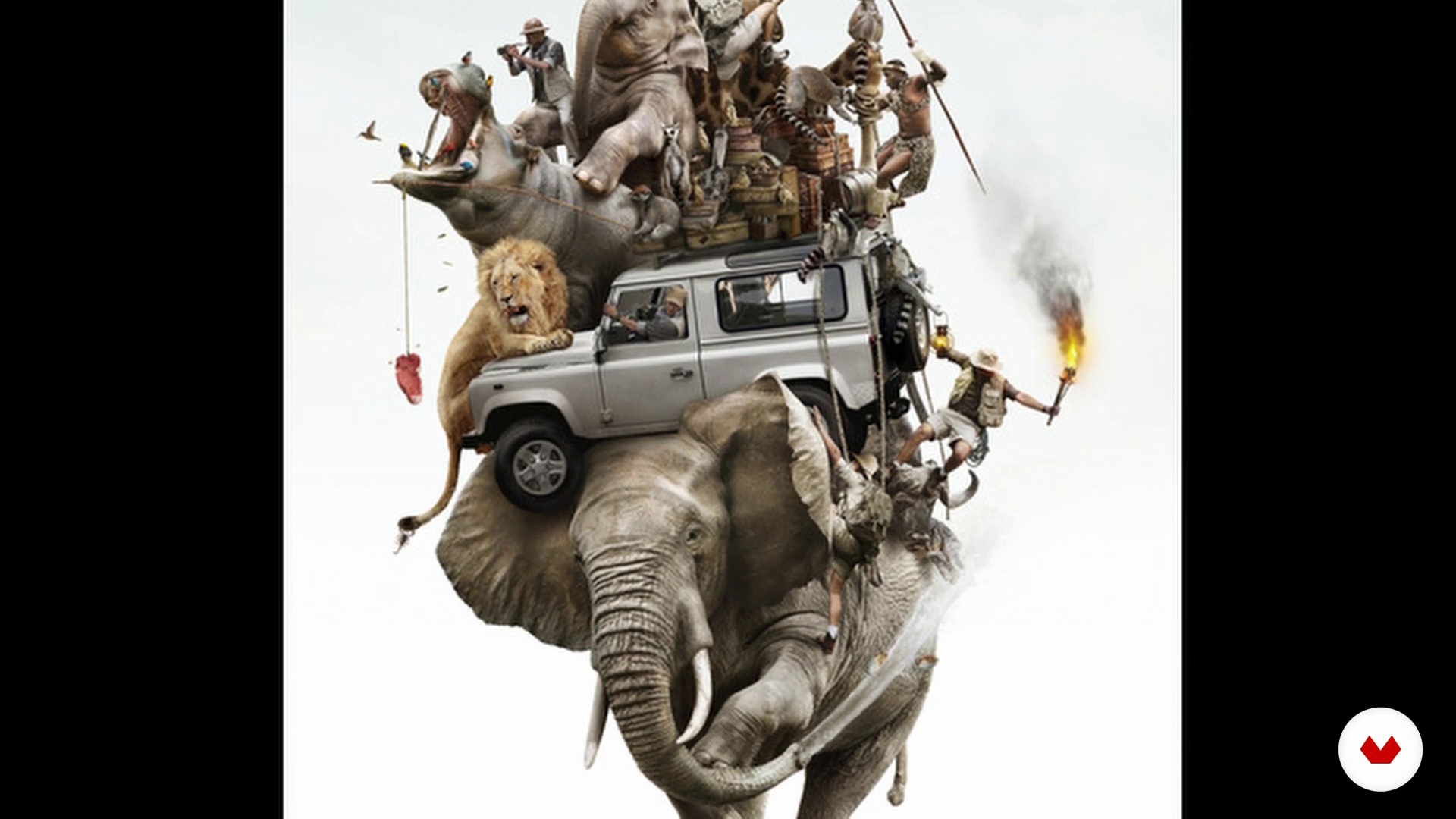
CGI, what is it?
3 minutes, 12 seconds
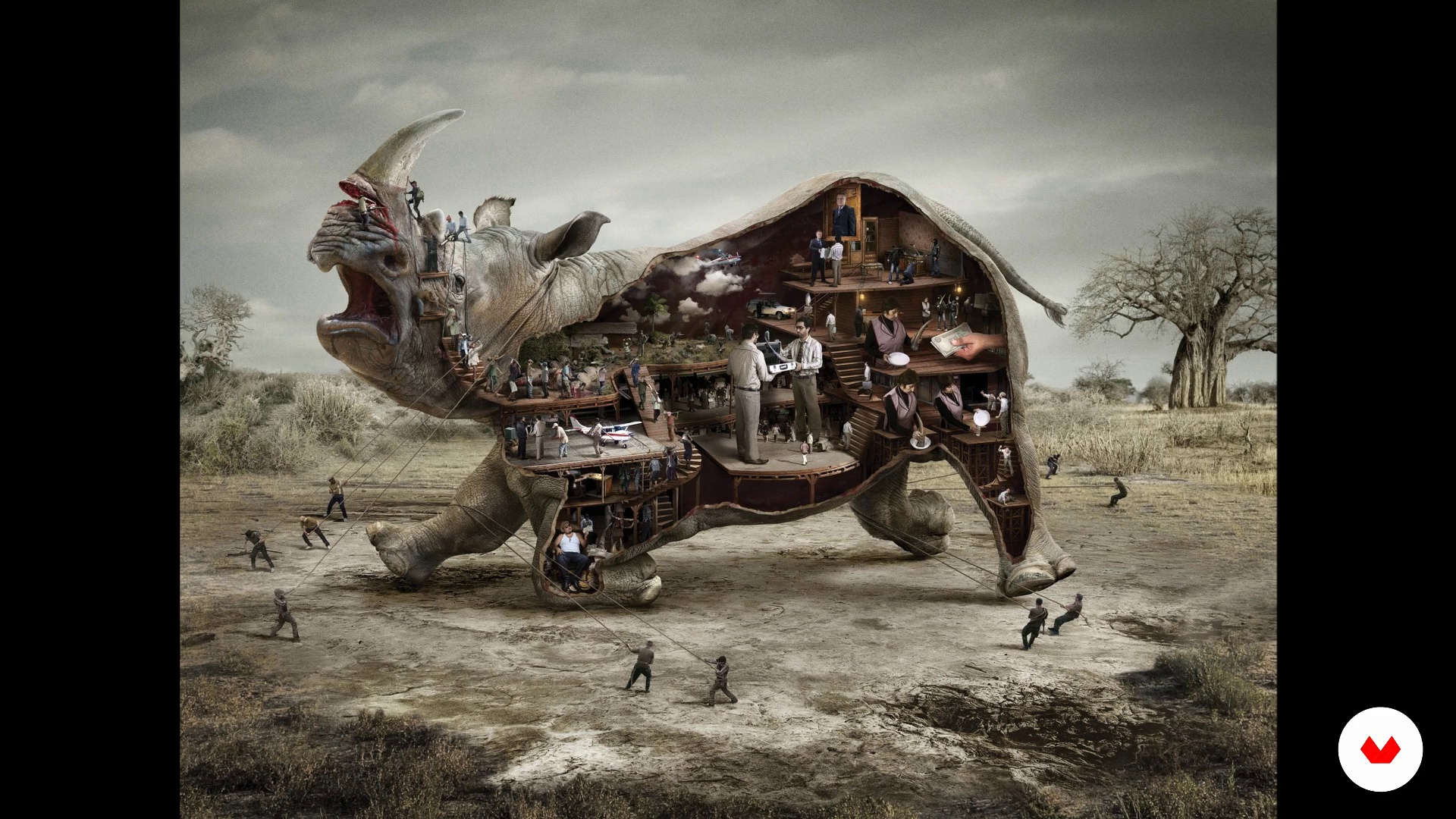
Advantages of being able to make your own images
4 minutes, 6 seconds
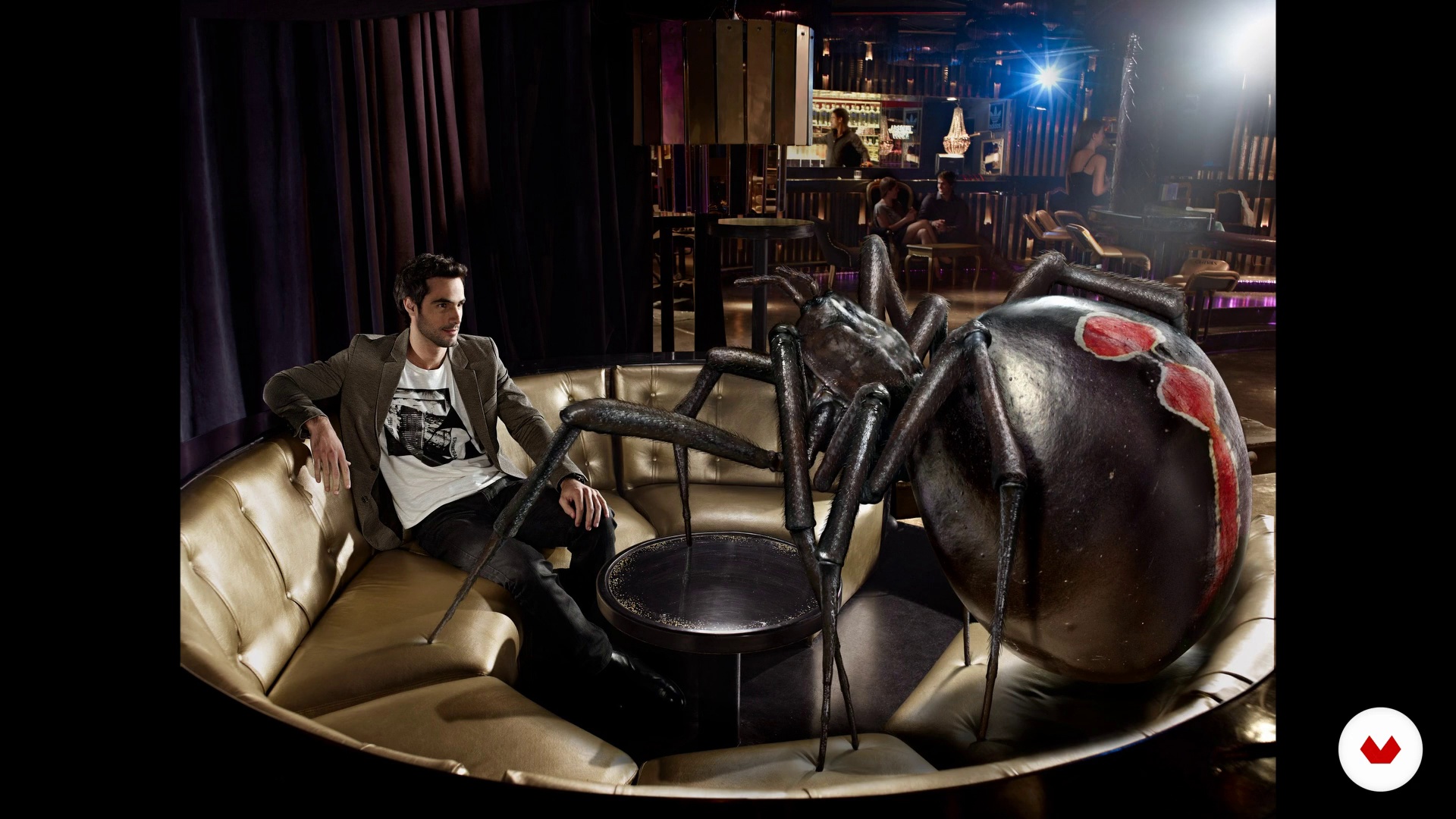
Speak with images: optimization and synthesis to start communicating
9 minutes, 8 seconds

Importance of selecting images and creating a sketch before starting
4 minutes, 58 seconds
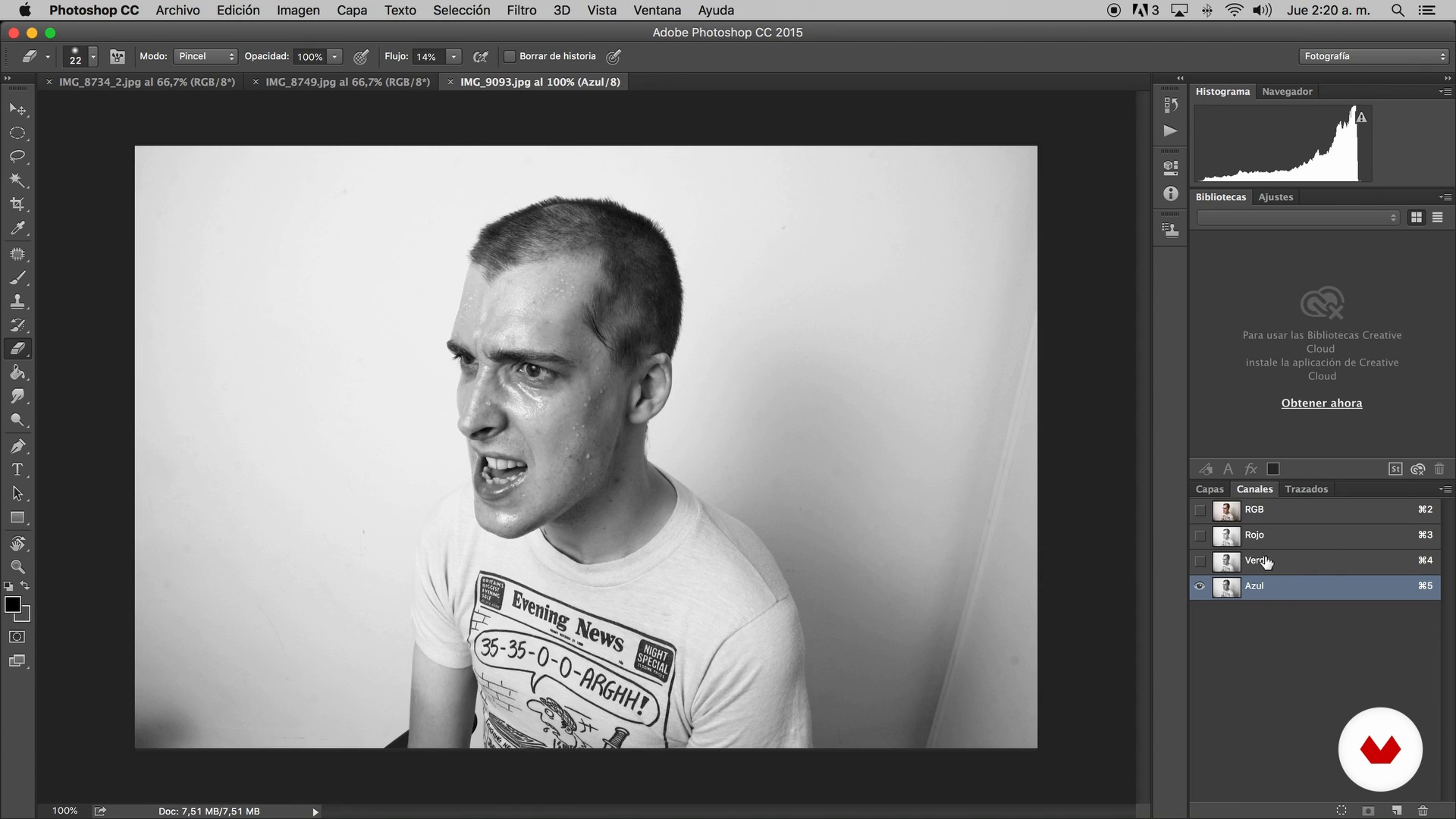
Main photo selection and corrections before assembly
4 minutes, 7 seconds
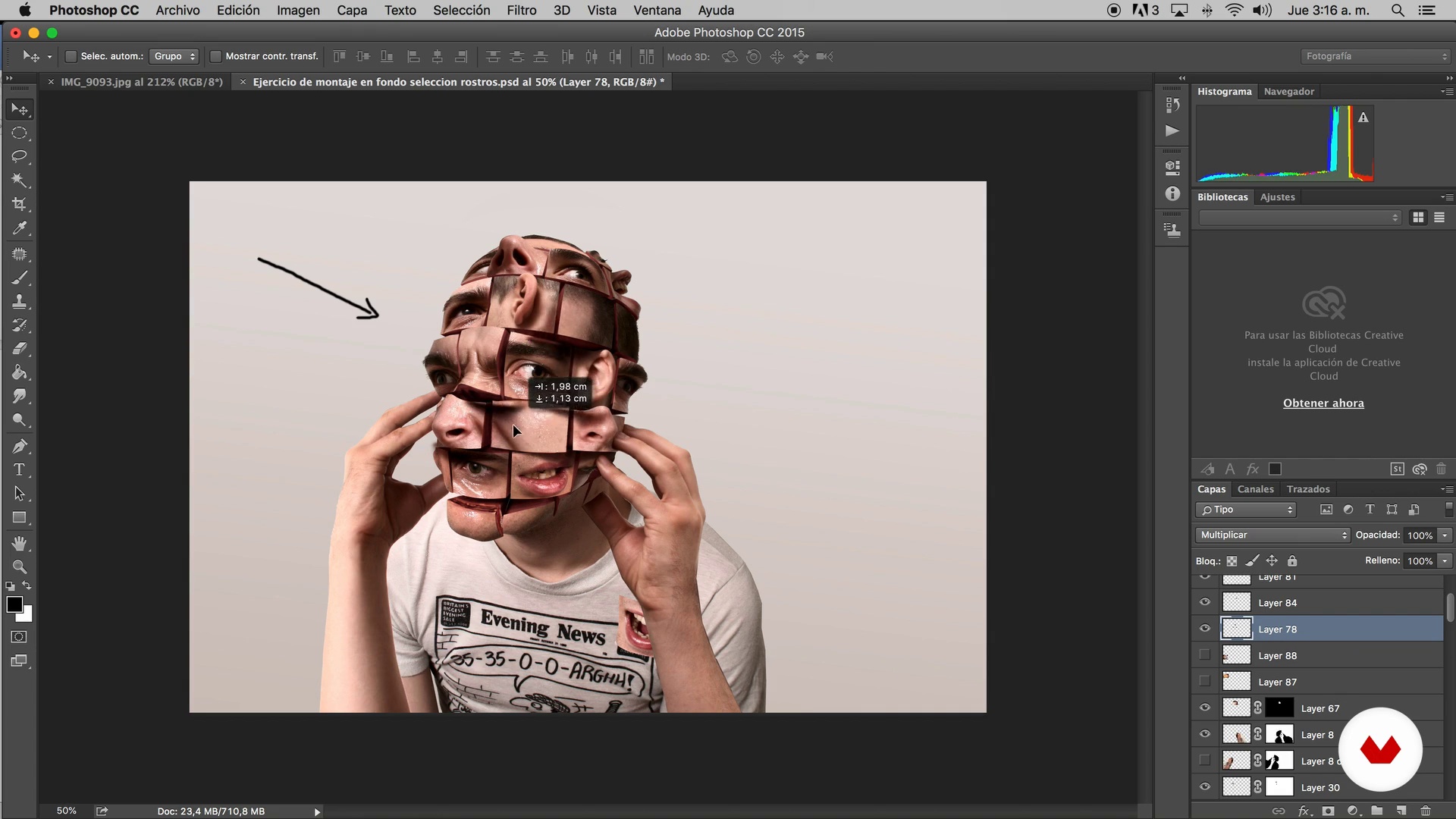
Selection of secondary photos and details
4 minutes, 7 seconds
What's included in this course?
Begin by learning more about the work of Ricardo Salamanca, who tells you about his most outstanding projects and his references within the sector.
Learn key concepts of visual communication and discover the importance of the environment and the details of the images to give realism to the compositions.
Plan the initial composition of your image, select the photographs that you want to use in photomontage, and make your first sketch.
Once you have the photomontage done, apply color, texture, lighting, and perspective corrections.
Finally, create a background according to the image you have just created, so that the scene is more credible, and apply the final touches.
What is this course's project?
Create a fictional and incredible image from other images using the photomontage techniques that you learn during the course.
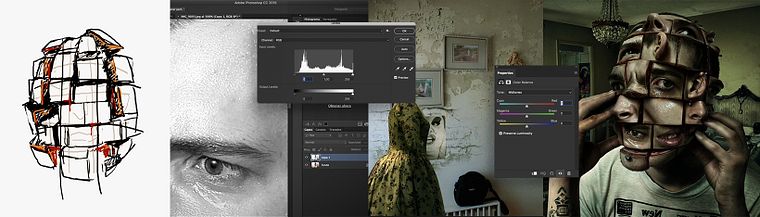
Projects by course students


Who is this online course for?
Designers, illustrators, photographers, publicists, visual communicators, and any professional or amateur interested in learning how to create incredible compositions from digital images.
Requirements and materials
Basic knowledge of design is recommended.
Regarding the materials, you need drawing material to sketch, a computer with Adobe Photoshop, and access to digital images with which to create your compositions.

Reviews
- 2 months ago
Excelente curso! aprendi trabalhar melhor com perspectiva, luz sombra e textura.
- 3 months ago
Excelente curso. El Profesor no se guarda ningún secreto.
- 8 months ago
This Course is great
- 1 year ago
świetny kurs!
- 1 year ago
Could be better

Salamagica is a CGI and photo production studio specializing in advertising that works with agencies, clients, and independent producers around the world. They always seek to innovate and incorporate new and old methods to create unique pieces that range from classic hand and airbrush illustrations to 3D modeling.
Content
- U1
Presentation
- Presentation
- Influences
- CGI, what is it?
- Advantages of being able to make your own images
- U2
Basic concepts of art and visual communication
- Speak with images: optimization and synthesis to start communicating
- Importance of selecting images and creating a sketch before starting
- Main photo selection and corrections before assembly
- Selection of secondary photos and details
- U3
Mounting photos on the sketch
- Correction according to color: what tools should we use
- Match texture and grain of photos to achieve realism when integrating
- Correction and creation of perspective
- Light
- Shadow
- U4
Work of the main photo
- Adjust color, brightness and shadows for the main photo
- Secondary elements and their relationship in the message
- Construction of the fund
- Correction of lights (color) in the complete composition
- Shadow correction
- File order
- U5
Final adjustment
- Address the Mood
- Final integration using photographic grain layer
- FP
Final project
- Creative photomontage for advertising
What to expect from a Domestika course
Learn at your own pace
Enjoy learning from home without a set schedule and with an easy-to-follow method. You set your own pace.
Learn from the best professionals
Learn valuable methods and techniques explained by top experts in the creative sector.
Meet expert teachers
Each expert teaches what they do best, with clear guidelines, true passion, and professional insight in every lesson.
Certificates
PLUSIf you're a Plus member, get a custom certificate signed by your teacher for every course. Share it on your portfolio, social media, or wherever you like.
Get front-row seats
Videos of the highest quality, so you don't miss a single detail. With unlimited access, you can watch them as many times as you need to perfect your technique.
Share knowledge and ideas
Ask questions, request feedback, or offer solutions. Share your learning experience with other students in the community who are as passionate about creativity as you are.
Connect with a global creative community
The community is home to millions of people from around the world who are curious and passionate about exploring and expressing their creativity.
Watch professionally produced courses
Domestika curates its teacher roster and produces every course in-house to ensure a high-quality online learning experience.
FAQs
In this course, you’ll learn how to create innovative advertising images by combining CGI techniques, digital editing, visual composition, perspective correction, lighting and shadows, and Photoshop montages to deliver striking, professional results.
Yes, this course is designed for people with basic Photoshop knowledge who want to refine creative photomontage and CGI techniques applied to advertising and digital art.
It’s recommended to have basic Photoshop skills, like working with layers and main tools, to get the most out of the advanced content and techniques taught.
You’ll need a computer with Photoshop installed, internet access, and ideally a graphics tablet. Having digital images and textures on hand for practice is also helpful.
You’ll learn to integrate images using perspective correction, light and shadow adjustments, alpha channels, masks, blending modes, and how to create coherent, realistic visual environments.
Yes, the course covers CGI integration, blending photography with 3D elements, as well as advanced image digitization and manipulation to achieve creative and advertising results.
You’ll develop skills to create professional advertising montages, master composition, lighting and color techniques, and effectively communicate ideas through impactful digital images.